
LIAN LI B4-mATX Wood Unboxing Review | Vertical AeroDeck and SP1000P Platinum Installation Test
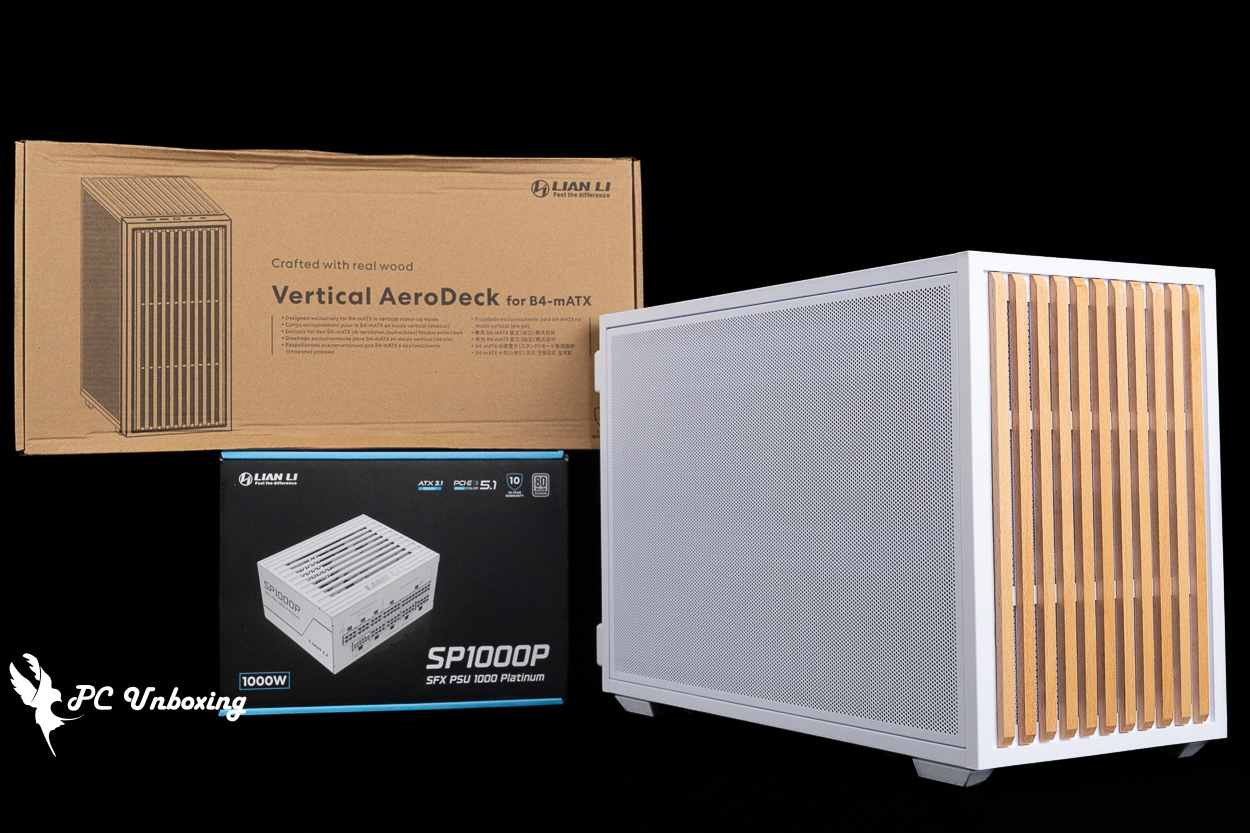
The LIAN LI B4-mATX Wood case has a volume of just 21.3L, and supports up to an M-ATX motherboard, a 360 mm all-in-one liquid cooler, a 140 mm ATX power supply, ten 120 mm fans, and a 4-slot graphics card up to 358 mm in length. In this build, we’ll be pairing it with the optional Vertical AeroDeck accessory and installing it alongside the LIAN LI White Gold SFX SP1000P power supply for your reference.
LIAN LI B4-mATX Wood Case Specifications:
Case Dimensions: 420 (L) x 191 (W) x 288 (H) mm
Available colors: black, white
Cabinet Material: Steel, Wood (Walnut/Beech)
Supported motherboard form factors: Micro-ATX, ITX
Maximum CPU air-cooling height: 162 mm (168 mm excluding the side fan bracket)
Maximum graphics card length supported: 358 mm
Supported power supply unit lengths: ATX / SFX-L / SFX 140 mm
Fan Mounting Locations (Top + Side + Front + Bottom + Rear): 140 mm: 0+2+0+2+0; 120 mm: 2+3+1+3+1
Pre-installed case fans: Two 120 mm PWM fans without LED lighting (15 mm thin fans) at the top
Water-cooling radiator compatibility: 360 / 280 mm (side-mounted)
Chassis I/O Ports: 2x USB Type-A 5 Gbps, USB Type-C 10 Gbps, TRRS combo headphone/microphone jack
Maximum hard drive bays: one 2.5-inch bay and one 2.5-inch or 3.5-inch hybrid bay
LIAN LI SP1000P Platinum Power Supply Specifications:
Specification: ATX 12V Ver. 3.1
Input Voltage: 100-240Vac
Input Current: 6-12A
Input Voltage Frequency: 50-60Hz
Dimensions: 125 x 63.5 x 100 mm
Fan: 92 mm FDB Fan
Efficiency Certification: 80 PLUS Platinum, PPLP Platinum
Noise Certification: ?
Power Cables: Fully Modular Textured Cables
Warranty: 10 years
Protection Systems: OPP/NLP/OVP/SCP/UCP/OTP/UVP/SIP
Cable Connectors: 1x 24-pin motherboard connector, 2x 8 (4+4)-pin CPU connectors, 1x 12+4-pin 12V-2X6 connector, 3x 6+2-pin PCIe connectors, 5x SATA connectors, 2x Molex (peripheral) connectors
LIAN LI B4-mATX Wood Unboxing | 21.3L Wooden M-ATX Case: Design and Features
The LIAN LI B4-mATX case we’re unboxing today was jointly developed by LIAN LI and Daniel Hansen of DAN Cases; it was released two years ago A3-mATX The successor to this case was also developed in collaboration with DAN Cases at the time. The two models were positioned similarly in the market, both targeting renters and students living in dorms—a demographic with limited living space—by offering compact, affordably priced cases.
The B4-mATX case offers two different front panel options: a minimalist mesh panel designed for optimal cooling performance, and a distinctive solid wood front panel—the B4-mATX Wood model I’m unboxing today. Both front panel options allow for optimized front-to-back airflow and are available in black and white. The Wood version costs approximately 470 New Taiwan Dollars more than the mesh front panel version, while there is no price difference between the two color options within the same version.
This case measures 420 (L) x 191 (W) x 288 (H) mm, and its total volume is 21.3 L.
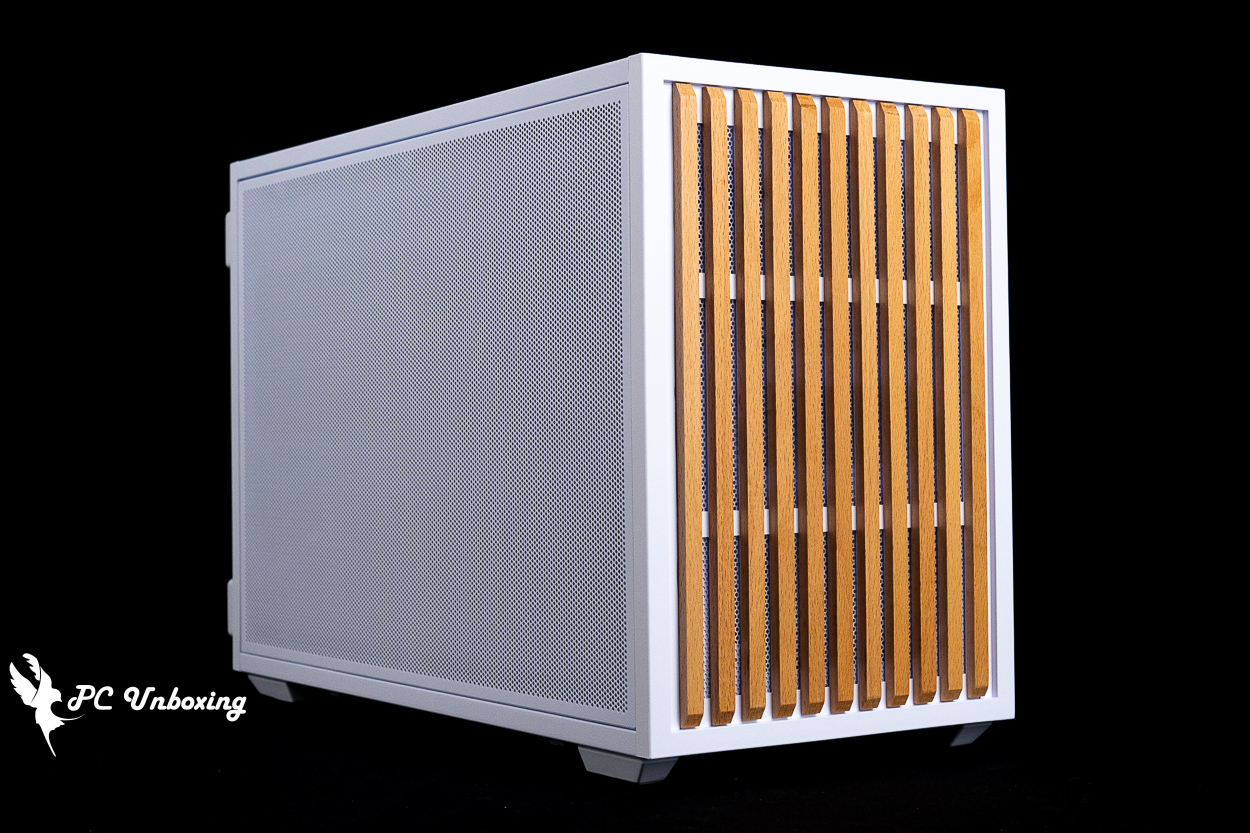
△ LIAN LI B4-mATX Wood Case (White).
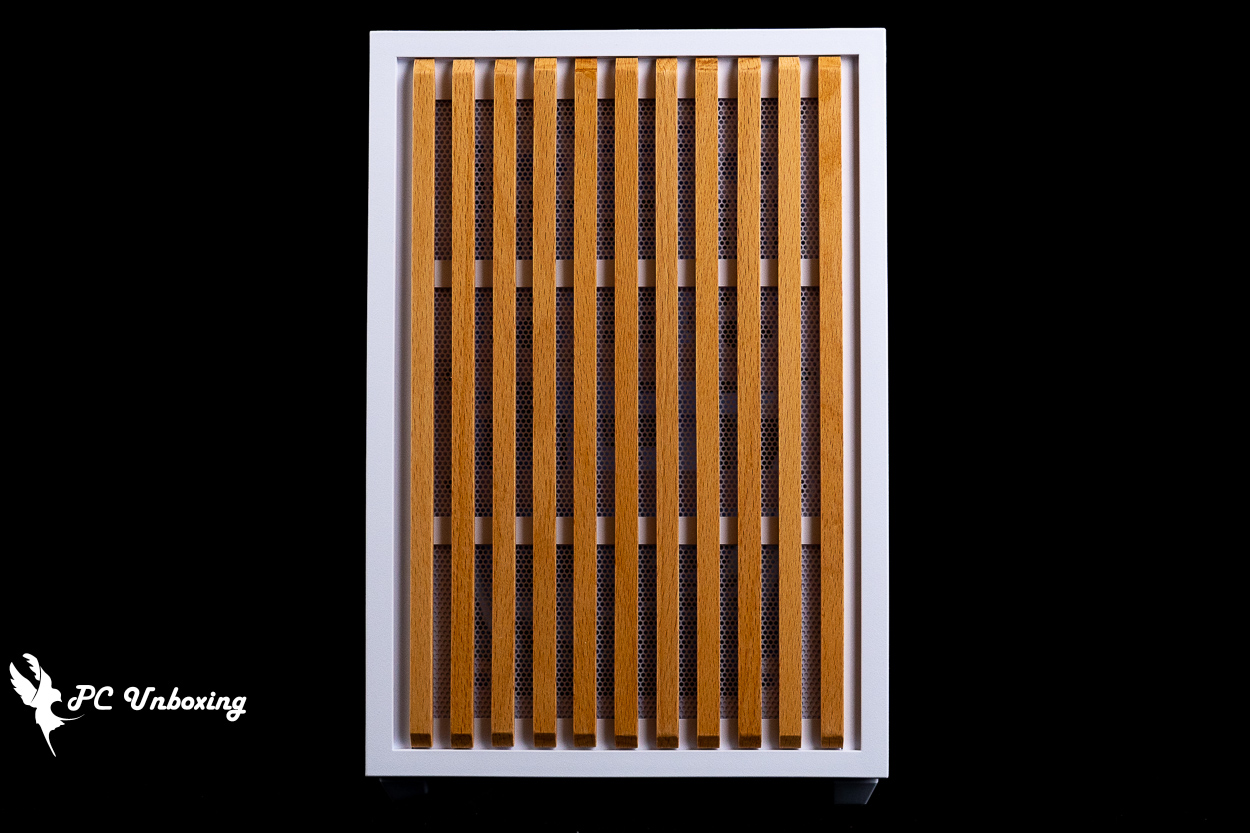
△ This time, a solid wood version is available for purchase right from the start; as I recall, the wood-grain version of the previous-generation A3 was released later as an add-on.
The side panels are also fully perforated; currently, there is “no version with a glass side panel.” Using a glass side panel would compromise the case’s side ventilation, so this may be a trade-off made after considering practicality.
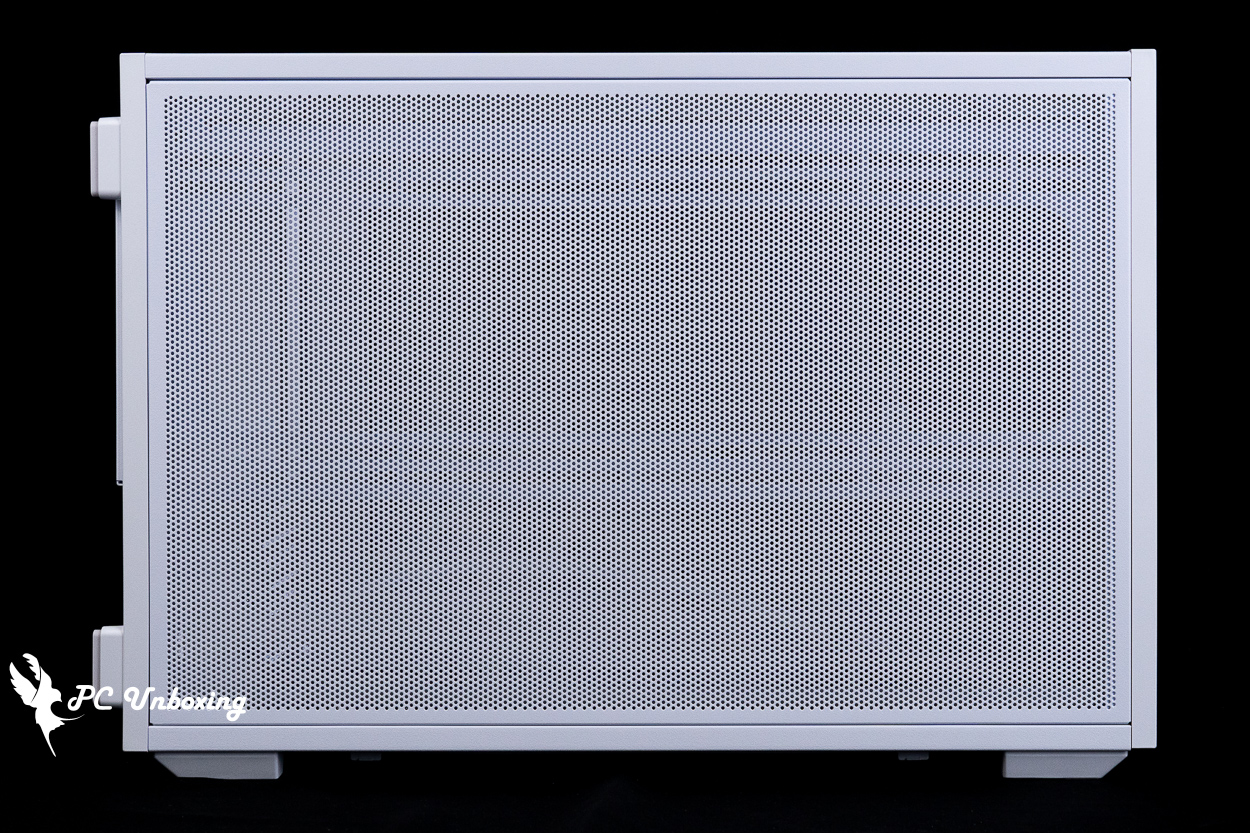
△ Mesh side cover.
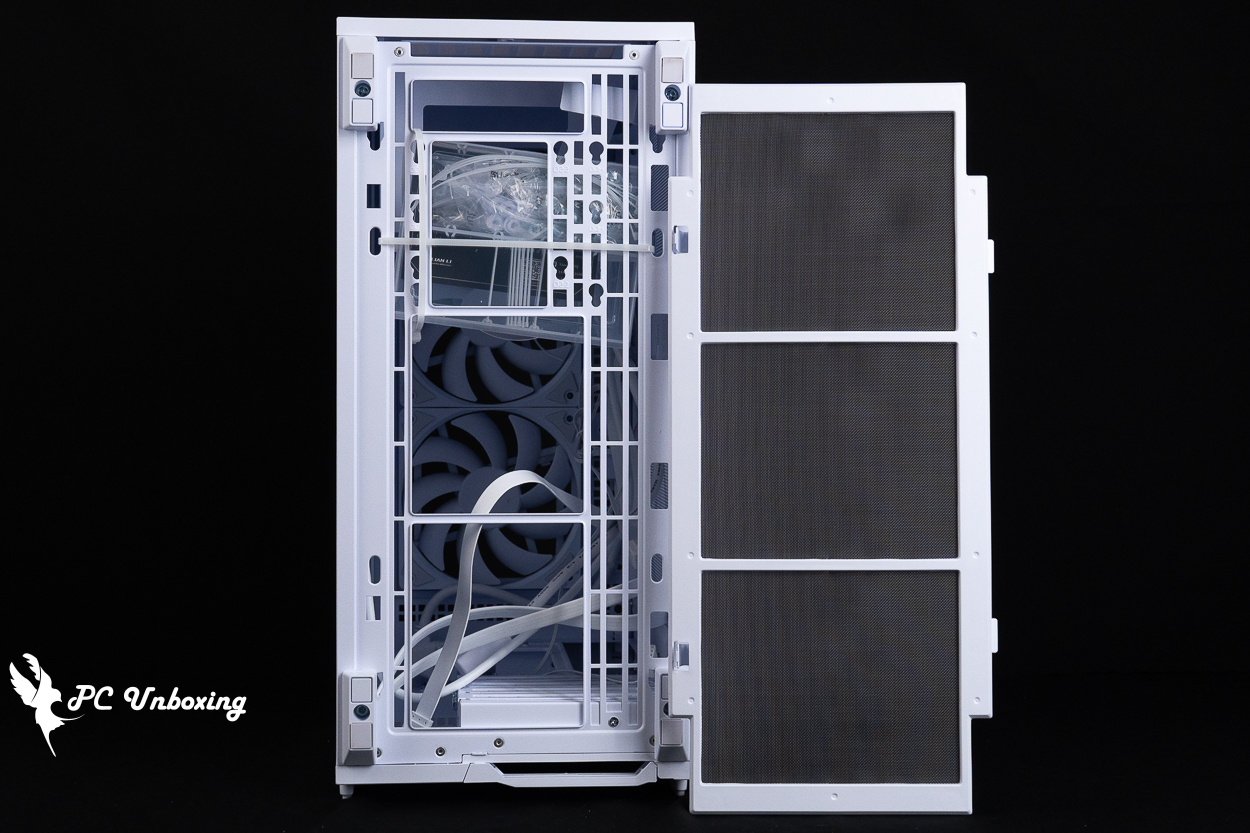
△ The bottom of the case features a dust filter—the only part of the entire case equipped with one.
The rear of the case supports the installation of a 120 mm fan. Notably, the fan bracket can be flipped to adjust the fan mounting panel, providing more internal space depending on whether a liquid cooling system is installed inside. By default, it is set to the mode that offers more internal space.
The bottom features four PCIe device mounting slots, with reusable brackets and a crossbar-free design. This case is primarily recommended for gamers who install their graphics cards directly into the motherboard, as this provides better thermal compatibility without sacrificing the side fan mounts.
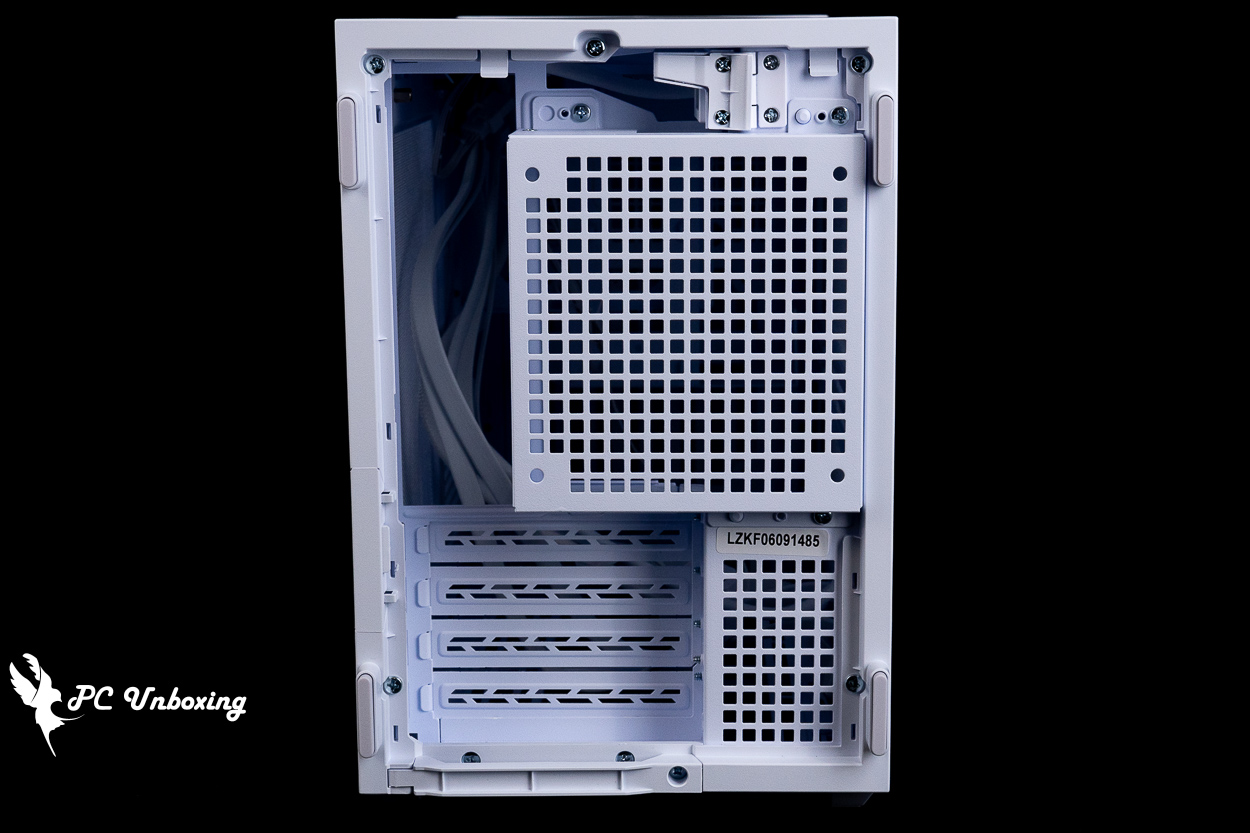
△ The rear view of the chassis.
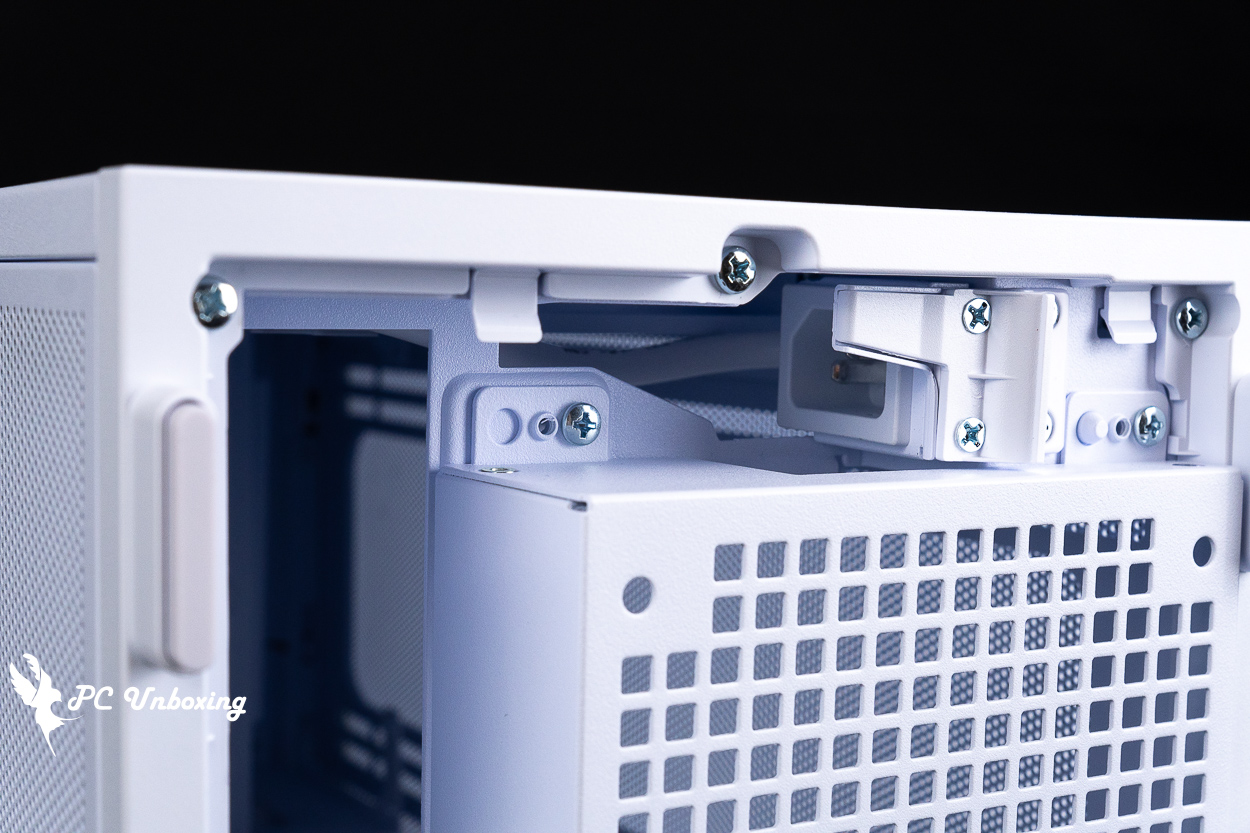
△ When installing the unit upright, you can rotate the AC power extension outlet 90 degrees to save space.
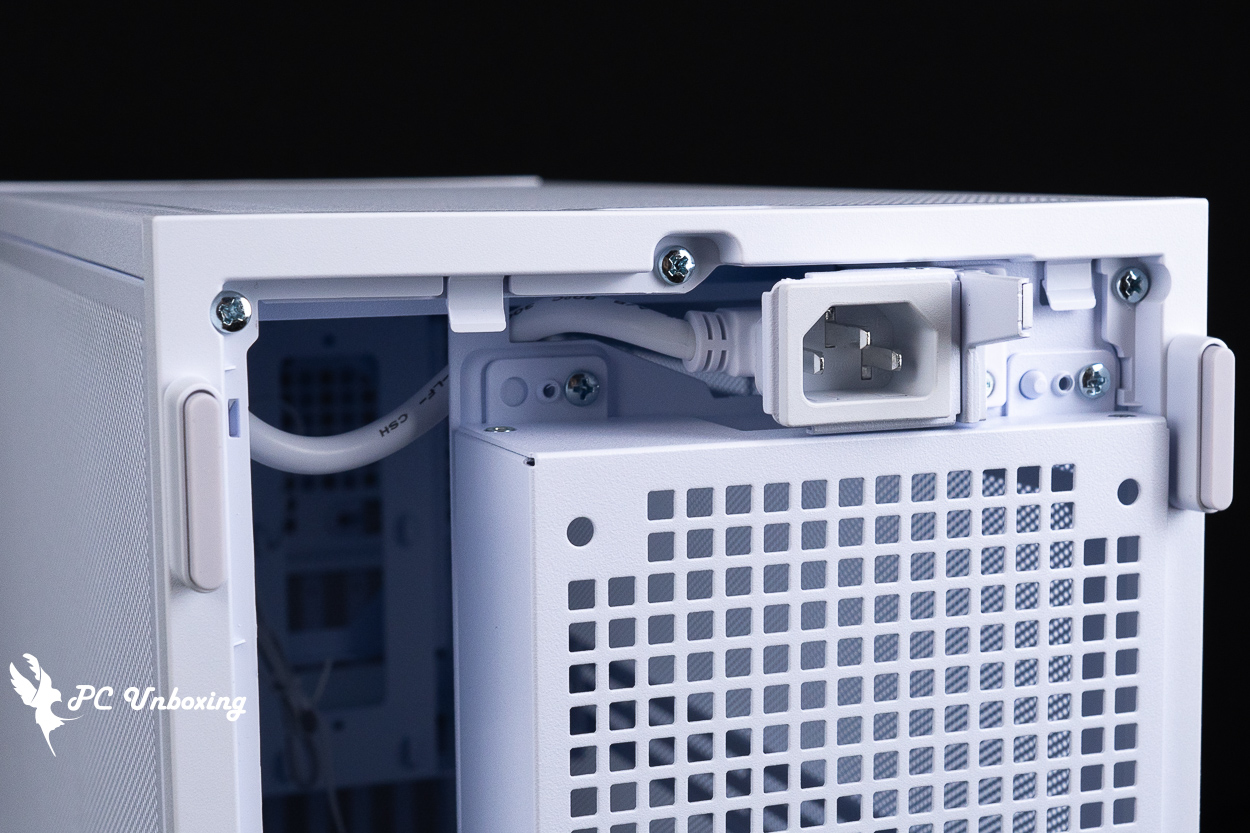
△ The standard landscape mode displays the image as it was originally captured, which is more convenient.
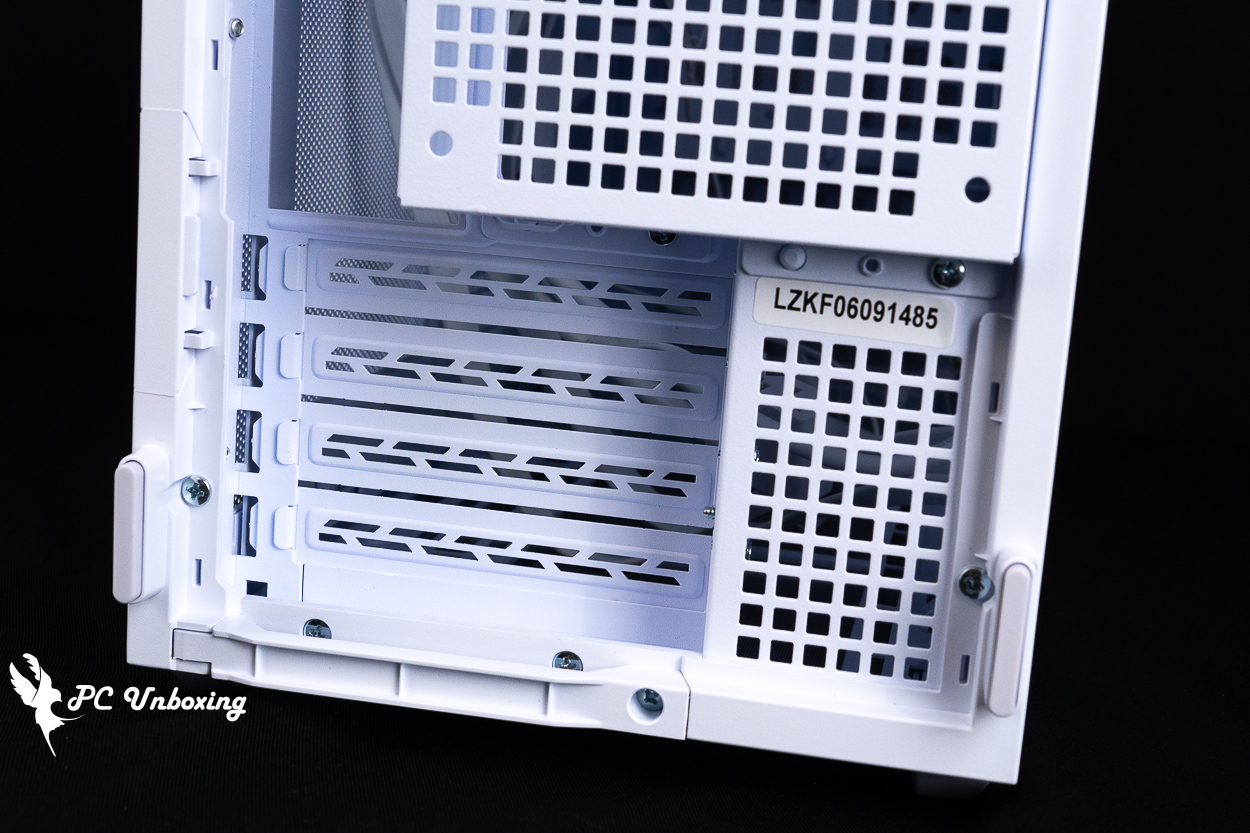
△ Close-up of the graphics card shroud.
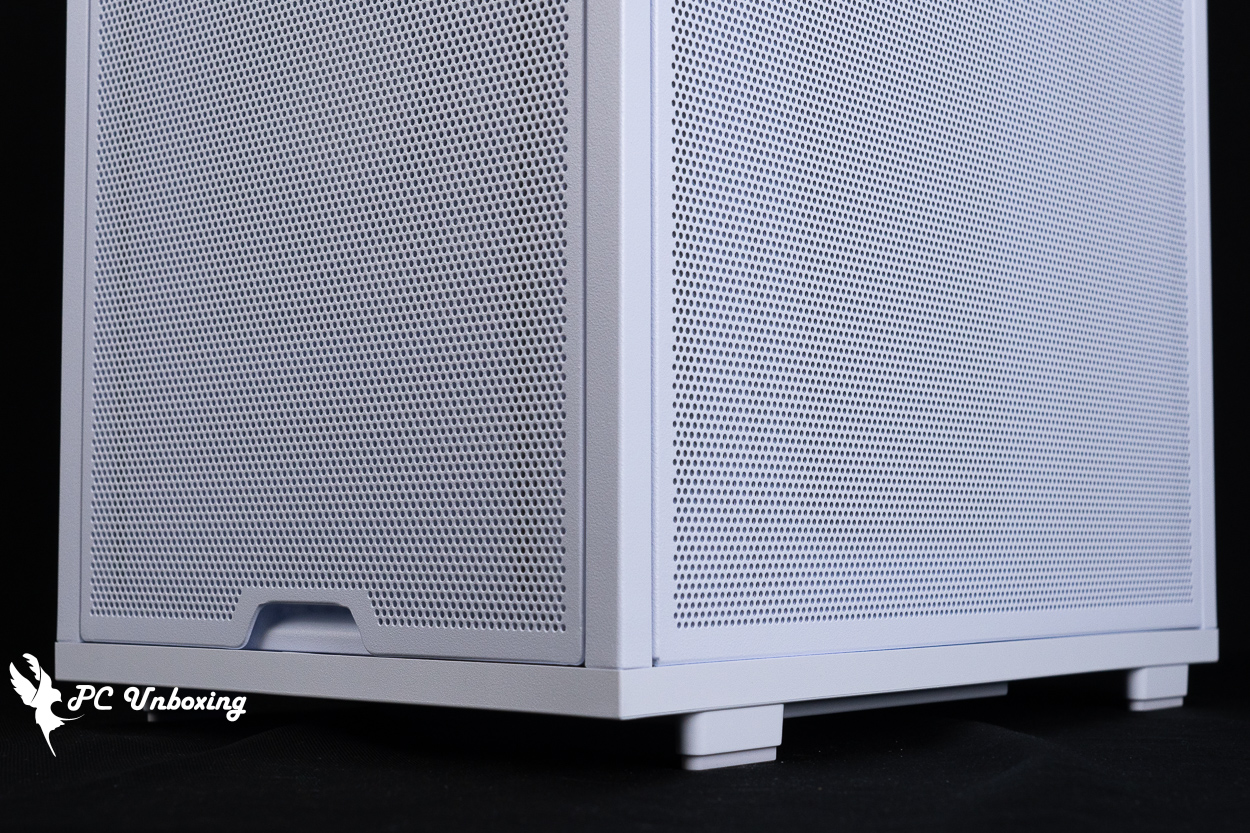
△ When standing upright, although there is some space left at the bottom, it is still not enough for the AC power cord to extend directly out, which is why it features a swivel design.
The top of the case supports 360/280 mm fan installations. There is no dust filter included under the top panel, so you’ll need to install your own dust protection if necessary.
The case’s I/O ports are located at the top front of the case, so when used in landscape orientation, this case is best suited for placement at a height below the desktop (such as under the desk) for greater convenience. It features: a power button, a TRRS combo headphone/microphone jack, 2x USB Type-A ports (5 Gbps), and a USB Type-C port (10 Gbps).
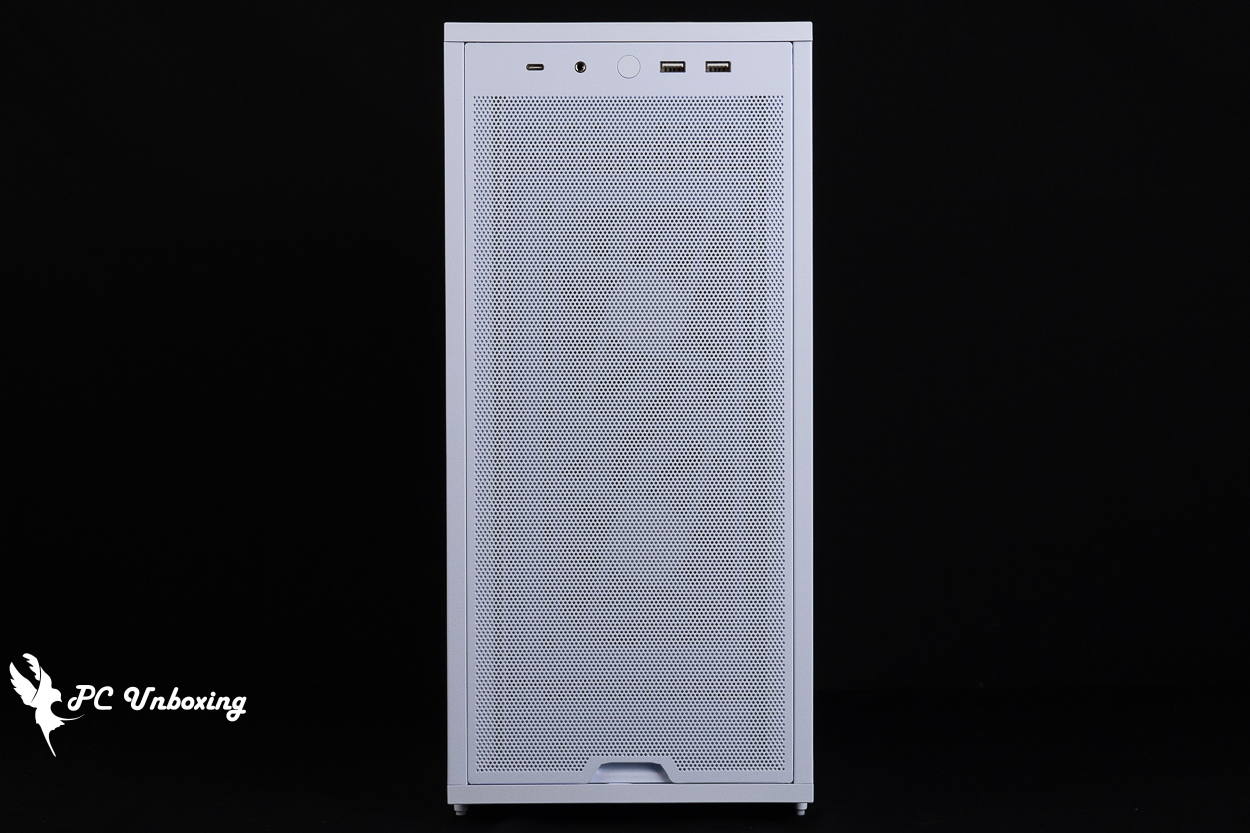
△ Overview of the top of the case.
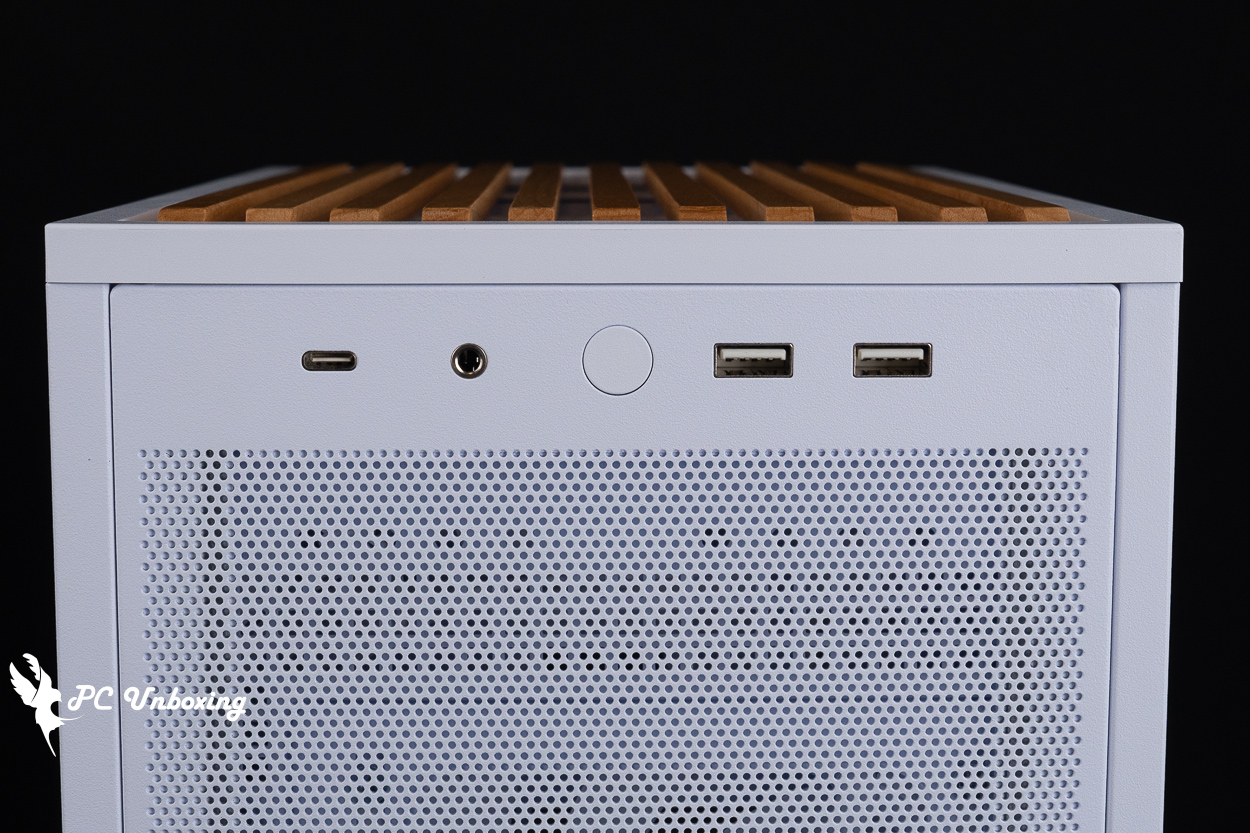
△ List of chassis I/O ports.
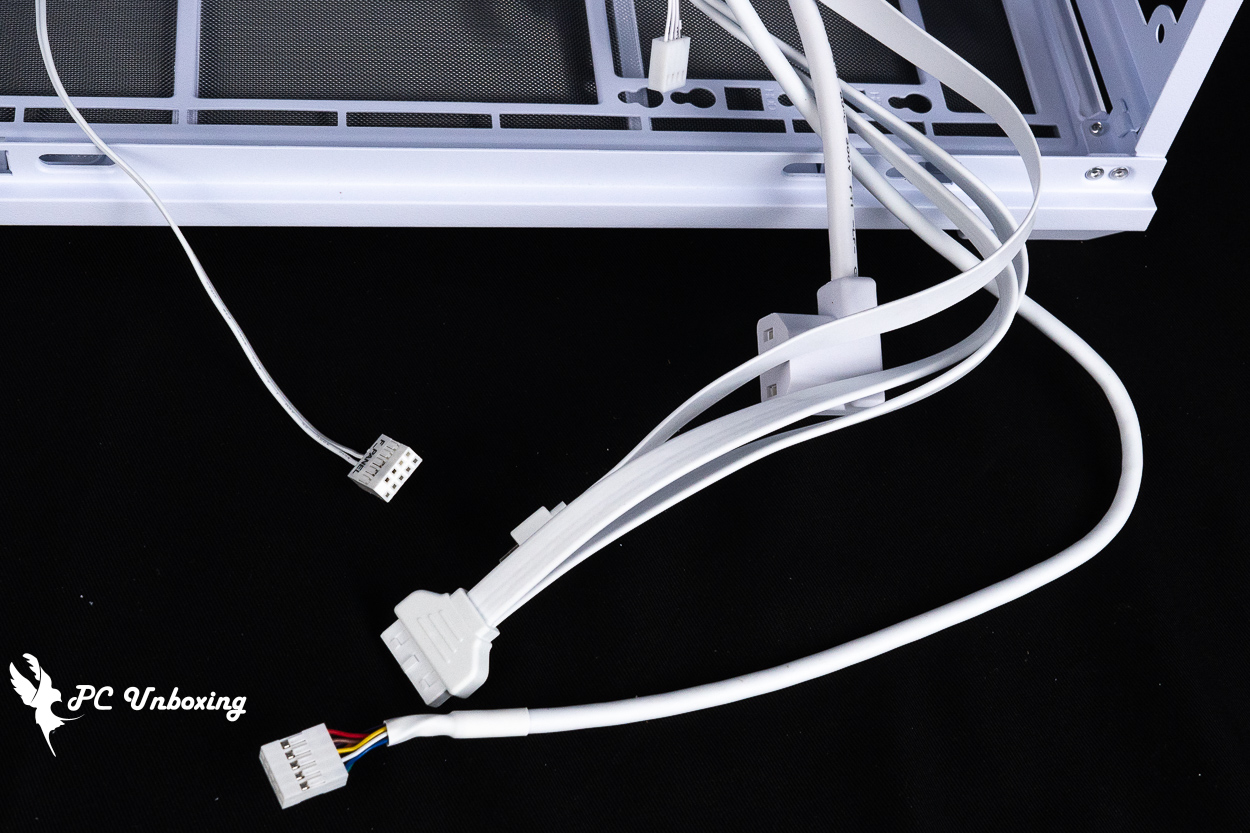
△ I/O cable list.
LIAN LI B4-mATX Wood Installation Space Overview | Support for 358mm Graphics Cards, 360mm Liquid Cooling, and Power Supplies
The LIAN LI B4-mATX Wood supports only Micro-ATX and Mini-ITX motherboards; it is not compatible with the newer Micro-ATX (rear-mounted) motherboards that have recently emerged.
Without the side fan brackets, air-cooled heatsinks up to 168 mm in height are compatible; if the brackets and fans are installed, the corresponding thickness must be accounted for, and graphics cards with up to 4 slots and a maximum length of 358 mm can be installed, leaving ample space for mainstream air-cooled CPUs and graphics cards.
Two 120 mm PWM silent fans (15 mm thick) are pre-installed on the top of the case to dissipate heat. If you want to further improve internal cooling, this case can accommodate up to 10 fans, with fan mounting points available on the bottom, side panels, front, and rear for further expansion.
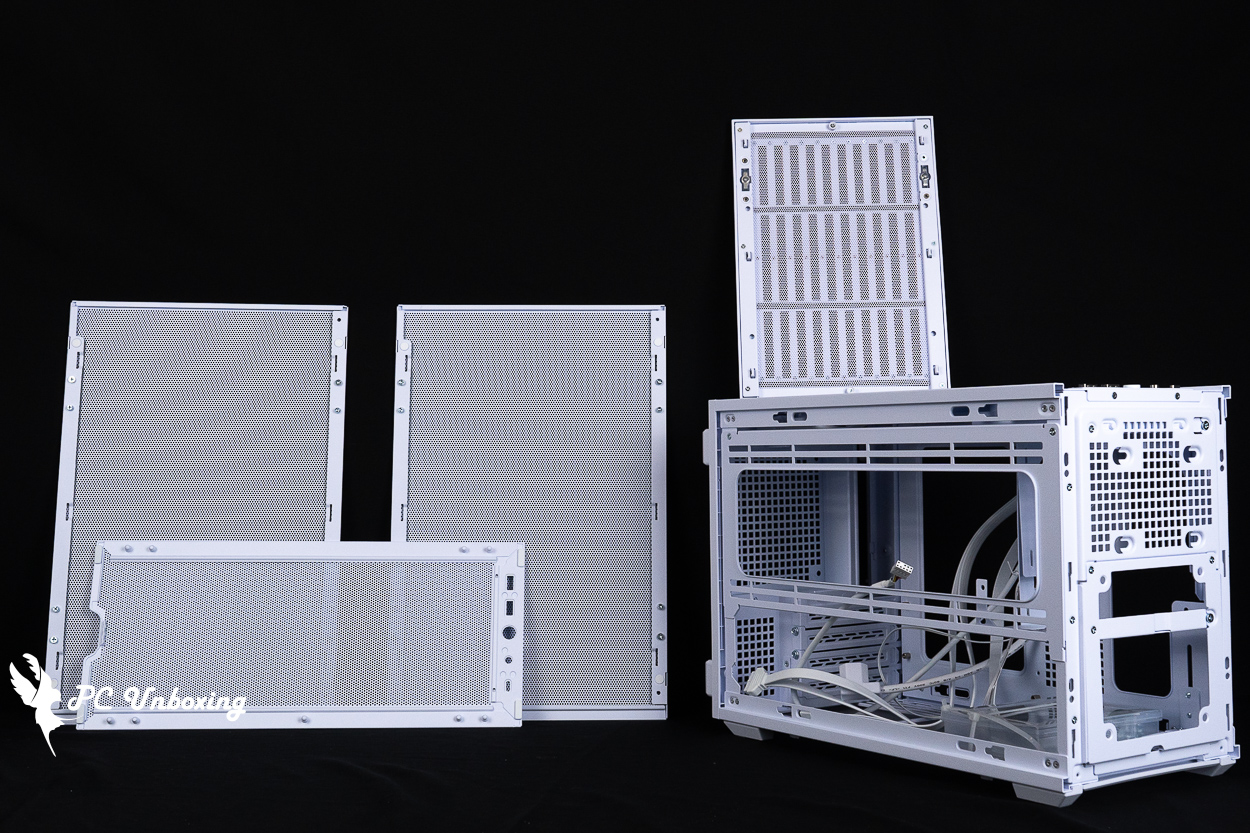
△ The chassis panel has been removed.
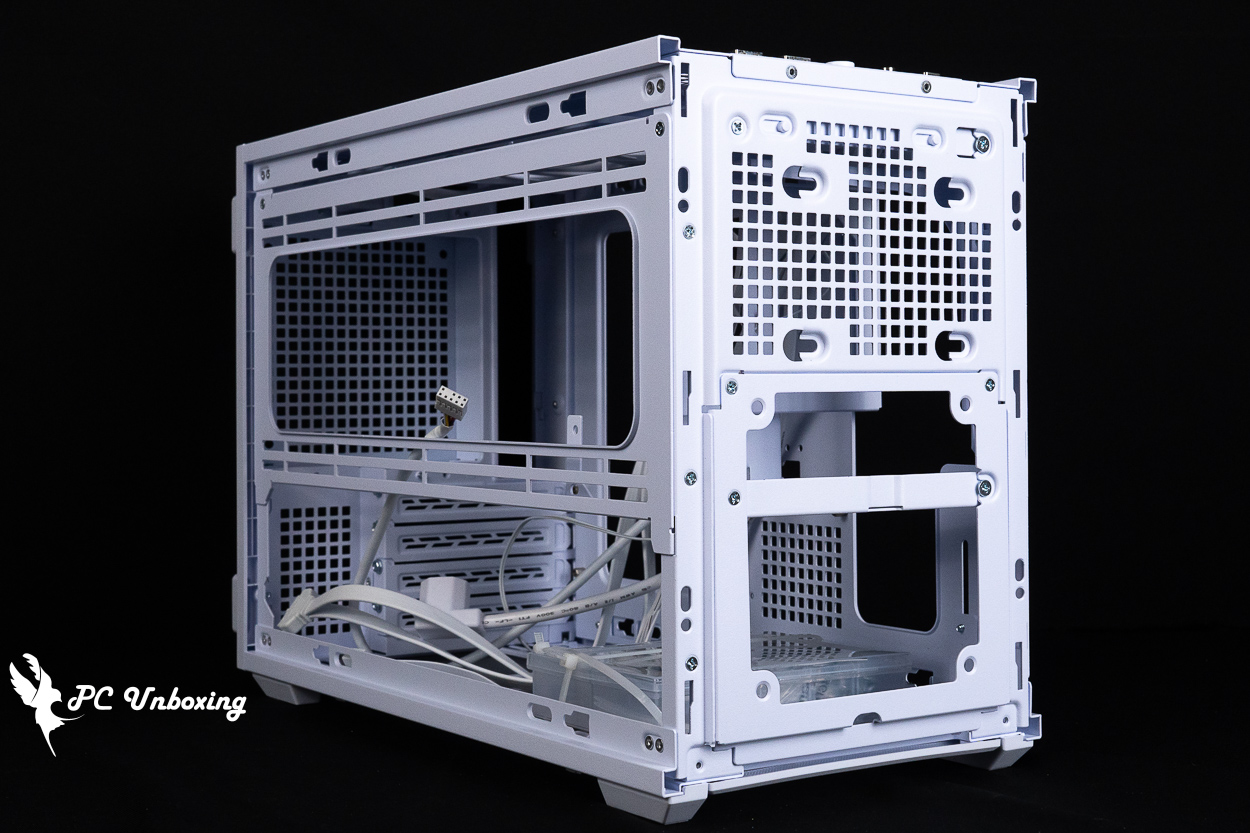
△ The front of the case supports the installation of one 2.5-inch hard drive (upper section) and a 120 mm slim fan (lower section, only when paired with an SFX power supply); the lower fan bracket is removable to facilitate graphics card installation.
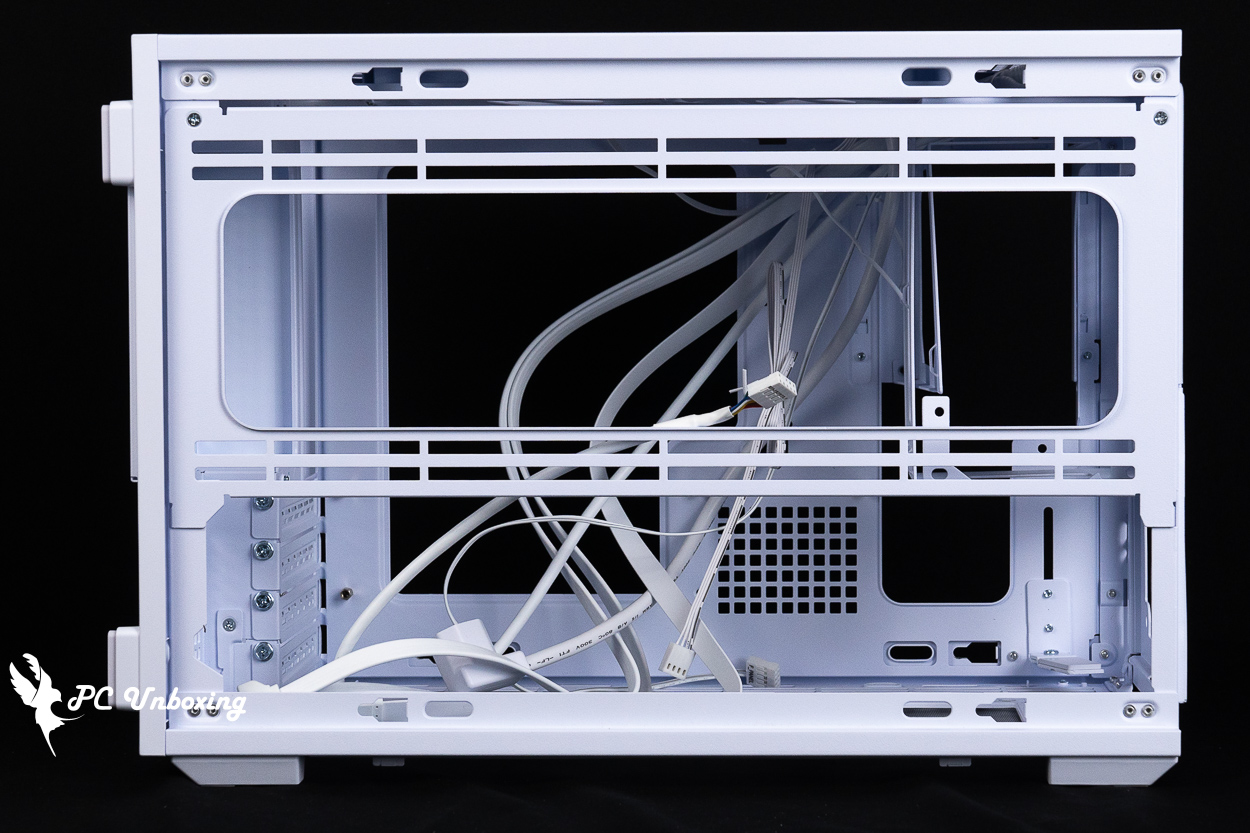
△ When installed with an SFX power supply, the side brackets support water cooling and fan installations up to 360 / 280 mm.
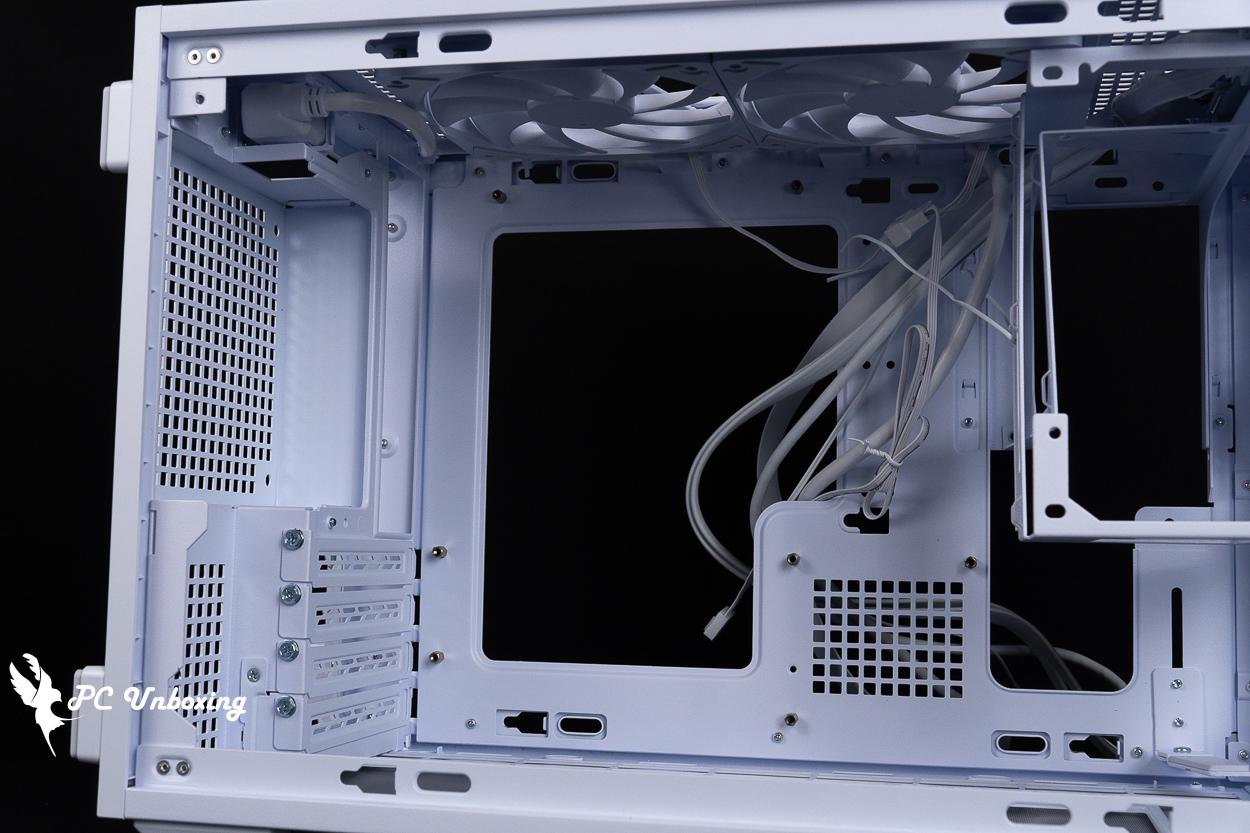
△ Compatible with M-ATX and ITX motherboards; not compatible with rear-mounted motherboards.
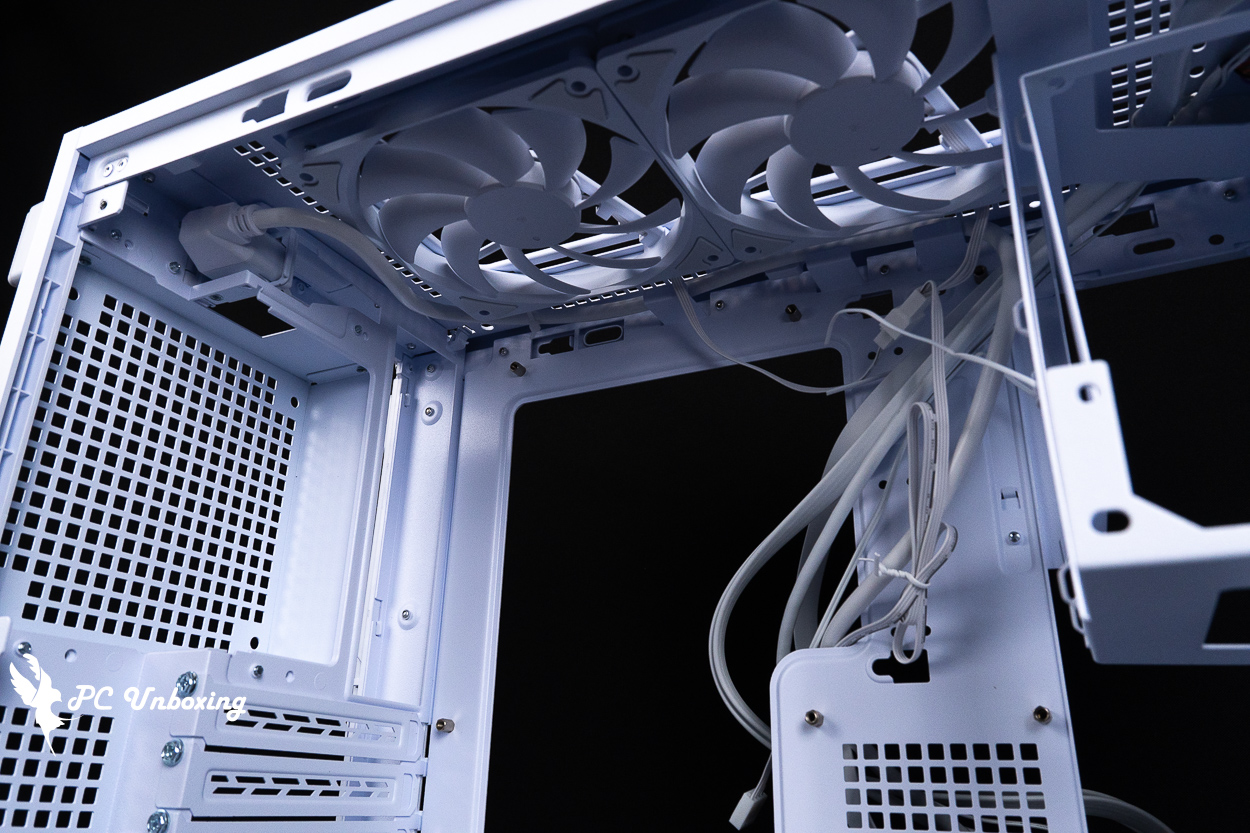
△ There is space for cable management at the top of the case, and two thin fans are pre-installed. We do not recommend replacing them with thicker fans to avoid taking up space needed for cable management or motherboard installation.
The power supply mounting bracket comes with both ATX and SFX series brackets by default. Choose one to install based on the power supply you’re using. For installation, we recommend using an SFX or SFX-L power supply, as this will save a lot of space and provide better compatibility.
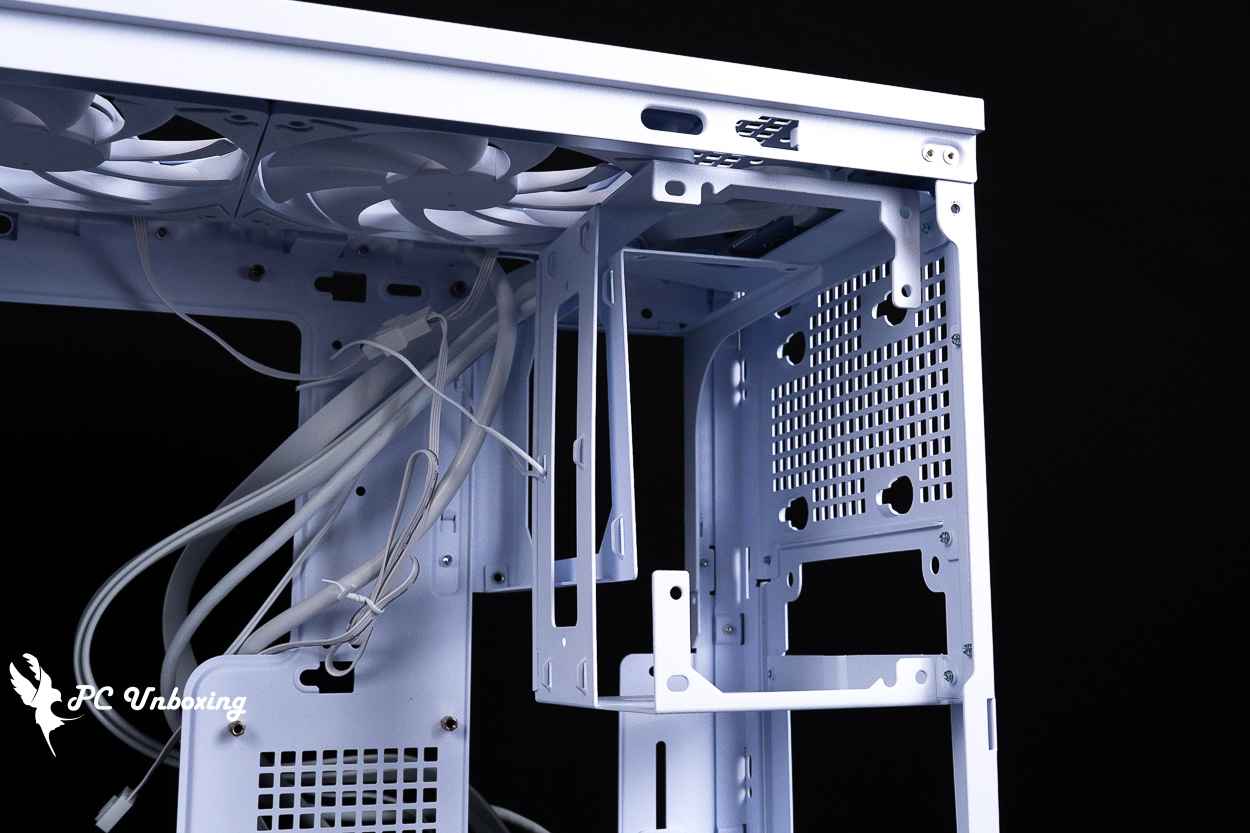
△ Both types of power supply mounting brackets are pre-installed on it.
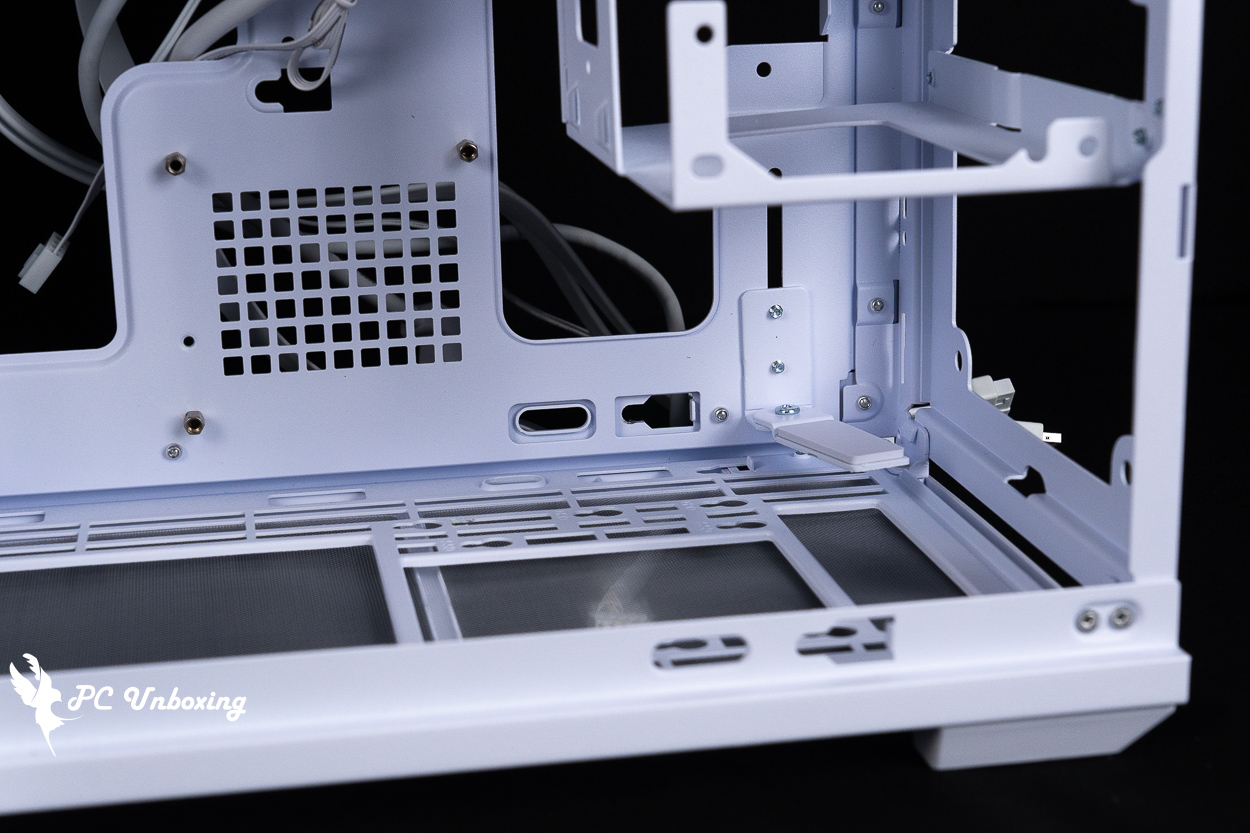
△ Graphics card support bracket.
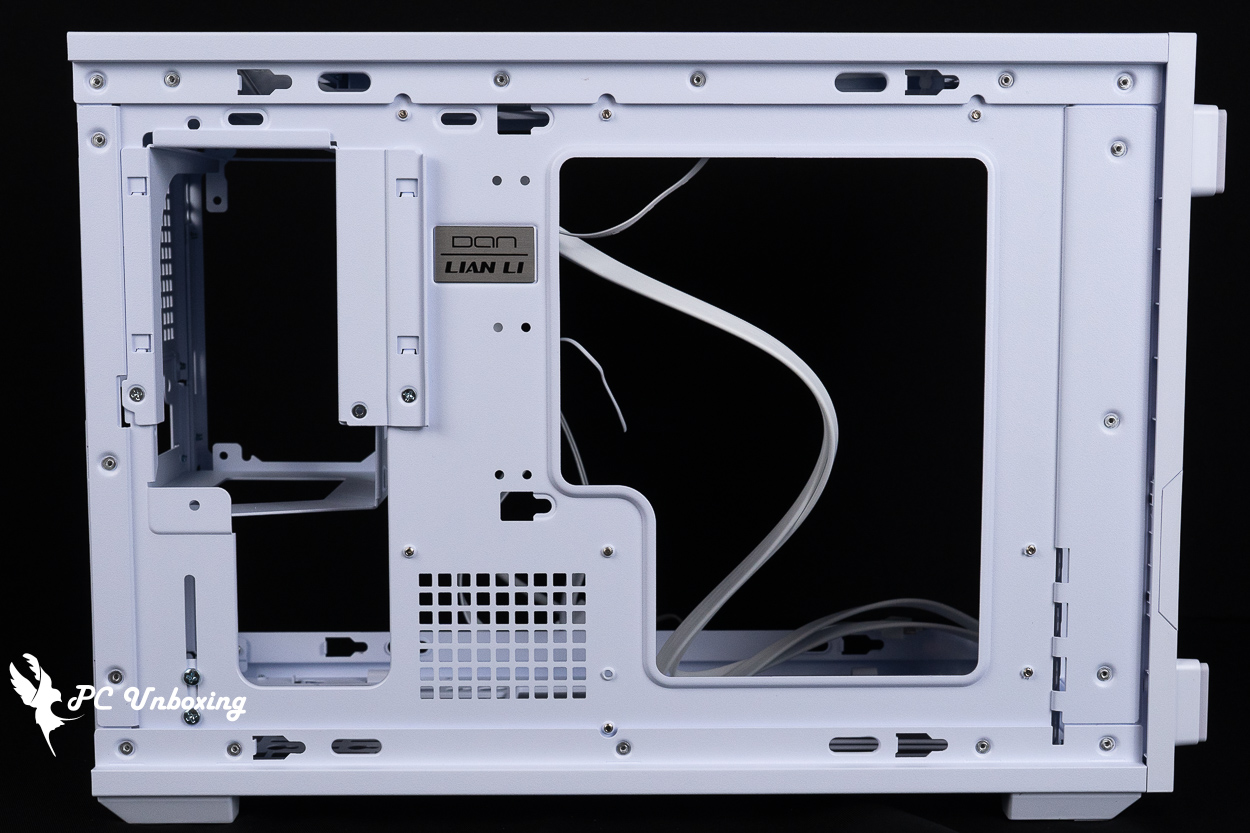
△ Space on the back of the motherboard.
The bottom of the case also supports 360/280 mm fan installations, and it comes with a 2.5- or 3.5-inch hybrid drive tray for use.
This case supports 4-slot graphics cards up to 358 mm in length. Fan support at the bottom of the case varies depending on the GPU thickness: standard 25 mm fans are supported with 2.5-slot GPUs, 15 mm ultra-thin fans are supported with 3-slot GPUs, and bottom fan installation is not supported for 3.5-slot or thicker GPUs.
If you want to install a 3.5-inch hard drive at the bottom of the case, the graphics card thickness is limited to 65 mm or less, and only a 120 mm fan can be installed at the bottom. however, if you install a 2.5-inch solid-state drive, the case can support two 120 mm bottom fans.
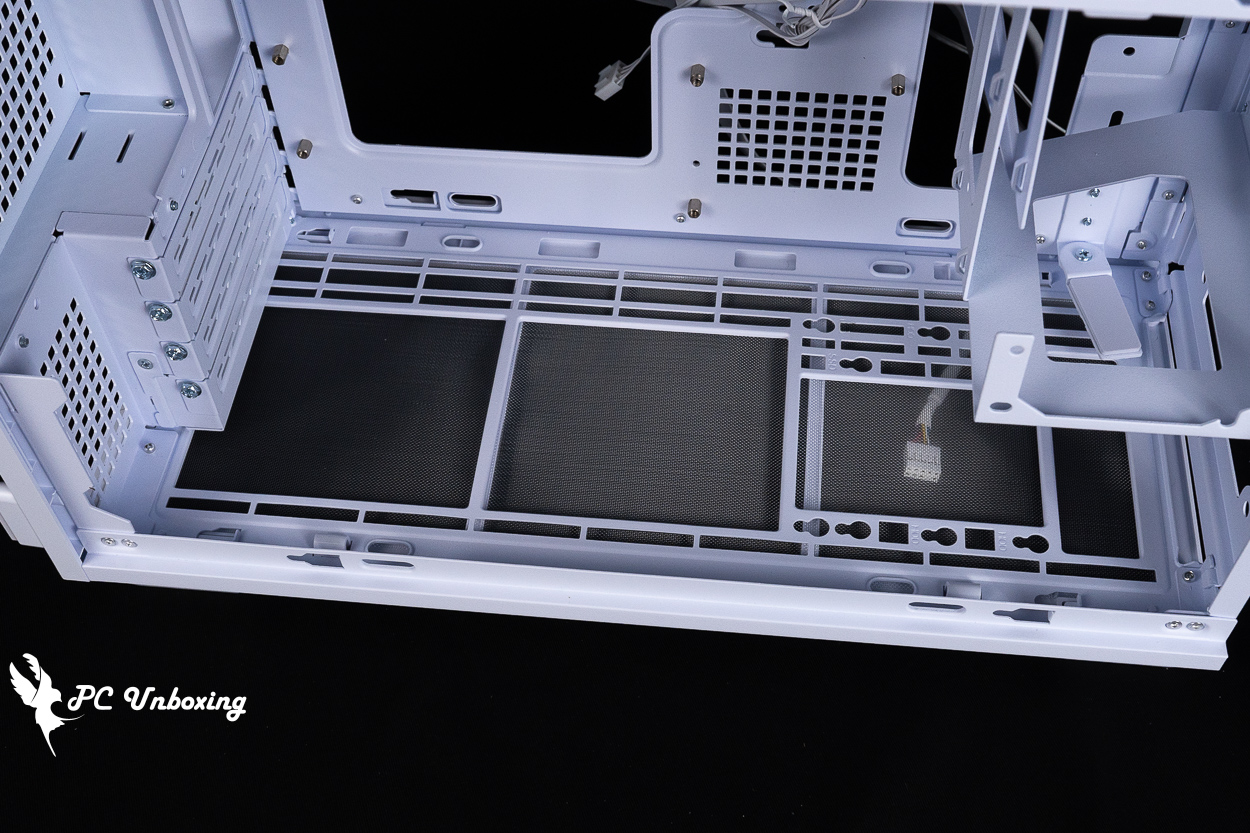
△ Fan expansion bracket on the bottom of the case and hybrid hard drive mounting bracket.
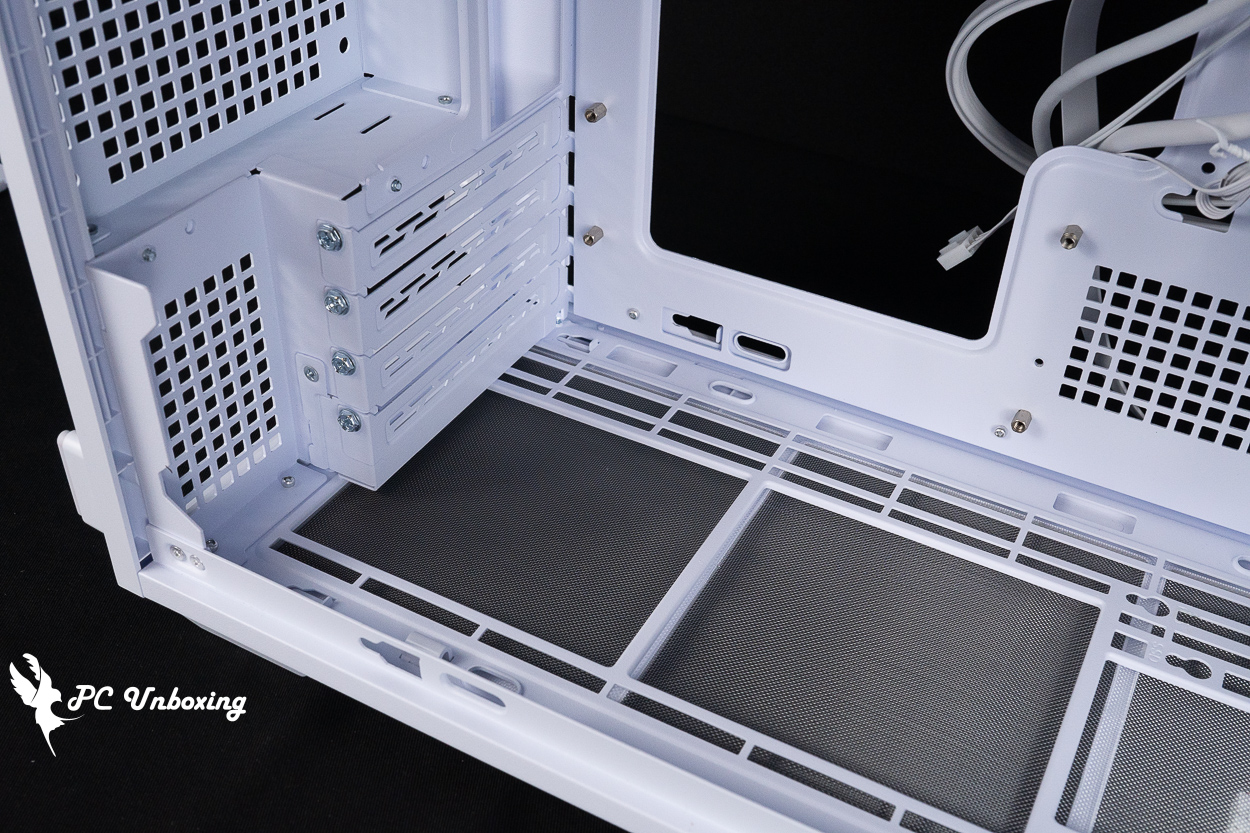
△ The installation of the bottom case fan and hard drives is closely related to the thickness of the graphics card, so be sure to check the relevant specifications when configuring your system.
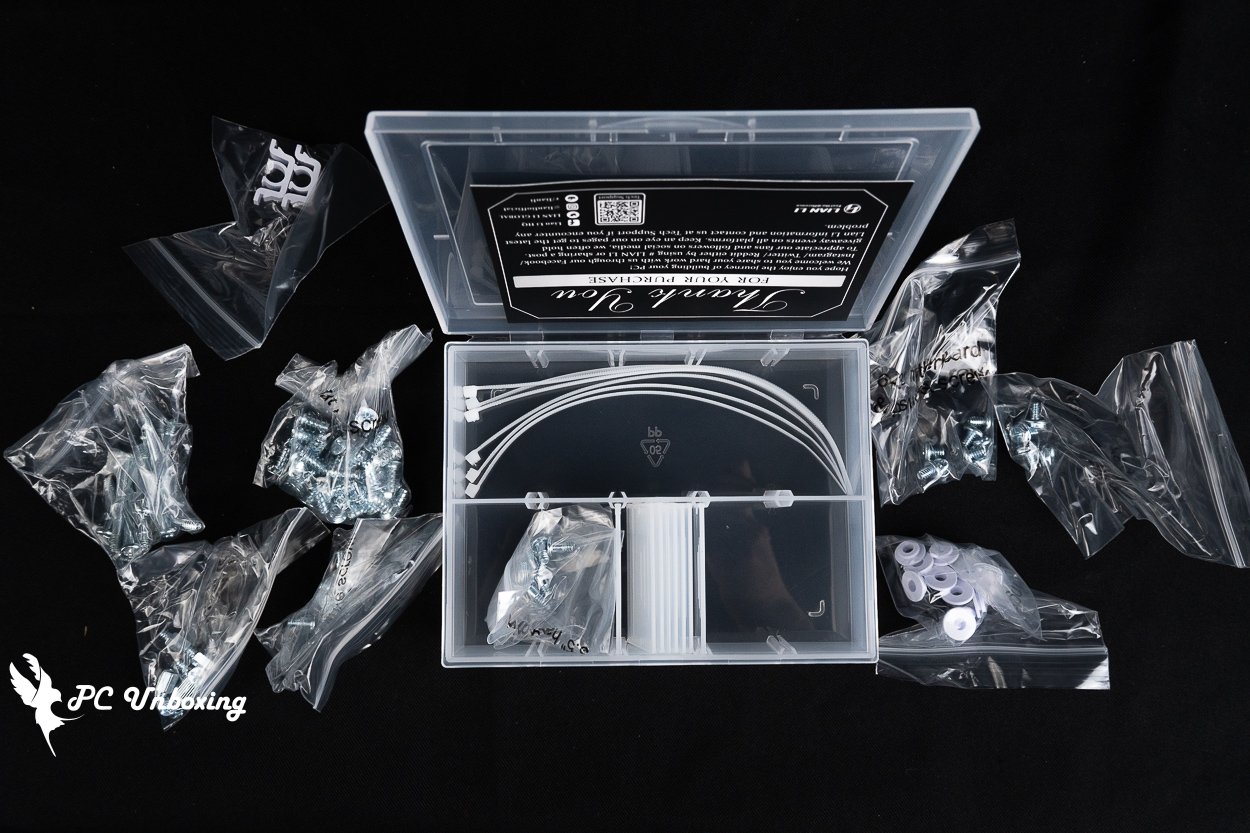
△ List of accessories.
LIAN LI B4-mATX Vertical AeroDeck Unboxing | Showcase of Cooling and Expansion Accessories in Vertical Mode
The B4-mATX Vertical AeroDeck is an optional accessory designed specifically for vertical mounting configurations, In vertical orientation, the AeroDeck further enhances the case’s airflow into the graphics card bay, expanding fan capacity to a maximum of three 120 mm fans or two 140 mm fans, It is ideal for users who wish to install hard drives or thicker graphics cards in their case while still maintaining superior fan expansion capabilities.
The sides of the panel feature tempered glass panels that showcase the frames of the installed fans, and it is equipped with magnetic PVC dust filters. The AeroDeck carries on the solid wood aesthetic of the B4-mATX Wood version, offering walnut or beech finishes, available in black or white.
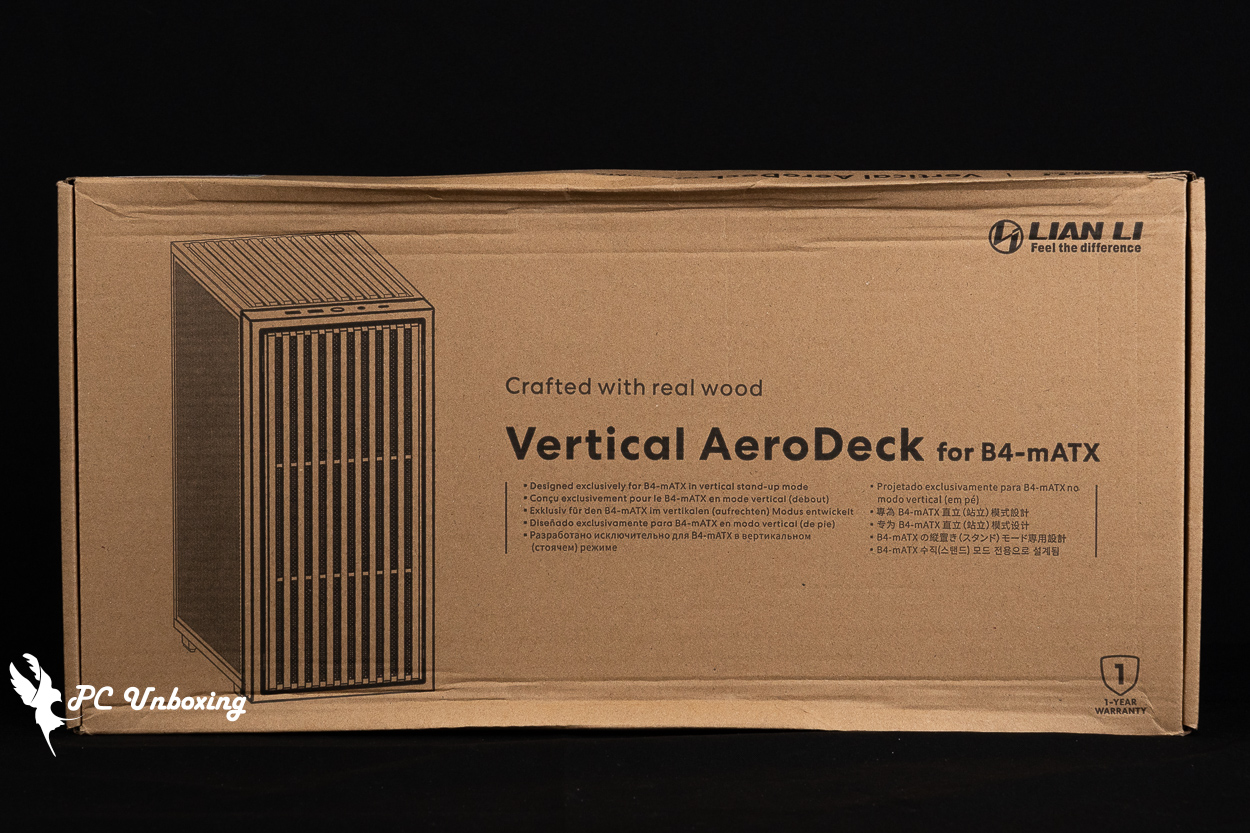
△ B4-mATX Vertical AeroDeck.
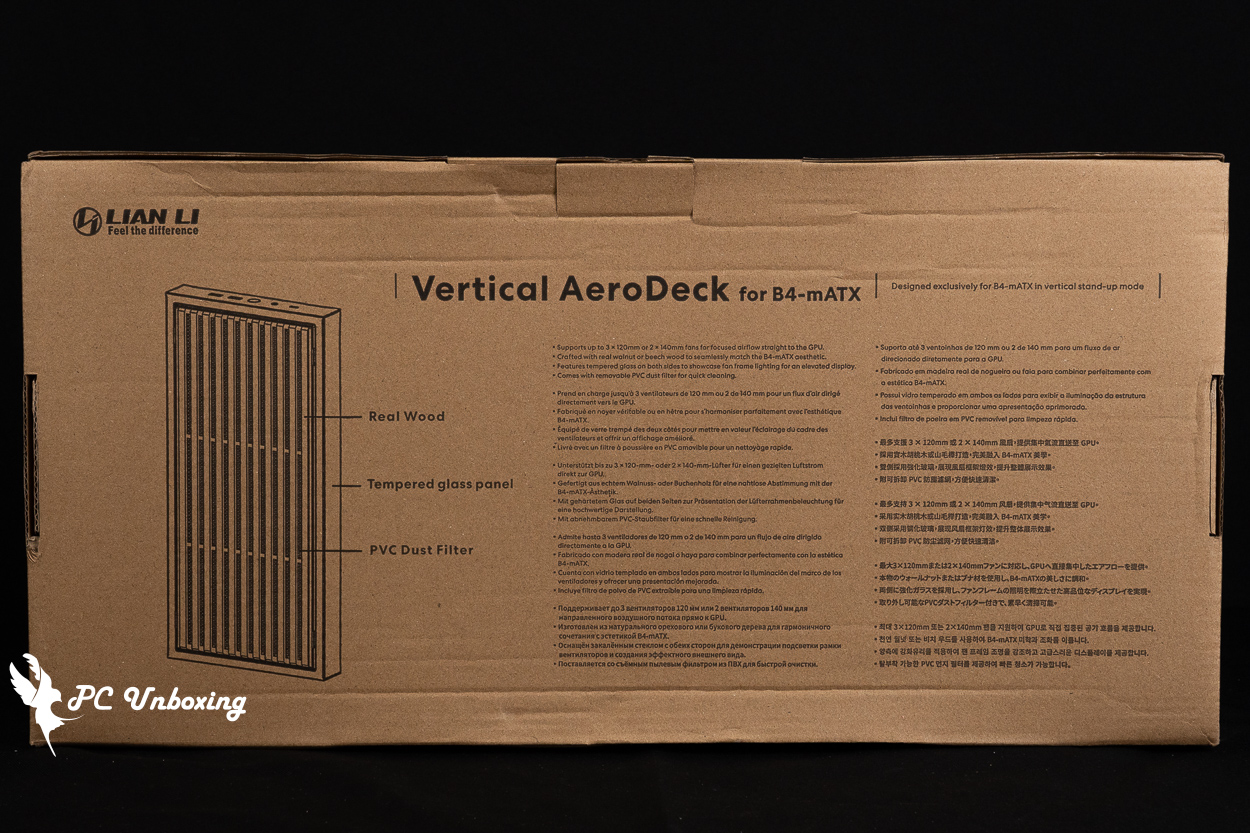
△ Related specifications.
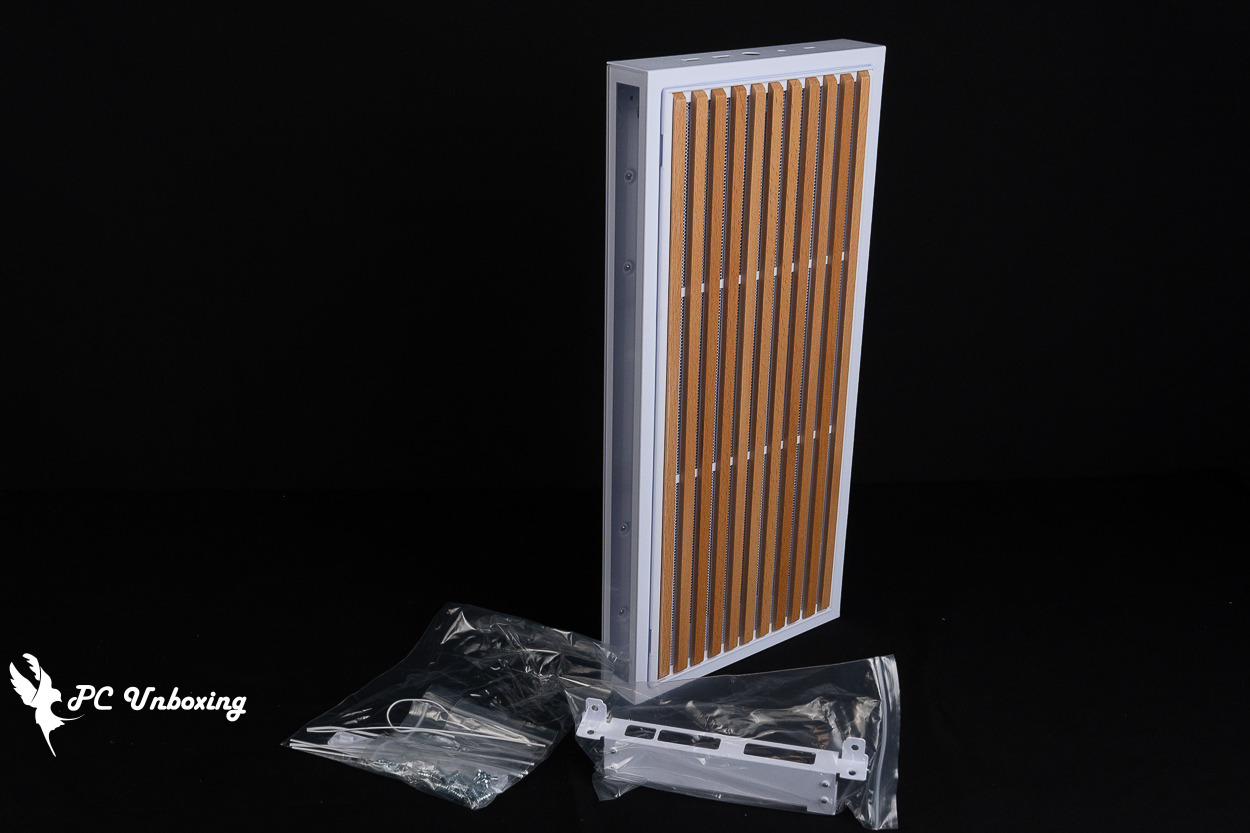
△ List of contents.
Installing the B4-mATX Vertical AeroDeck is a relatively tedious process because the case can only be used in portrait orientation. This means you’ll need to remove the feet used for landscape orientation and relocate the case’s I/O ports to the B4-mATX Vertical AeroDeck accessory.
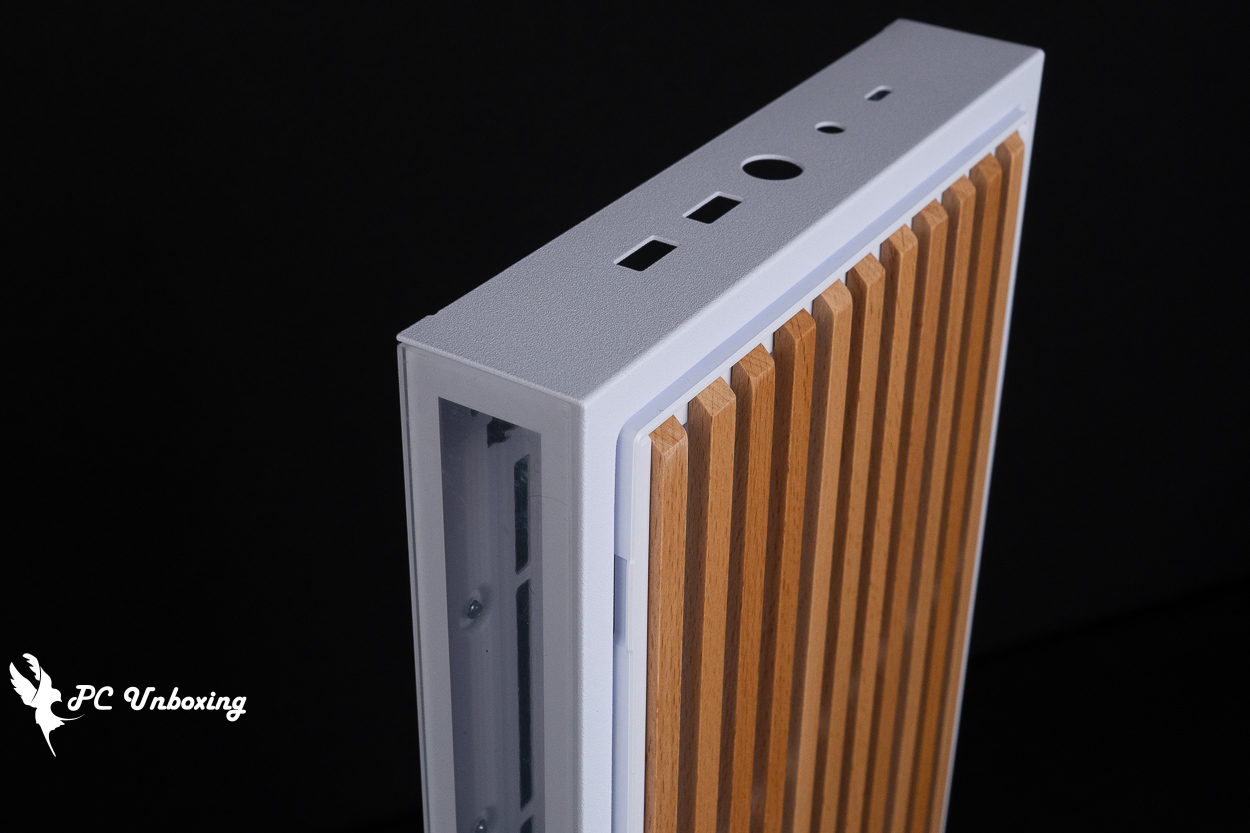
△ When placed upright, the I/O ports will be at the front of the top of the case.
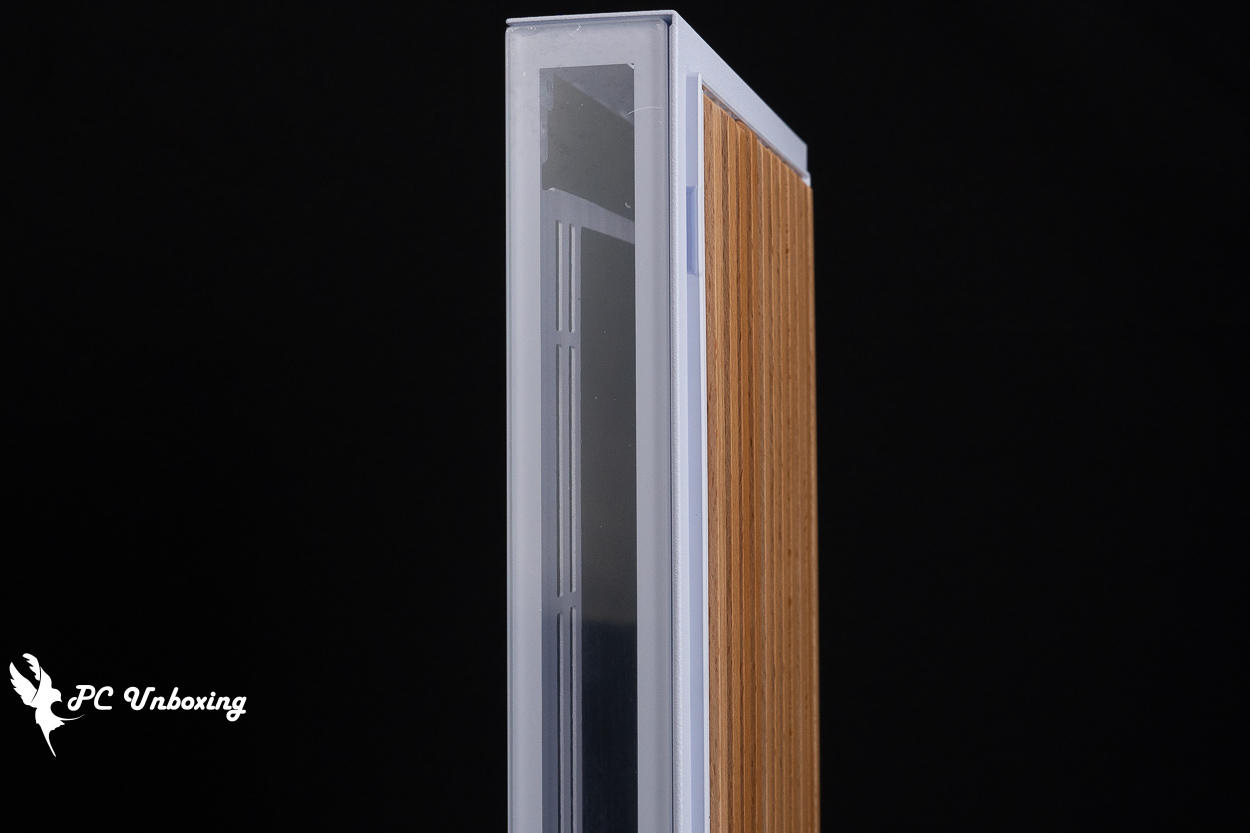
△ From the side, you can see the lighting effects next to the built-in fan.
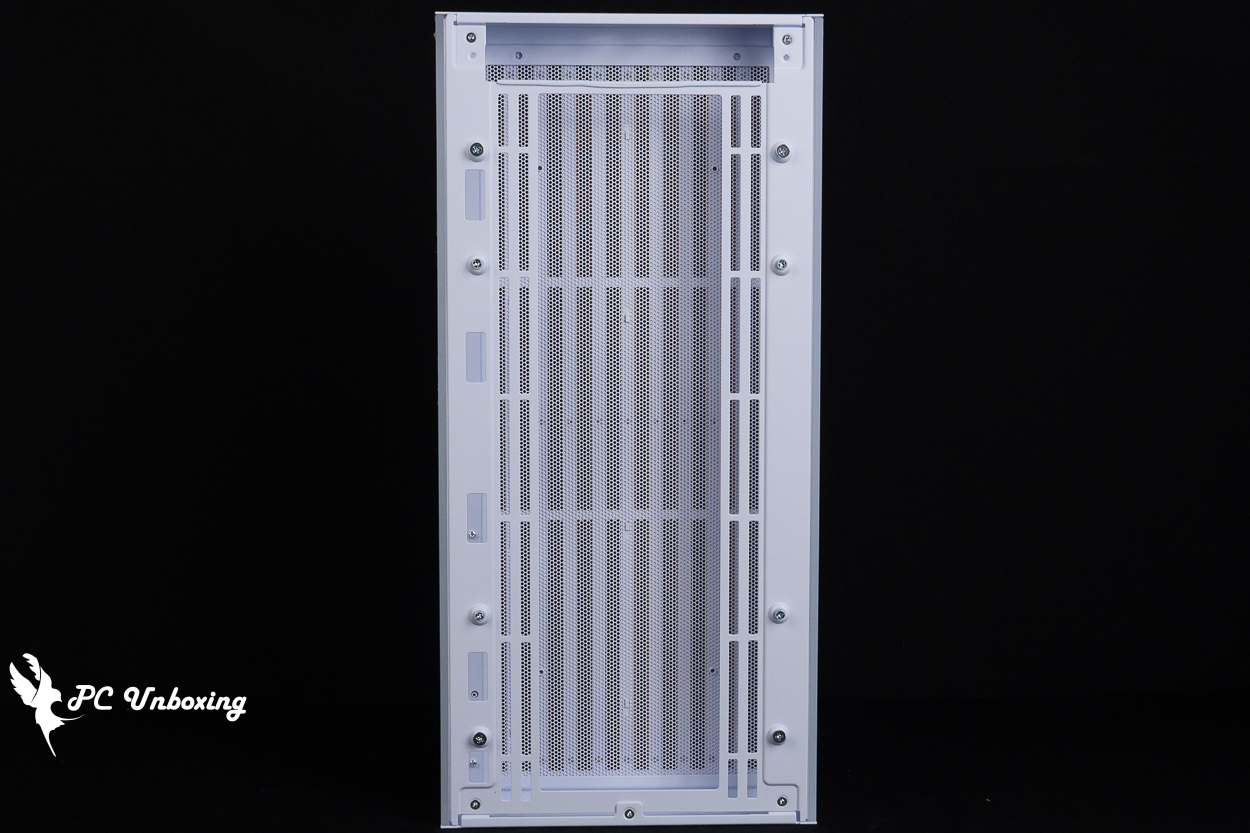
△ Built-in filter.
LIAN LI SP1000P Platinum Unboxing | Features and Specifications of the 1000W Platinum-Rated SFX Power Supply
For this build, I used the Lian Li SP1000P power supply from the SP Platinum series. It complies with the Intel ATX 3.1 specification and has received 80 PLUS Platinum and PPLP Platinum certifications from two different efficiency testing organizations. It’s available in both black and white, with power options including 1000 W and 850 W.
Its compact SFX dimensions (125 × 63.5 × 100 mm) make it ideal for small cases like the LIAN LI B4-mATX, and the included SFX-to-ATX bracket ensures compatibility with even more cases.
Previously, the older LIAN LI SFX SP series power supplies were only certified for Gold-level efficiency and were available only up to 850W. This update offers improved efficiency and higher wattage, making it ideal for building ultra-compact PCs!
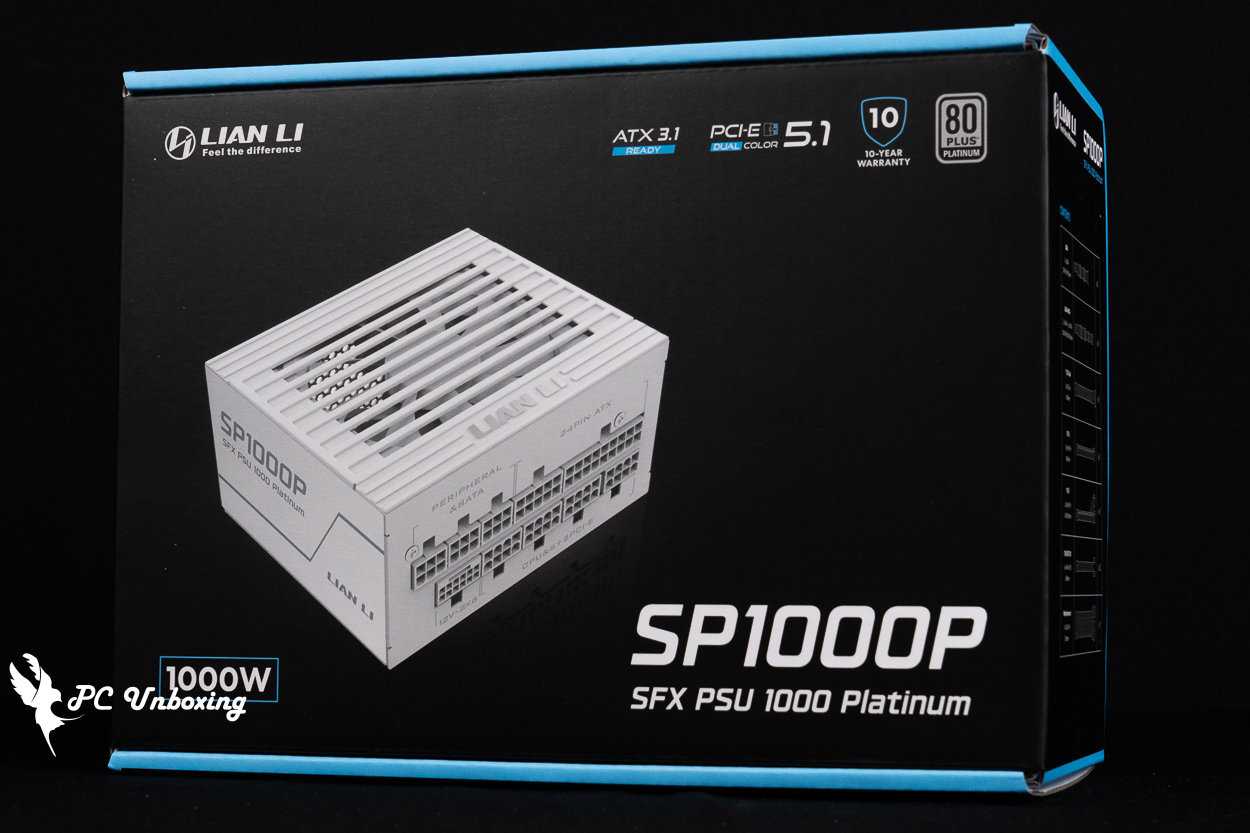
△ LIAN LI SP1000P Power Supply.
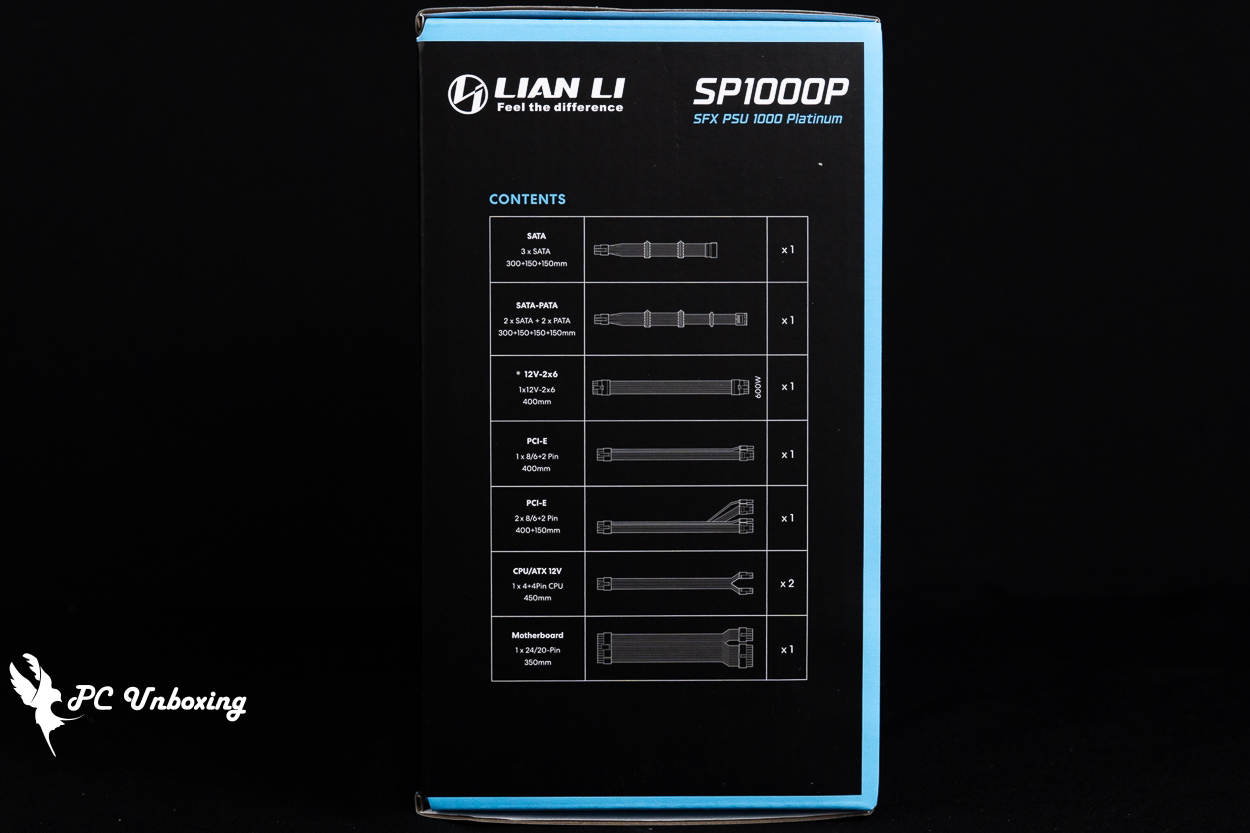
△ Overview of cable and connector specifications.
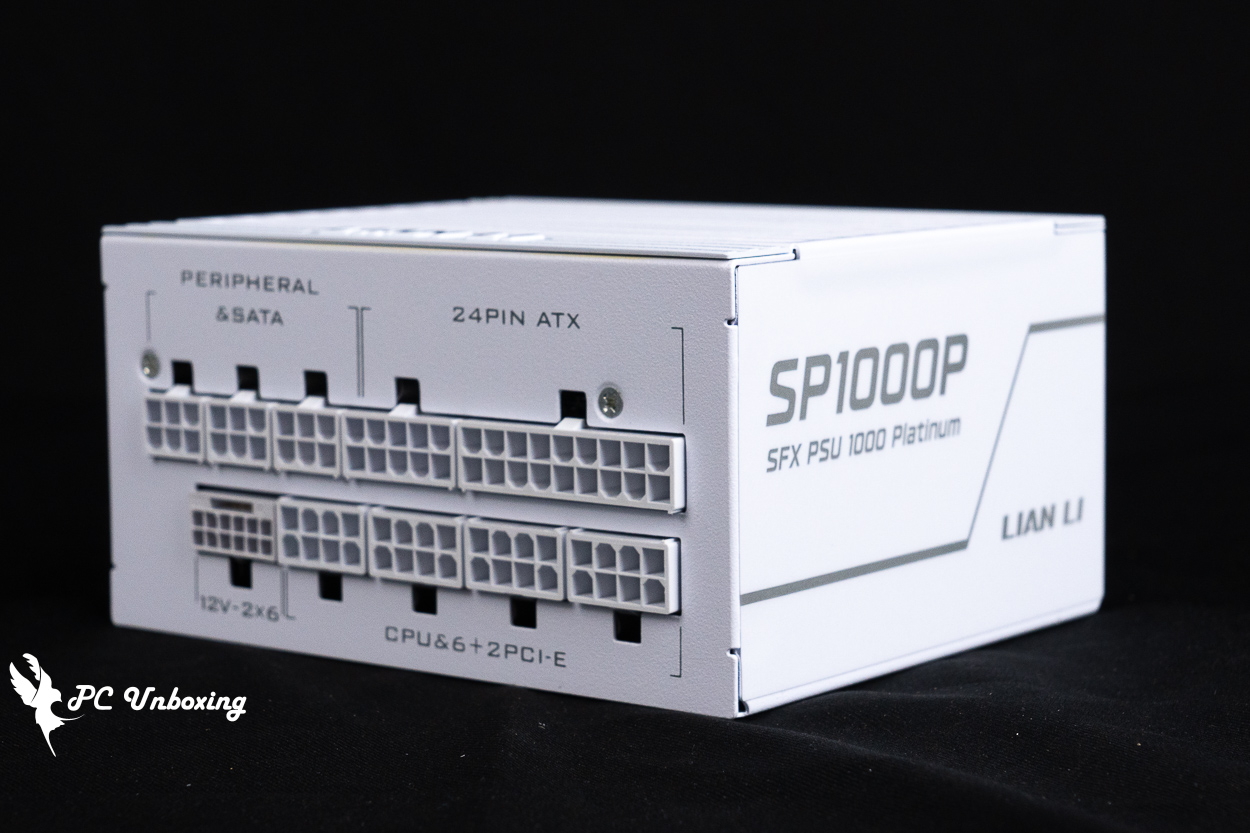
△ The power supply unit measures 125 × 63.5 × 100 mm.
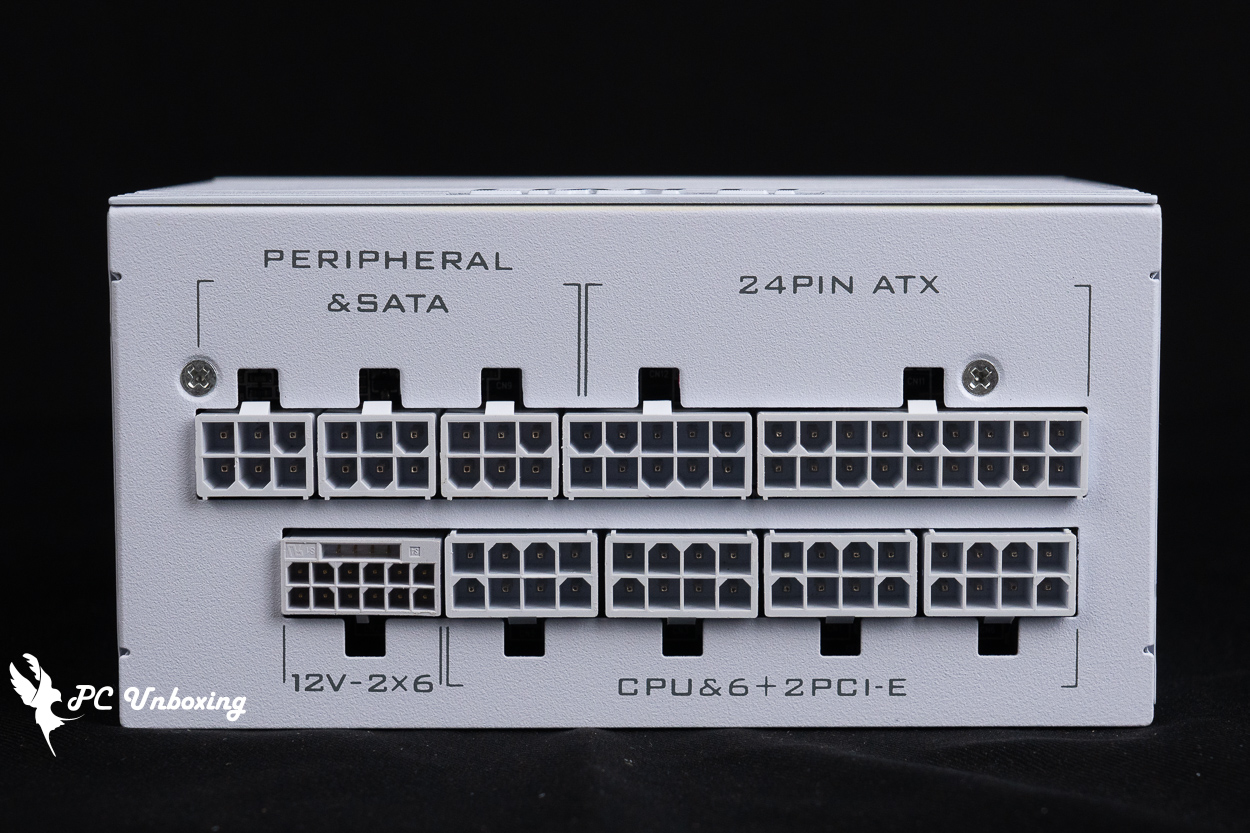
△ List of all module slots.
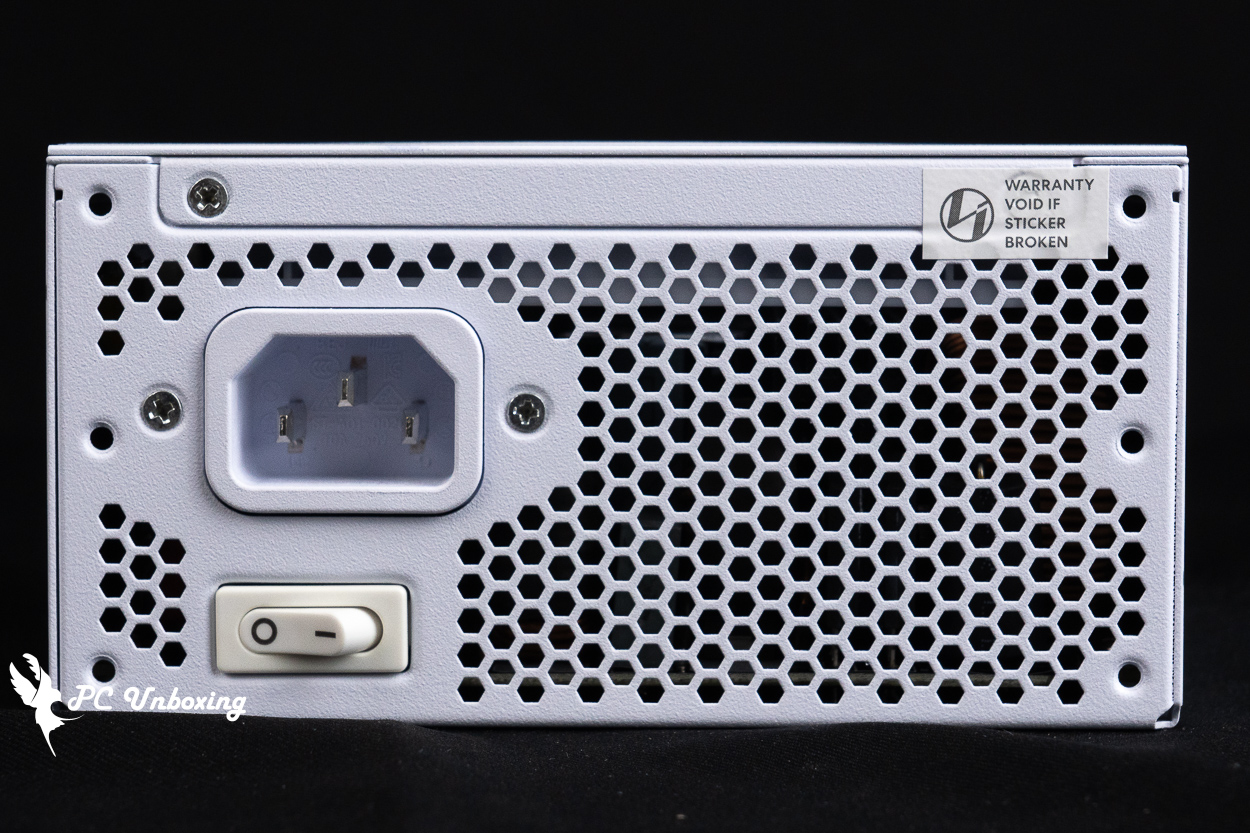
△ Features a built-in smart stop function: the 92 mm power supply fan will automatically stop when the load is below 40%, so there is no separate fan stop button on the rear panel.
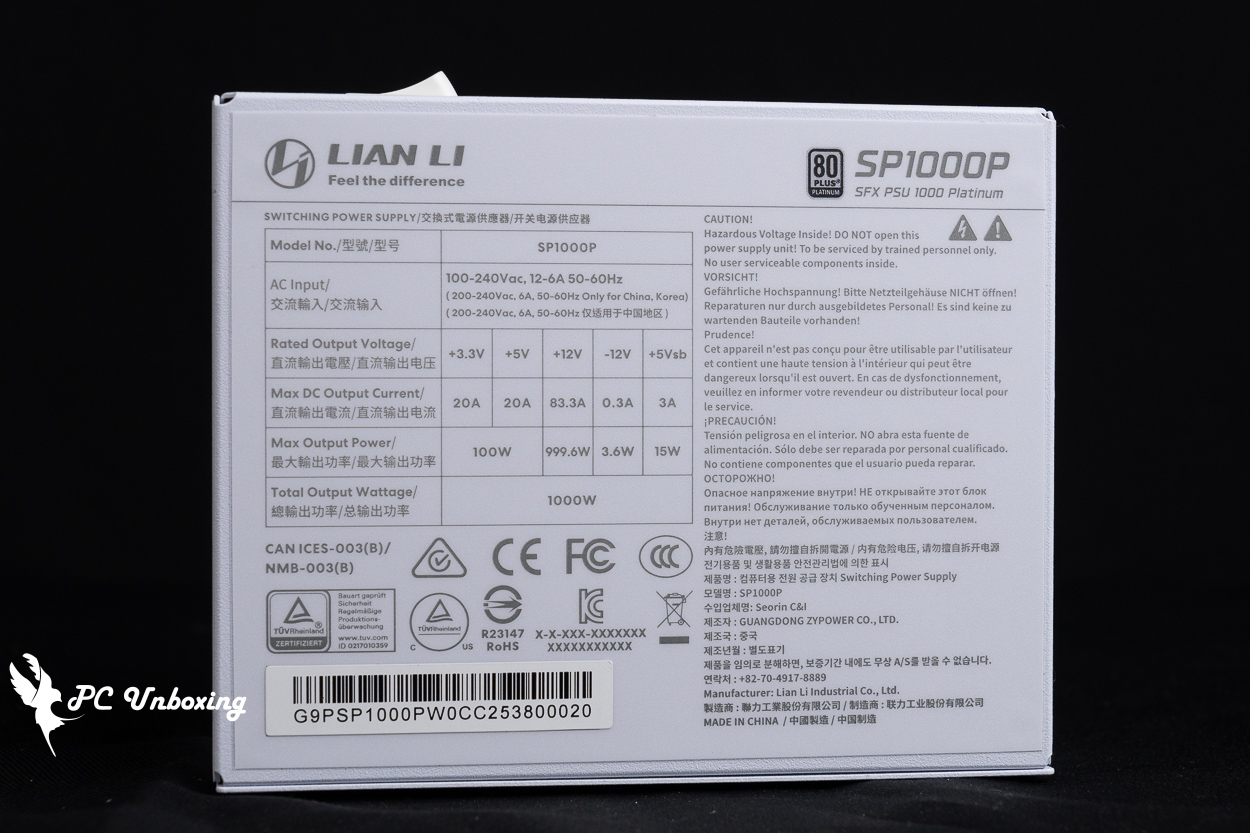
△ AC/DC specifications and notes on use.
This power supply features textured, fully modular cables, and the power connectors have been thoroughly white-coated. When used with the cable management comb included in the package, it helps keep the modular cables looking neat and tidy.
What’s particularly noteworthy is that this power supply comes with a convenient built-in power switch cable. This C14-to-C13 power cable features an integrated switch, so even if your SP power supply is installed inside the case, you can easily cut off the power using this adapter cable instead of unplugging the power cord directly.
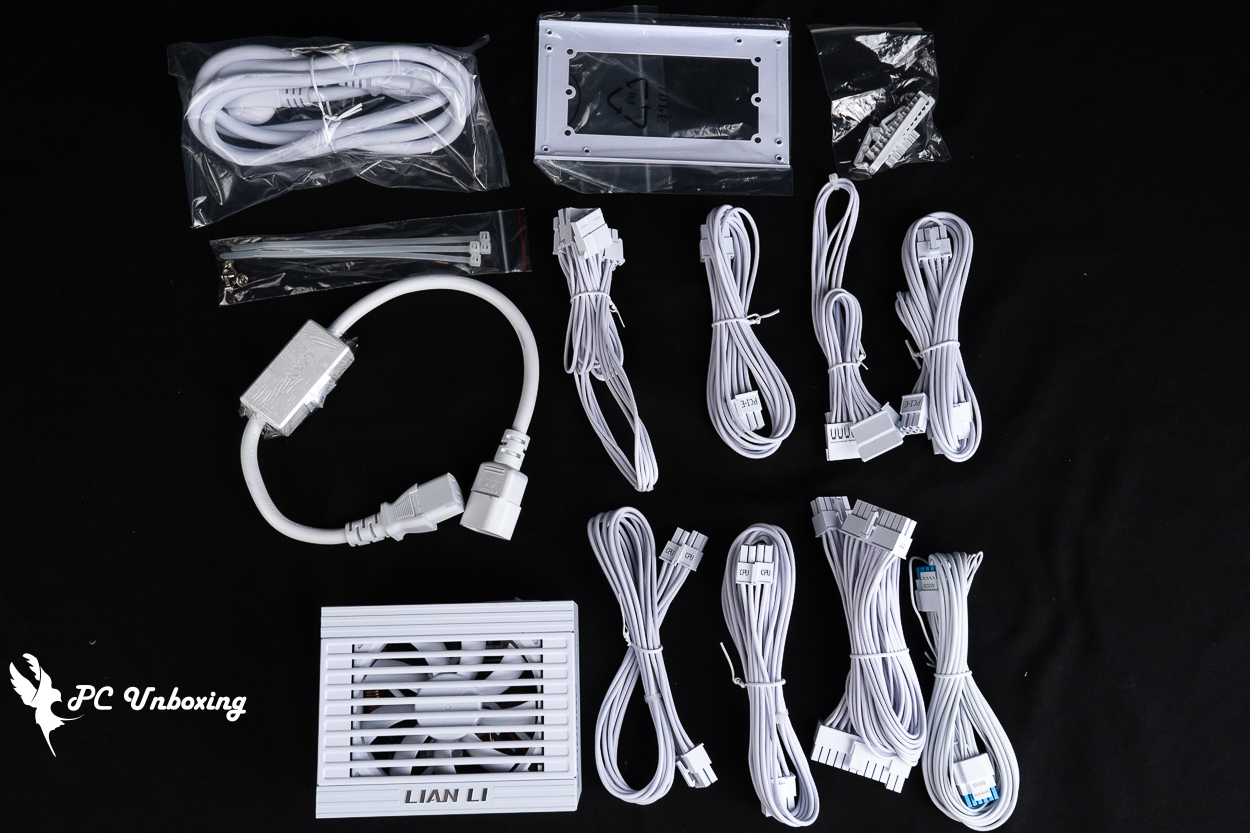
△ List of accessories.
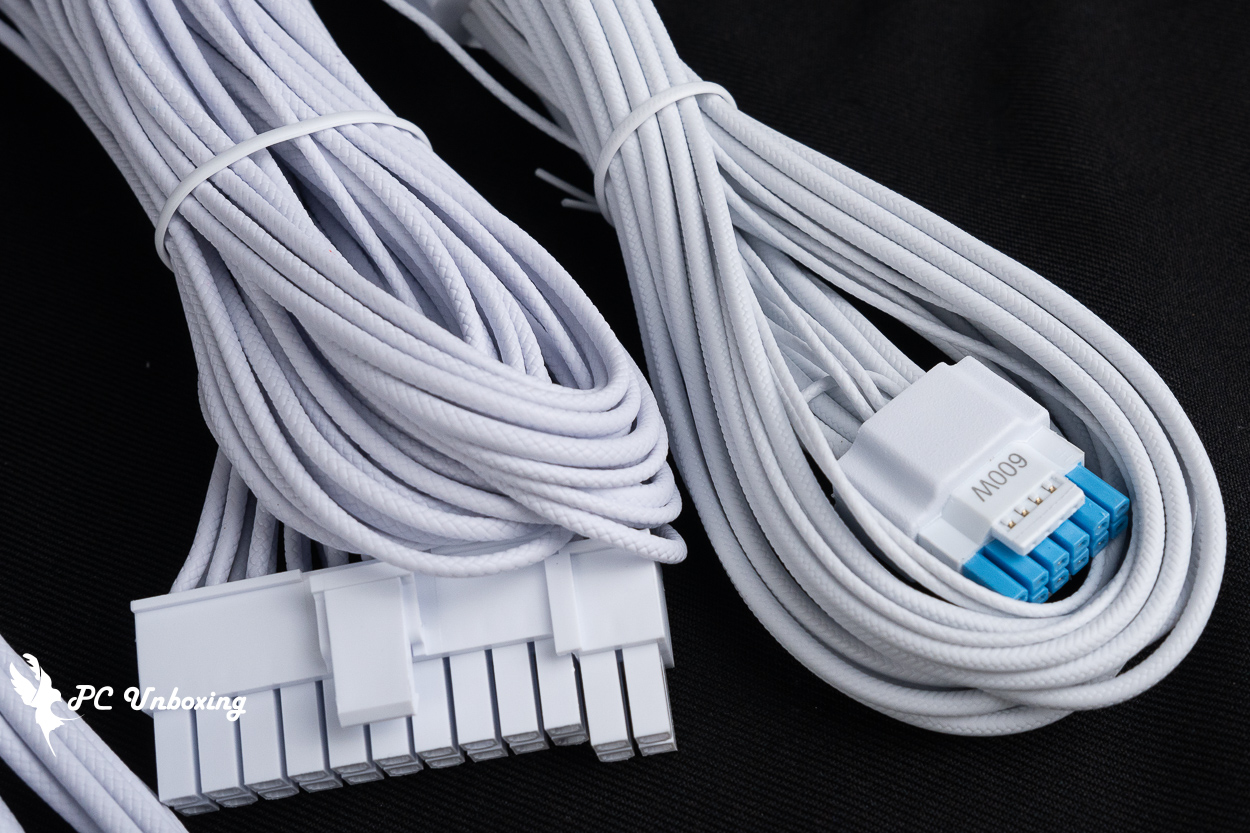
△ A 12V-2×6 power cable featuring reinforced alloy terminals, a soldered design, and a two-tone housing, with a maximum power output of 600 W per cable.
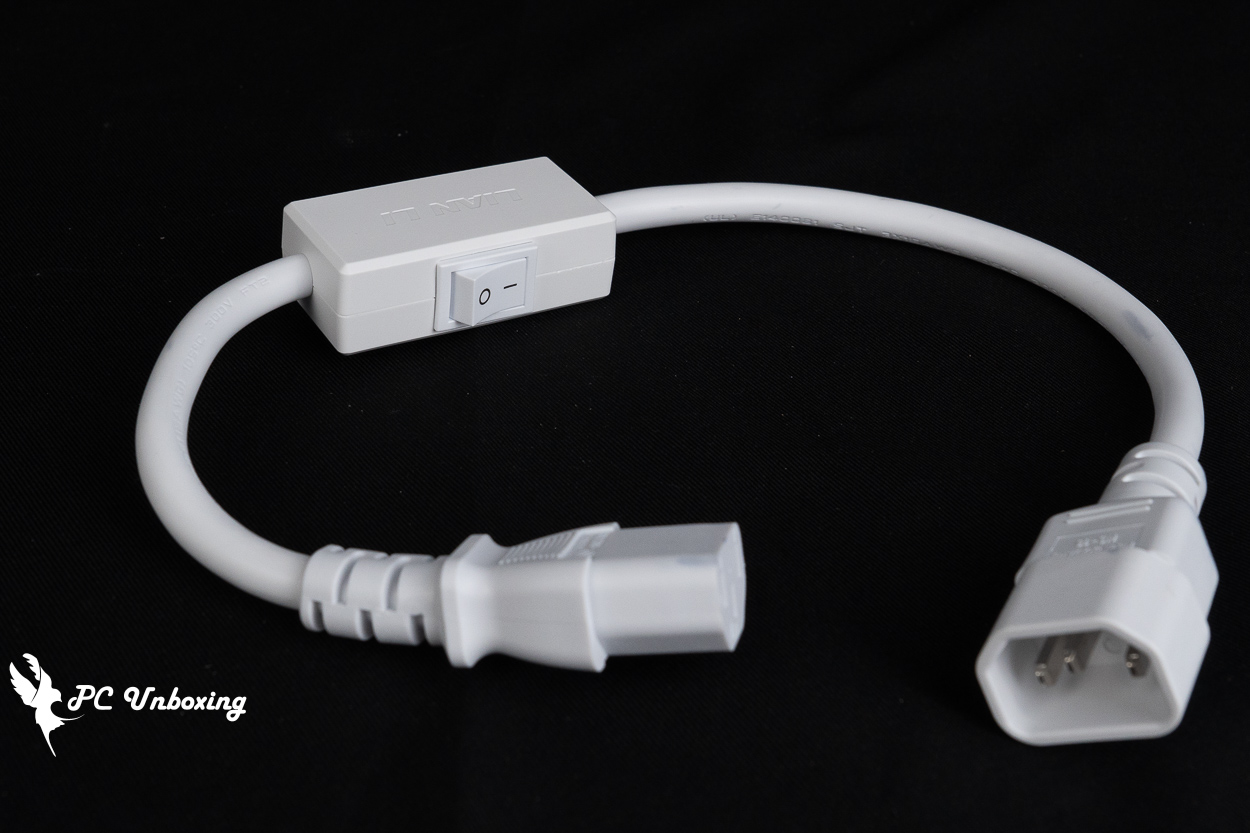
△ An external AC power cutoff switch designed for installation scenarios like the B4-mATX, where the power supply is housed inside the case and powered via an AC extension cord, making it impossible to directly access the power supply’s built-in switch.
LIAN LI B4-mATX Wood Build Showcase | A Look at the Installation Process for the Vertical AeroDeck and SP1000P
Next, I’ll actually install the LIAN LI B4-mATX Wood case and the SP1000P Platinum power supply, and then swap out the case’s Vertical AeroDeck accessory to show you all.
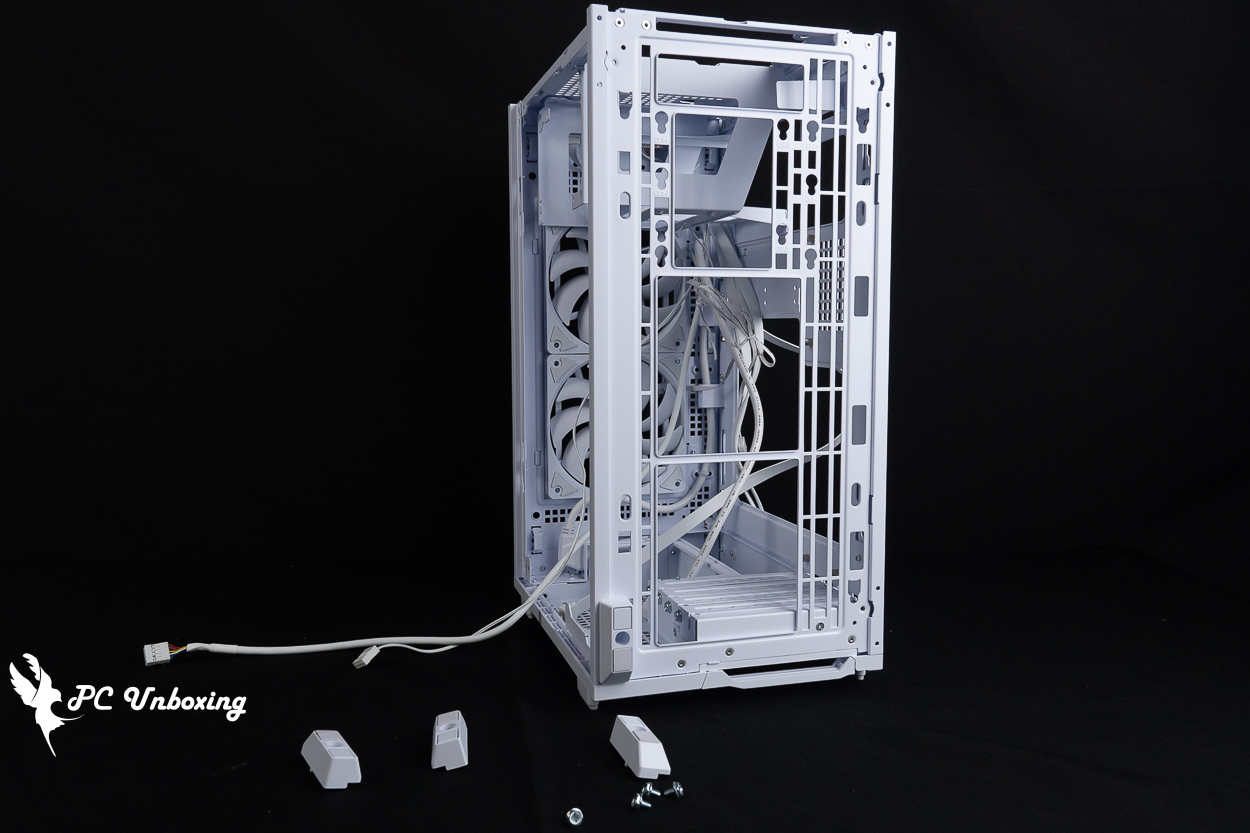
△ Since you’ll be installing the Vertical AeroDeck optional accessory, you’ll need to remove the base that holds the case in a horizontal position first.
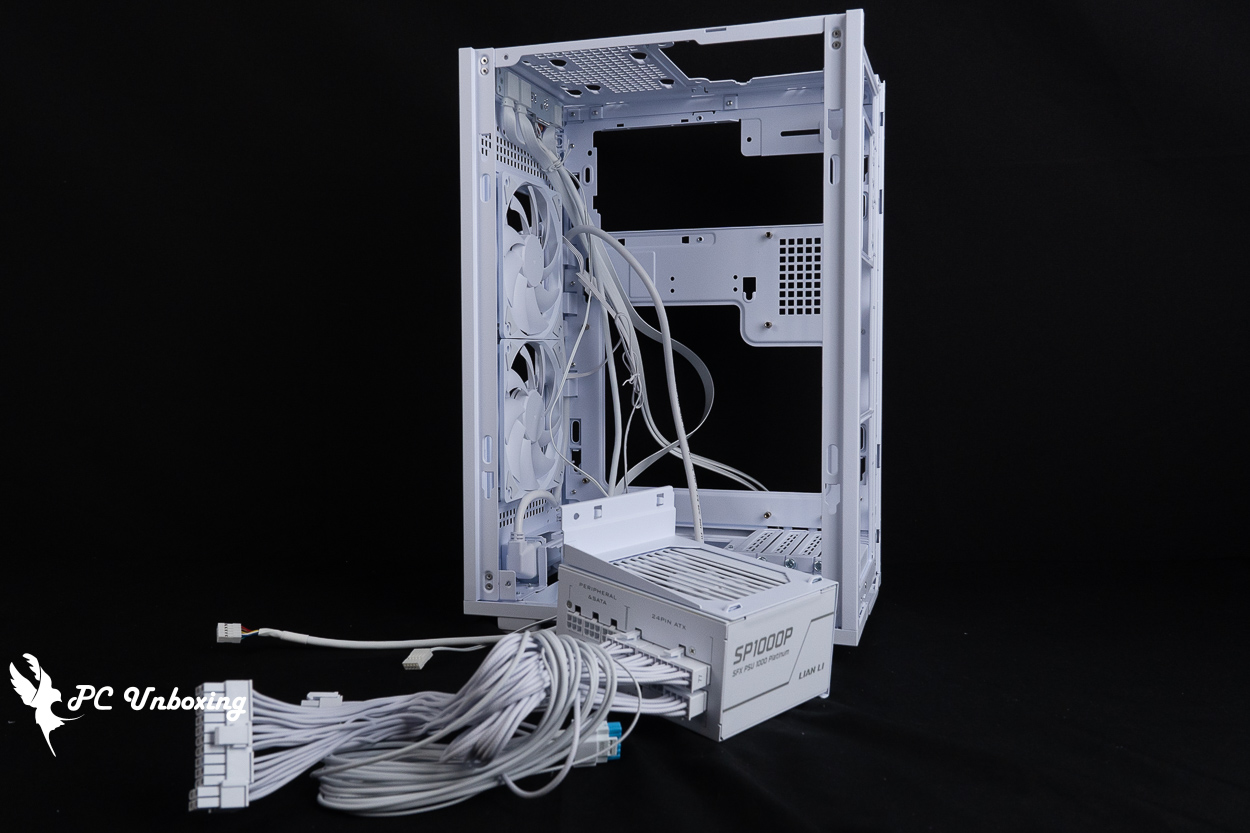
△ Next, install the SP1000P power supply and put away the ATX power supply bracket that came with the case.
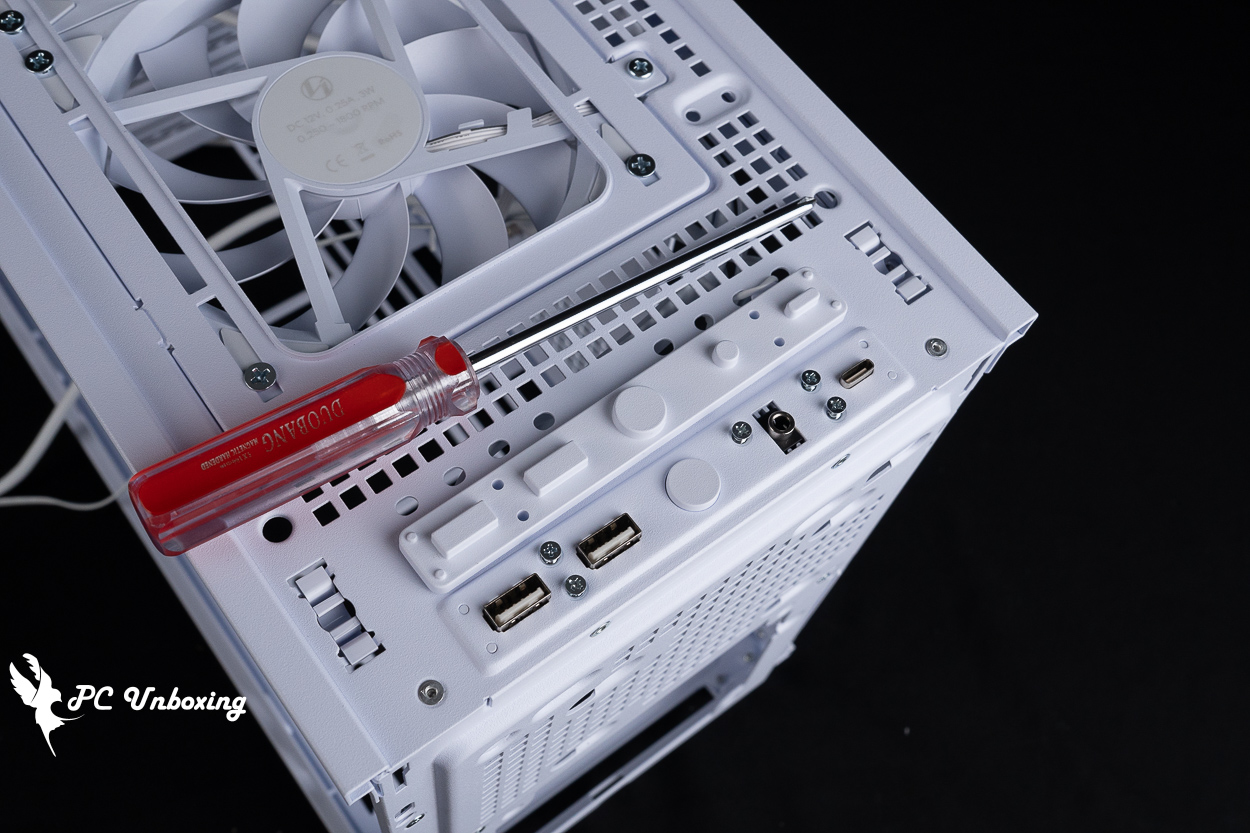
△ Remove the original I/O port from its original location and replace it with the dust plug included with the Vertical AeroDeck optional accessory.
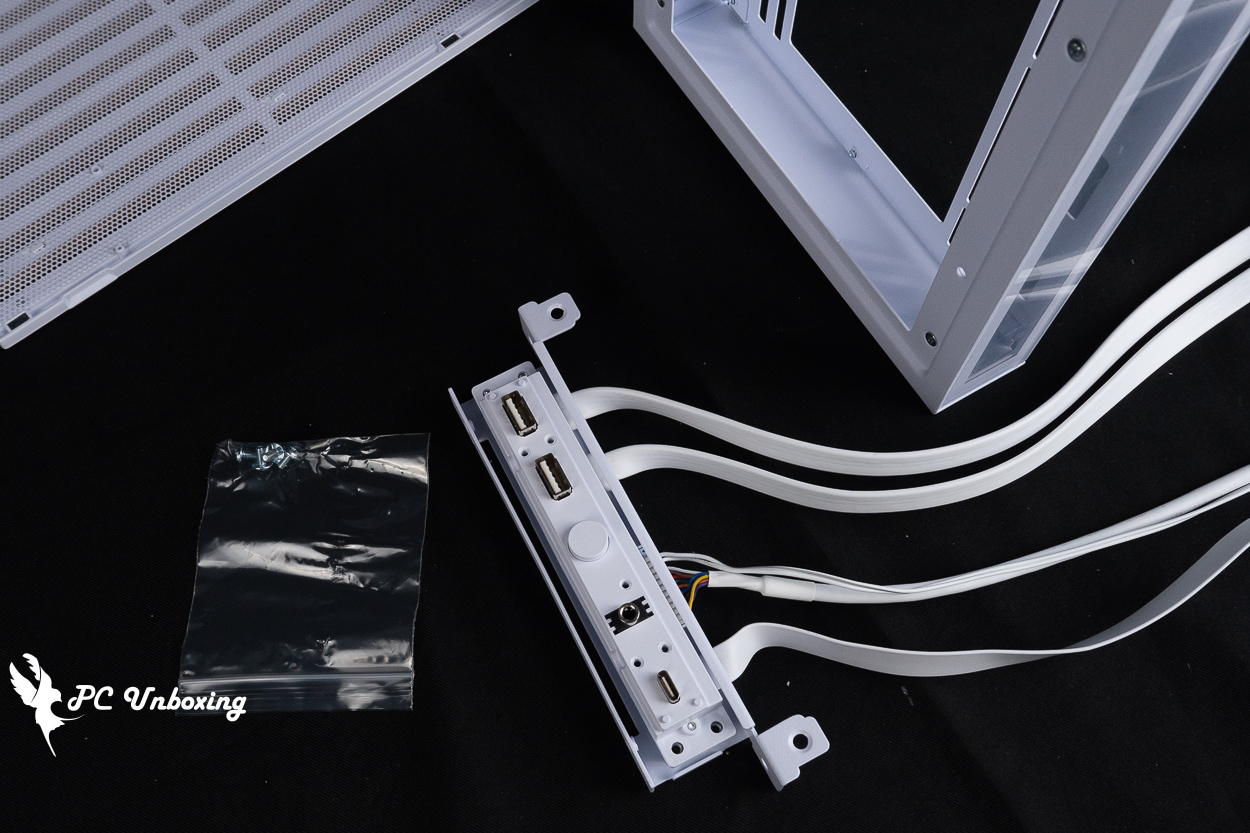
△ Mount the I/O on the I/O mounting bracket included with the Vertical AeroDeck optional accessory.
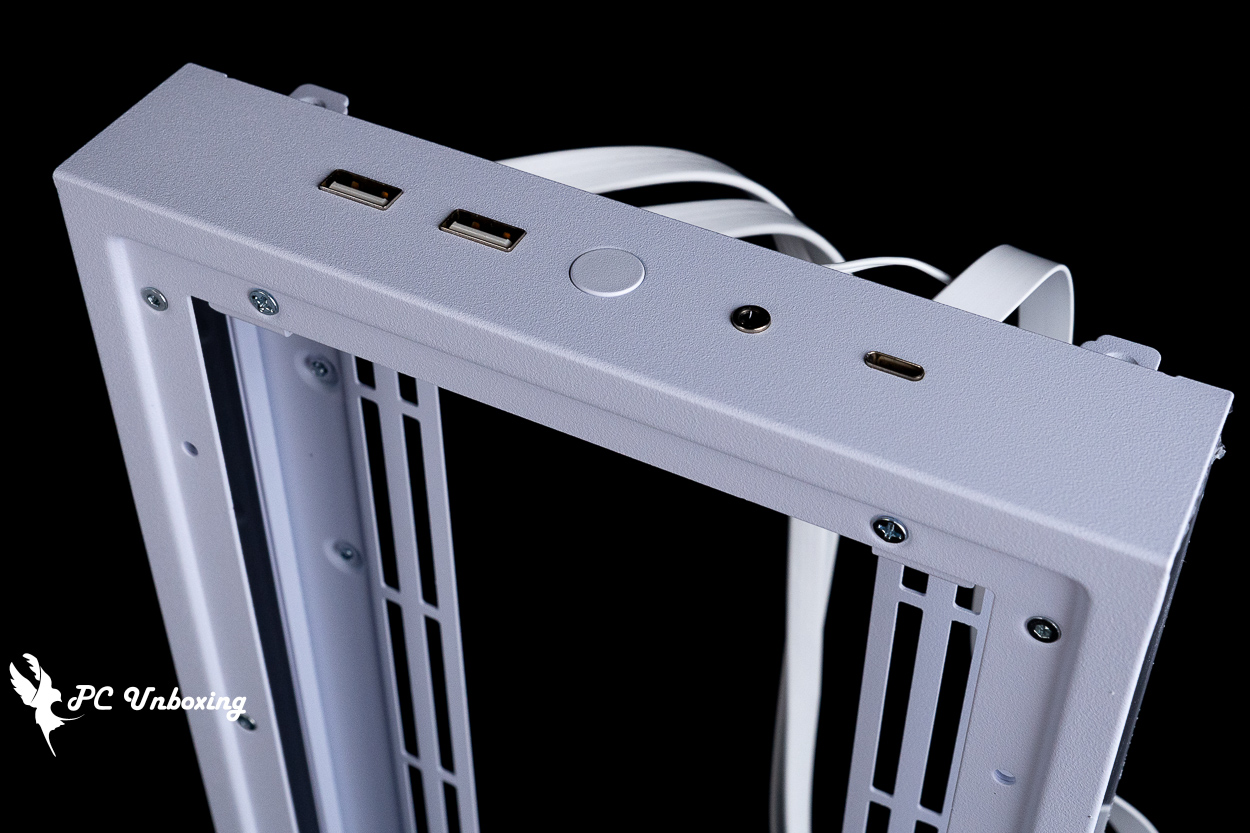
△ I/O ported to the Vertical AeroDeck optional accessory.
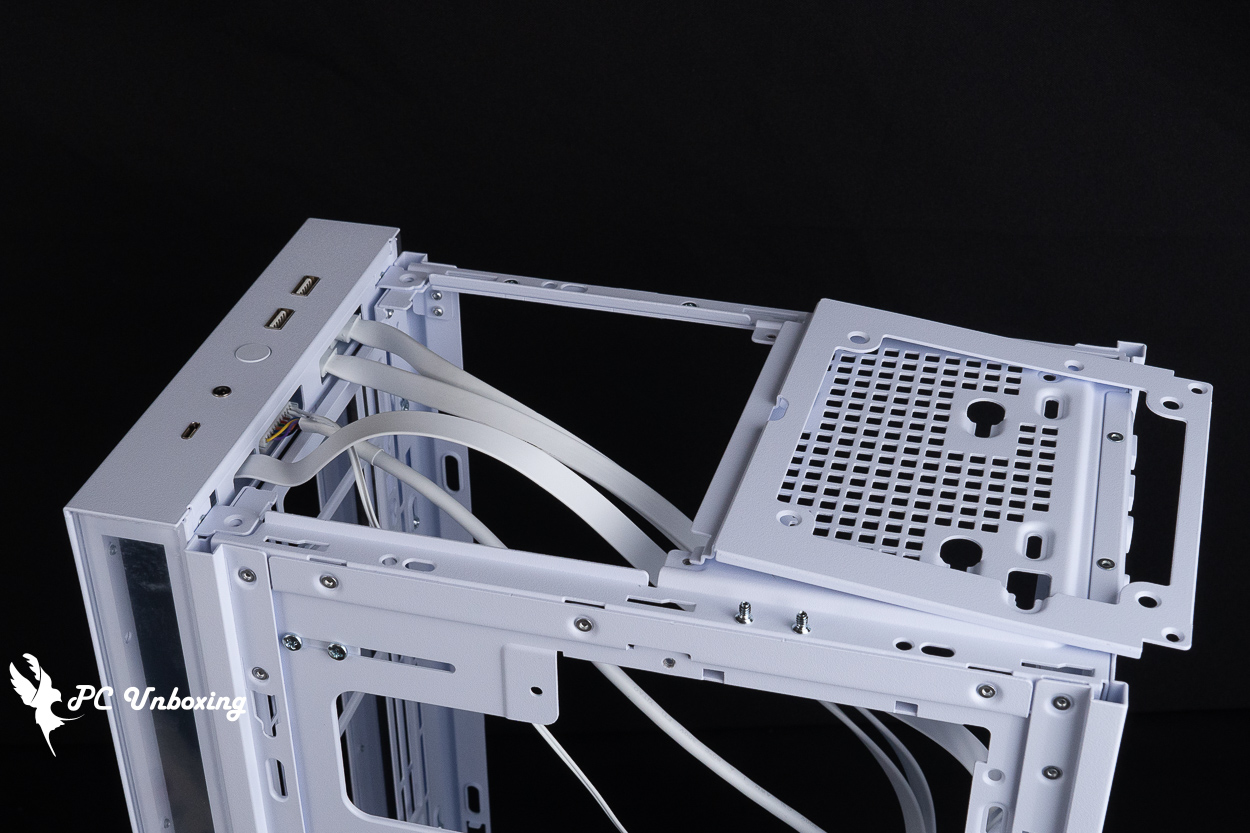
△ Temporarily remove the front fan bracket so you can install the I/O panel; once it’s in place, reattach the fan bracket.
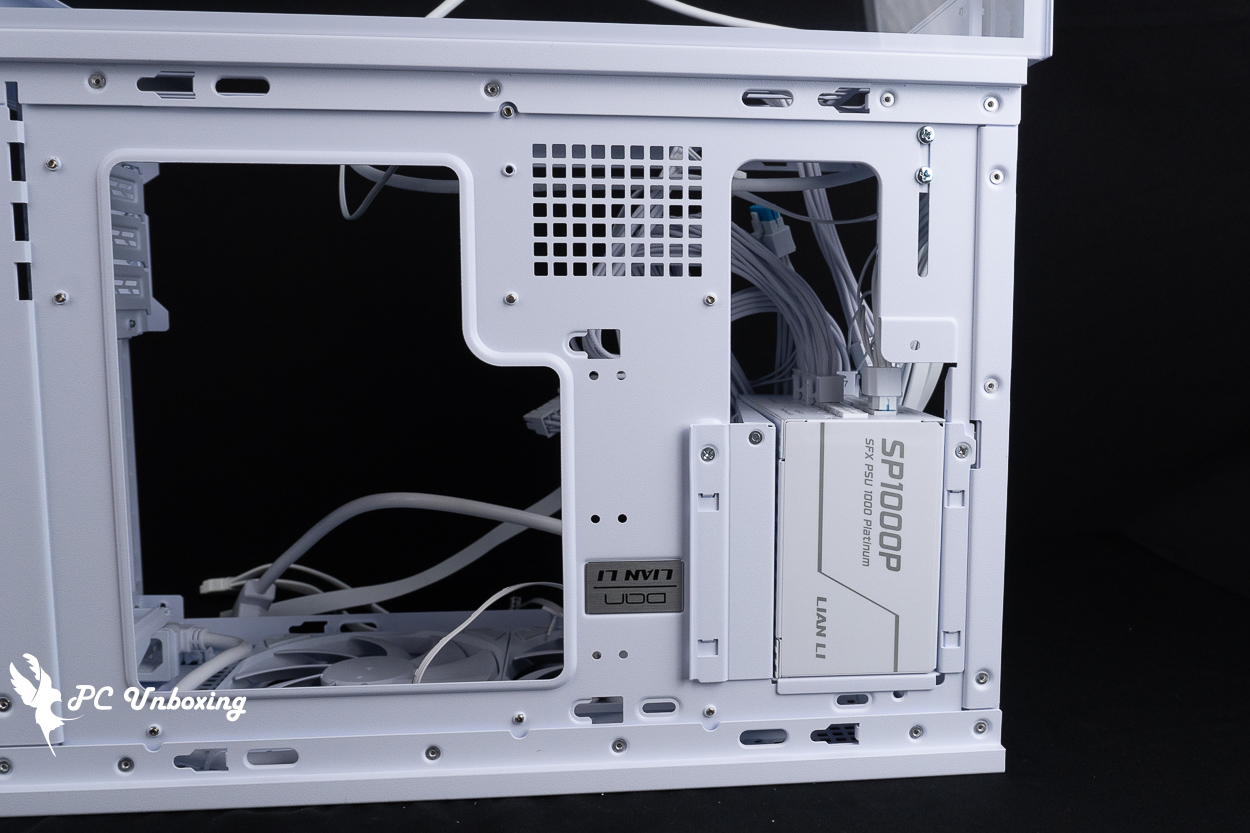
△ Demonstration of power supply installation.
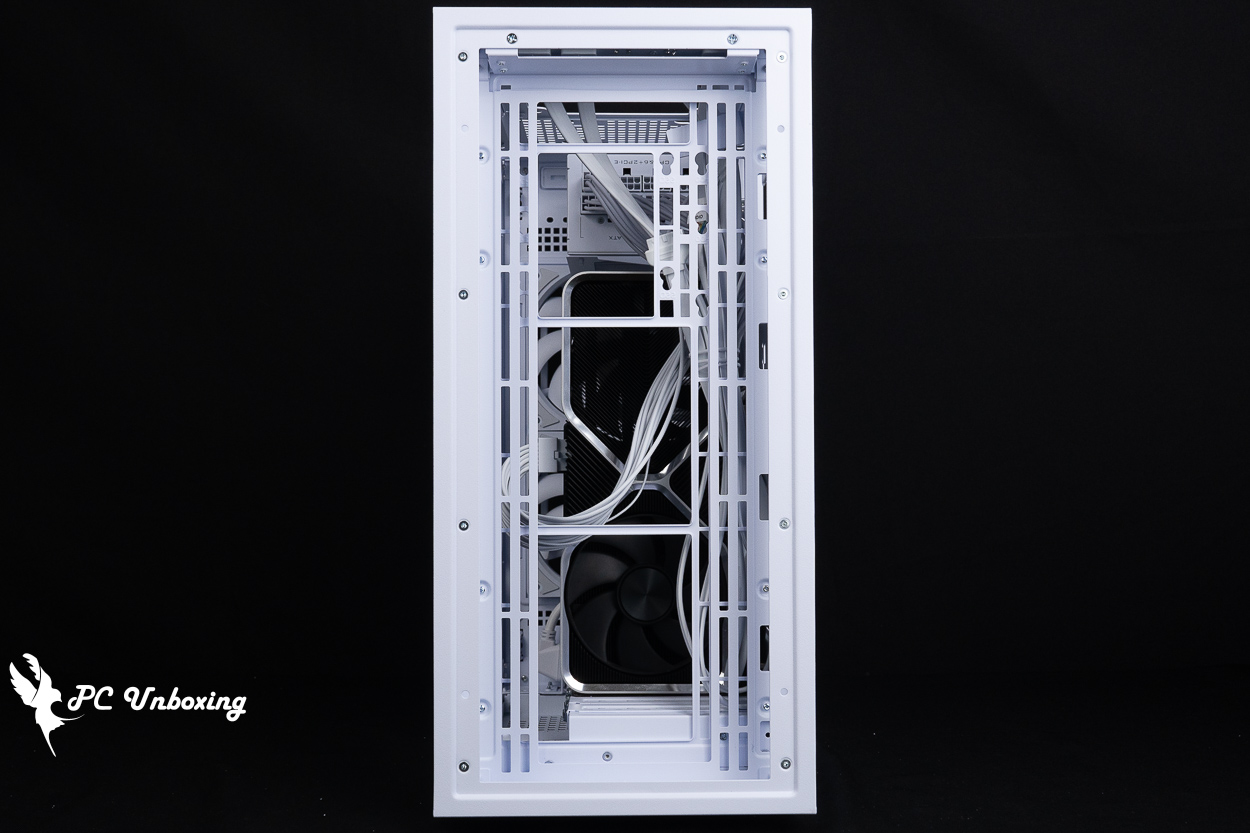
△ View of the fan after installation of the Vertical AeroDeck optional accessory.
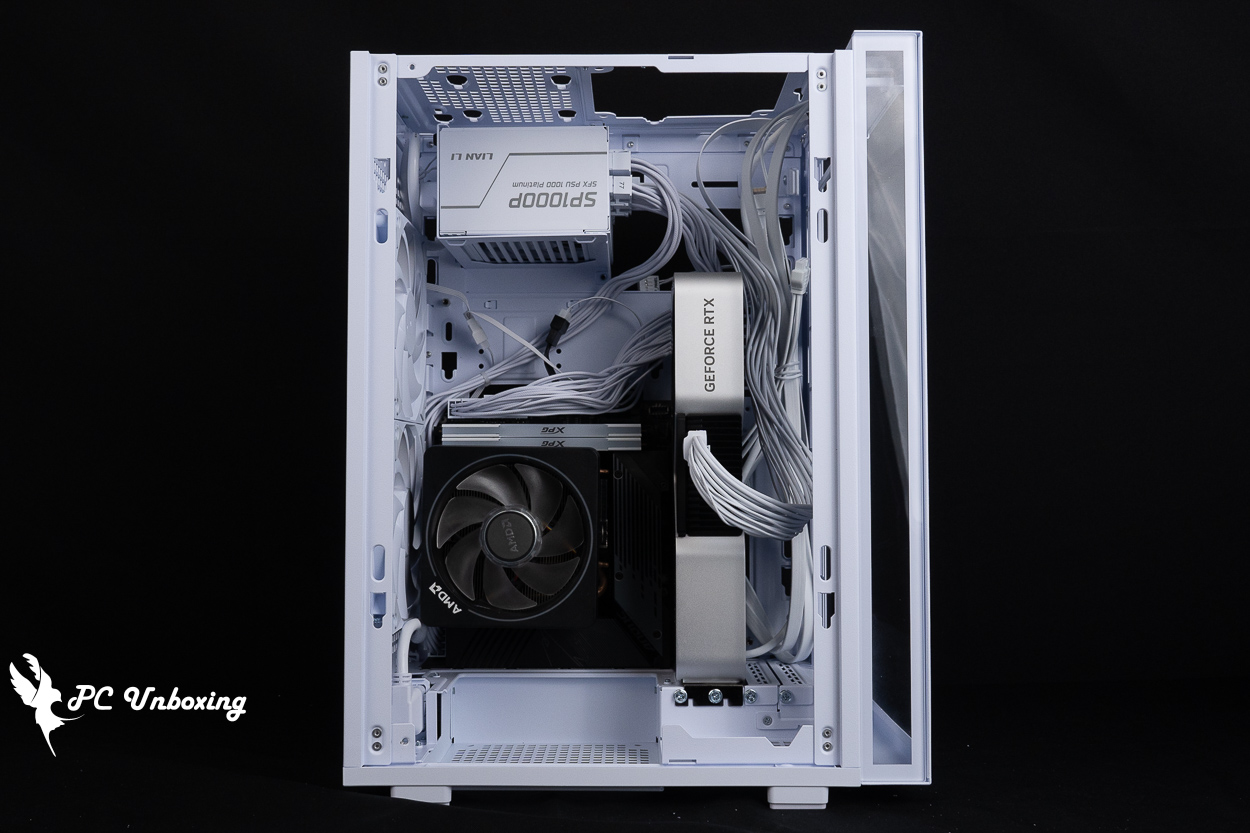
△ Illustration of the structure after installation in upright mode; essentially, the interior is inverted at a 90-degree angle.
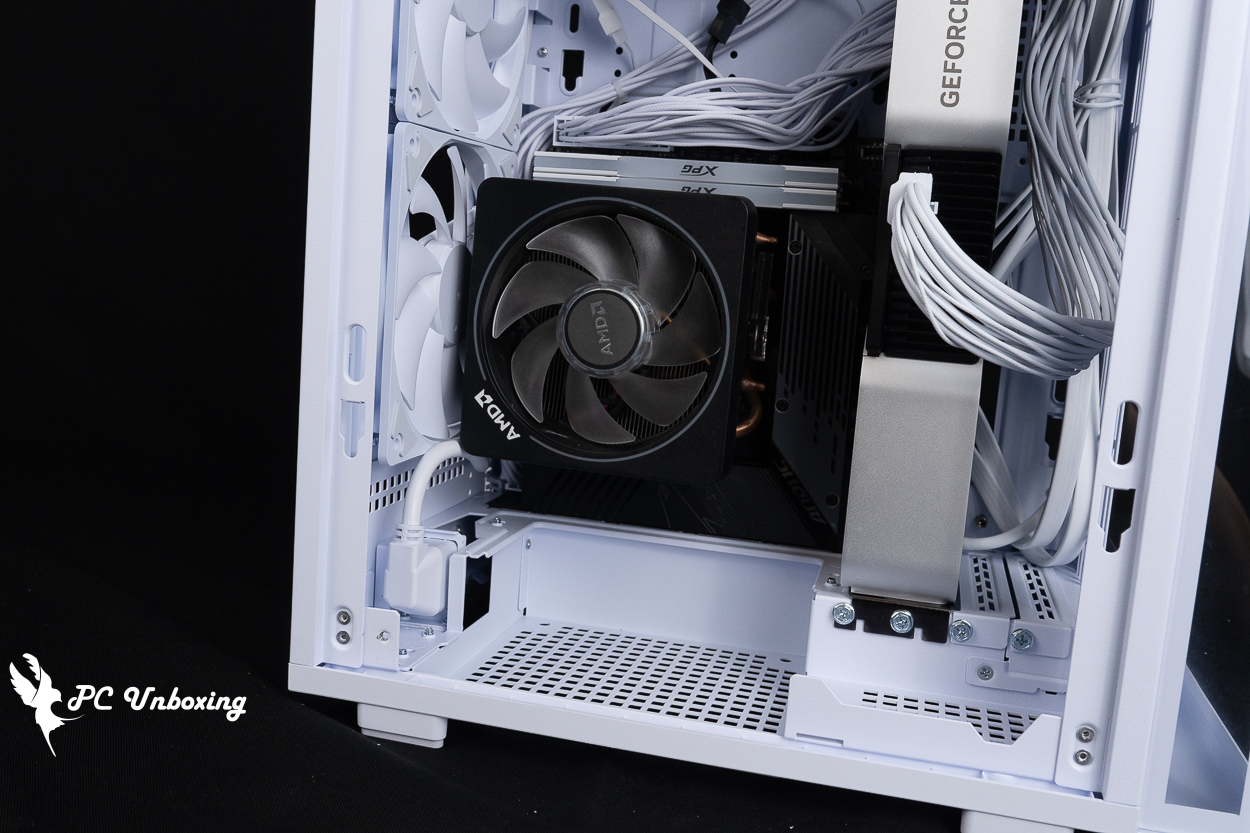
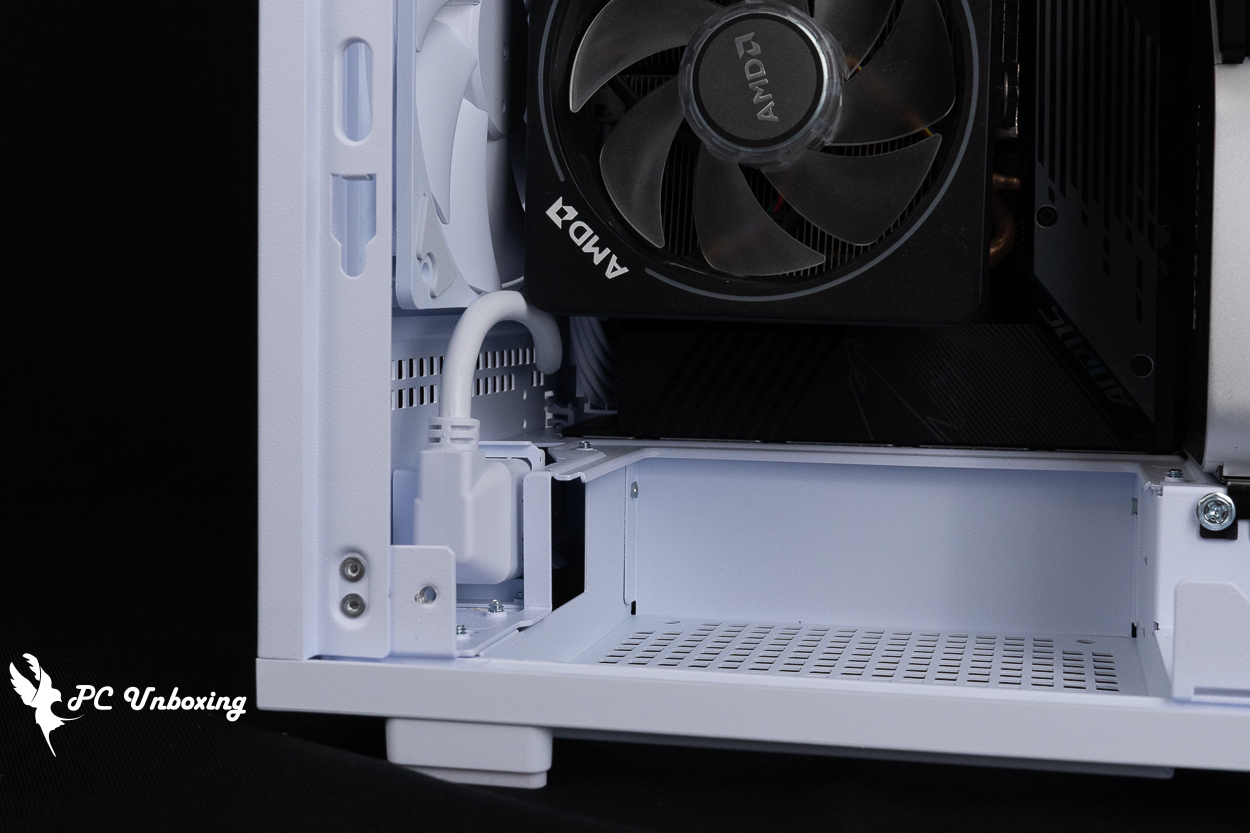
△ Close-up of the distance between the AC extension cord and the fan.
△ When used with an air-cooled tower cooler, you can adjust the bottom fan mount to position it closer to the interior, further improving air-cooling performance.
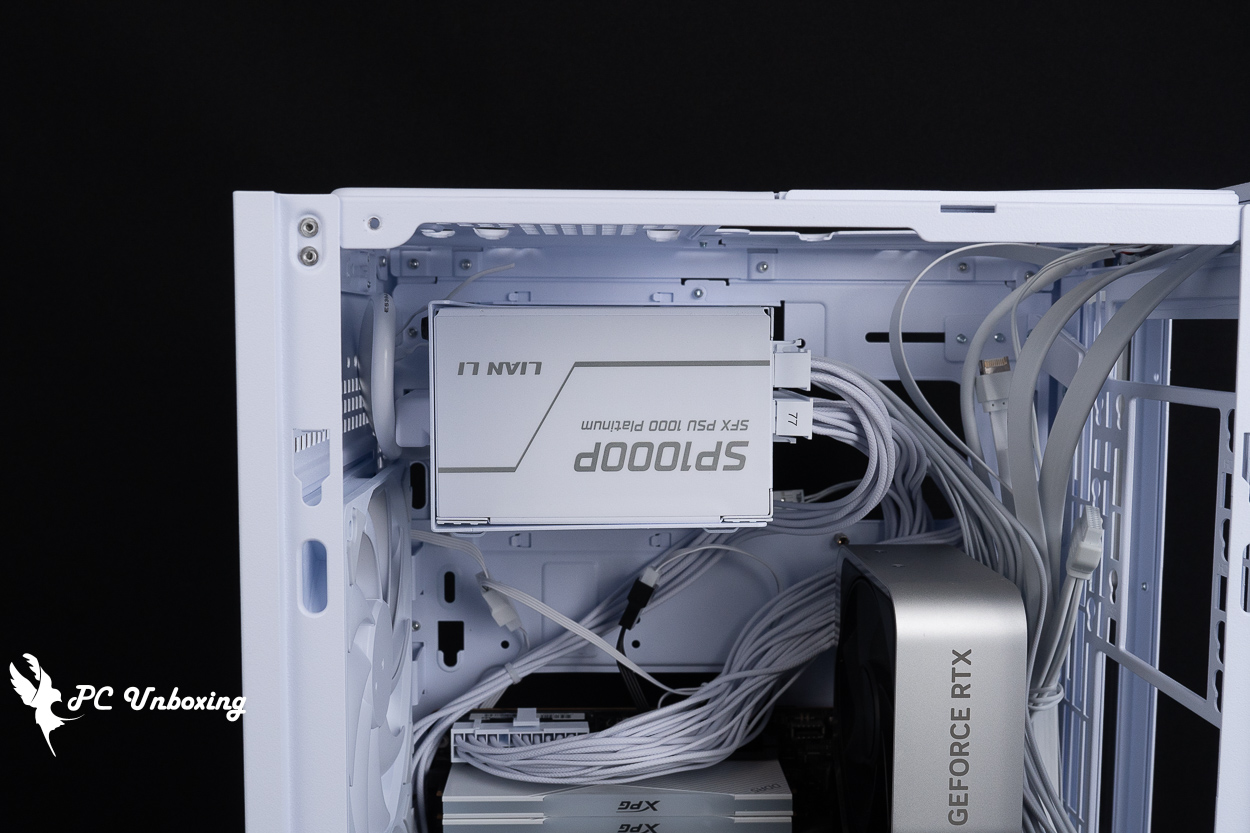
△ The power supply cable is typically routed directly through the installation space; if the cable is too long, it can take up valuable space, so we recommend using an SFX power supply.
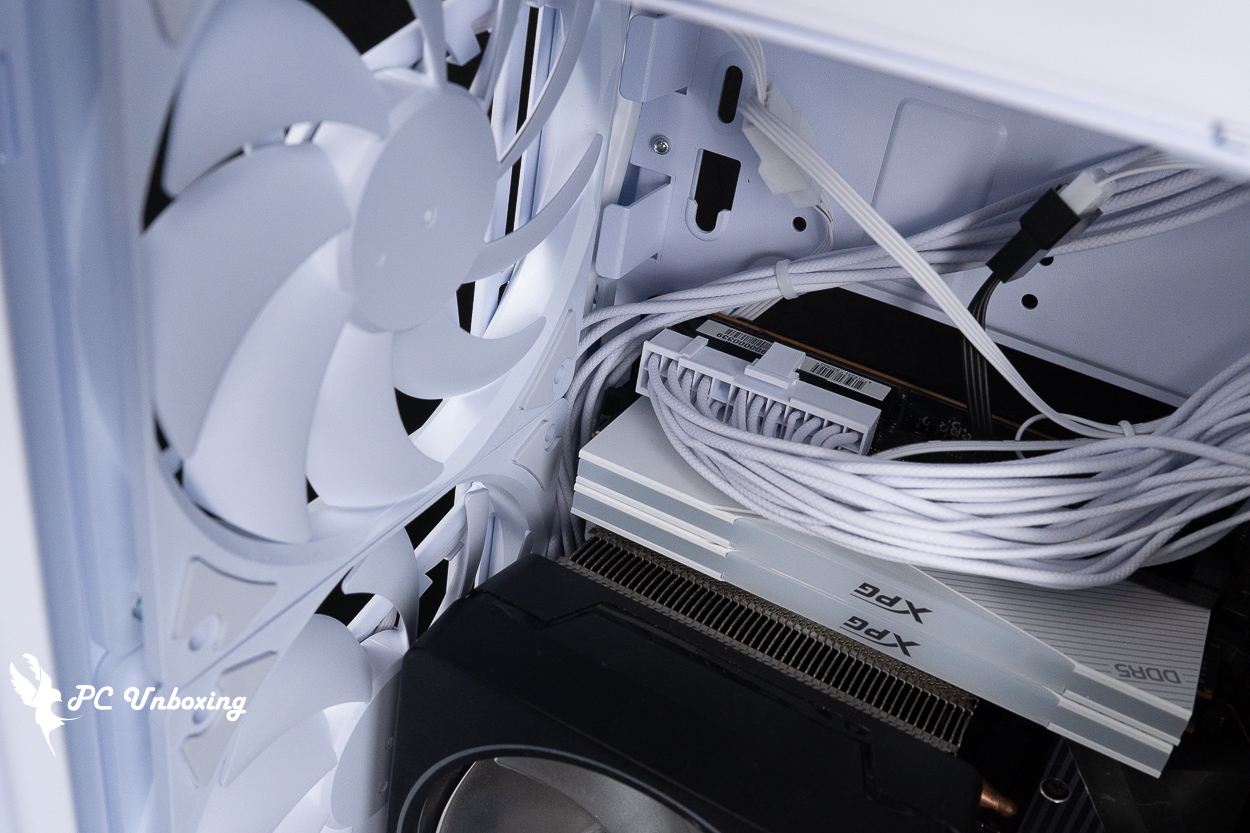
△ There are some grooves next to the top-mounted thin fan that can be used for cable management.
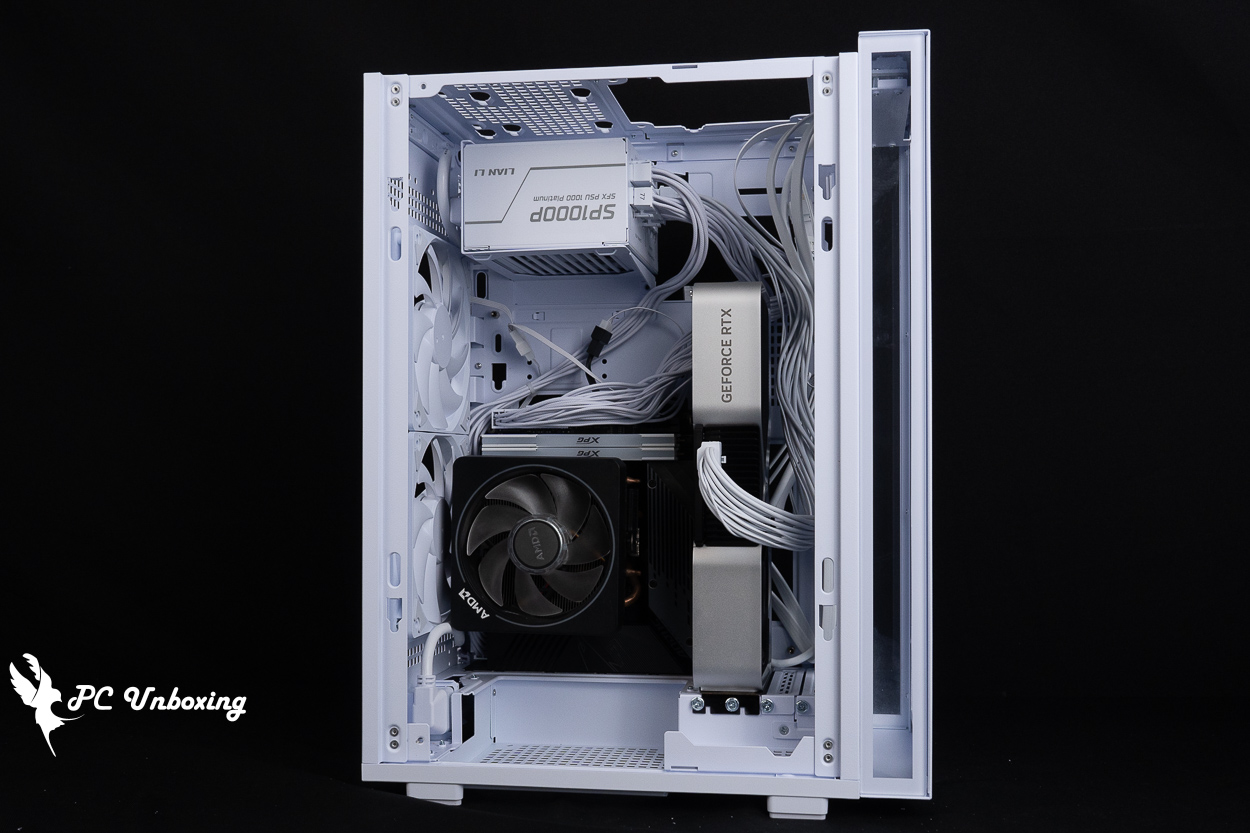
△ If using a tower-style cooler, we recommend adjusting the fan airflow so that air is drawn in from the bottom and expelled toward the power supply.
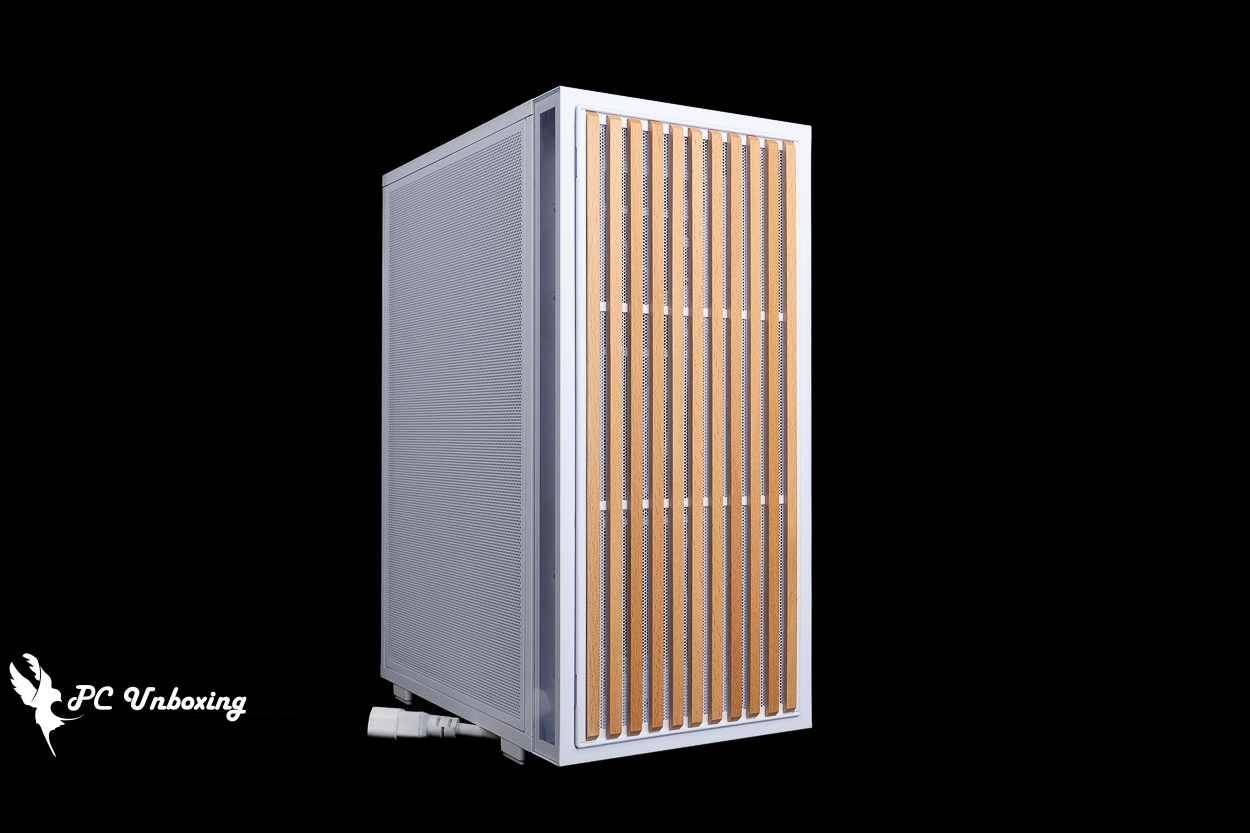
△ Effect of the Vertical AeroDeck optional vertical panel accessory.
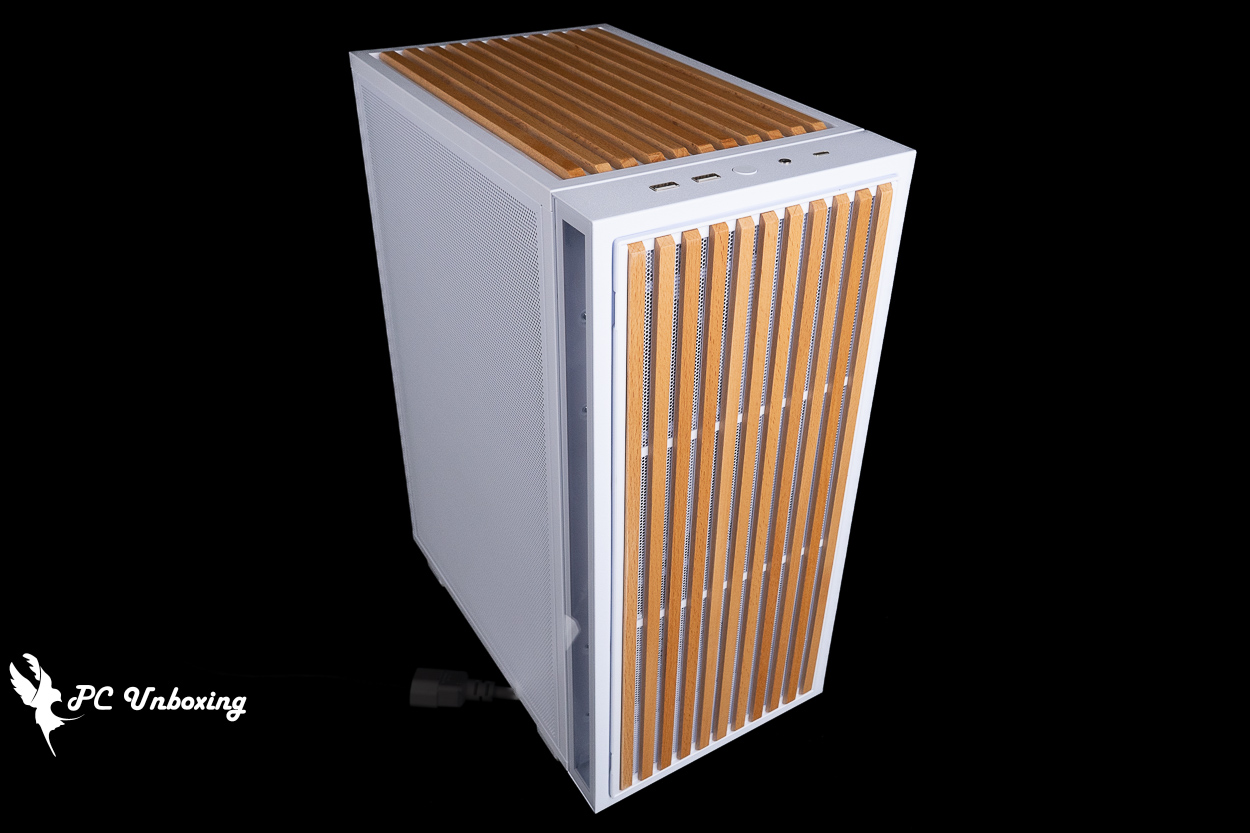
△ Wood-grain style transition.
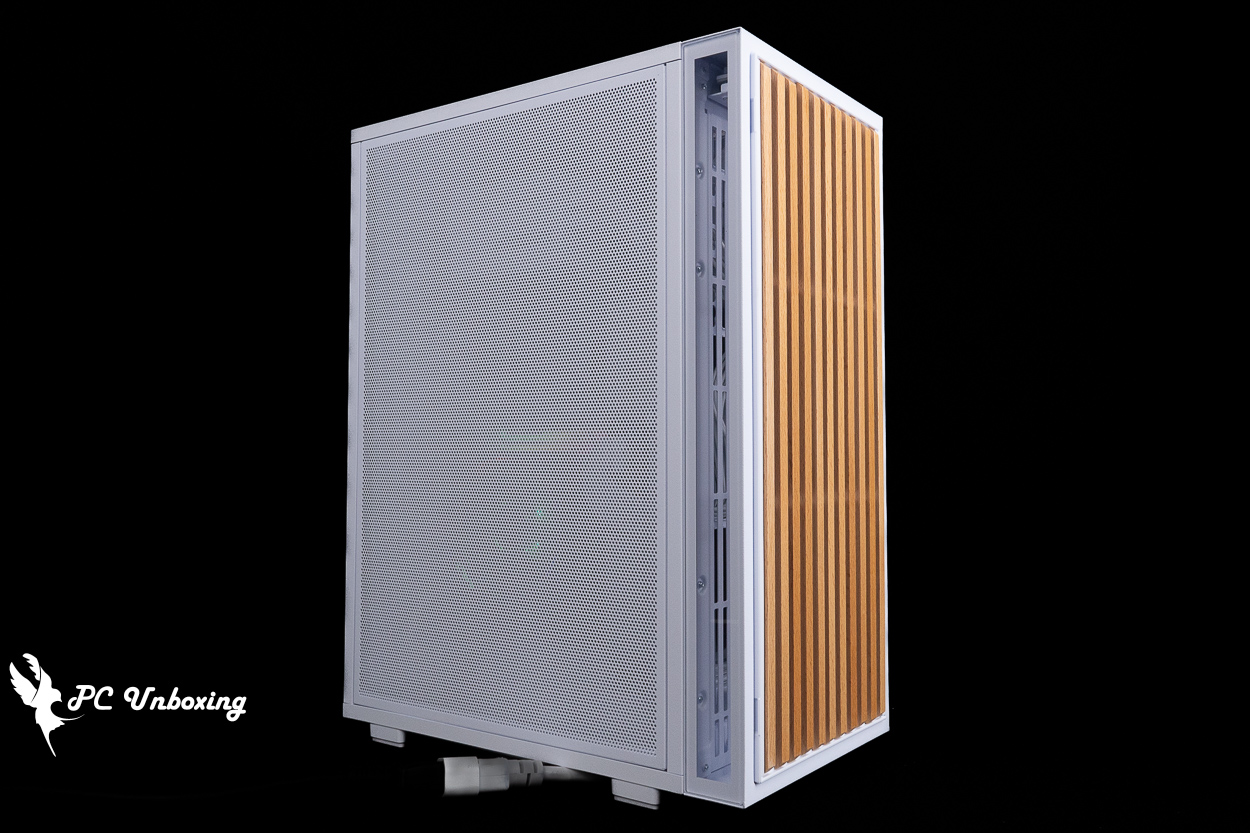
△ Close the side panel and turn on the power.
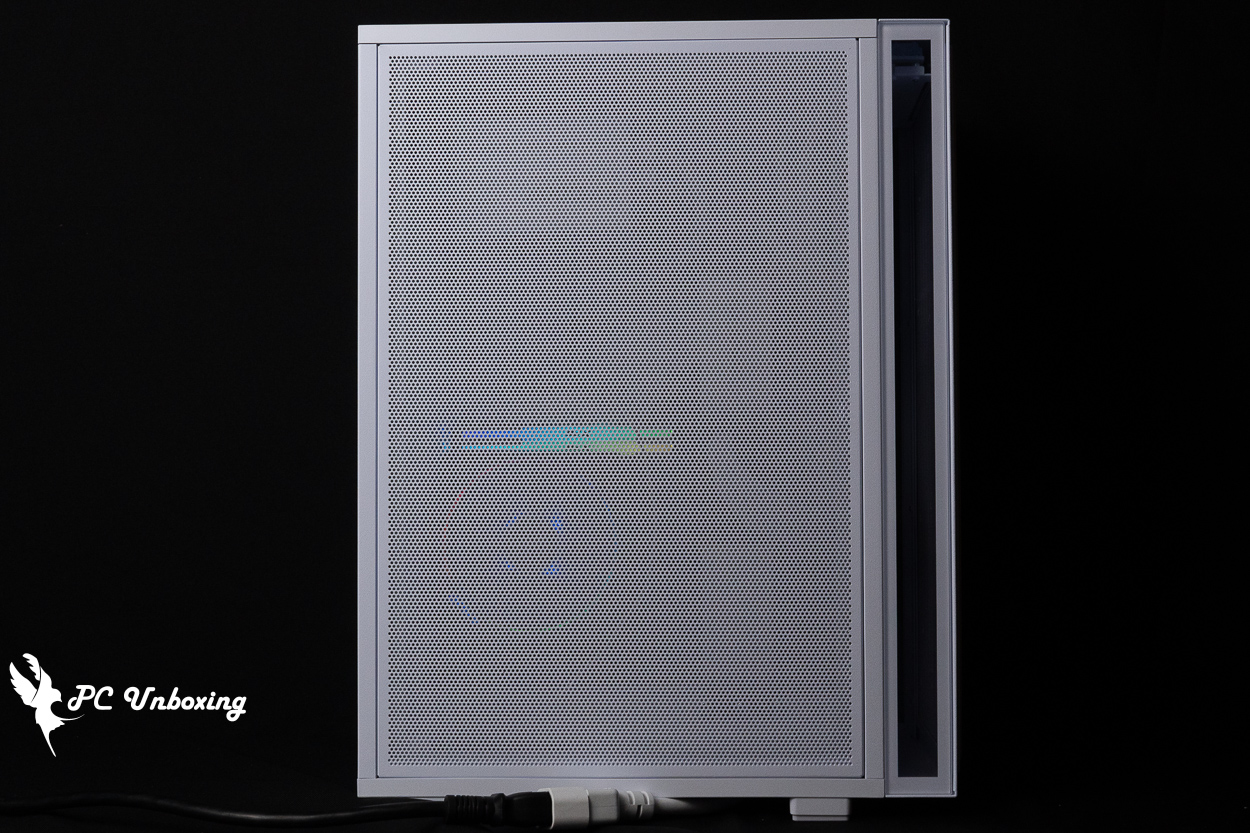
△ With the mesh side panels, you can basically only see a faint glow.
LIAN LI B4-mATX Wood Cooling Test | Real-World Performance in Vertical Mode
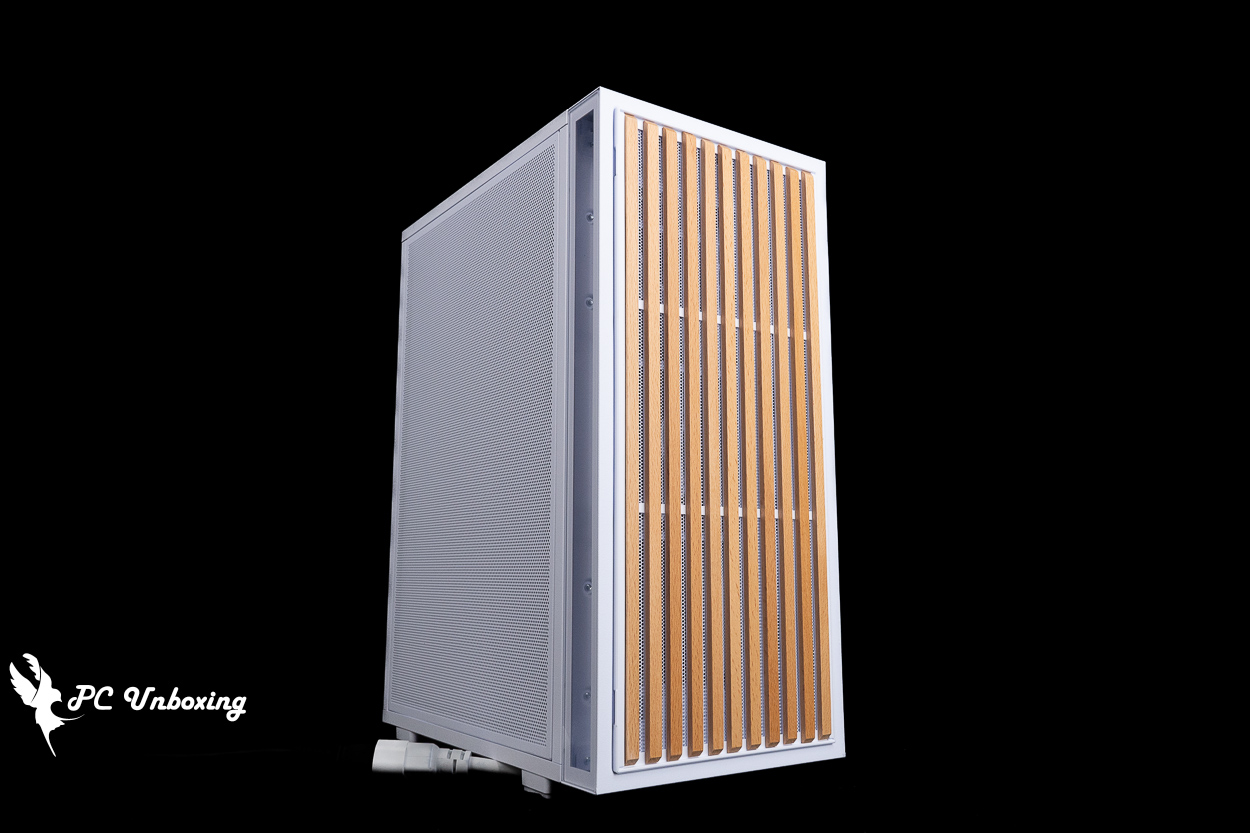
Next, we conducted actual thermal performance tests on the case using an AMD Ryzen 5 8500G processor and a GIGABYTE B650I AORUS ULTRA motherboard. During the test, we set the fan slot speeds to full speed in the motherboard BIOS. The test was conducted in a sealed, air-conditioned room at 26 °C. Since ambient temperatures in standard rooms are difficult to control, these results are for reference only.
The software uses OCCT burn-in tests to simulate temperature data under high load stress conditions on the processor and graphics card, and data collection uses HWiNFO64 to collect and record maximum temperature and power consumption.
Testing Platform
Processor: AMD Ryzen 5 8500G
Cooler: AMD Wraith Prism (full speed)
Thermal paste: Cooler Master MASTERGEL MAKER 40g (thermal conductivity 11W/mK)
Motherboard: GIGABYTE B650I AORUS ULTRA (rev. 1.0)
Memory: XPG LANCER RGB DDR5 6000 MT/s 64GB (2x32GB) CL30-40-40-76 1.4V
Graphics: NVIDIA GeForce RTX 4060 Ti Founders Edition 8GB
Case: LIAN LI B4-mATX Wood
Power Supply: LIAN LI SP1000P
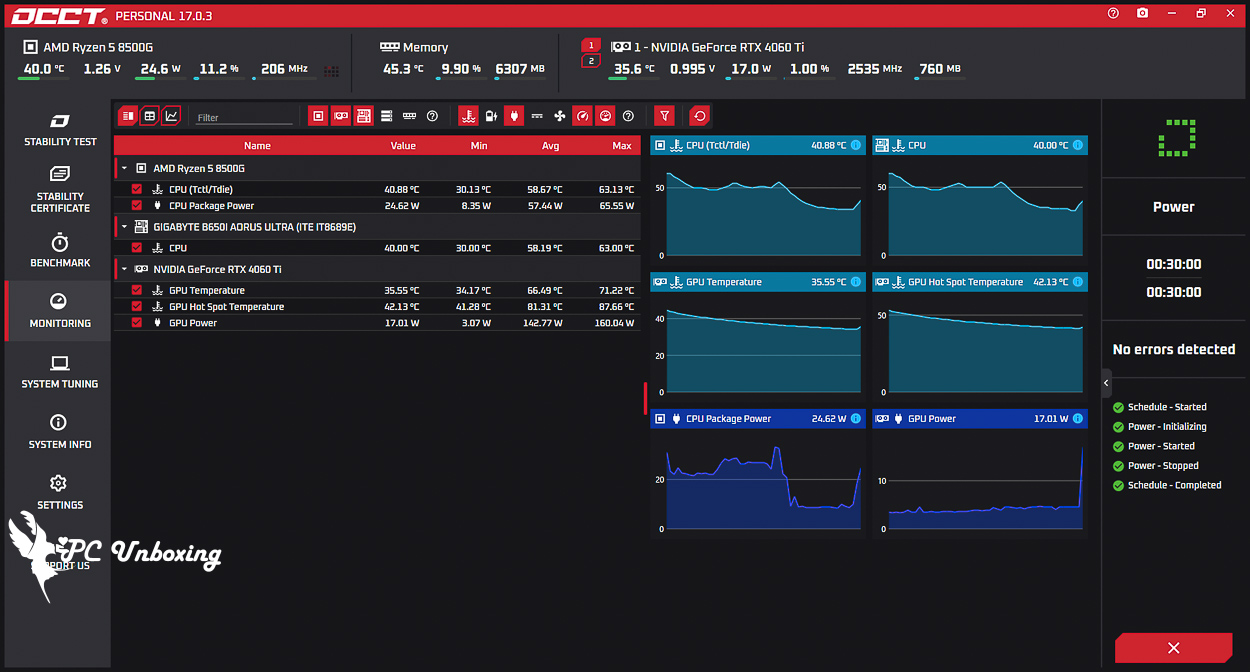
△ Screenshot from the dual-stress test: The CPU reached a maximum temperature of 63 °C; the CPU (Tctl/Tdie) package reached a maximum temperature of 63.1 °C, and the graphics card reached a maximum temperature of 71.2 °C.
Is the LIAN LI B4-mATX Wood Worth Buying? A Summary of Buying Tips
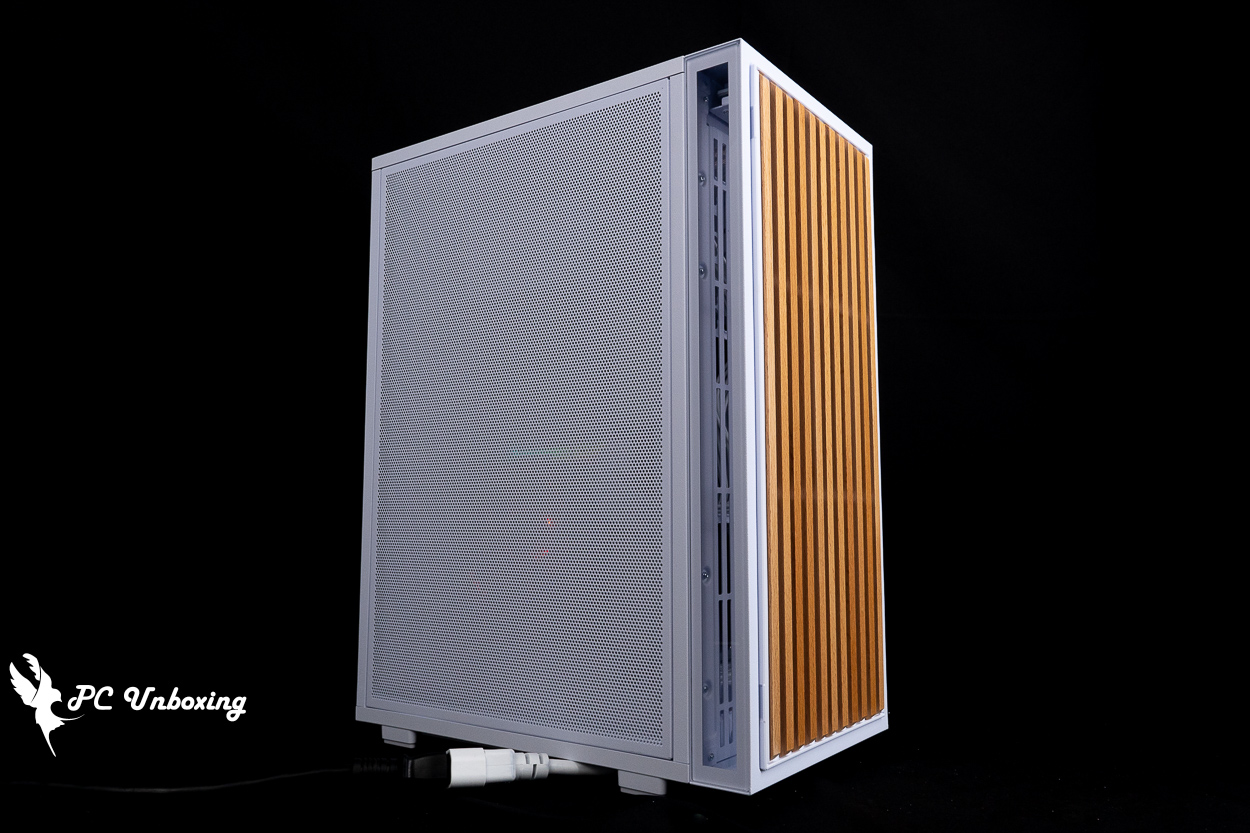
This update to the LIAN LI B4-mATX Wood case is an improvement over the previous generation A3-mATX The case does indeed feature some improvements. It natively supports switching to vertical mode, allowing it to cater to users with varying space requirements. The rotatable AC power extension outlet, the optional Vertical AeroDeck accessory, and various modular design details are all clearly tailored to accommodate vertical mode.
When putting together a build list, considering that this case has so many fan mounting locations available, whether you use an ITX or M-ATX motherboard doesn’t really make a difference. That said, I’d recommend going with an M-ATX motherboard, as it offers a wider selection of models and more fan headers.
As for the power supply, we recommend pairing it with the new Lian Li SP Platinum series, which saves internal space, and the external AC switch works perfectly with this case.

Yun
Drinks with less than full sugar are colored water. Crossing Turbid Creek, full sugar is not a crime!
Related articles

LIAN LI O11 VISION Chassis, Galahad II LCD 360 All-in-One Watercooling Unboxing Review
MONTECH TG3 Case Unboxing and Review | Supports ATX Rear-Mount Design, Tested with PureFlow ARGB 360 Liquid Cooling System
 繁體中文
繁體中文  English