
Unboxing the AGI Creative Allies Bundle
Unboxing the AGI Creative Allies Bundle
A while back, I saw the AGI community share information about their “AGI Creator Alliance Recruitment” campaign. As an unboxing content creator, I naturally signed up—mainly because I wanted to see what kind of support AGI would provide to creators. Their social media posts mentioned that there would be “a gift package of 2TB or more.”
So what’s inside, exactly? When I actually opened it, I found an AGI T-shirt, an AGI zippered pouch, an AI818 PCIe Gen4 x4 M.2 2280 solid-state drive (1 TB), and a small keychain. For some reason, the storage capacity of the gift pack I received was different from what was listed in the community event.
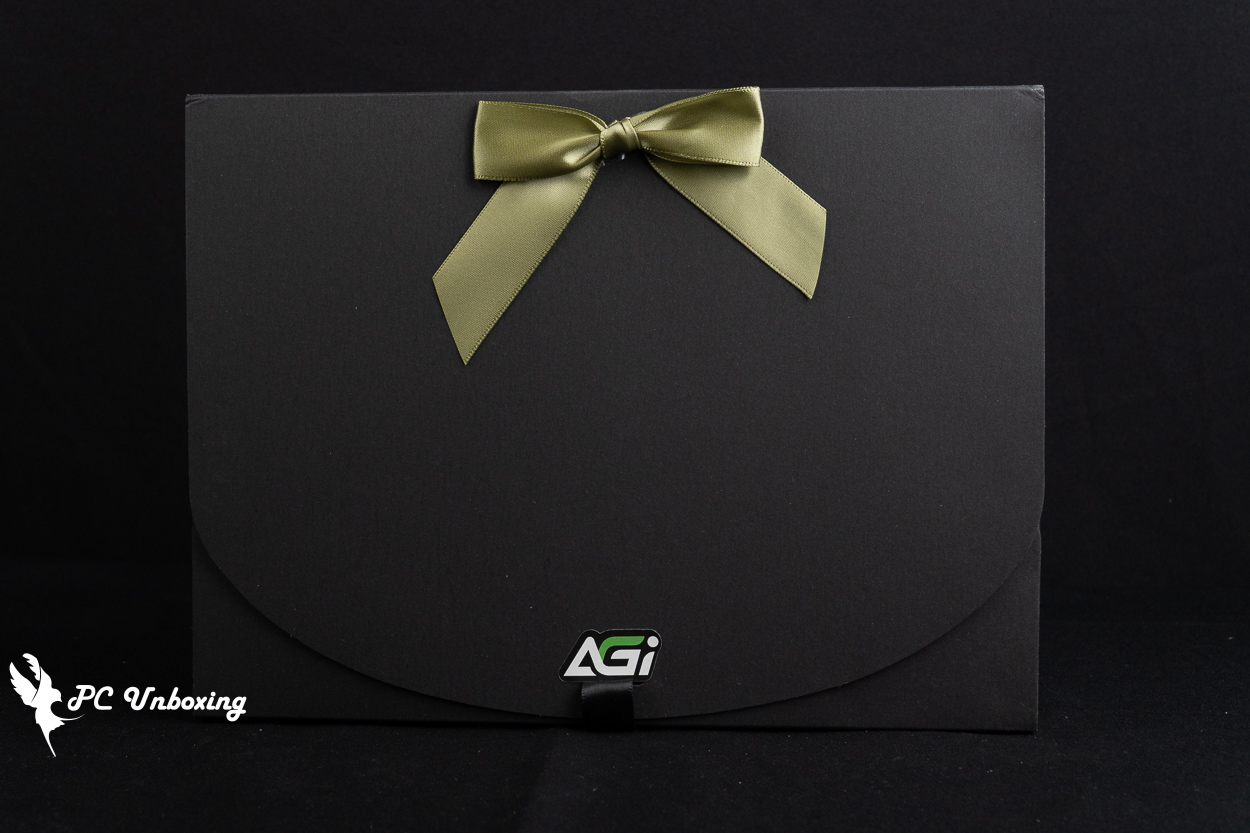
△ AGI Creative Allies Gift Pack.
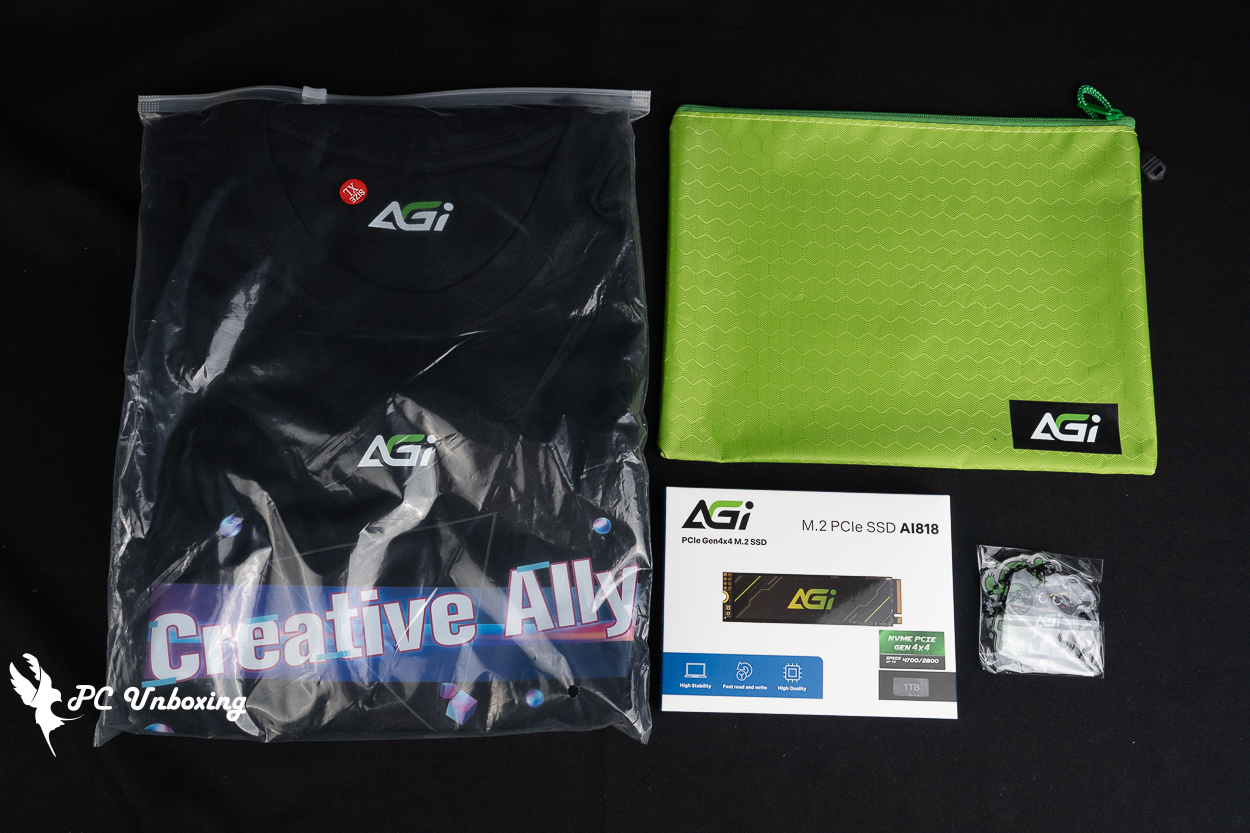
△ List of contents.
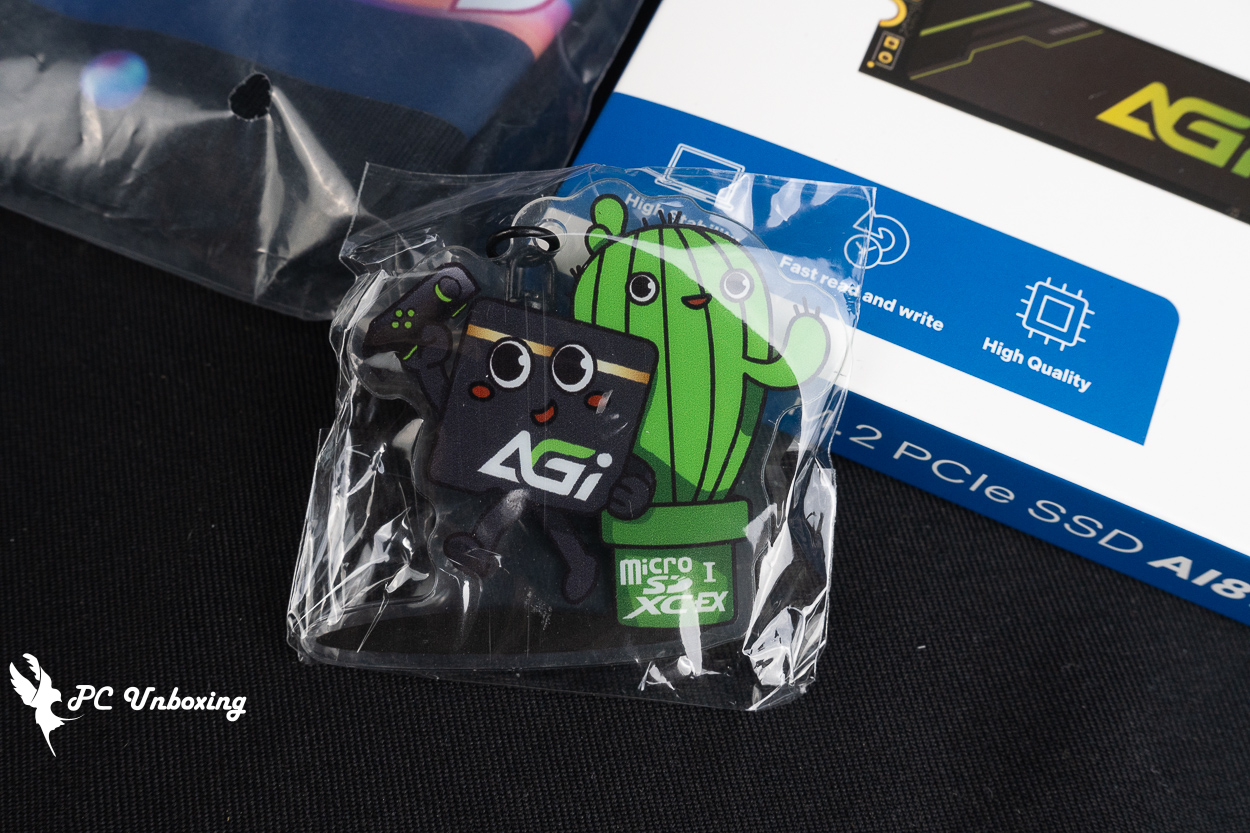
△ Keychain.
I originally planned to use this 2TB M.2 SSD bundle to expand my laptop’s storage, but the laptop I ended up buying on a whim only has one M.2 SSD slot, so I might end up putting this 1 TB SSD into an external hard drive enclosure and using it as an external drive with my laptop when I’m on the go.
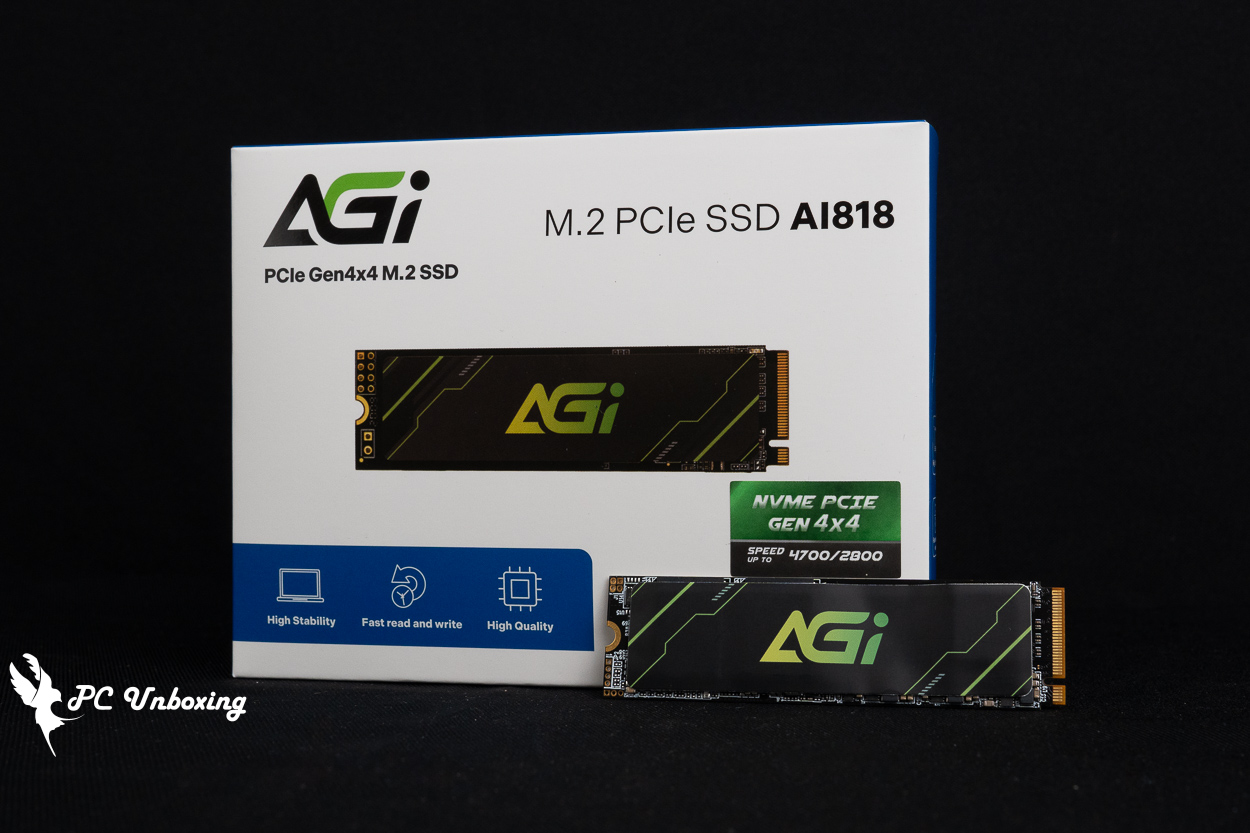
The model I actually received was the AI818 PCIe Gen4 x4 M.2 2280 solid-state drive with a 1 TB capacity. The official website lists its maximum sequential read and write speeds as 5200 / 4700 MB/s.
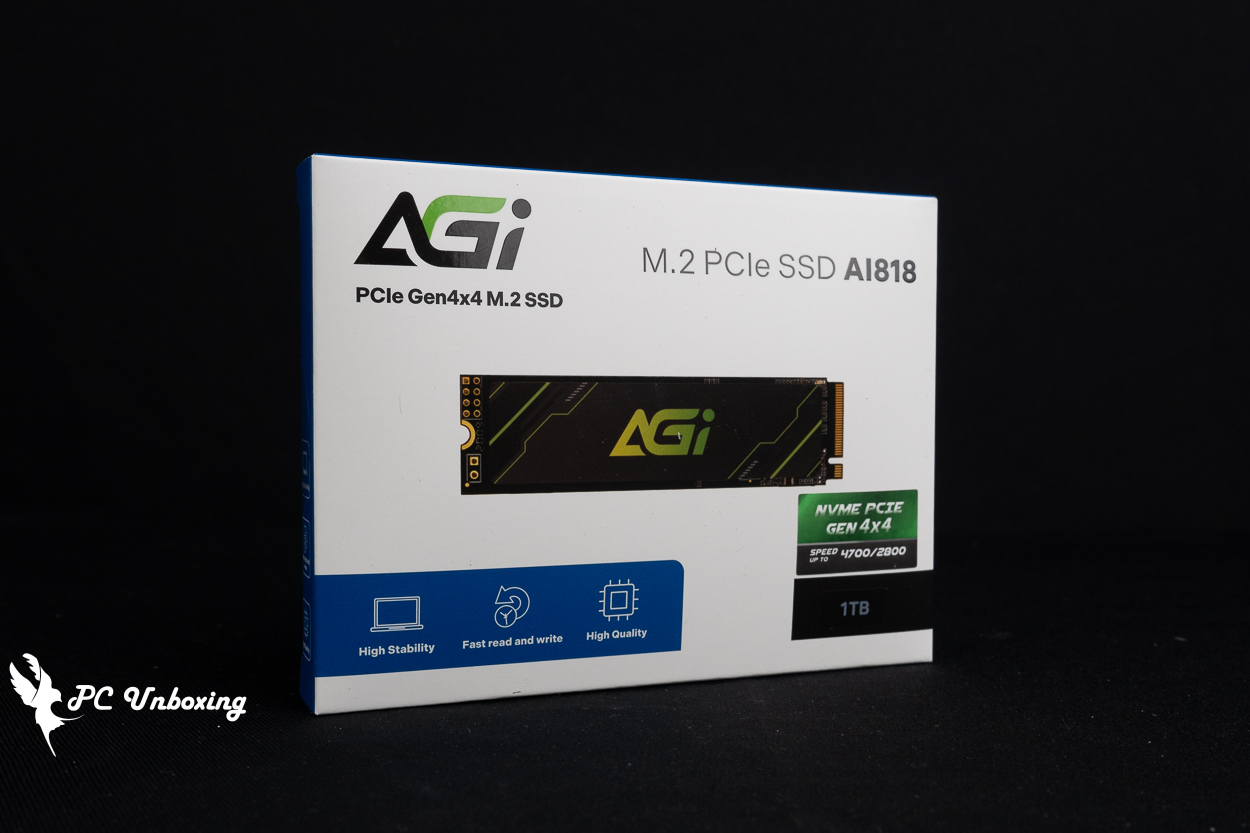
△ AGI AI818 PCIe Gen4 x4 M.2 2280 Solid-State Drive, 1 TB.
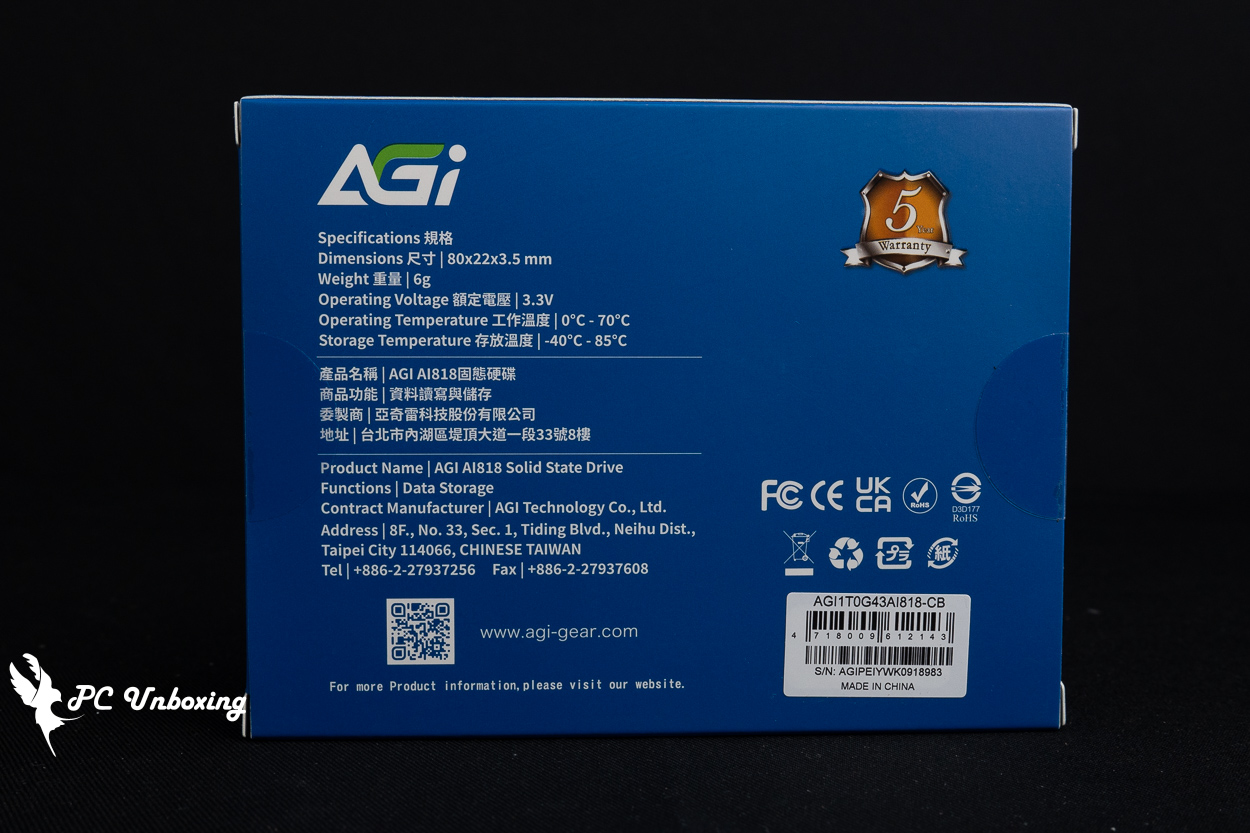
△ Comes with a five-year warranty.
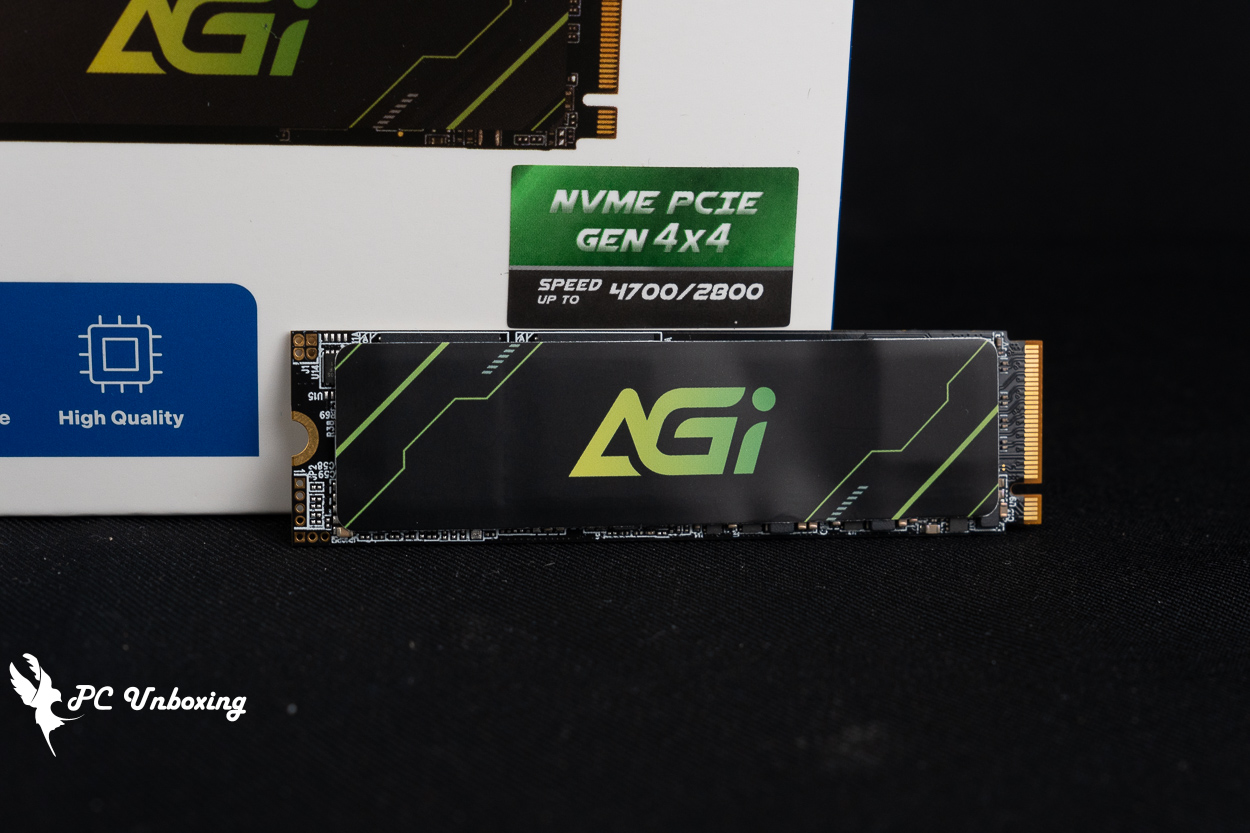
△ Ultra-thin graphene heat sinks are attached to the main control chip and memory chips.
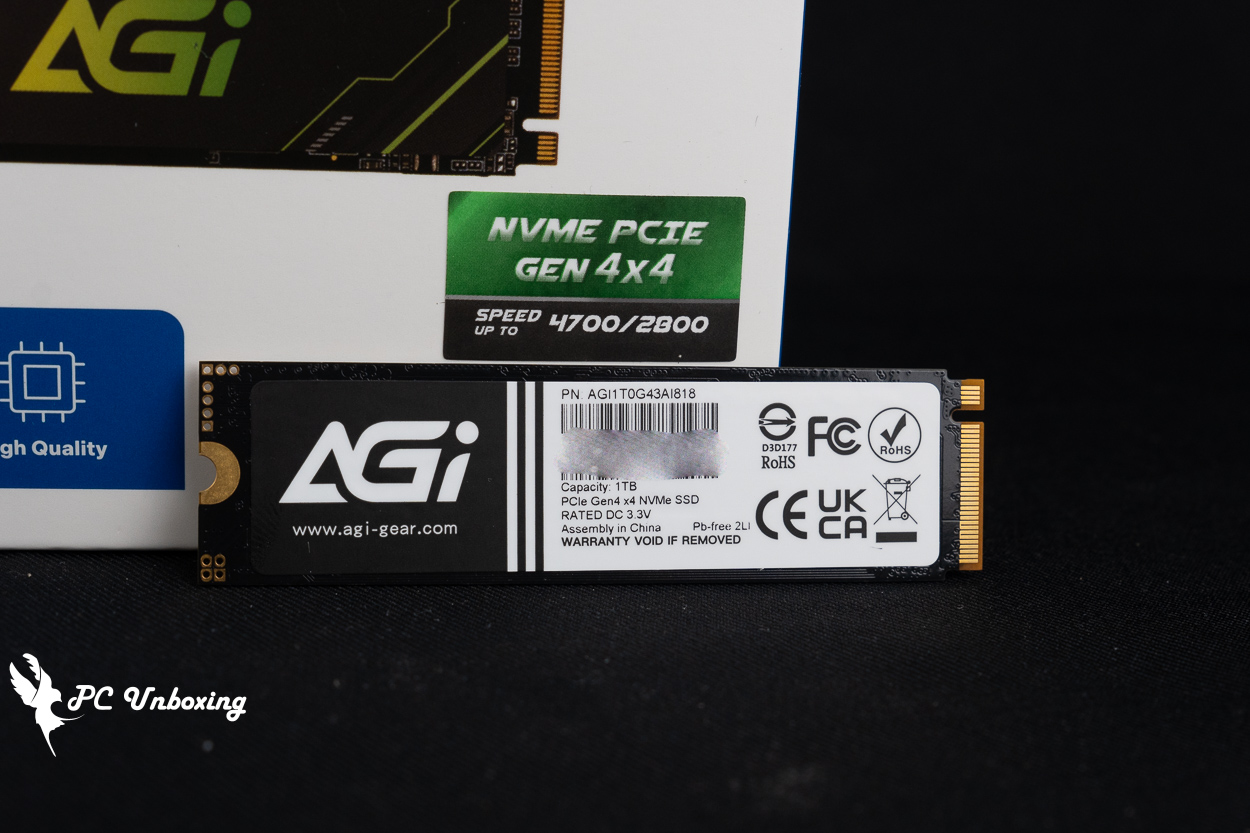
△ On the back is a black-and-white specification sticker.
AI818 PCIe Gen4 x4 M.2 2280 Solid-State Drive (1 TB) Real-World Performance Test
Testing Platform
Processor:AMD Ryzen 9 9950X3D
Motherboard:ASRock X870E Taichi OCF
Cooler: LIAN LI GA II Trinity SL-INF 360 (full speed)
Thermal paste: Cooler Master MASTERGEL MAKER 40g (thermal conductivity 11W/mK)
Water cooling fan: 3x XPG VENTO PRO 120 PWM (full speed)
Graphics: NVIDIA GeForce RTX 4060 Ti Founders Edition 8GB
Operating System: Windows 11 Professional 24H2
Test Drive: AI818 PCIe Gen 4 x4 M.2 2280 Solid-State Drive (formatted and empty)
Case: STREACOM BC1 Benchtable V2
First of all, through CrystalDiskInfo Using software to view the basic information of the M.2 SSD, which utilizes the PCIe 4.0 x4 interface and the NVM Express 1.4 standard. Supported features include S.M.A.R.T. (Self-Monitoring, Analysis, and Reporting Technology) , TRIM, and VolatileWriteCache. The firmware version tested by the author is YF100C68.
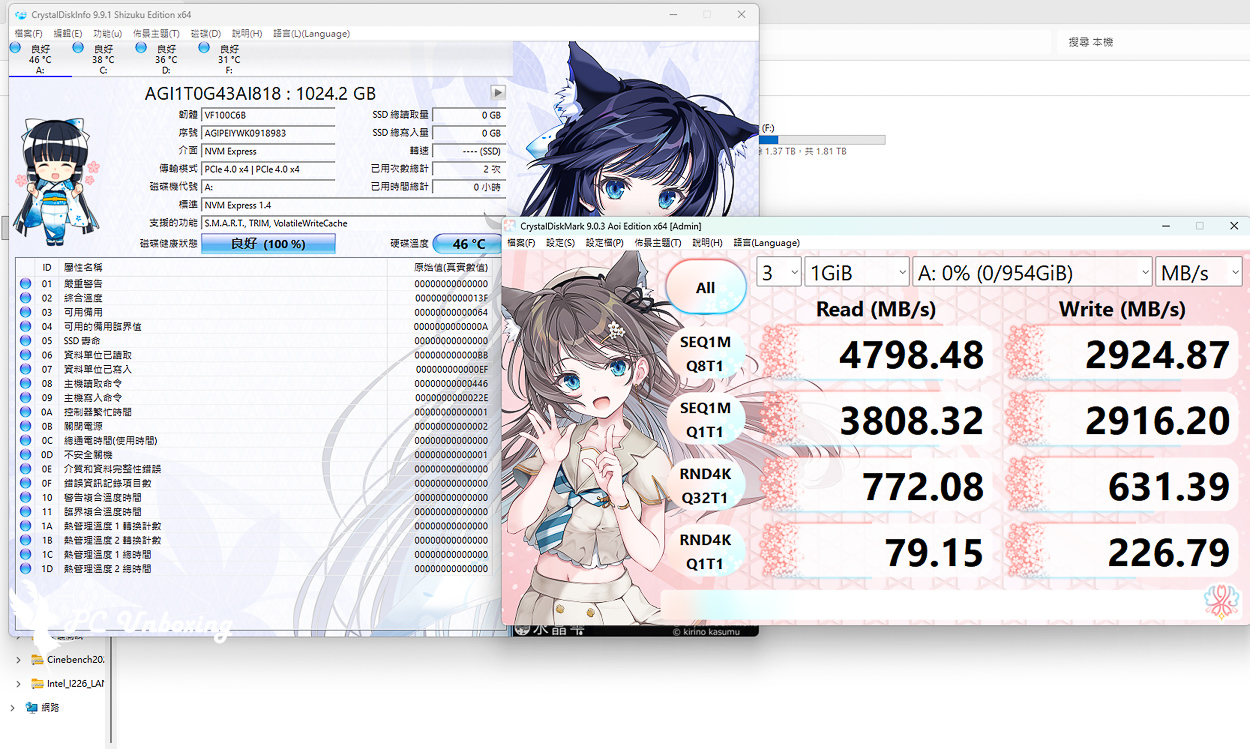
△ CrystalDiskMark Settings: NVMe SSD / Profile: Default; Sequential Read/Write and Random Read/Write Test Results
以 PCMARK 10 To test hard drive storage performance, the Full System Drive Benchmark uses a range of everyday applications and software, including Windows 10, the Adobe family of software, game launchers, Microsoft clerical software, and related apps to test hard drive performance in real-world usage scenarios.
Data Drive Benchmark (Data Drive Benchmark), the main test object for data disks used for storing documents, and can also be used to test NAS, UFD and memory cards and other related types of storage devices, in this test, 339 JPEG files (a total of 2.37 GB) will be copied to the SSD, and then make copies of these JPEG files to complete the entire three-step write-read-write-read test. In this test, 339 JPEG files (totaling 2.37 GB) will be copied to the SSD, and then copies of these JPEG files will be made, and ultimately 2.37 GB of JPEG files will be copied to another hard drive, completing the entire write-read-write-read three-step test.
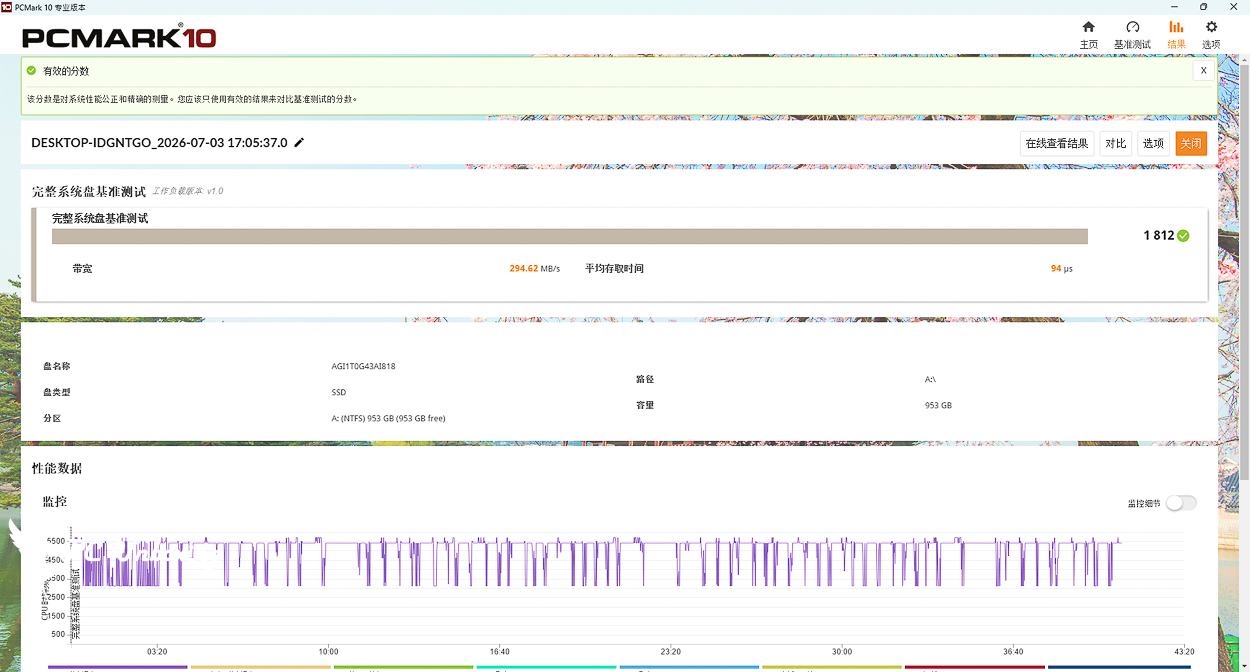
△ PCMARK 10 Full System Drive Benchmark.
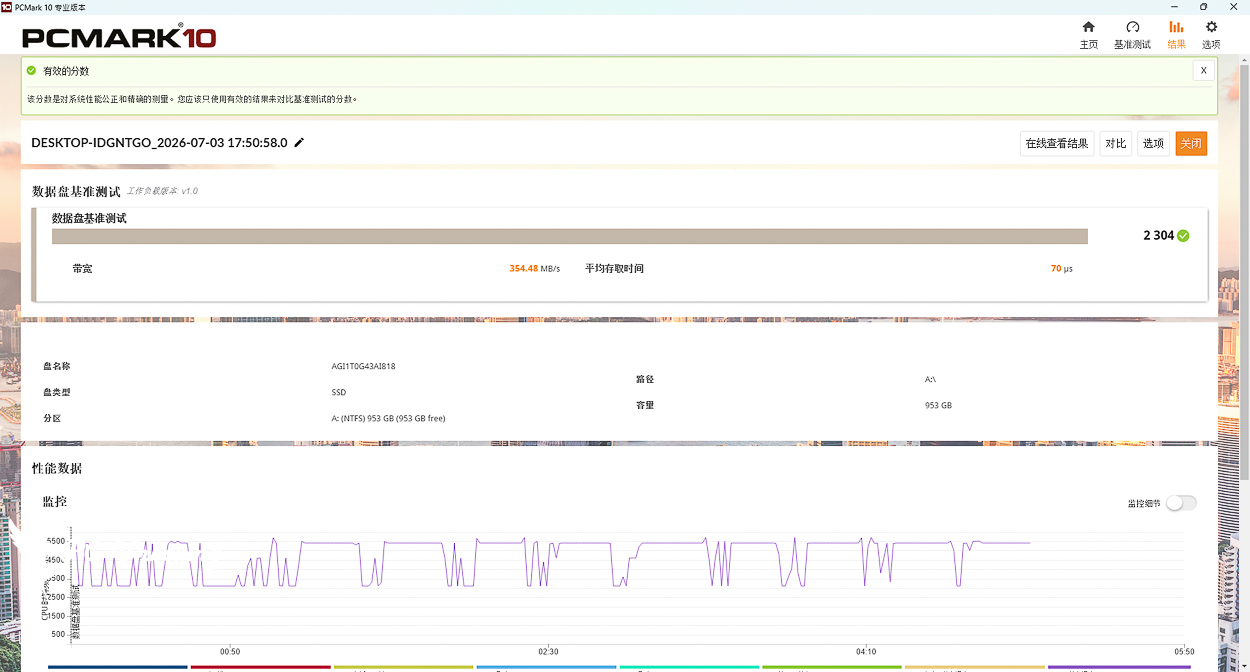
△ PCMARK 10 Data Drive Benchmark.

Yun
Drinks with less than full sugar are colored water. Crossing Turbid Creek, full sugar is not a crime!


 繁體中文
繁體中文  English