
MONTECH TEN Case Unboxing and Review | 10th Anniversary Edition M-ATX Modular Case, Cooler Installation and Performance Testing in M1 Mode
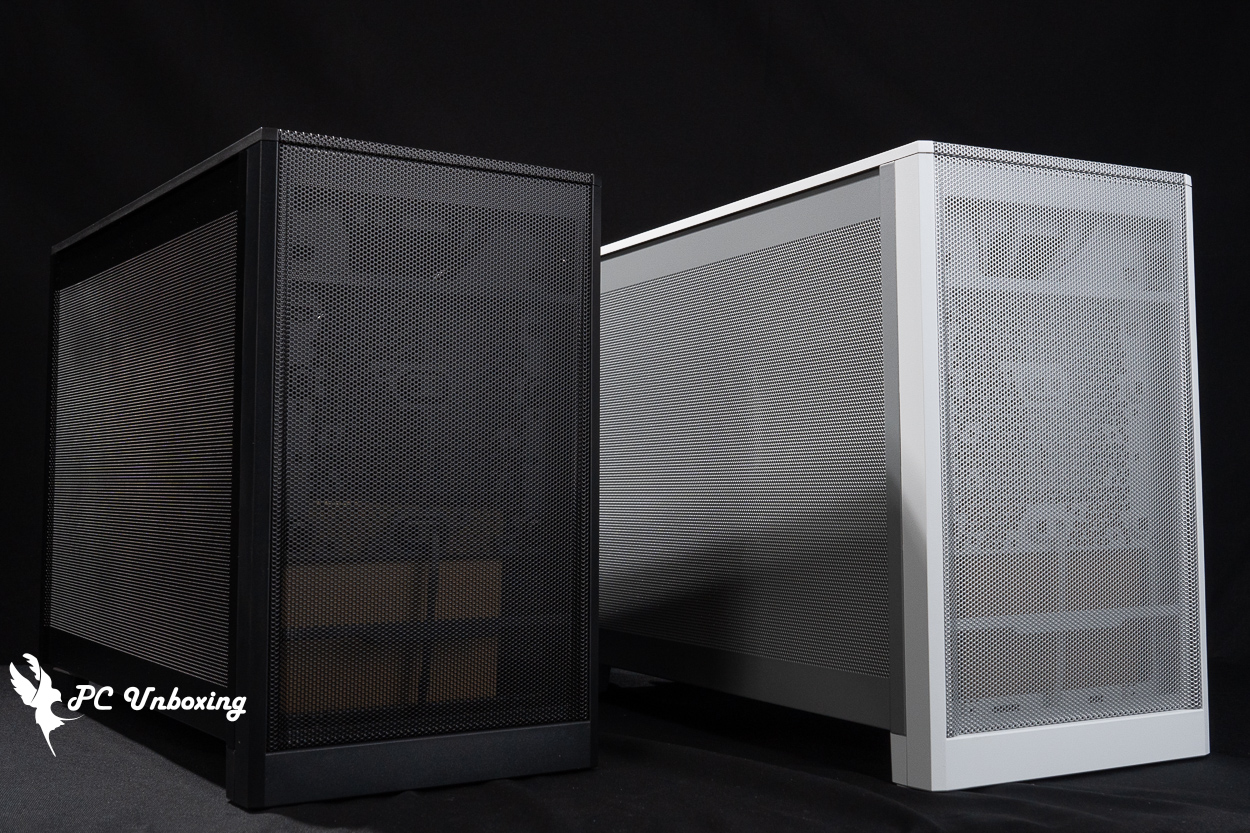
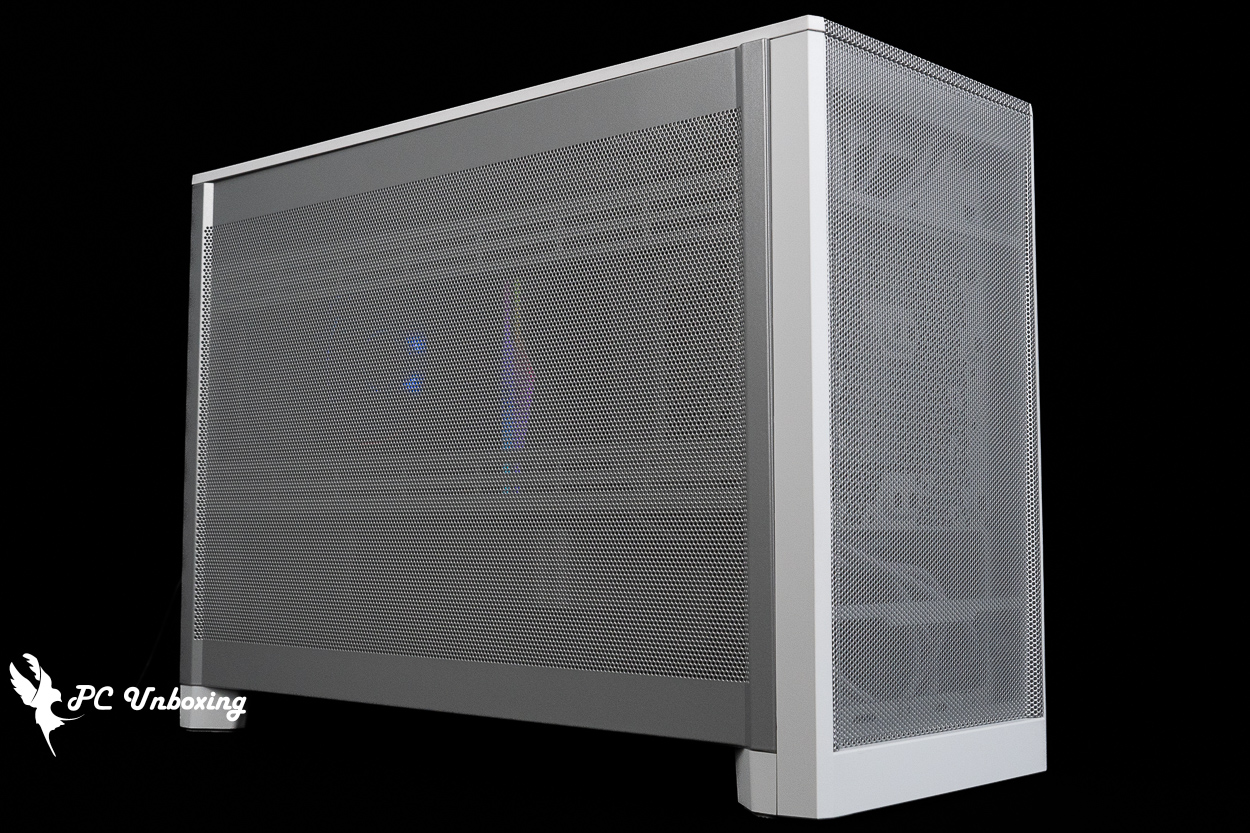
Monarch Technology’s 10th-anniversary edition case, the MONTECH TEN, features all-around mesh panels to enhance cooling performance. Its modular design offers three installation modes and nine power supply mounting positions, bringing another affordable, compact case to the M-ATX market. In this unboxing, we’ll walk you through the setup using the factory-default M1 mode.
MONTECH TEN Chassis Specifications:
Case dimensions: 456 (L) x 196 (W) x 327 (H) mm
Available colors: black, silver
Case Material: Steel, Plastic
Supported motherboard form factors: Micro-ATX, ITX
Maximum CPU air-cooling height: 156 mm
Maximum graphics card length supported: 425 mm (horizontal), 410 mm (vertical)
Power supply unit length support: ATX / SFX-L / SFX (front / motherboard bracket) 250 mm
Fan Mounting Locations (Top + Side + Bottom + Rear): 140 mm: 2+2+2+0; 120 mm: 3+3+2+0; 92 mm: 0+0+0+1
Pre-installed case fans: One 92 mm PWM fan without LED lighting at the rear
Radiator Support: Top 360 / 280 mm, Side 360 / 280 mm, Bottom 360 / 280 mm
Chassis I/O Ports: 2x USB-A 5 Gbps, USB Type-C 20 Gbps, TRRS combo headphone/microphone jack
Maximum hard drive bays: two 2.5-inch bays, or two 2.5-inch or 3.5-inch hybrid bays
MONTECH TEN Case Unboxing | A Look at the 10th Anniversary Edition M-ATX Modular Design
MONTECH celebrated its 10th anniversary ahead of this year’s Taipei International Computer Show and, prior to the event, won the Product Design award at the 2026 Red Dot Design Award in Germany. The award-winning case is today’s star, the “TEN.” At the computer show, this case was displayed in black and silver (white) color options, as well as three versions: the Standard Edition, the Aura Edition (with an embedded light strip at the bottom), and the Wood Edition (featuring a small wooden block at the top where essential oils can be dripped). However, it currently appears that only the most basic Standard Edition will be sold in Taiwan—which is the two units I’m unboxing in this review.
Ten’s modular, adjustable system layout offers 9 PSU positions and 3 motherboard configurations (M1 direct-mount mode, M2 inverted motherboard mode, and i3 back-to-back mode [i3 mode is limited to ITX motherboards and SFX-L power supply installation]) , allowing for flexible adjustments based on different component requirements.
Primarily, this case is aimed at the compact Micro-ATX (M-ATX) market and is designed to deliver optimal cooling performance through its fully mesh front panel. In my opinion, it’s ideal for people living in rented apartments or dorms—those with limited space for their computers who don’t want a case that’s too flashy.
This case measures 456 (L) x 196 (W) x 327 (H) mm. Including protrusions such as the feet, the case’s total volume is 29.3 L.
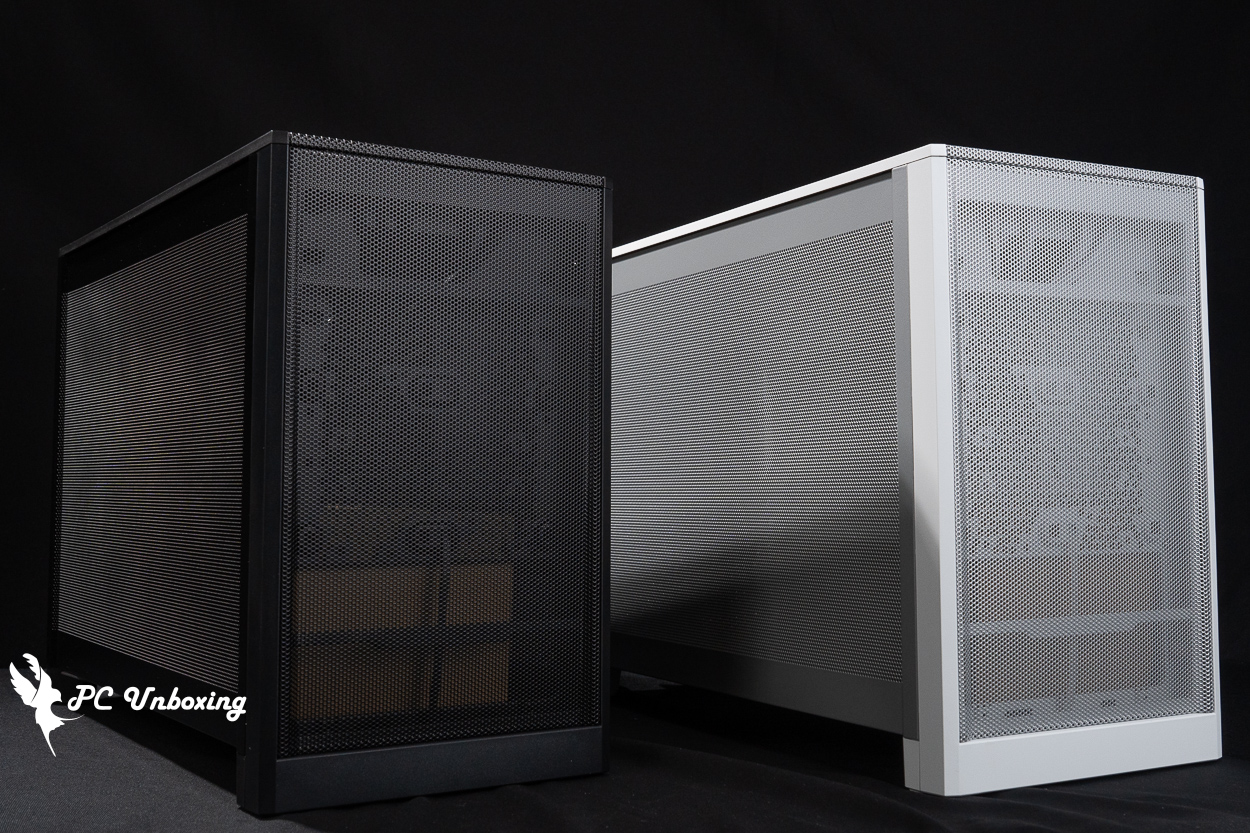
△ In Taiwan, only the standard version—which does not include LED strips or a wooden panel—is available, in both black and silver.
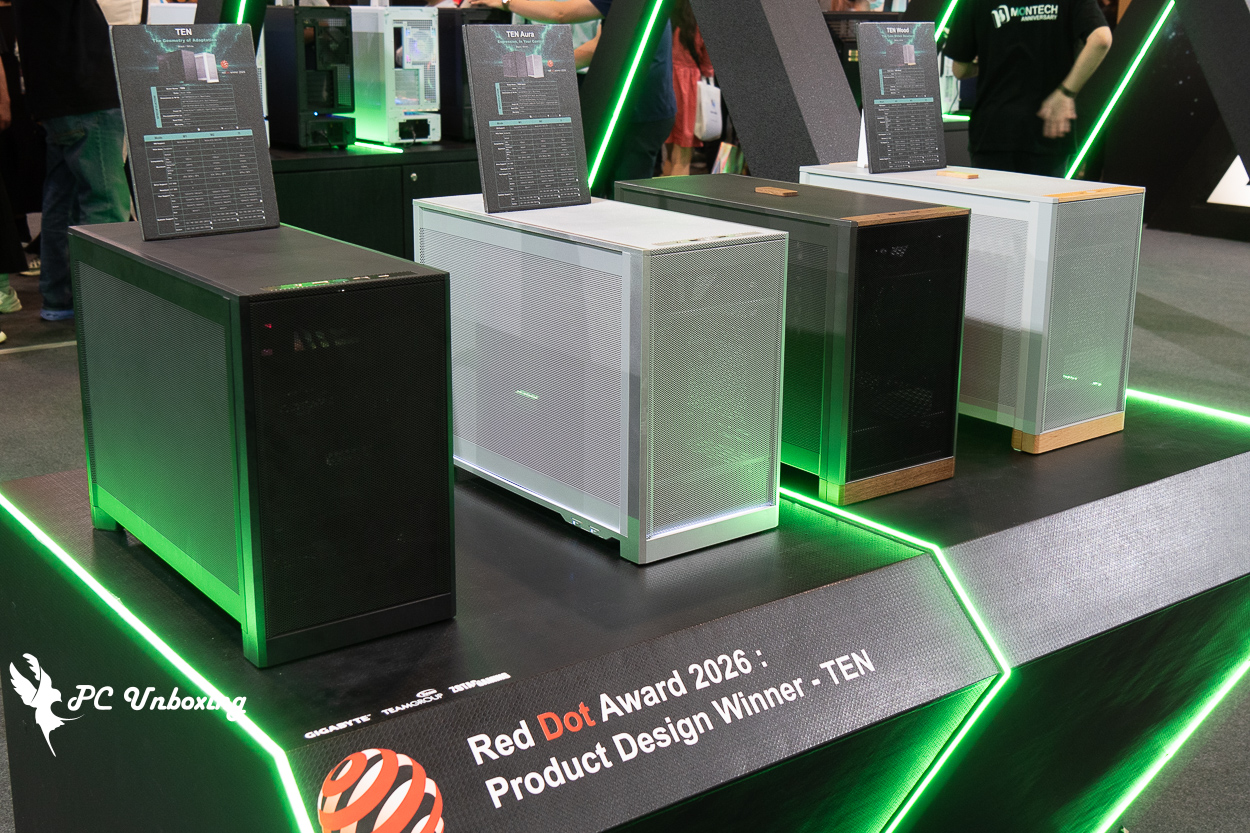
△ Various other versions of Ten are available, but these two—the Aura version (with a light strip embedded at the bottom) and the Wood version (with a small wooden block at the top where you can add essential oils)—are not sold in Taiwan.
Players can adjust the TEN’s installation mode based on the hardware they want to pair it with. The case comes pre-configured in M1 mode by default. If you want to switch to M2 or I3 mode, you can follow the instructions in the manual or the official video to make the changes.
The M1 configuration offers better expandability, supporting M-ATX motherboards, air-cooled tower coolers up to 156 mm in height, and graphics cards ranging from 425 mm (horizontal) to 410 mm (vertical). The power supply also features nine adjustable mounting positions, but all-in-one liquid cooling systems can only be installed on the side fan bracket. Installing one may pose a slight challenge in terms of space for routing the cooling tubes, so we recommend using air cooling instead.
In M2 mode, the entire case is flipped upside down. Overall expandability is similar to that of M1 mode, but the maximum length for horizontally mounted graphics cards is limited to 410 mm, just as it is in the vertical mounting mode. Although this mode supports top-mounted liquid cooling, it requires the graphics card to be installed vertically; if you want to install the graphics card horizontally at the top, top-mounted liquid cooling is not supported.
The I3 configuration is limited to ITX motherboards and SFX/SFX-L power supplies, freeing up the space above the power supply and motherboard for either a liquid cooling system or a top-mounted graphics card—but the maximum height supported for air cooling is only 52 mm. so I would recommend using this configuration with a top-mounted liquid cooling system and installing the graphics card in a back-to-back, vertical orientation behind the motherboard.
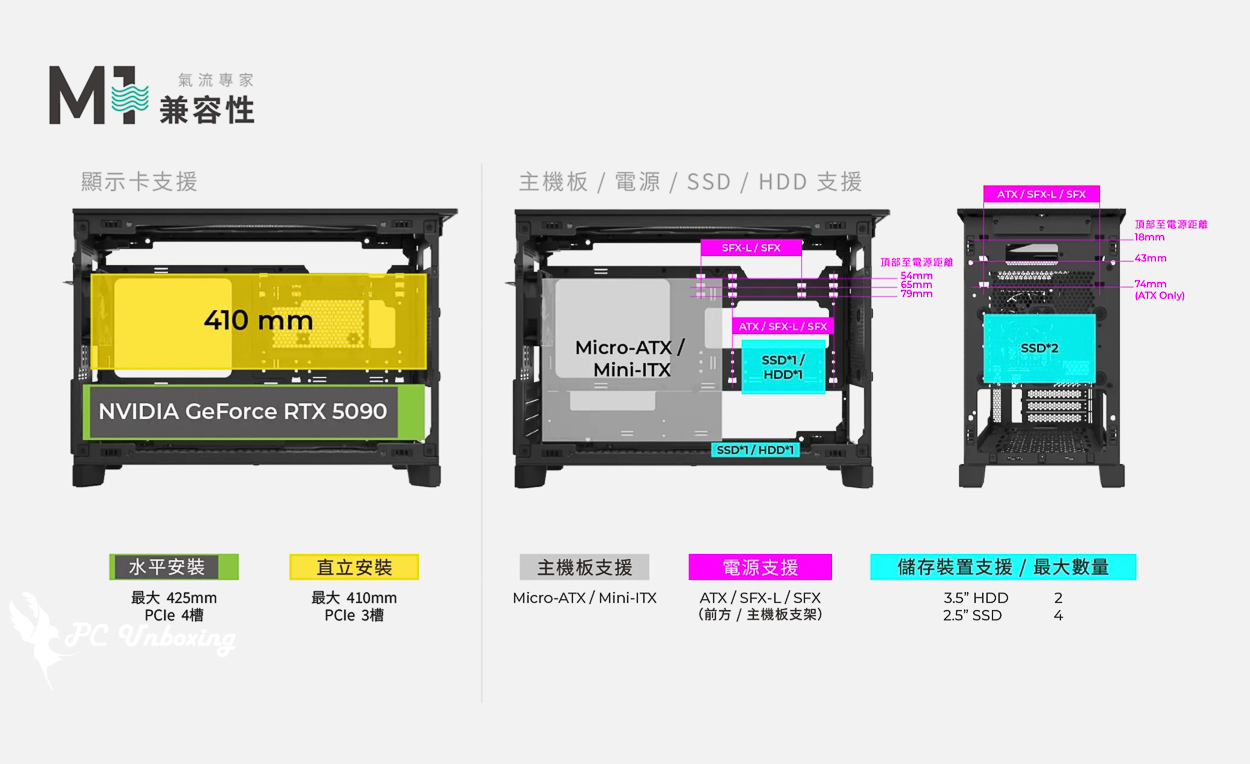
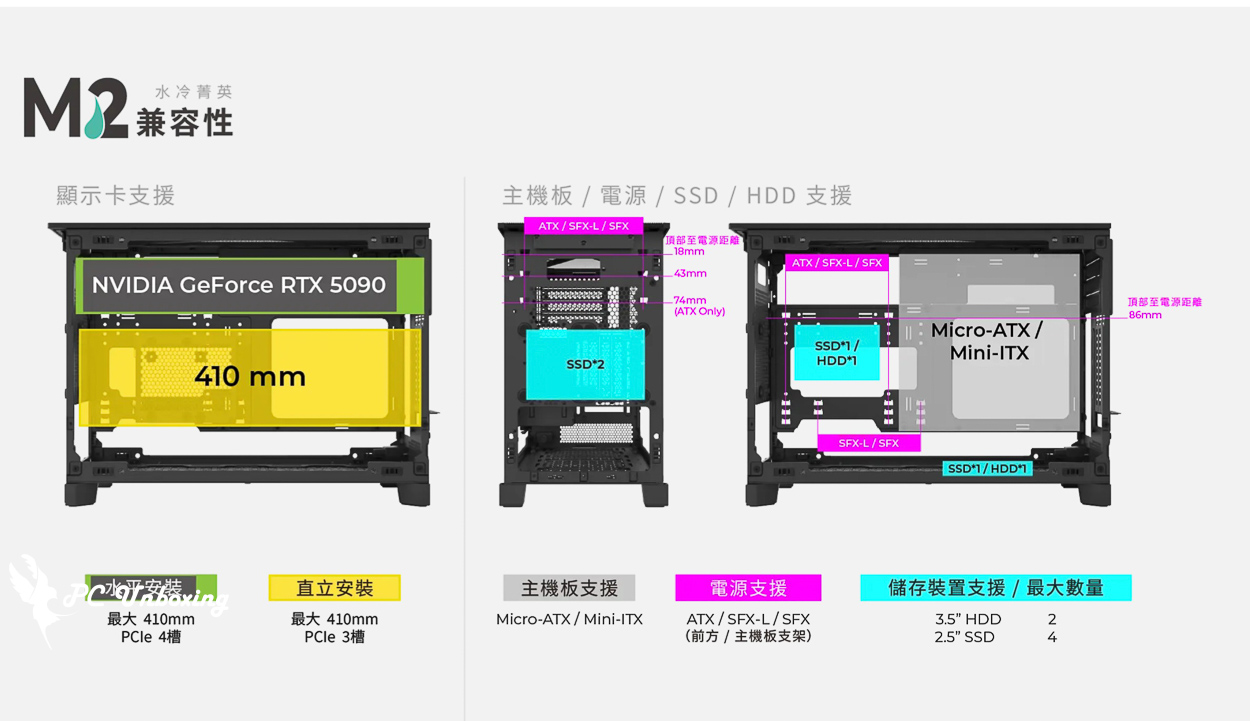
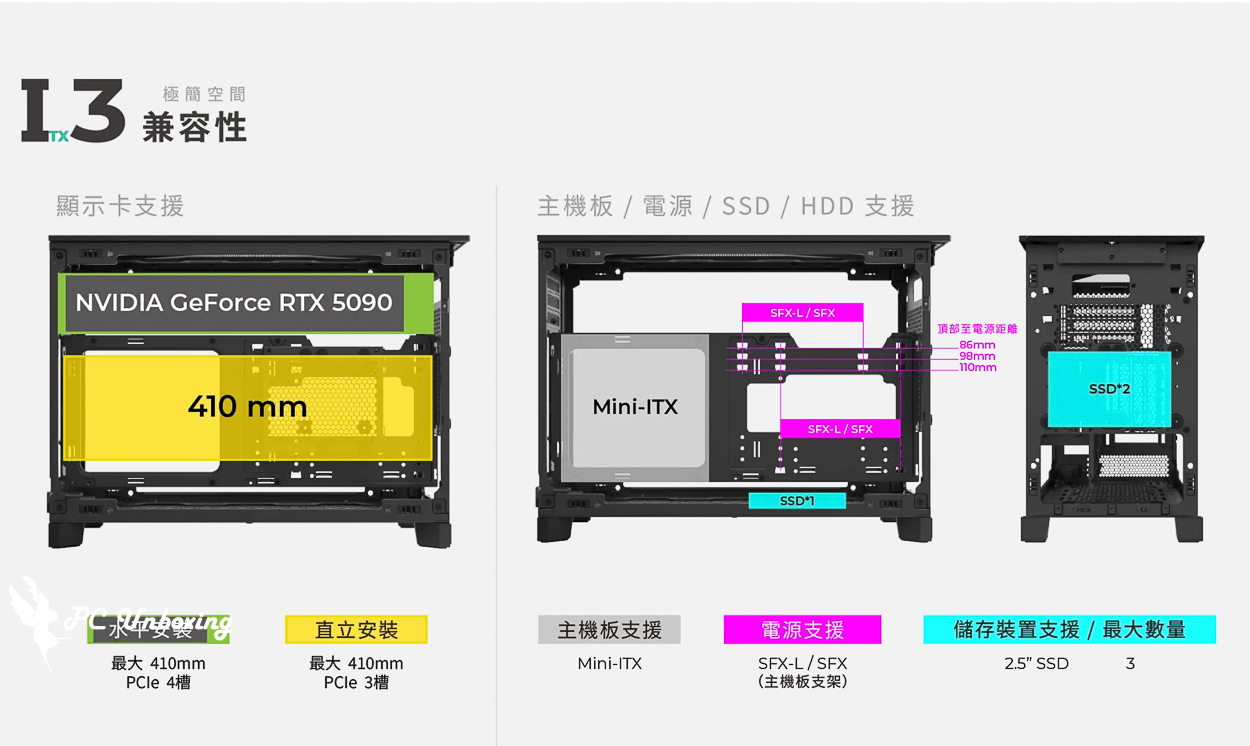
△ TEN can be configured in three different installation modes to meet various needs.
△ The official channel has instructional videos you can watch—check them out on the channel.
The black model is priced at 1,690 yuan; the silver model is 100 yuan more expensive, but considering its modular versatility, this price is actually quite reasonable.
The front panel of the case features a full-surface mesh design, but this case does not have a fan installed at the front. At most, it can be used to mount a 2.5-inch hard drive or, in M.2 mode, to install a front-mounted power supply to allow air to flow into the power supply unit; most of the time, it serves only for passive airflow. and therefore does not include a dust filter.
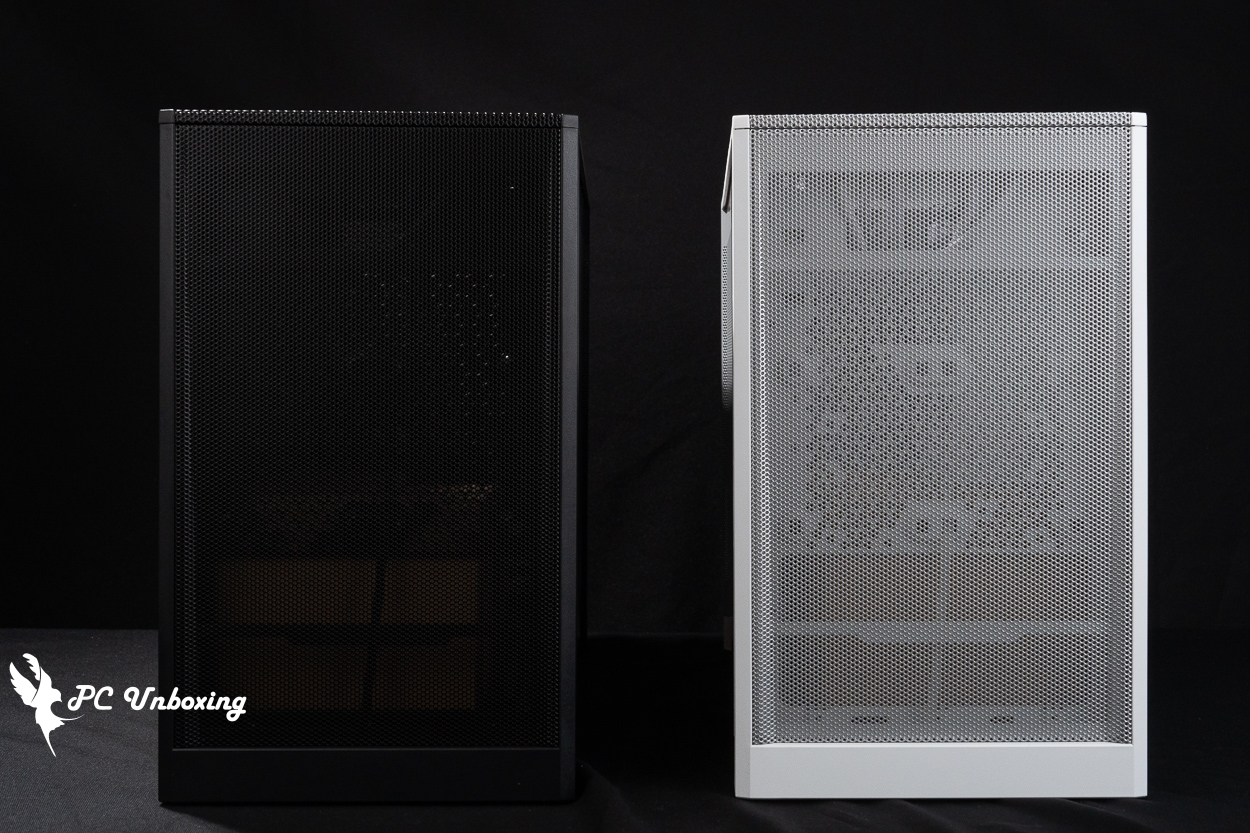
△ The front panel features a full-surface mesh design, but fans cannot be installed in this orientation to enhance active air intake or cooling performance.
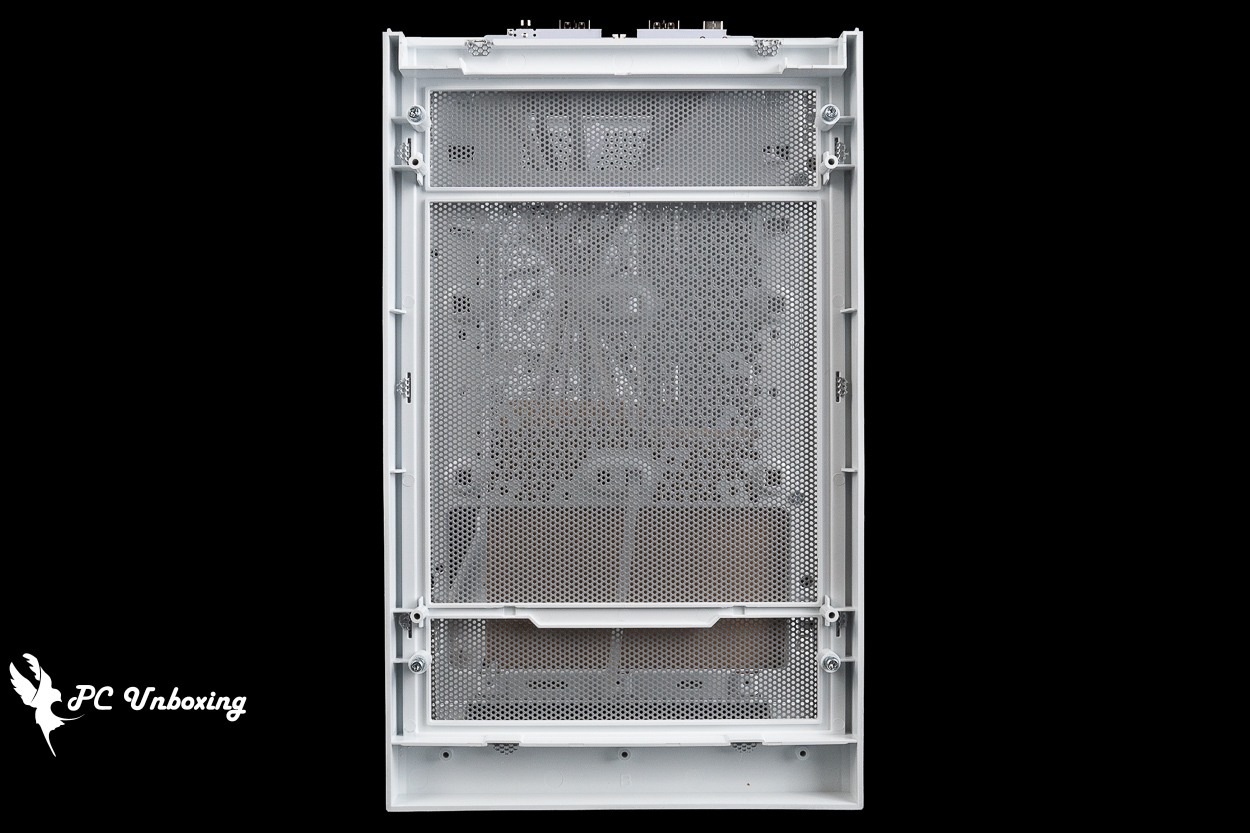
△ There is no dust filter at the bottom of the front panel, but that’s not a big deal in this location.
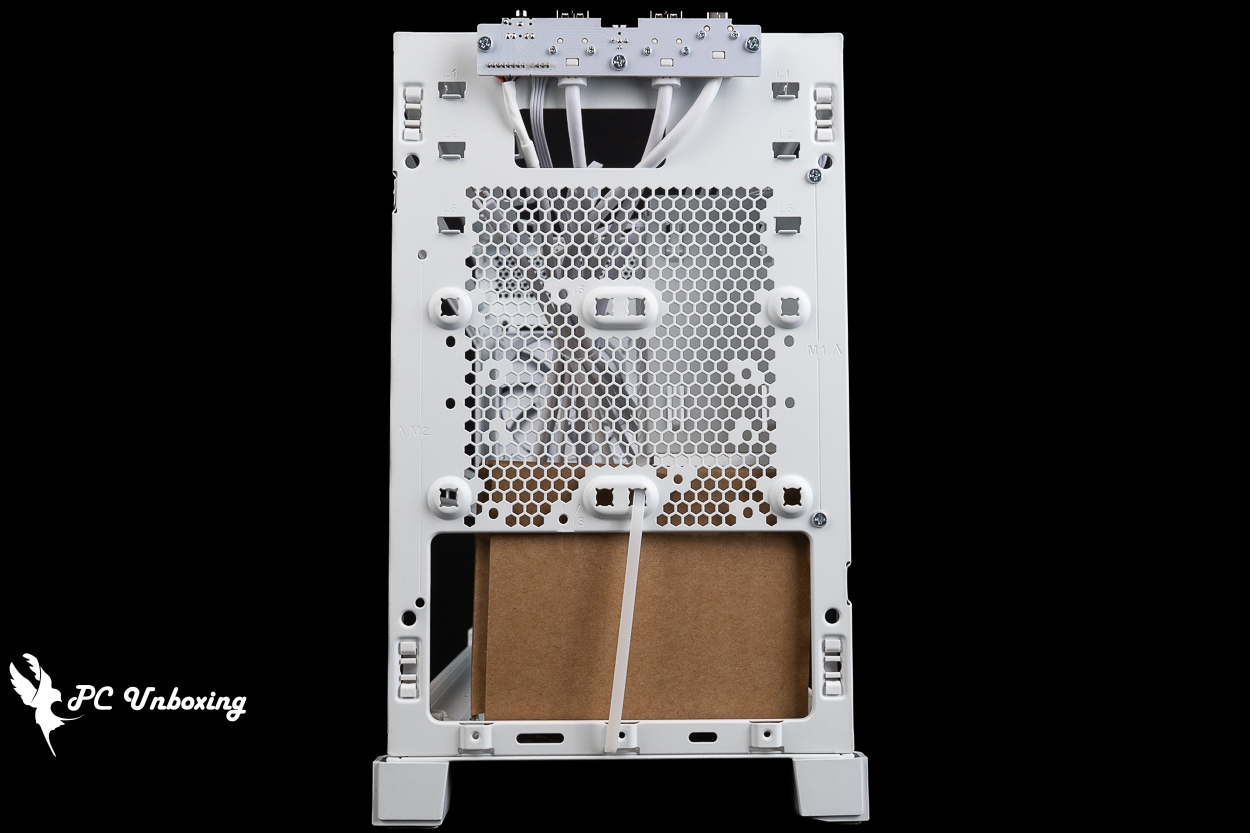
△ The front panel is primarily designed to accommodate two 2.5-inch hard drives or, in M.2 mode, three power supply mounting positions.
The side panels are also fully mesh. Currently, the TEN does not come in a version with glass side panels; using glass side panels would compromise the case’s side ventilation, which may have been a trade-off made after considering practicality.
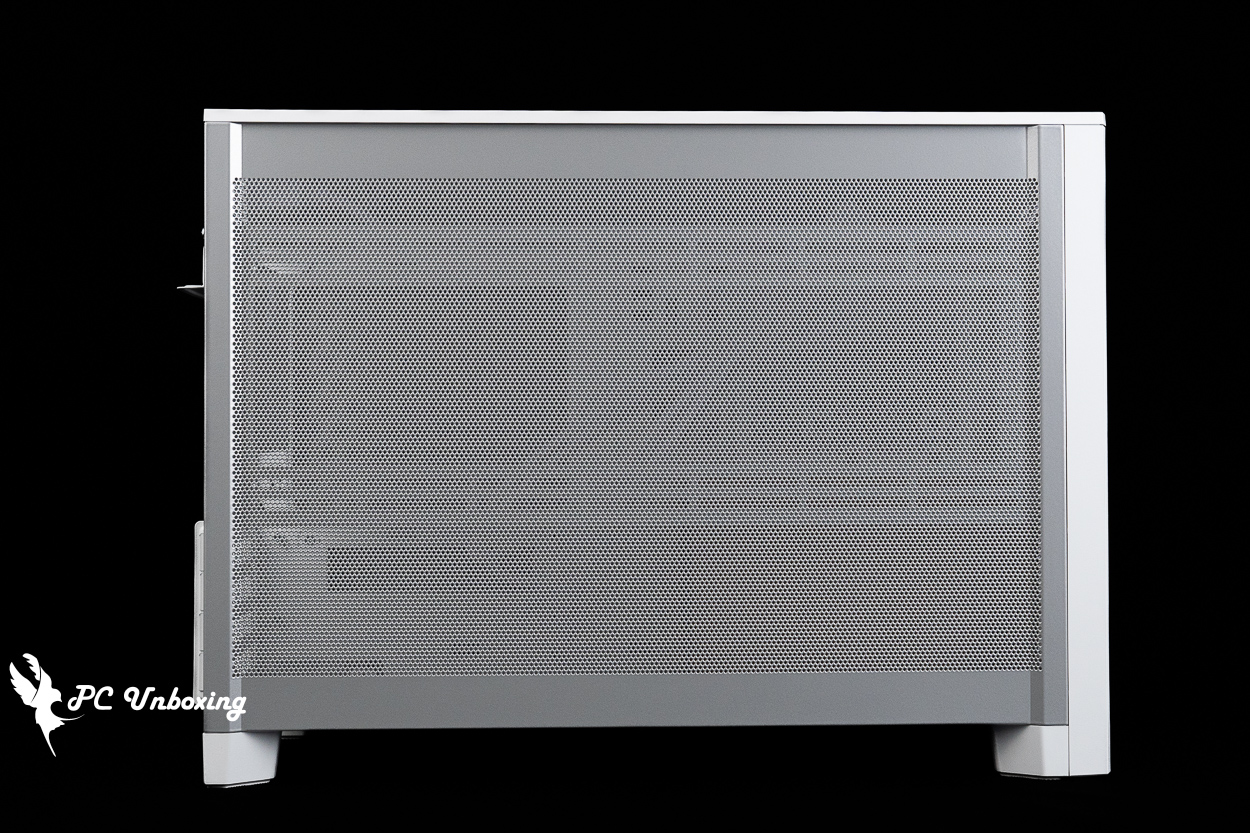
△ Perforated side panels that can be used with side brackets for heat dissipation.
△ All directional panels are secured with tongue-and-groove joints; no additional screws are used.
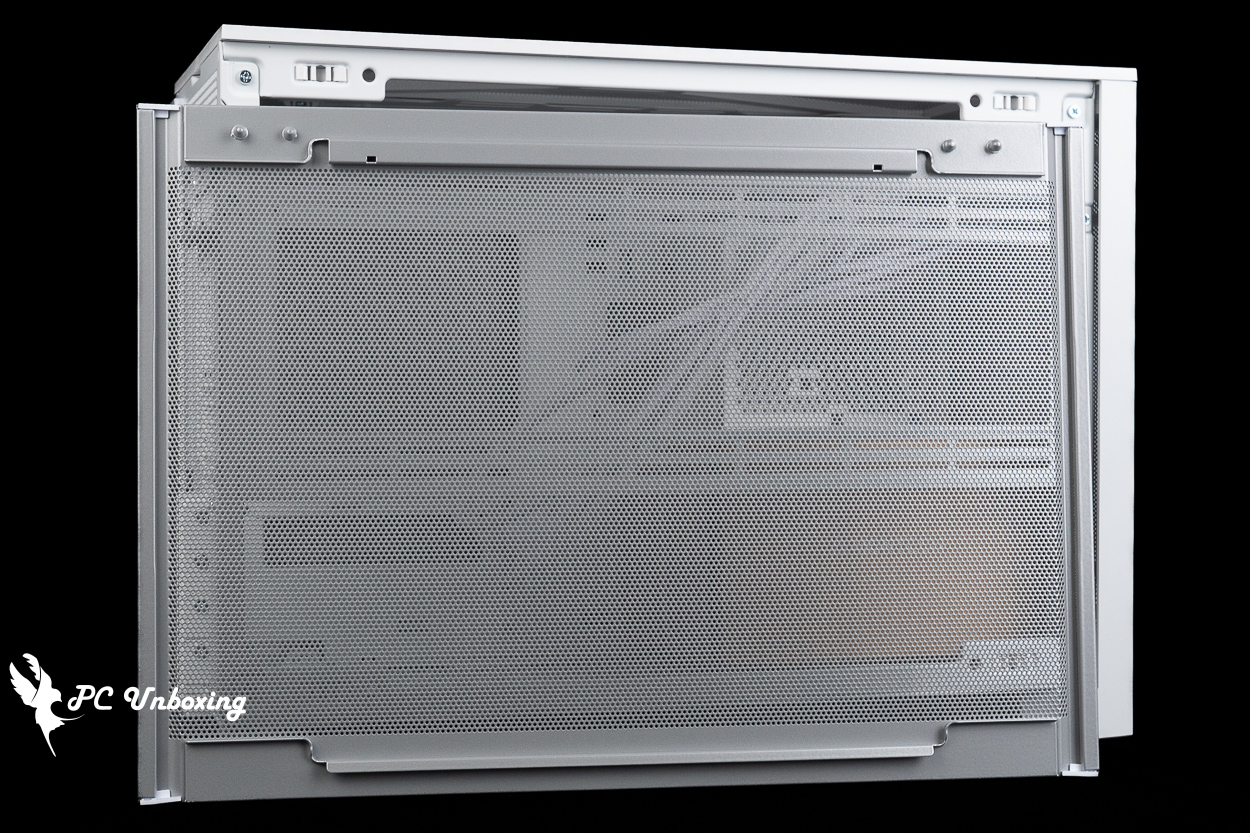
△ There is no additional dust filter under the side panel, which is a bit of a shame. If needed, you may have to install one yourself, but be sure to check whether the side fans will produce any wind noise after installation.
The bottom of the case features a magnetic dust filter—the only section of the case equipped with one—and the base is designed with sufficient clearance to allow air intake through the bottom fan.
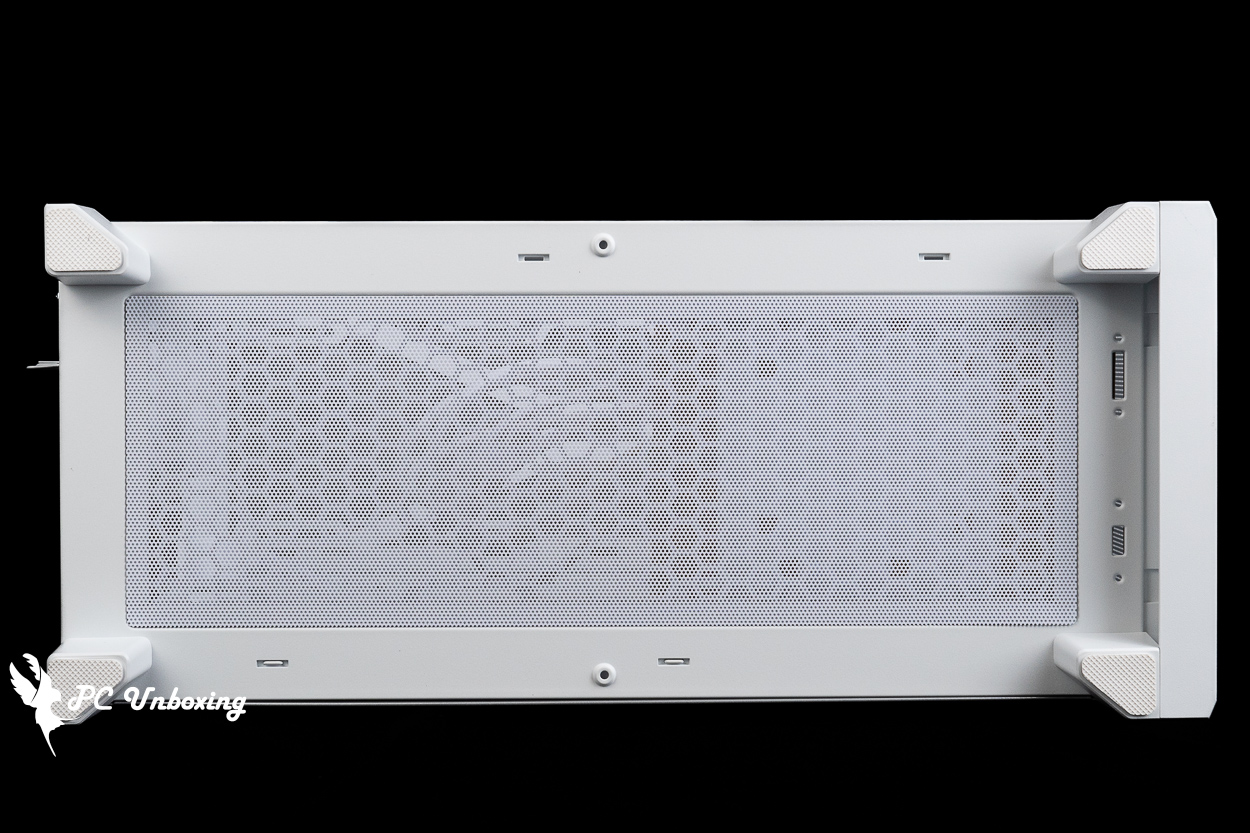
△ A view of the bottom of the case.
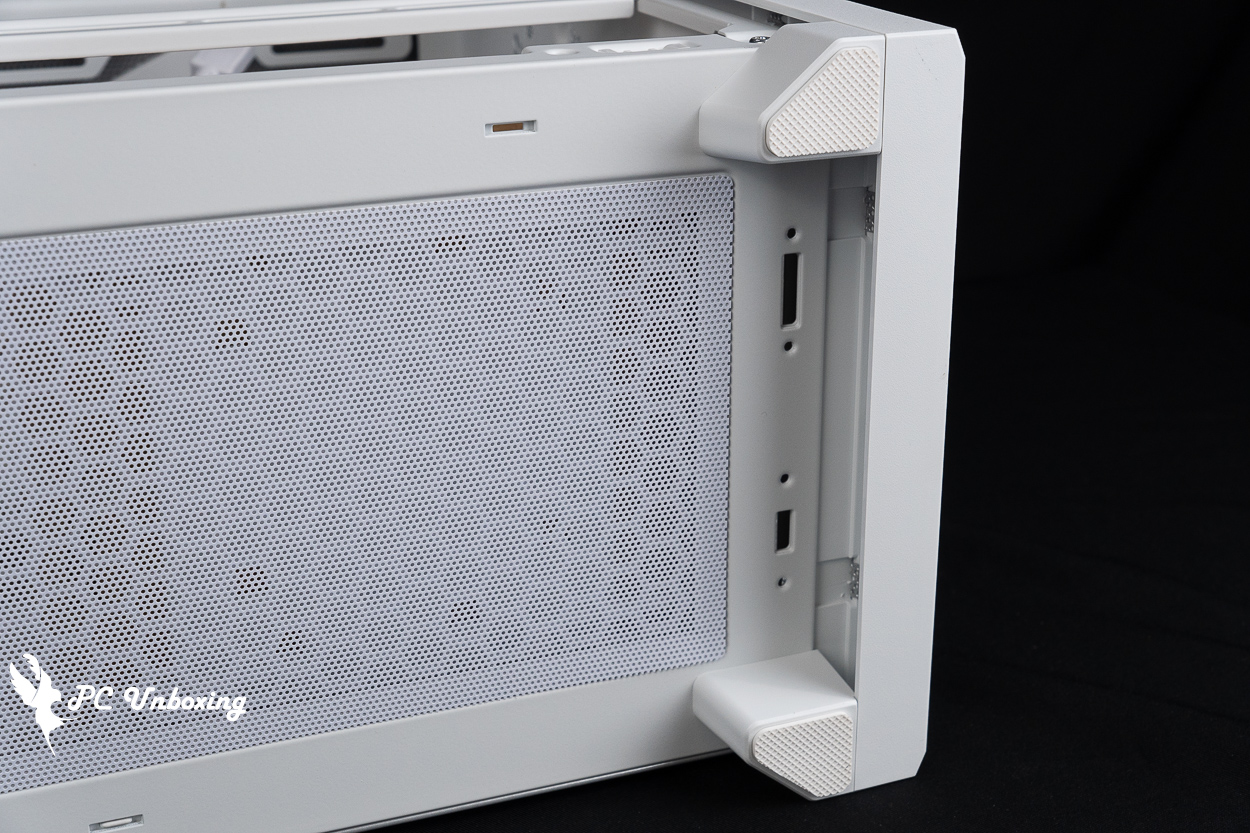
△ The base has space for air to flow into the bottom fan, and the front panel opens from this spot, as shown in the photo.
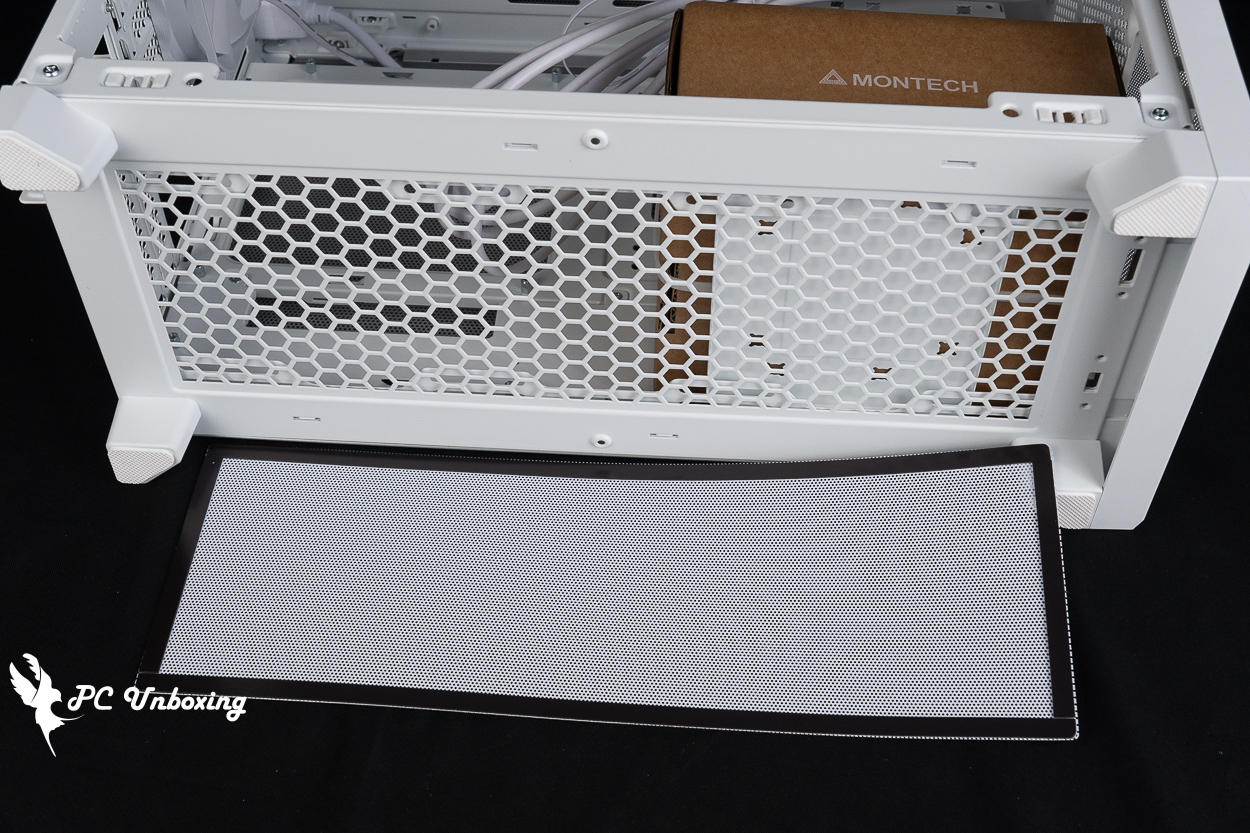
△ Magnetic filter.
The rear of the case supports the installation of a 92 mm fan, but it comes pre-installed with a Ø 92 mm PWM fan without LED lighting to dissipate heat; currently, the specifications for this fan are unavailable.
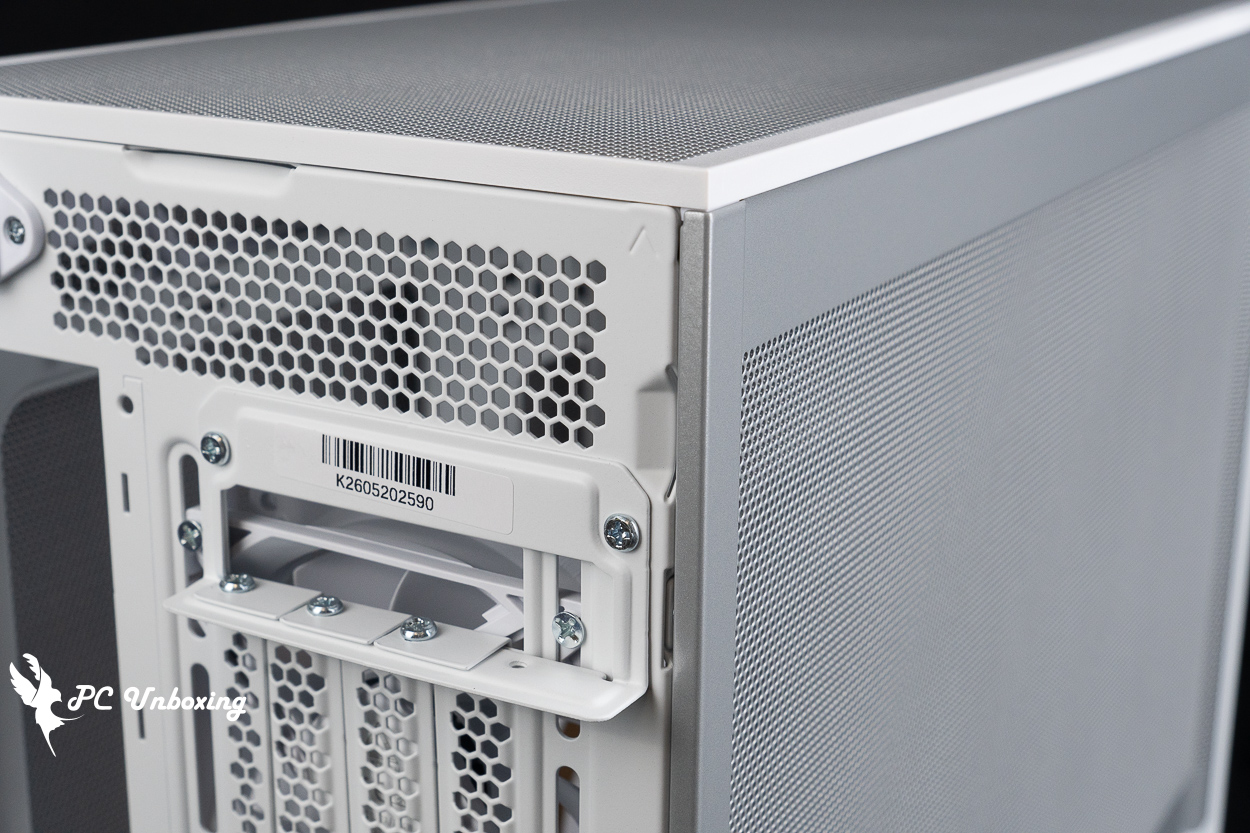
In M1 mode, there are four PCIe device mounting slots at the bottom, featuring reusable brackets and a crossbar-free design. The default fan mounting positions include three PCIe device mounting slots, which can be used for vertical graphics card installation, but users will need to purchase a graphics card extension cable separately to achieve this vertical installation.
There's also a small detail on the back of the case: three mounting orientations are engraved there to help you tell which side should face up when switching between them.
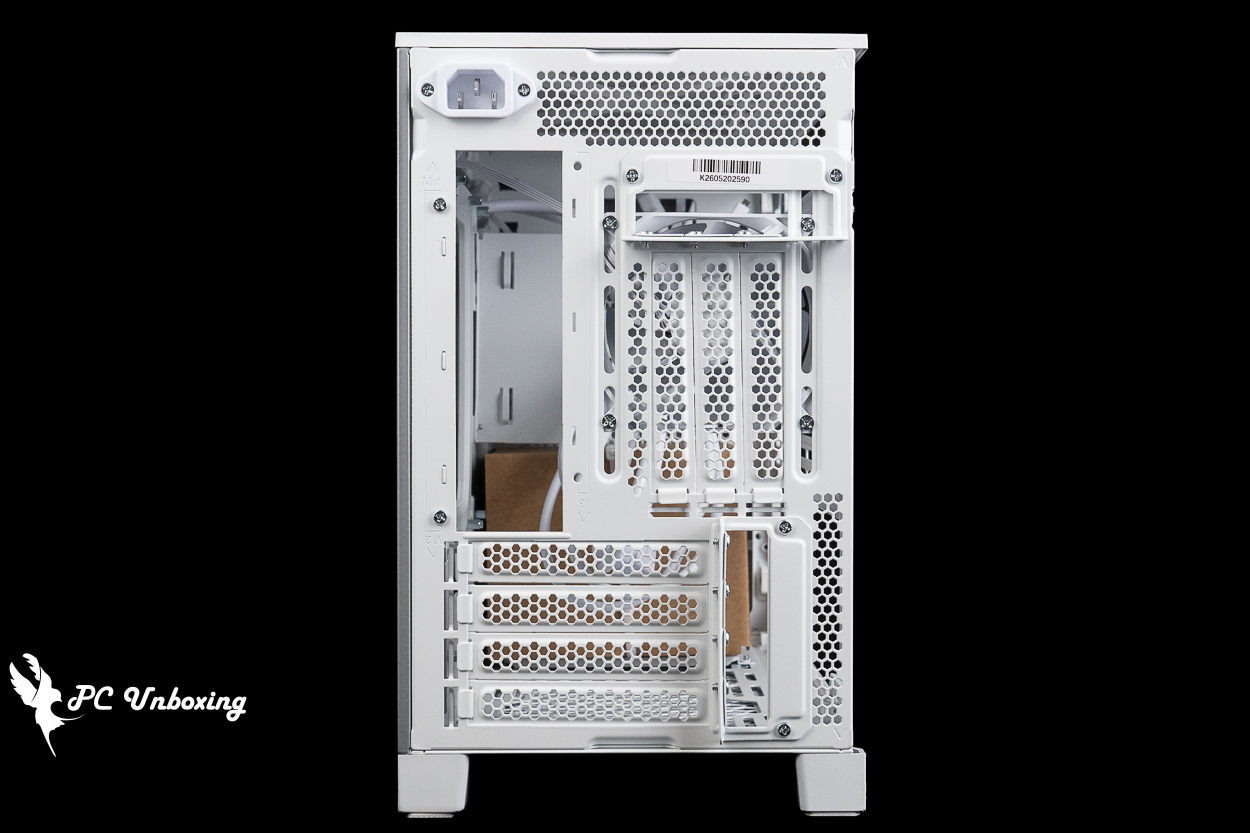
△ The rear view of the chassis.
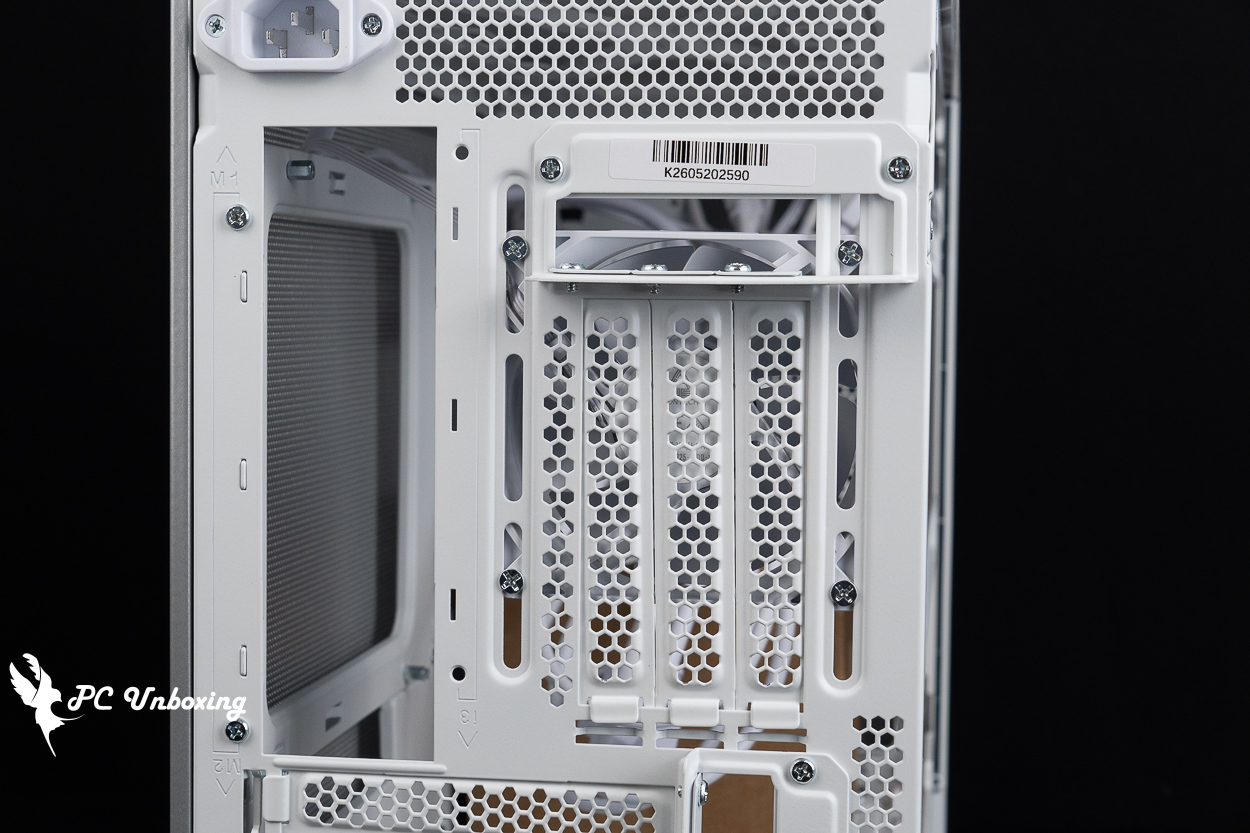
△ The pre-installed 92 mm case fan is located in the same spot as the vertical graphics card mount; you can only use one or the other.
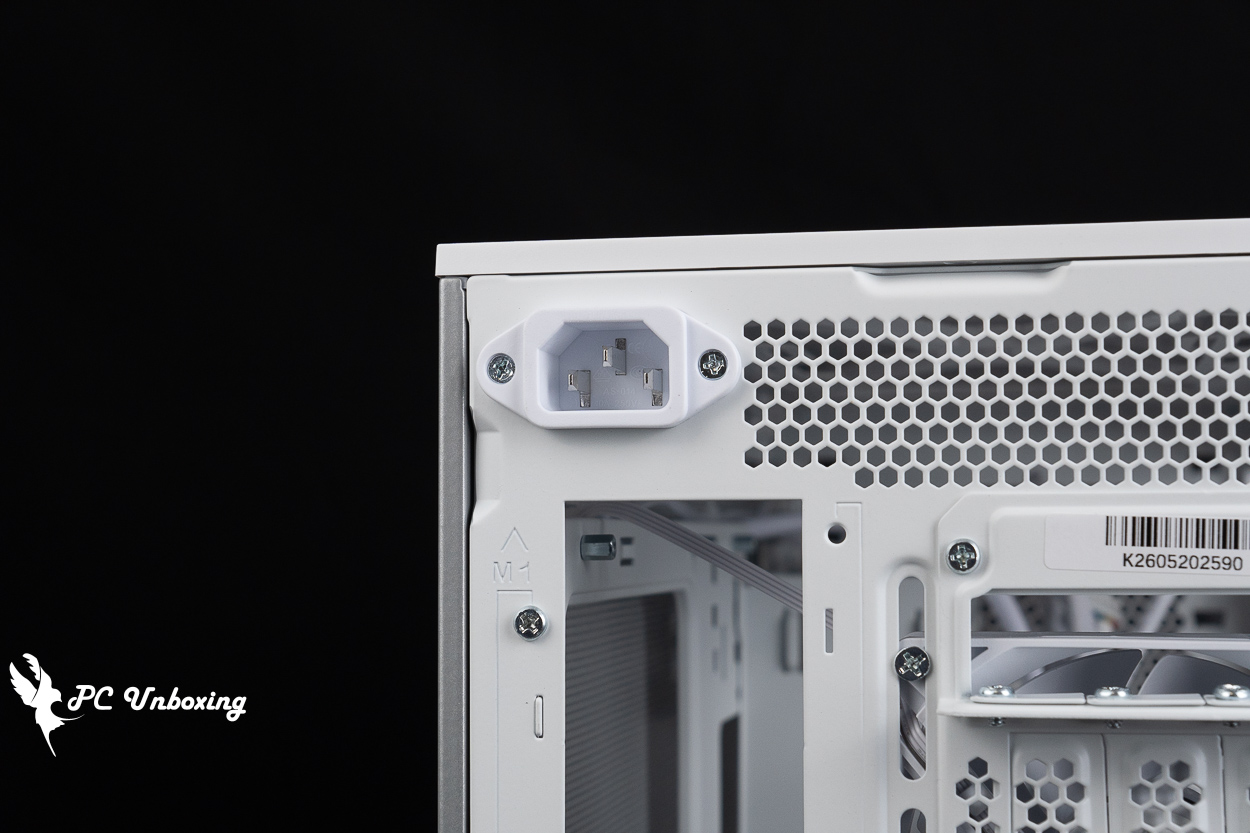
△ Inside the case, an AC extension cord is used to connect to the power supply; the back is engraved with the mode and the corresponding orientation.
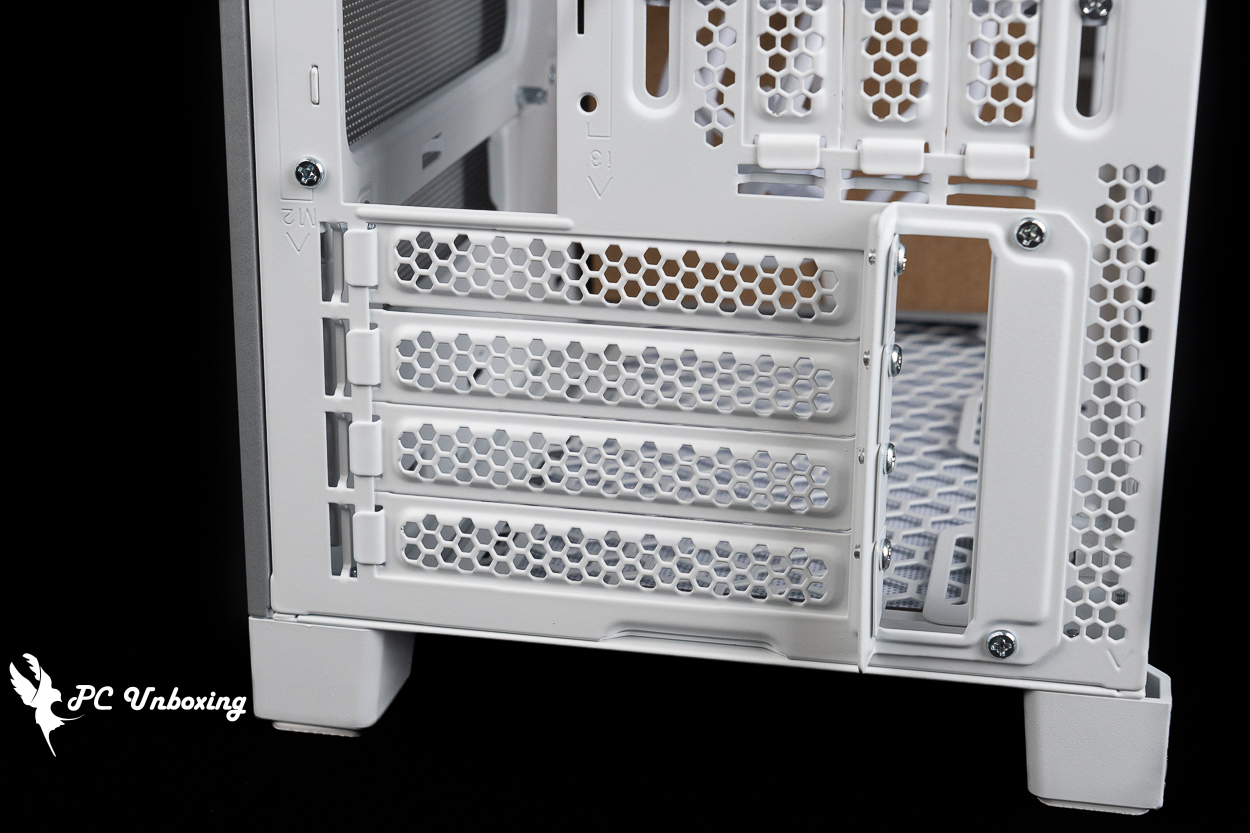
△ Close-up of the direct-slot graphics card slot.
In M2 and I3 modes, the top of the case supports the installation of 360/280 mm fans and water cooling radiators. No dust filter is included at the bottom, but because of the plastic construction, it’s relatively troublesome to install a dust filter yourself.
The case's I/O ports are located at the top front of the case, so this case is best suited for use at a height below the desktop (such as under the desk), where it is more convenient. It features: a power button, a TRRS combo headphone/microphone jack, 2x USB-A 5 Gbps ports, and a USB Type-C 20 Gbps port.
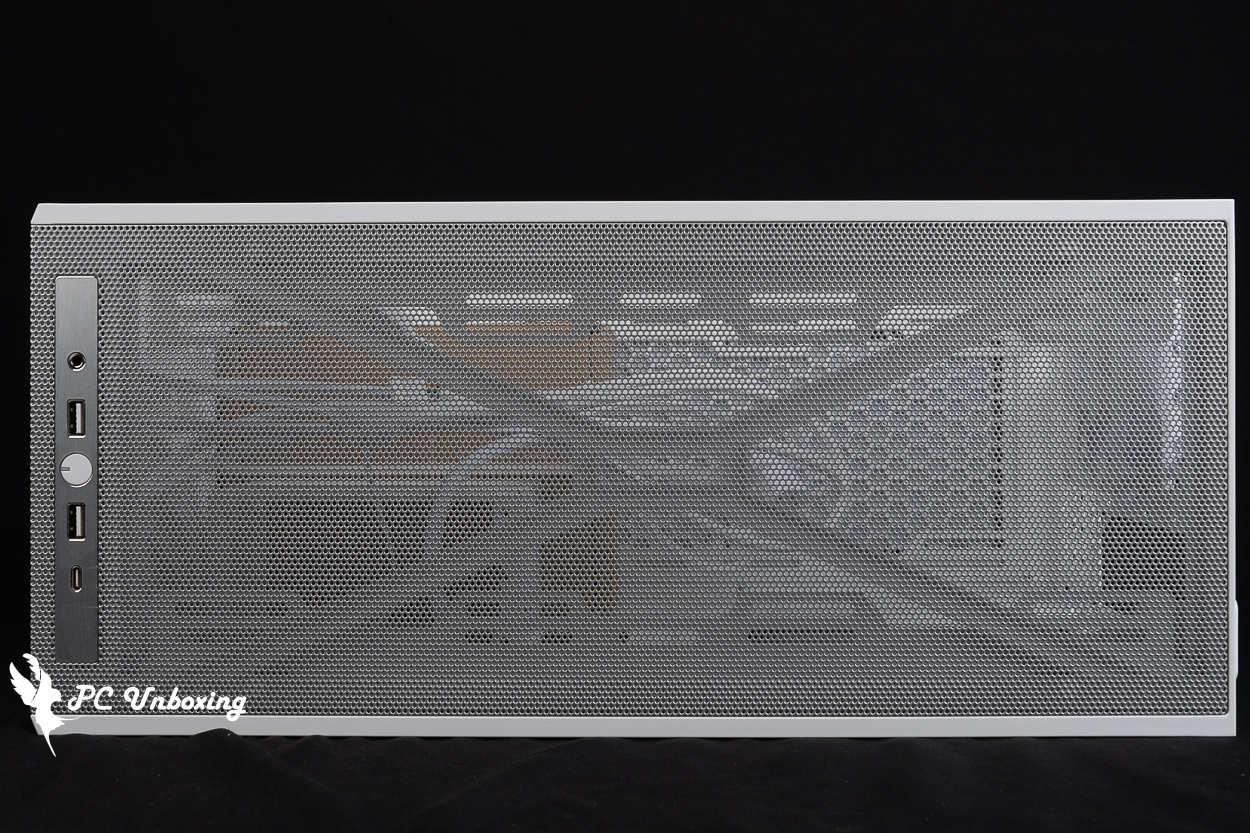
△ Overview of the top of the case.
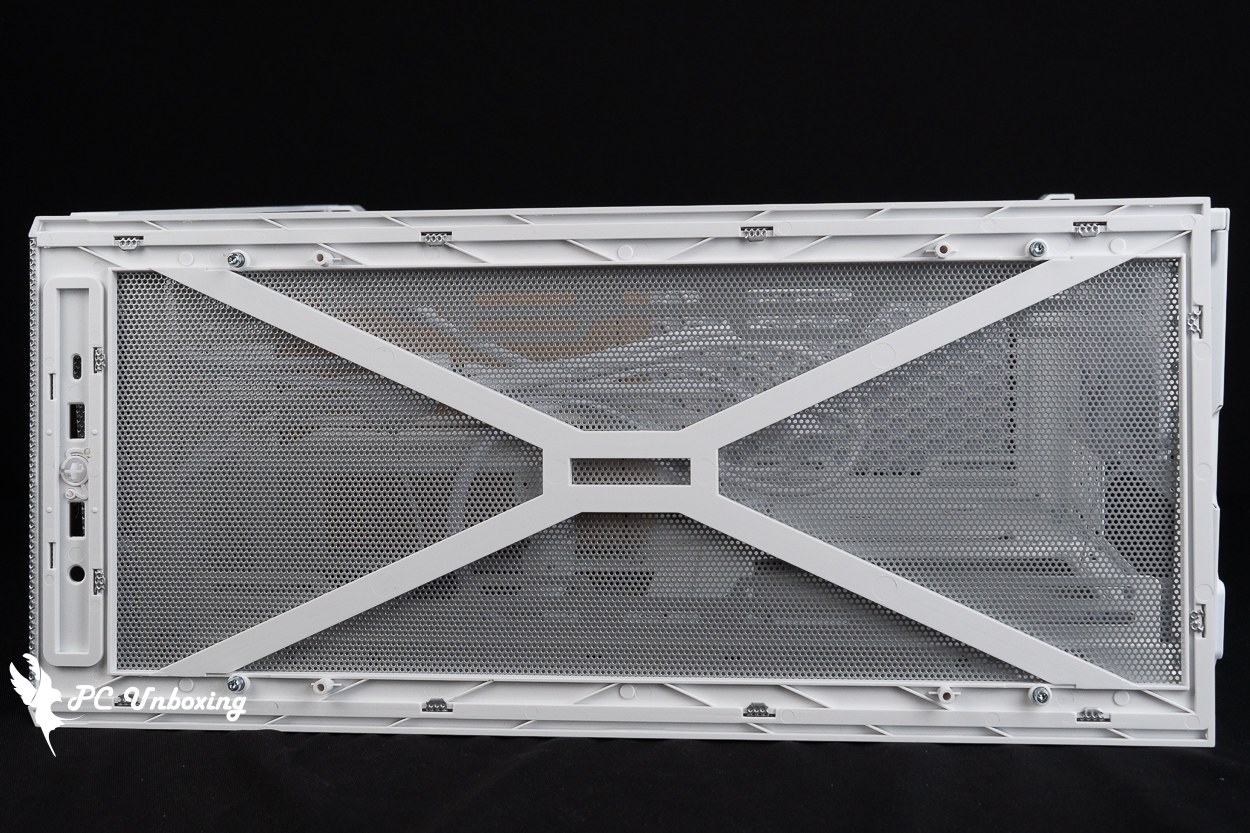
△ There is a reinforcing structure underneath the top cover.
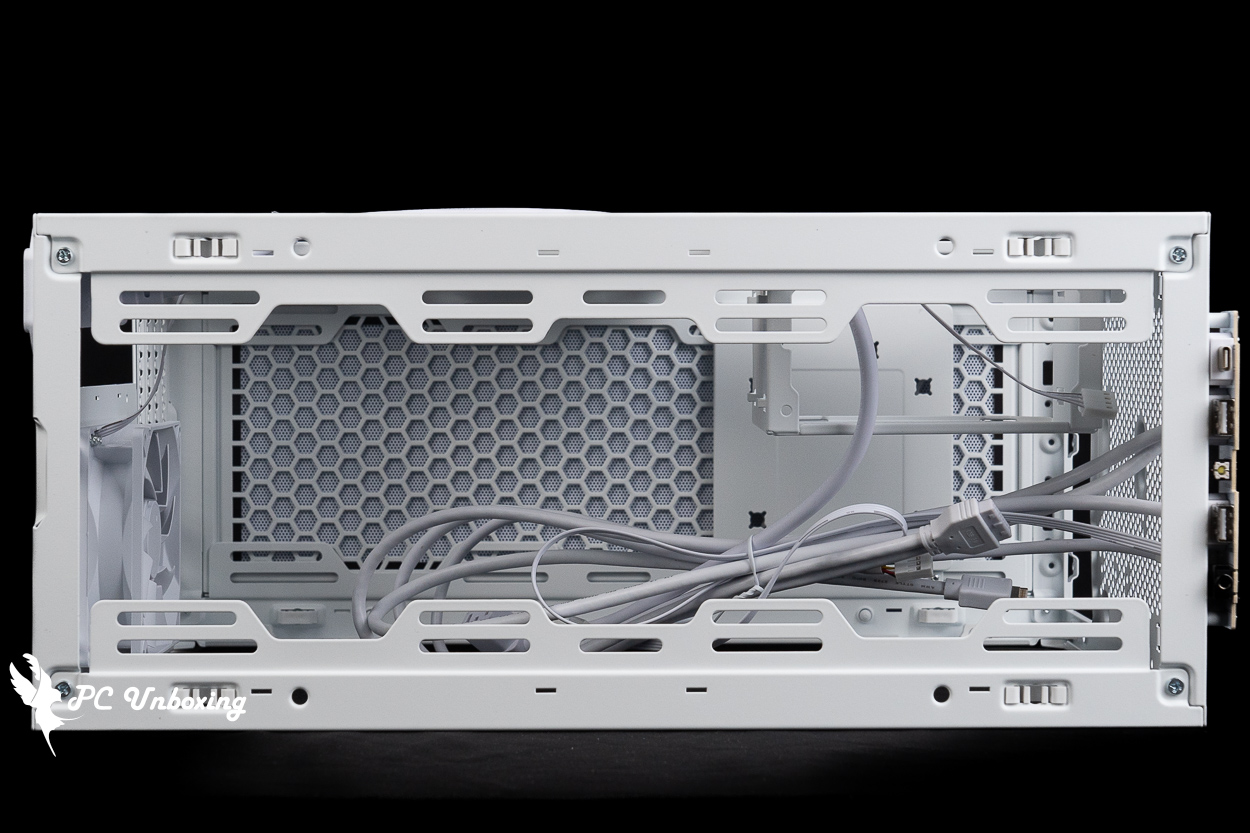
△ Support 360 / 280 mm fan and water cooler installation on top of the chassis.
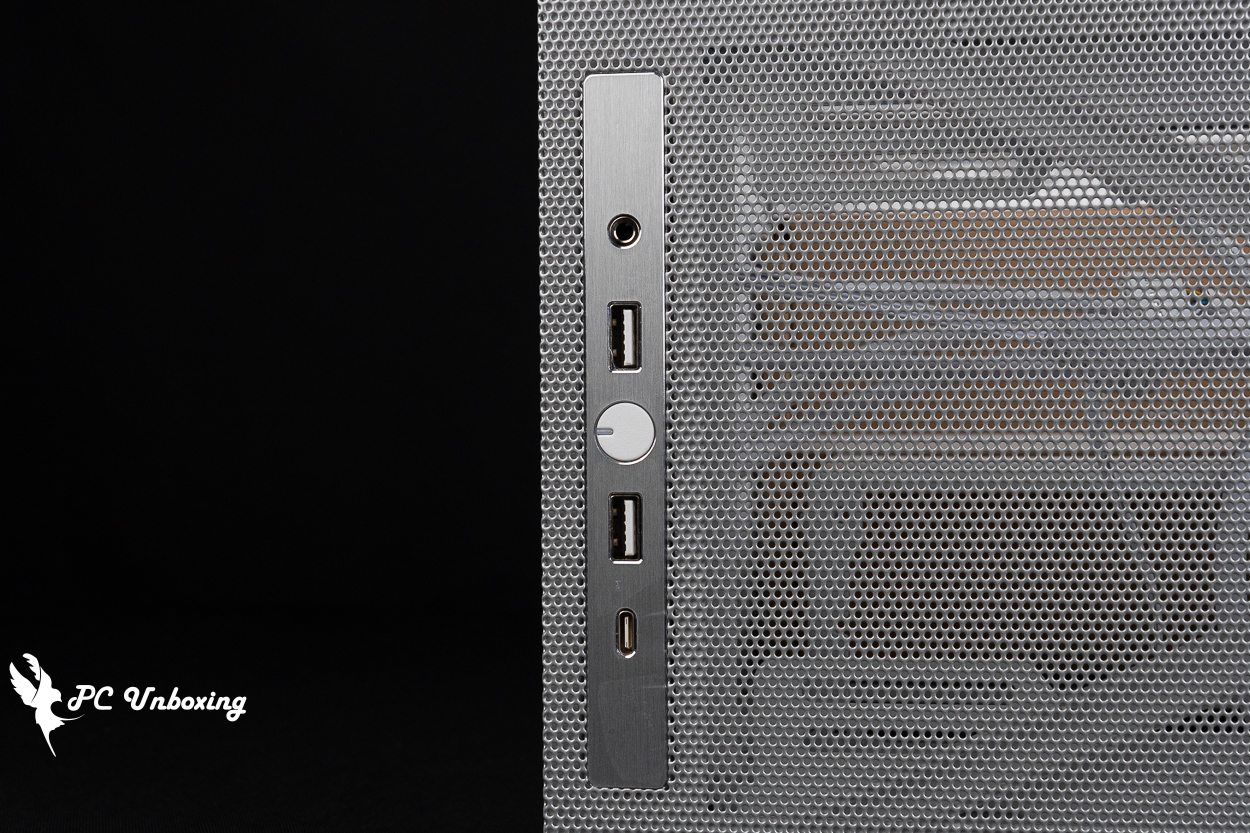
△ List of chassis I/O ports.
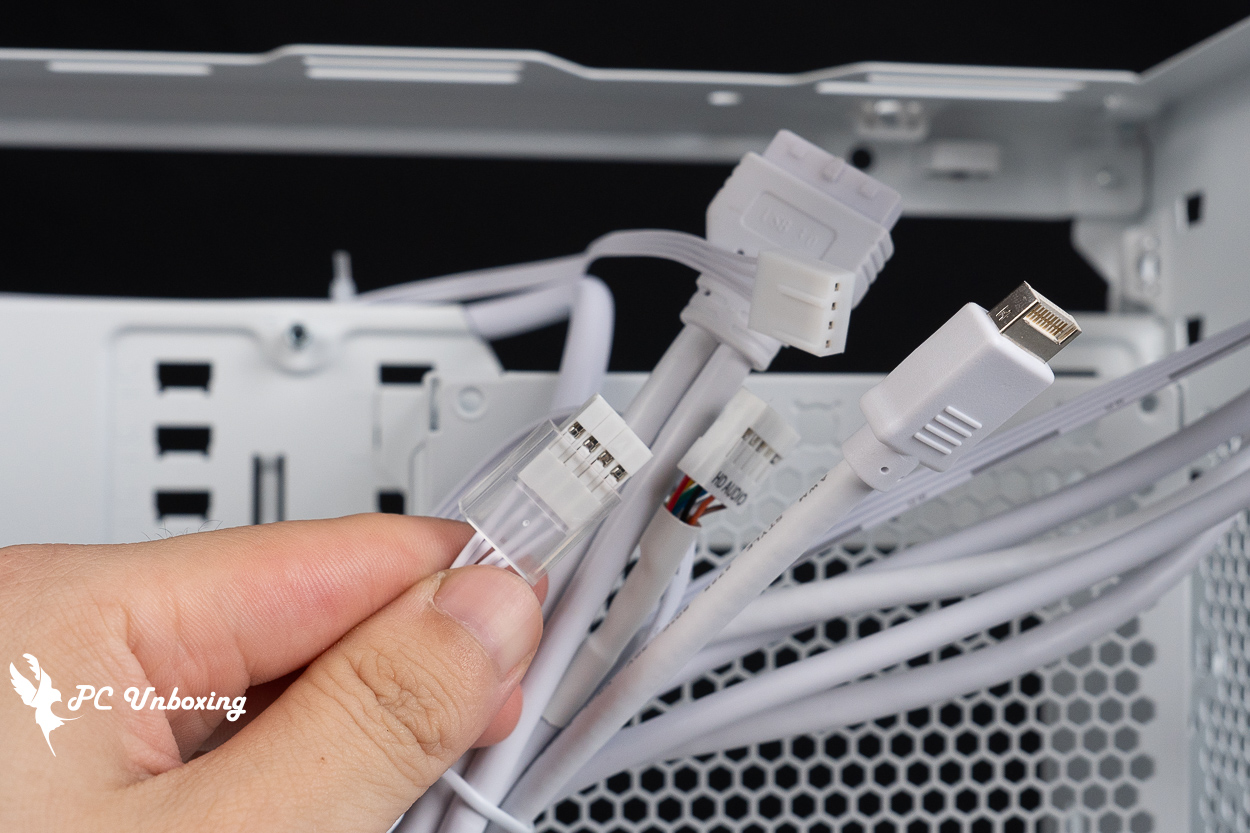
△ I/O cable list.
There is a mesh opening on one side of the back of the motherboard designed for air intake when the graphics card is mounted vertically, but there is no magnetic filter installed underneath; those who are concerned about this may want to install one themselves.
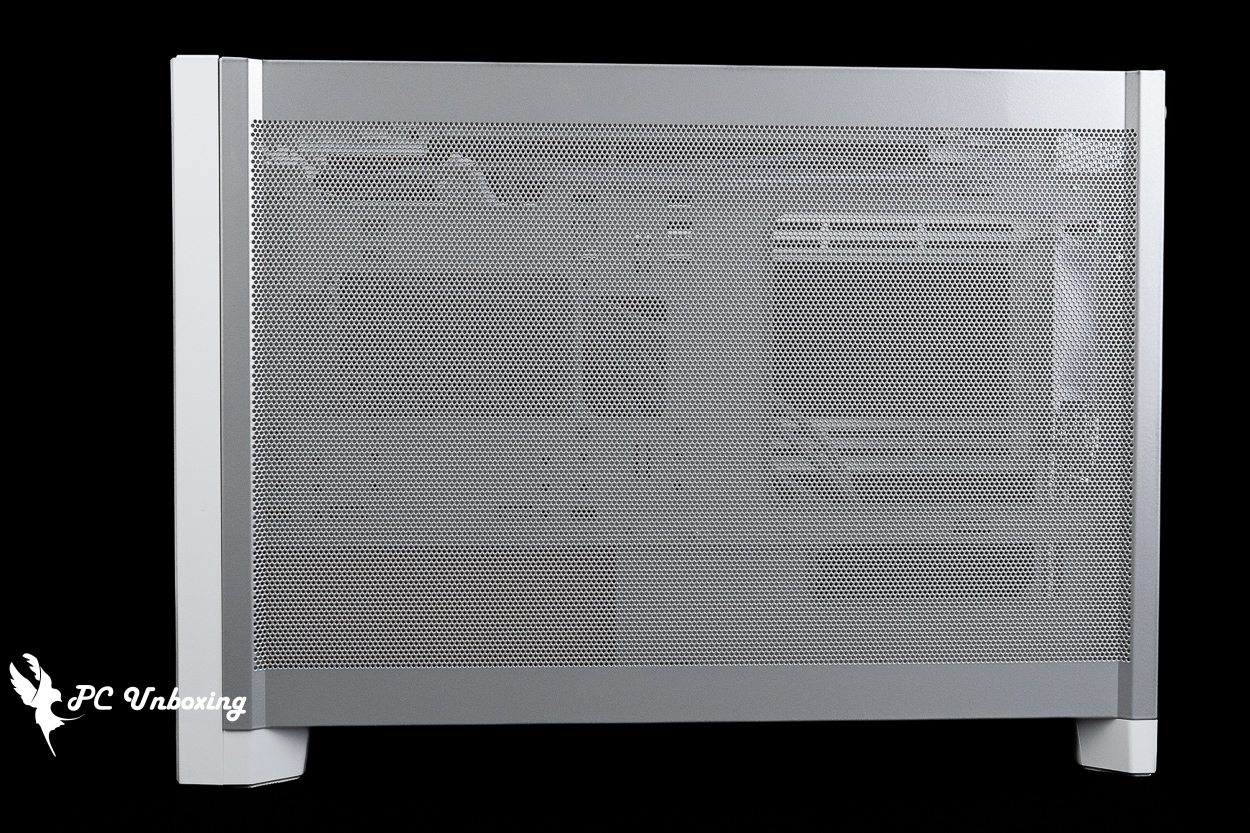
△ These side panels also feature full-surface mesh.
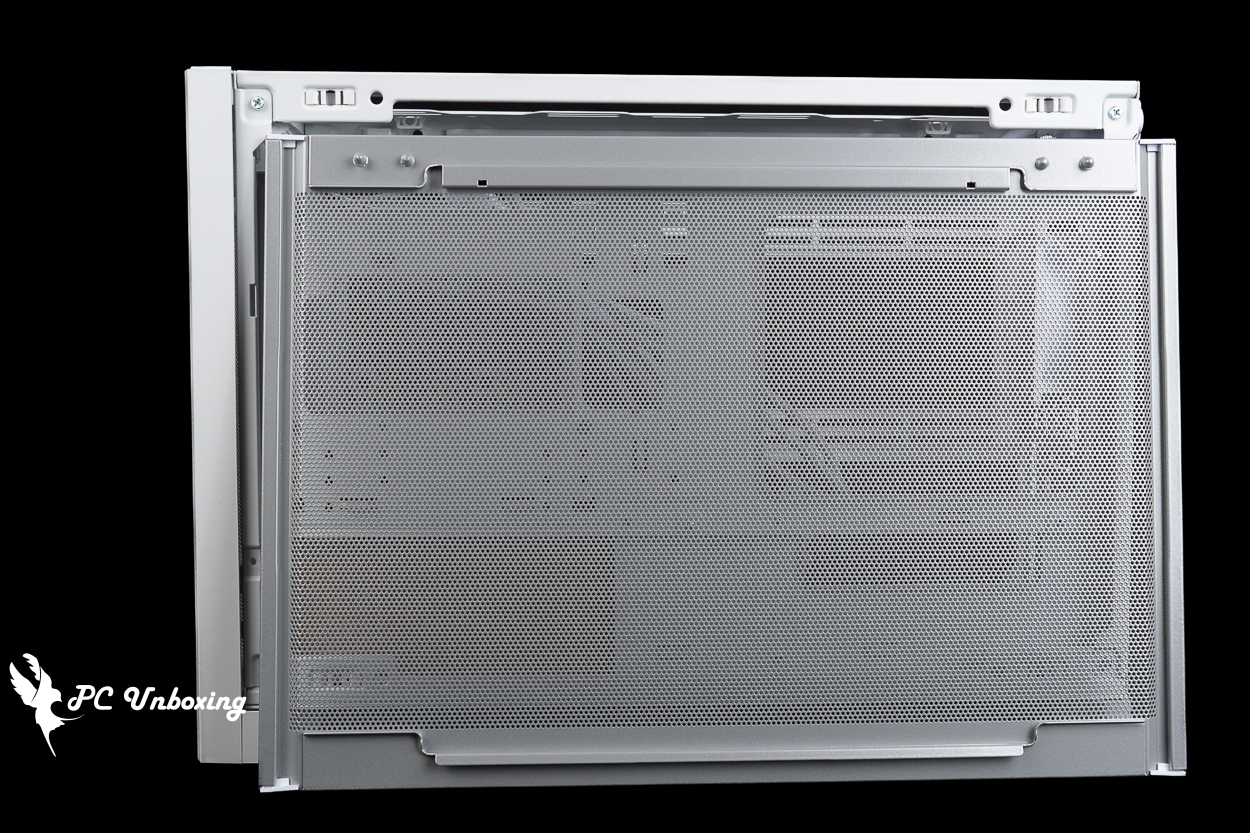
△ There is no dust filter on the bottom.
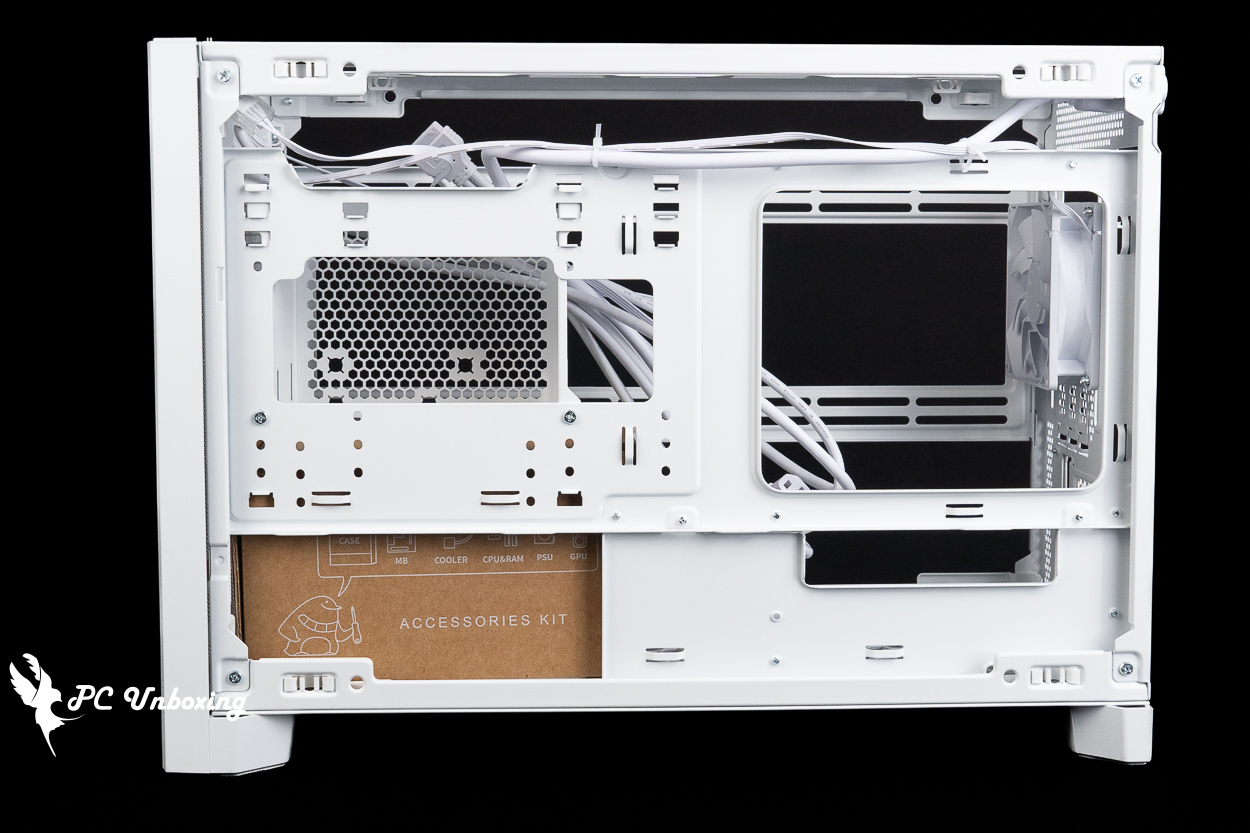
△ By default, in M1 mode, this side does not serve a cooling function, but in M2 or I3 mode, it is used to draw air in when the graphics card is installed vertically.
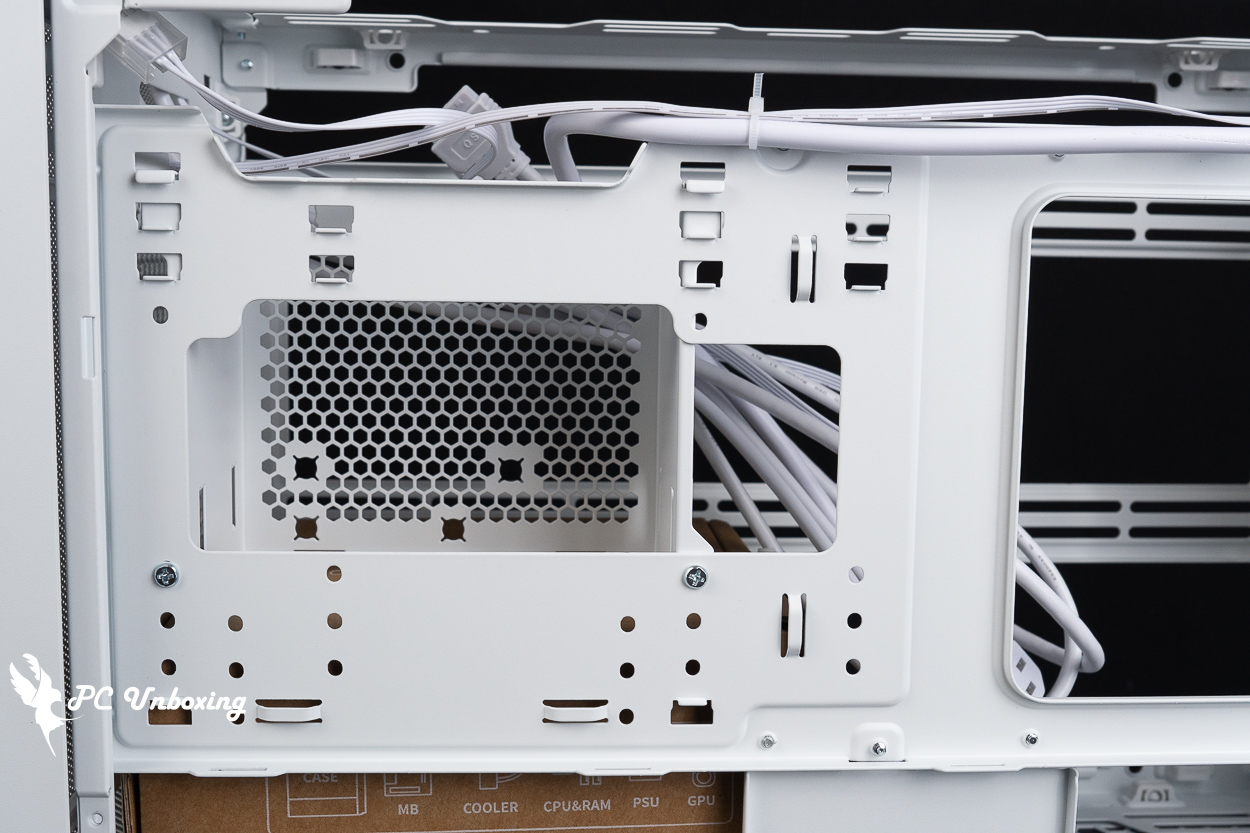
△ The power supply mounting bracket comes in left and right versions, plus three height options, for a total of six installation configurations for this power supply.
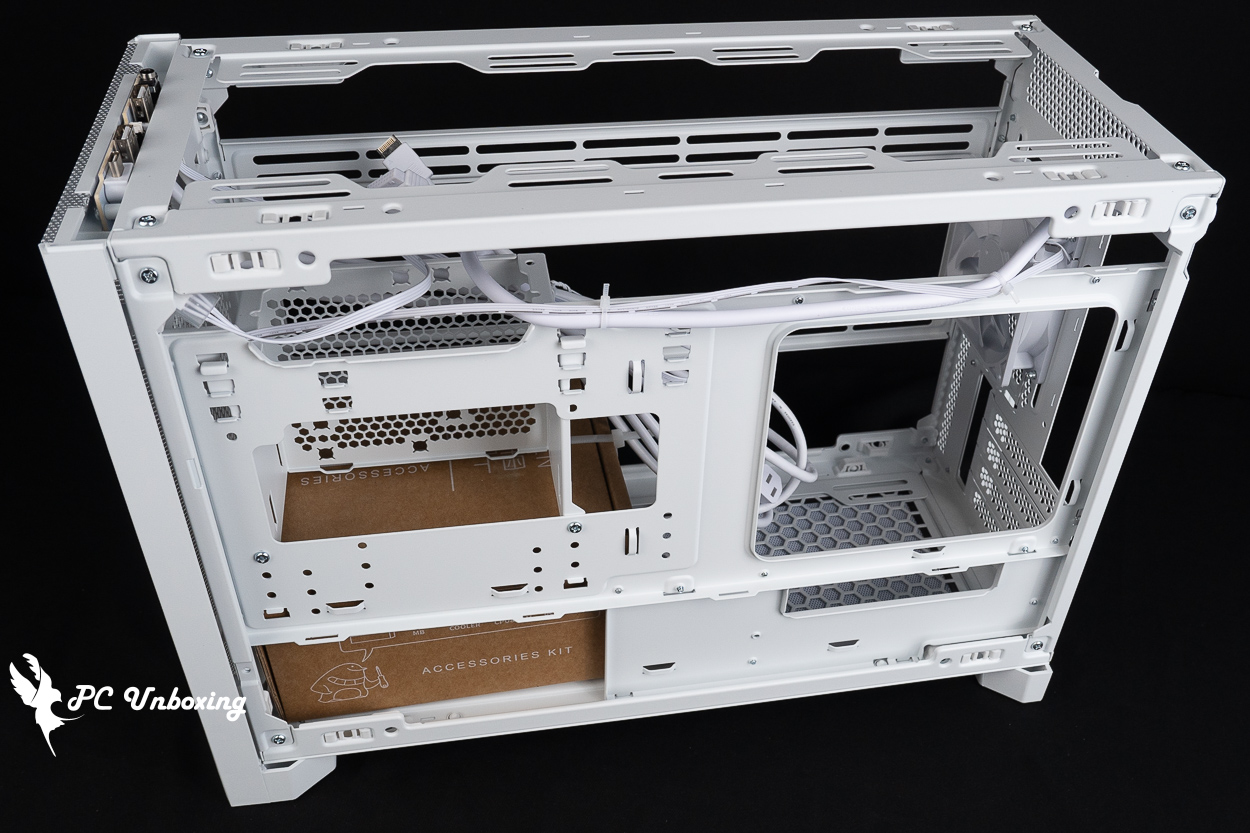
△ In the default M1 mode, there is essentially no space on the back of the motherboard for cable management.
MONTECH TEN Installation Space | Overview of Graphics Card, Liquid Cooling, and Power Supply Configuration
MONTECH TEN supports only Micro-ATX and Mini-ITX motherboards; it is not compatible with the newer Micro-ATX (rear-mounted) motherboards that have recently emerged.
In M1 mode, the air-cooled heatsink supports graphics cards up to 156 mm in height and 425 mm in length, providing ample space for mainstream air-cooled heatsinks and graphics cards.
A silent fan with a diameter of Ø 92 mm is pre-installed at the rear of the case to dissipate heat. If you want to further improve internal cooling, this case can accommodate up to 10 fans; there are additional mounting points on the bottom, side panels, and top for further expansion.
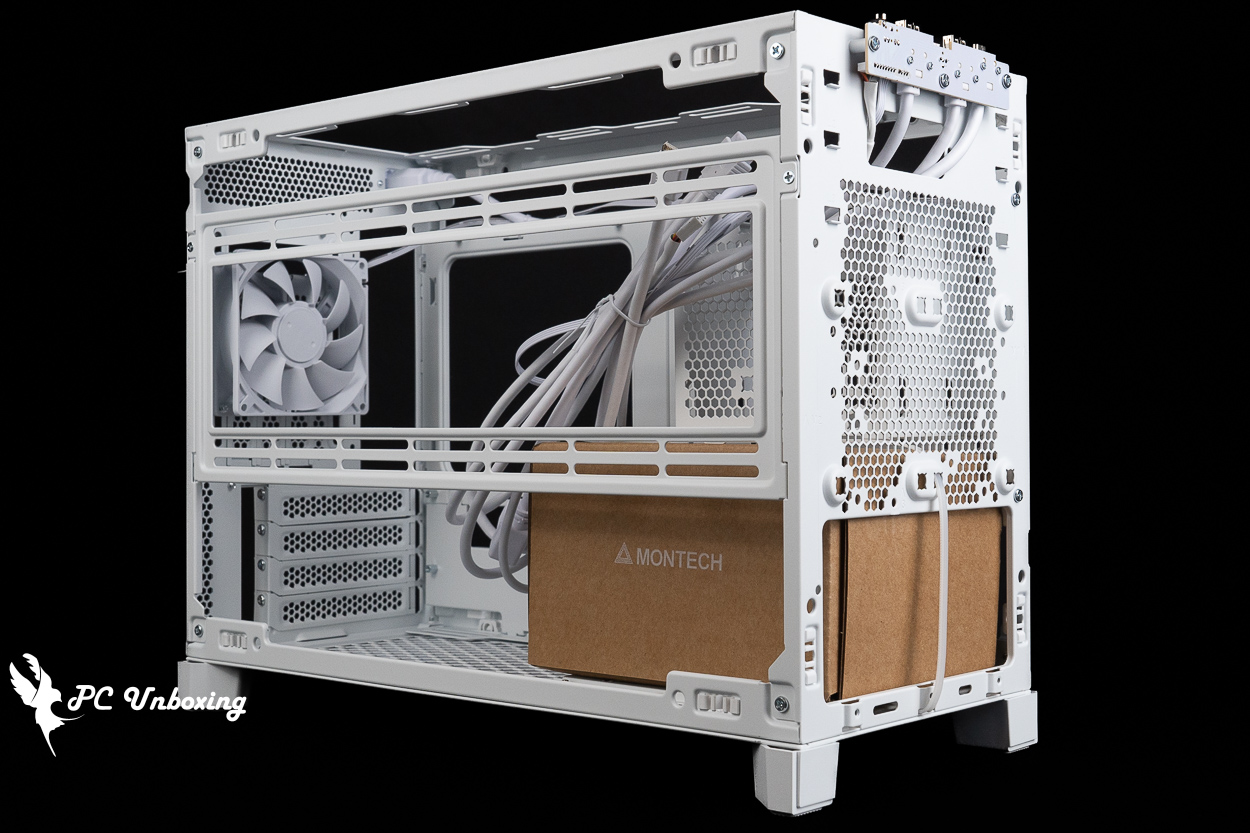
△ One fan is pre-installed at the rear.
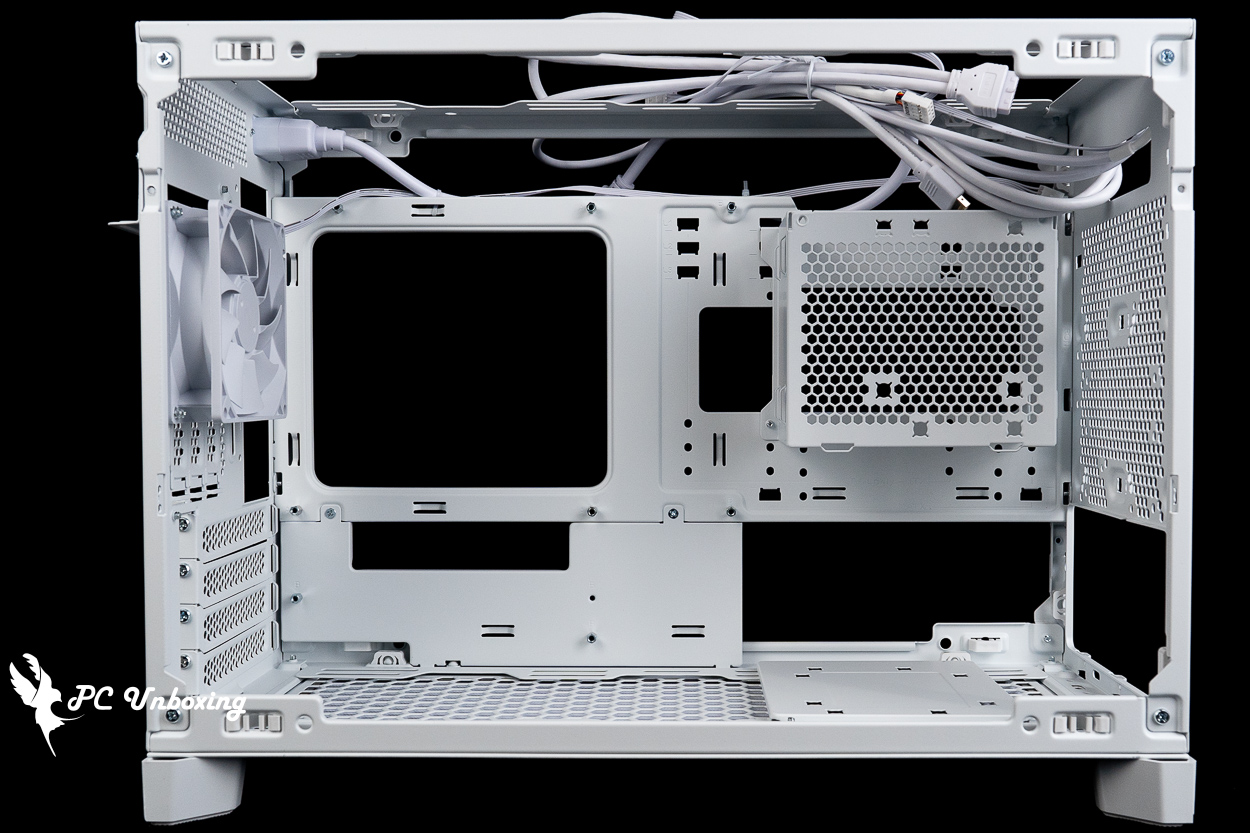
△ Compatible with air-cooled tower coolers up to 156 mm in height and graphics cards up to 425 mm in length.
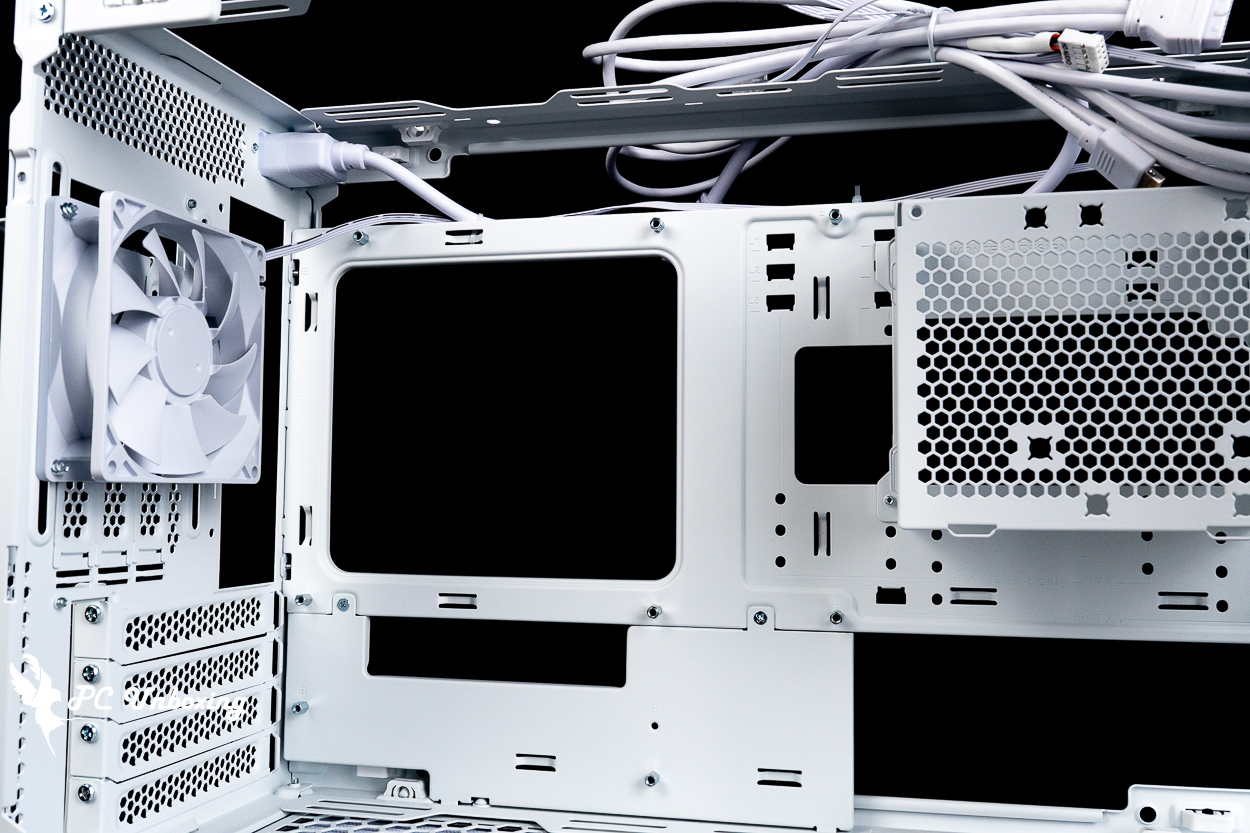
△ The silent fan included with the case is designed for exhaust, but it must be removed if the graphics card is to be installed vertically.
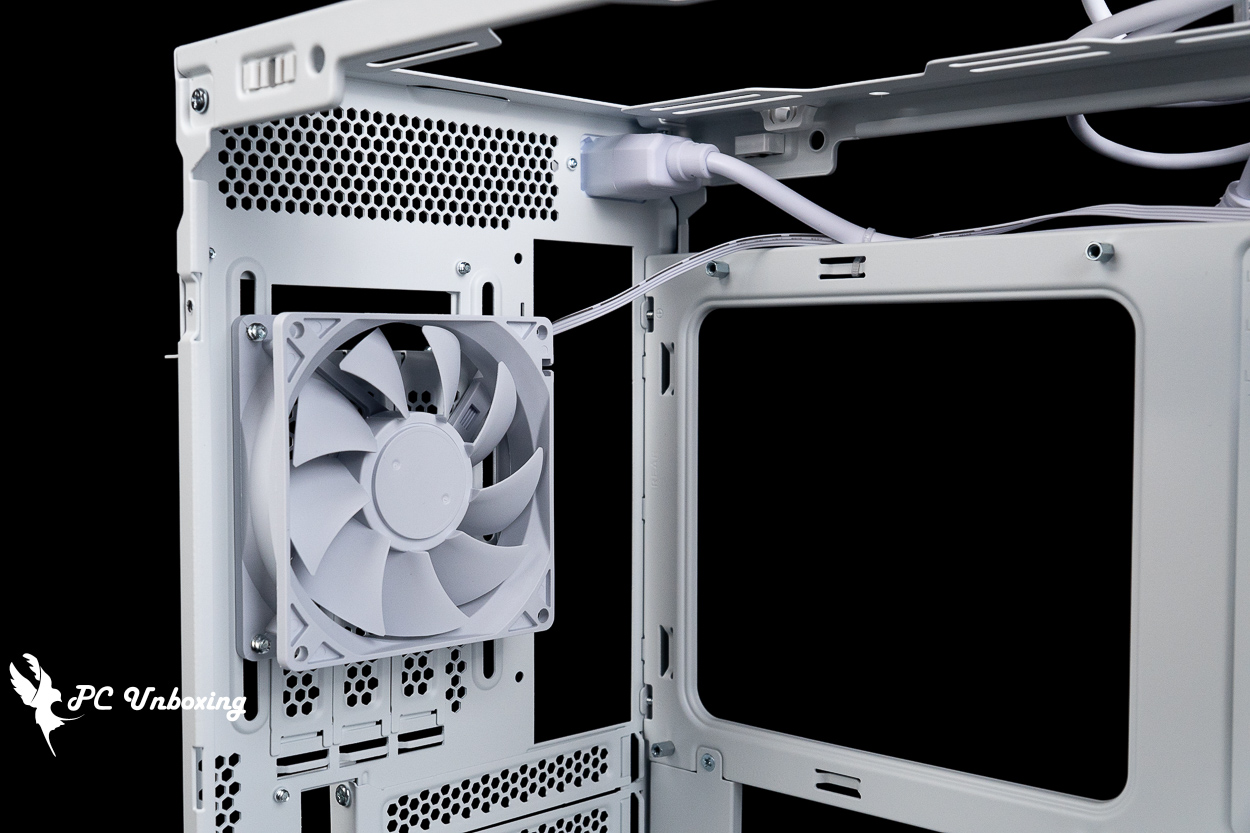
△ Internal space for AC extension cords.
The fan mounts on the side of the case support the installation of 360- and 280-mm fans and liquid cooling radiators; however, compatibility issues may arise if the graphics card is mounted vertically. Compatibility for other mounting configurations should be determined based on the actual installation setup.
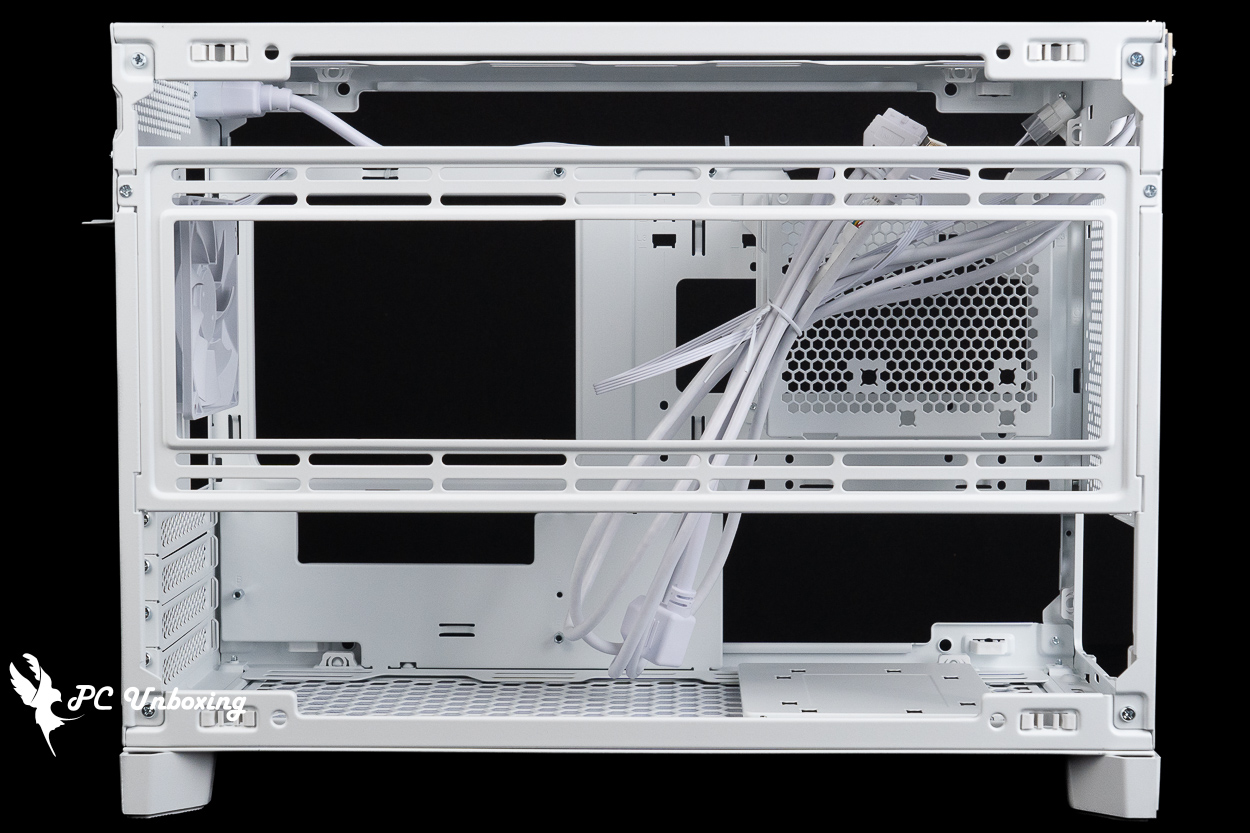
△ Side fan bracket.
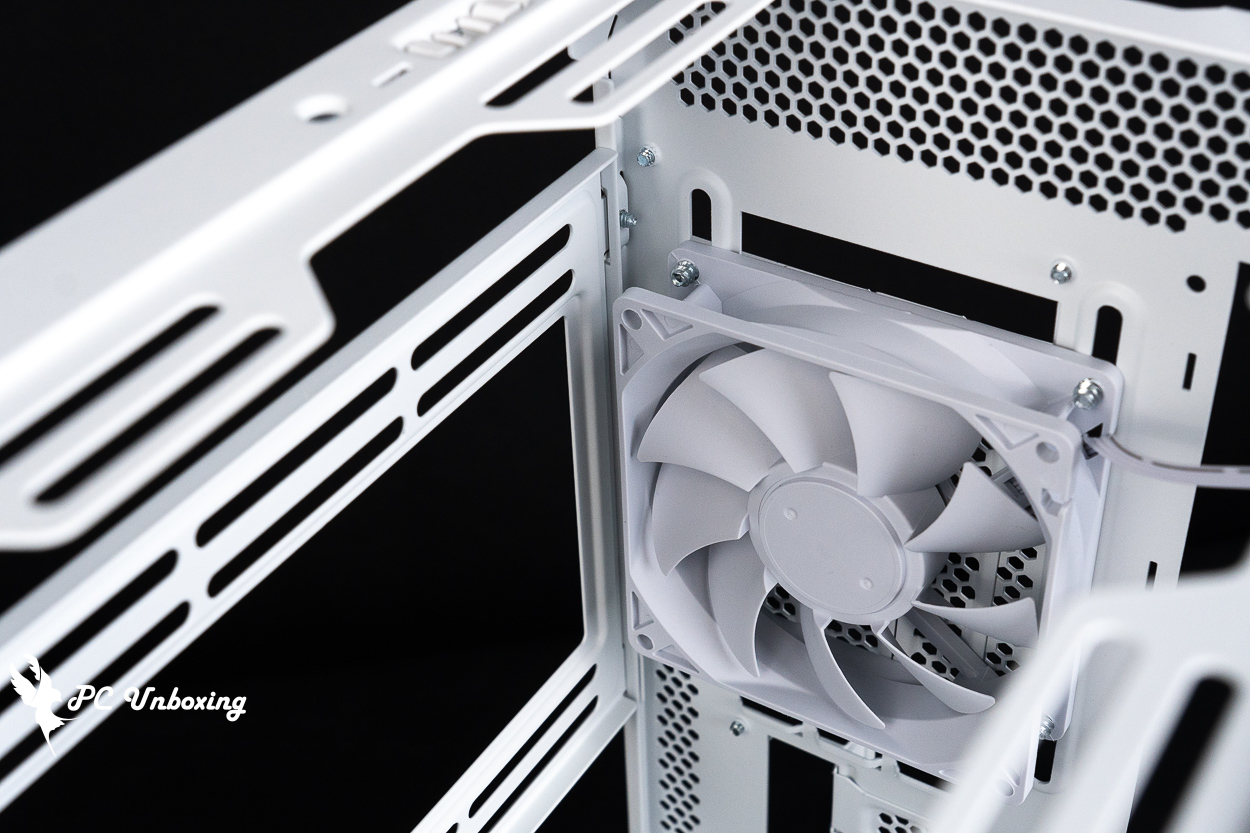
△ Distance between the side bracket and the rear fan.
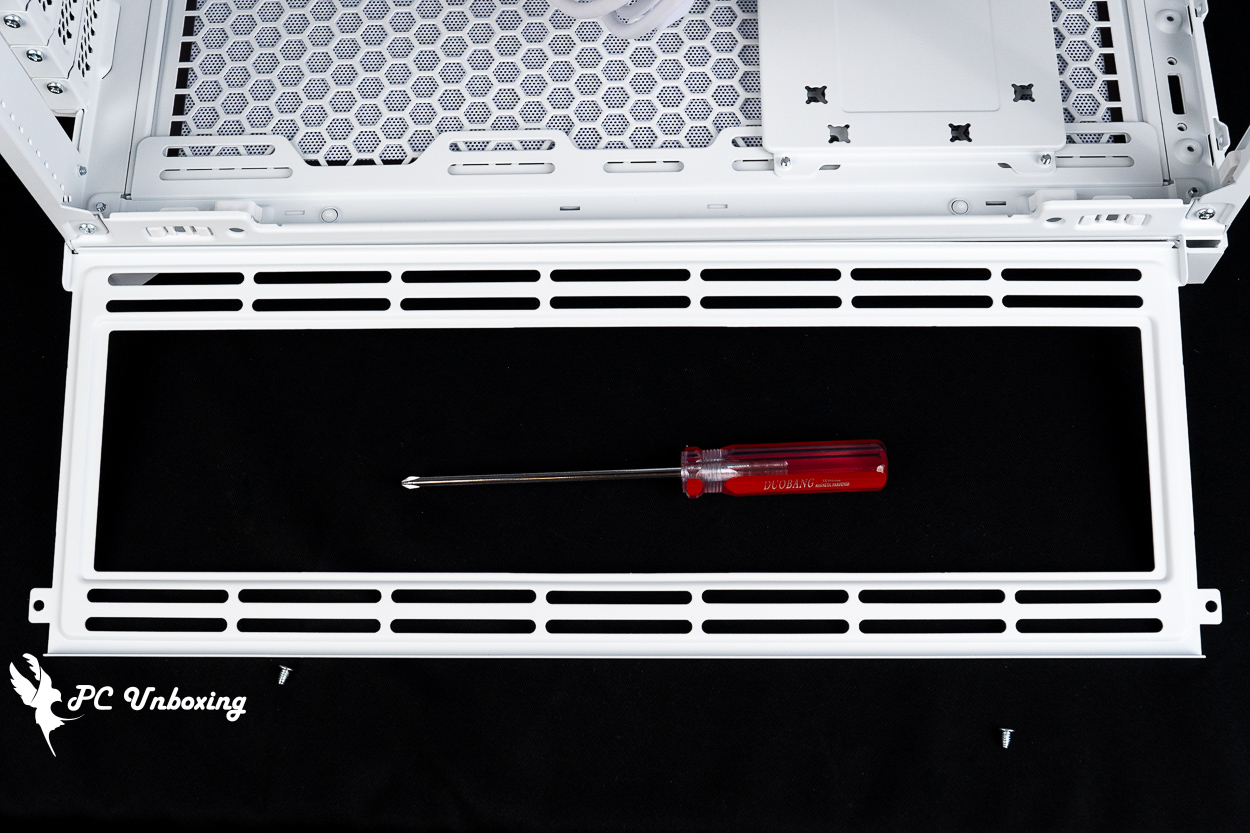
△ The side brackets can be removed individually.
The power supply bay mounting bracket is designed for installing SFX/SFX-L power supplies. The bracket features a 2.5-inch or 3.5-inch hybrid mounting slot where you can install either type of hard drive.
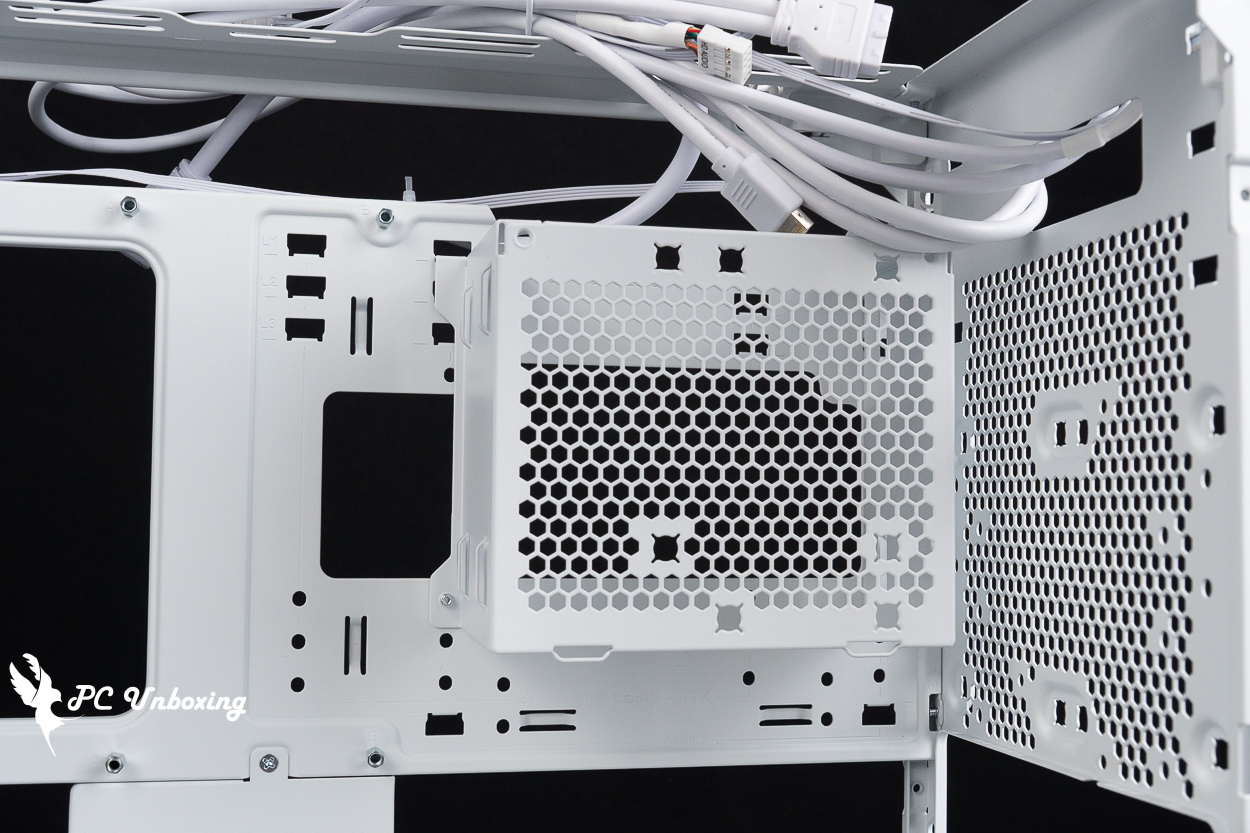
△ The power supply unit comes with a slot for one hard drive.
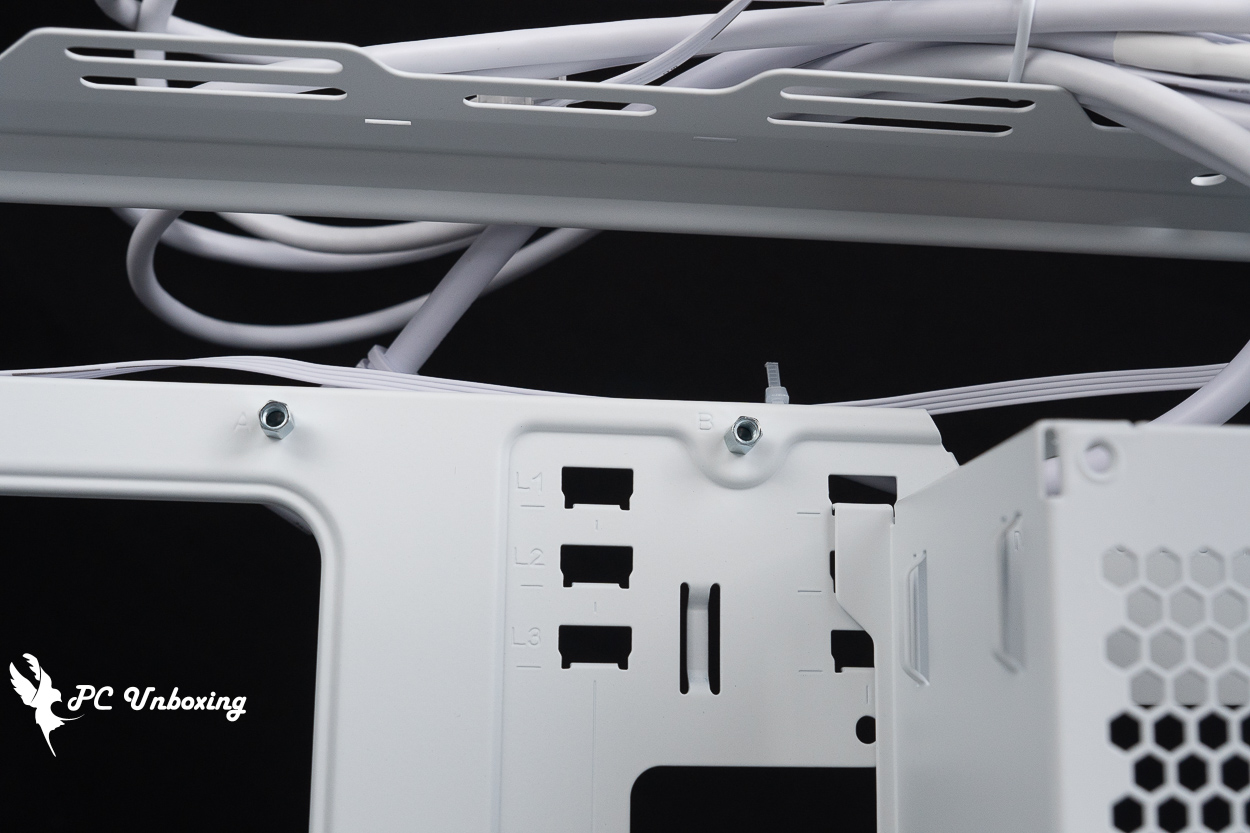
△ Indication of power supply installation mode.
The bottom of the case also supports the installation of 360/280 mm fans and liquid cooling radiators, and comes with a 2.5- or 3.5-inch combo drive bay for use.
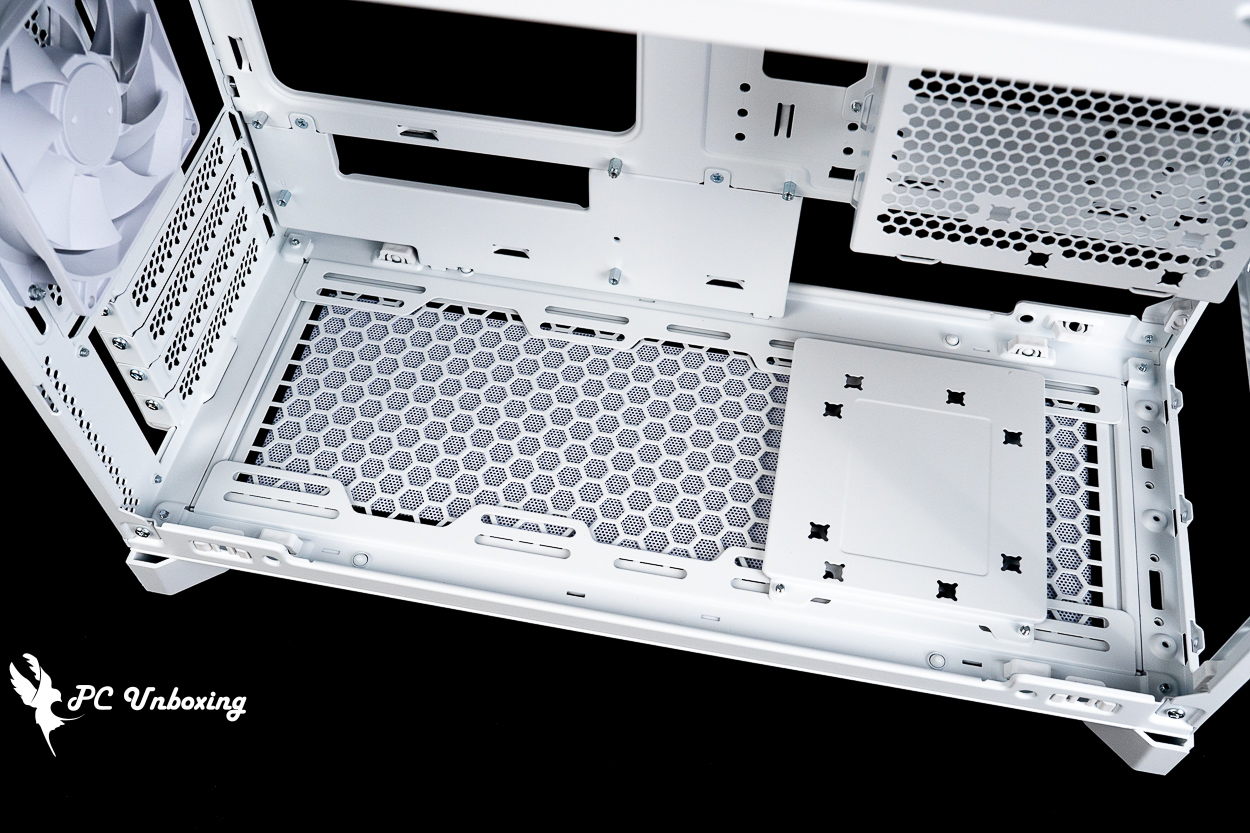
△ Fan expansion bracket on the bottom of the case.
Case accessories include an ATX power supply adapter bracket, disposable cable ties, 10th-anniversary Velcro cable ties, a PCIe shield, a graphics card support bracket, various screws, and a water-cooling offset bracket.
Please note that when using an ATX power supply with an ATX power supply adapter bracket, you will have one fewer 2.5-inch or 3.5-inch combo drive bay available compared to using an SFX power supply with its original bracket.
The water-cooling offset bracket allows for a 10 mm offset in the installation of water-cooling or fan components, helping to resolve certain compatibility issues.
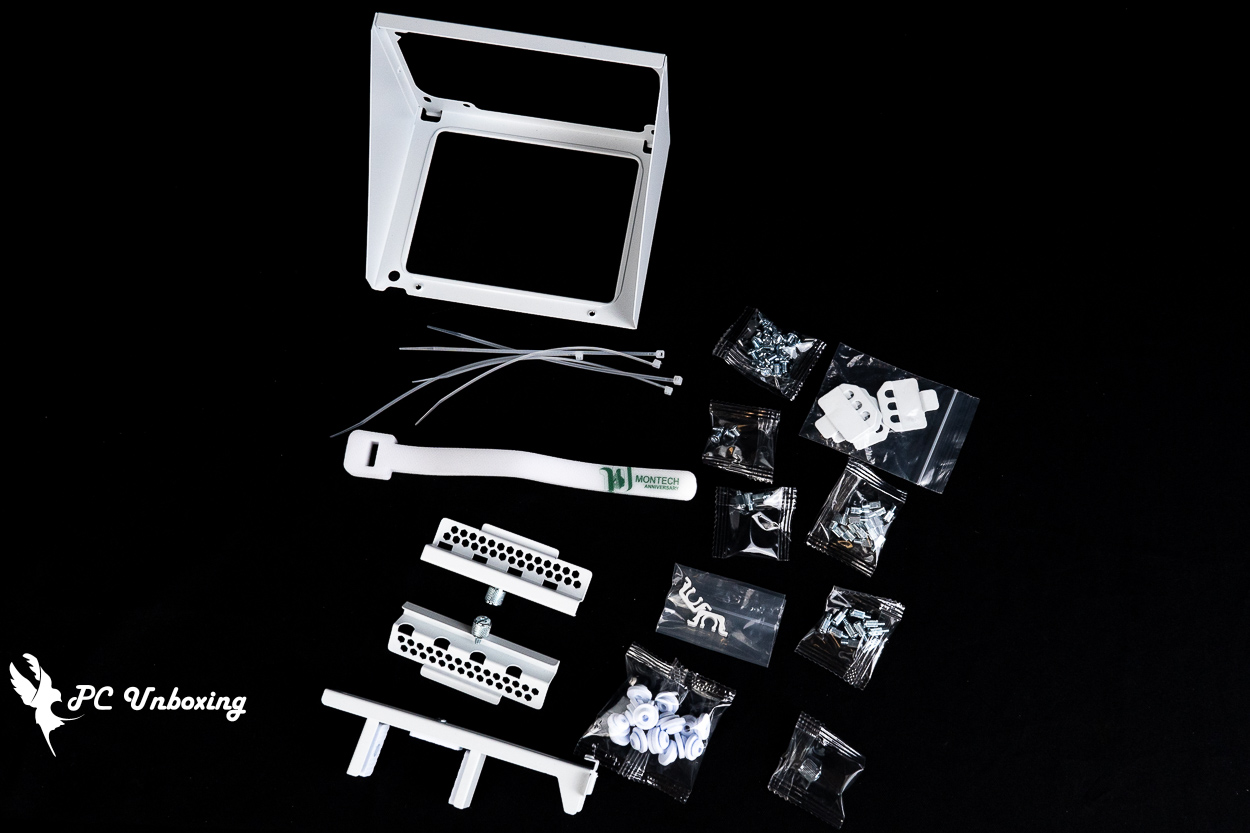
△ List of accessories.
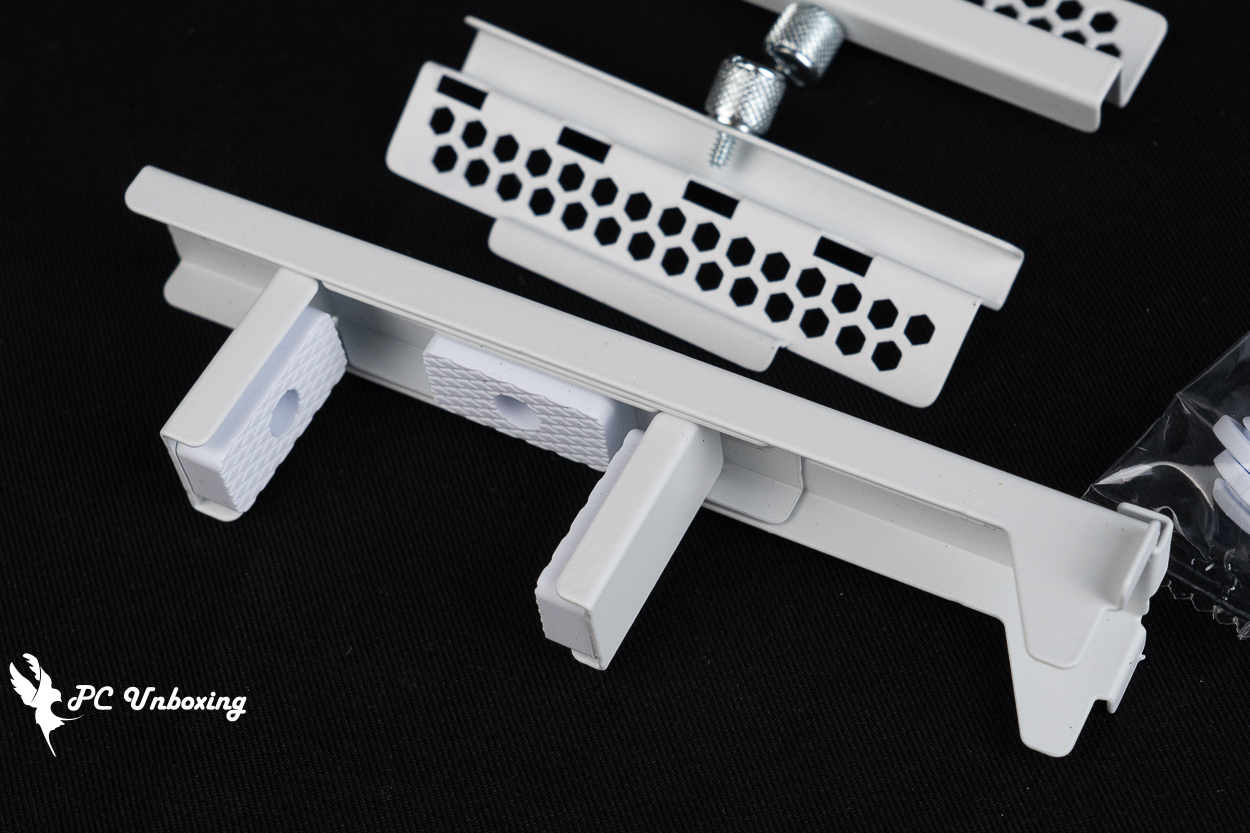
△ Graphics card mounting bracket.
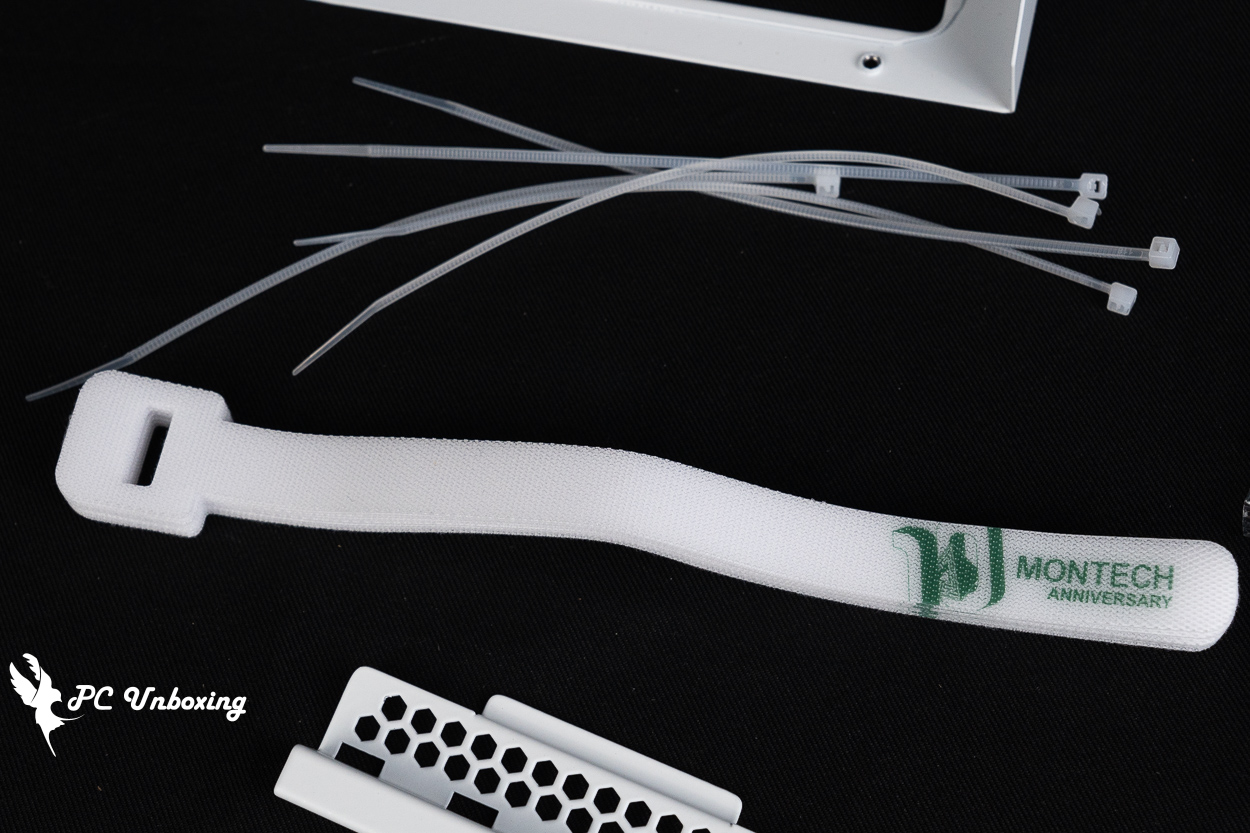
△ Special-edition Velcro cable ties.
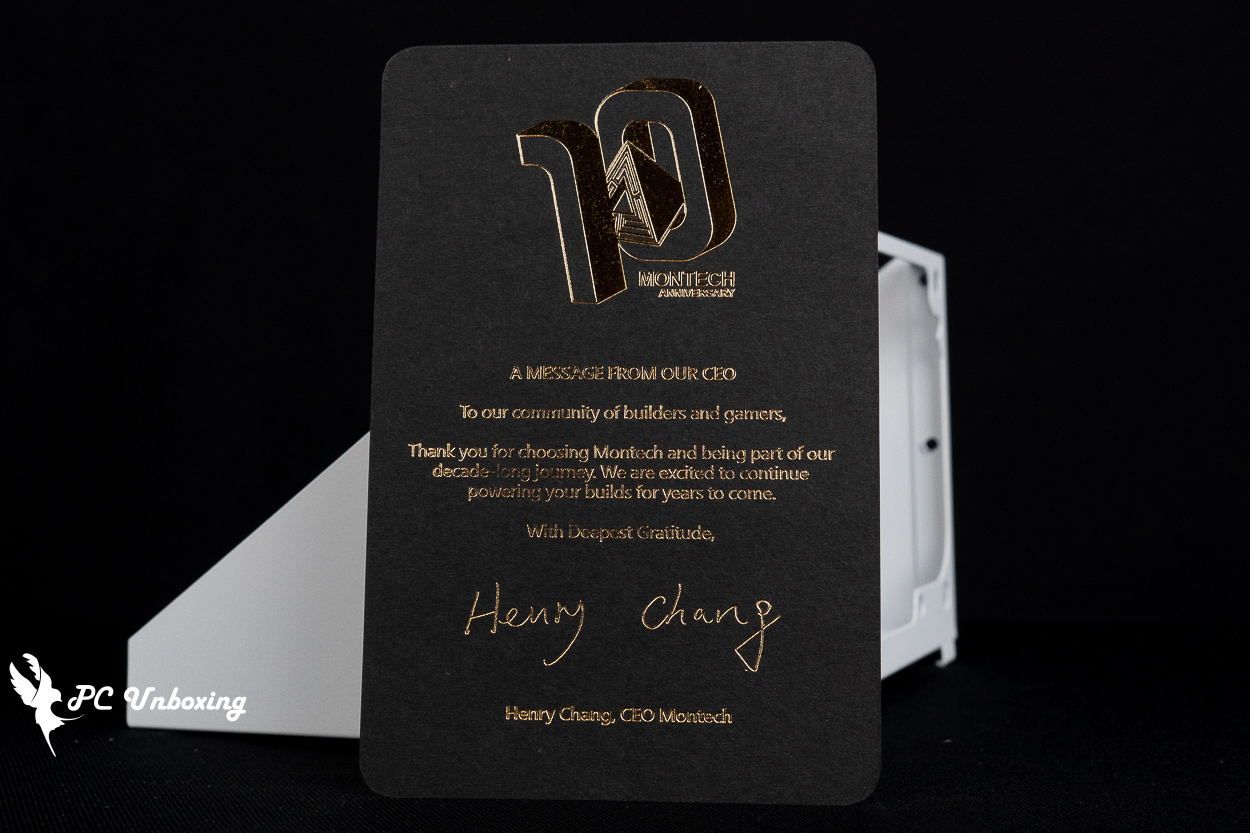
△ 10th Anniversary Thank-You Card.
MONTECH TEN Build Showcase | M1 Mode Assembly Results and Appearance Highlights
Next, I’ll walk you through the actual installation of the MONTECH Monarch TEN case.
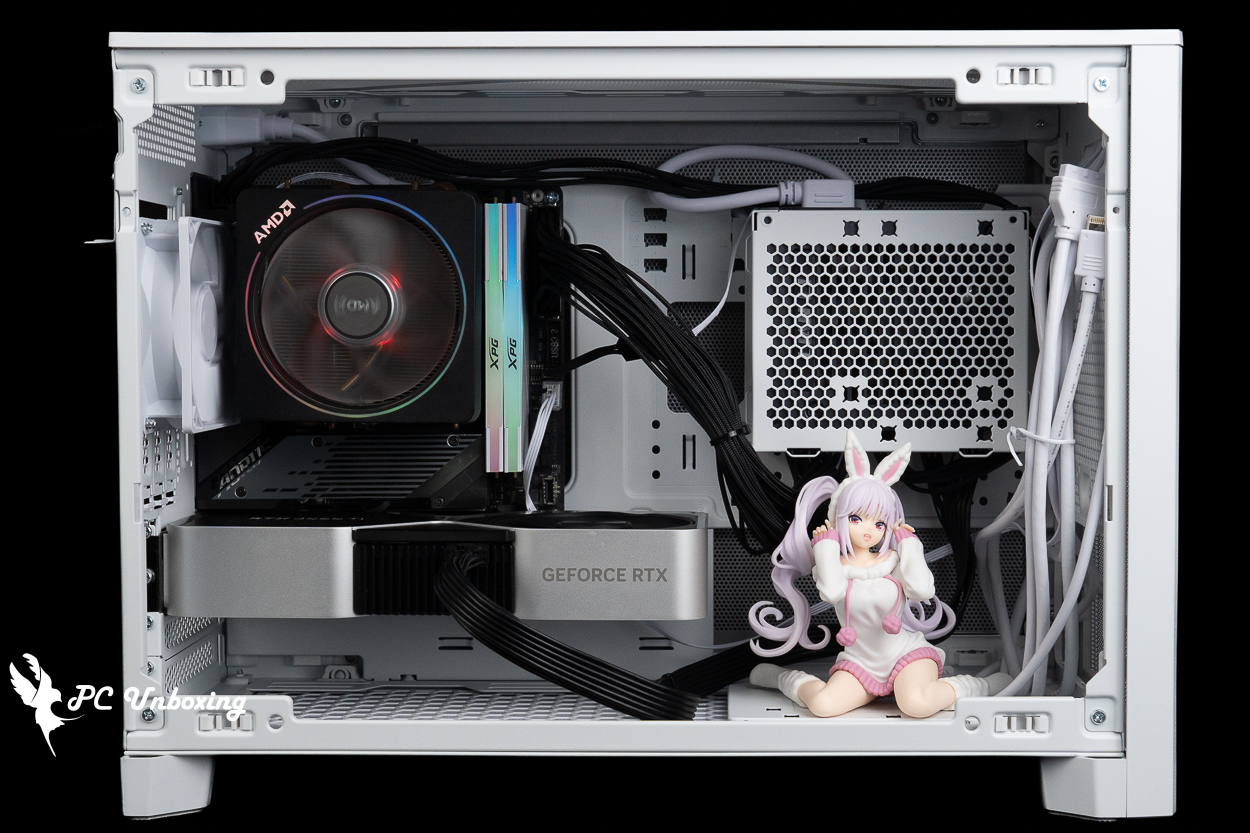
△ I installed it using the default M1 mode, and with a dual-fan graphics card, there’s even room to display a collectible item next to it.
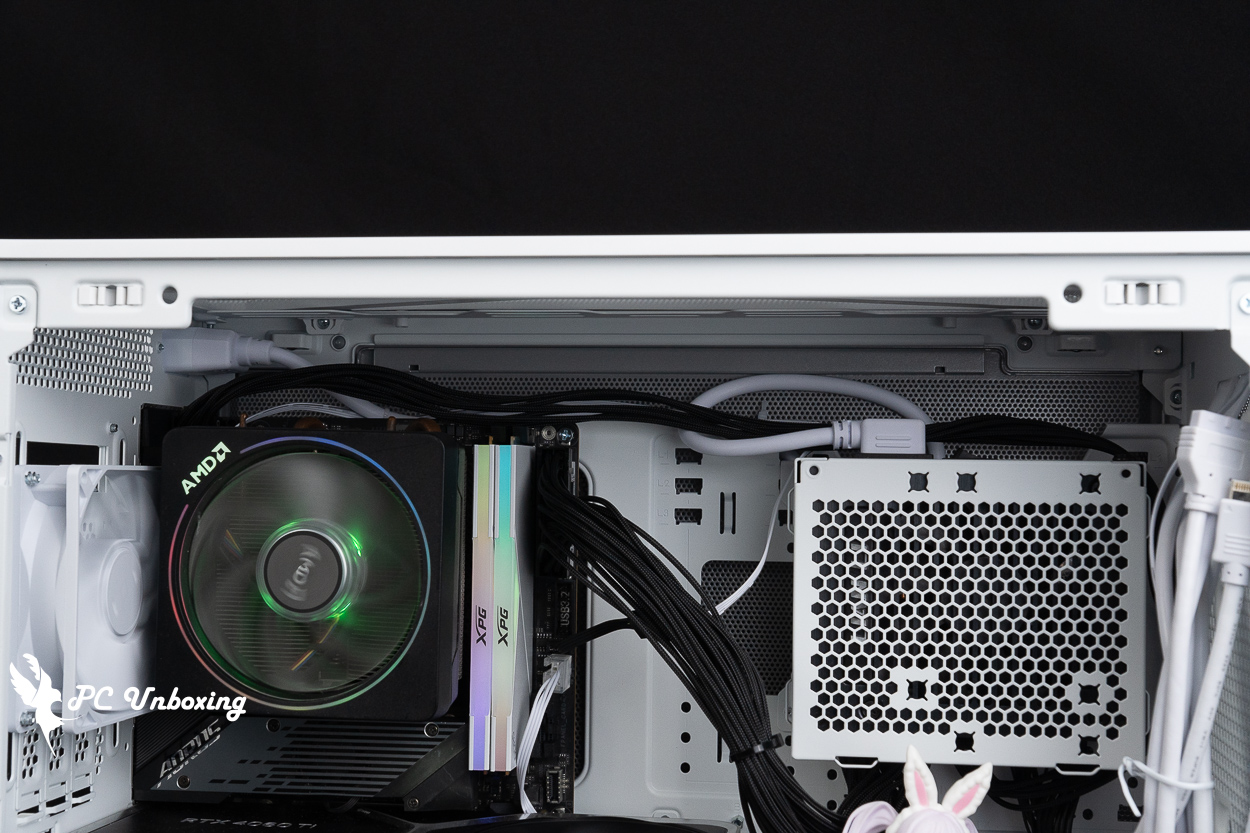
△ I installed it with an SFX power supply, routing the CPU power cables on the same side as the AC power cables. However, since there’s no cable management space at the back, the cables are bound to be exposed—which really puts your planning skills to the test.
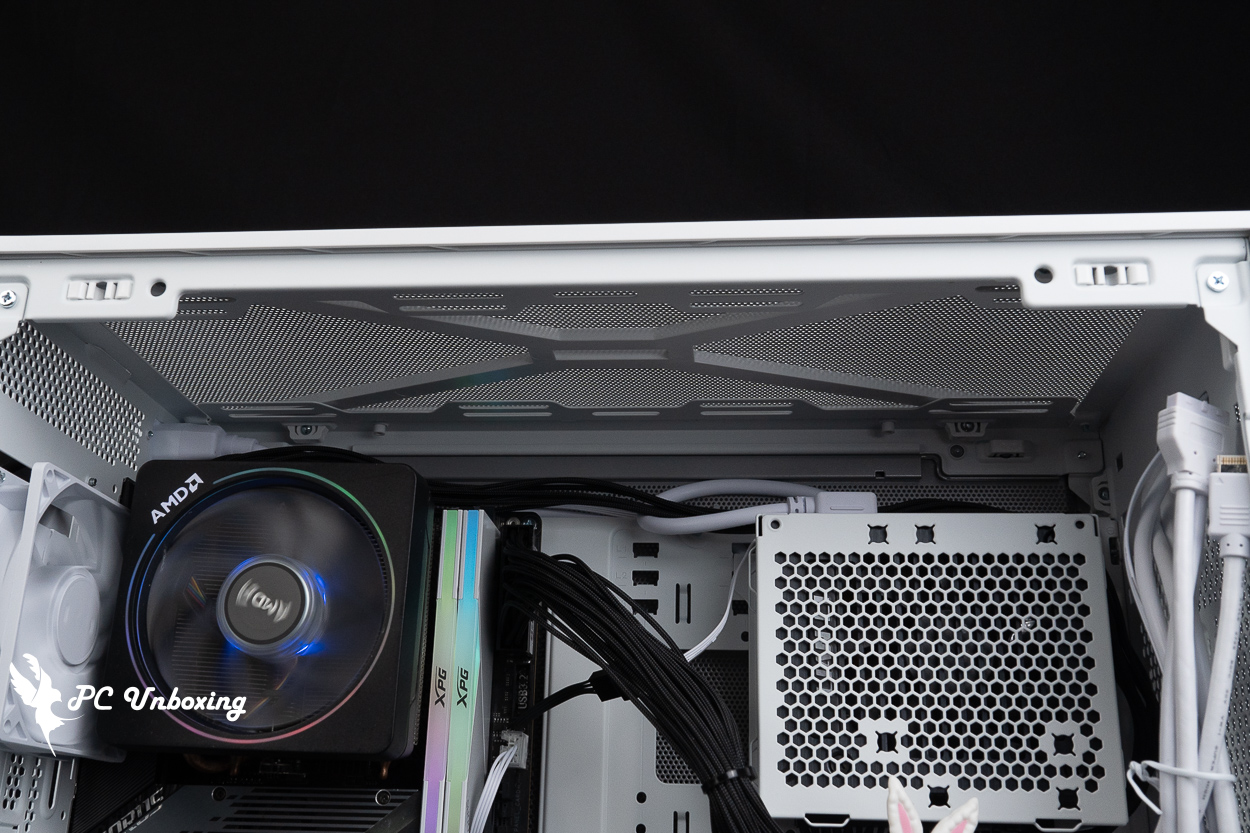
△ If your budget allows, we recommend adding an additional fan at the top to improve heat dissipation and help conceal the cables slightly.
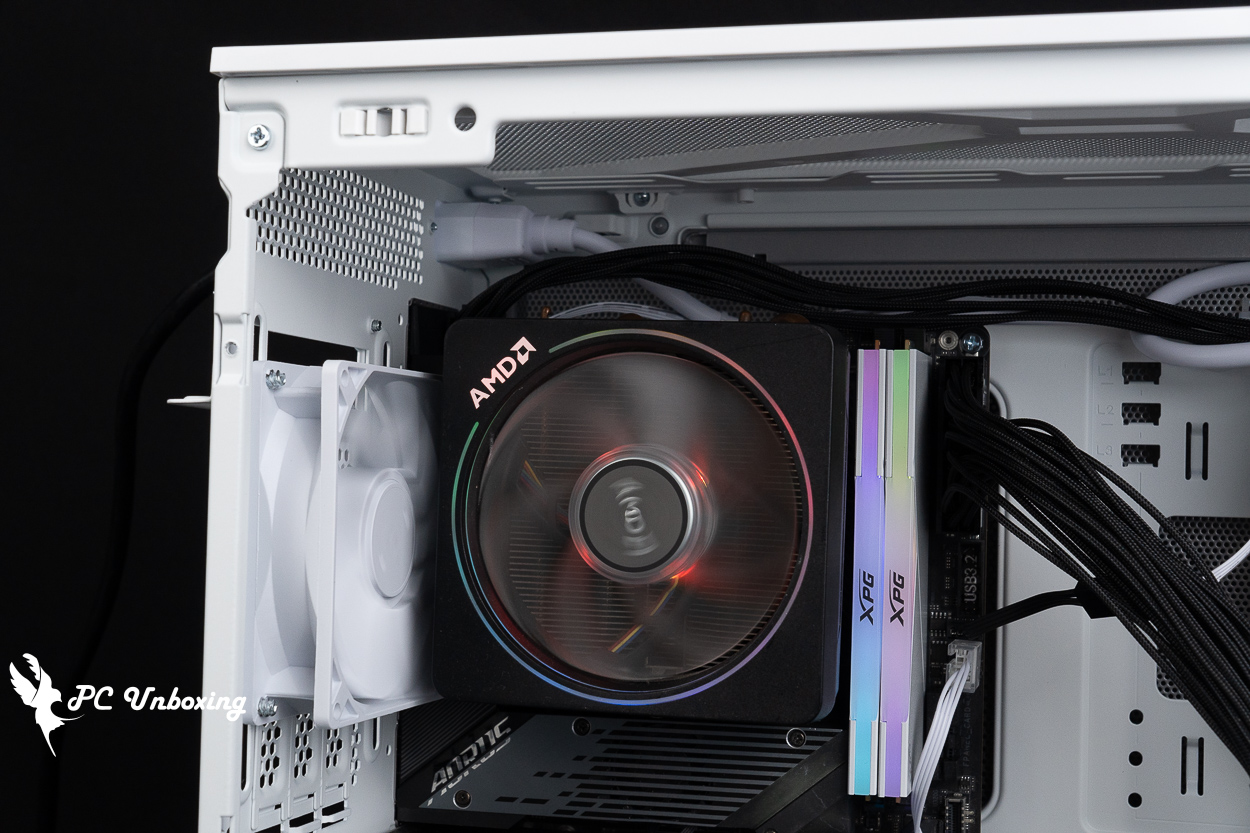
△ The fan at the back of the case is very close to the AMD Wraith Prism.
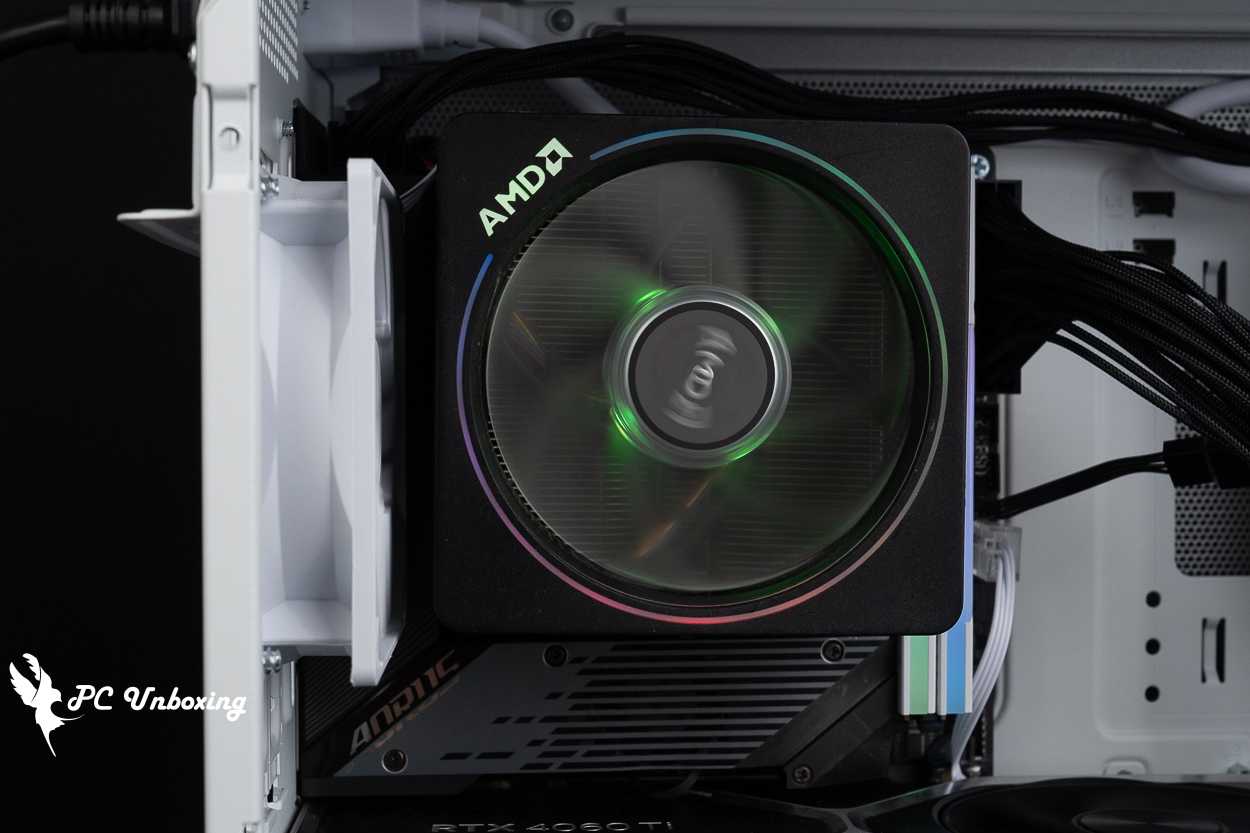
△ If you're using a dual-tower cooler, you may need to remove the rear fan.
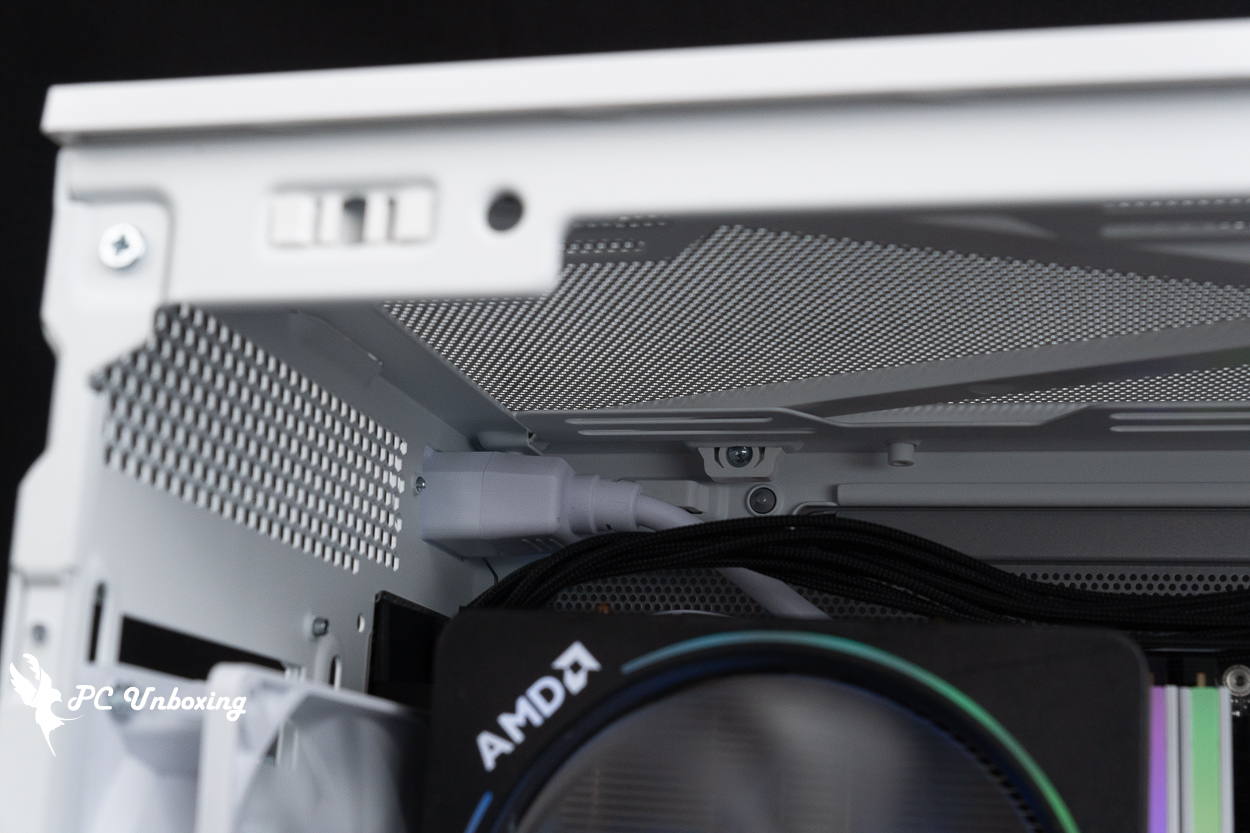
△ Showing the remaining space above.
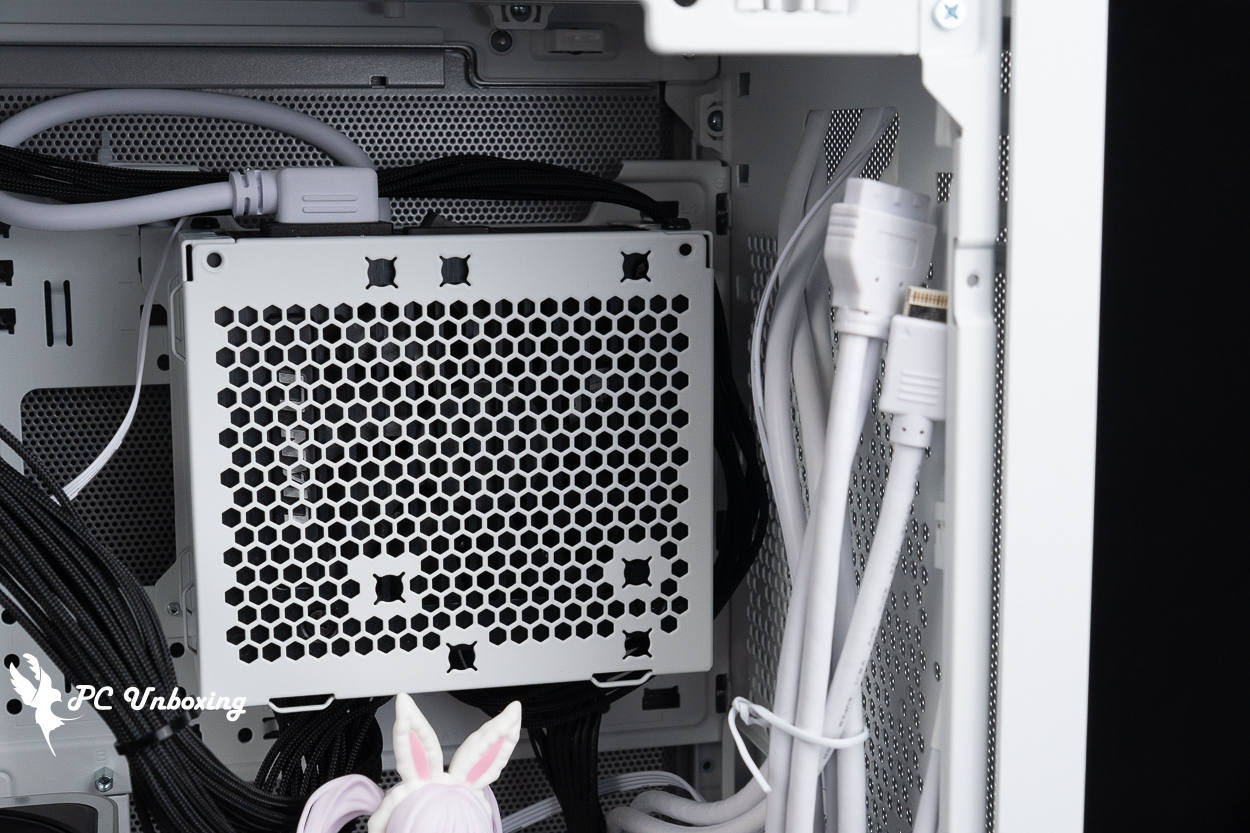
△ For the CPU power cables, I looped them around once on the right side before routing them upward. As for the case I/O cables, I think they’re a bit too long for an ITX setup in M1 mode—they end up spreading out in front of the power supply—but I’m not sure if they’d be just the right length for other configurations.
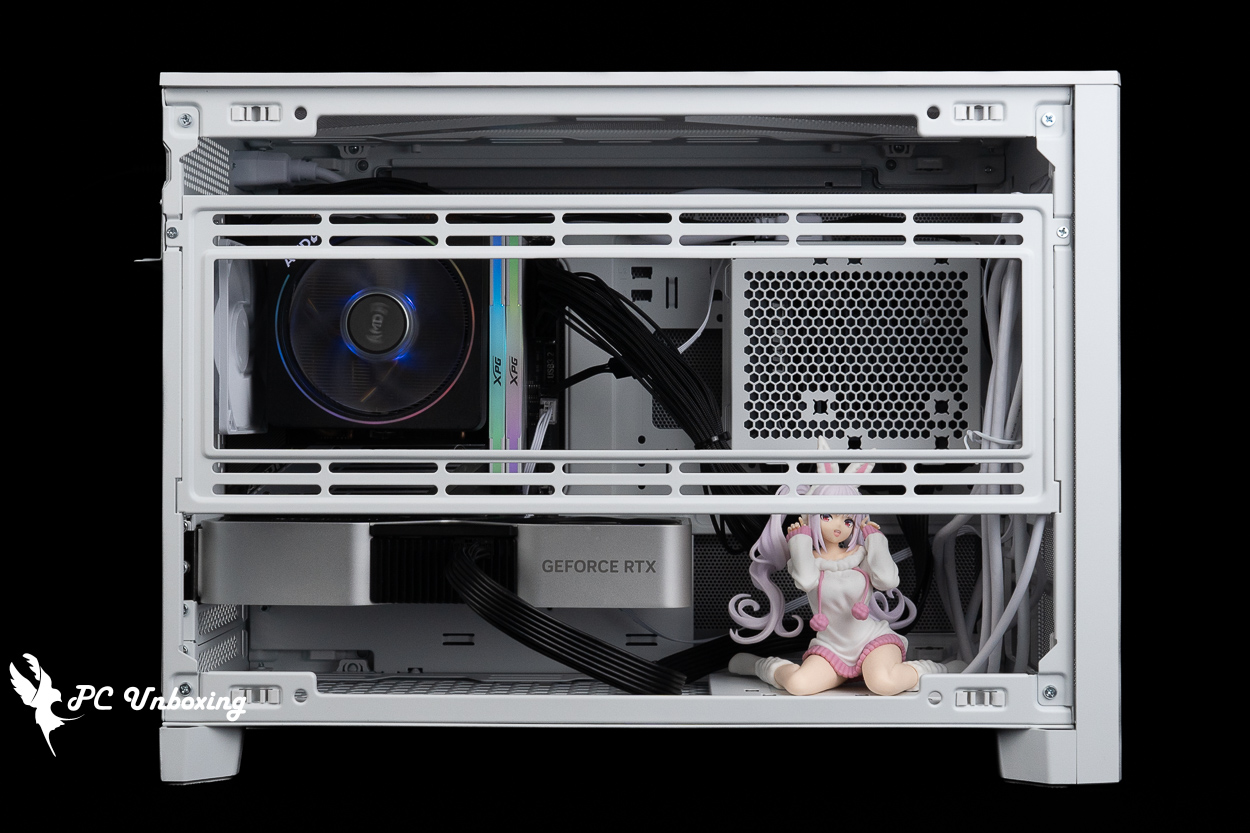
△ The side fan mount is positioned to accommodate a down-blowing air cooler, such as the AMD Wraith Prism; you can install an intake fan there to enhance cooling.
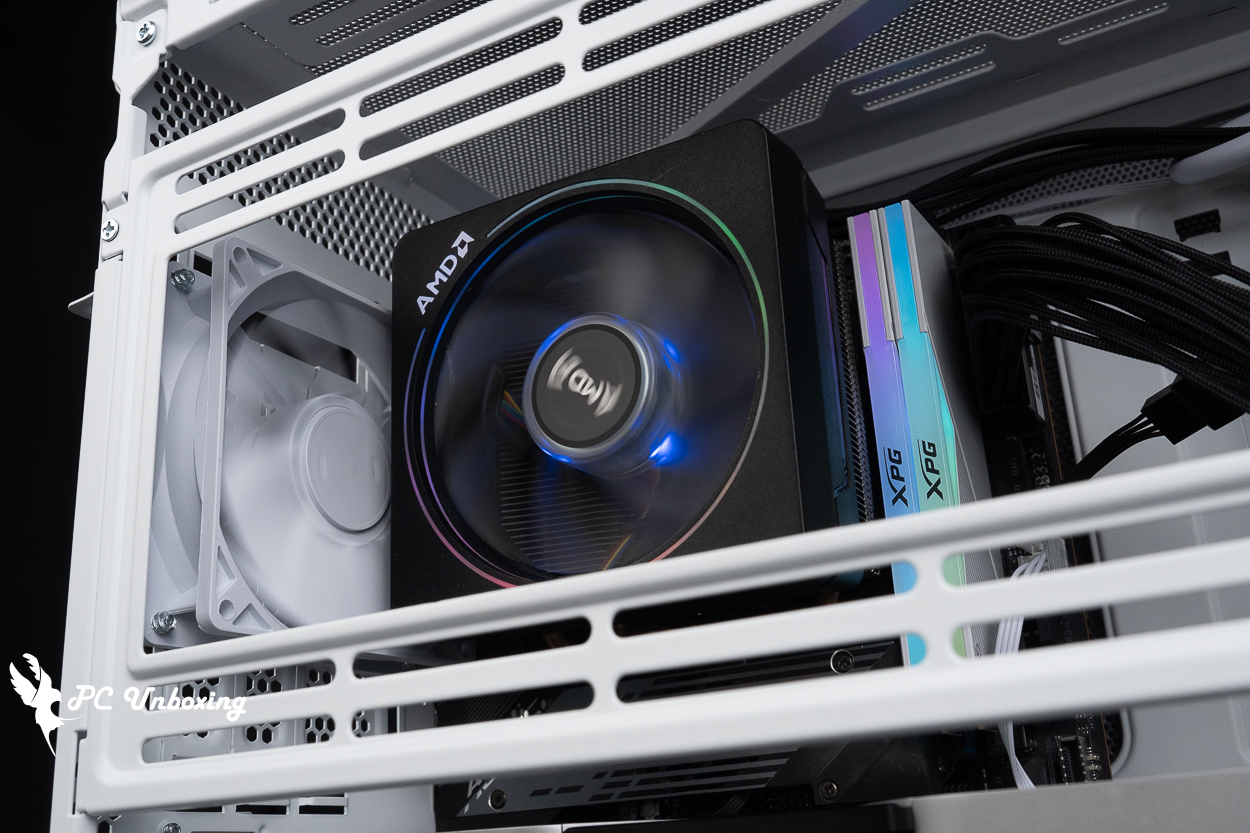
△ However, if the fan is mounted on its side, the supported air-cooling height may need to be reduced by the corresponding thickness.
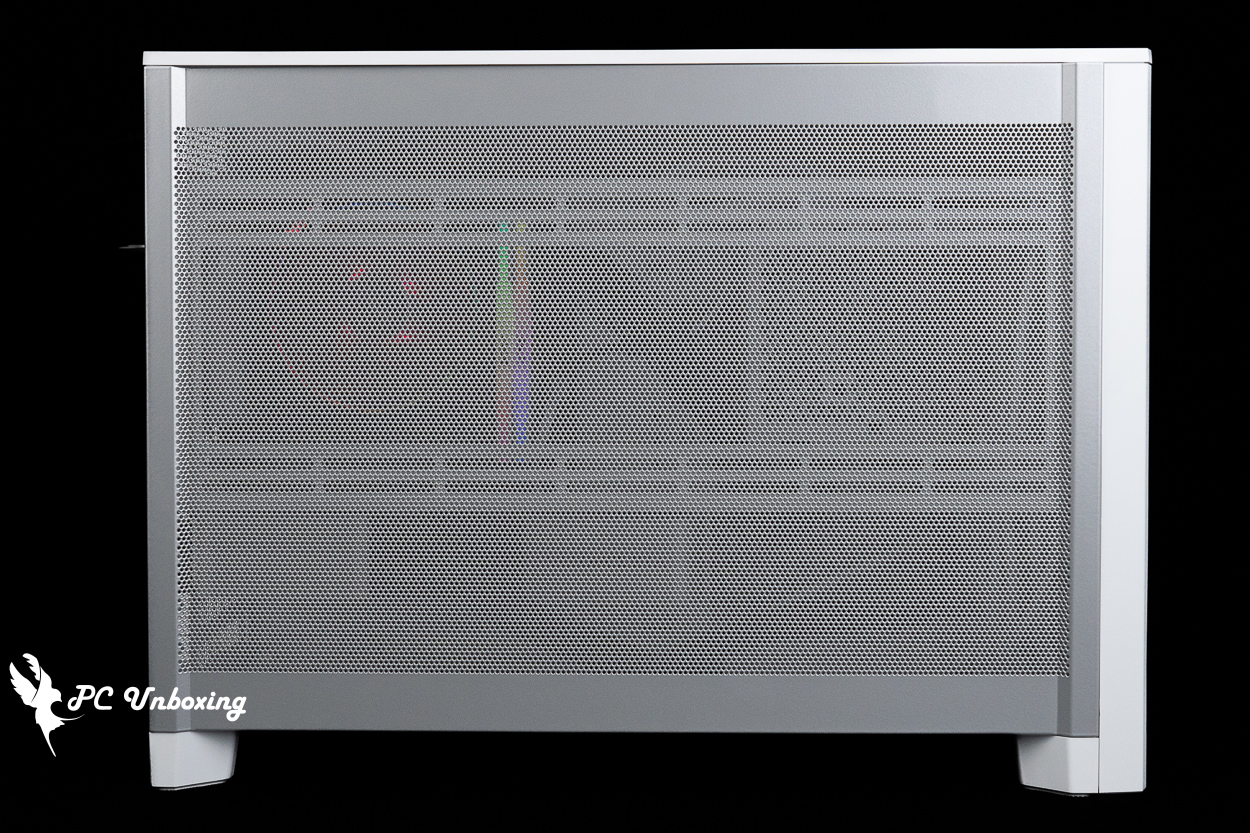
△ Once the side panel is in place, you can’t really see any of the lighting effects anymore.
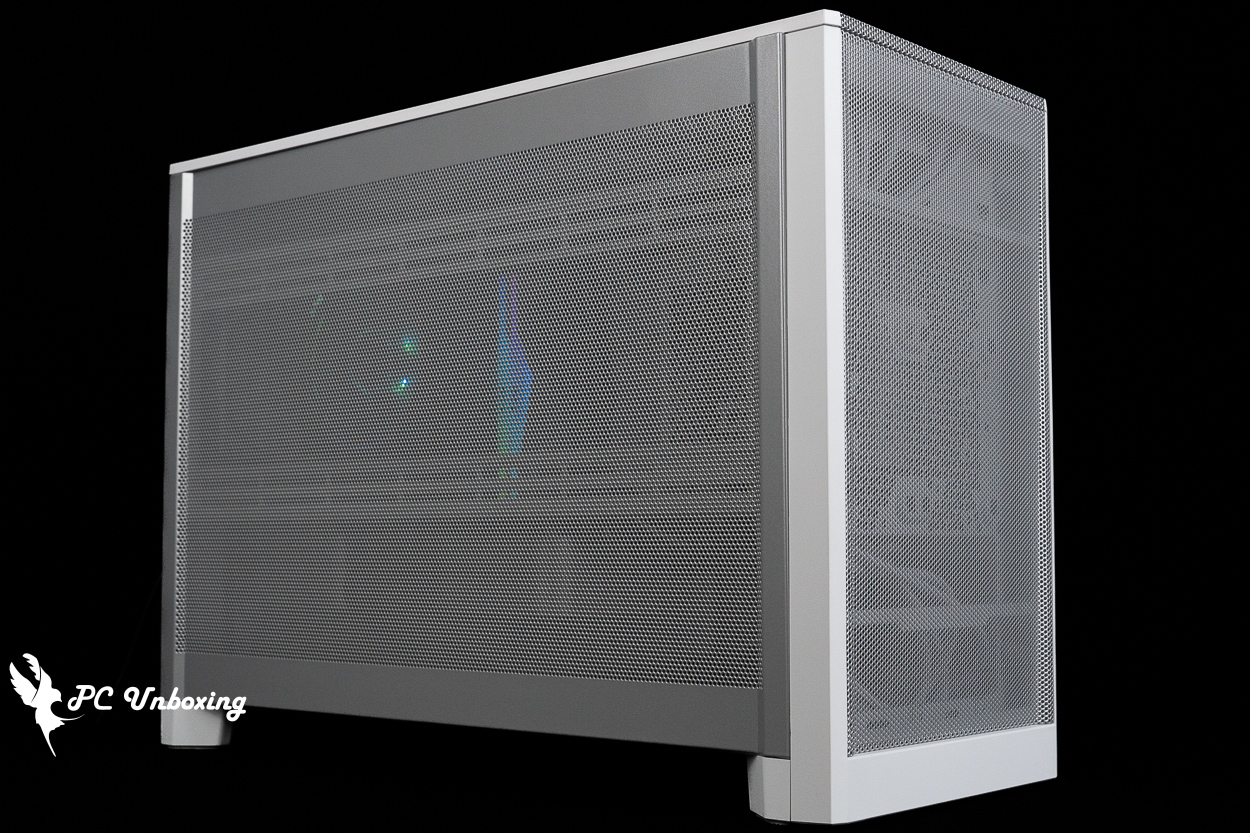
△ The front panel only reveals its internal details when photographed under artificial lighting; otherwise, you can’t really see inside under normal lighting conditions.
MONTECH TEN Cooling Performance Test | Temperature Performance of the Air-Cooling Setup in M1 Mode
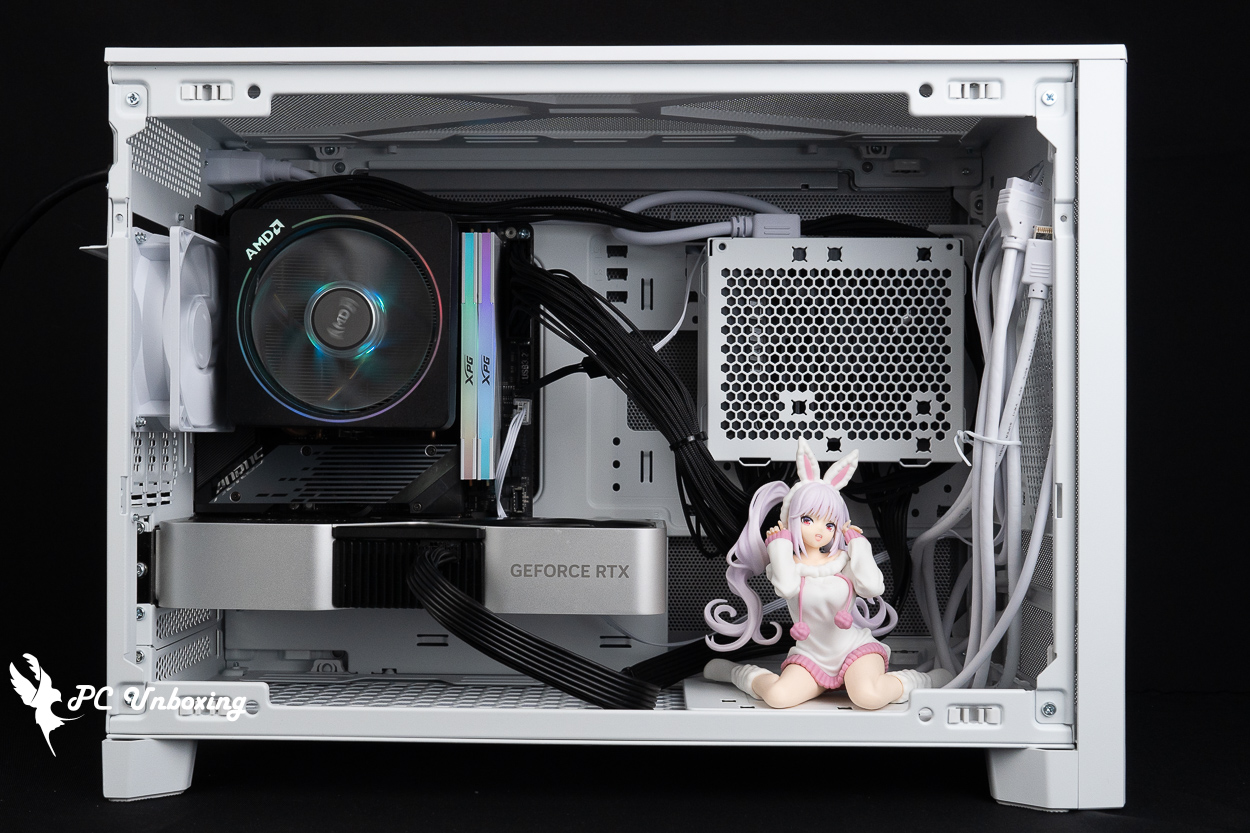
Next, we conducted actual thermal performance tests on the case using an AMD Ryzen 5 8500G processor and a GIGABYTE B650I AORUS ULTRA (rev. 1.0) motherboard. During the test, we set the fan speed in the motherboard BIOS to full speed. The test was conducted in a sealed room at 24 °C; since ambient temperatures in ordinary rooms are difficult to control, these results are for reference only.
The software uses AIDA64 FPU and Furmark 2 to simulate the temperature data of the processor and graphics card under high load stress, Black Myth: Wukong 1080P to run the test scenarios, and HWiNFO64 to collect and record the maximum temperature and power consumption.
Testing Platform
Processor: AMD Ryzen 5 8500G
Cooler: AMD Wraith Prism (full speed)
Thermal paste: Cooler Master MASTERGEL MAKER 40g (thermal conductivity 11W/mK)
Motherboard: GIGABYTE B650I AORUS ULTRA (rev. 1.0)
Memory: XPG LANCER RGB DDR5 6000 MT/s 64GB (2x32GB) CL30-40-40-76 1.4V
Graphics: NVIDIA GeForce RTX 4060 Ti Founders Edition 8GB
Chassis:MONTECH TEN
I’d like to add a few things. First, I enabled the memory profile and set all the motherboard fan headers to full speed, while leaving the rest on AUTO.
- Black Myth: Wukong_Black Myth: Wukong_Performance Test Tool 1920 x 1080(FHD)_1 round
- Graphics Test Furmark 2_30 Minute
- Processor Test AIDA64 CPU_30 Minute
- CPU temperature is measured by the diode in the slot to measure the internal (core) or external (case) temperature, but there is no way to know exactly whether it is the internal or external temperature that is measured, and most monitoring software uses this item to display the CPU temperature.
- CPU (Tctl/Tdie) temperature is the actual maximum temperature of the CPU sensors in the chip, and is used as a reference point for overheating and downclocking of the processor.
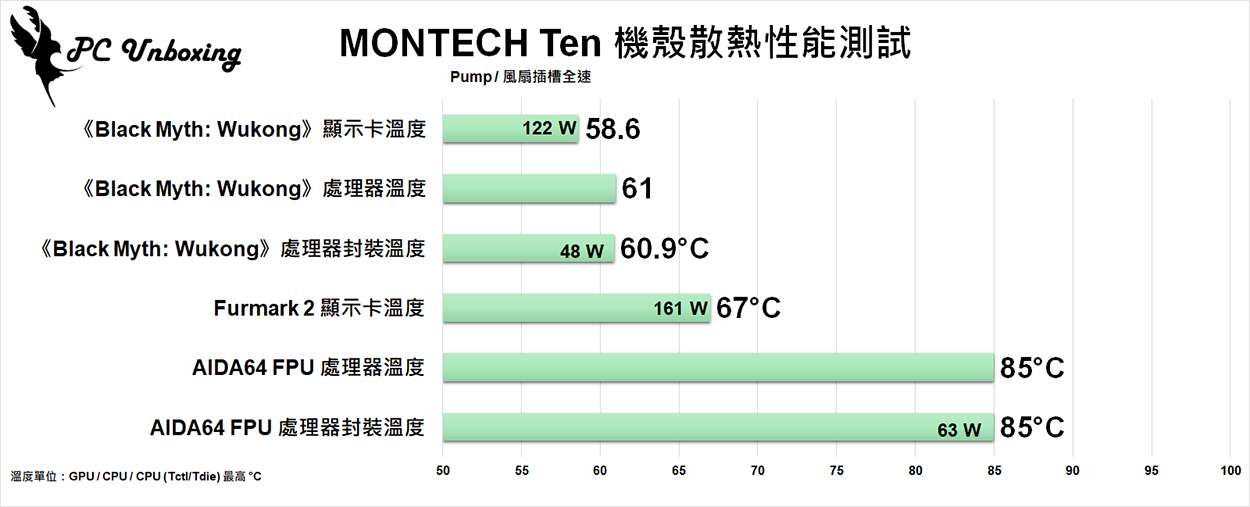
△ Chassis thermal performance chart.
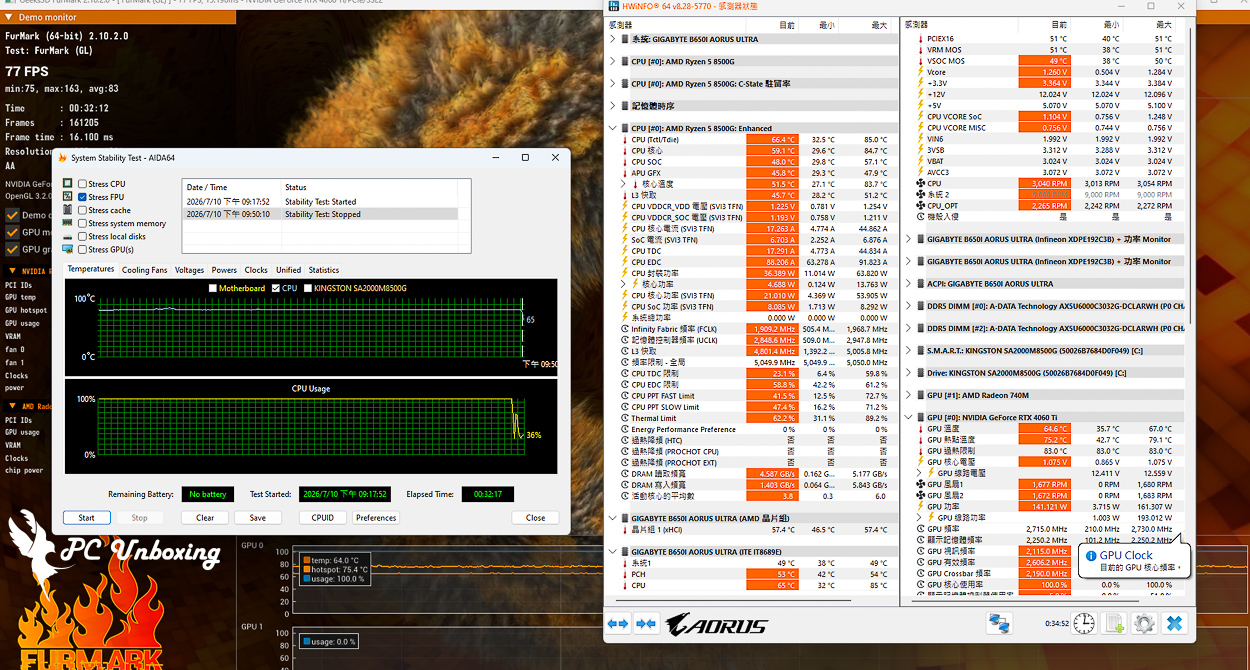
△ Screenshot of the double-bake test.
Conclusion
For a price just under 1,800, the MONTECH TEN case truly offers a lot of flexibility, featuring a modular design, and you can build a system without breaking the bank. It can be adapted to different setups—such as air cooling, water cooling, or ITX—and maintains a decent level of overall cooling performance thanks to its all-around mesh panels and vertical airflow design. Unfortunately, I’ve heard that only the standard version is currently available in Taiwan; personally, I really like the version with the LED strip.
For this build, I used an ITX motherboard paired with the stock AMD Wraith Prism down-blow cooler to implement the factory-default M1 mode. Based on my installation experience, I recommend using an SFX power supply; there isn’t much space behind the motherboard for cable management, so both the power supply cables and I/O cables will be concentrated on the right side and underneath the motherboard. Choosing an SFX power supply with cables of just the right length can save a lot of space. However, for M1 mode, the case’s I/O cables are actually a bit too long, leaving a significant excess hanging there.
Although the case itself is inexpensive, if you want to install the graphics card vertically or at the top, you’ll need to purchase a graphics card extension cable such as the MONTECH VGM 2. If you want to improve the case’s cooling performance, you can also add up to nine additional fans—these are all extra costs to keep in mind.
The build guide recommends prioritizing hardware that is non-glowing and emphasizes cooling performance—such as the Monarch NX600, the HyperFlow Silent series of liquid coolers, or non-glowing memory modules—as this approach better suits the case’s focus on practicality and a low-key aesthetic.
Although it offers a high level of flexibility, many aspects are closely interlinked. Before putting together a system, it’s a good idea to discuss your needs with someone who has extensive experience building PCs; their expertise can help you avoid many compatibility issues.

Yun
Drinks with less than full sugar are colored water. Crossing Turbid Creek, full sugar is not a crime!

 繁體中文
繁體中文  English