
MONTECH TG3 Case Unboxing and Review | Supports ATX Rear-Mount Design, Tested with PureFlow ARGB 360 Liquid Cooling System
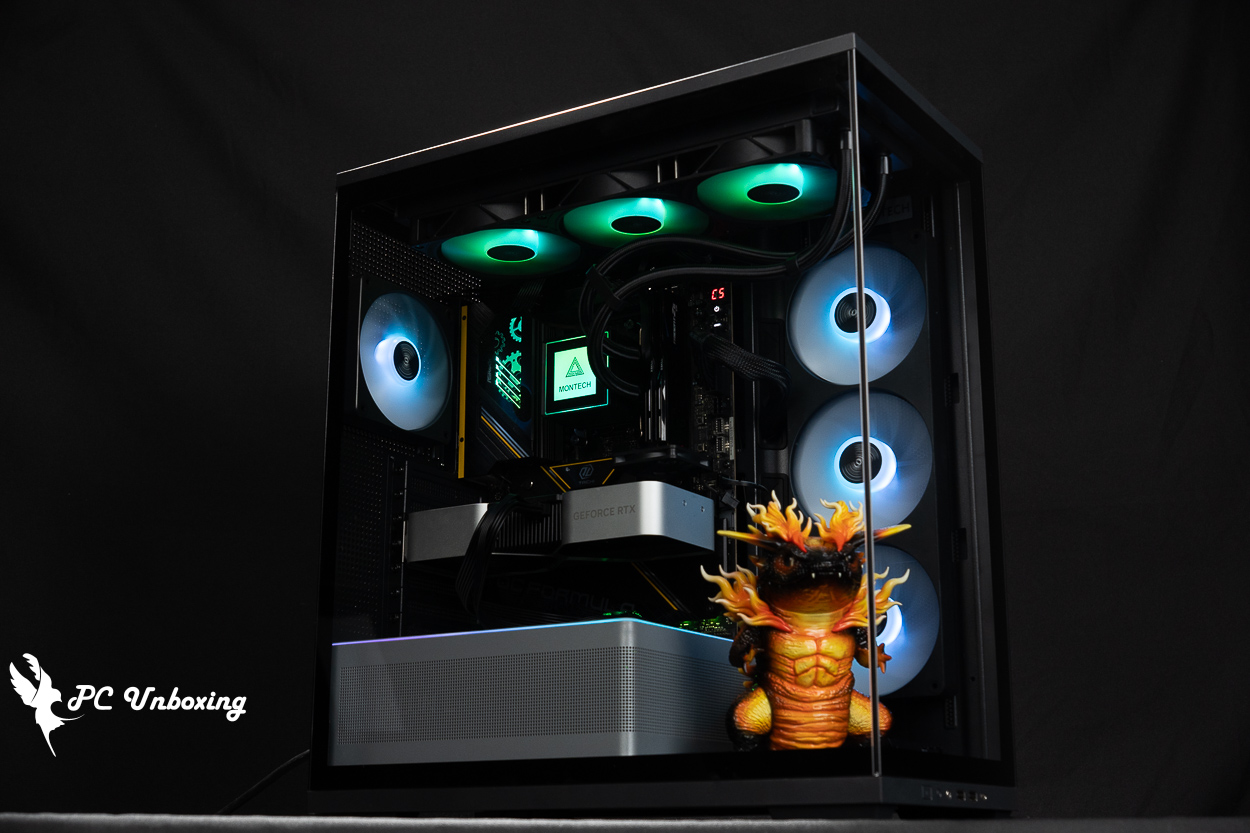
In this unboxing and hands-on review, we’re taking a look at the MONTECH Monarch TG3 and the PureFlow ARGB 360—a new, budget-friendly combo of a case and an all-in-one liquid cooler. Neither product is priced higher than 1,800 TWD, The TG3 case supports ATX motherboards with rear-mounted I/O panels and comes pre-installed with four fans. The side intake uses the GF360 U REV all-in-one cooler, simplifying the installation and cable management process, Meanwhile, the PureFlow ARGB 360 offers a five-year warranty and an ARGB-customizable magnetic top cover at a very affordable price. In real-world testing, it was able to prevent overheating and thermal throttling even when paired with a flagship consumer-grade processor!
MONTECH TG3 Chassis Specifications:
Chassis Dimensions: 465 (L) x 239 (W) x 523 (H) mm
Available colors: black, white
Chassis Material: Steel, Tempered Glass
Supported motherboard sizes: ATX, Micro-ATX, Mini-ITX, ATX (backplane), Micro-ATX (backplane)
CPU cooling support height: up to 180 mm
Maximum graphics card length: 430 mm
Power Supply Unit Length Support: ATX 250 mm
Fan mounting locations (top, side, above the power supply compartment, and rear): 140 mm (3+0+0+1), 120 mm (3+2+2+1)
Pre-installed case fans: one GF360 U REV on the side, one GF120 U at the rear
Water-cooling radiator compatibility: Top: 360 / 280 mm; Side: 240 / 120 mm; Rear: 120 mm
Chassis I/O Ports: Chassis ARGB control button, 2x USB-A 5 Gbps, USB Type-C 5 Gbps, TRRS combo headphone/microphone jack
Maximum hard drive bays: Two 2.5-inch or one 3.5-inch hybrid bay
MONTECH TG3 Case Unboxing | A Look at the Design and Features of This Affordable "Ocean View" Case for 1,750 Yuan
Just earlier this month, I saw it at the COMPUTEX 2026 exhibition hall, MONTECH MonarchAfter showcasing the TG3 and TG3 Curved cases, MONTECH actually started listing the TG3 for sale before the end of the month. I had originally thought that the higher-end TG3 Curved would be released first, or that both SKUs would go on sale simultaneously, but I didn’t expect the TG3 to be released first.
This case is available in both black and white and comes with a one-year warranty. “However,” only the black version is currently available in Taiwan. This is the first time Monarch hasn’t stocked both colors in Taiwan—it’s likely a distribution strategy. If you’re interested in the white version, I suggest reaching out to the manufacturer to request it. As for the price, at 1,750, it’s relatively affordable given the current market.
The front and sides of the case feature glass panels, with the two glass panels joined at a 90° angle. The case measures 465 x 239 x 523 mm in length, width, and height, respectively, and is classified as a mid-tower gaming case.
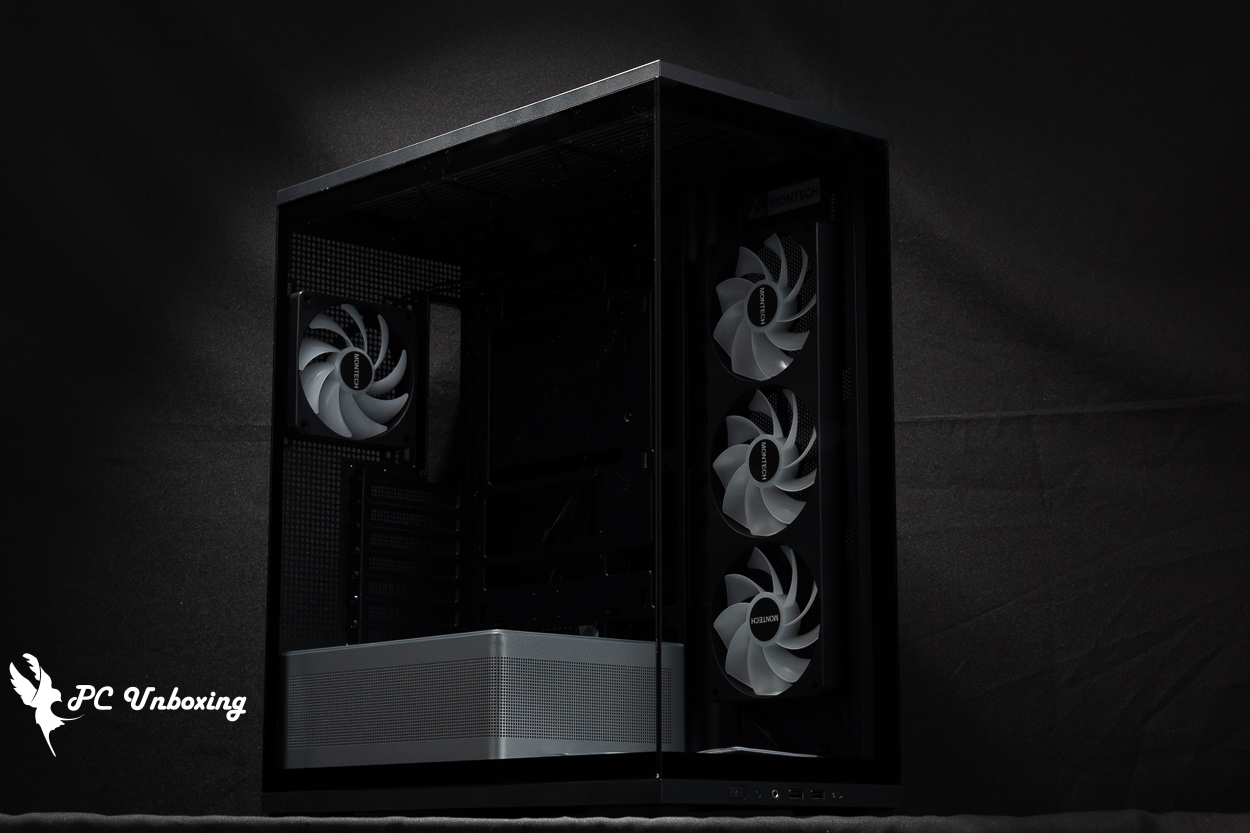
△ Currently, only the black version of the MONTECH Monarch TG3 case is available in Taiwan. The case measures 465 x 239 x 523 mm in length, width, and height.
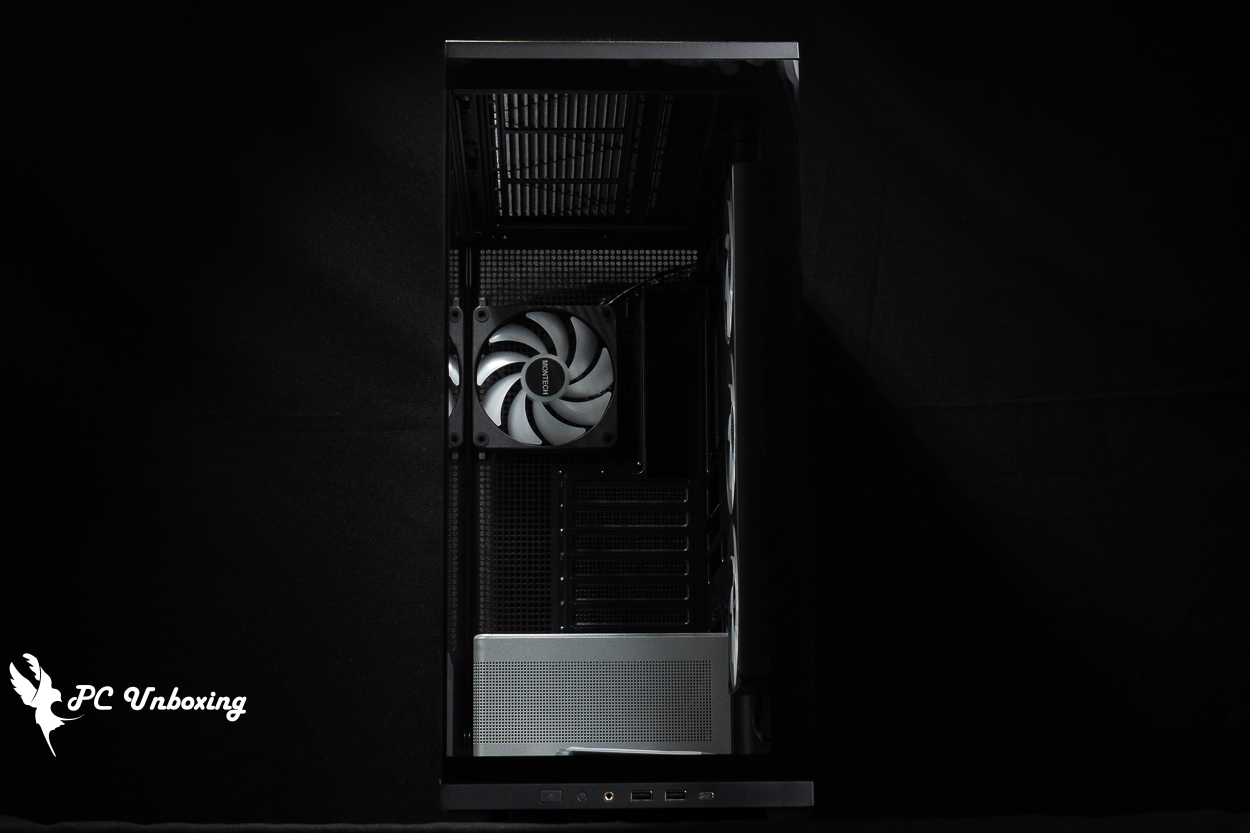
△ Front glass view of the chassis.
The case’s I/O ports are located at the bottom front of the case, so this case is best suited for use at a height above the desktop (such as on top of a desk) for greater convenience. It features: a power button, an ARGB lighting control button, a TRRS combo headphone/microphone jack, 2x USB-A 5 Gbps ports, and a USB Type-C 5 Gbps port.
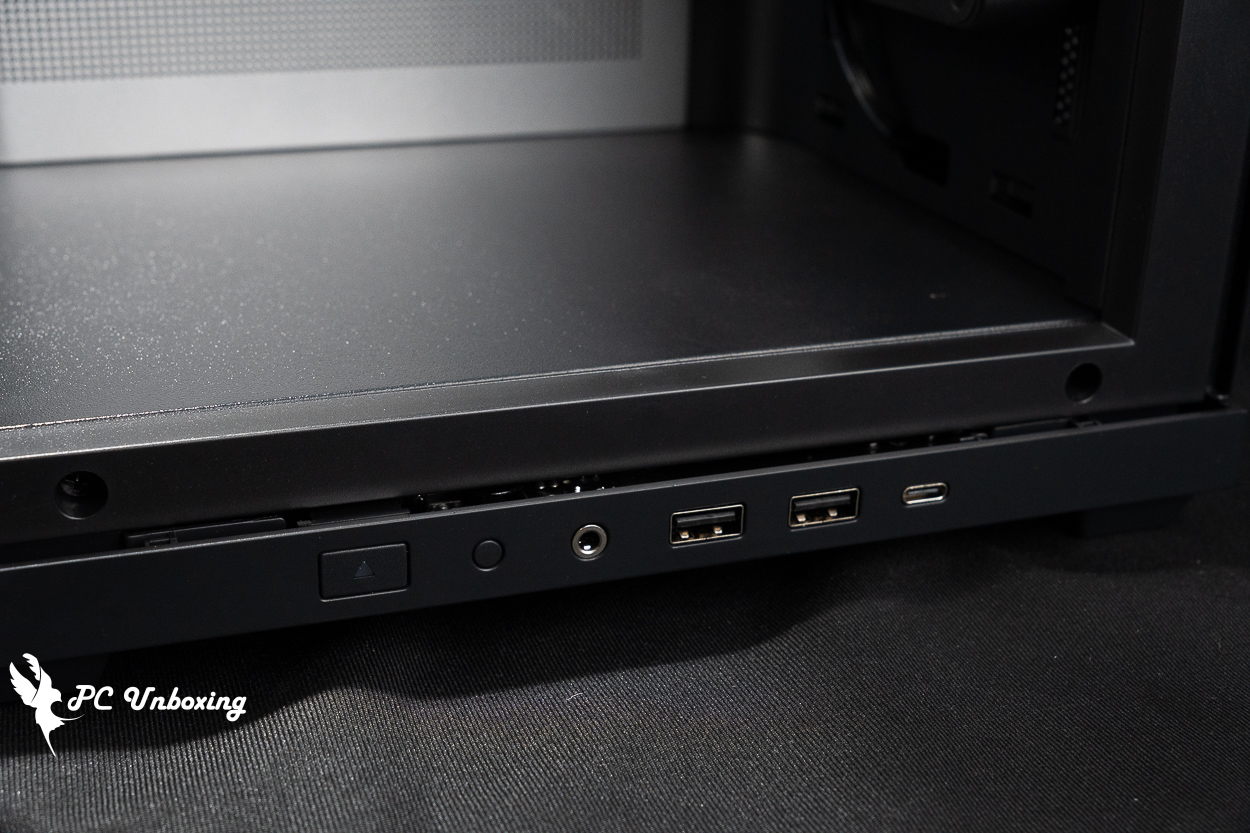
△ List of chassis I/O ports.
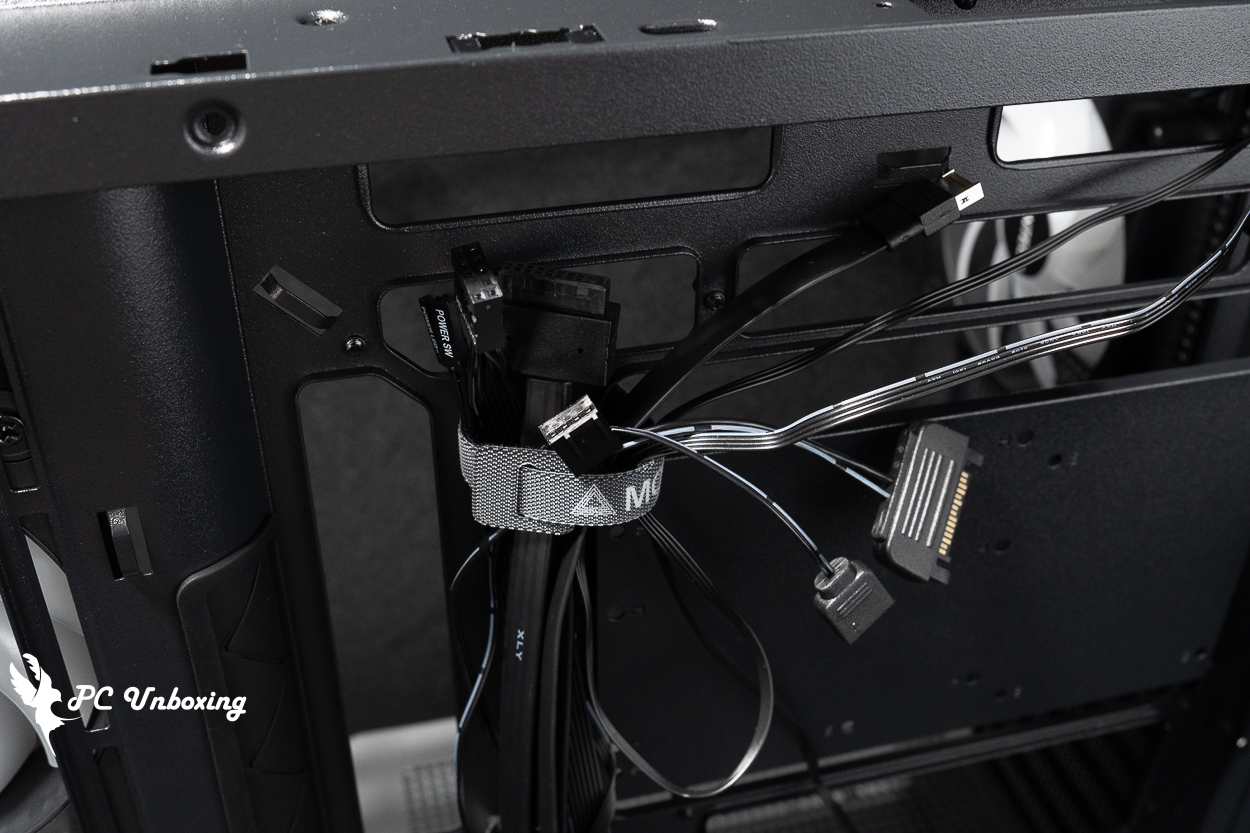
△ I/O cable list.
The glass side panels are secured by tabs and can be opened using the grooves on the back; they are “not” secured by screws, so be careful not to drop them when removing or installing them.
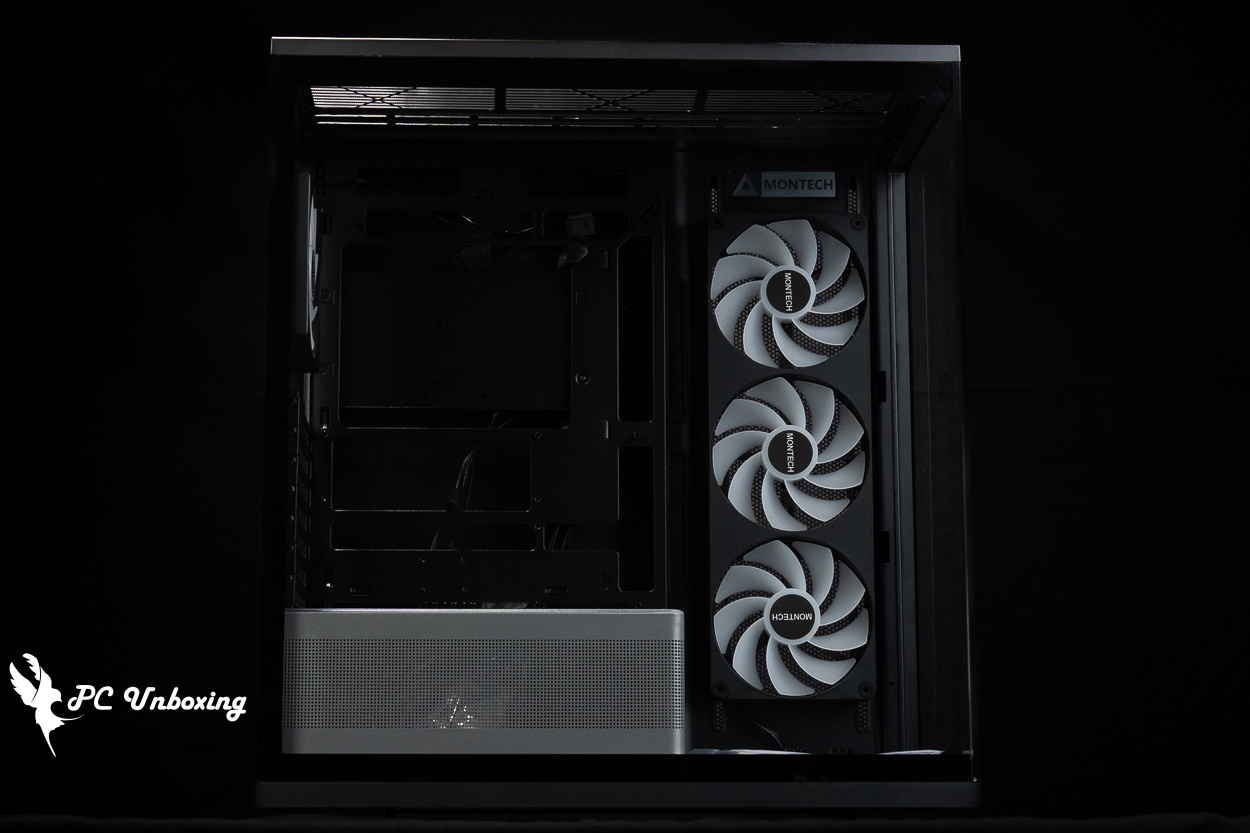
△Glass side panel for black model.
The rear of the case supports the installation of a 120 mm fan and a water cooling radiator, or a larger 140 mm fan (140 mm radiators are not supported), but it comes pre-installed with a Ø 120 mm GF120 U fan to dissipate heat; specifications for this fan are currently unavailable.
There are seven PCIE device mounting positions underneath, with reusable baffles and no crossbars. The PCIE slots are designed without crossbars, so they are compatible with graphics card upright adapters, but gamers will have to purchase additional upright brackets on their own in order to complete the uprighting of their graphics cards.
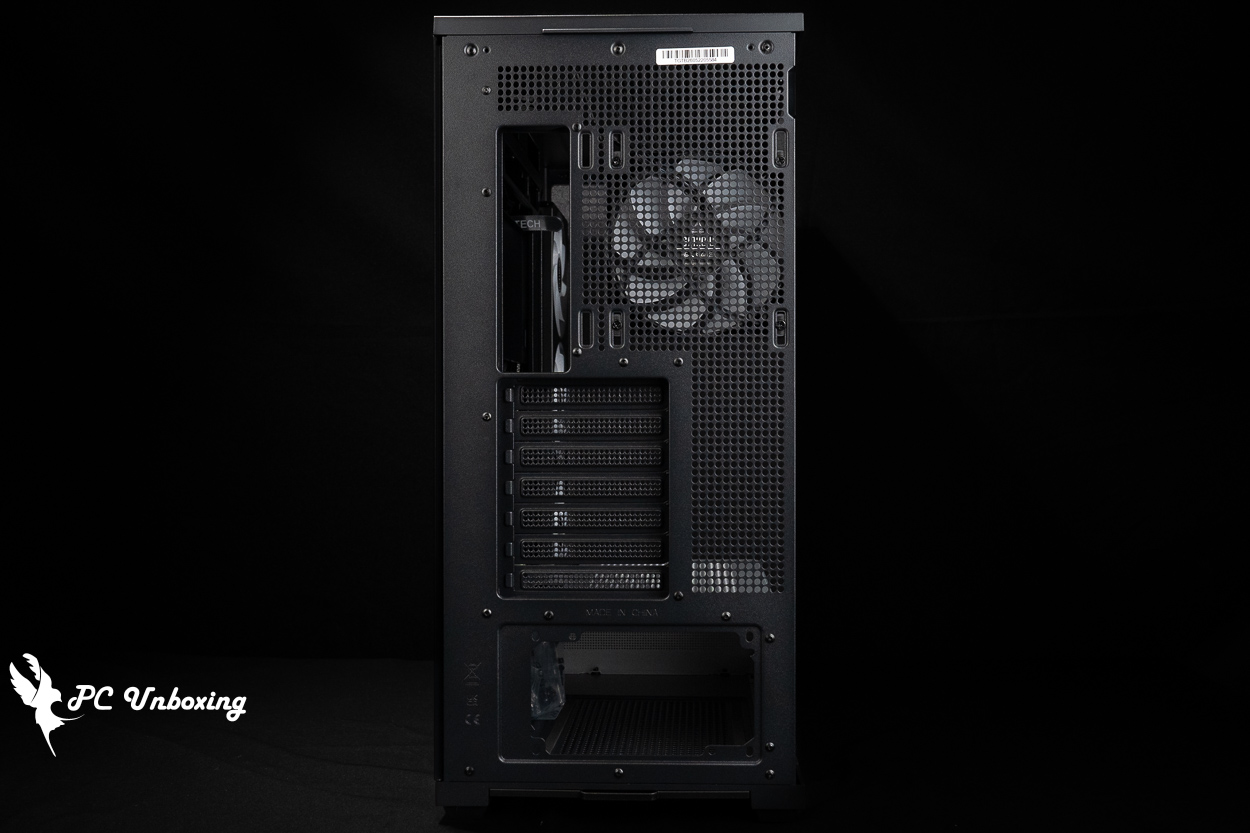
△ The rear view of the chassis.
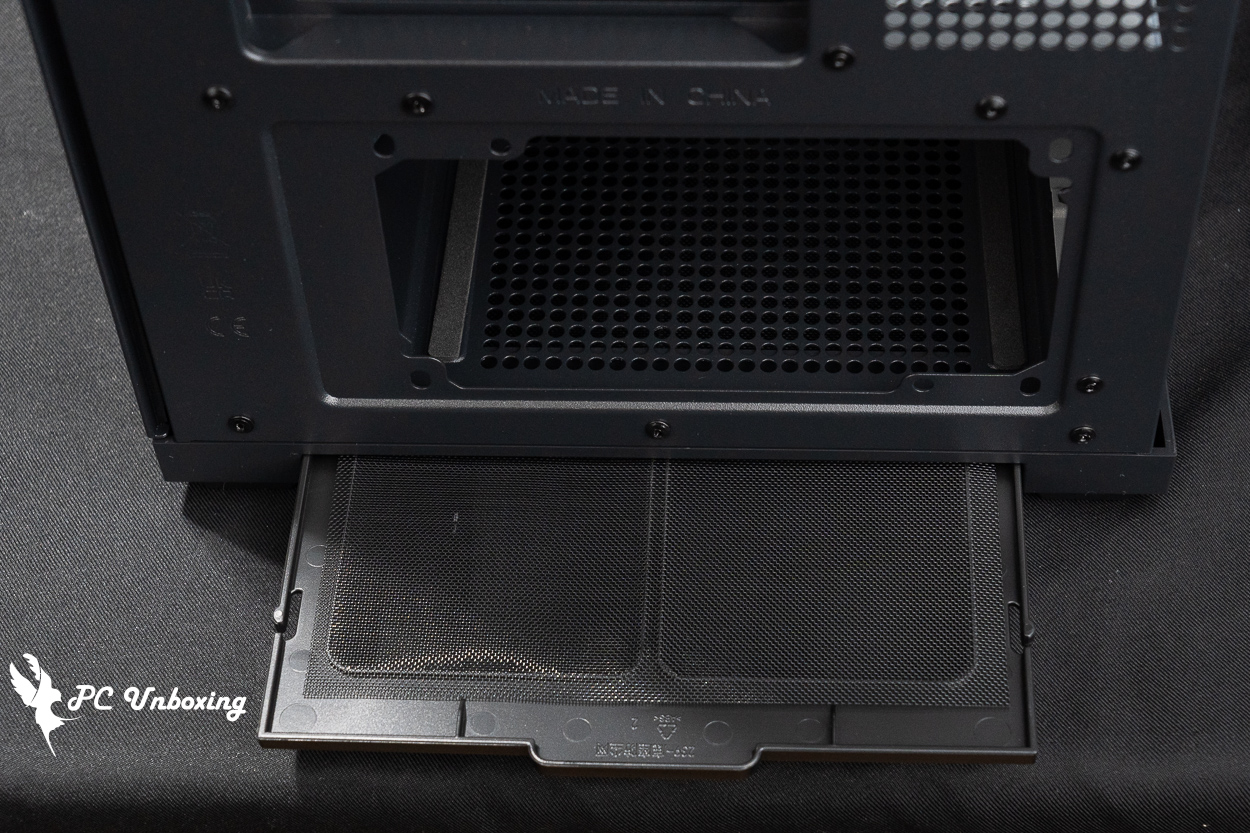
△ Dust filter for the rear-access power compartment; reusable and washable.
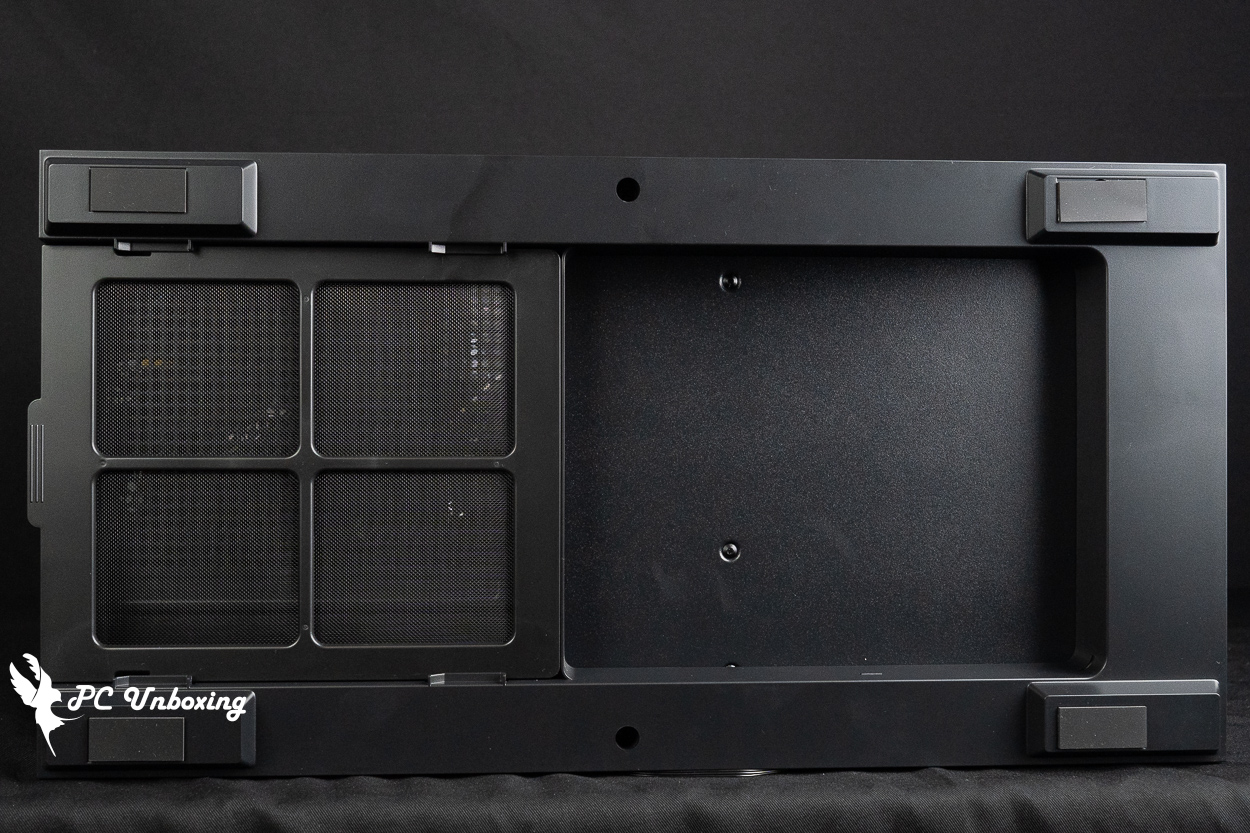
△ Space is left at the bottom of the case to allow air to flow into the power supply fan.
The back of the motherboard features mesh panels at the three side fan mounting locations for either intake or exhaust, but there are no magnetic dust filters installed at the bottom; those who are concerned about this may want to install them themselves.
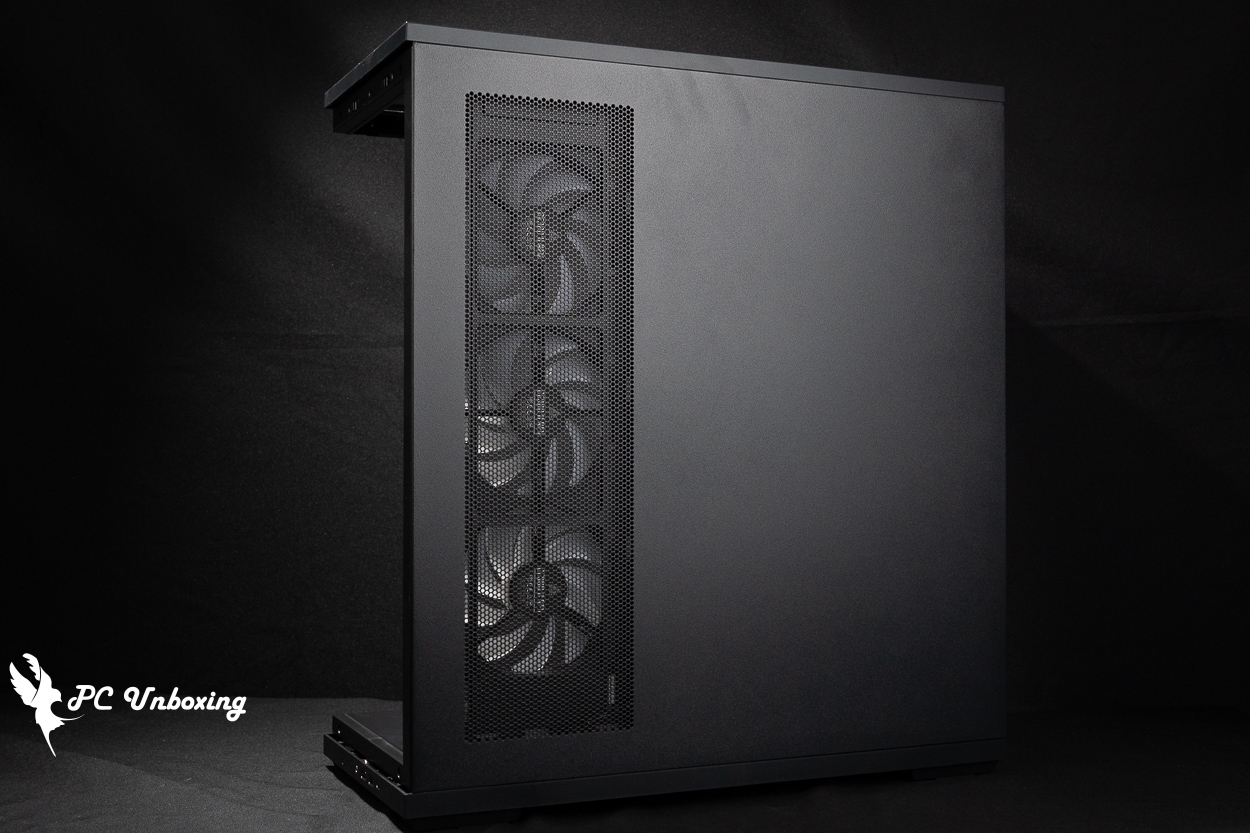
The steel side panels on the line space side are equipped with ventilation grills.
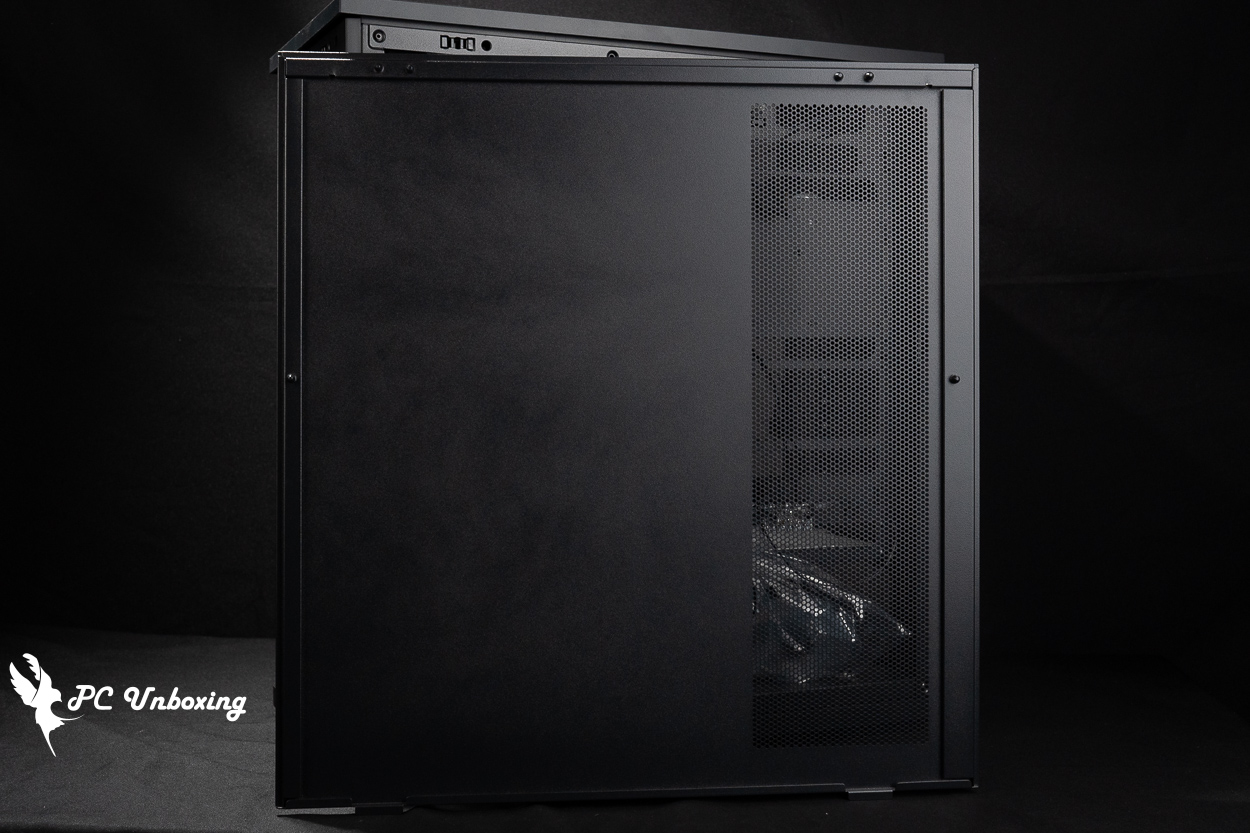
△ There is no dust screen underneath.
The top of the case supports the installation of 360/280 mm fans and water cooling radiators. There is a dust filter at the bottom that cannot be removed separately; to clean it, you must remove the entire top panel.
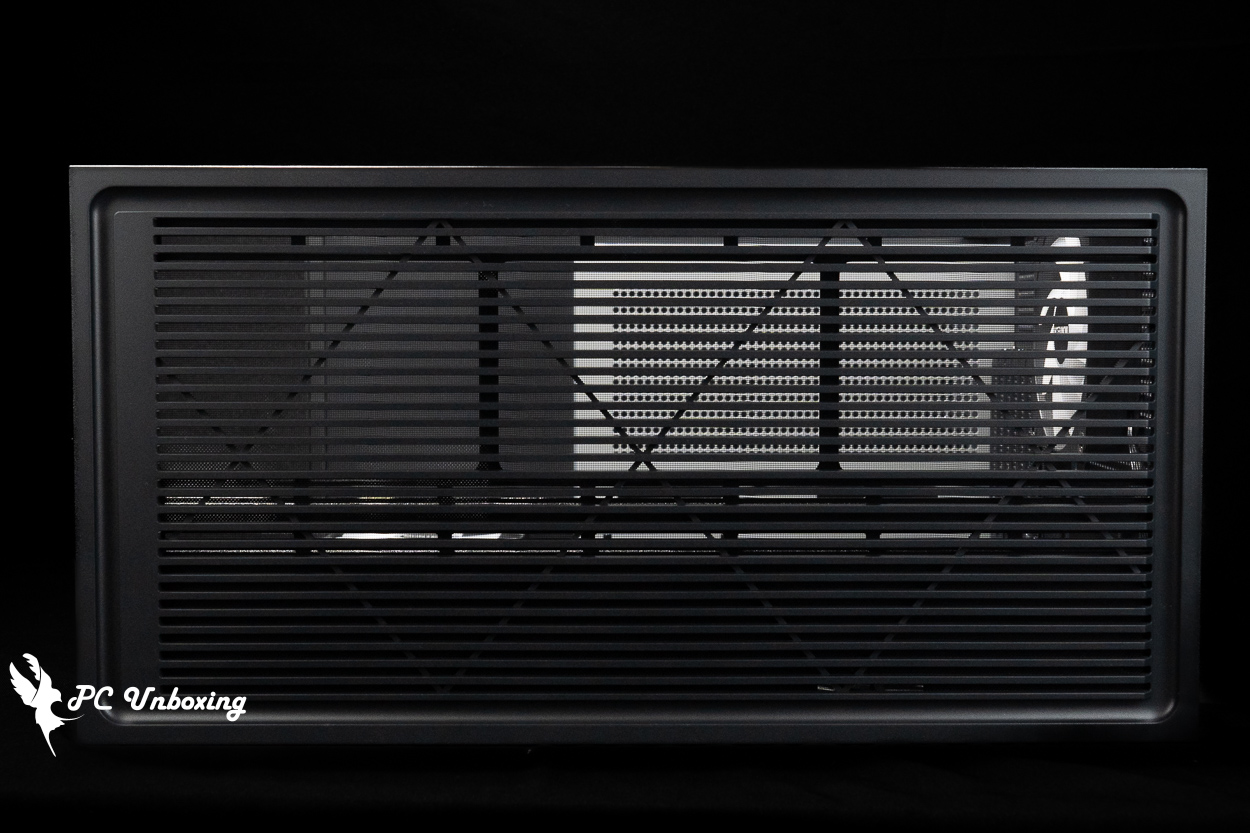
△ Chassis top cover.
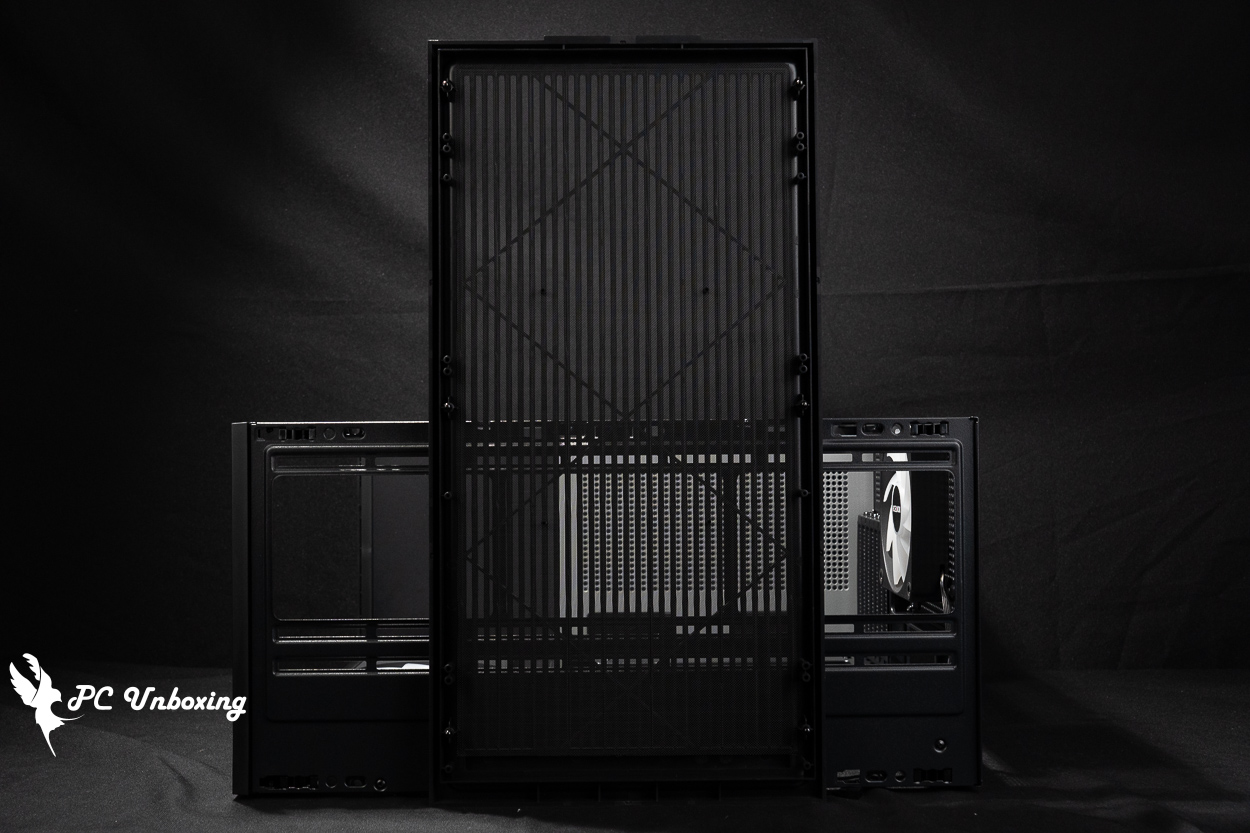
△ There is a non-removable dust filter underneath.
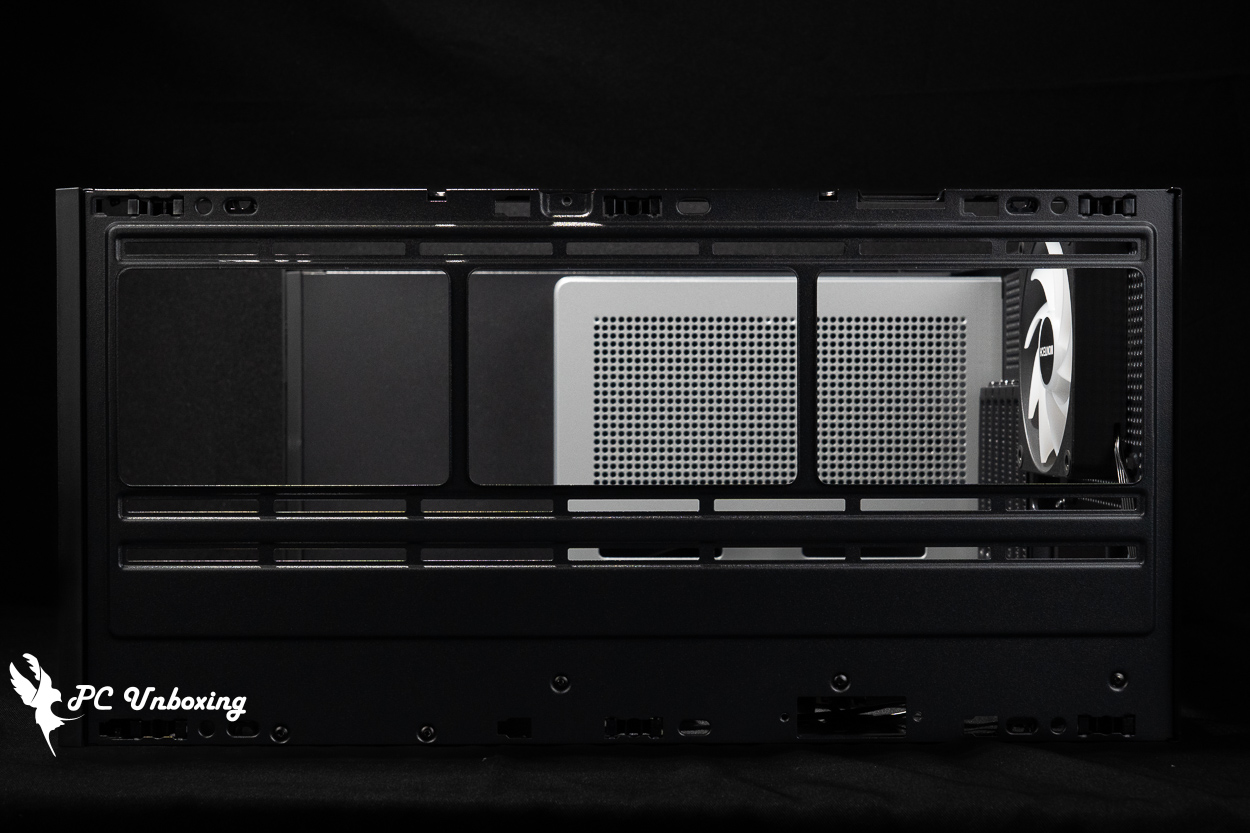
△ Maximum 360 / 280 mm fan and water cooler installation on top of the chassis.
MONTECH TG3 Installation Space Analysis | Support for 430mm Graphics Cards, 360mm Liquid Cooling, and ATX Motherboards with Rear I/O Connectors
The MONTECH TG3 supports the installation of ATX, Micro-ATX, and Mini-ITX motherboards. It also supports the recently emerging ATX (rear-mounted) and Micro-ATX (rear-mounted) motherboards are also supported; for example, rear-mounted series such as the GIGABYTE Project STEALTH, ASUS BTF, and MSI Project Zero are compatible.
The air-cooled heatsink is compatible with graphics cards up to 180 mm in height and 430 mm in length, providing ample space for high-end air-cooled systems and graphics cards.
The GF360 U REV single-frame all-in-one ARGB fan with reverse-blade design is pre-installed on the side at the factory to handle air intake, The 360 mm fan requires only a single 4-pin PWM connector and a 5V 3-pin ARGB connector for power and control, greatly simplifying the cable management process, while a Ø 120 mm GF120 U ARGB fan at the rear of the case handles exhaust, completing the case’s thermal airflow design. If you wish to further enhance internal cooling, this case supports up to 9 fans, with two additional 120 mm fan mounting locations available beneath the motherboard for further expansion.
The ARGB fans pre-installed in the case are already daisy-chained and fully wired; all you need to do is connect a single 5V 3-pin ARGB connector to the motherboard slot to enable synchronization. However, you can also control the lighting effects using the case’s I/O buttons, which is more convenient since it doesn’t require any software configuration.
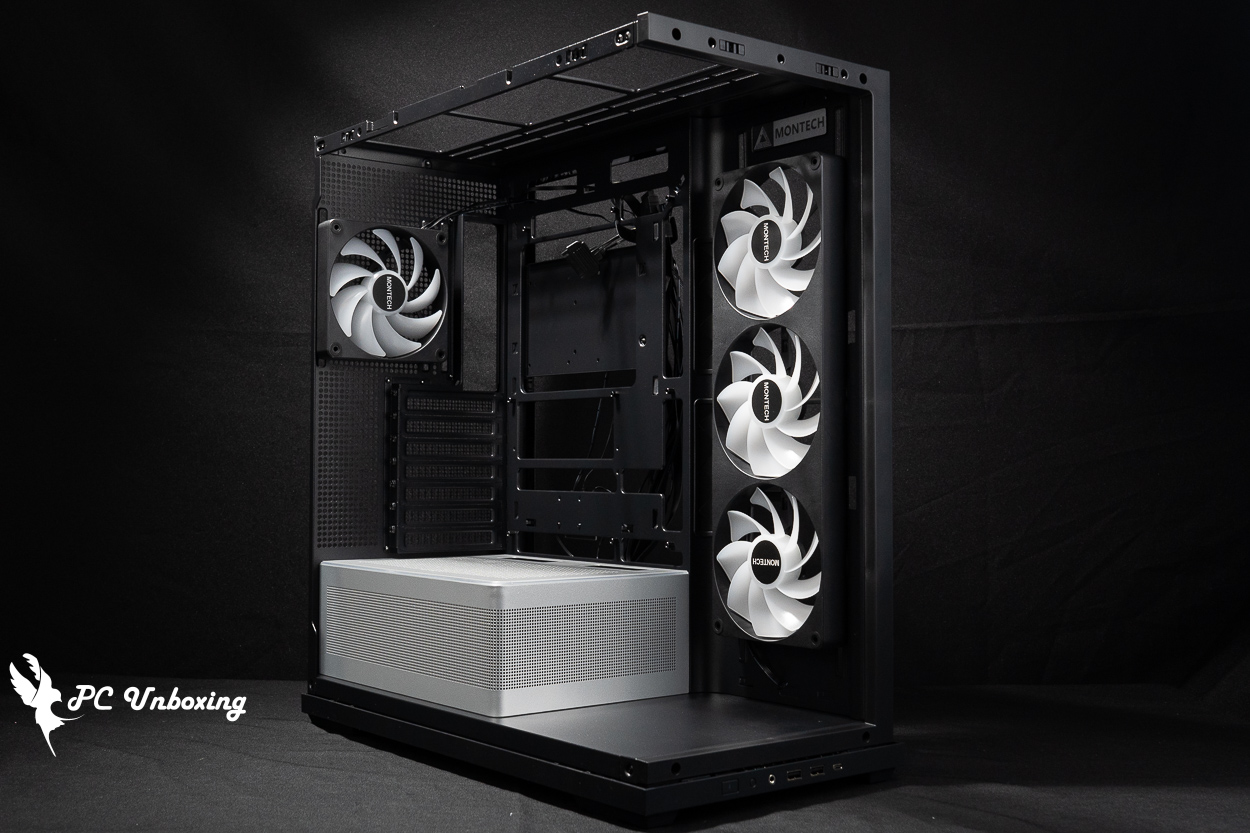
△ Pre-install side 3 and rear 1 fans.
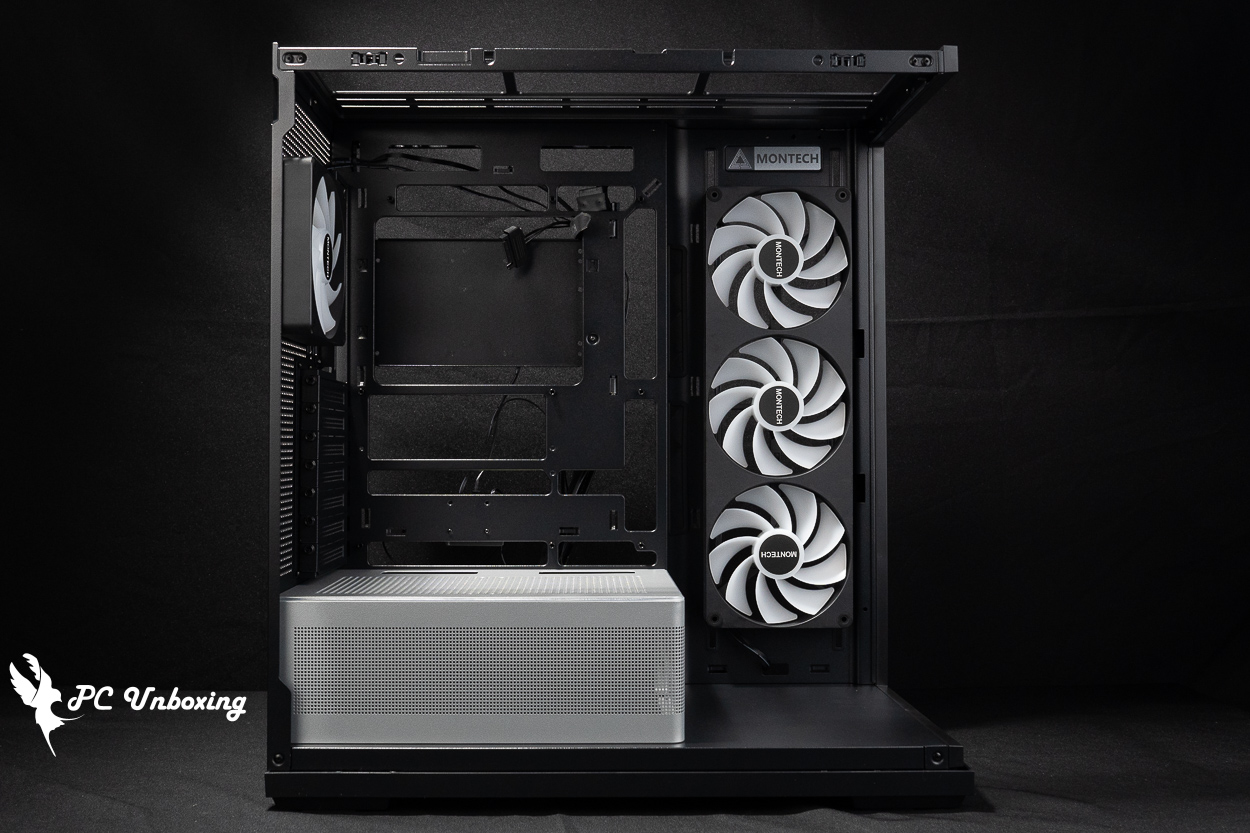
△ Compatible with 180 mm-tall air-cooled tower coolers and 430 mm-long graphics cards.
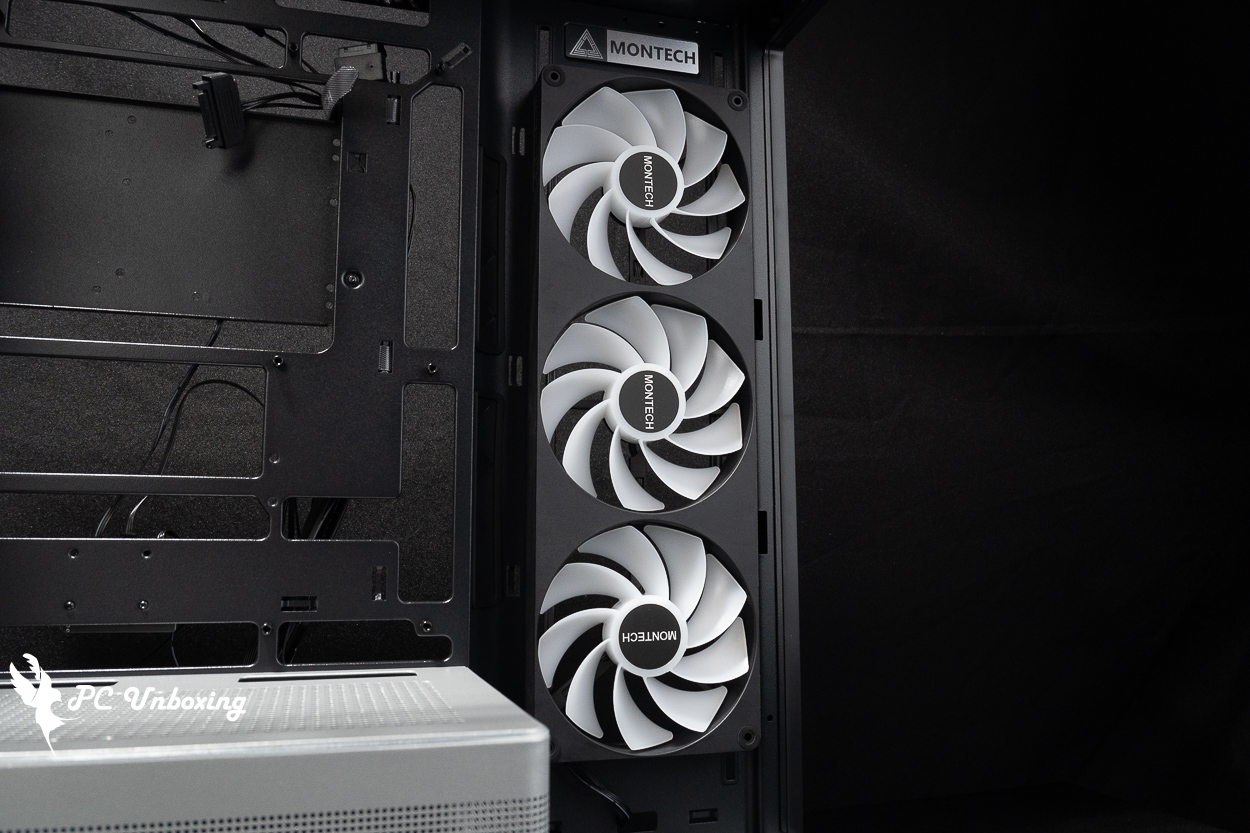
△ Side-mounted, single-frame, all-in-one fan.
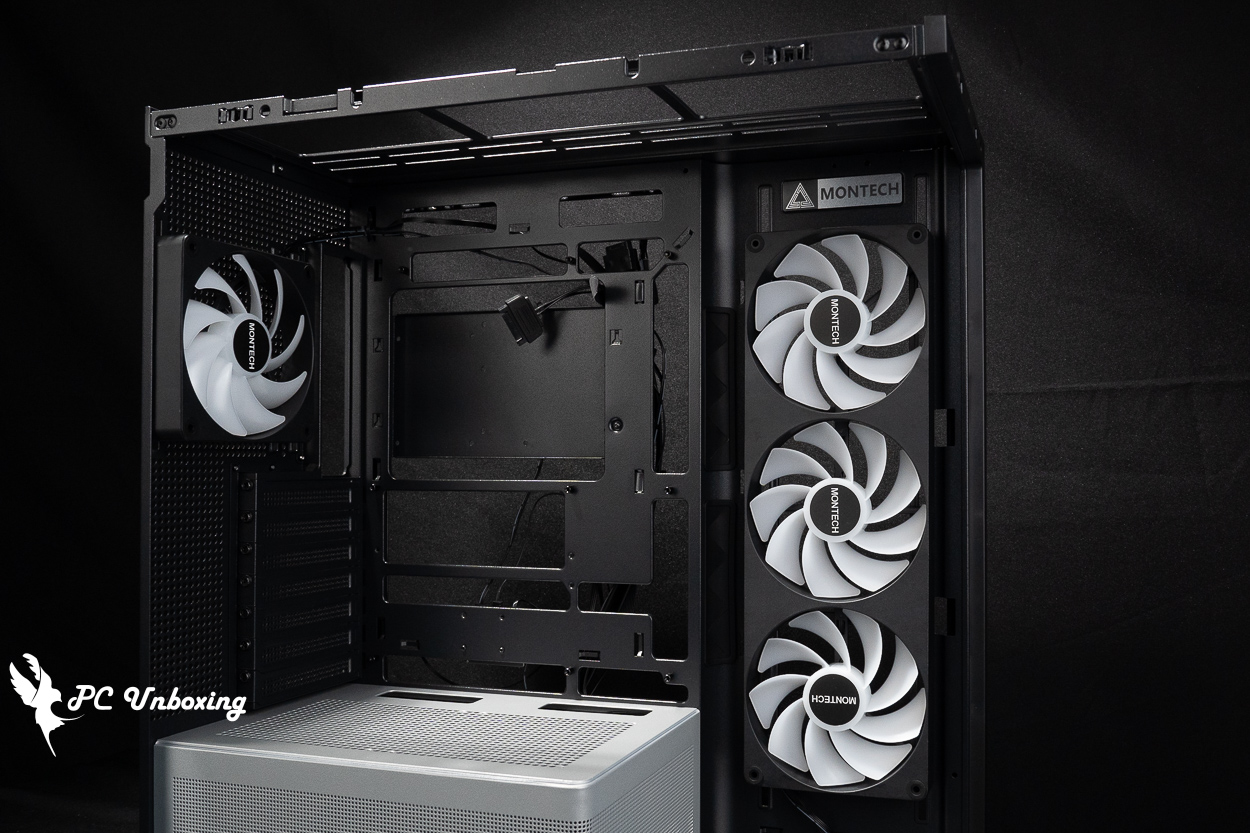
△ Supports ATX motherboards as the maximum, and is also compatible with rear-mounted motherboard installation.
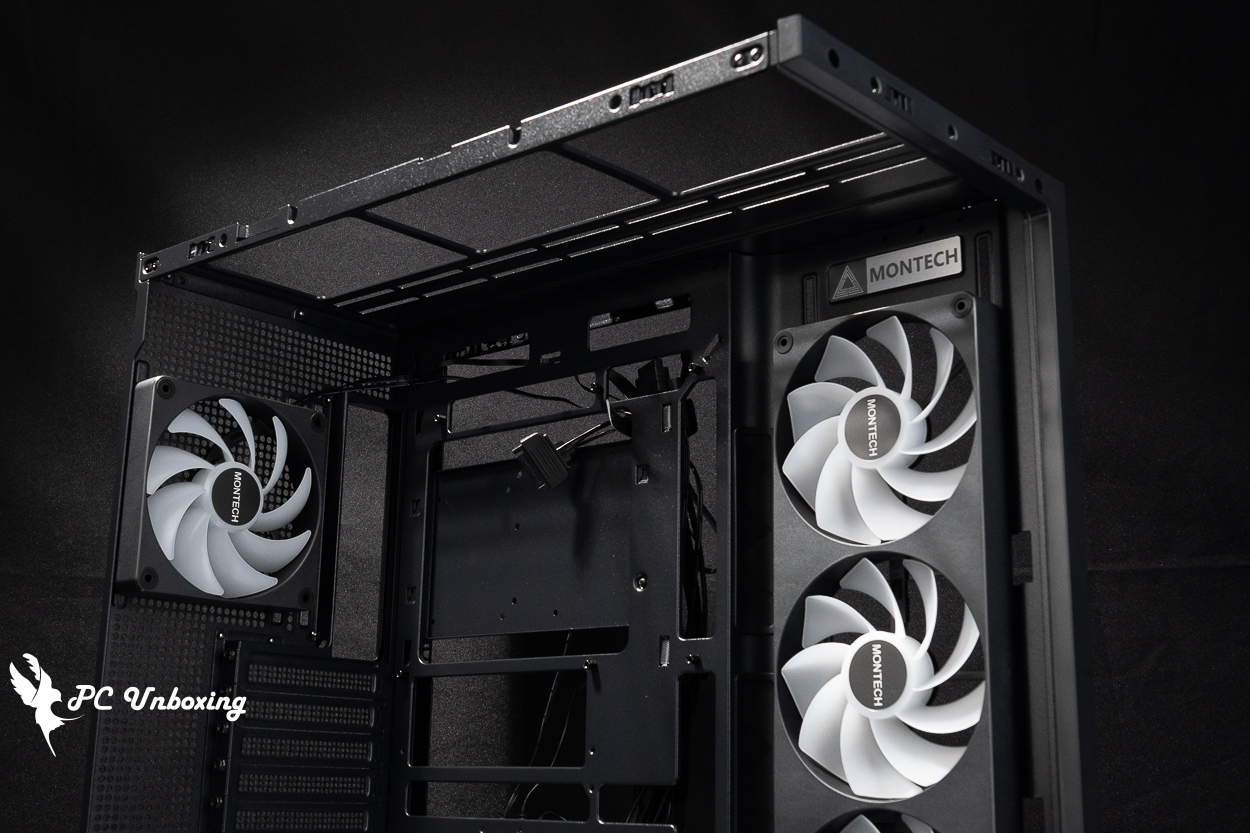
△ Top-mounted water cooling installation space display.
You can install two additional 120 mm fans above the power supply compartment. If you want to improve graphics card cooling, you might consider adding fans here to create an additional air intake from the bottom of the case and enhance cooling performance. However, you’ll need to take into account the expansion of other PCIe devices and cable management.
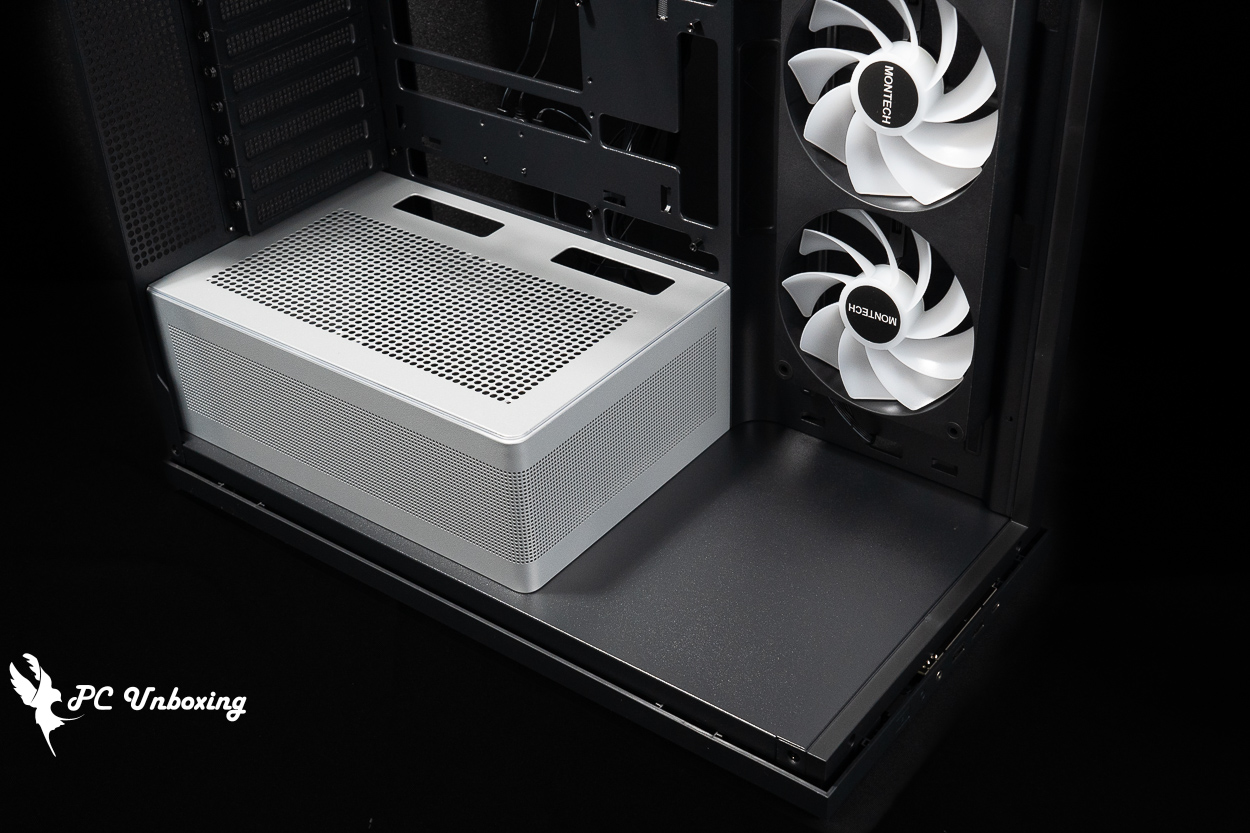
△ The bottom of the case features a tiered display area that can be used to store models and other items, and the power supply compartment features a two-tone design.
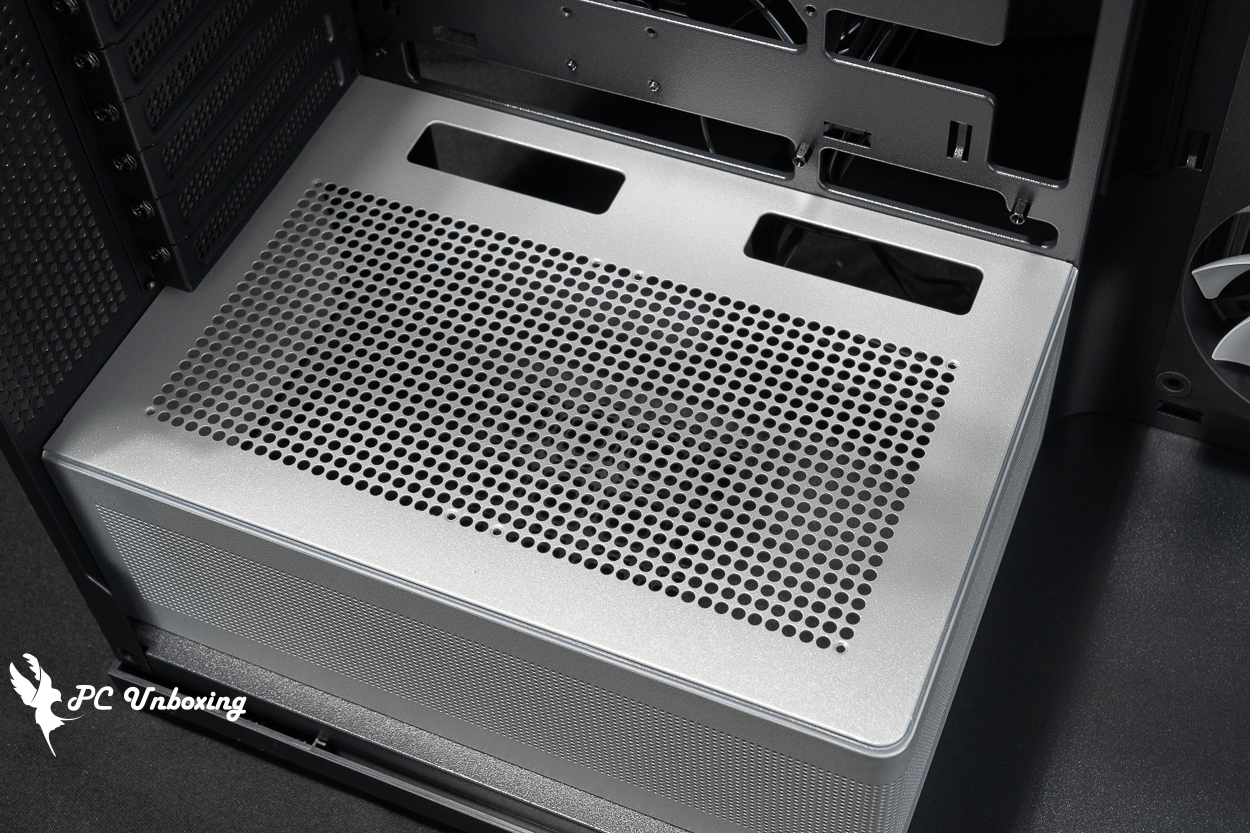
△ Mounting locations for the two fans.
There is plenty of space for cable management on the back of the motherboard, and the inclusion of several Velcro cable ties makes the overall cable management experience fairly decent.
The case comes with an ARGB hub, which only supports ARGB cables, but there are no extra slots available for expansion.
There is a combo hard drive tray on the back of the motherboard that can accommodate two 2.5-inch or one 3.5-inch hard drive. The entire case can accommodate a maximum of two 2.5-inch or one 3.5-inch hard drive, for a total of up to two hard drives.
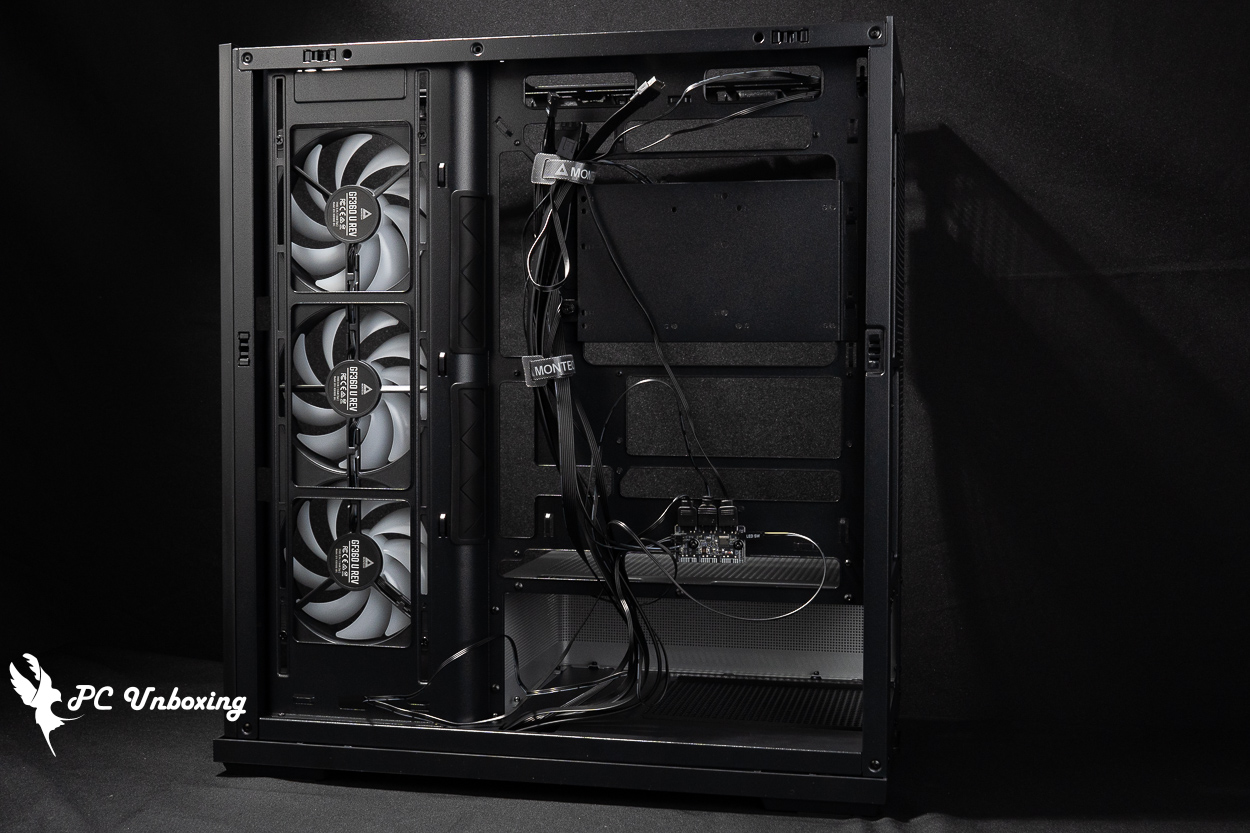
△ The entire space of the chassis is shown.
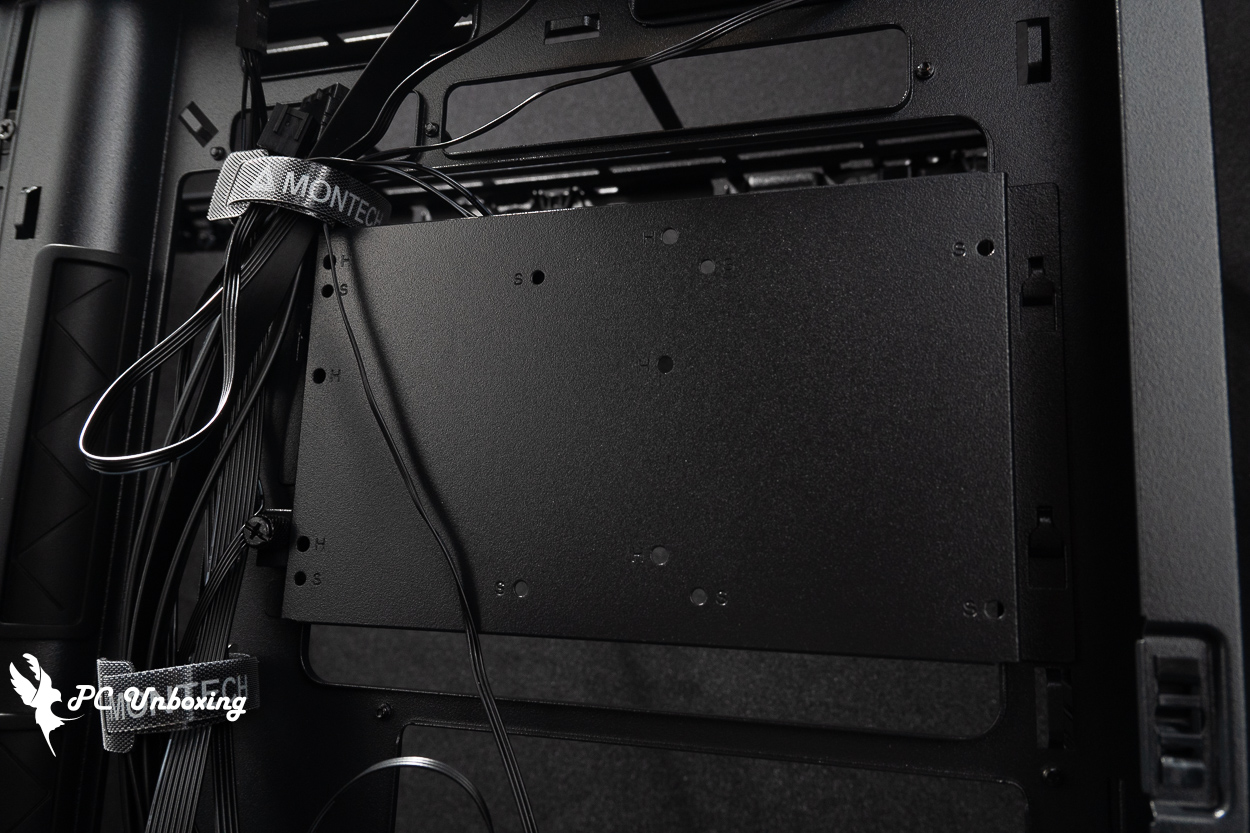
△ The hard drive tray can accommodate either two 2.5-inch drives or one 3.5-inch drive—but not both.

△ The included ARGB controller hub cannot accommodate any additional devices.
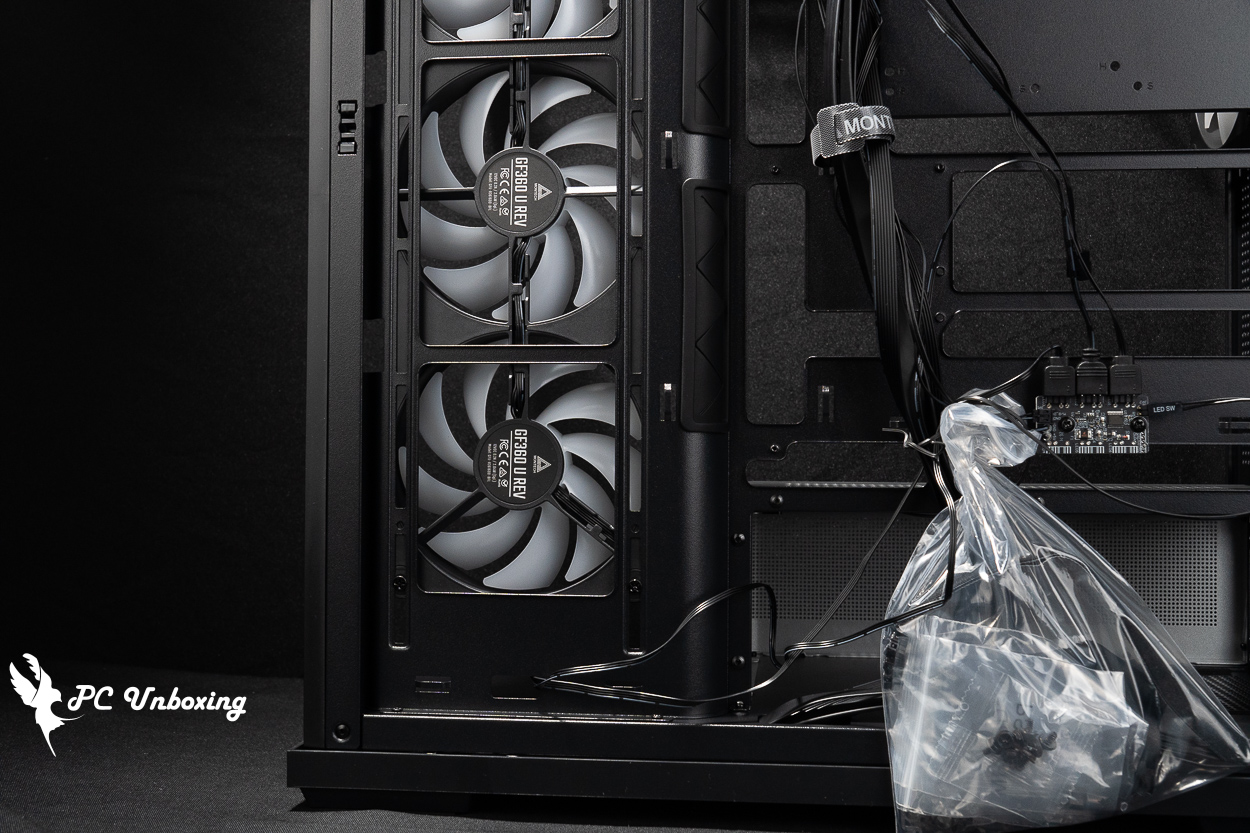
△ The integrated side fan significantly reduces the hassle of cable management.
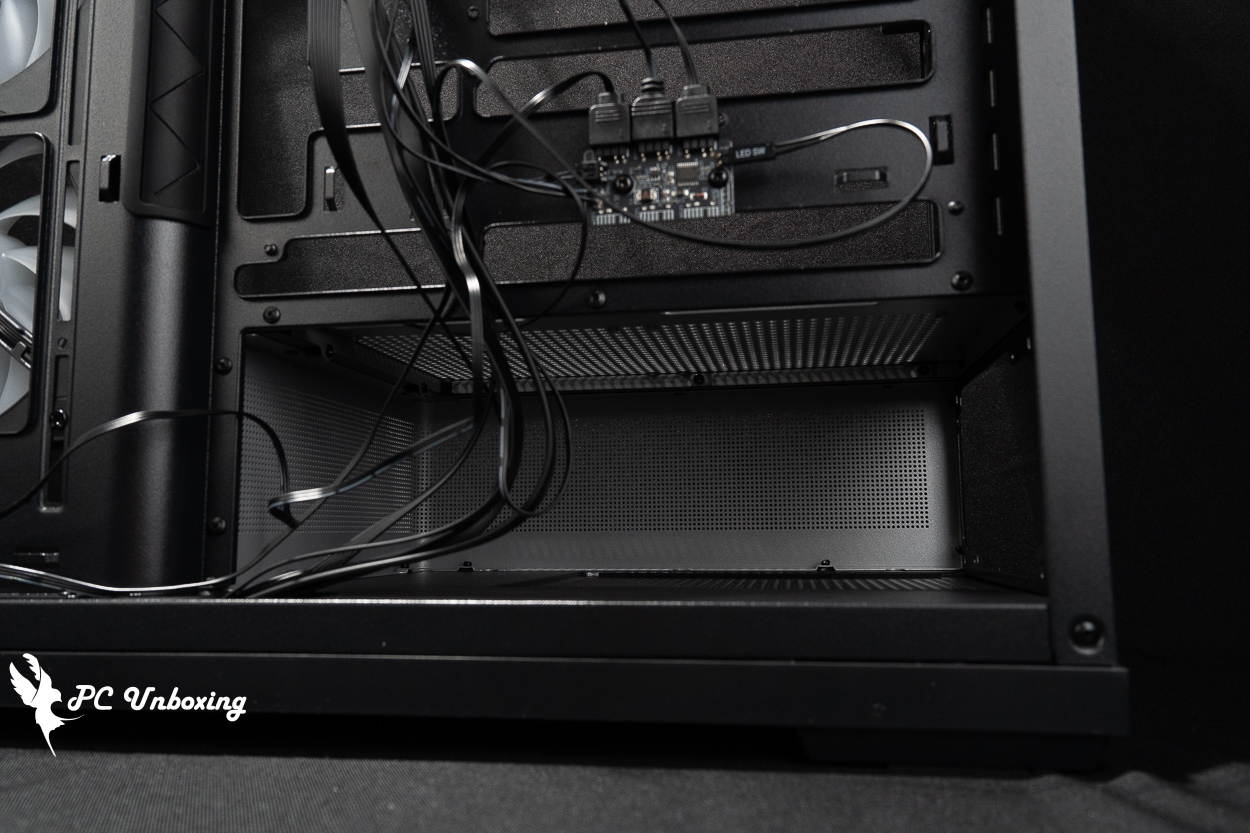
△ The power supply compartment supports the installation of ATX 250 mm power supplies.

△ Accessories include disposable cable ties, various screws, Velcro cable ties, and a lens cleaning cloth.
MONTECH Monarch PureFlow ARGB 360 All-in-One Liquid Cooler: A Quick Unboxing | Five-Year Warranty and ARGB Magnetic Top Cap Design
In addition to launching the TG3 case, MONTECH has also released the PureFlow ARGB 360 all-in-one liquid cooler. Like the TG3, it’s positioned as an affordable product. The PureFlow ARGB 360 is available in both black and white, priced at 1,790 yuan—both the cooler and the case come in at just under 1,800 yuan. Today, I’ll give you a quick unboxing to show you what they look like.
This liquid cooling system is compatible with the latest Intel and AMD platforms and can be installed on Intel 115X/1200/1700/1851 or AMD AM4/AM5 sockets. It comes with a five-year warranty.
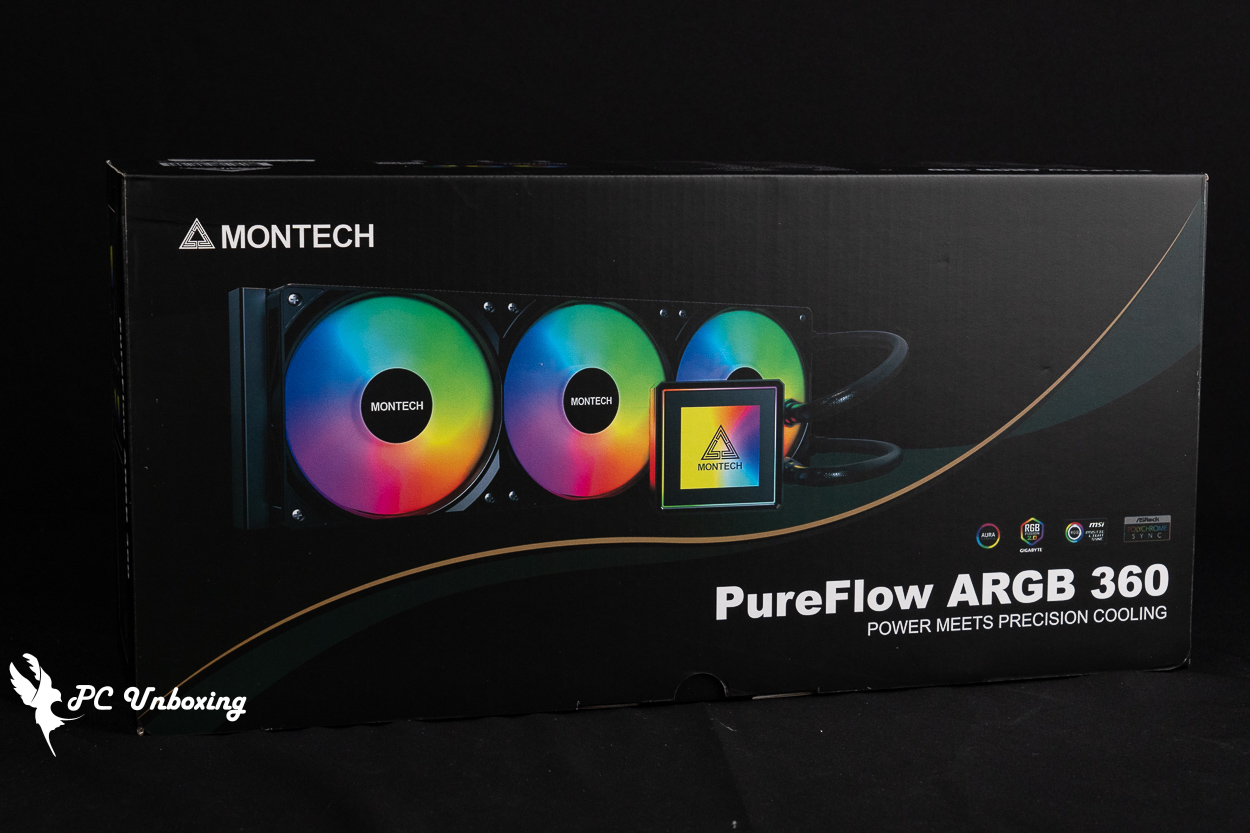
△ MONTECH Monarch PureFlow ARGB 360 Black All-in-One Liquid Cooler.
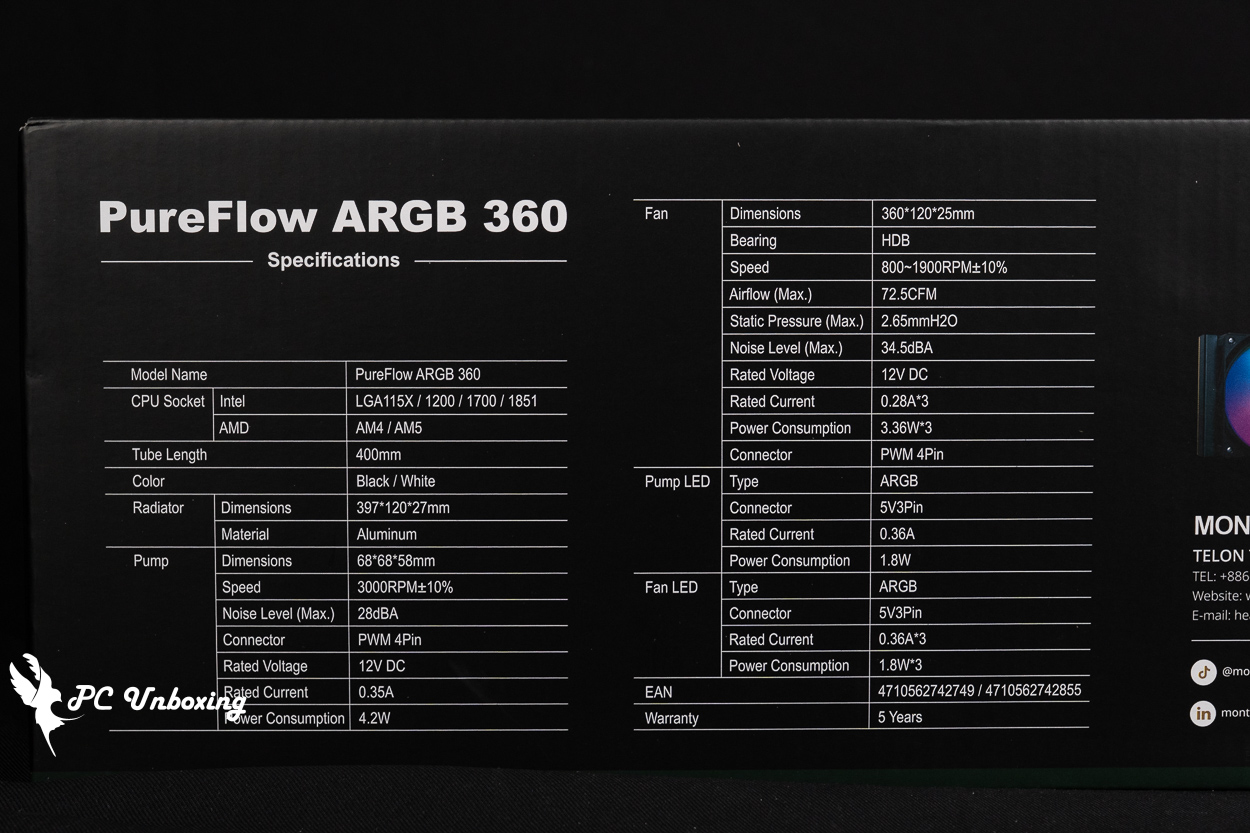
△ All-in-one liquid cooling specifications.
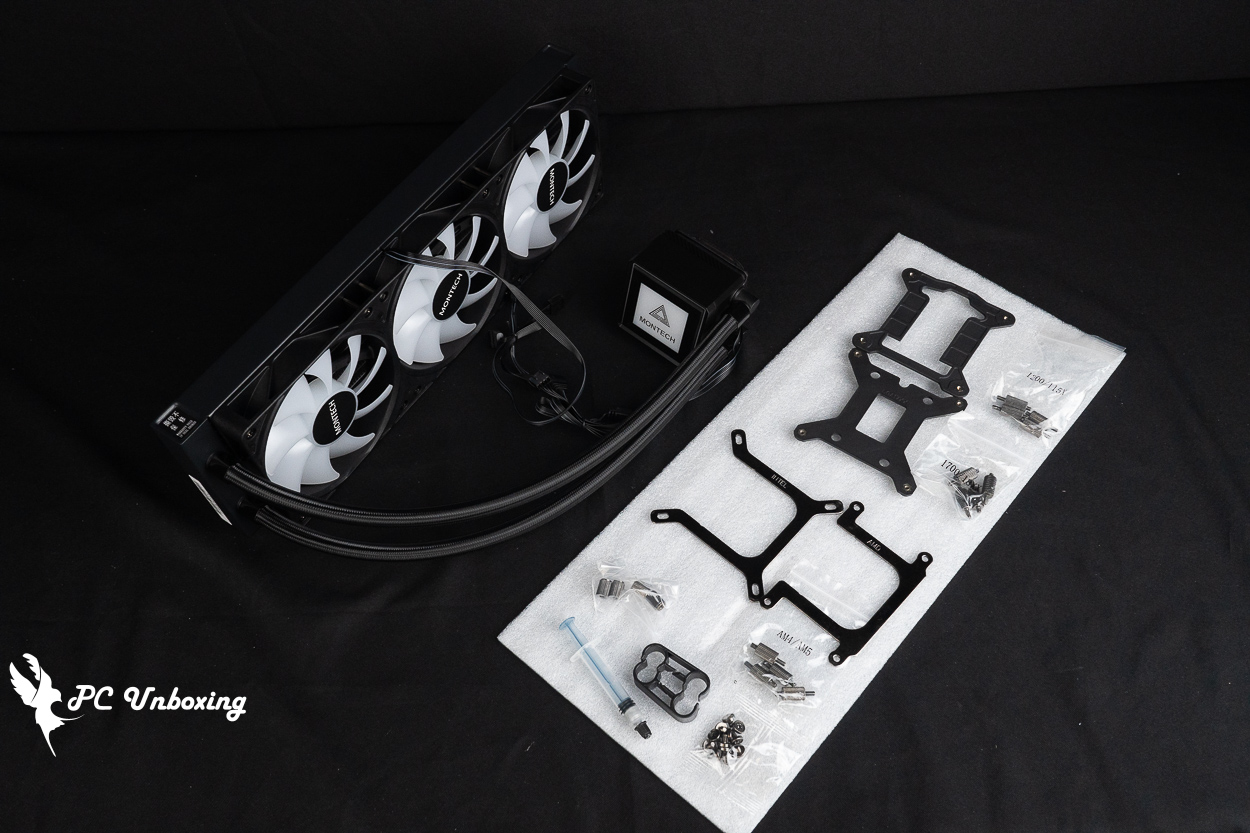
△ Water-cooled fittings at a glance.
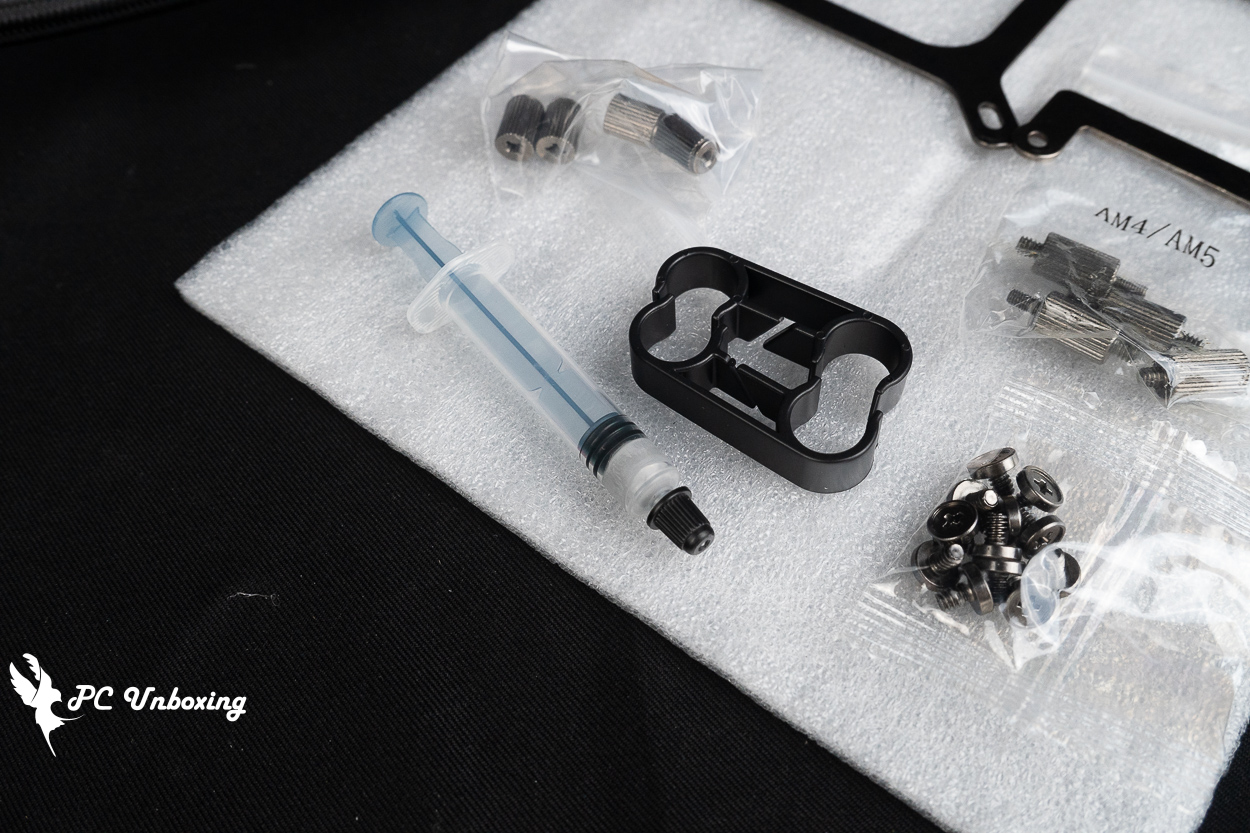
△ Included thermal paste and water-cooling clamps.
The fan and cables are already installed and organized right out of the box. Both the water block pump and the fan require one 4-pin PWM connector and one 5V 3-pin ARGB connector, respectively.
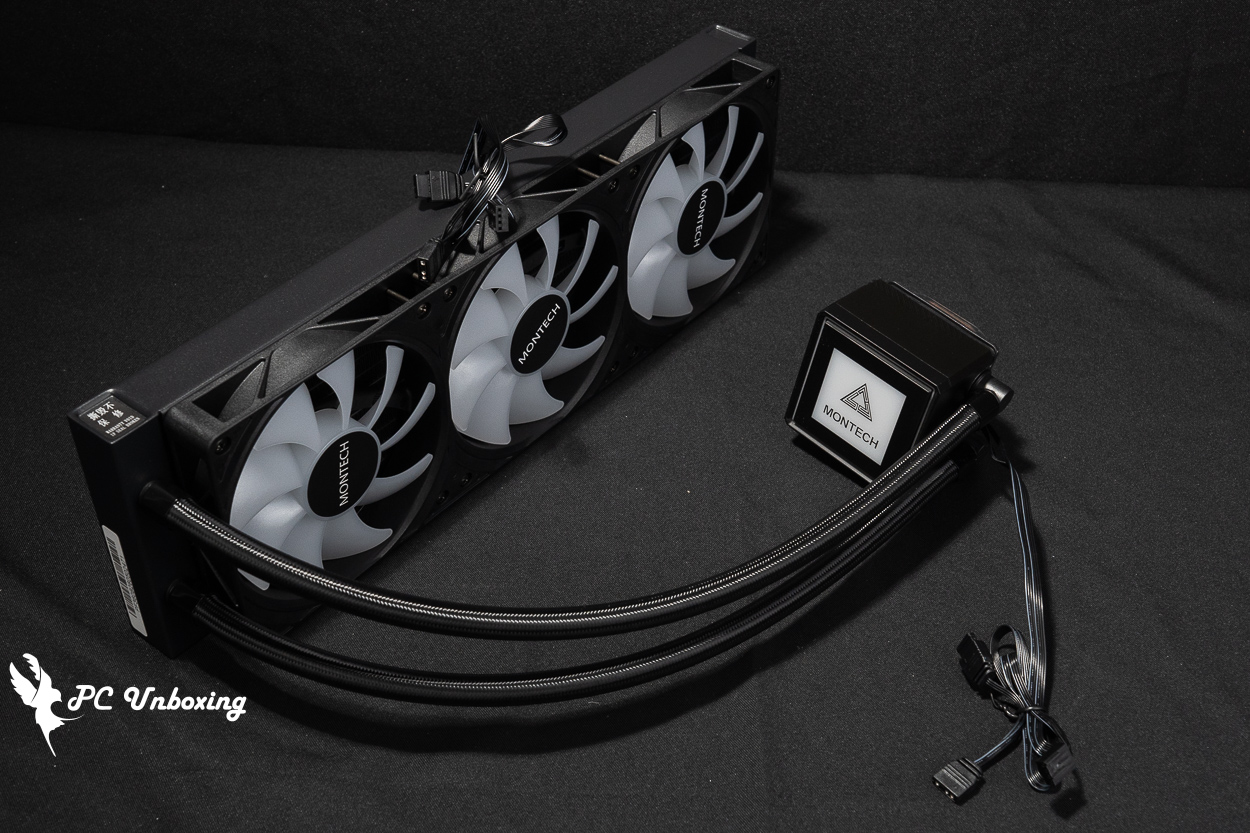
△ A view of the water-cooled unit.
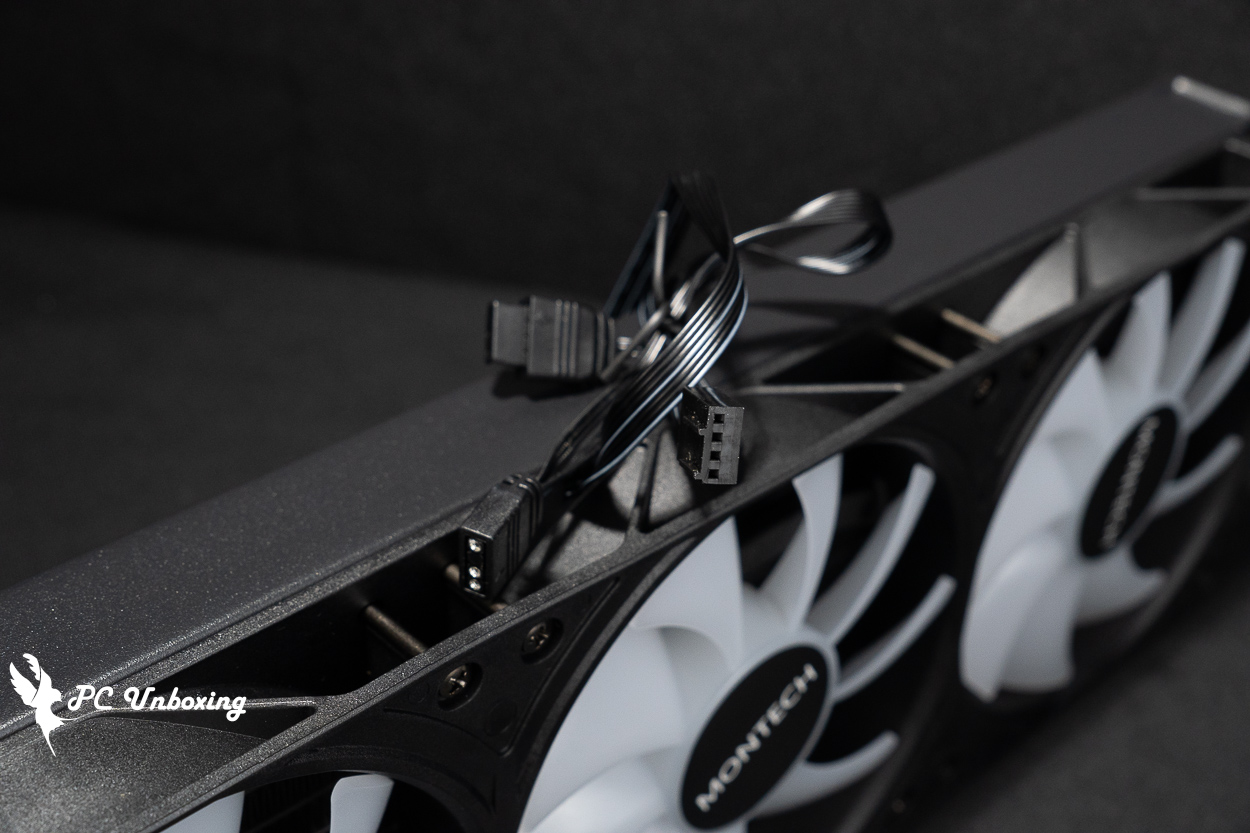
Only one connector each for PWM and ARGB is required for the △ fan.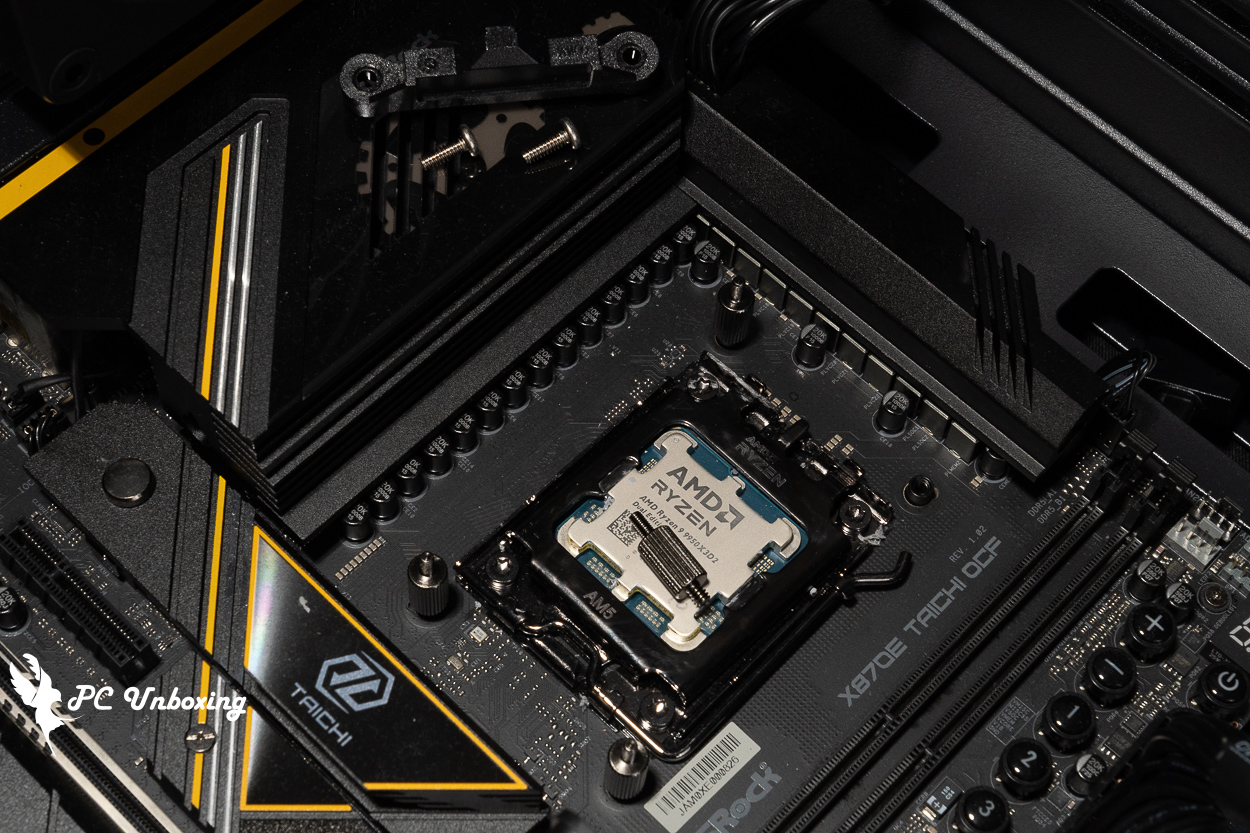
△ When installing the AM5 platform, replace the original fasteners with copper studs.
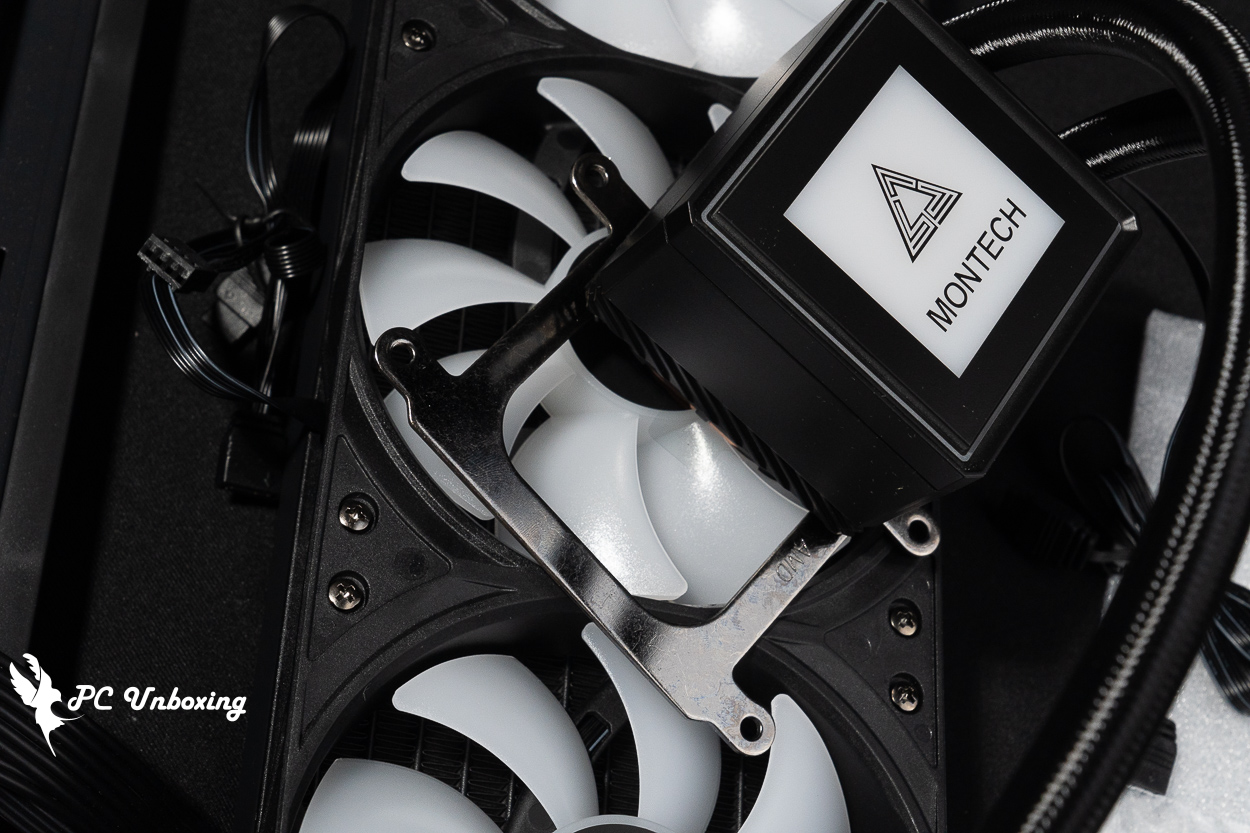
△ Installing the clamps on the water block.
MONTECH TG3 with PureFlow ARGB 360: Installation Showcase | Lighting Effects and Overall Build Aesthetics
Next, I’ll walk you through the actual installation of the MONTECH Monarch TG3 case and the PureFlow ARGB 360 liquid cooling system.
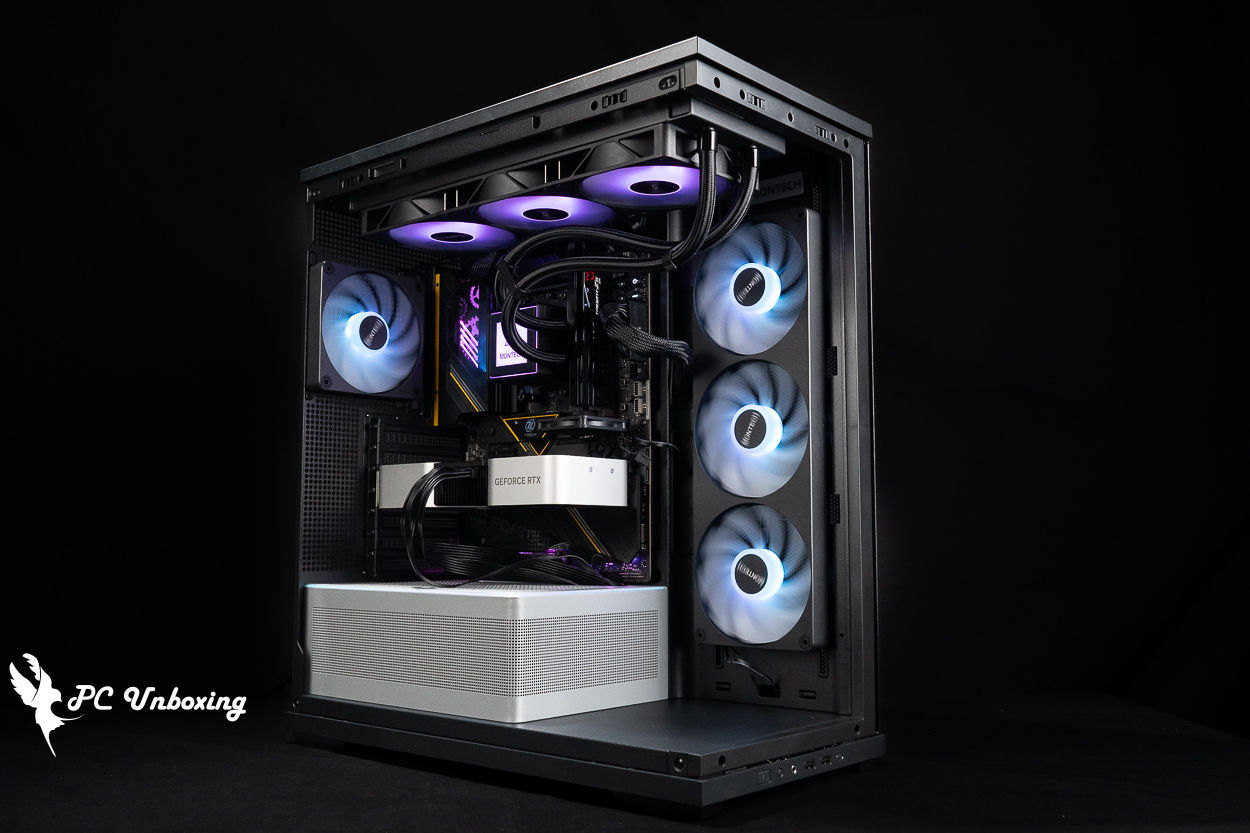
△ Install the unit and turn on the power.
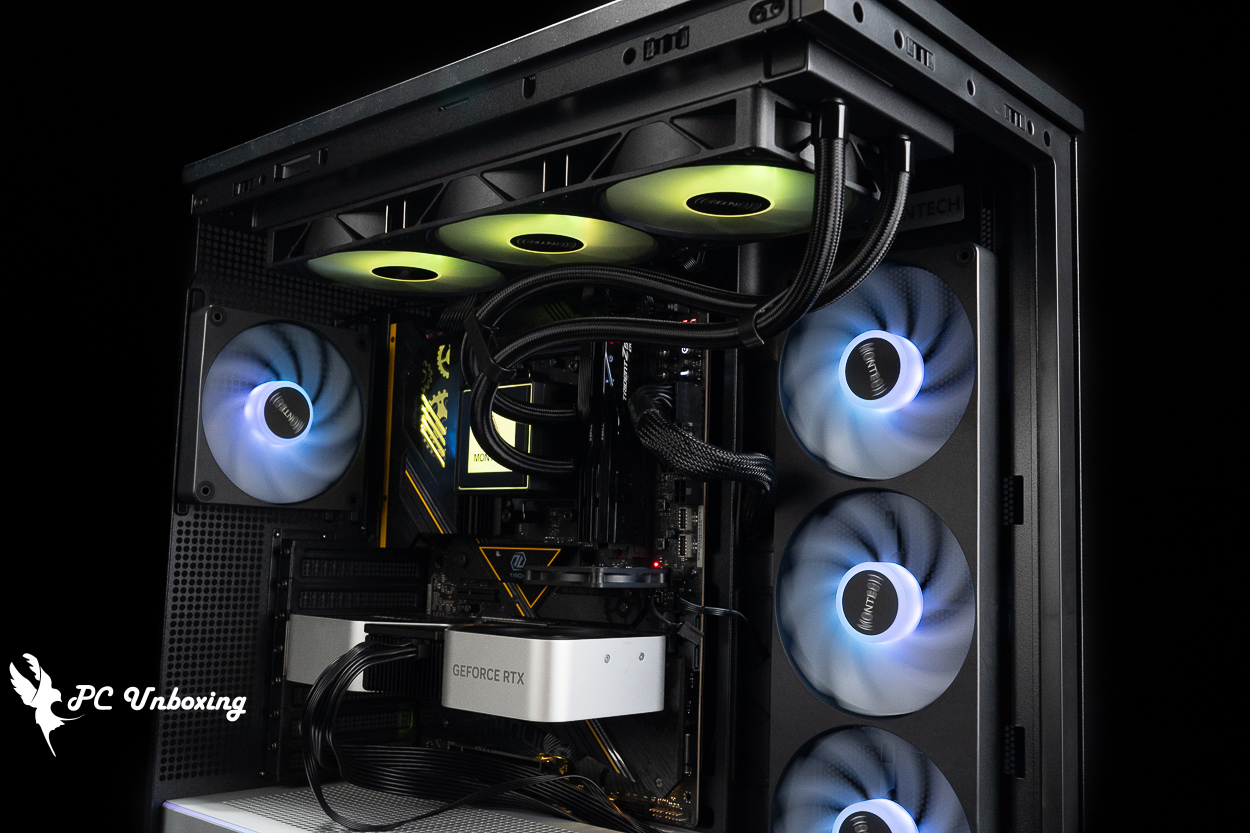
△ Demonstration of the case fan lighting effects.
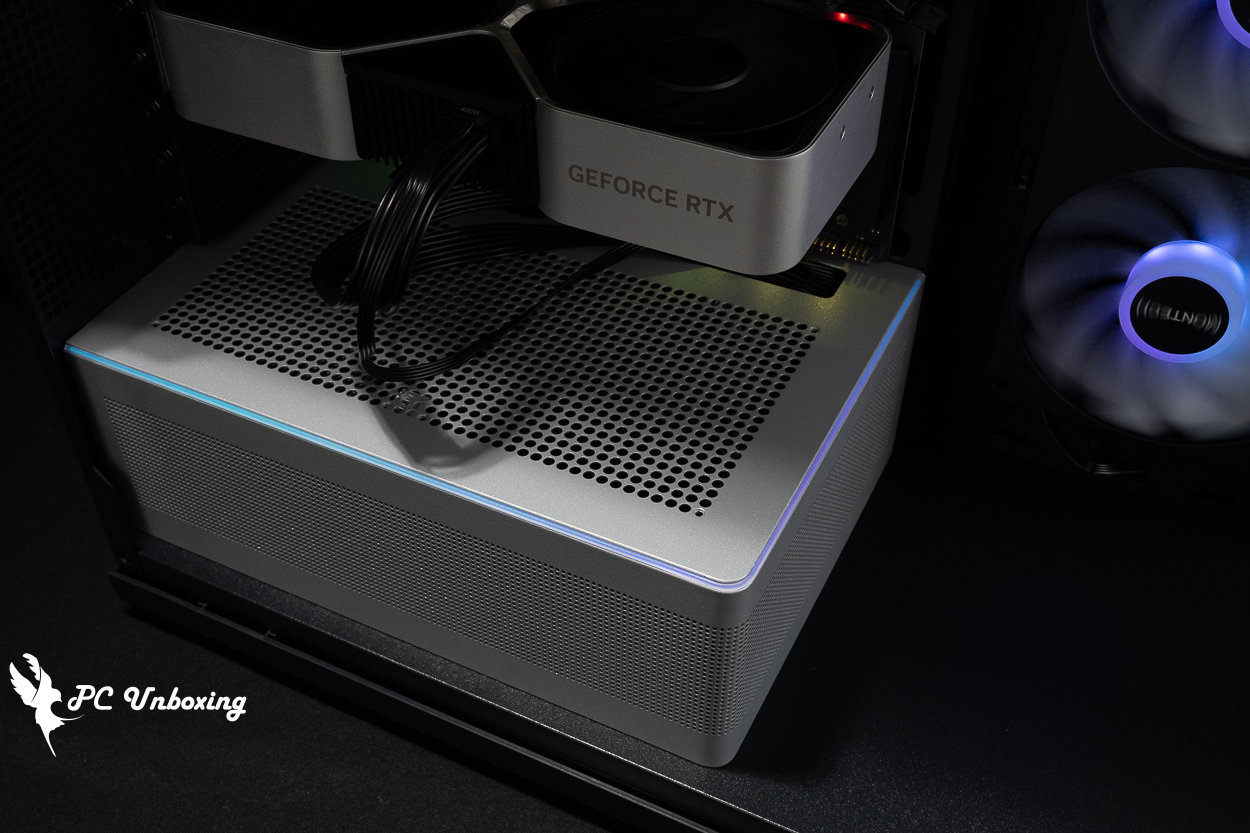
△ The ARGB light strip in the power supply compartment contains 28 LEDs.
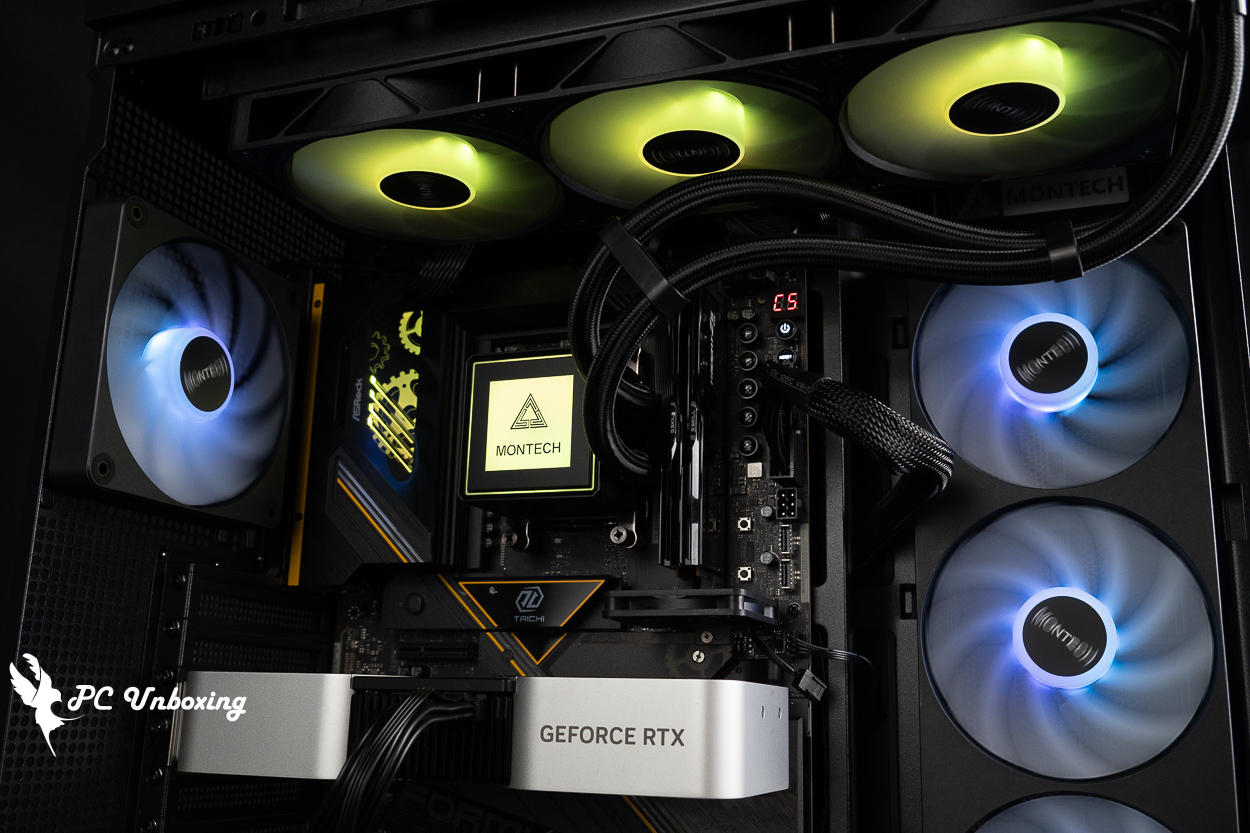
△ Demonstration of top-mounted water-cooling installation.

△ Display of the water-cooled fan's lighting effects and water-cooling tube clamps.
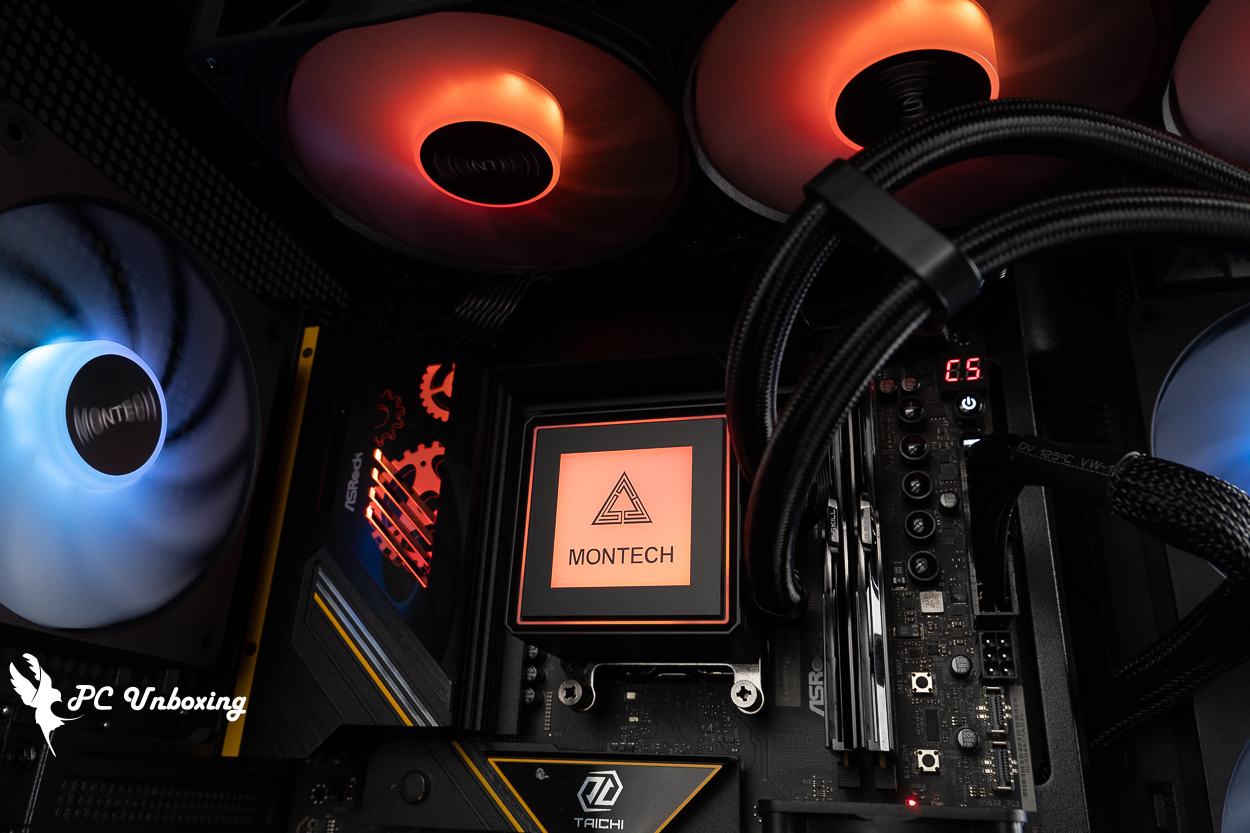
△ Water-cooled headlight effect.
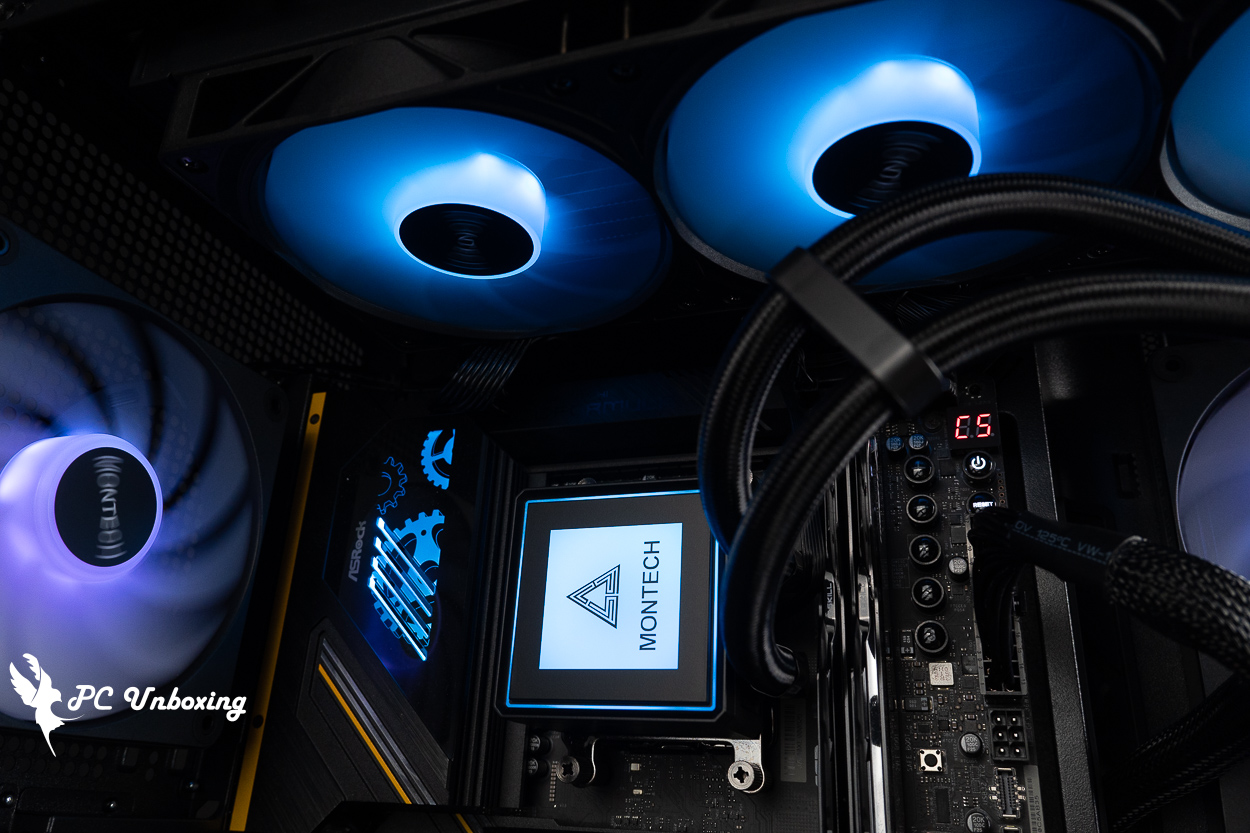
△ The cold head features a magnetically detachable top cover, allowing you to adjust the display orientation—up, down, left, or right—to suit your installation needs.
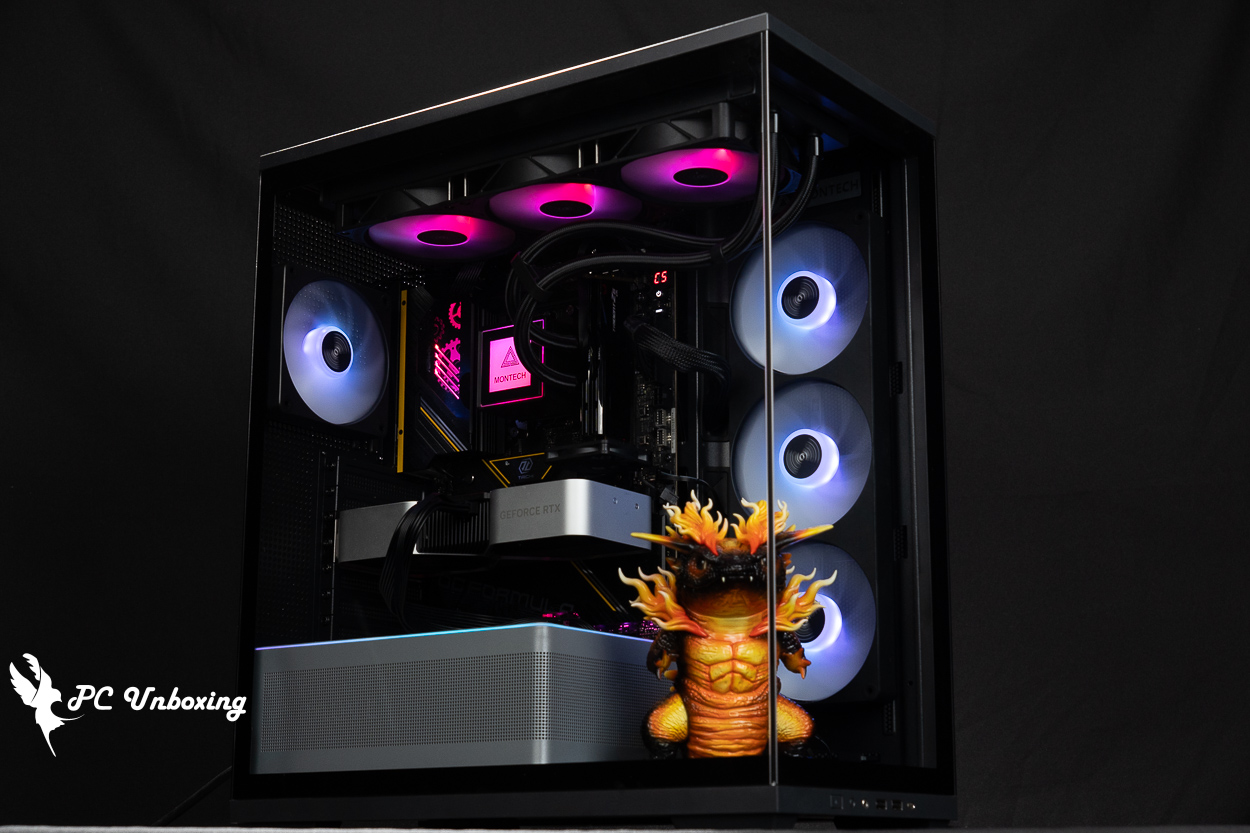
△ 90-degree vertical glass display.
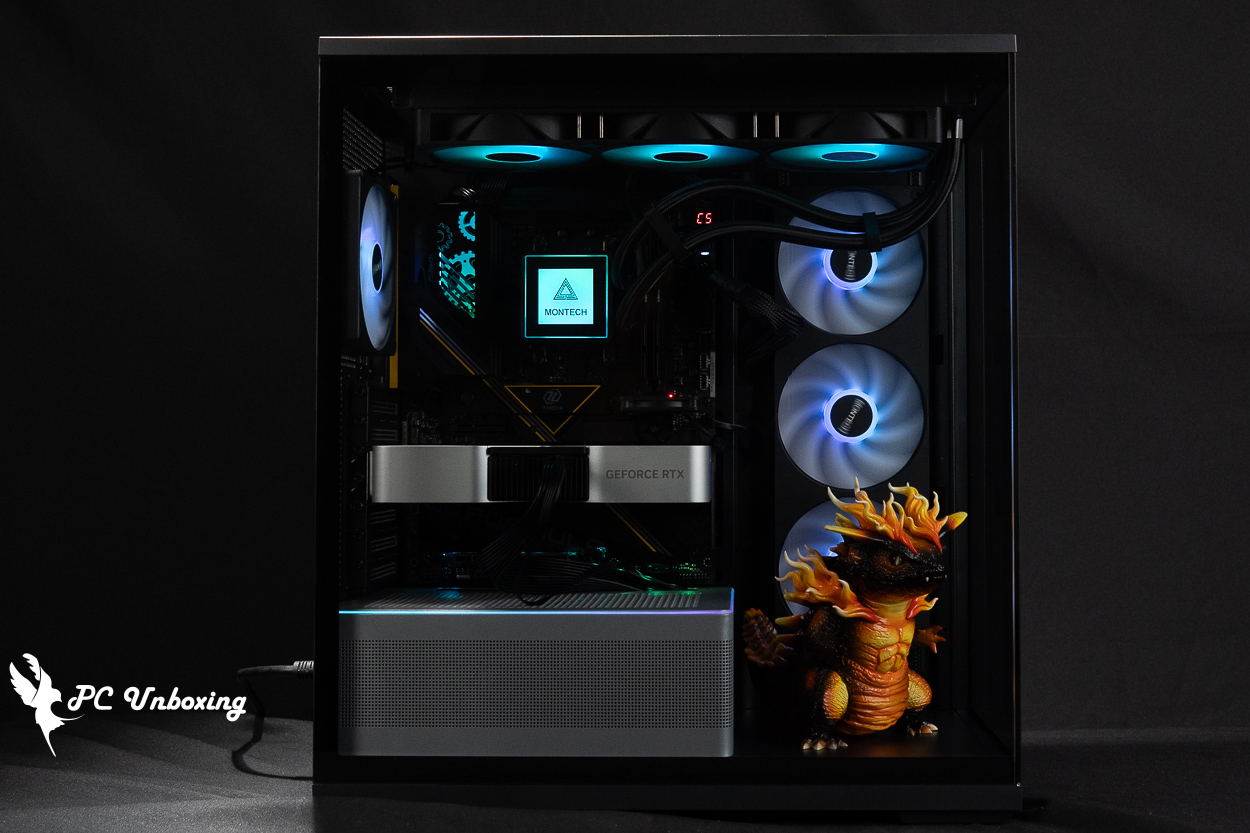
△ Direct view through the glass side panel.
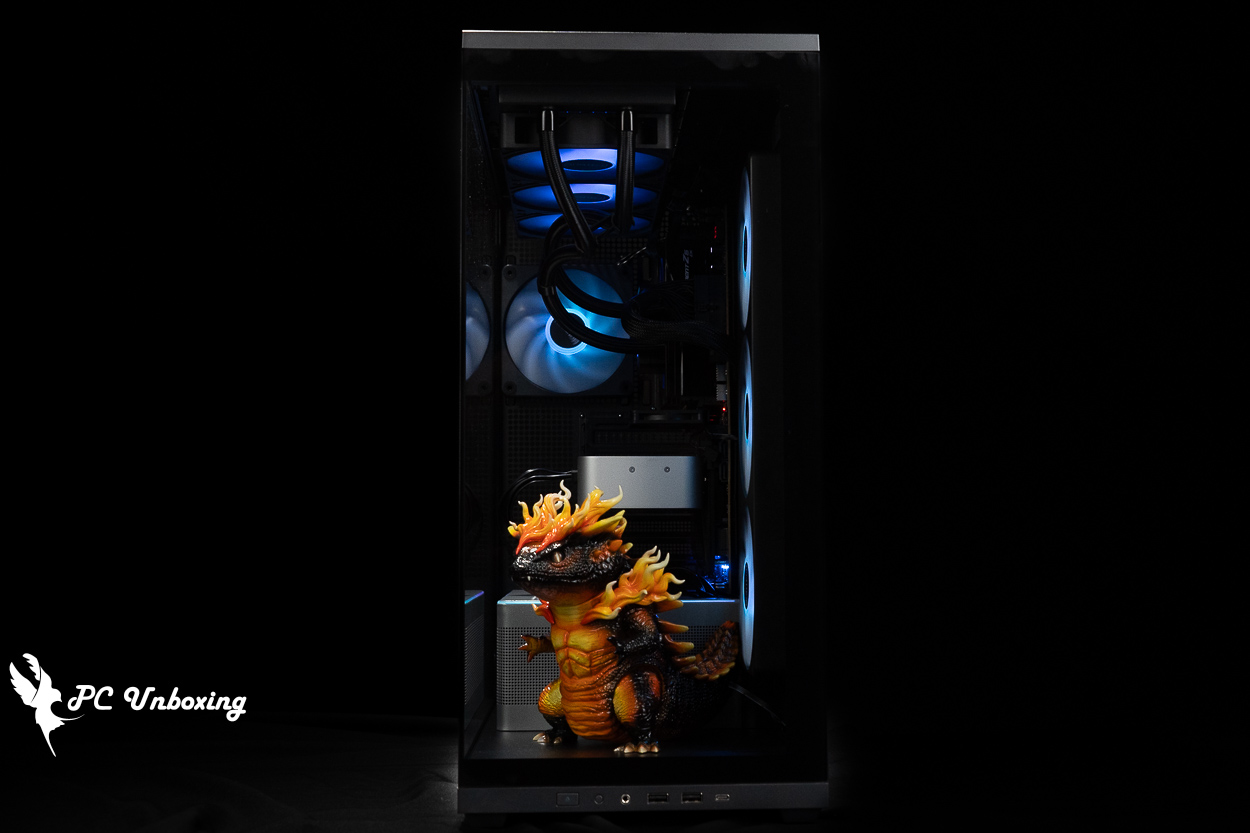
△ Front panel display.
MONTECH TG3 and PureFlow ARGB 360 Cooling Performance Test | AMD Ryzen 9 9950X3D2 Stress Test Results
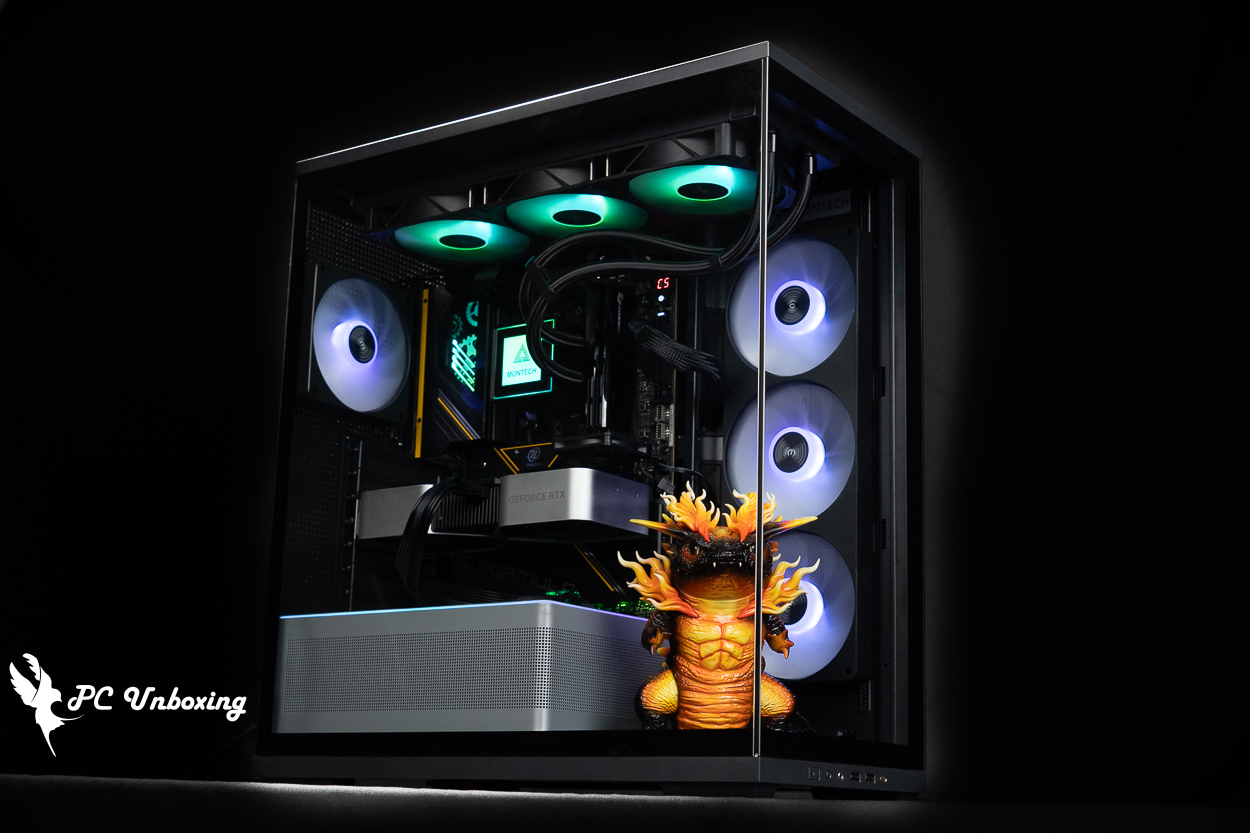
Then we also tested the cooling performance of the chassis, with the AMD Ryzen 9 9950X3D2 processor and ASRock X870E Taichi OCF During the test, the fan slot was set to run at full speed in the motherboard BIOS, and the actual test was conducted in a closed room at 23°C. This is for reference only, as it is difficult to control the ambient temperature in a normal room.
The software uses AIDA64 FPU and Furmark 2 to simulate the temperature data of the processor and graphics card under high load stress, Black Myth: Wukong 1080P to run the test scenarios, and HWiNFO64 to collect and record the maximum temperature and power consumption.
Testing Platform
Processor:AMD Ryzen 9 9950X3D2
Radiator:MONTECH Monarch PureFlow ARGB 360(full speed)
Water-cooled fan: Water-cooled pre-installed fan (full speed)
Thermal Balm: Water Cooling with Thermal Balm
Motherboard:ASRock X870E Taichi OCF (BIOS Version: 4.41)
Memory:Origin code vortex DDR5 48 GB (24 GBx2)
Graphics: NVIDIA GeForce RTX 4060 Ti Founders Edition 8GB
Power Supply: MONTECH BETA 2 850W
Chassis:MONTECH TG3
I would like to add a few things to you, the first one is that the author will be ASRock X870E Taichi OCF The BIOS version has been updated to 4.41. Other settings: EXPO_on; all fan headers set to full speed.
- Black Myth: Wukong_Black Myth: Wukong_Performance Test Tool 1920 x 1080(FHD)_1 round
- Graphics Test Furmark 2_30 Minute
- Processor Test AIDA64 CPU_30 Minute
- CPU temperature is measured by the diode in the slot to measure the internal (core) or external (case) temperature, but there is no way to know exactly whether it is the internal or external temperature that is measured, and most monitoring software uses this item to display the CPU temperature.
- CPU (Tctl/Tdie) temperature is the actual maximum temperature of the CPU sensors in the chip, and is used as a reference point for overheating and downclocking of the processor.
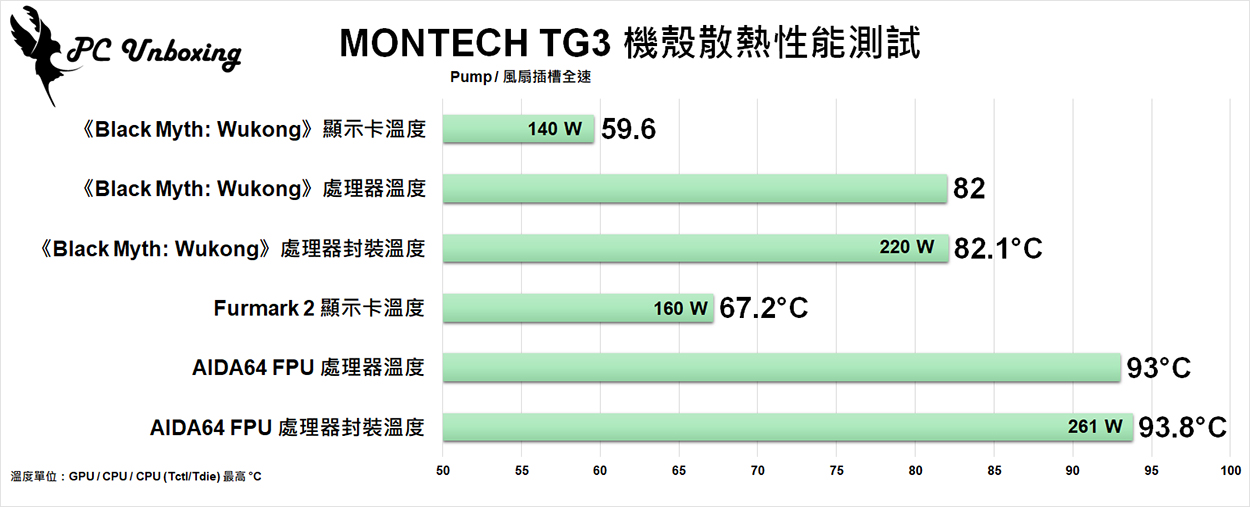
△ Chassis thermal performance chart.
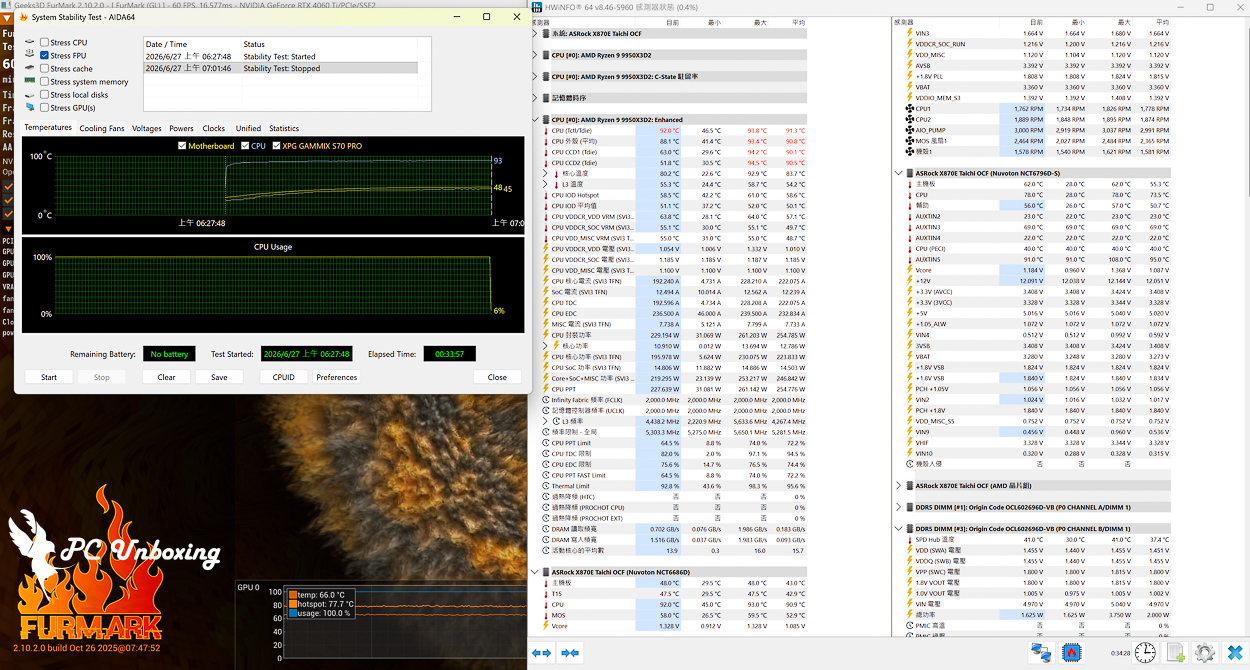
△ Screenshot of the double-bake test.
Are the MONTECH TG3 and PureFlow ARGB 360 Worth Buying? Pros, Cons, and Buying Recommendations
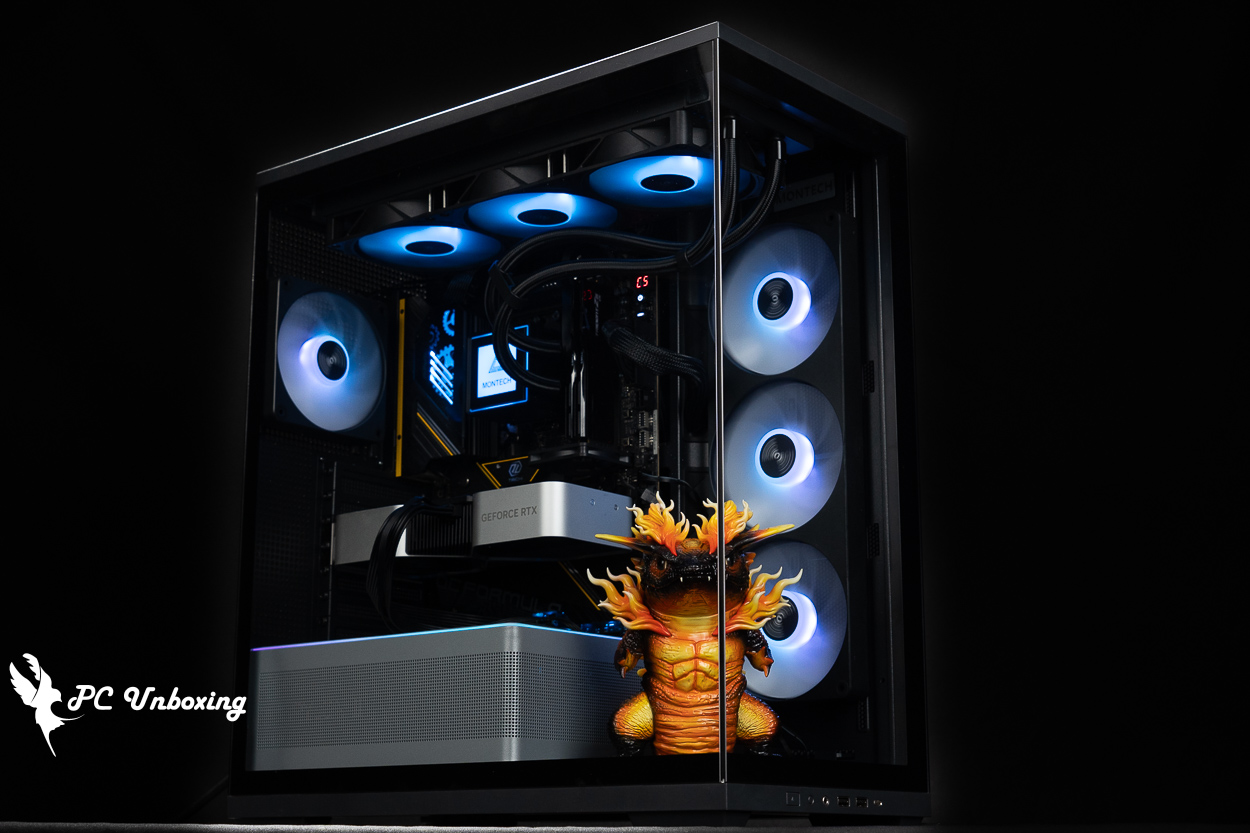
Both the MONTECH Monarch TG3 case and the PureFlow ARGB 360 liquid cooler are positioned as relatively affordable options, as evident from their prices and specifications. If you build a system with both, it’ll cost less than 3,600 yuan—it remains to be seen whether retailers will offer further discounts in the future.
The TG3 case offers ample expandability and cooling mounting options. By today’s DIY market standards, it has everything you need—it’s a practical model that supports ATX rear-mounted motherboards and up to nine fan mounting locations, which is more than enough for the vast majority of users. However, if you’re looking for more expansion space or convenient features—such as additional hard drive bays or removable fan brackets—we recommend increasing your budget to consider other case models. It’s a bit of a shame that the hub cannot support additional devices, and installing more fans will test the builder’s cable management skills.
This time, the PureFlow ARGB 360 liquid cooler is paired with AMD Ryzen 9 9950X3D2 In real-world testing, the processor was able to keep its temperature at 93 degrees Celsius under a dual-load stress test while drawing 261W, without triggering AMD’s thermal protection wall. Although its thermal performance isn’t top-tier, it does have the advantage of being affordable. Personally, I would recommend opting for a model with fewer cores, as this would better align with the budget constraints of a custom build and provide more headroom for liquid cooling.

Yun
Drinks with less than full sugar are colored water. Crossing Turbid Creek, full sugar is not a crime!

 繁體中文
繁體中文  English