
XPG TRITON II 360SE Unboxing and Review: 360 All-in-One Liquid Cooling Installation, Performance, and Temperature Tests
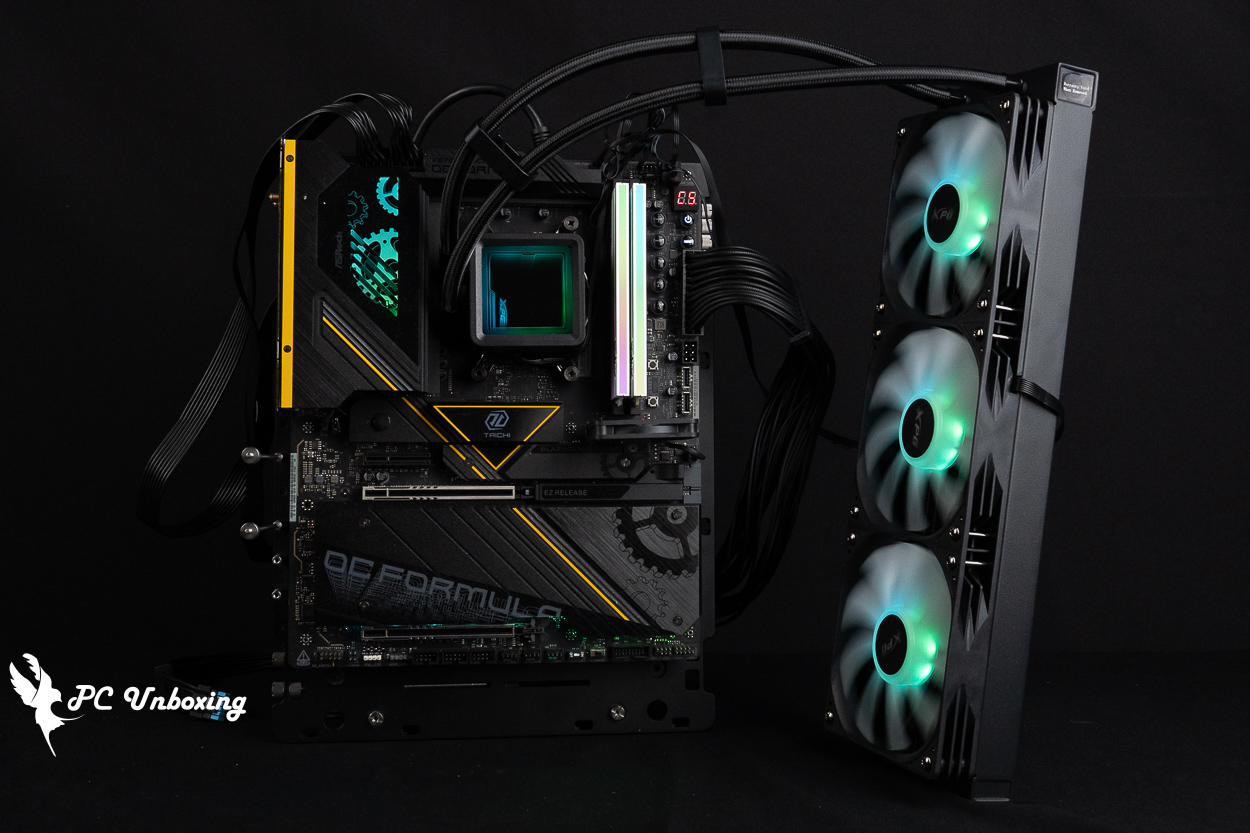
ADATA XPG TRITON II 360SE All-in-One Liquid Cooler, comes pre-installed with three ARGB fans and features a single-cable design, making the installation process faster and easier. It supports both Intel and AMD consumer-grade platforms. The removable “Infinite Mirror” aesthetic water block top cover can be adjusted to align with the actual tubing layout during installation, and the ARGB lighting effects are quite eye-catching. The official website lists a TDP of up to 300W. For this review, we conducted comprehensive testing using AMD’s consumer-grade flagship processor, the 9950X3D2.
XPG TRITON II 360SE All-in-one water-cooled specification:
Compatible Intel pins: LGA 1851 / 1700 / 1200 / 115X
Compatible with AMD Pin: AM5 / AM4
Water pump use program: ?
Maximum pump speed: 3000 ± 101 TP3T RPM
Water block dimensions: 83 × 67 × 48 mm
Water-cooling head contact surface: copper
Cooler Power Supply: PWM 4-Pin, ARGB 5V 3-Pin
Water-cooling radiator dimensions: 394 x 120 x 27 mm
Water Cooler Material: Aluminum
Water-cooled tube length: 400 mm
Using a fan: ?
Fan dimensions: 360 x 120 x 25.4 mm
Maximum fan speed: 1800 RPM ±10%
Maximum fan airflow: 72.16 CFM
Maximum fan static pressure: 2.35 mmH₂O
Fan Power Supply: PWM 4-pin, ARGB 5V 3-pin (one male and one female connector can be daisy-chained)
Included Thermal Paste: One additional tube (0.5 ml) is included in the package.
Warranty: Three-year warranty
XPG TRITON II 360SE Unboxing: Specs and Design of the 360 All-in-One Liquid Cooler
The TRITON II 360SE all-in-one liquid cooler from ADATA XPG is available in black and white. According to the official website, it has a Thermal Design Power (TDP) rating of 300W and comes with a three-year warranty.
It supports installation on Intel LGA 1851, 1700, 1200, and 115X sockets, as well as AMD AM5 and AM4 sockets. It is compatible with most modern consumer-grade platforms using DDR4 and DDR5 memory; however, it is not compatible with older or less common platforms.
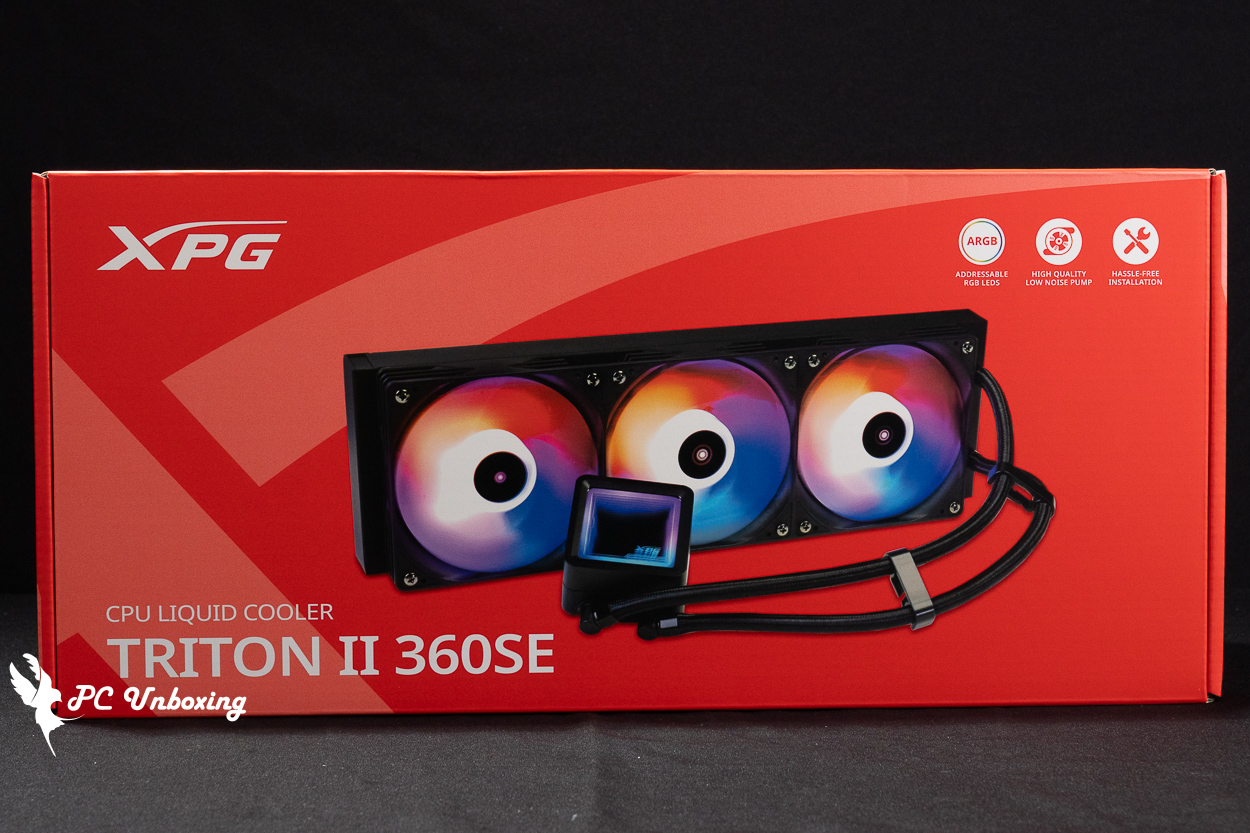
△ Black XPG TRITON II 360SE.
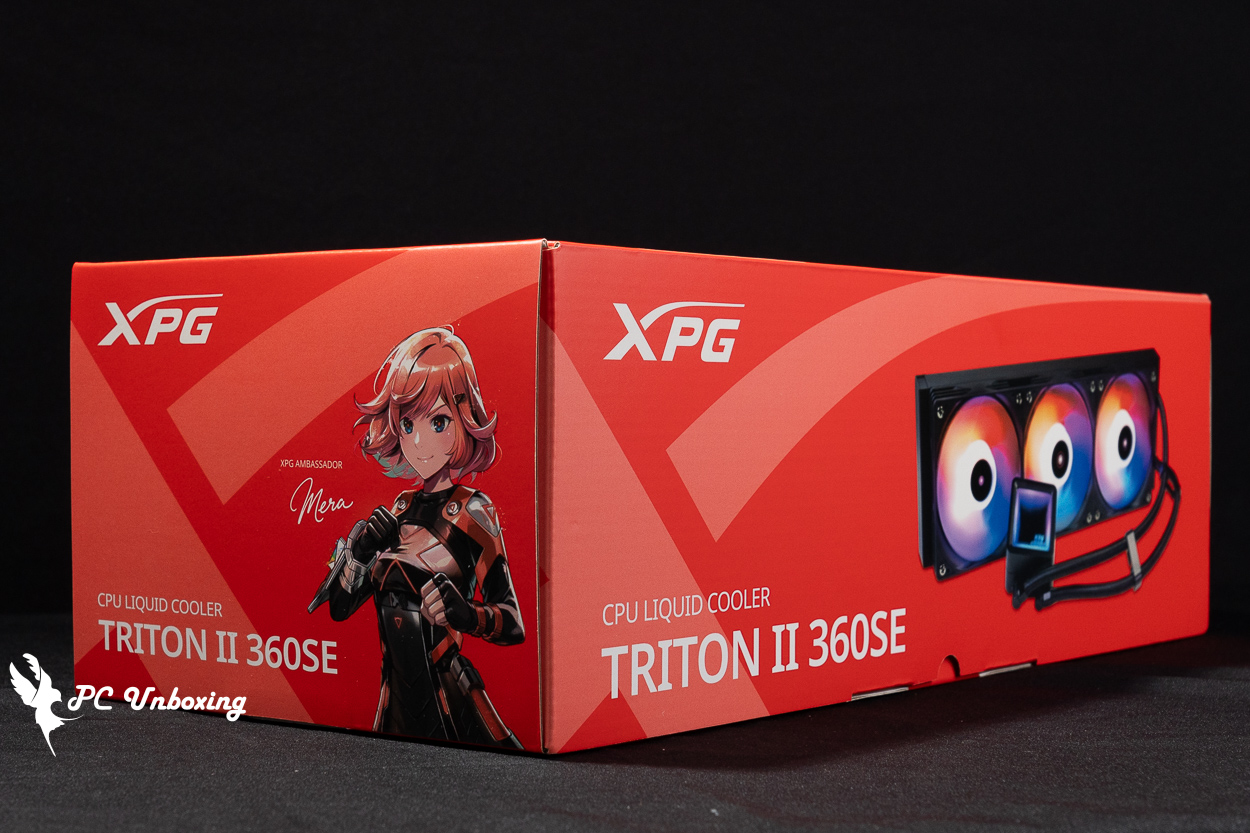
△ Side view.
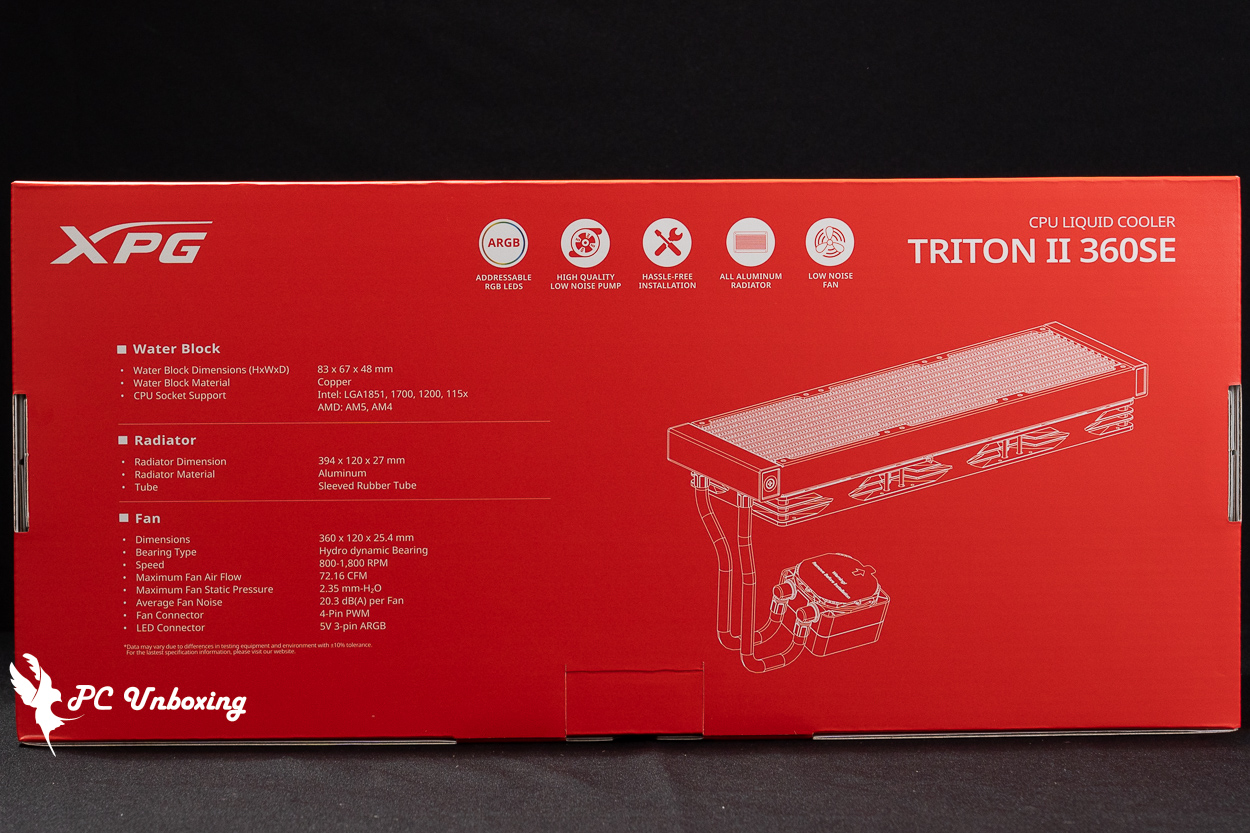
△ Water-cooled specification.
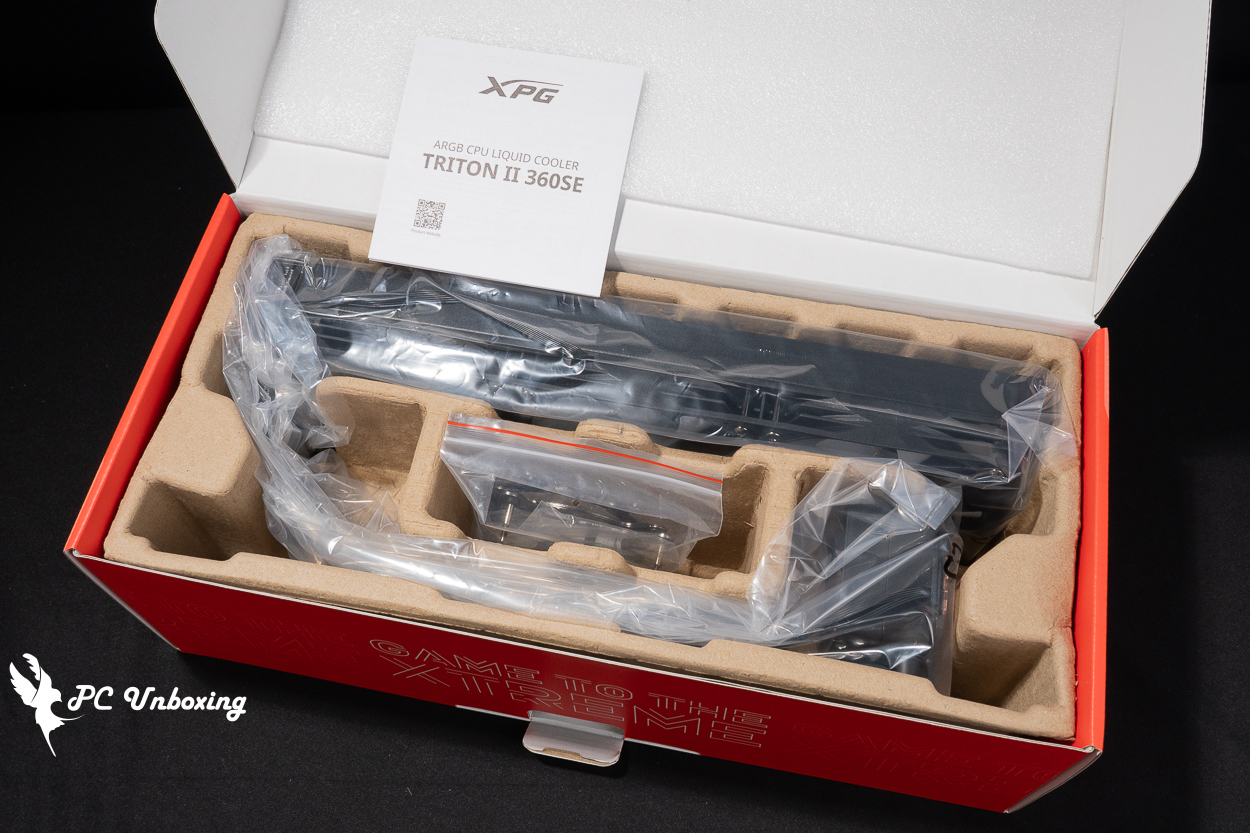
△ Boxed for protection.
For this review, I’m unboxing the black model. The three ARGB fans for the liquid cooling system are already pre-installed on the radiator, allowing gamers to start using it right out of the box and saving time on fan installation!
The water-cooling radiator fan is an XPG ARGB fan, which allows users to customize the lighting effects of individual LEDs through the software of four motherboard manufacturers: GIGABYTE, ASRock, ASUS, and MSI. The fan itself measures 360 x 120 x 25.4 mm, with a maximum speed of 1800 RPM ± 10%. It boasts a maximum airflow of 72.16 CFM, a maximum static pressure of 2.35 mmH₂O, and a maximum noise level of ≤20.3 dB(A).
The fans are powered via a single cable that provides both 5V 3-pin ARGB lighting control and 4-pin PWM speed control, The three fans are connected in series to achieve “one cable, three connections” for both power and control, making cable management and installation very convenient, reducing cable clutter, and greatly simplifying the installation process.
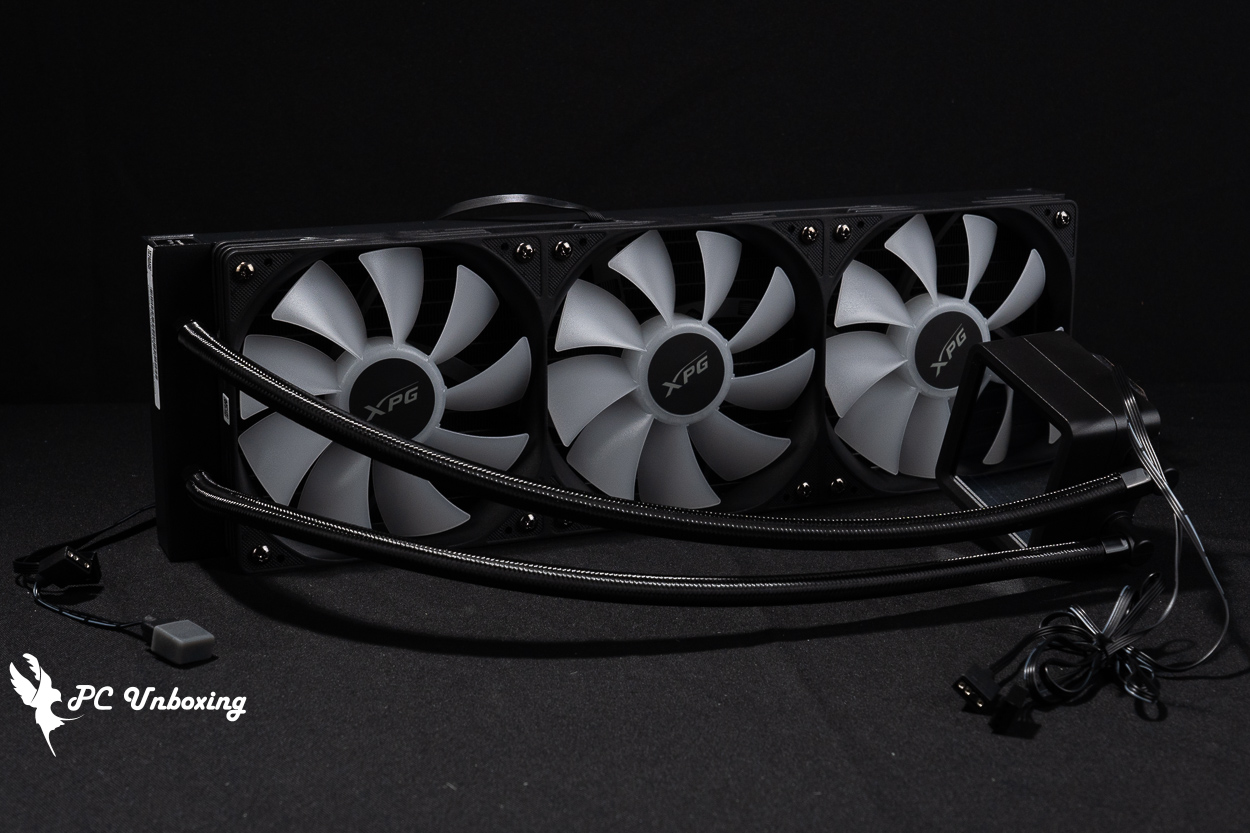
△ Fan pre-installed.
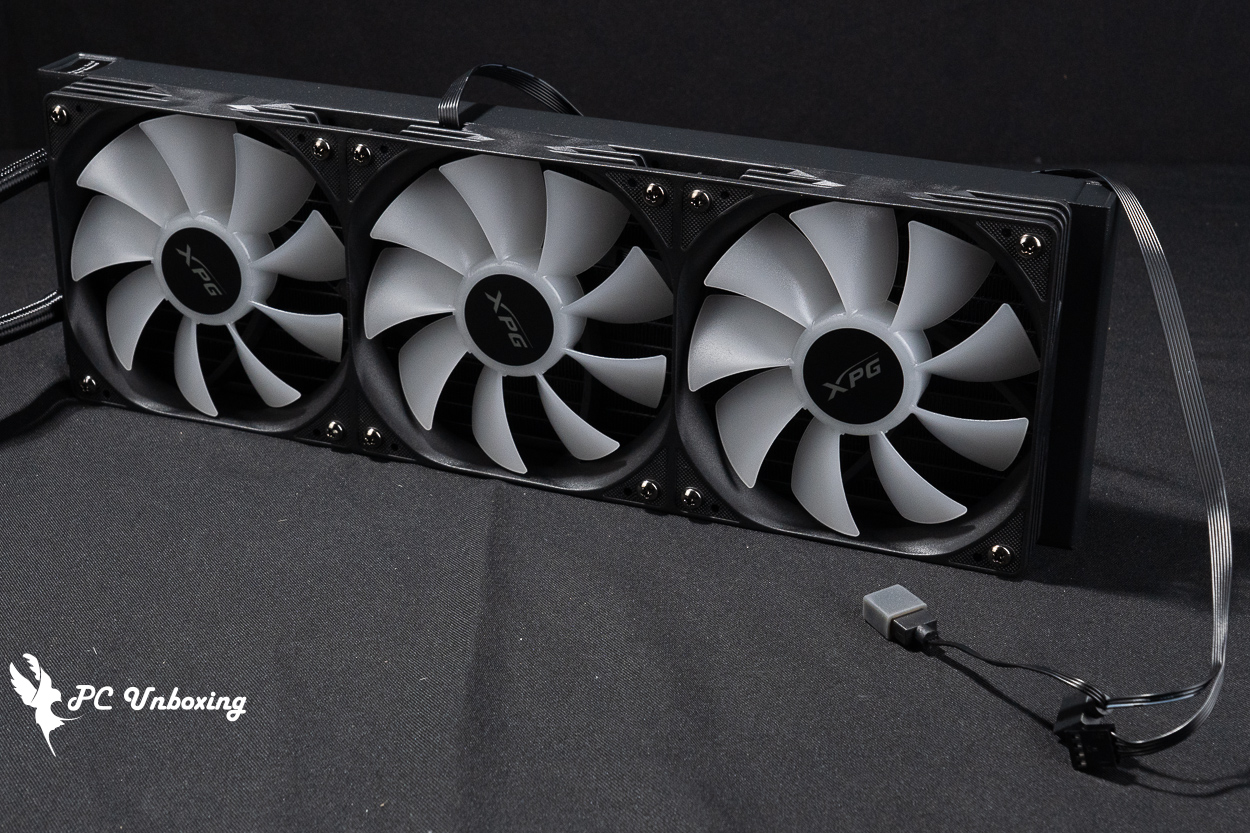
△ The three fans can be installed using just one set of cables.
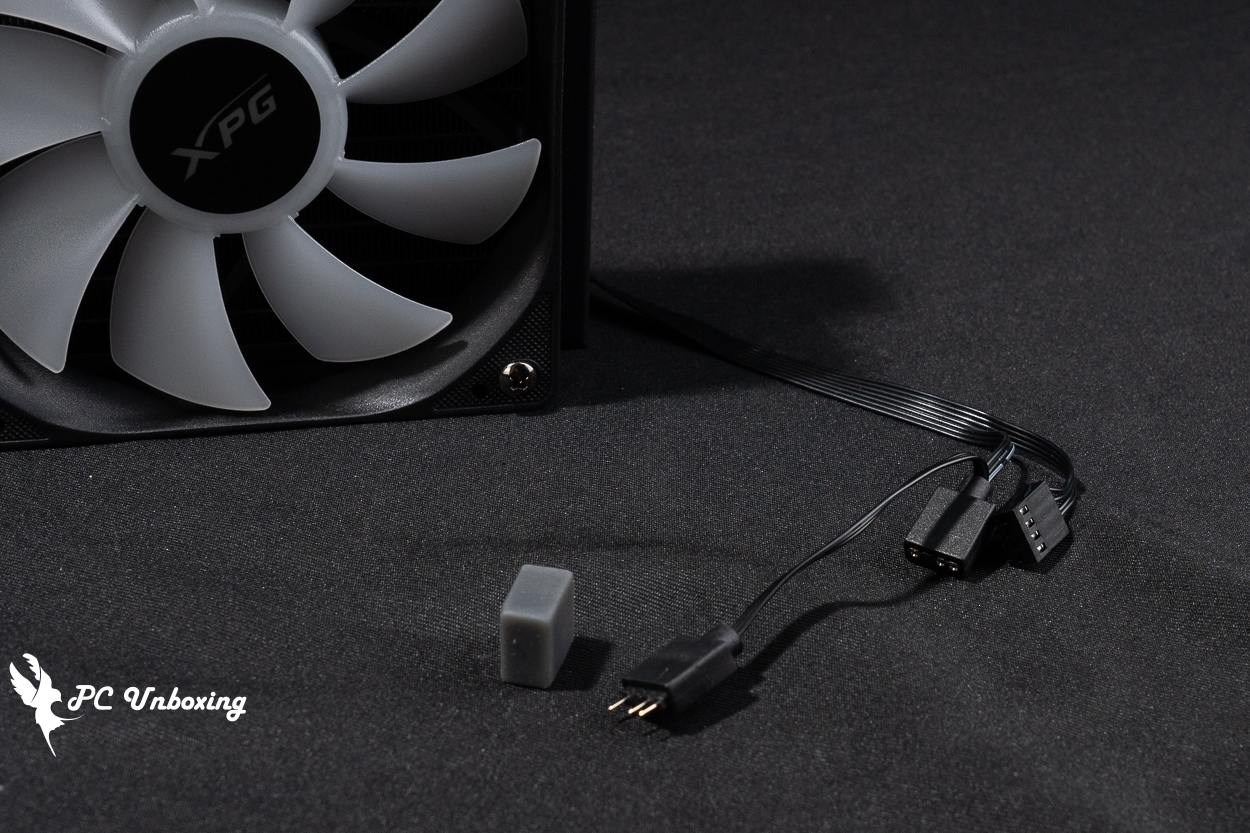
△ The fan requires a 4-pin PWM and a 5V 3-pin ARGB connector for power and control; an additional ARGB daisy-chain connector is provided to connect other lighting devices.
The water block measures 83 × 67 × 48 mm, which means it will occupy a height of 48 mm. The pump’s maximum rotational speed is approximately 3000 ±10% RPM. Power is supplied to the pump via a PWM 4-pin connector, while the water block’s infinity mirror top cover is powered and controlled by an ARGB 5V 3-pin connector.
The XPG TRITON II 360SE features a removable top cover for the water block. The entire top cover is secured via a twist-lock mechanism, allowing for easy adjustment to accommodate the actual tubing layout after installation. However, please note that the rotating latches on new units are slightly tight out of the box. You can open them by holding the top cover and turning it counterclockwise to loosen it. It was so tight that I initially thought it couldn’t be removed; I had to contact customer service and watch a demonstration video before realizing it was simply because the latches on new units are tighter.
The copper base comes with a scratch-resistant protective film applied to its contact surface. Be sure to remove the film before applying thermal paste. The package also includes a small tube of spare thermal paste for future replacement.
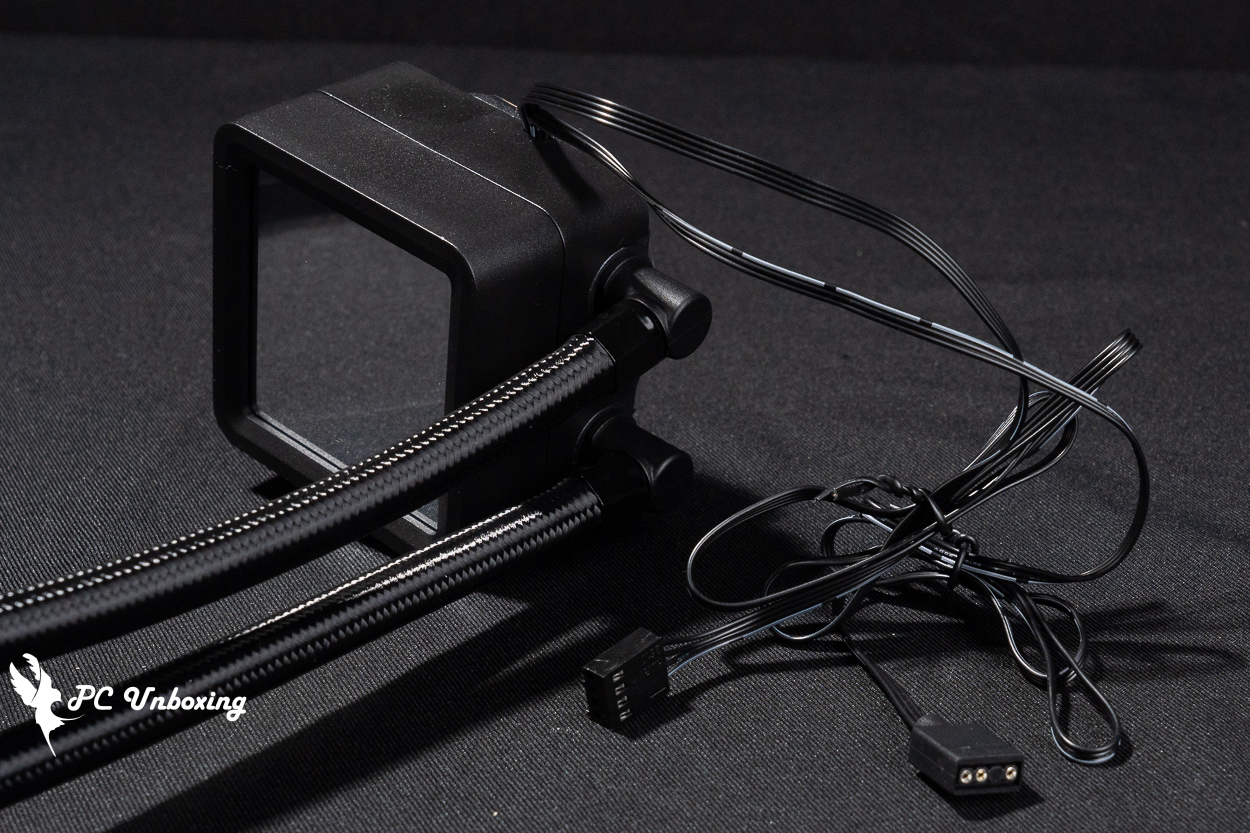
△ The water block must be connected to the PWM and ARGB power control cables.
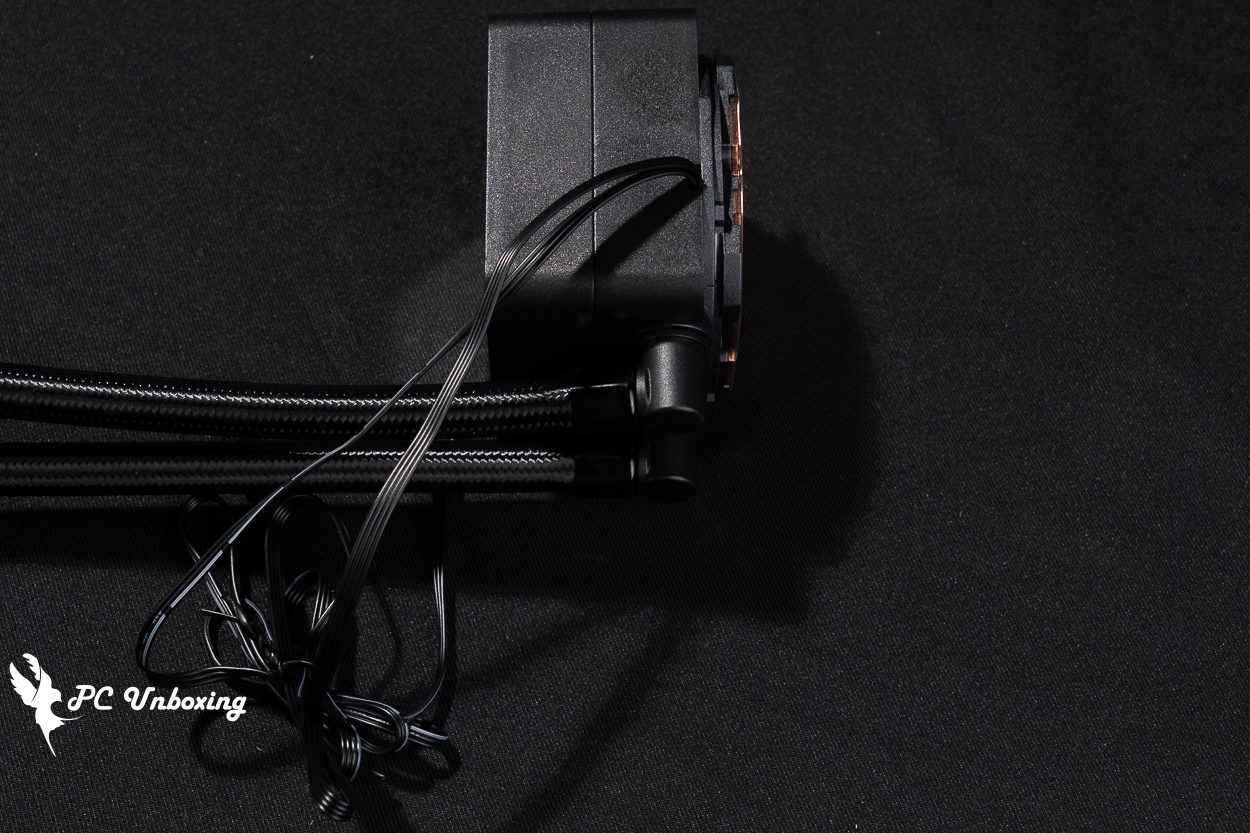
△ The water block is 48 mm tall.
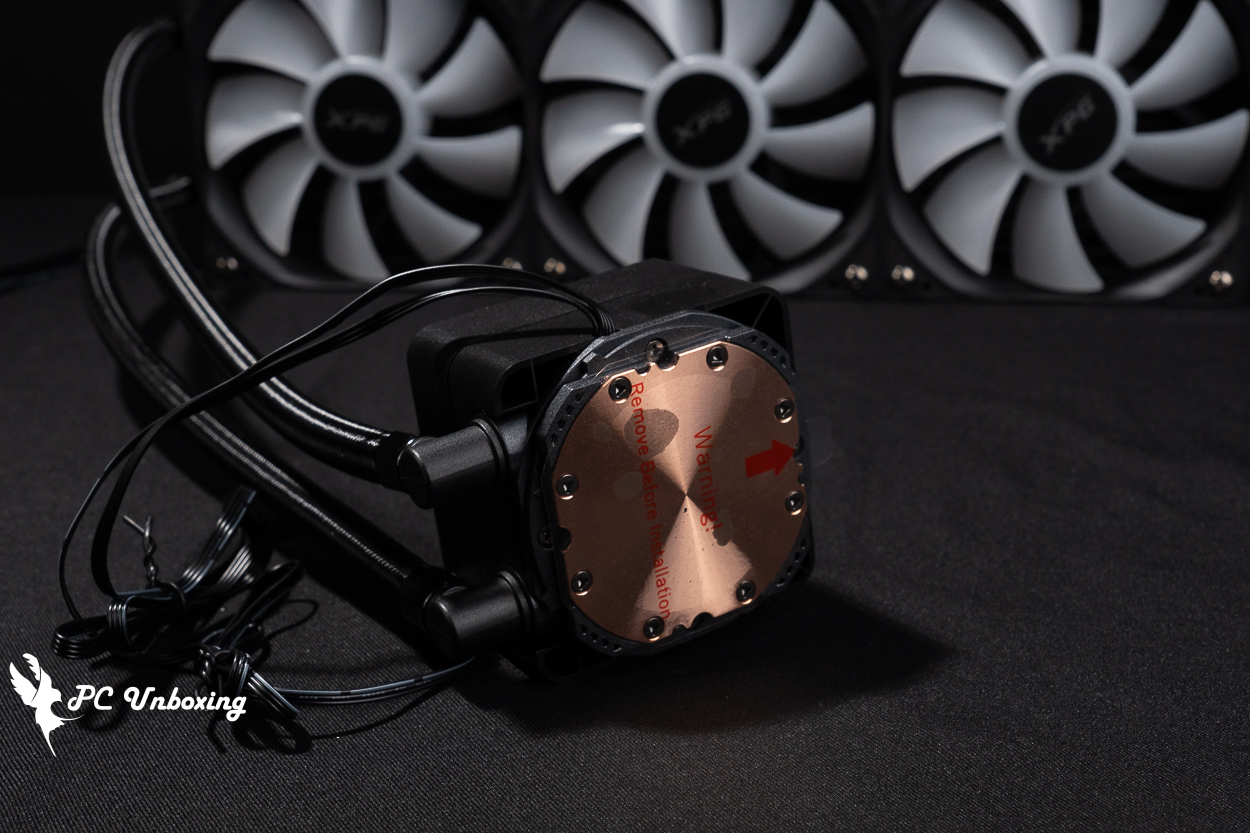
△ The screen protector is pre-applied to the cold-start unit; be sure to peel off the protective film before use.
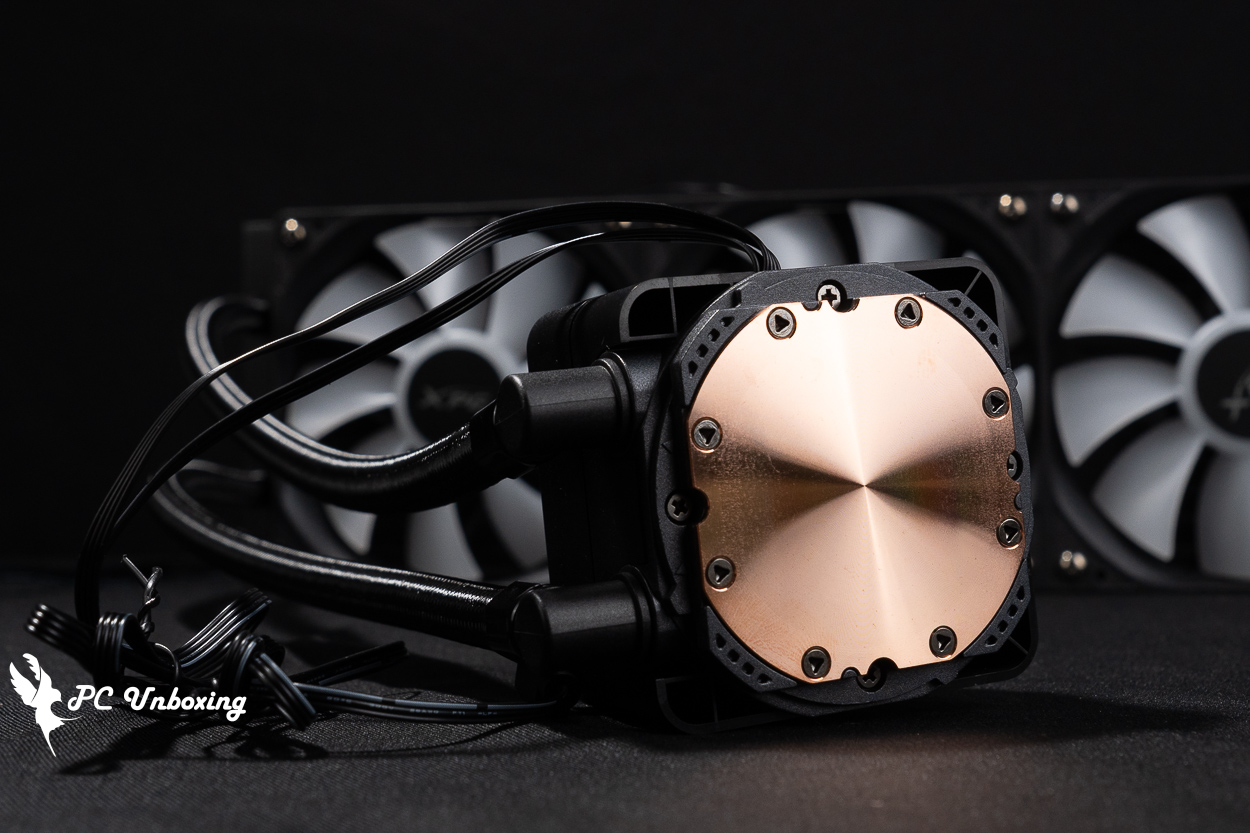
△ Copper bottom contact surface.
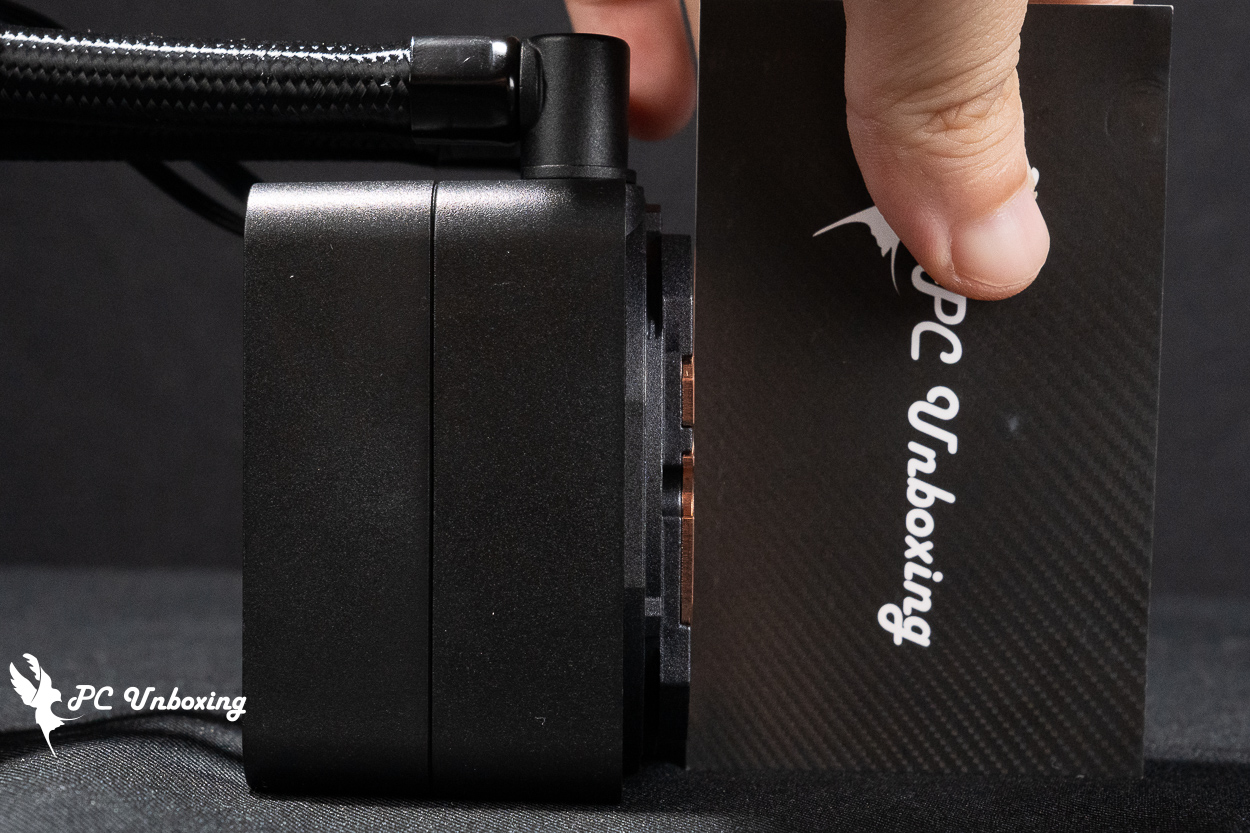
△ The copper base is slightly convex.
The water cooling tubing is 400 mm long, and you can use the tubing clamps included in the accessory kit to help organize the tubing and improve the aesthetic appeal. The XPG TRITON II 360SE radiator measures 394 x 120 x 27 mm, The radiator is 27 mm thick—standard for a slim all-in-one unit—and when combined with the 25.4 mm thickness of the fans, the total installation depth will require 52.4 mm of space.
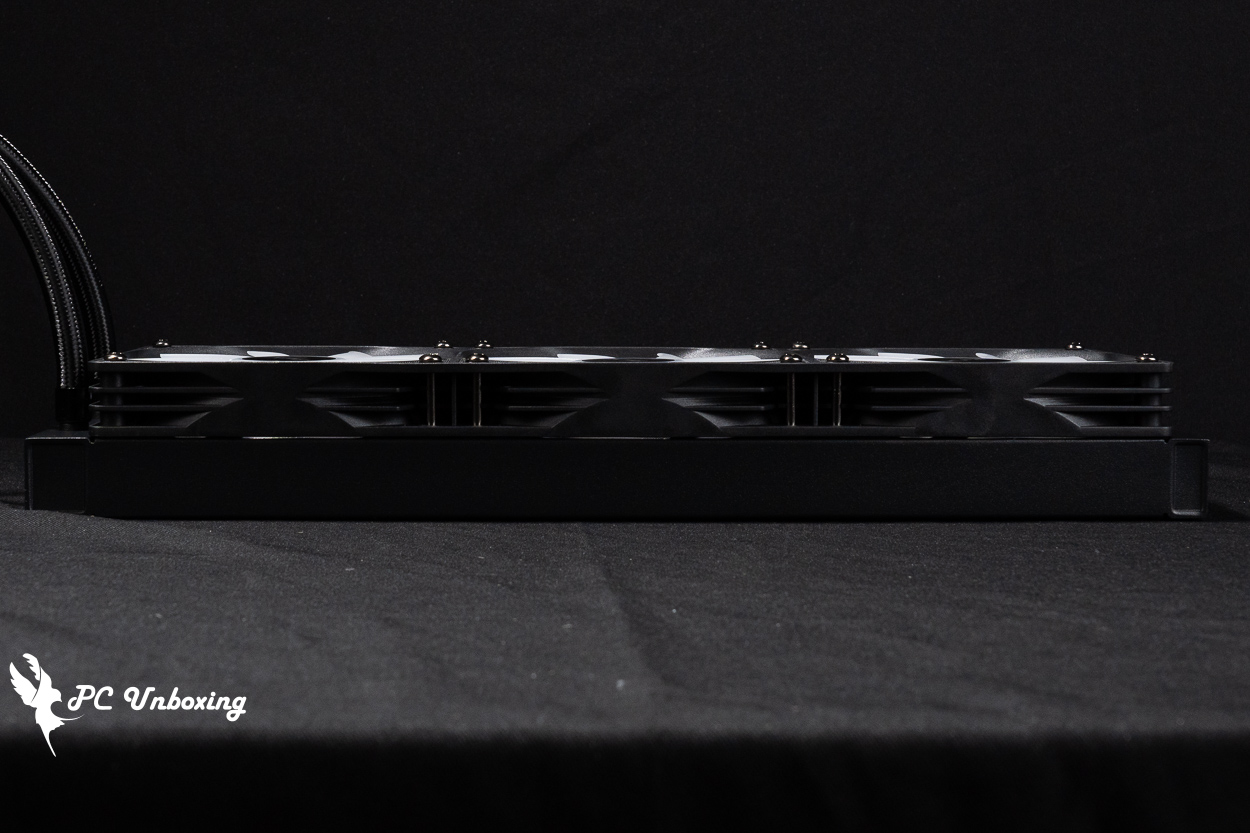
△ The cooling fin is a standard thin fin that is 27 mm thick; when combined with the fan, the total thickness is 52.4 mm.
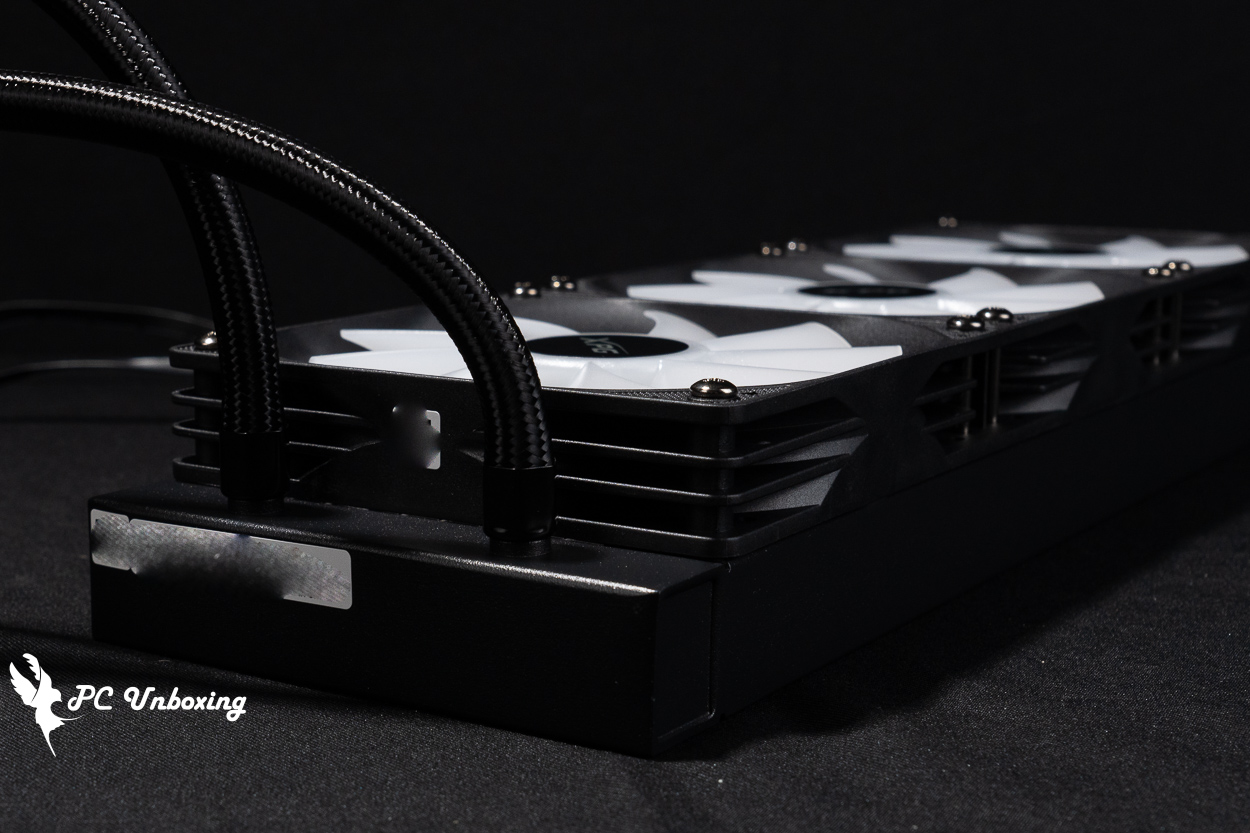
△ Close-up of the connection between the cooling fins and the cooling tubes.
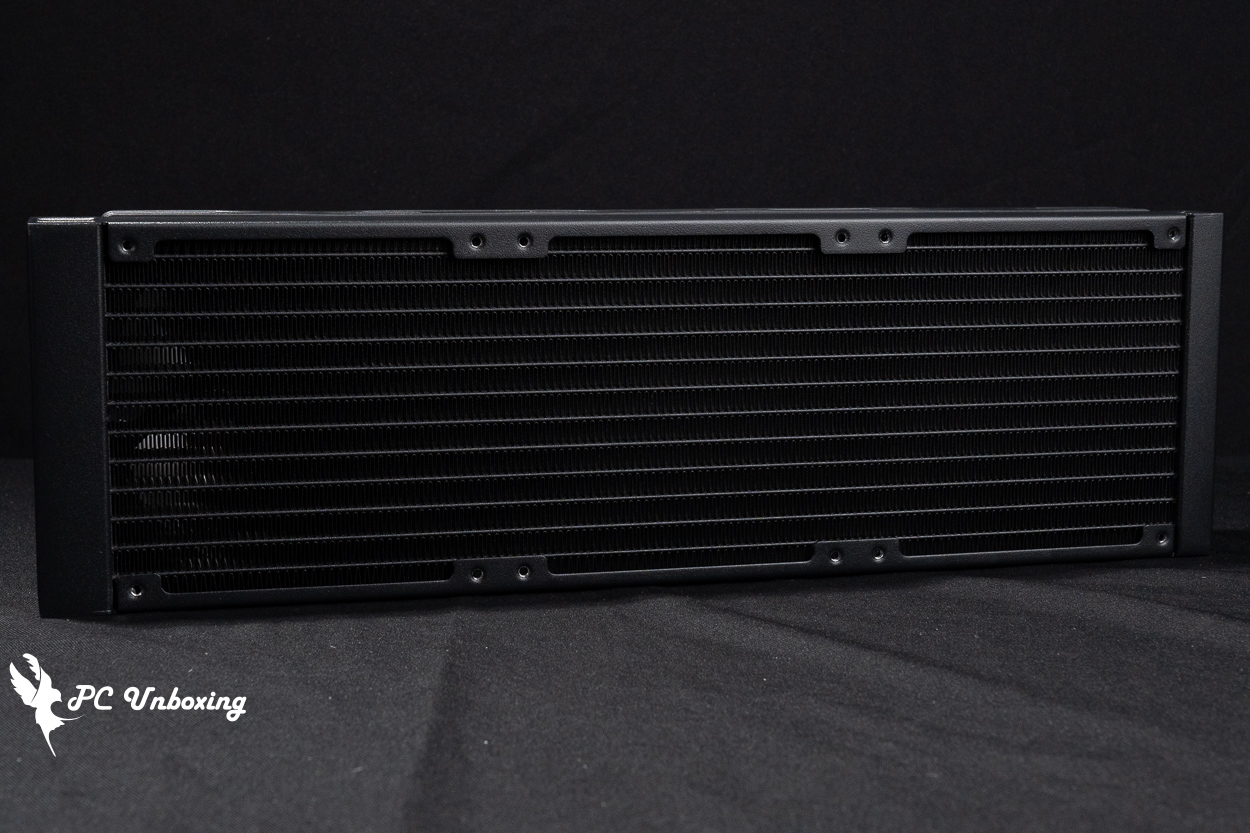
△ Single-wave water-cooled drain.
In addition to the Intel and AMD mounting kits, the XPG TRITON II 360SE all-in-one liquid cooling kit also includes tubing clamps, tube-type thermal paste, a plastic thermal paste spatula, and a set of short screws for securing the radiator.
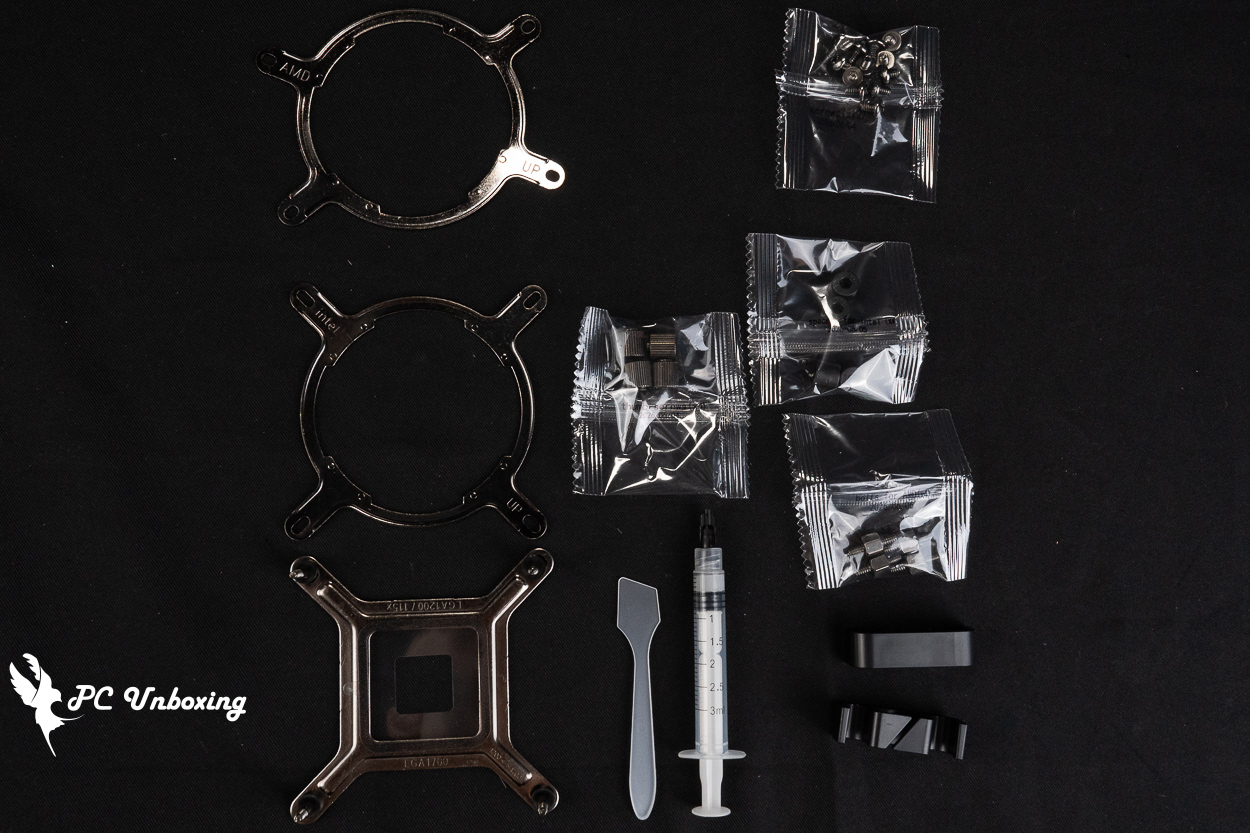
△ List of accessories.
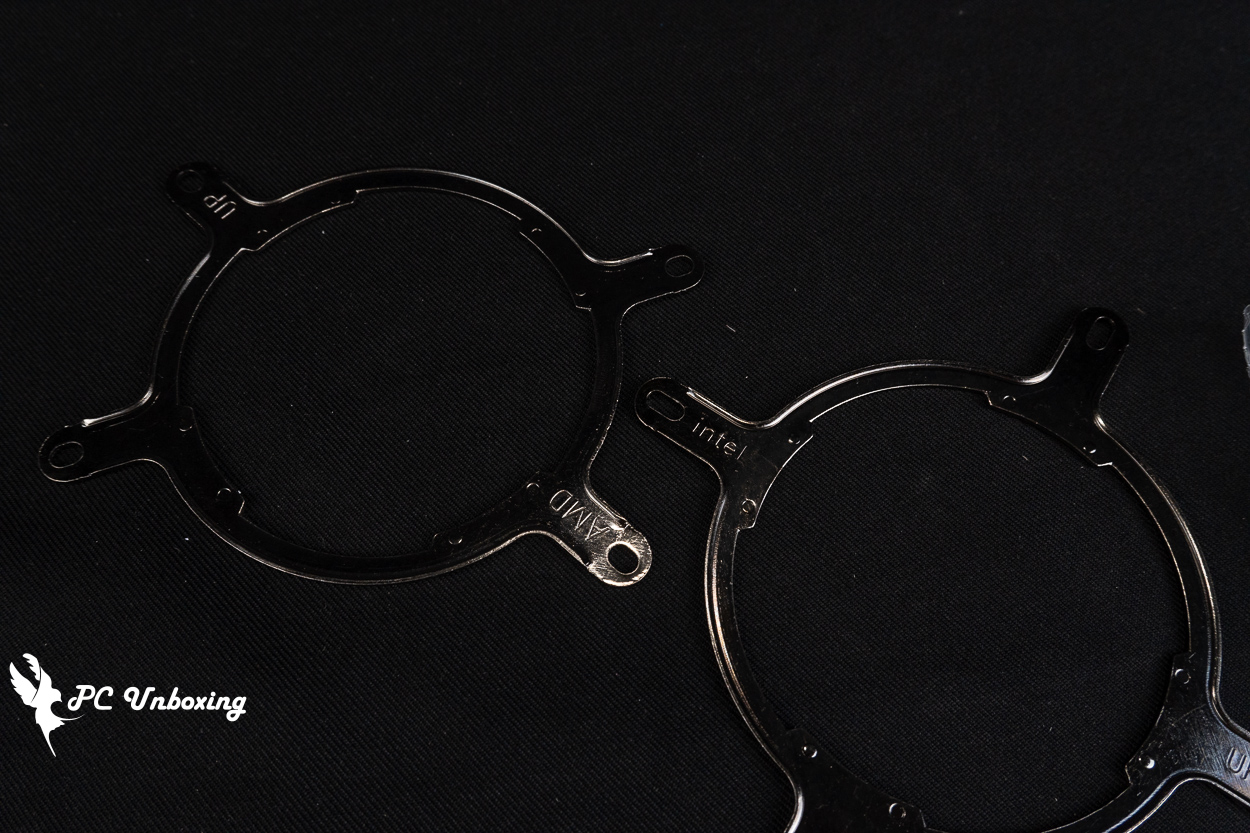
△ The Intel and AMD mounting brackets designed for installation on the water block are both labeled with the compatible platform and the correct orientation.
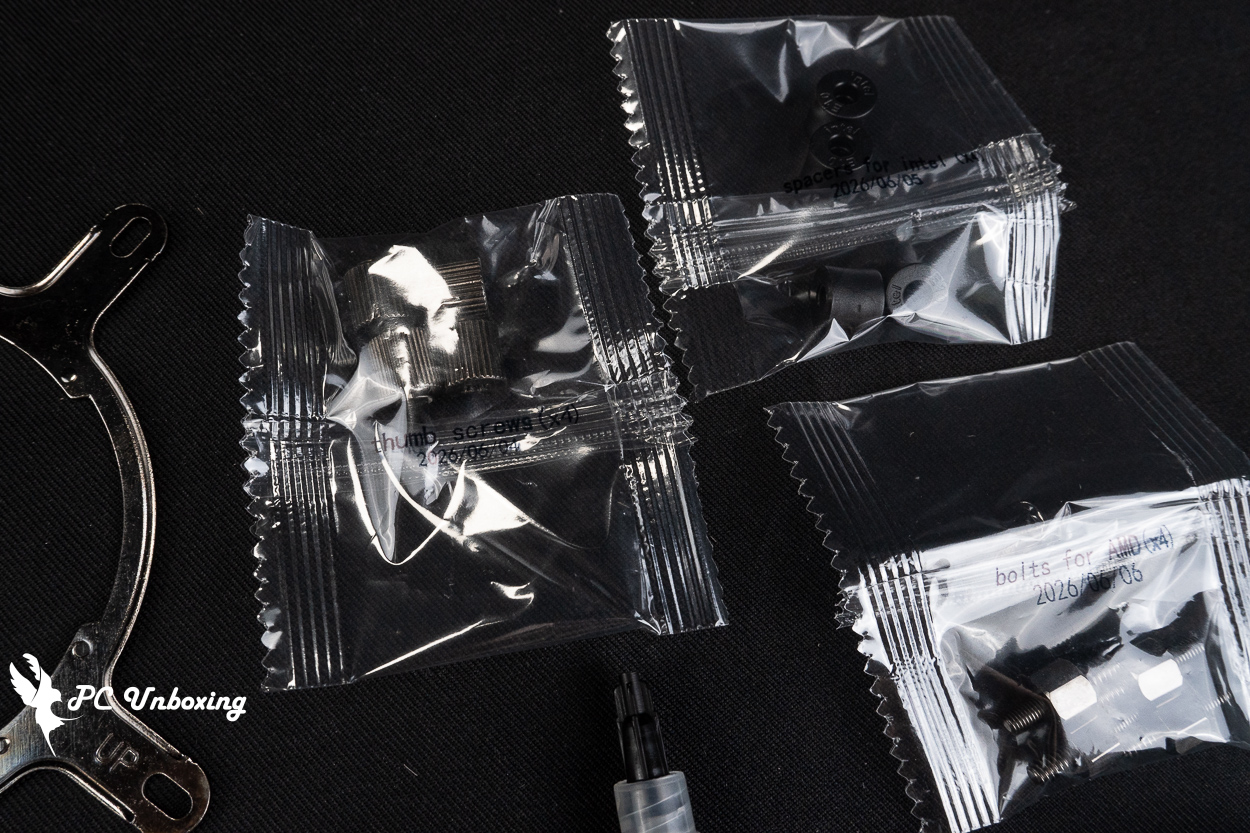
△ The bag is printed with the screw name and compatible platforms.
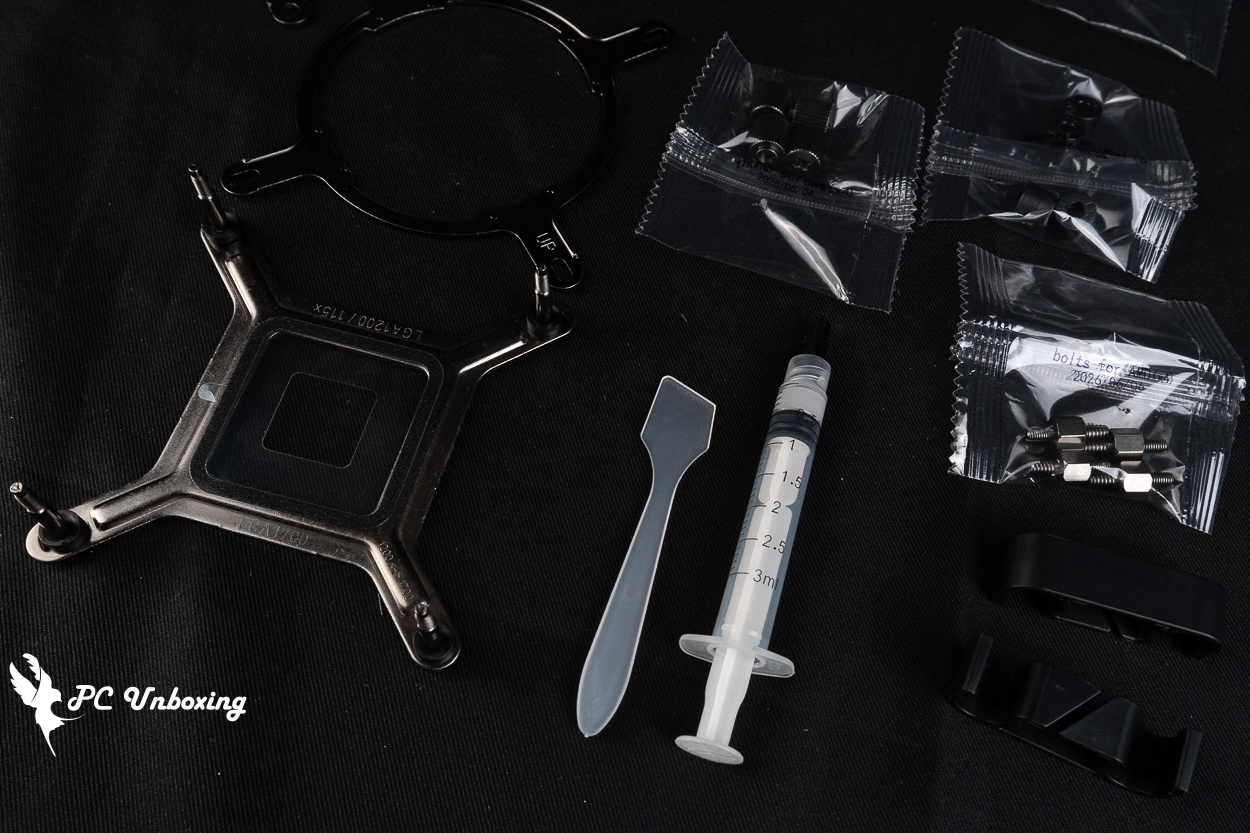
△ The included thermal paste is approximately 0.5 ml.
XPG TRITON II 360SE Installation Guide: Intel and AMD Platforms and ARGB Lighting Demo
Next, we’ll walk you through the actual installation of the XPG TRITON II 360SE all-in-one liquid cooler on an AMD AM5 platform, showing you the process for reference and demonstrating the lighting effects.
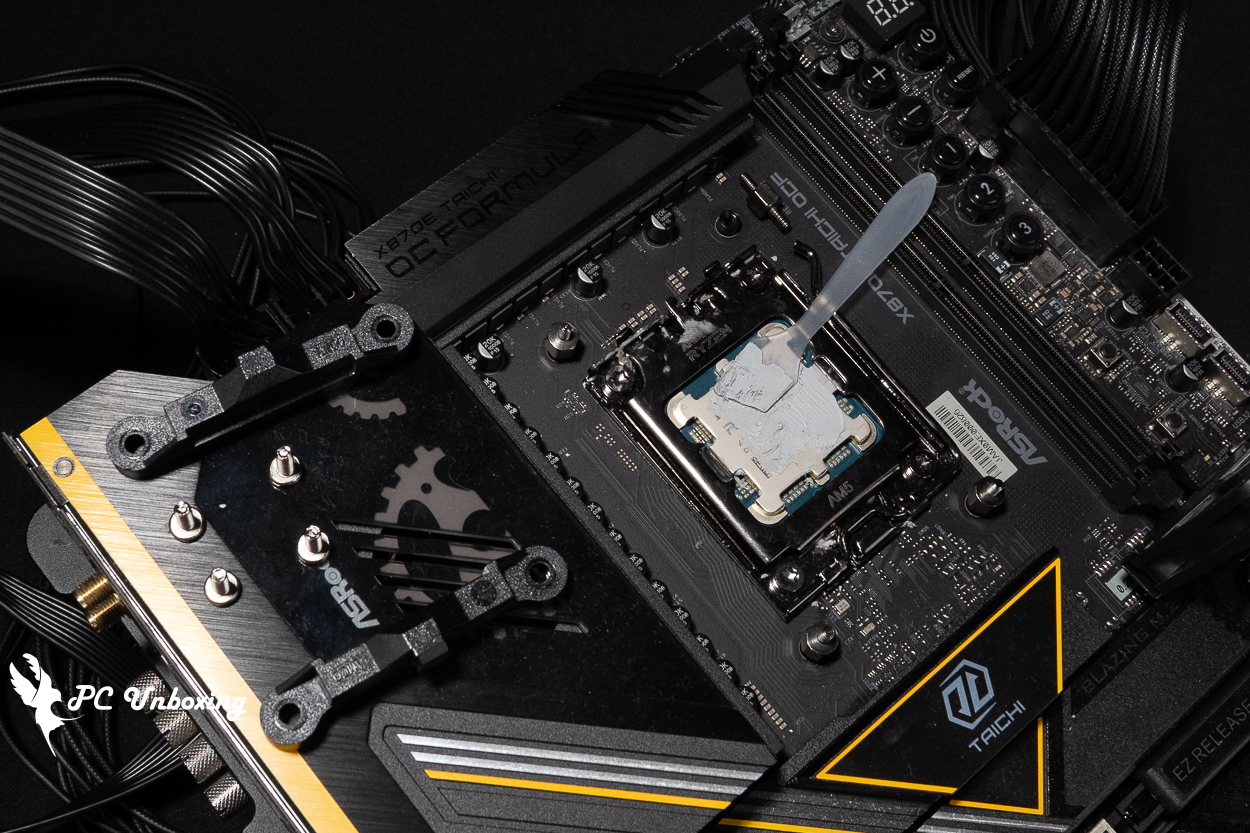
△ For AMD platforms, remove the motherboard’s default mounting screws and replace them with the copper pillar screws included with the water-cooling kit; the coarse threads should face down, and the fine threads should face up.
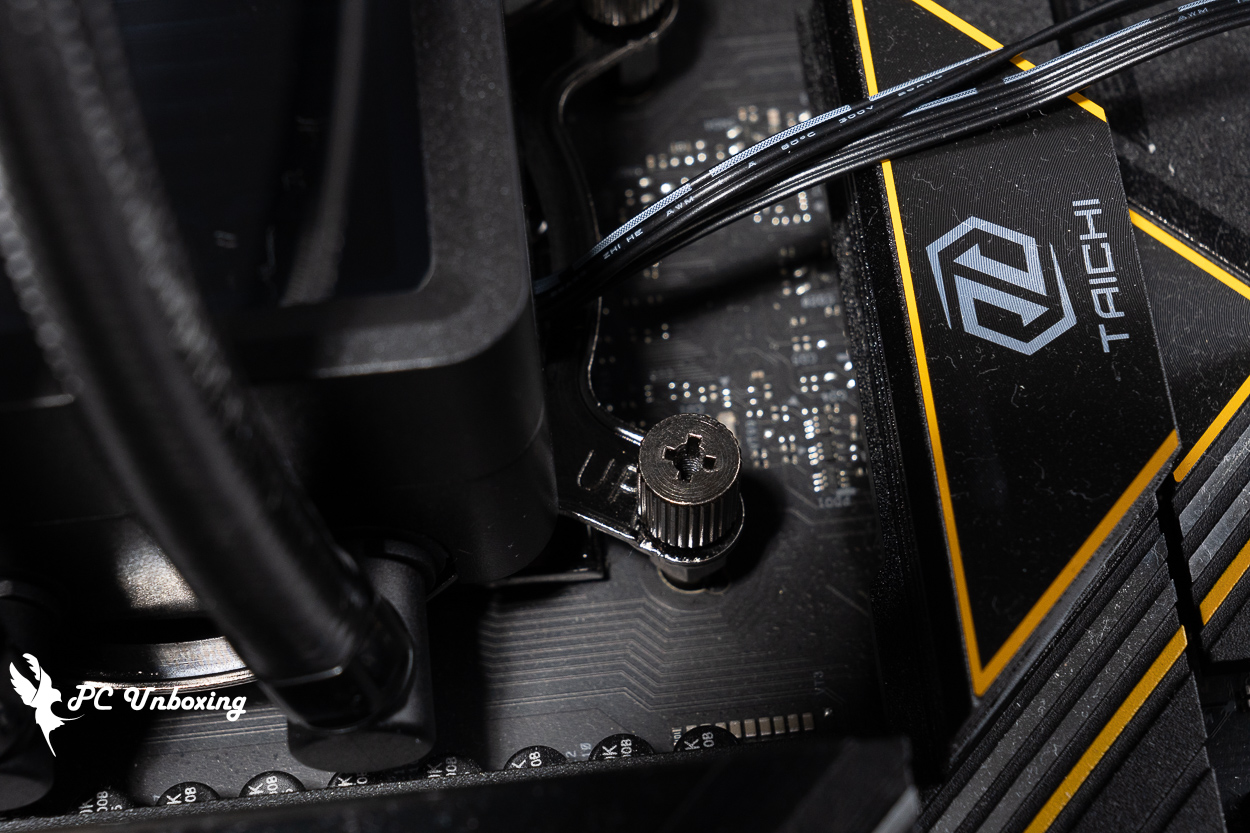
△ Display of the water block end cap, with the "UP" text facing upward.
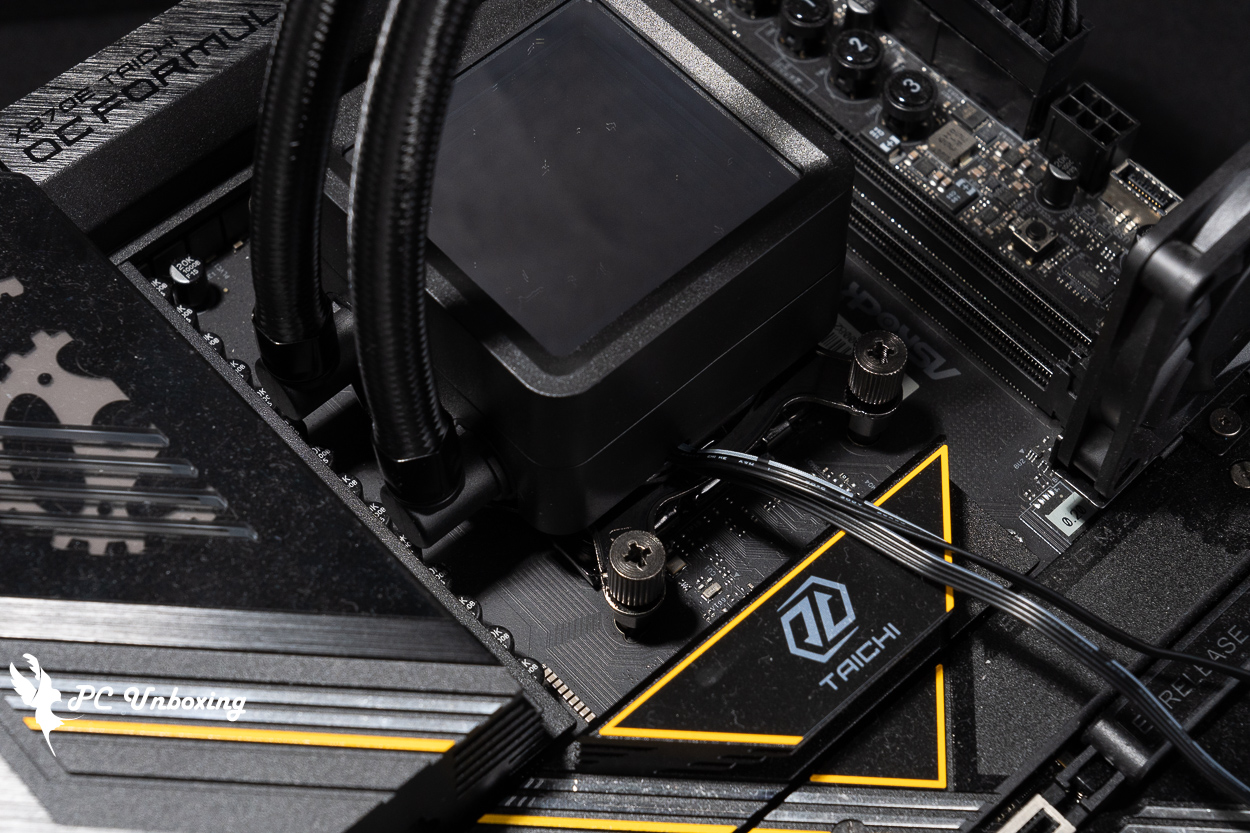
△ When installing on an AMD platform, the water-cooling tubing can only be oriented to the left or to the right.
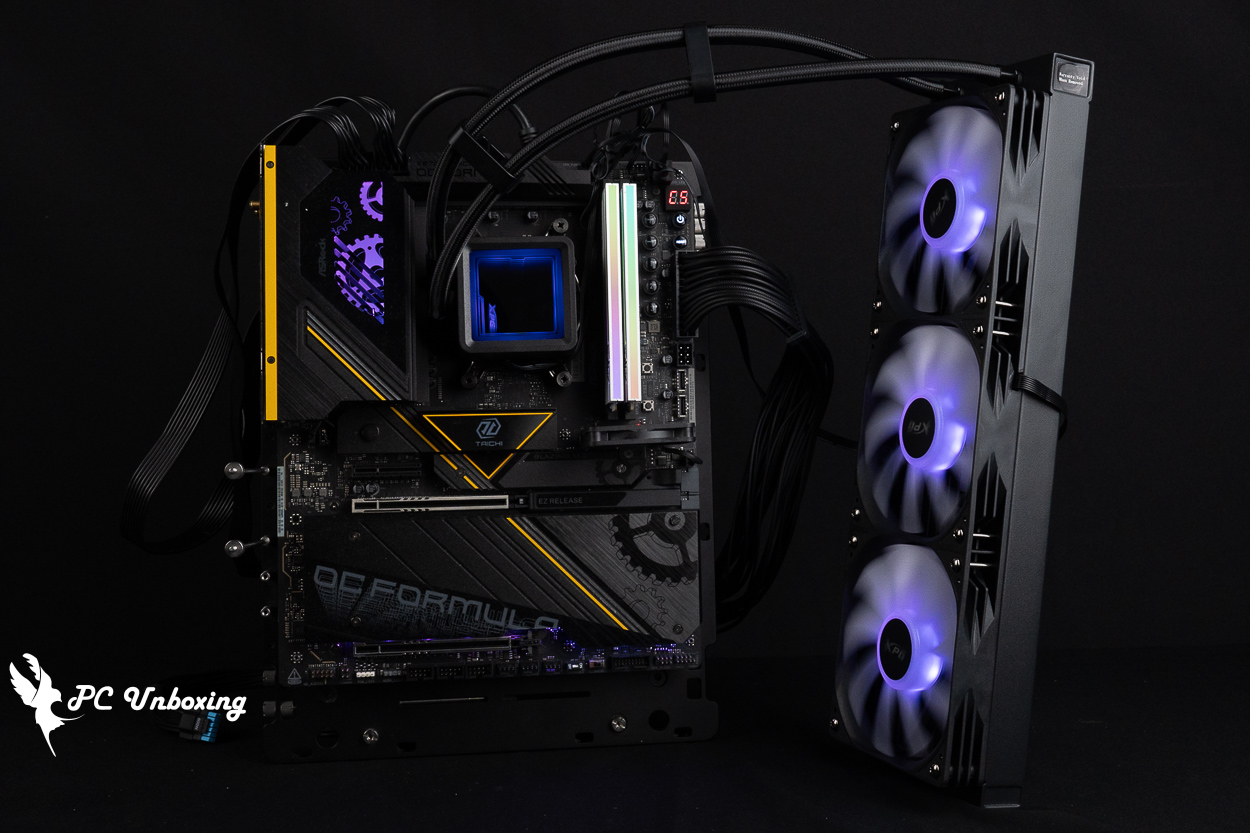
△ Overall lighting effect.
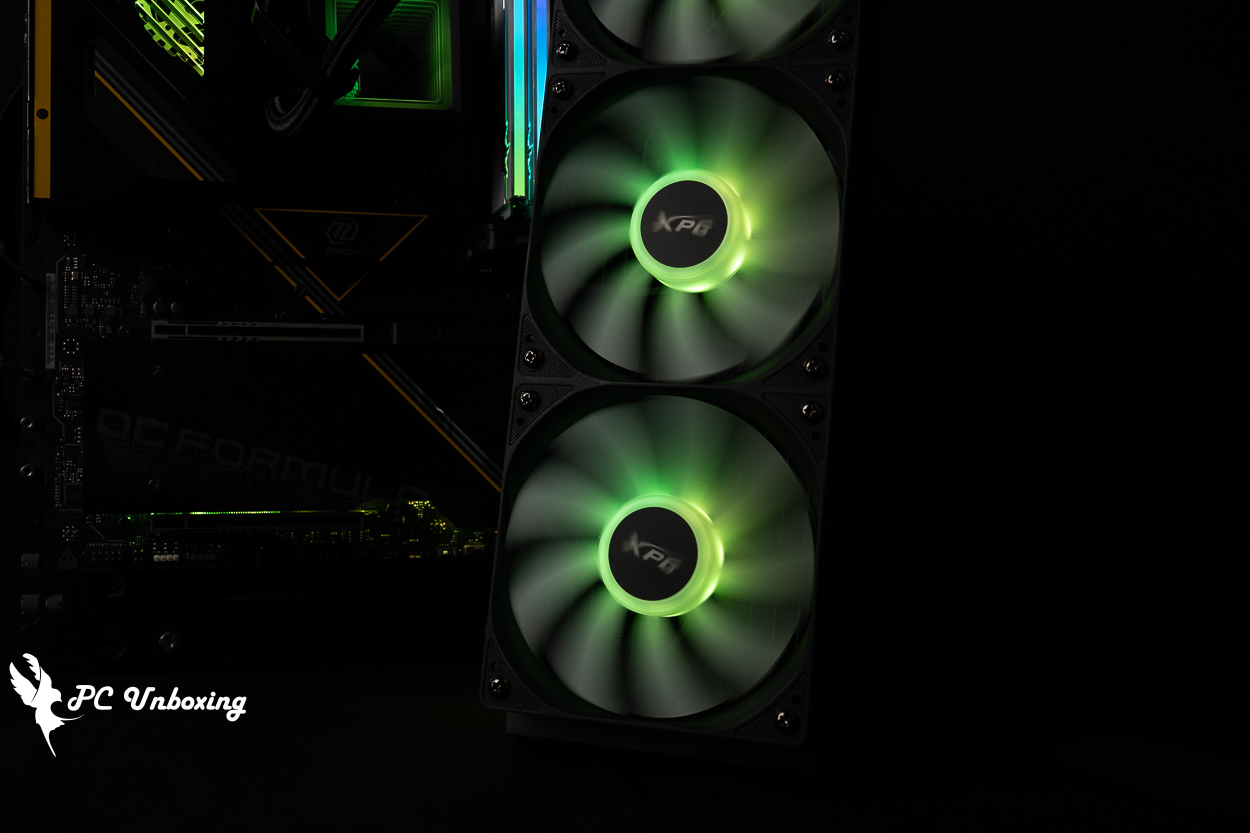
△ Fan lighting effects.
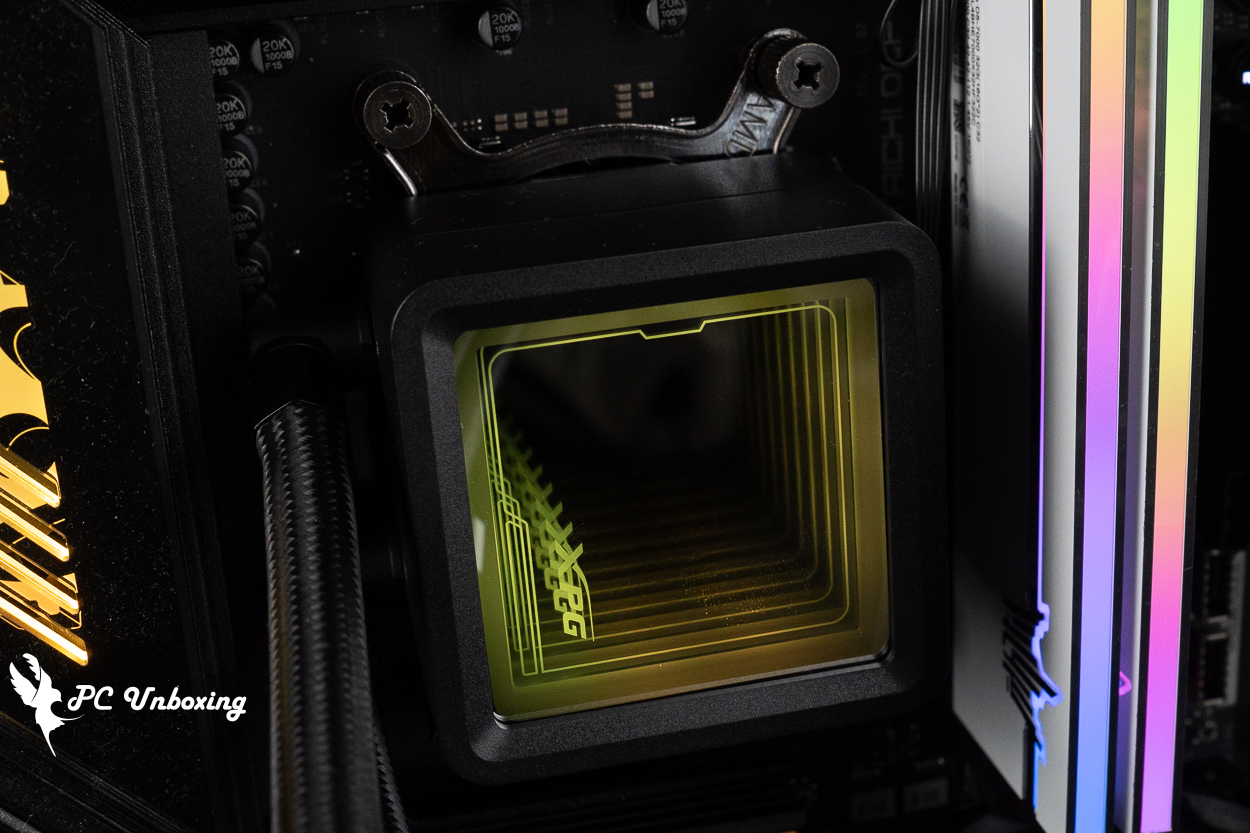
△ Lighting effects of the water-cooled head; the top cover can be adjusted in four directions depending on the installation orientation. I didn’t figure out where to apply pressure until after I finished taking the photos.
XPG TRITON II 360SE Cooling Performance and Temperature Benchmarks: AMD Ryzen 9 9950X3D2 Test Results
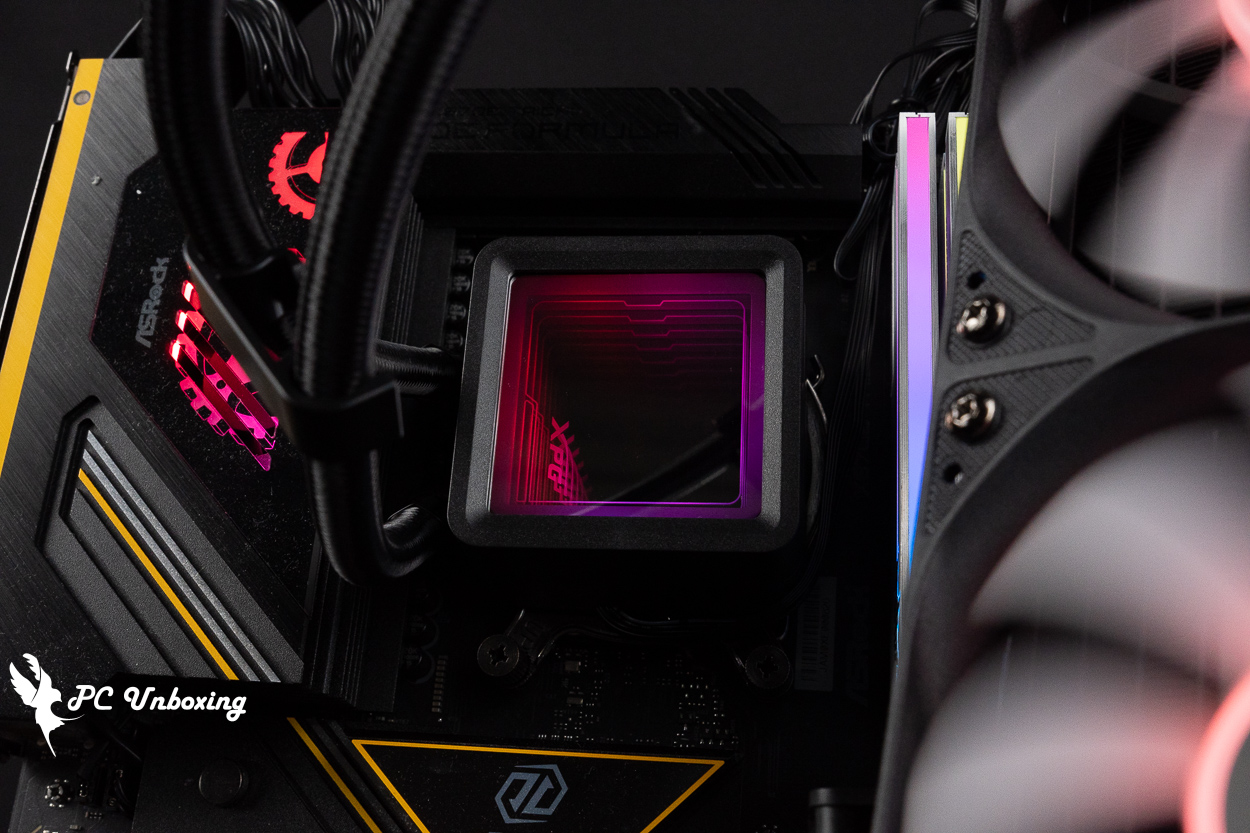
This time, we installed the heatsink on a bare-metal test bench, paired with AMD Ryzen 9 9950X3D2 Dual Edition (R9 9950X3D2) Processor and ASRock X870E Taichi OCF Motherboard: During testing, the fan slot speed was set to full speed in the motherboard BIOS; only the memory profile was enabled, while all other settings remained at their defaults, and no additional CPU overclocking was performed. The test was conducted in a closed room in Taipei at 23 °C. Since ambient temperatures in ordinary rooms are difficult to control, these results are for reference only.
For software testing, we used the AIDA64 FPU and Cinebench 2026 multi-core tests to simulate temperature data under extreme load conditions. We also ran a 1080p resolution test of 《Kurokami Dialog: GokuThe performance was tested using the *Black Myth: Wukong* benchmark tool to assess the game's performance, while HWiNFO64 was used to collect and record the maximum temperature and power consumption of the CPU package. The thermal paste was applied using the paste included with the water-cooling kit and smoothed out; no additional thermal paste was used.
Testing Platform
Processor:AMD Ryzen 9 9950X3D2 Dual Edition (R9 9950X3D2)
Cooler: XPG TRITON II 360SE (Full Speed)
Cooling cream: Cooling cream included with the accessory
Motherboard:ASRock X870E Taichi OCF (BIOS Version: 4.41)
Memory:Origin code vortex DDR5 48 GB (24 GBx2) 8000 MT/s CL36-47-47-108 1.45V
Graphics: NVIDIA GeForce RTX 4060 Ti Founders Edition 8GB
Operating System: Windows 11 Professional 24H2
System disk: Kingston NV3 2TB
Case: STREACOM BC1 Benchtable V2
The author conducted the test using the default CPU settings on this motherboard. Other settings were as follows: memory set to “Profile_on” and fan speed set to “full speed.” The test was performed in a closed room; however, since ambient temperatures in ordinary rooms are difficult to control, these results are for reference only.
- AIDA64 FPU_30 Minute
- AIDA64 CPU_30 Minute
- Black Myth: Wukong 1920 x 1080(FHD)_1 Round
- Cinebench 2026 Multi-Core_1 Round
- CPU temperature is measured by the diode in the slot to measure the internal (core) or external (case) temperature, but there is no way to know exactly whether it is the internal or external temperature that is measured, and most monitoring software uses this item to display the CPU temperature.
- CPU (Tctl/Tdie) temperature is the actual maximum temperature of the CPU sensors in the chip, and is used as a reference point for overheating and downclocking of the processor.
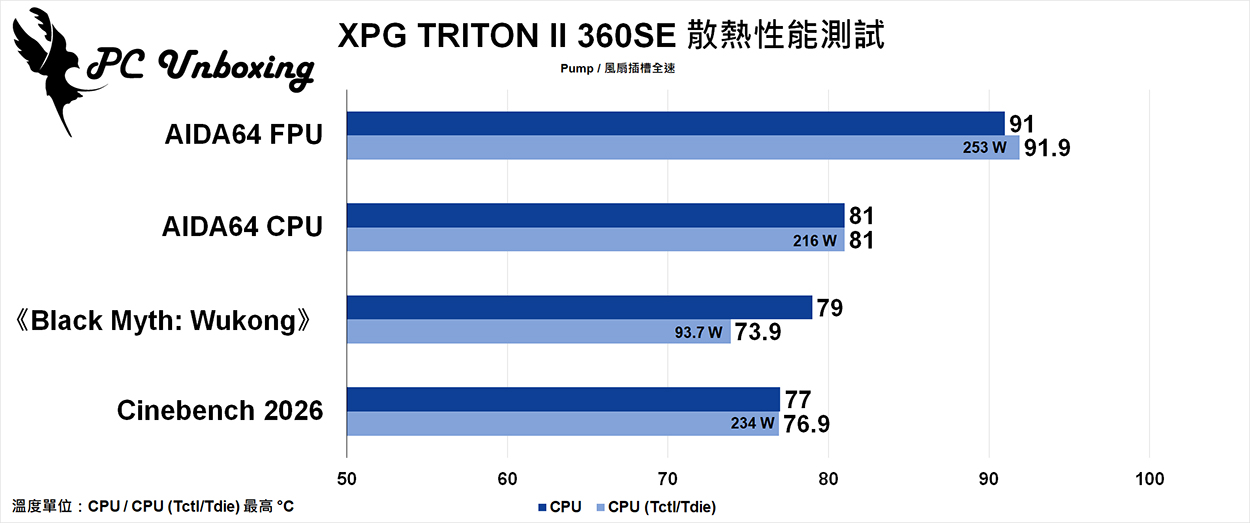
△ Heat dissipation test chart.
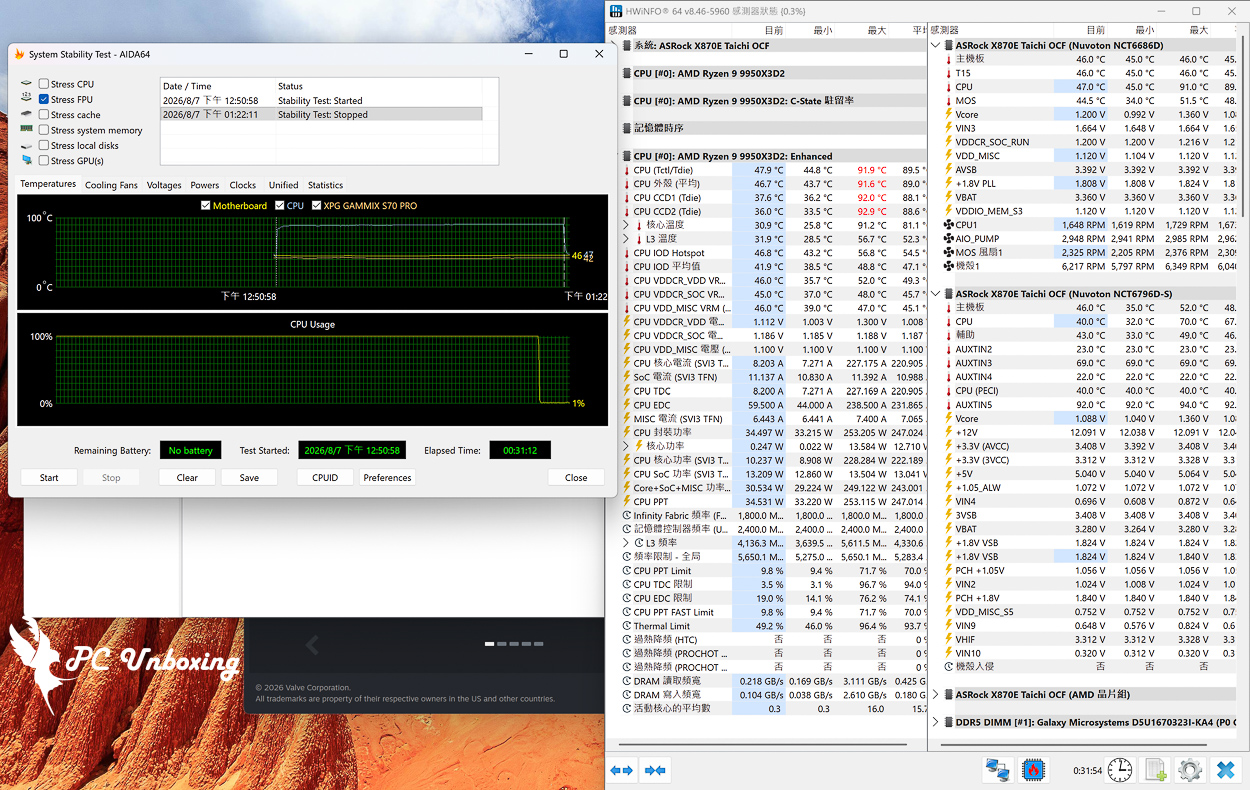
△ Test screenshot.
XPG TRITON II 360SE Review: Is It Worth Buying? Hands-On Test Summary
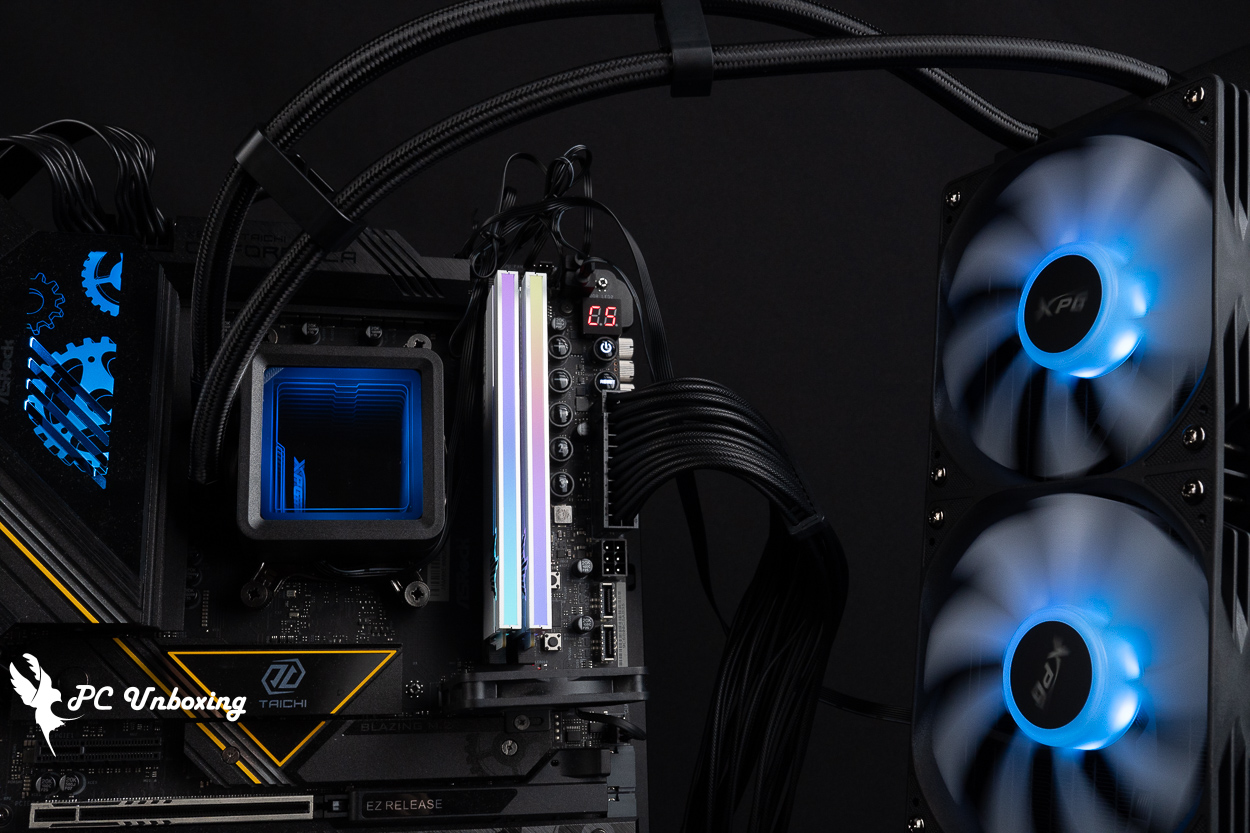
Judging by its product details and three-year warranty, the XPG TRITON II 360SE all-in-one liquid cooler featured in this unboxing is likely positioned as a product that emphasizes value for money. However, when actually paired with AM5 consumer-grade flagship processor models, AMD Ryzen 9 9950X3D2 Dual Edition (R9 9950X3D2) Based on our testing, as long as the case maintains good airflow for cooling, the system should be able to handle both multi-core, high-load tasks and everyday gaming without hitting the temperature wall and throttling due to overheating.
The pre-installed ARGB fans consolidate the power cables, allowing all three fans to be powered and controlled with just a single cable connector—which truly makes for an easy installation experience. However, the removable water block was a bit tight to loosen during the initial installation, but it does allow you to adjust the orientation of the XPG Infinite Mirror logo to match the cooler’s installation direction. One drawback of this cooler is that it comes with only a three-year warranty. Considering its lifespan, if you plan to save up for a better cooler in the future, using this one as a temporary solution is a viable option.

Yun
Drinks with less than full sugar are colored water. Crossing Turbid Creek, full sugar is not a crime!


 繁體中文
繁體中文  English