
The Sovereign's Supreme Will: MONTECH KING 95 3D PRO Case and LINK FAN INF 120 Fan Unboxing and Review
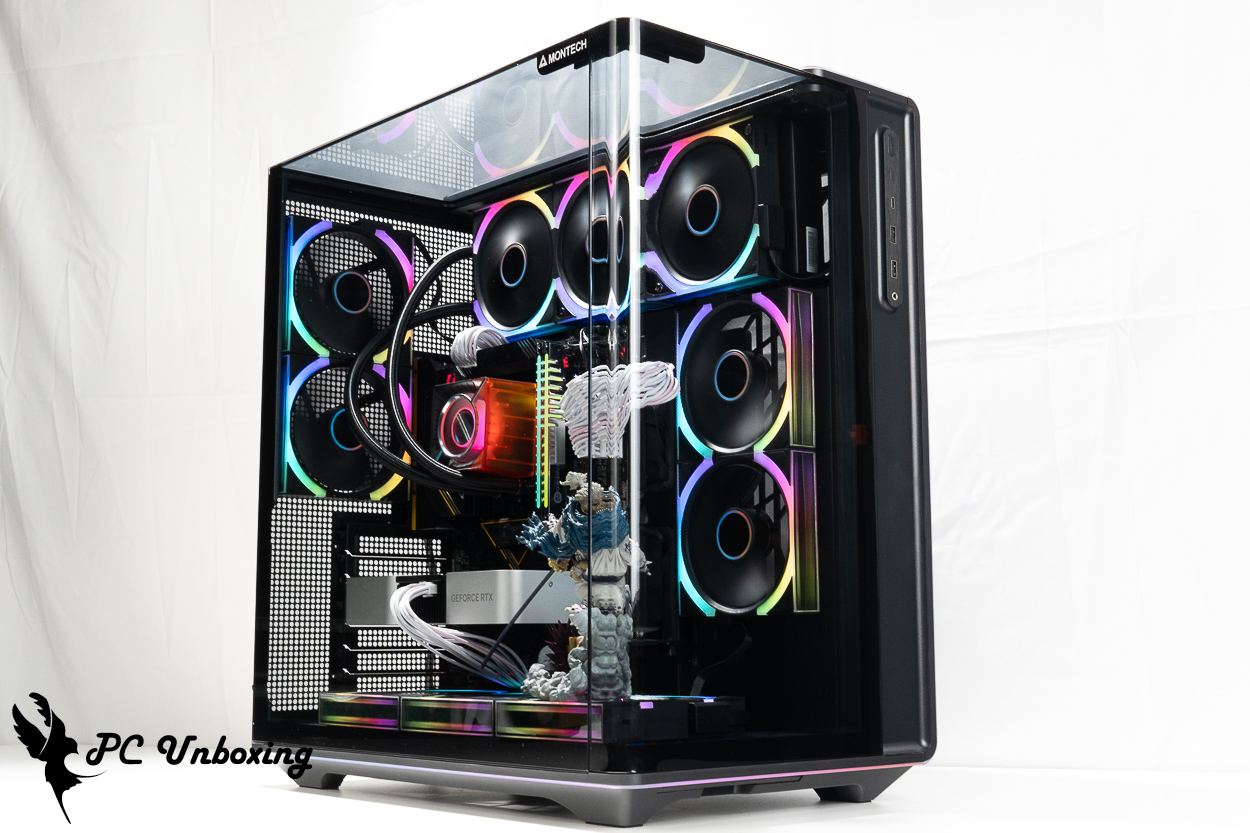
The MONTECH Monarch KING 95 3D PRO case comes pre-installed with seven LINK FAN INF 120 series fans. It supports ATX (rear-mounted) motherboards, up to ten 120 mm fans, a 360 mm liquid cooling system, two 2.5-inch and one 3.5-inch hard drives, 172 mm air-cooled CPU space, and 450 mm graphics card installation space. It features comprehensive dust protection and an adjustable bottom fan bracket for enhanced practicality, while the three-sided 15° curved glass panels perfectly showcase the internal hardware!
MONTECH KING 95 3D PRO Chassis Specifications:
Case Dimensions: 480 (L) x 300 (W) x 534 (H) mm
Available colors: black, white
Case Material: Steel, Glass, Plastic
Supported motherboard form factors: ATX, Micro-ATX, Mini-ITX, ATX (rear-mounted), Micro-ATX (rear-mounted), ITX
Maximum CPU air-cooling height: 172 mm
Maximum graphics card length supported: 450 mm
Power supply unit length supported: ATX 220 mm
Fan mounting locations (top, side, bottom, rear): 140 mm: 0+0+0+0; 120 mm: 3+2+3+2
Pre-installed case fans: 2 x LINK FAN INF 120 REVERSE BLADE reverse-blade fans on the side, 2 x LINK FAN INF 120 REVERSE BLADE reverse-blade fans on the bottom, and 2 x LINK FAN INF 120 forward-blade fans on the rear
Radiator Support: Top: 360 / 240 mm; Side: 240 mm (A 360 mm radiator can be installed either at the top or on the side, but only one location can be used)
Chassis I/O Ports: Lighting control button, 2x USB Type-A 5 Gbps, USB Type-C 20 Gbps, TRRS combo headphone/microphone jack
Maximum hard drive bays: two 2.5-inch, one 3.5-inch
MONTECH LINK FAN INF 120 Forward-Curved Fan Specifications:
Color: Black, White
Material: PBT/PC/Aluminum
Fan dimensions: 124 x 120 x 25 mm
Maximum fan speed: 2300 RPM ± 10 %
Maximum fan airflow: 67.4 CFM
Maximum fan static pressure: 3.85 mmH₂O
Maximum fan noise level: 29 dBA
Fan Bearings: Fluid Bearings (HDB)
Warranty: 3 years
MONTECH KING 95 3D PRO Case Unboxing: Design, Features, and Specifications
It’s that time of year again when MONTECH releases its annual update to the KING series of cases. Coinciding with the 10th anniversary of the KING series, the KING 95 3D PRO case replaces the model released three years ago KING 95 As the latest flagship case from Monarch Technology, it also carries the highest recommended retail price among the company’s current lineup. with a suggested retail price of NT$$ 5,690. It is available in both black and white, but in Taiwan, only the KING 95 3D PRO version—which comes pre-installed with 7 LINK FAN 120 modular fans—is available for purchase; The KING 95 3D, which is less expensive and does not come with pre-installed fans, is not available in Taiwan.
The case measures 480 x 300 x 534 mm in length, width, and height, respectively. To accommodate the two 120 mm fan mounts at the rear and the three flip-up 120 mm fan mounts on the top, the overall height of the case is significantly increased, which may be something to consider for users with limited headroom. Additionally, due to the large size of the outer box, it will not fit on the front footrest of a motorcycle during transport; we recommend transporting it by car. If you are transporting only the case and are of smaller stature, it is advisable to ask someone to assist you.
The KING 95 3D PRO retains the iconic 15° curved glass design of its predecessors while introducing a brand-new three-sided glass display configuration; yet it maintains cooling performance by flipping and raising the top fan mounting position. The official website states that the rounded corners can withstand a compressive load of up to 50 kg, providing sturdy support.
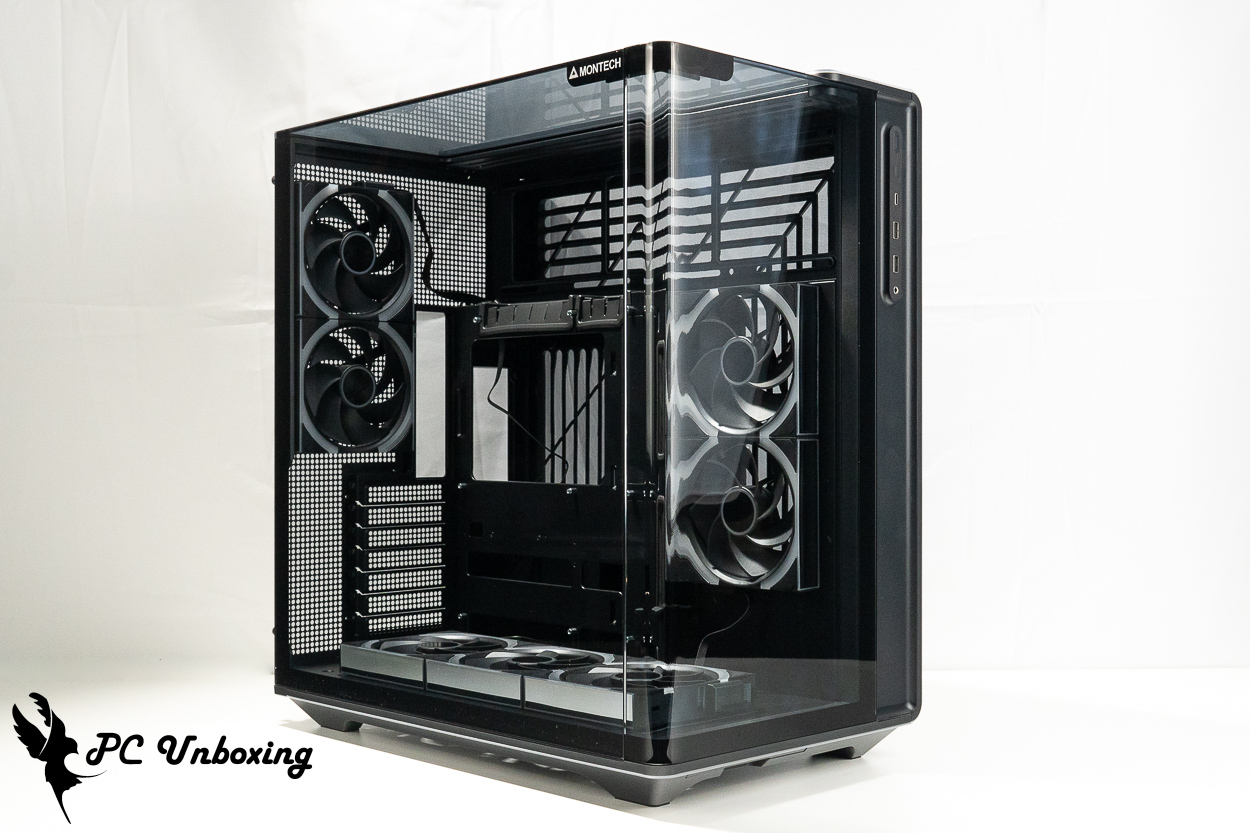
△ MONTECH Monarch KING 95 3D PRO Black Case.
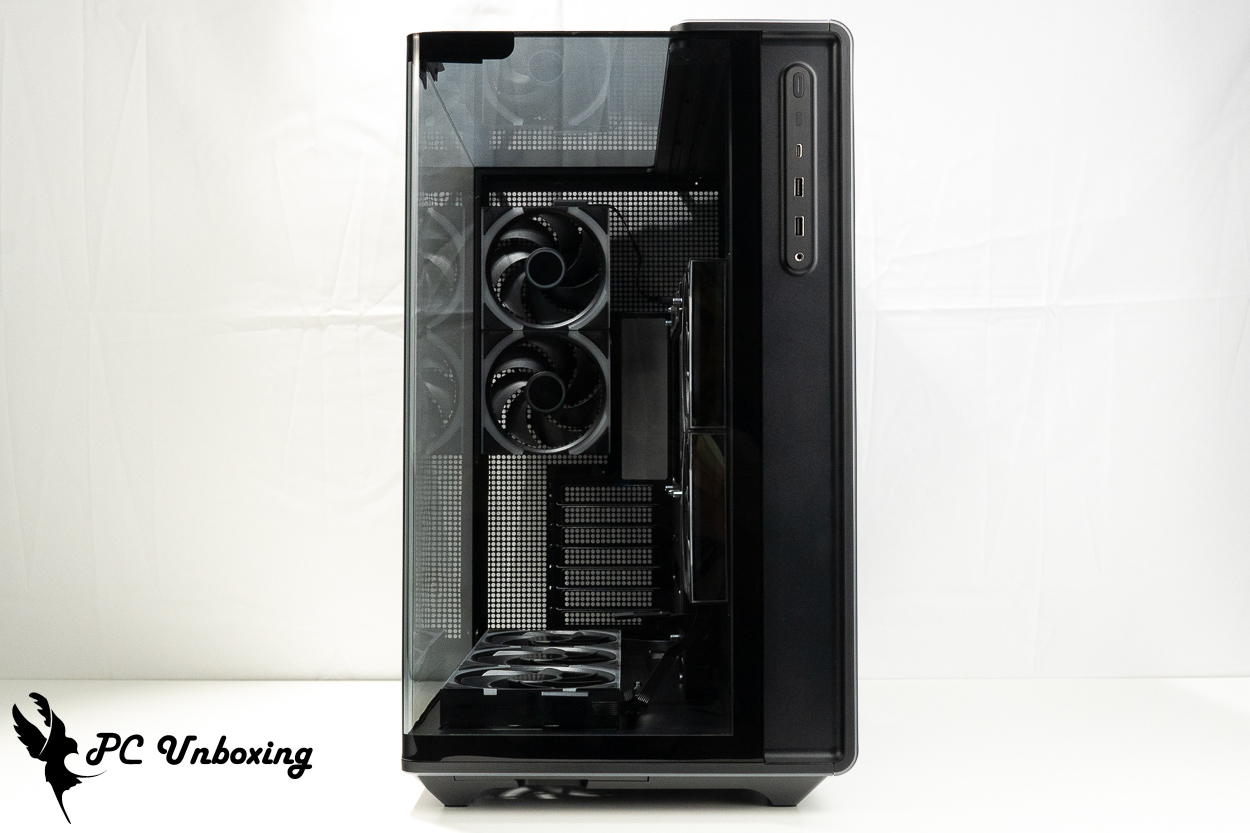
△ View of the front glass panel.
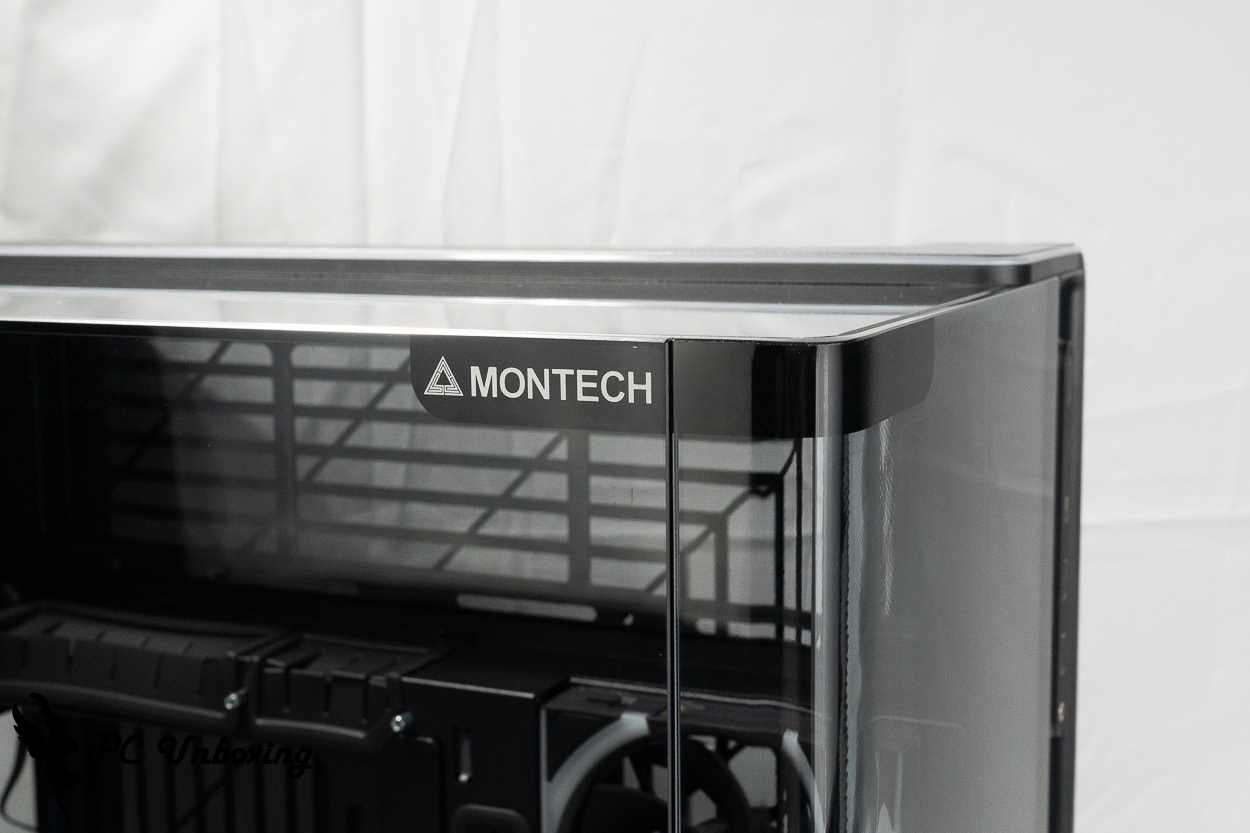
△ Signature 15° curved glass display.
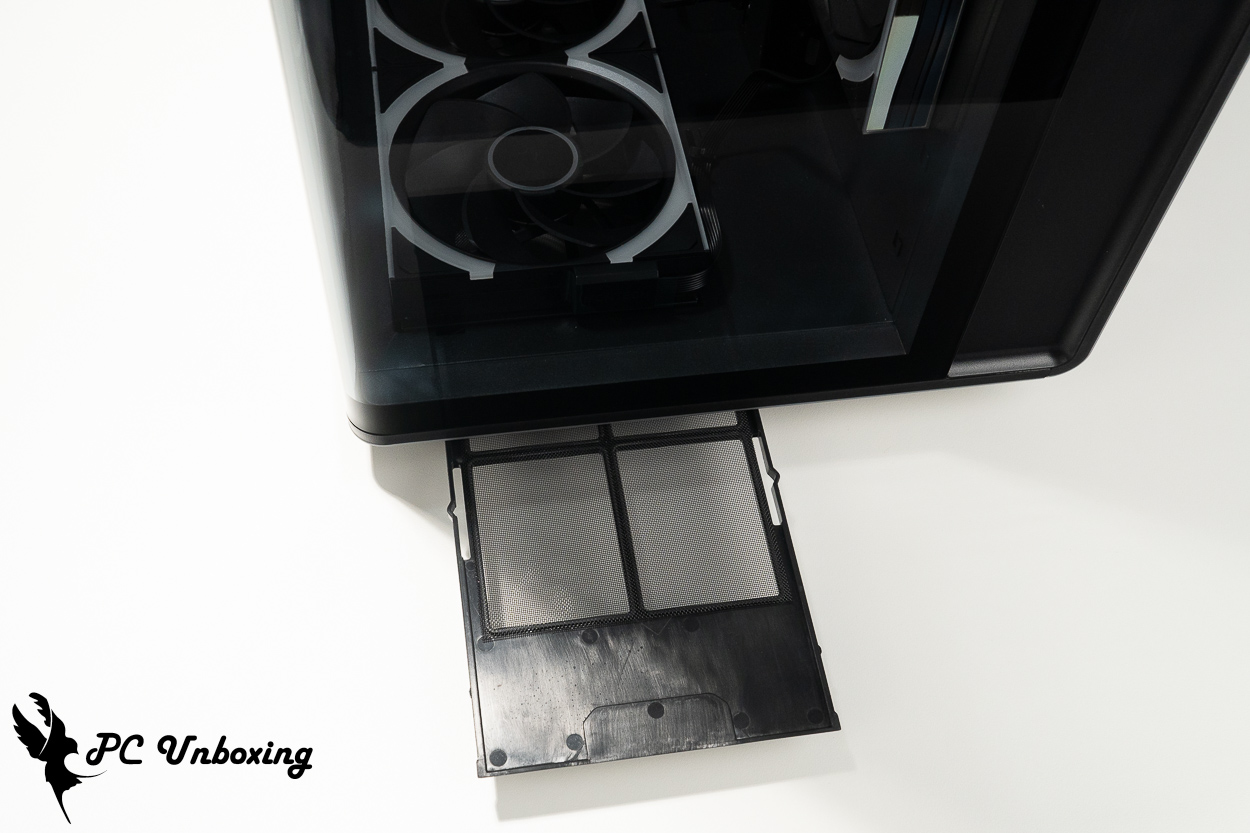
△ A pull-out dust filter is located beneath the front panel to protect the bottom intake fan from dust.
The case’s I/O ports are located above the front panel, making this case suitable for use both under and on a desk. However, given its size, it takes up relatively more space when placed on a desk. It features: a power button, LED control buttons, a USB Type-C port (20 Gbps), 2x USB-A ports (5 Gbps), and a TRRS combo headphone/microphone jack.
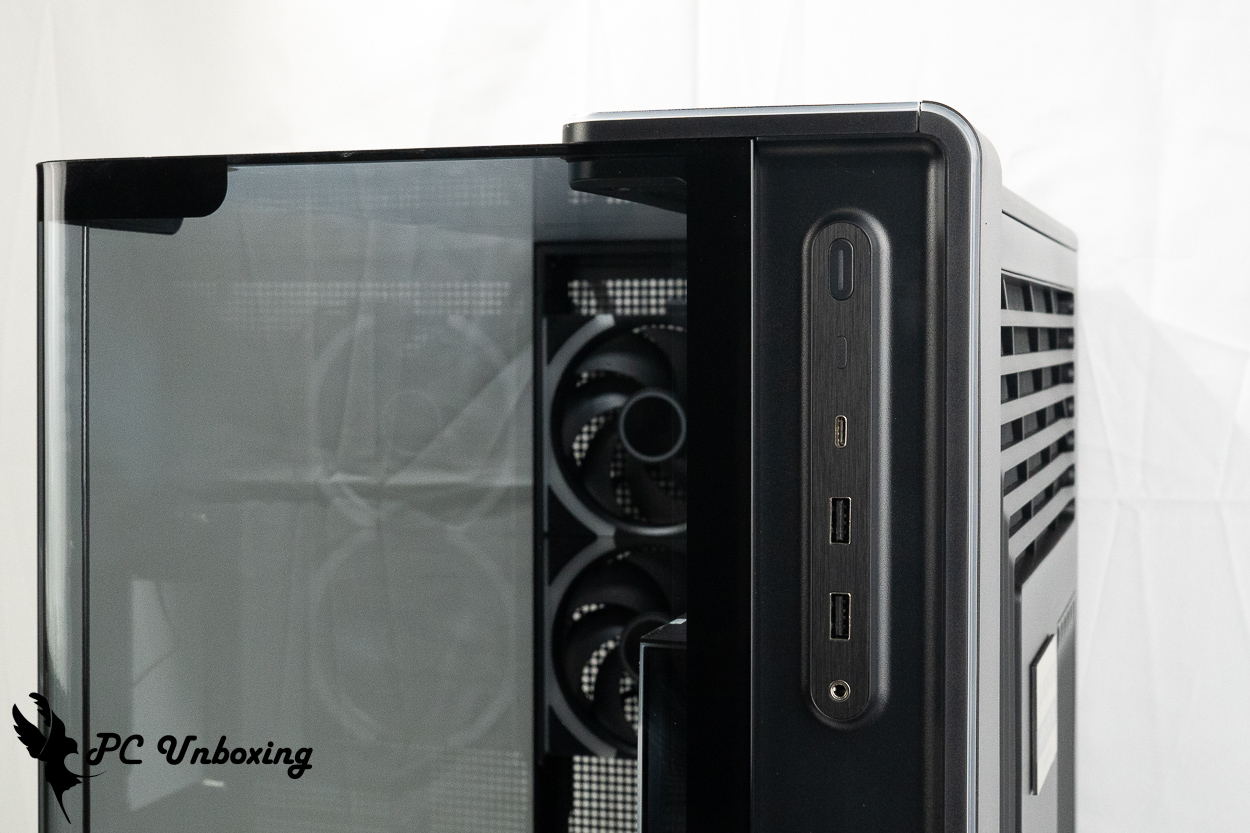
△ List of chassis I/O ports.
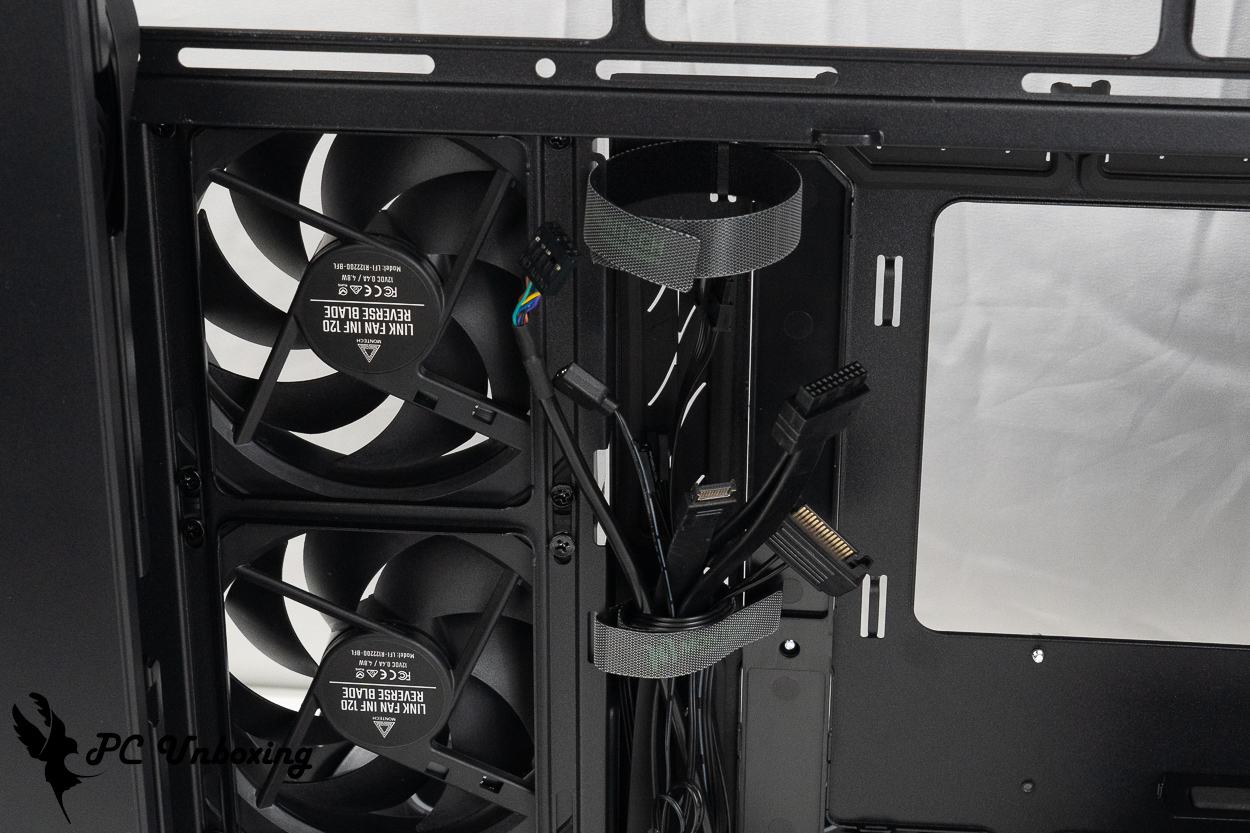
△ List of I/O cables; one SATA cable is required to power the case LED strip controller.
The glass side panels are secured by rail-mounted latches and can be pulled out from the rear via grooves to facilitate opening; they are also secured with rear thumb screws, so be careful not to drop them during installation or removal.
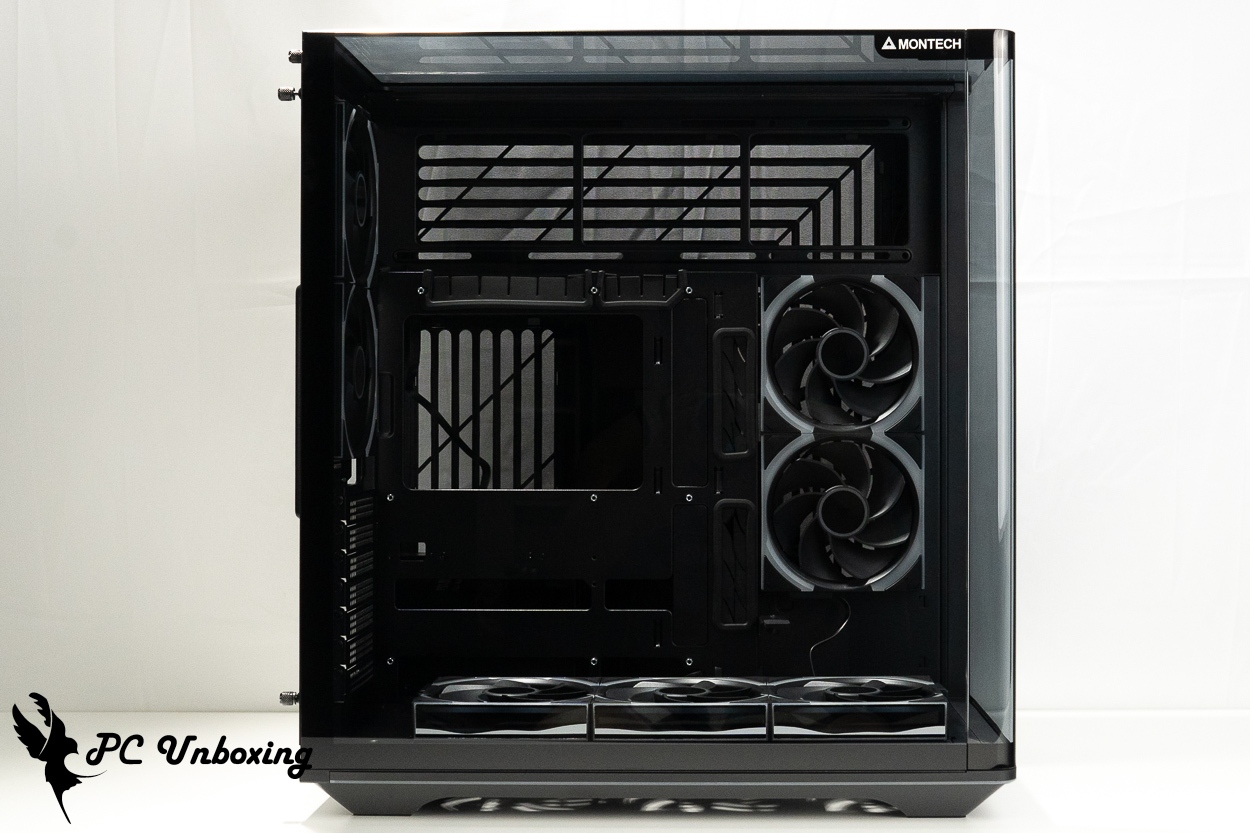
△Glass side panel for black model.
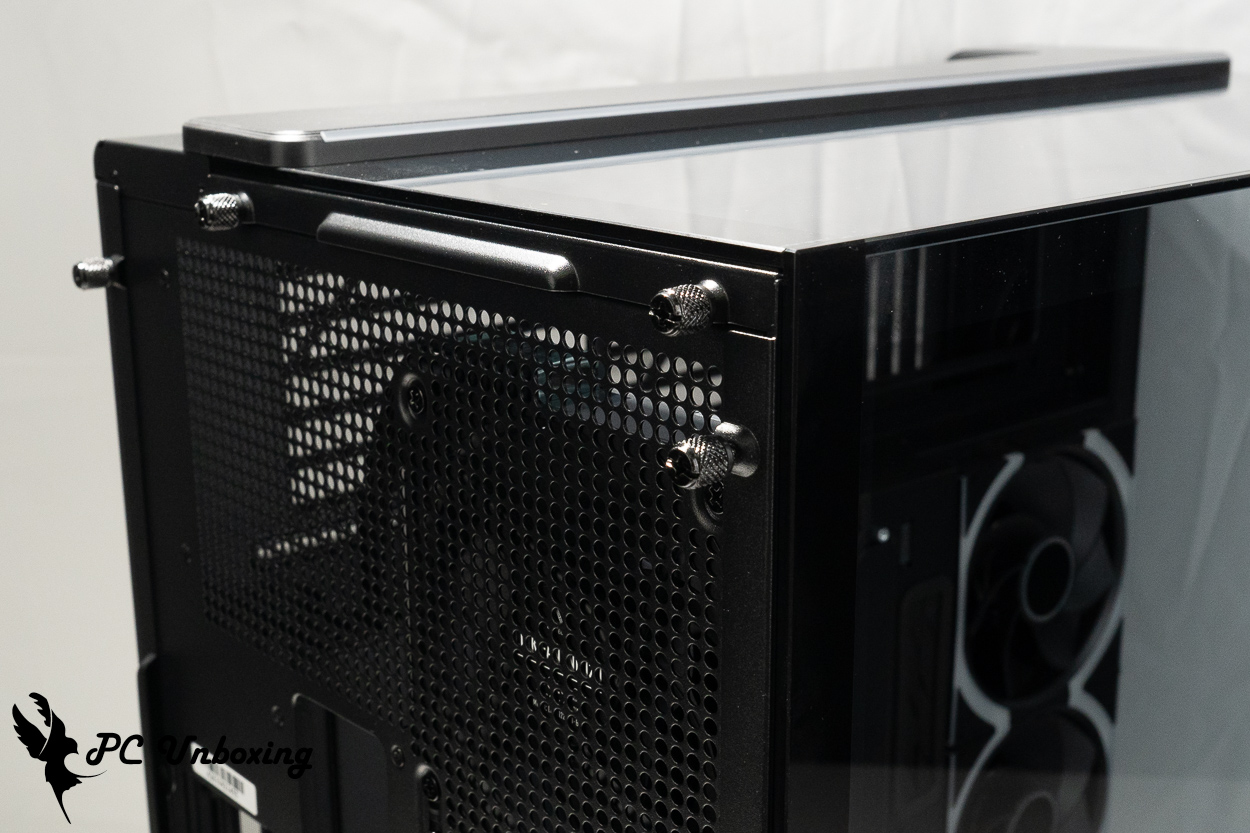
△ Turn the screw at the back by hand.
The rear of the case supports two 120 mm fans, but can only accommodate one 120 mm liquid cooling radiator; it does not support the installation of larger 140 mm fans or liquid cooling radiators, However, two Ø 120 mm LINK FAN INF 120 fans are pre-installed at the factory to dissipate heat. The fans have a maximum speed of 2,300 RPM (±10%) and a maximum airflow of 67.4 CFM.
There are seven PCIE device mounting positions underneath, with reusable baffles and no crossbars. The PCIE slots are designed without crossbars, so they are compatible with graphics card upright adapters, but gamers will have to purchase additional upright brackets on their own in order to complete the uprighting of their graphics cards.
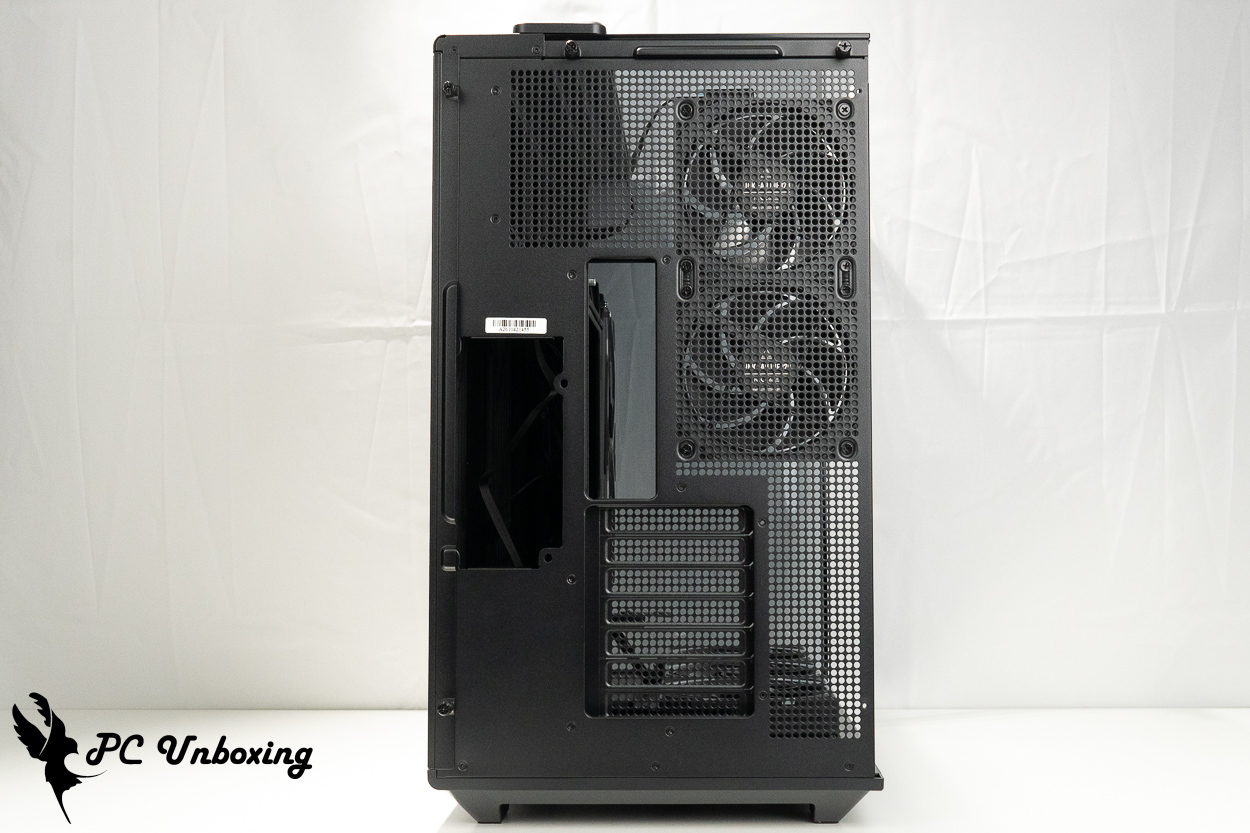
△ The rear view of the chassis.
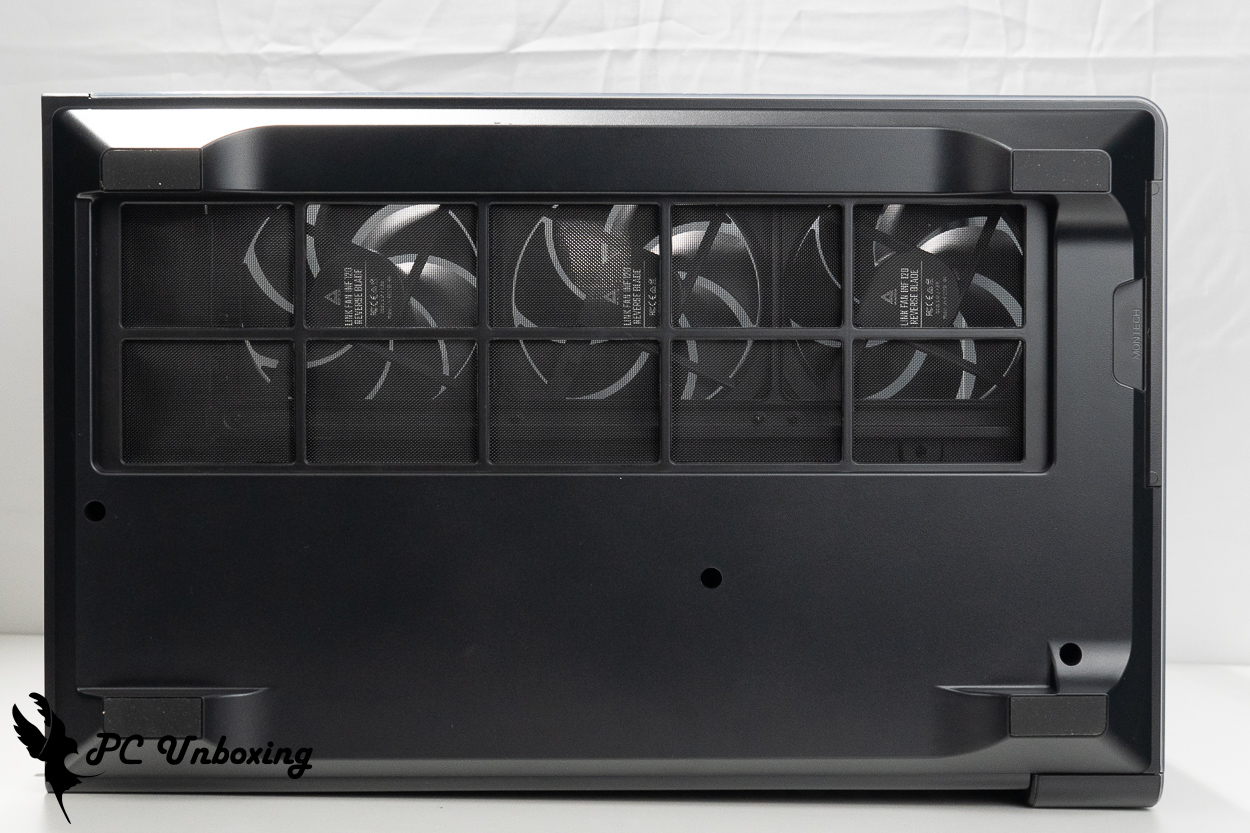
△ Air intake for the fan at the bottom of the case.
The back of the motherboard features an "M-shaped" mesh opening designed to allow air intake or exhaust for side fans and the power supply; however, the filter located beneath it cannot be removed and cleaned separately—it must be cleaned along with the entire side panel.
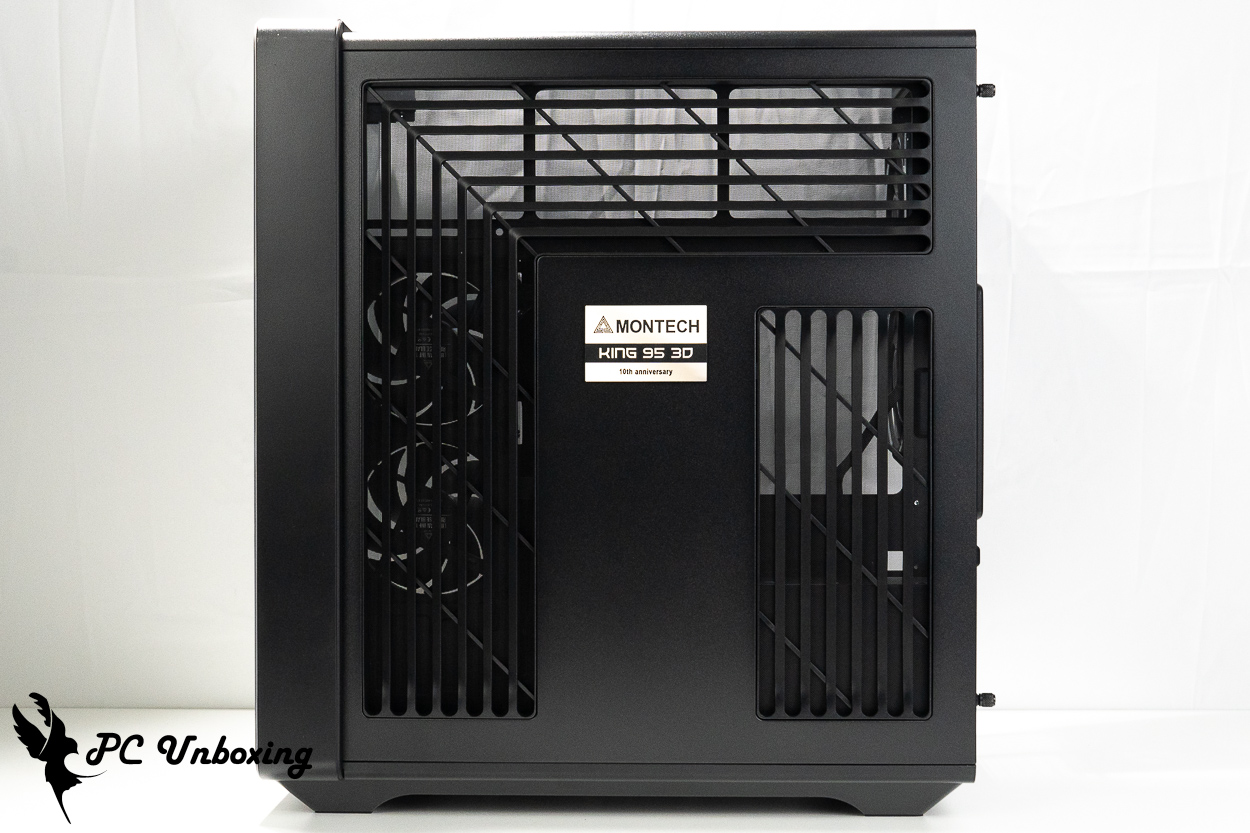
The steel side panels on the line space side are equipped with ventilation grills.
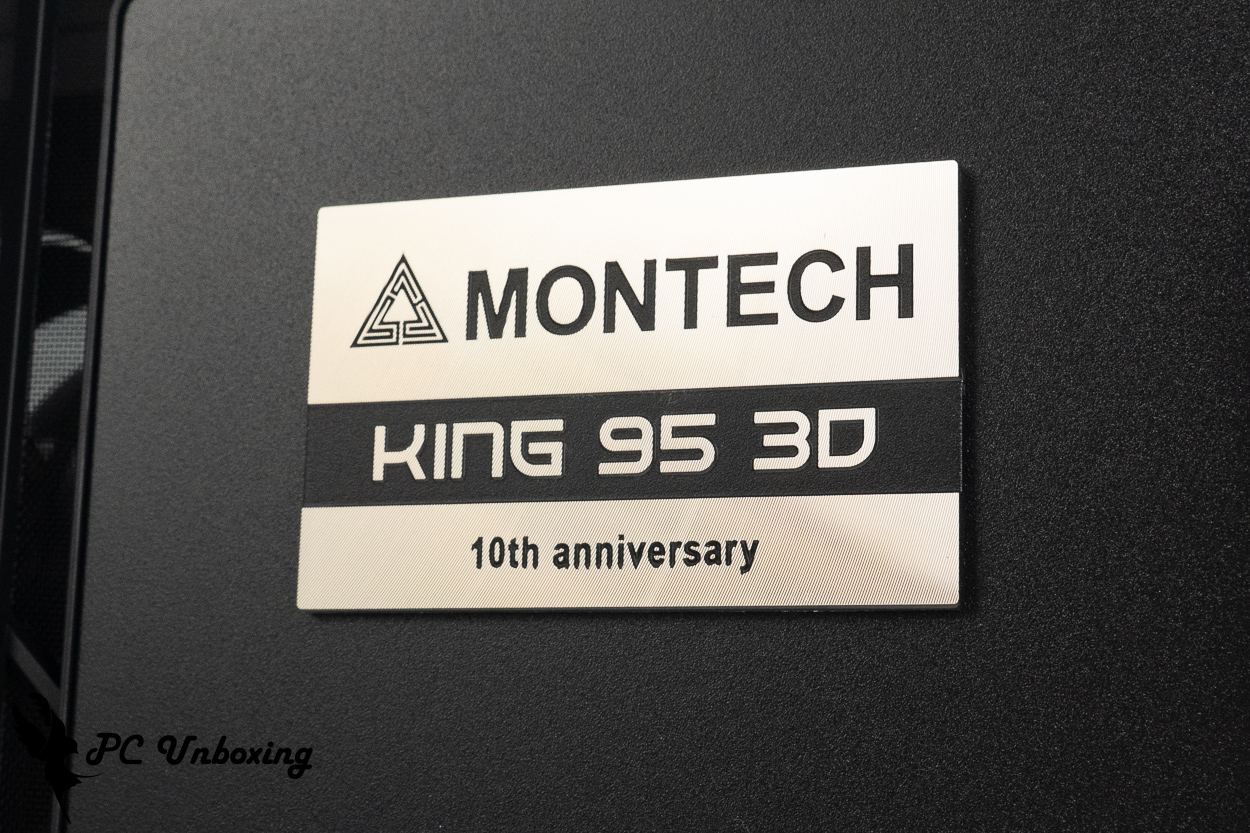
△ 10th Anniversary KING 95 3D PRO Nameplate.
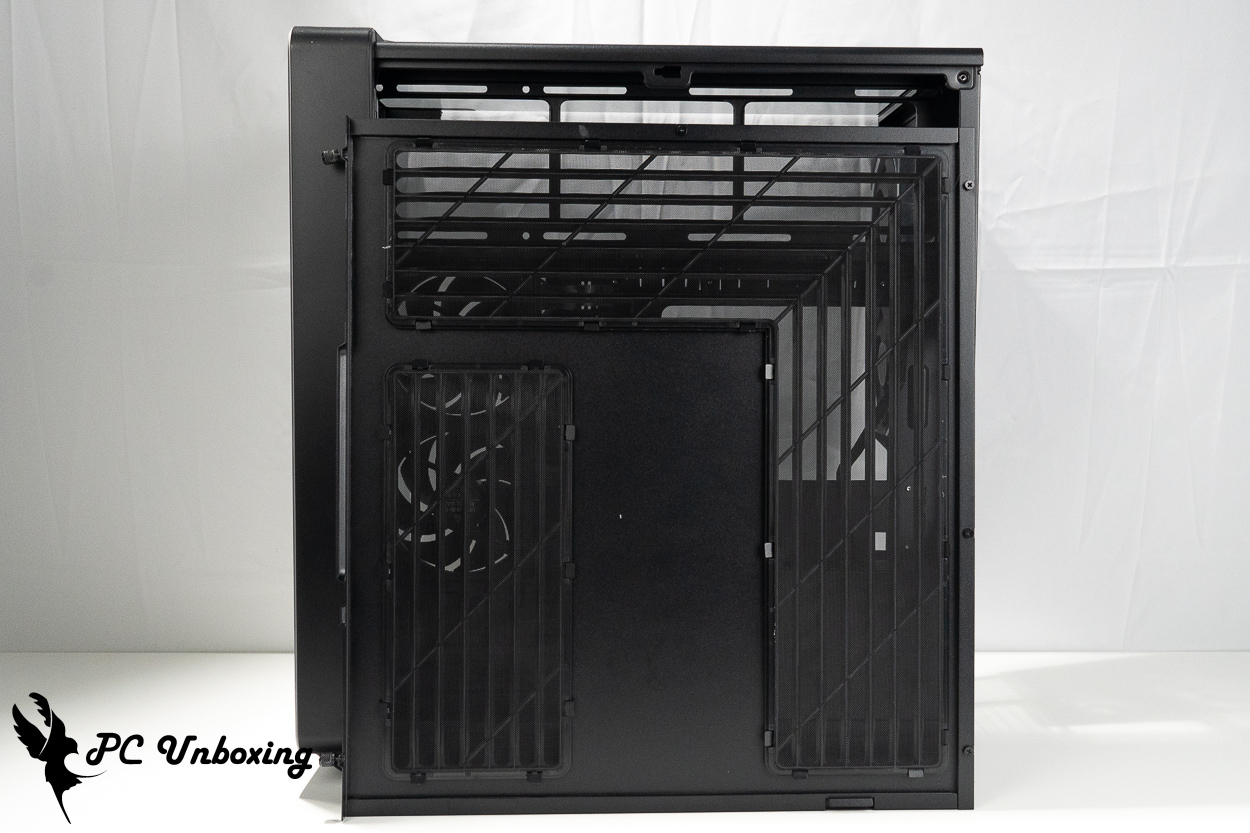
△ A dust filter is located beneath the side panel.
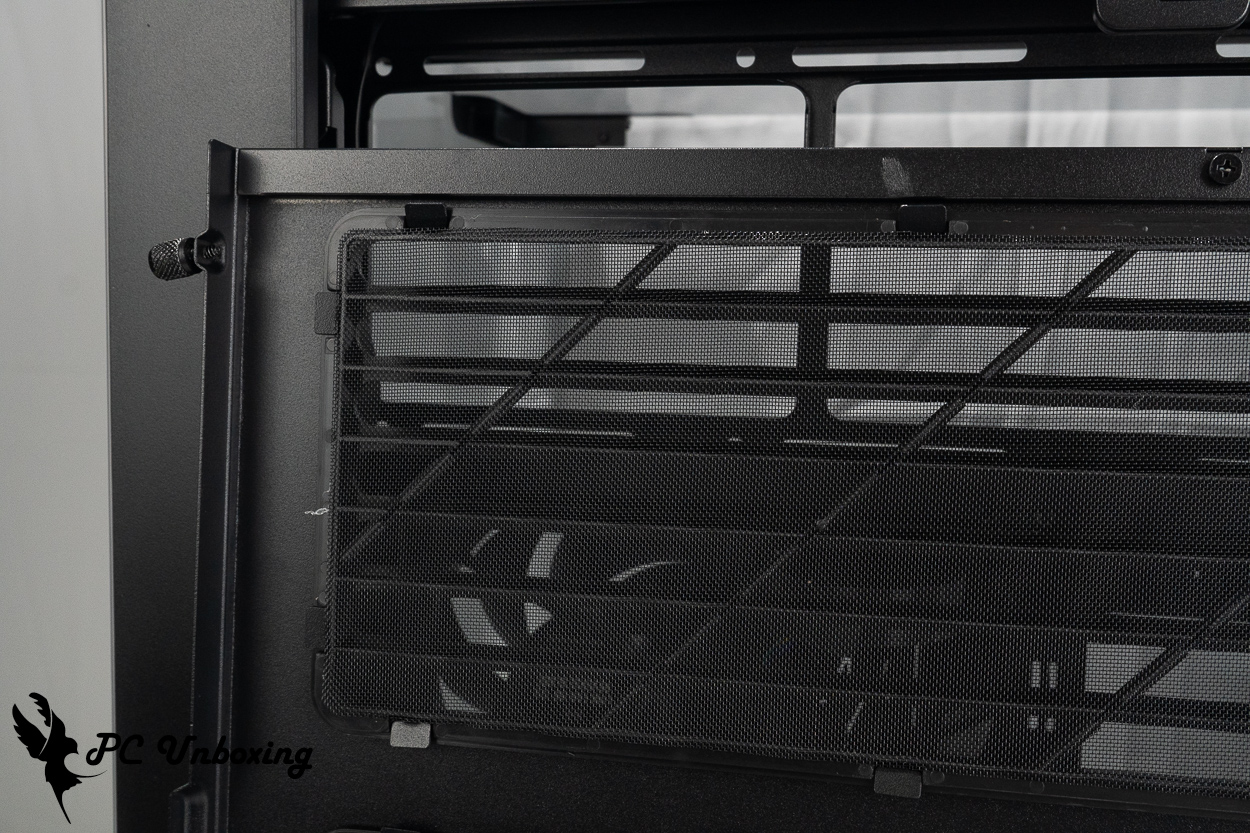
△ But after taking a closer look, it seems like it’s permanently attached and can’t be removed.
MONTECH KING 95 3D PRO Installation Space Analysis: Motherboard, Graphics Card, and Liquid Cooling Support
The MONTECH KING 95 3D PRO supports the installation of ATX, Micro-ATX, and Mini-ITX motherboards, as well as the recently introduced ATX (rear-mounted) and Micro-ATX (rear-mounted) motherboards, such as the GIGABYTE Project STEALTH, ASUS BTF, and MSI Project Zero—all of which are rear-insertion series motherboards. The steel frame comes equipped with cable covers for the rear-insertion cutouts by default; be sure to remove them before installing a rear-insertion motherboard.
The air-cooled heatsink supports graphics cards up to 172 mm in height and 450 mm in length, providing ample space for a variety of flagship air-cooled systems and graphics cards.
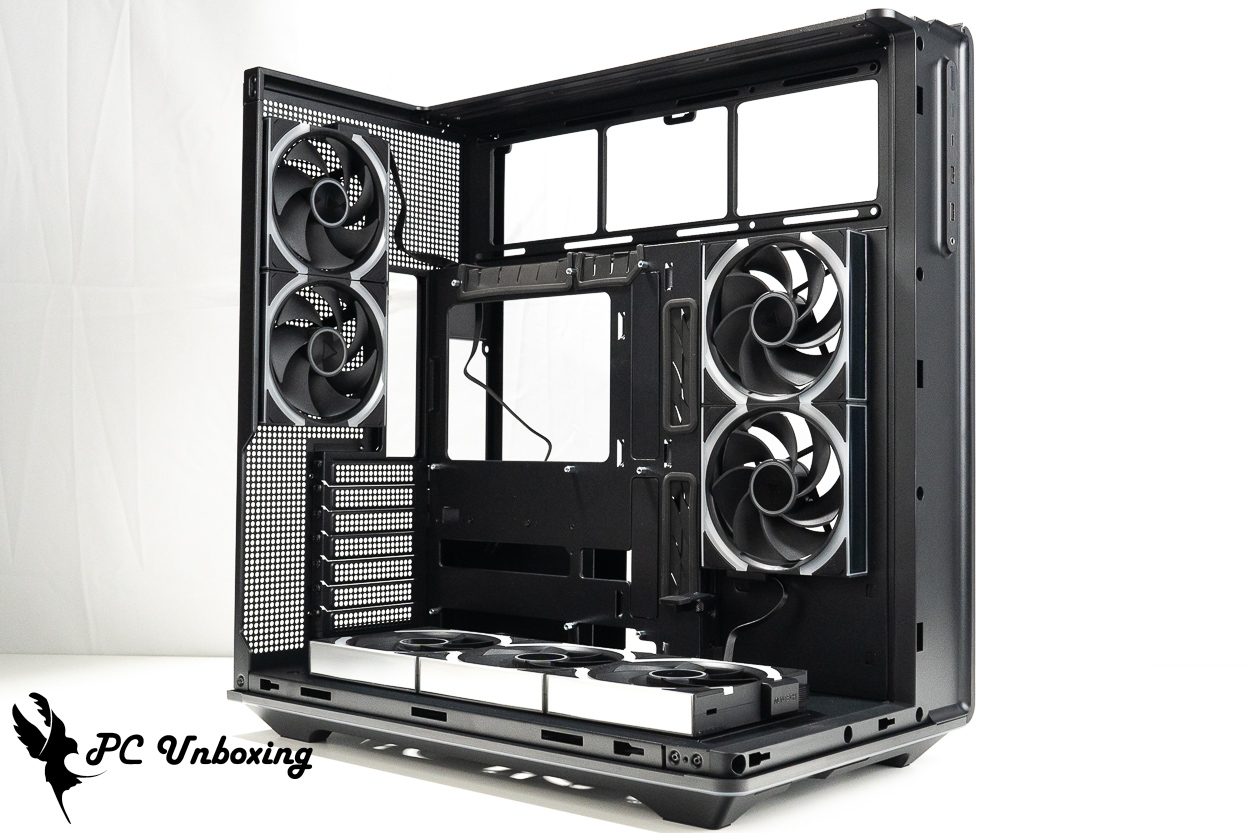
△ Pre-install the two side fans, three bottom fans, and two rear fans.
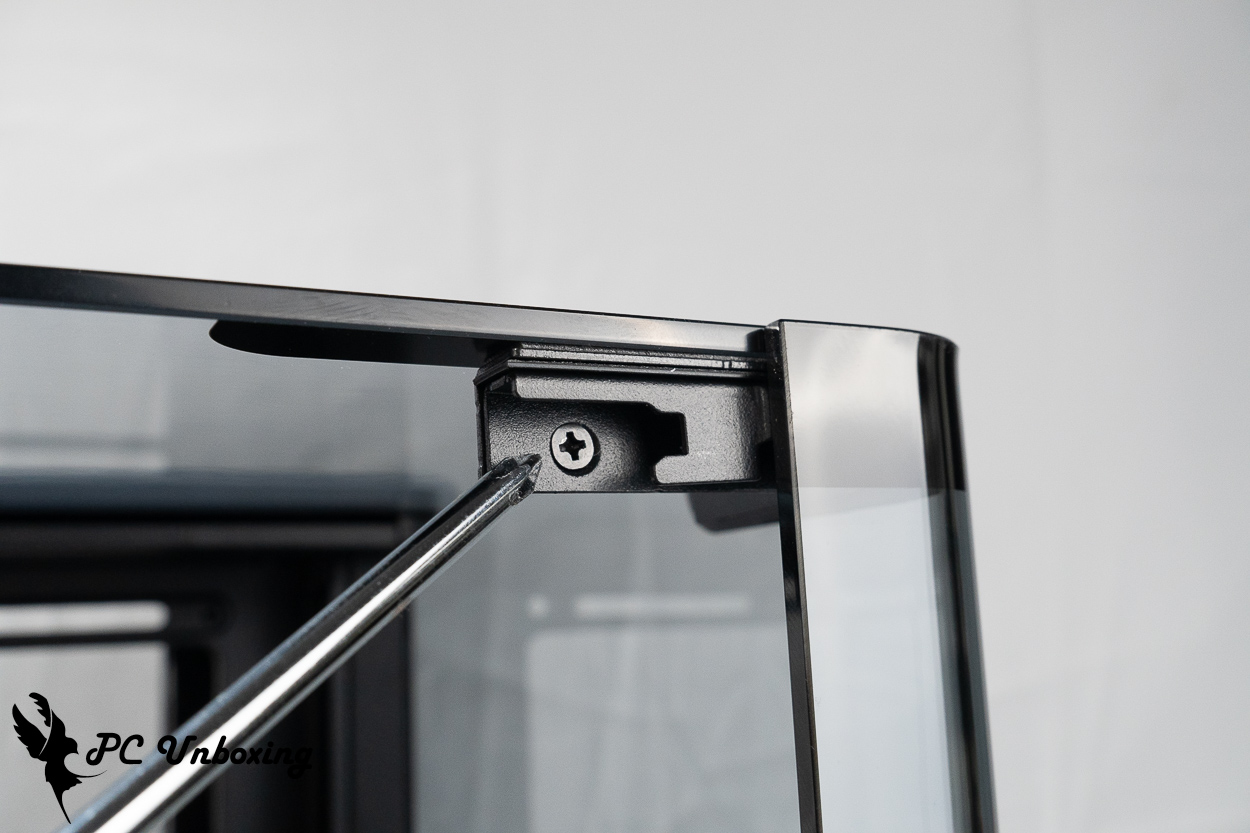
△ To remove the top glass panel, first remove the side glass panels, then remove this screw at the corner so you can slide the top glass panel backward.
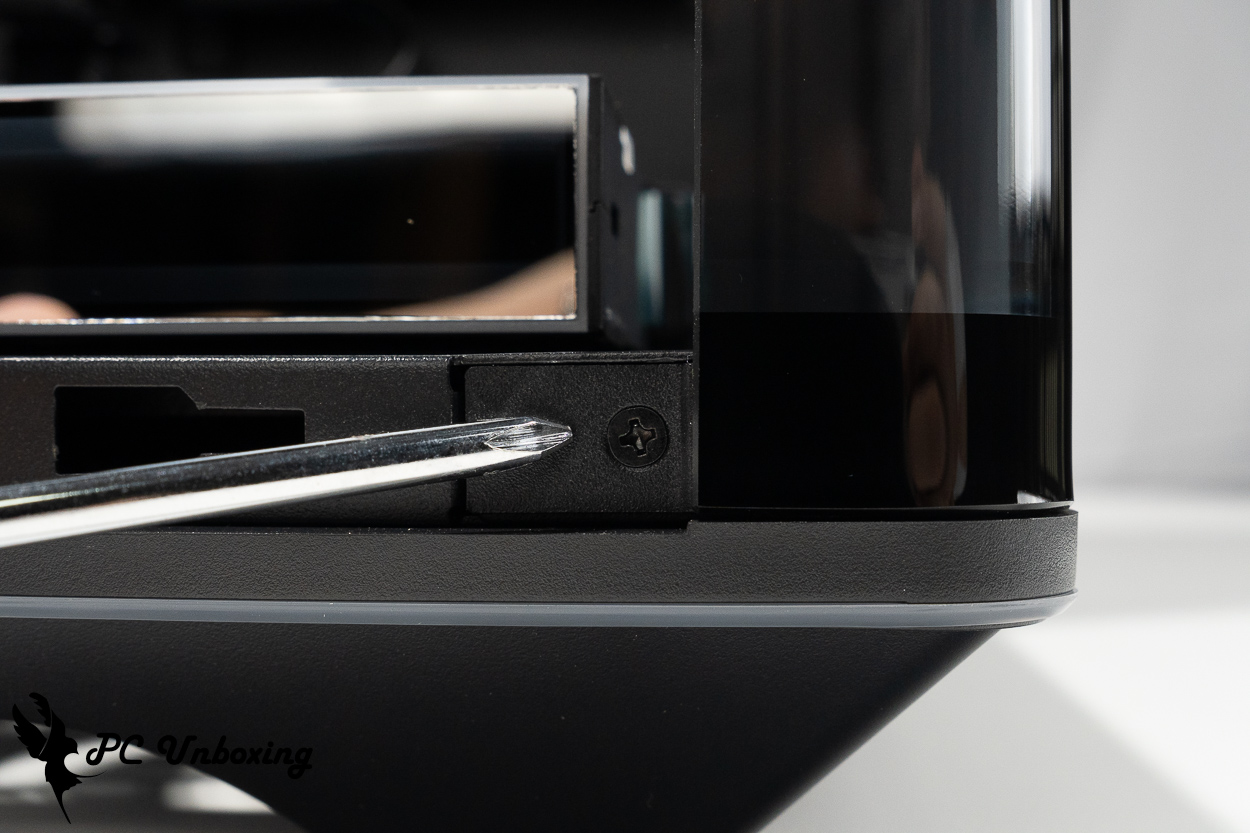
△ To remove the front glass, first remove this bottom screw at the corner.
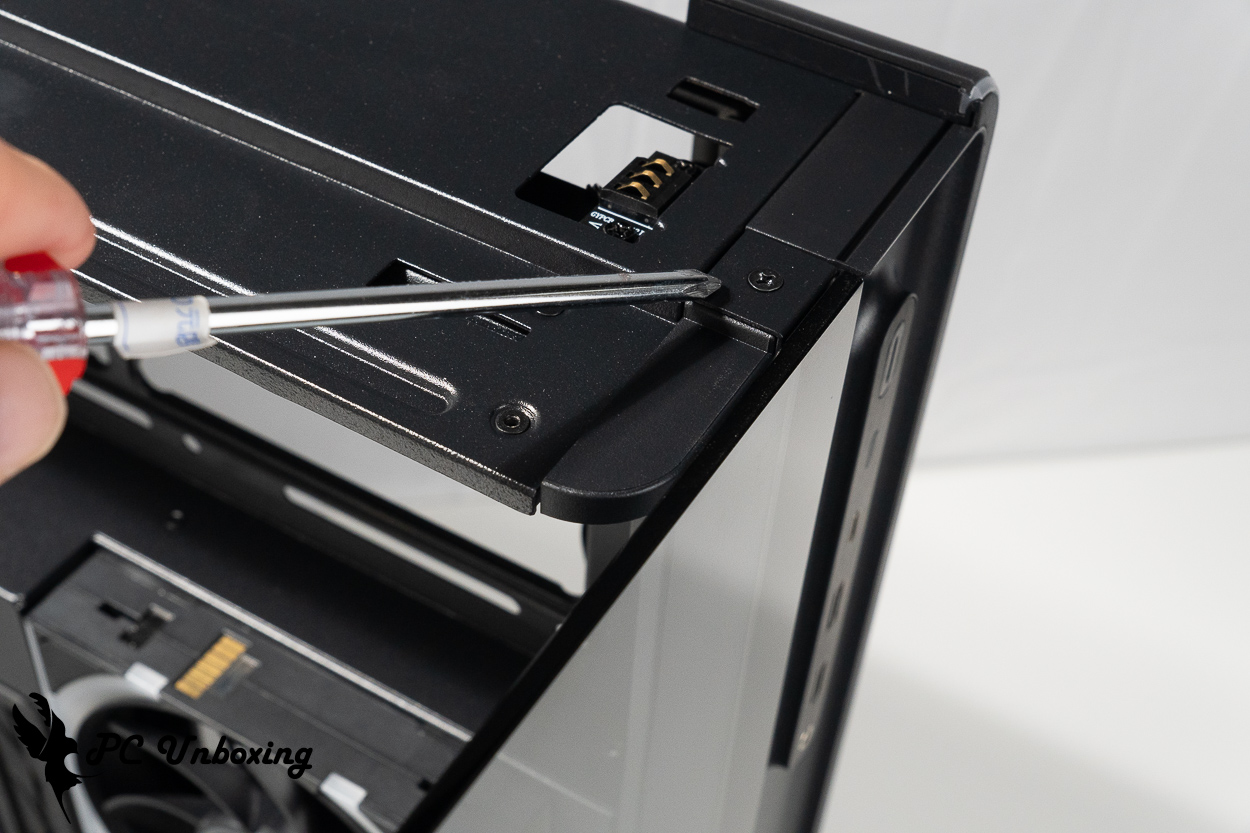
△ Next, you’ll need to remove this screw at the top before you can take off the front glass.
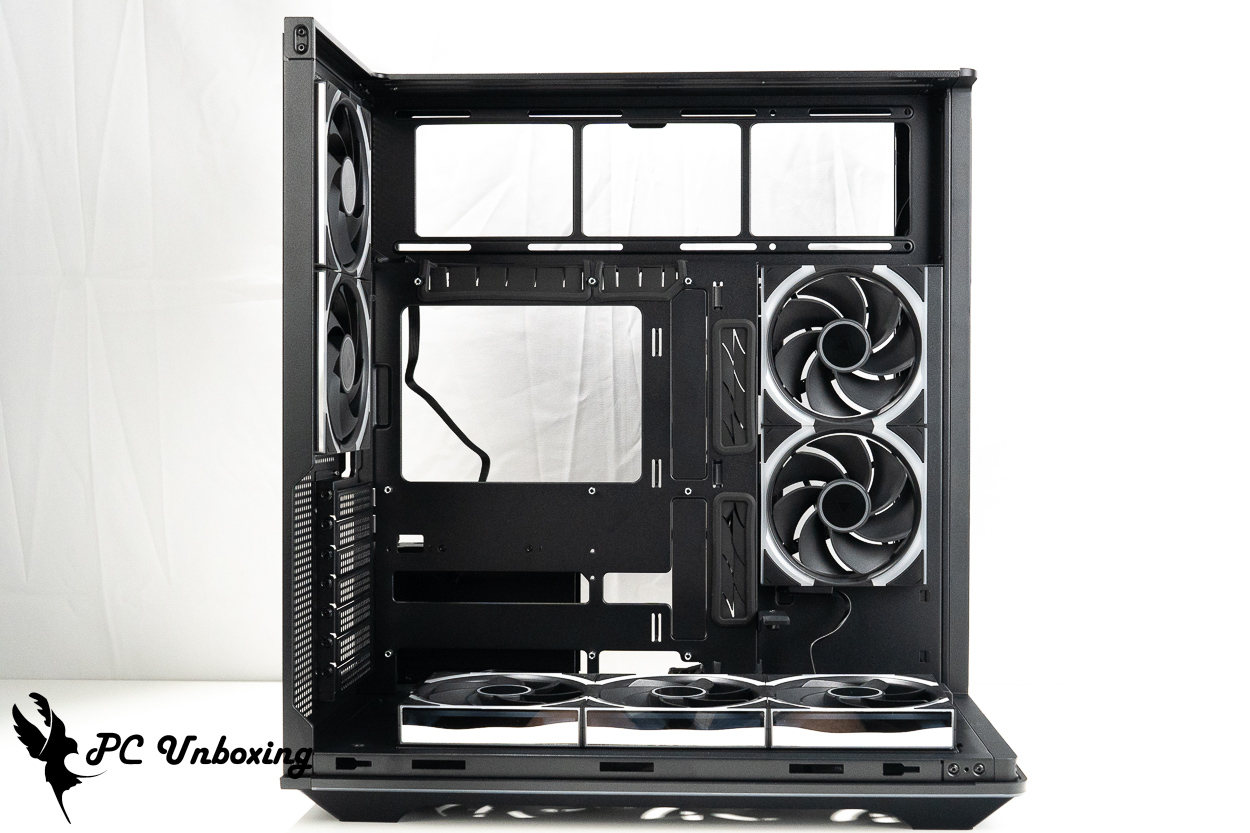
△ Compatible with air-cooled tower coolers up to 172 mm in height and graphics cards up to 450 mm in length.
Two LINK FAN INF 120 REVERSE BLADE fans are pre-installed on the sides and bottom of the case for air intake, All included fans are powered and controlled via a single LINK FAN cable, greatly simplifying the cable management process. At the rear of the case, two Ø 120 mm LINK FAN INF 120 forward-blowing fans are responsible for exhausting heat, In other words, seven fans are pre-installed at the factory, ensuring a comprehensive cooling airflow design for the entire case. If you wish to further enhance internal cooling performance, this case supports up to 10 fans, and there are three mounting points above the motherboard for 120 mm fans or radiators to further expand cooling capacity.
The ARGB fans pre-installed in the case are already daisy-chained and fully wired; all you need to do is connect a 5V 3-pin ARGB connector to the motherboard slot using the LUMI HUB included with the case to synchronize the motherboard’s lighting effects. However, you can also connect to a USB 2.0 port to control the lighting via software, giving you more room for customization.
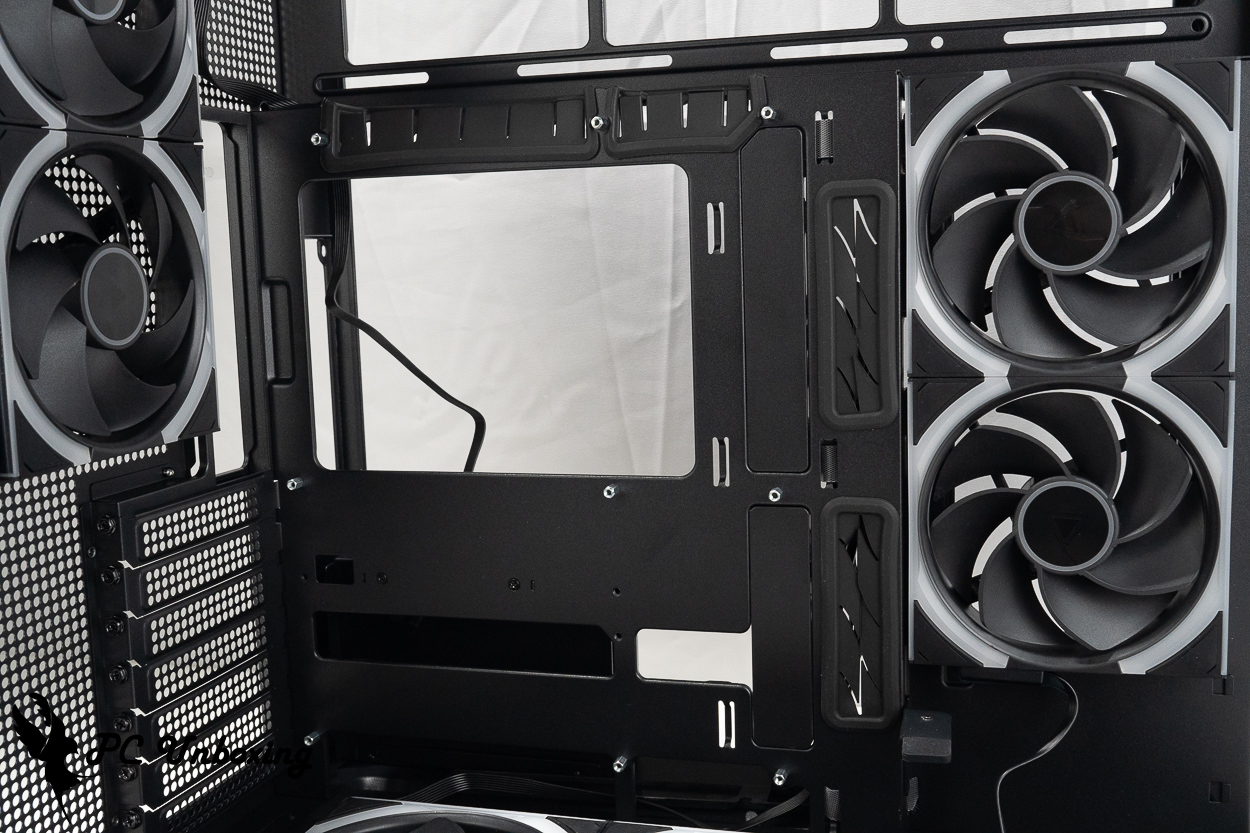
△ When installing a standard motherboard as configured by default, there is a cable cover over the rear I/O port openings on the side. If you plan to install a motherboard with rear I/O ports, be sure to remove it.
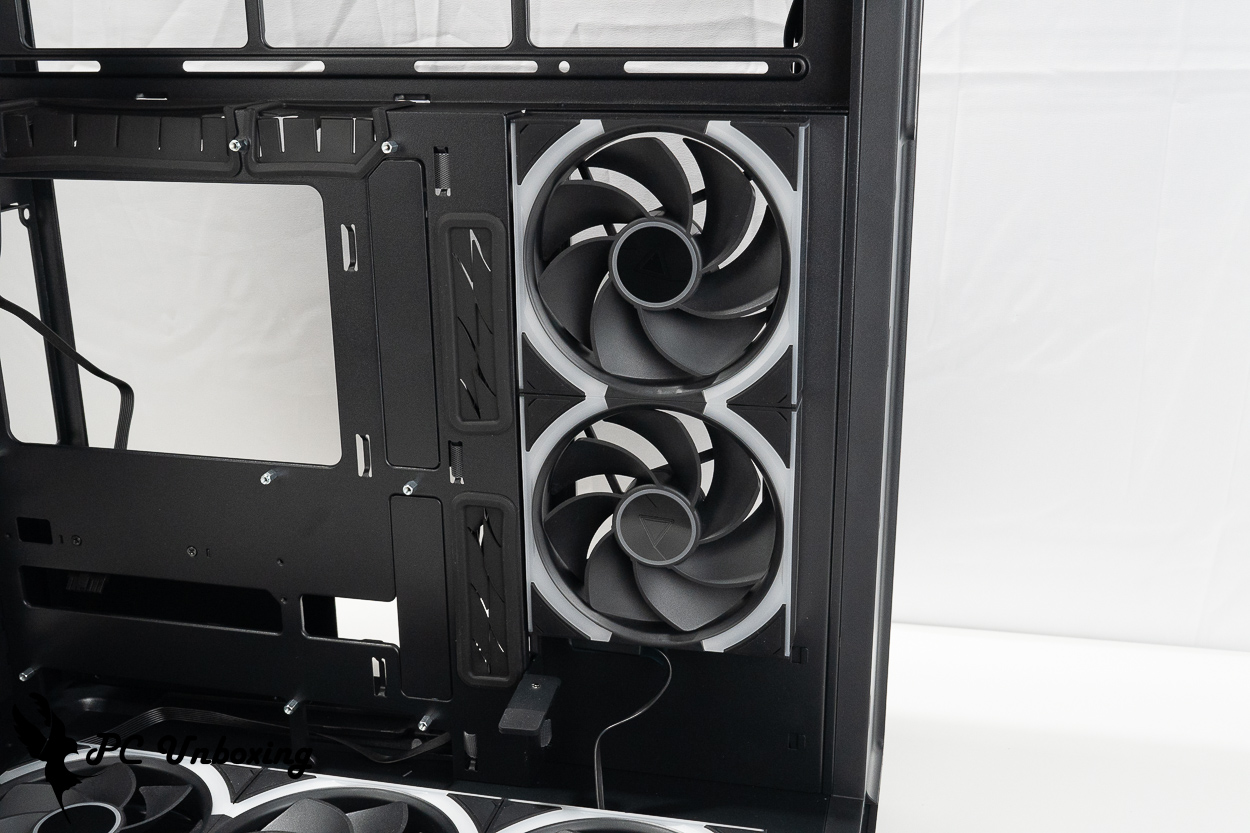
△ The case is equipped with seven LINK FAN INF 120 series fans, connected in series via the LINK FAN system.
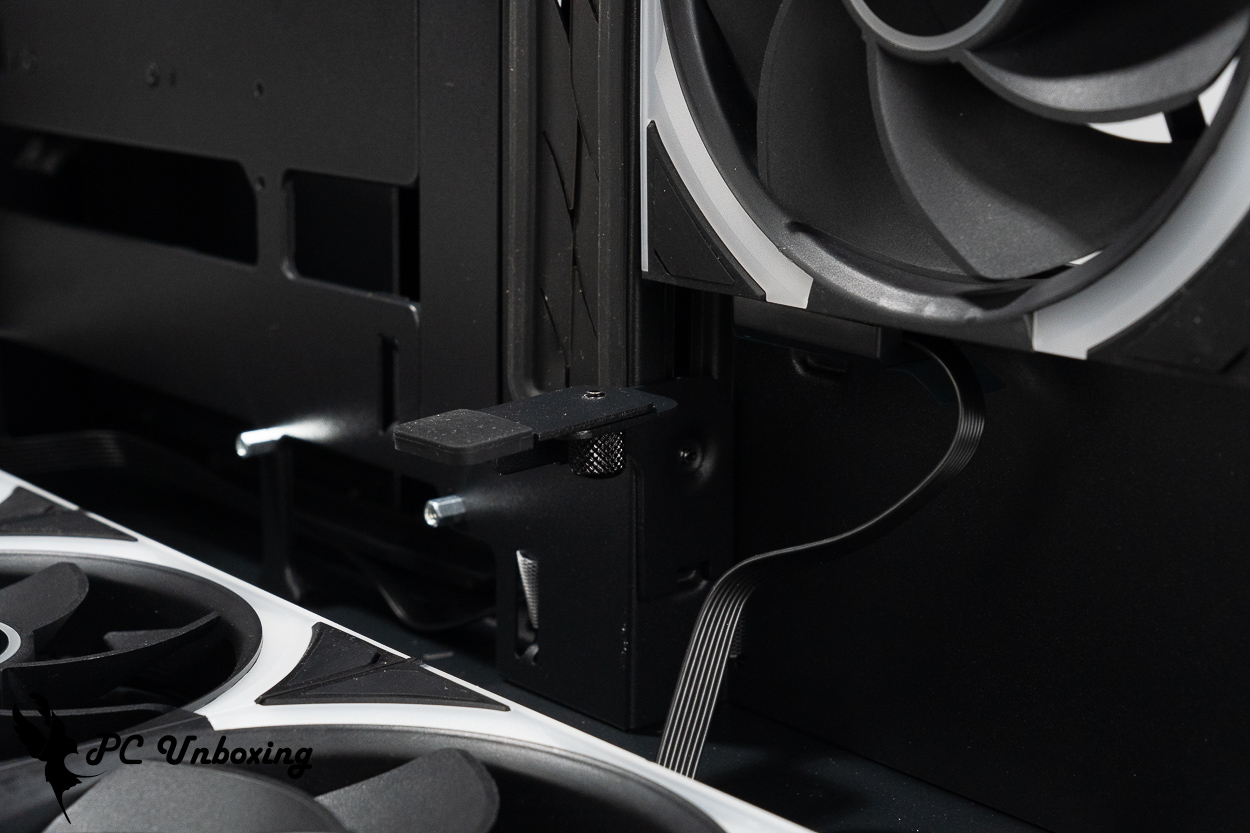
△ The case comes with an adjustable graphics card support bracket, suitable for use with triple-fan graphics cards.
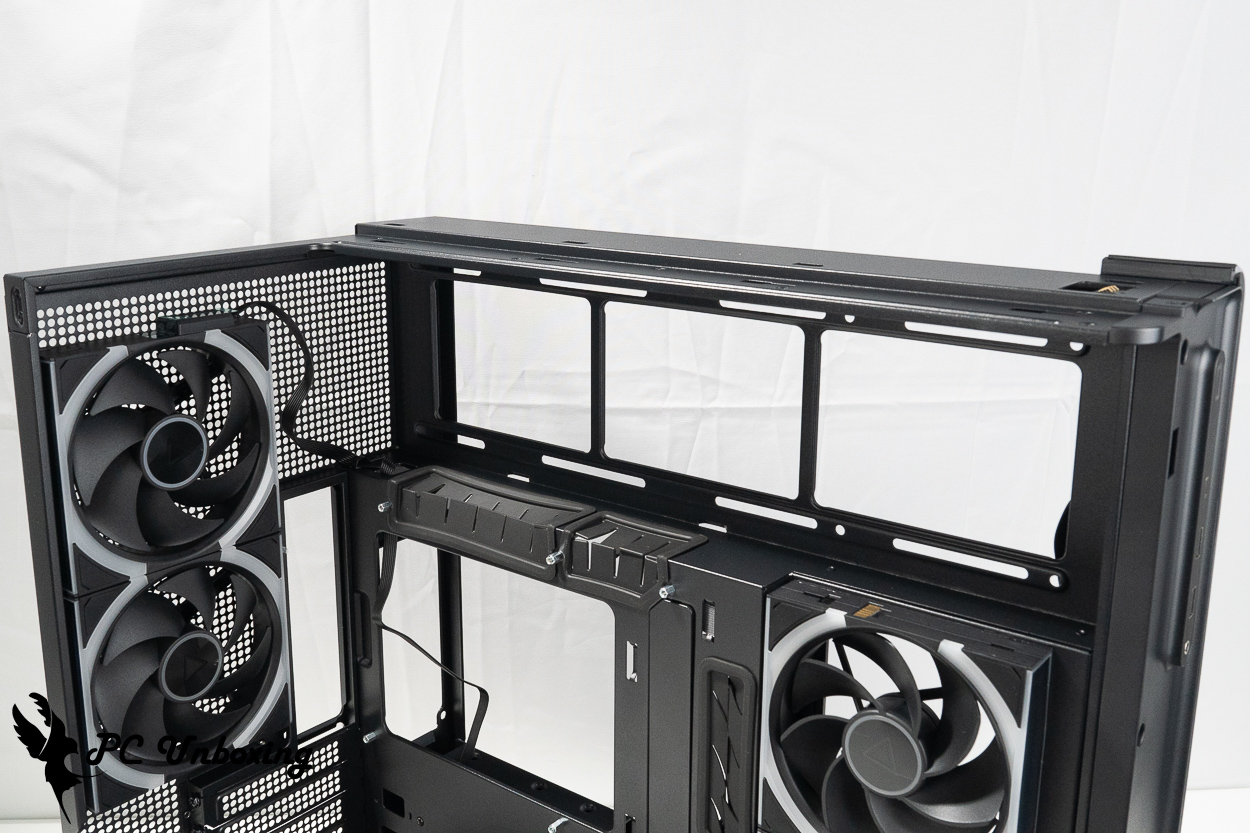
△ The inverted upper fan mounting space.
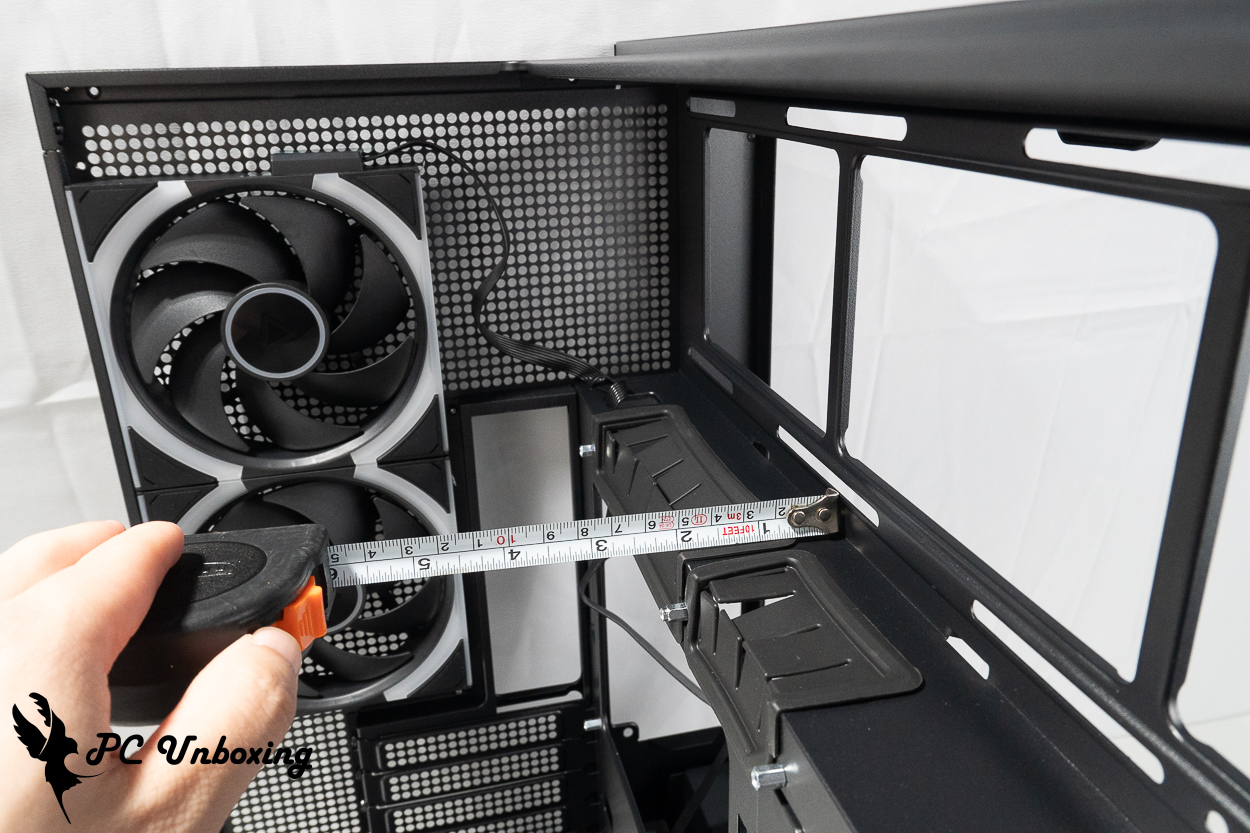
△ Illustration showing the installation depth of the top-mounted fan on the inside of the motherboard.
The bottom of the case also features three Ø 120 mm LINK FAN INF 120 REVERSE BLADE reverse-blade fans. The fans have a maximum speed of 2200 RPM (±101 TP3T) and a maximum airflow of 65.18 CFM. The bottom fan mounts feature 8° of fine-tuning for the tilt angle, allowing you to adjust the intake angle and optimize the initial airflow path as needed.
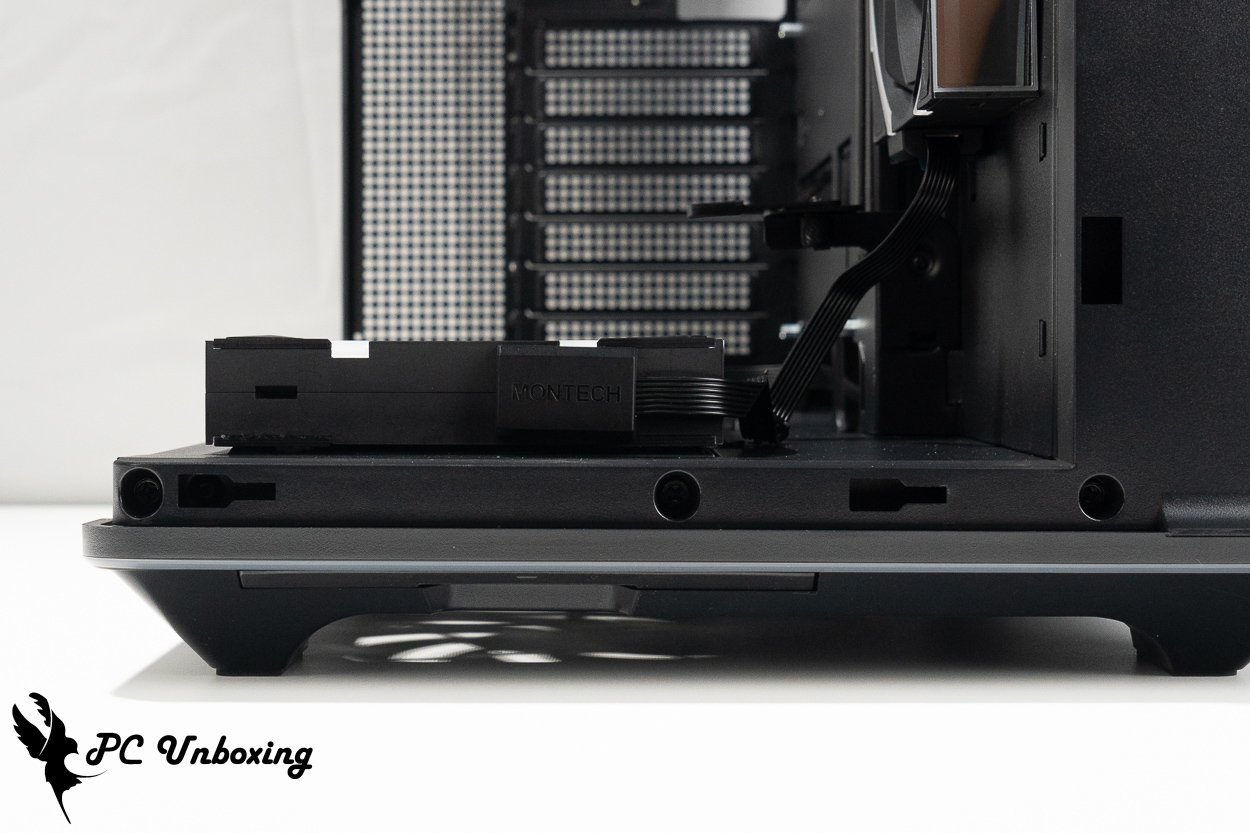
△ Default reclining angle.
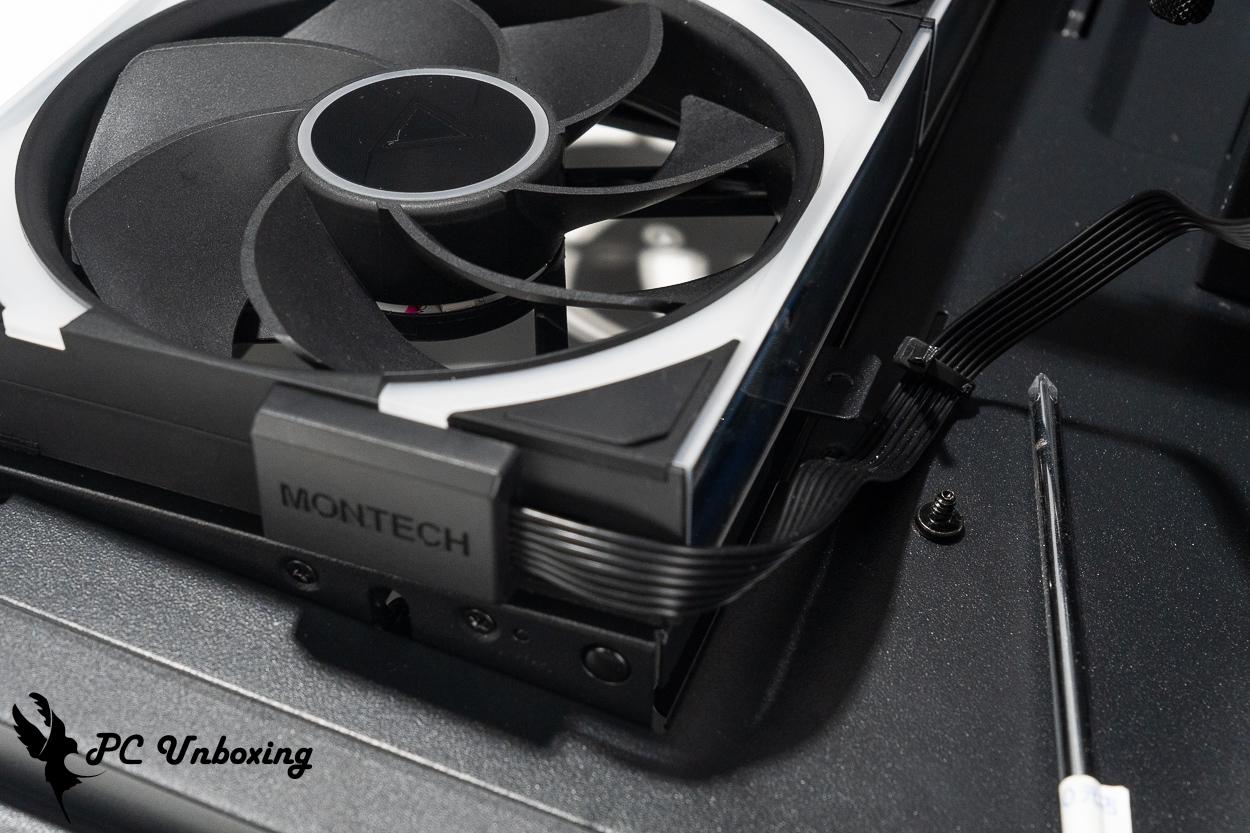
△ You must first remove the screws securing the fan bracket near the bottom of the graphics card bracket before you can make any adjustments.
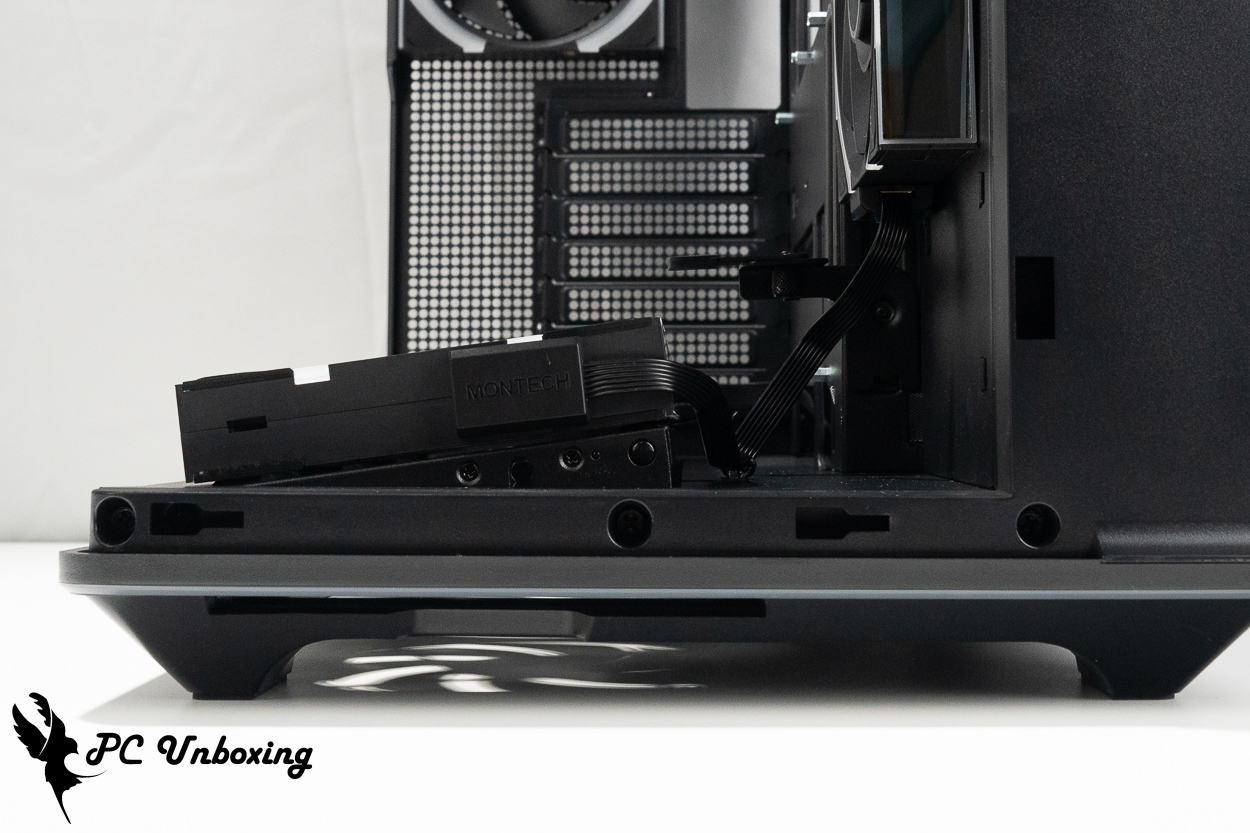
△ To adjust the height, we recommend removing the dust filter from the bottom fan, then using your finger to push the entire bracket upward from the bottom of the case—this makes it easier to slide.
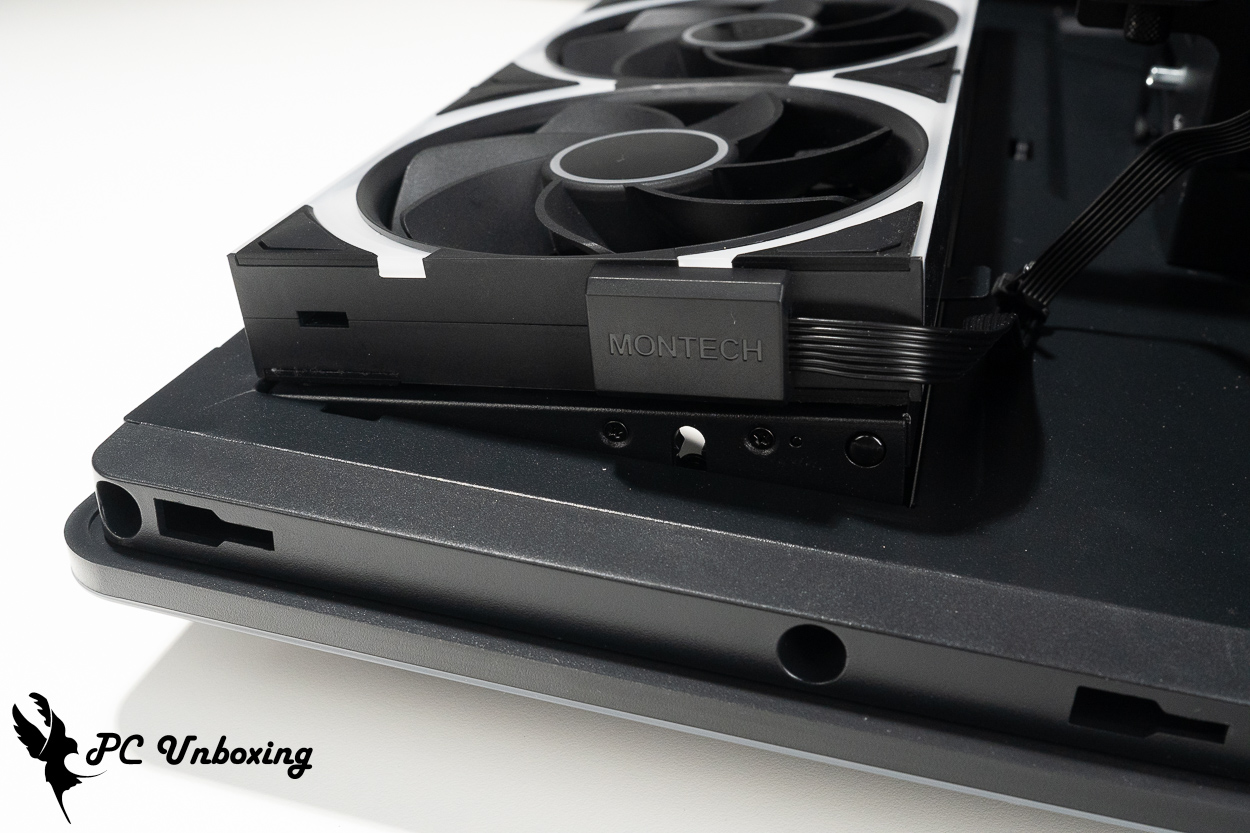
△ Angle adjustment complete.
There's plenty of space for cable management on the back of the motherboard, and the inclusion of multiple Velcro cable ties makes the overall cable management process a breeze. If you're feeling lazy and don't want to organize the cables, you can just close the cover and ignore them.
The case comes with an ARGB hub, which only supports ARGB cables; however, there are no extra slots available for expansion, as this light strip is designed to be controlled using the front LED control button.
The case can accommodate up to two 2.5-inch and one 3.5-inch hard drives, for a total of up to three hard drives.
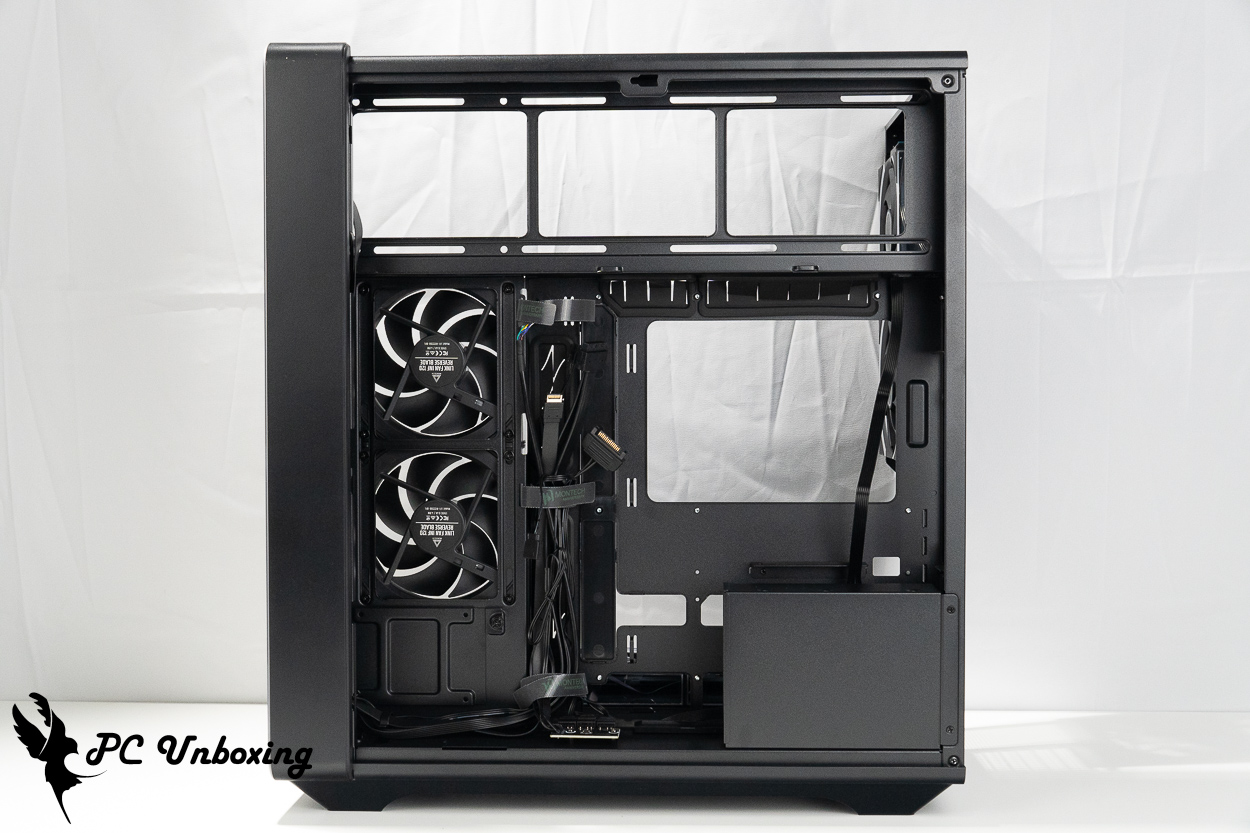
△ The entire space of the chassis is shown.
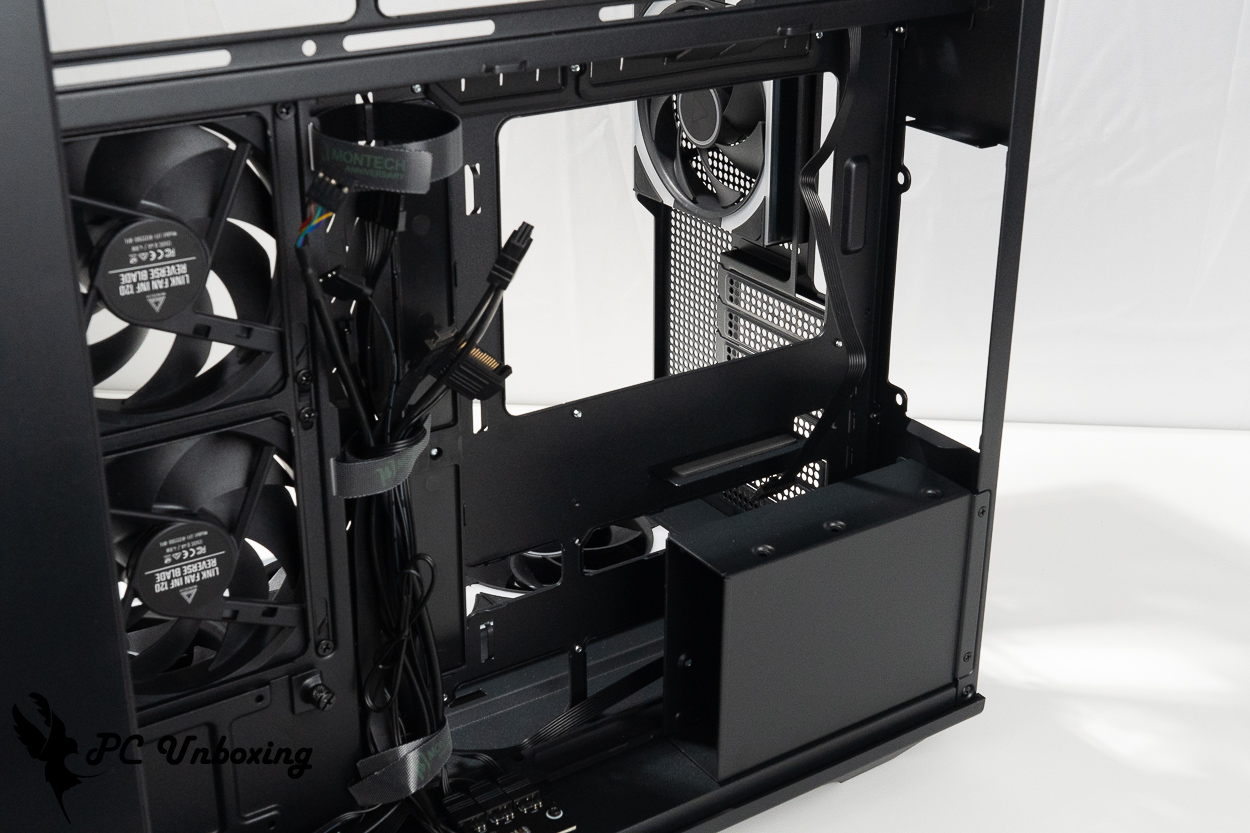
△ The side-mounted power supply bay can accommodate an ATX 220 mm power supply.
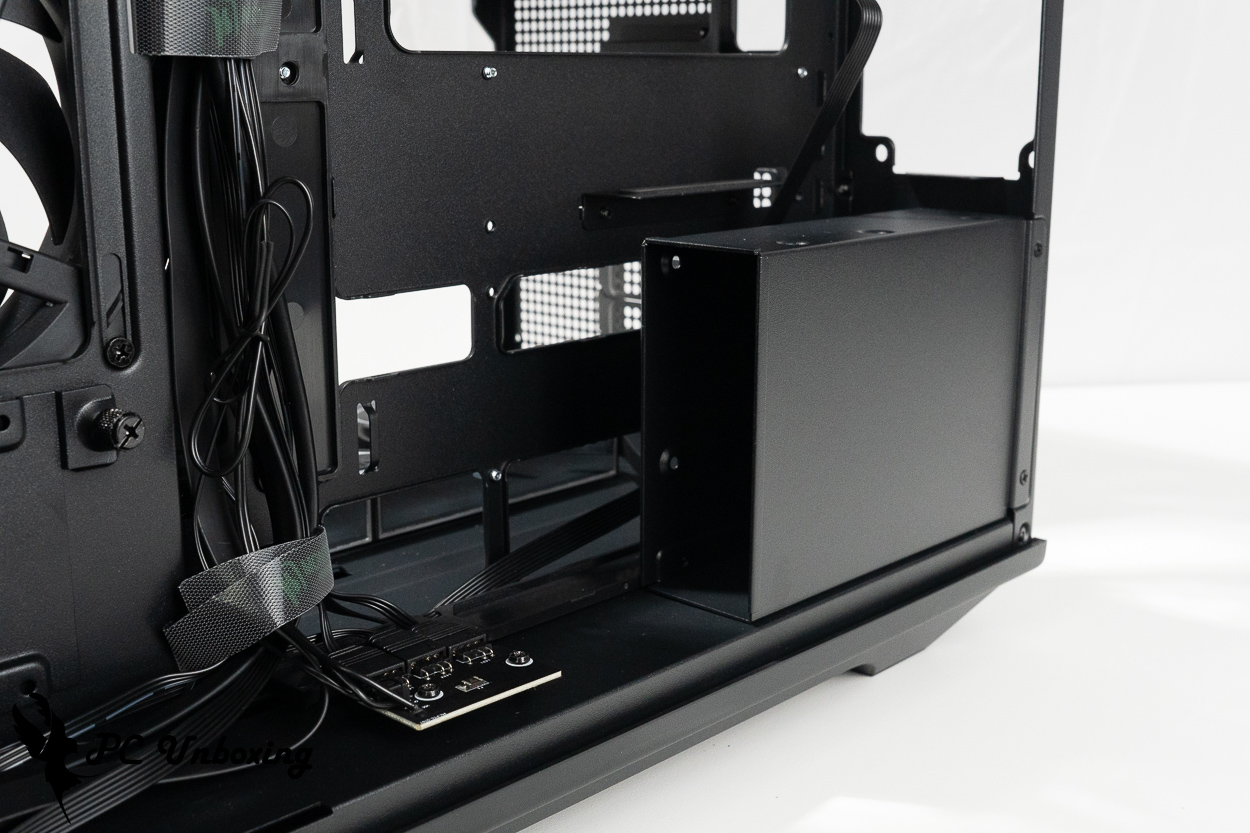
△ One 2.5-inch and one 3.5-inch hard drive can be installed below the power supply.
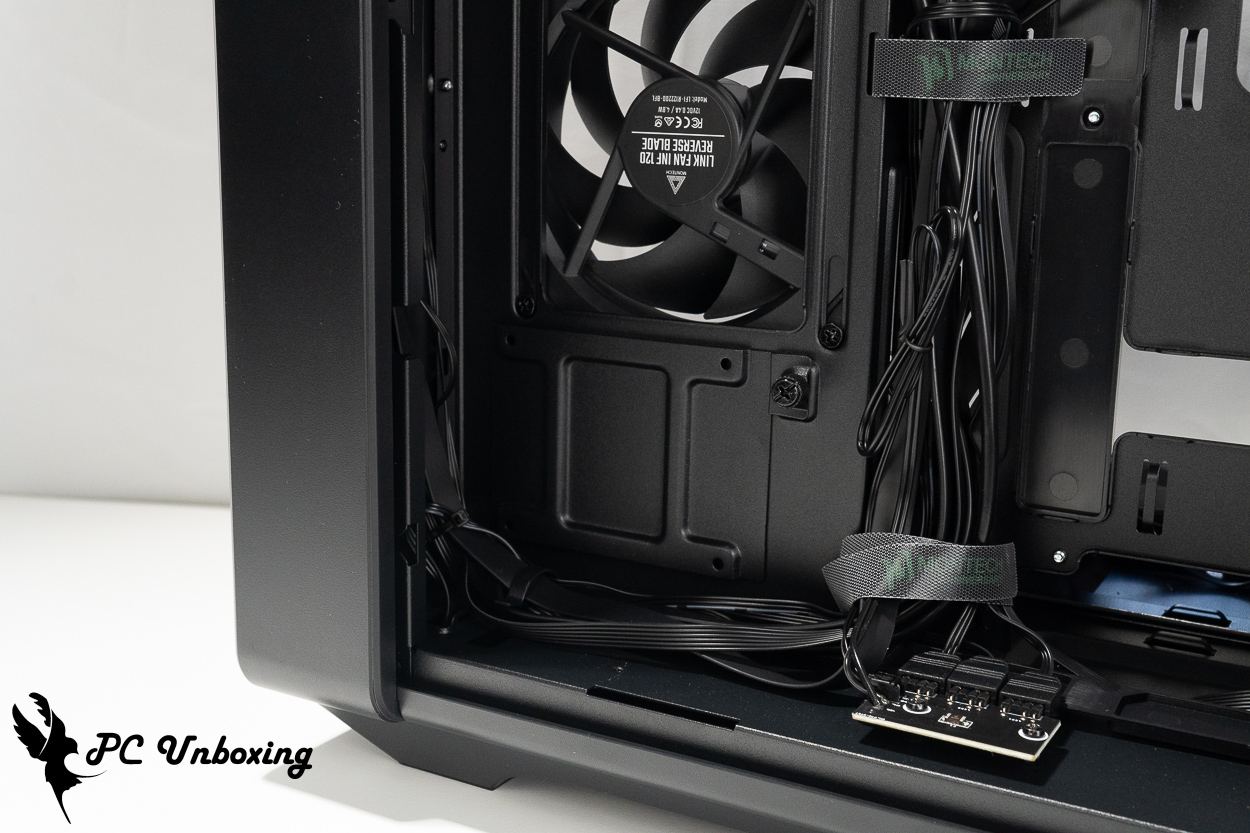
△ There is a 2.5-inch hard drive mounting bracket located beneath the side fan.
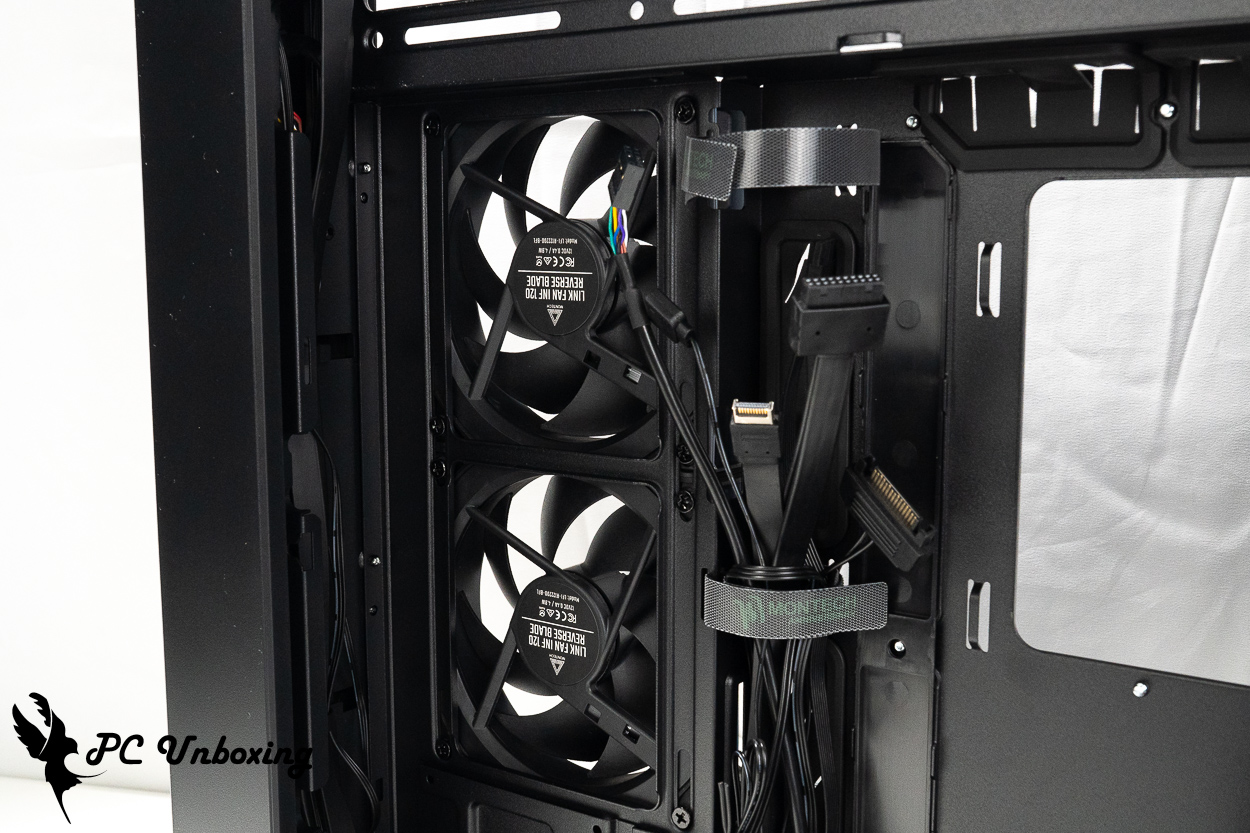
△ Space for cable management for the side case fan.
The case comes with the following accessories: fan alignment brackets, a box of screws, the LUMI HUB, and the necessary cables for the LUMI HUB.
The fan alignment bracket is designed to be installed in either a "top-mounted 240 mm liquid cooling system with three 120 mm fans on the side" or a "side-mounted 360 mm liquid cooling system with two 120 mm fans on top," to compensate for the height difference caused by the inverted top fan mounting brackets. This bracket is not required when using a top-mounted 360 mm liquid cooling system.
When you purchase the Monarch KING 95 3D PRO case, it comes with a LUMI HUB, This LUMI HUB is responsible for powering and controlling the included LINK FAN INF fan inside the case. It requires an additional PCIe 6-pin power connector and uses a custom connector to connect to the case fan.
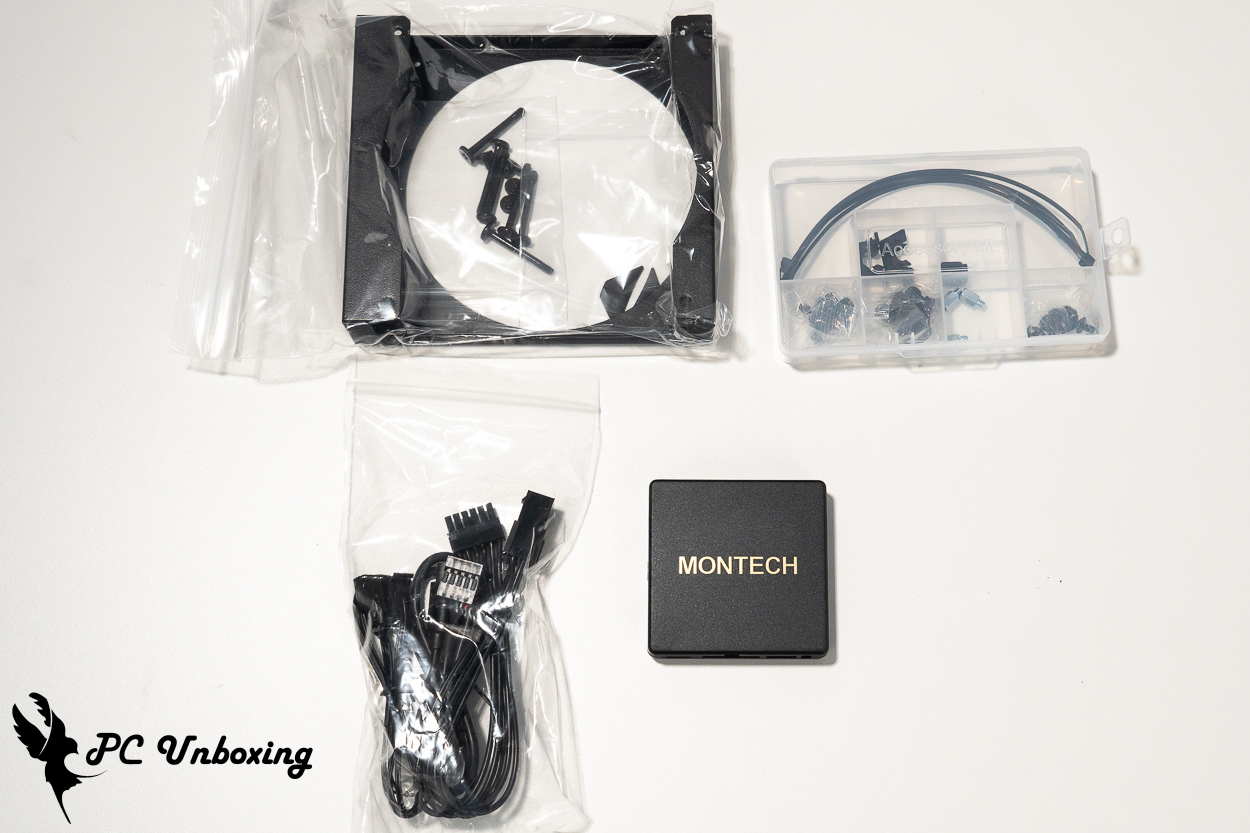
△ List of accessories.
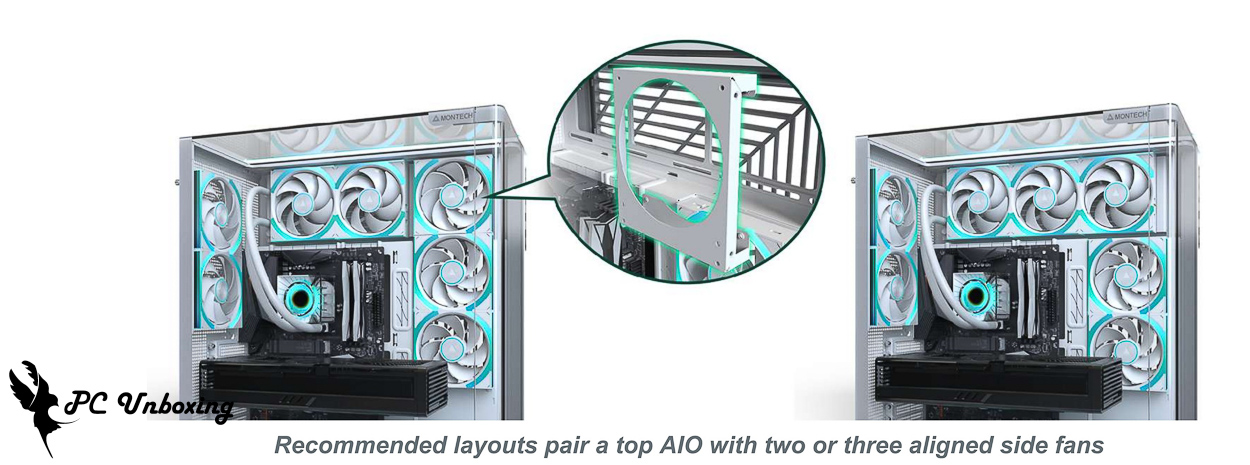
△ Schematic diagram showing the installation of the fan alignment bracket.
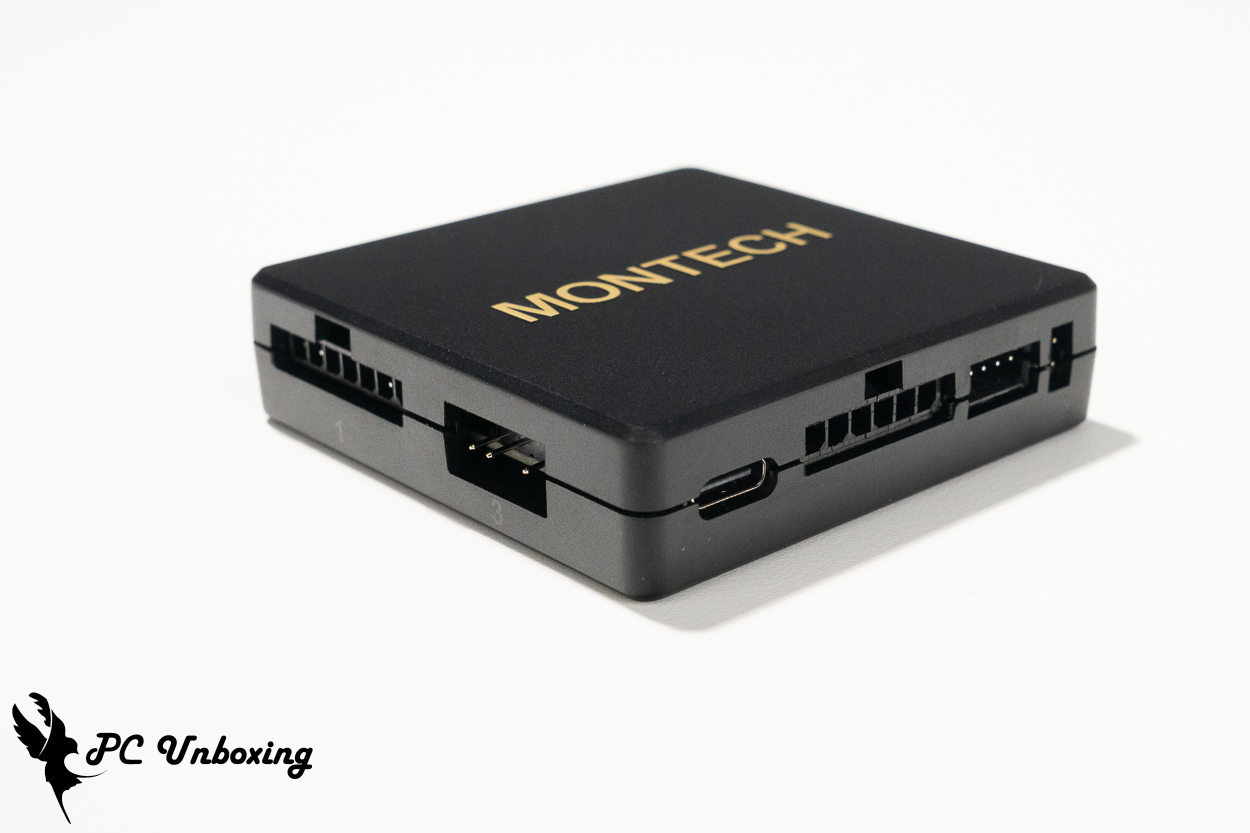
△ The LUMI HUB features magnetic attachment.
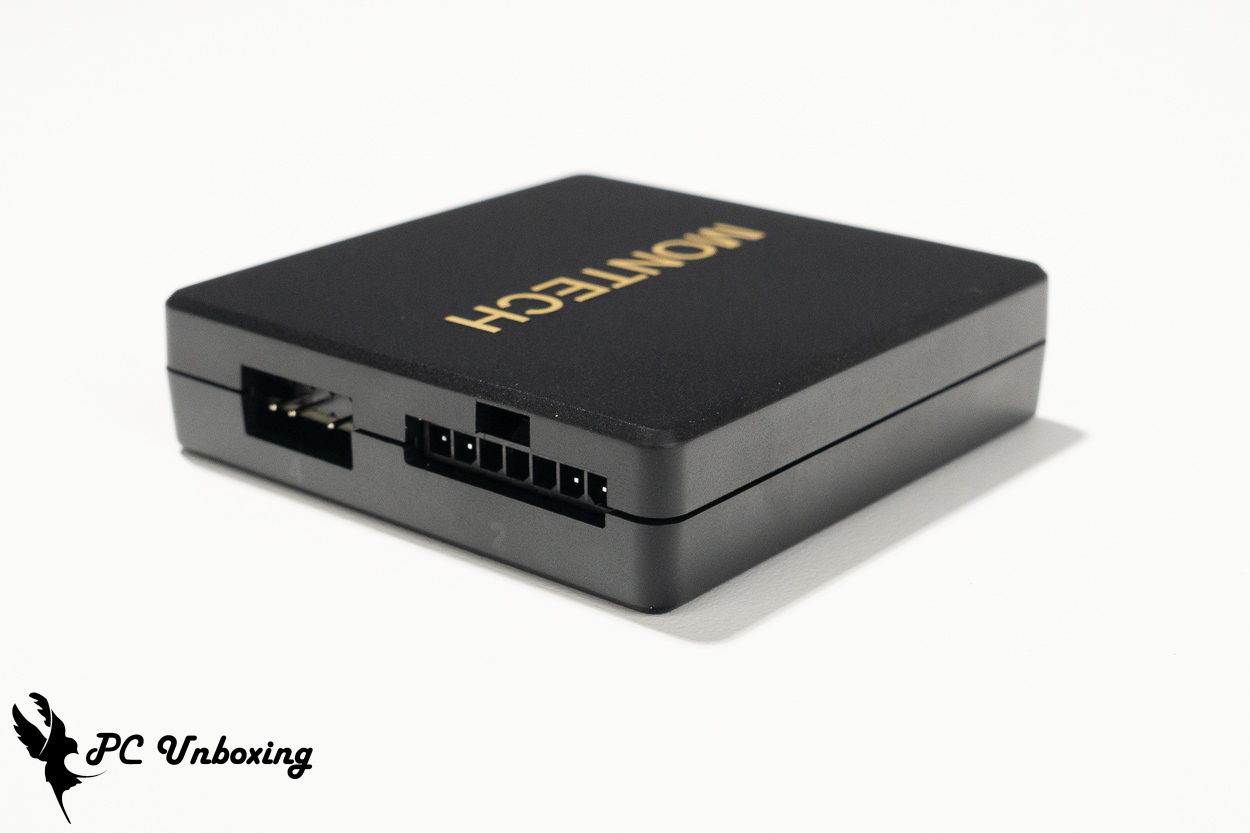
△ Use special connectors to connect the LINK FAN INF fan, but each LUMI HUB provides two standard 5V 3-pin ARGB ports for connecting additional devices.
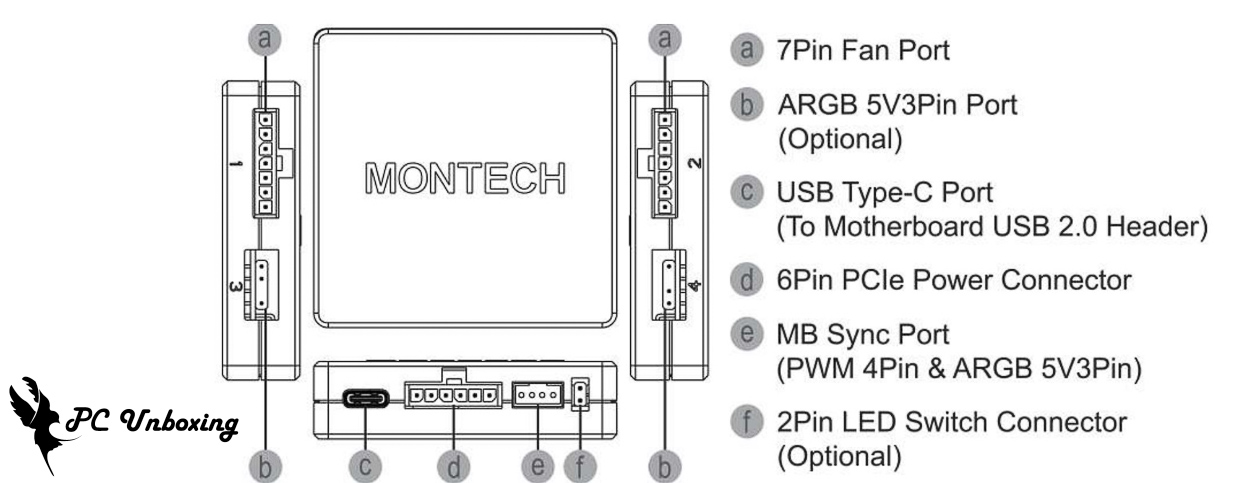
△ Overview of the various slot functions.
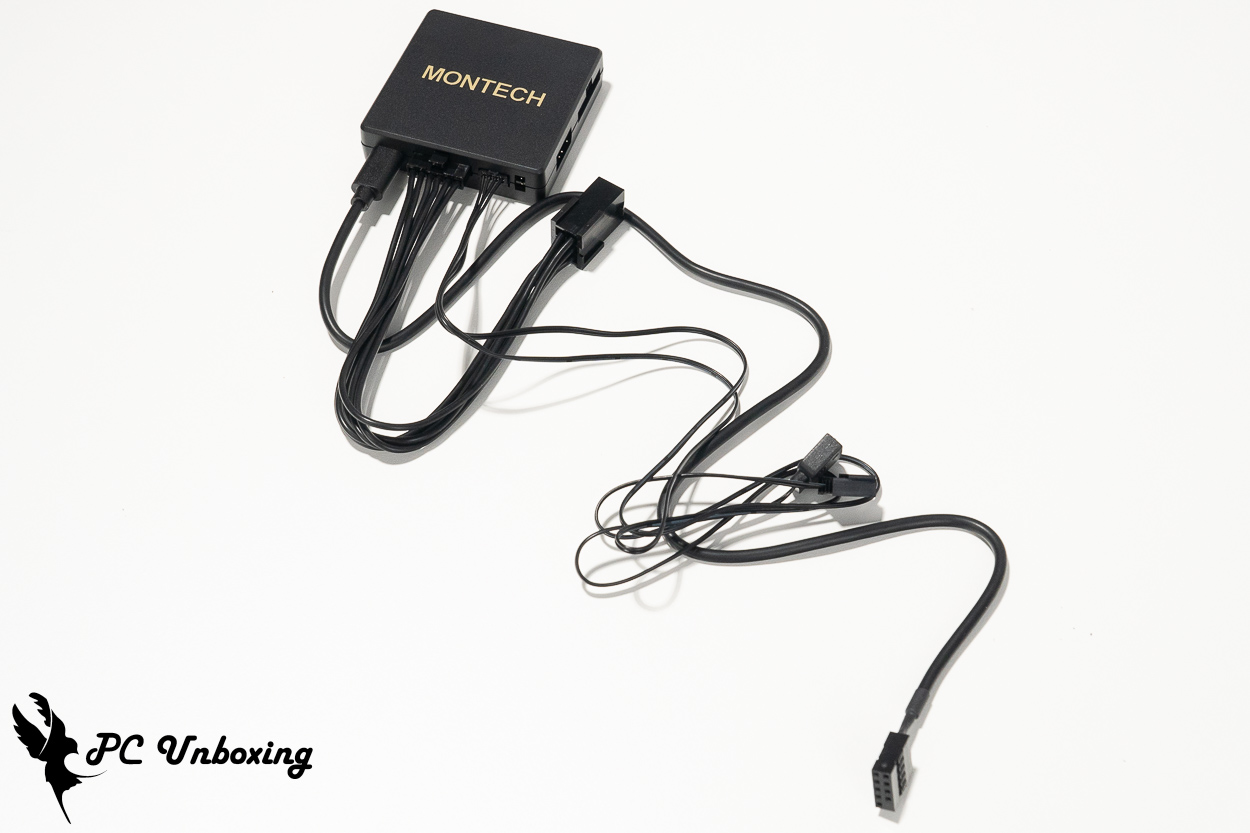
△ Here’s a look at all the included cables once they’ve been installed.
MONTECH LINK FAN INF 120 Fan Unboxing: Magnetic Chain Design, Specifications, and LUMI HUB
Since the KING 95 3D PRO case comes with seven of the company’s own LINK FAN INF 120 series fans pre-installed, we’ve also prepared a three-pack of LINK FAN INF 120 fans to replace the all-in-one liquid cooling fan with the same model and maintain the overall aesthetic.
LINK FAN INF is Monarch Technology’s first magnetic-connection fan series. Each fan is connected via metal mounting blocks and magnets, and a single cable integrates with the LUMI HUB to configure dual-zone (top and bottom) ARGB lighting effects and PWM fan speed curve control. It is available in versions with forward- or reverse-rotating blades, in black and white color options, and in single- or three-pack configurations, and comes with a three-year warranty. Please note that the forward- and reverse-rotating blade versions differ slightly in specifications such as RPM, airflow, and static pressure.
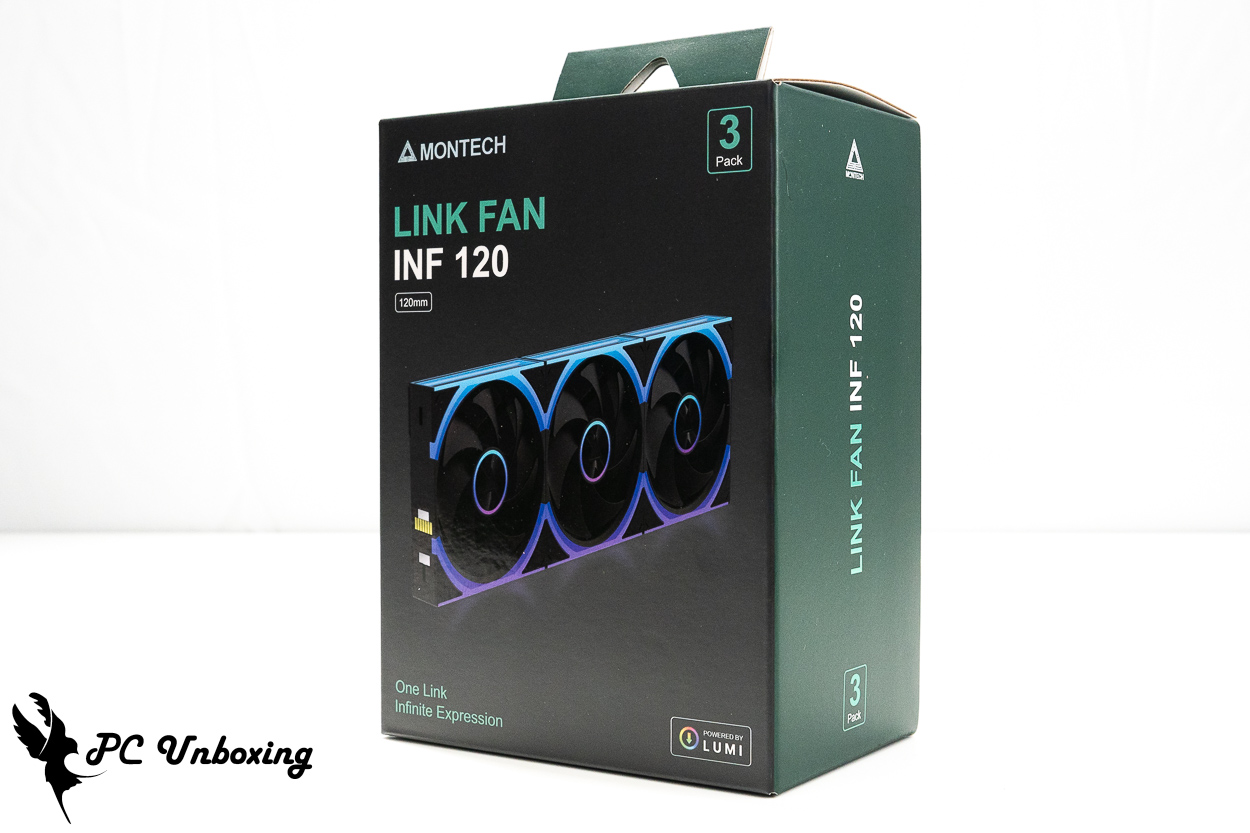
△ A three-pack of LINK FAN INF 120 fans in the black forward-curved blade version.
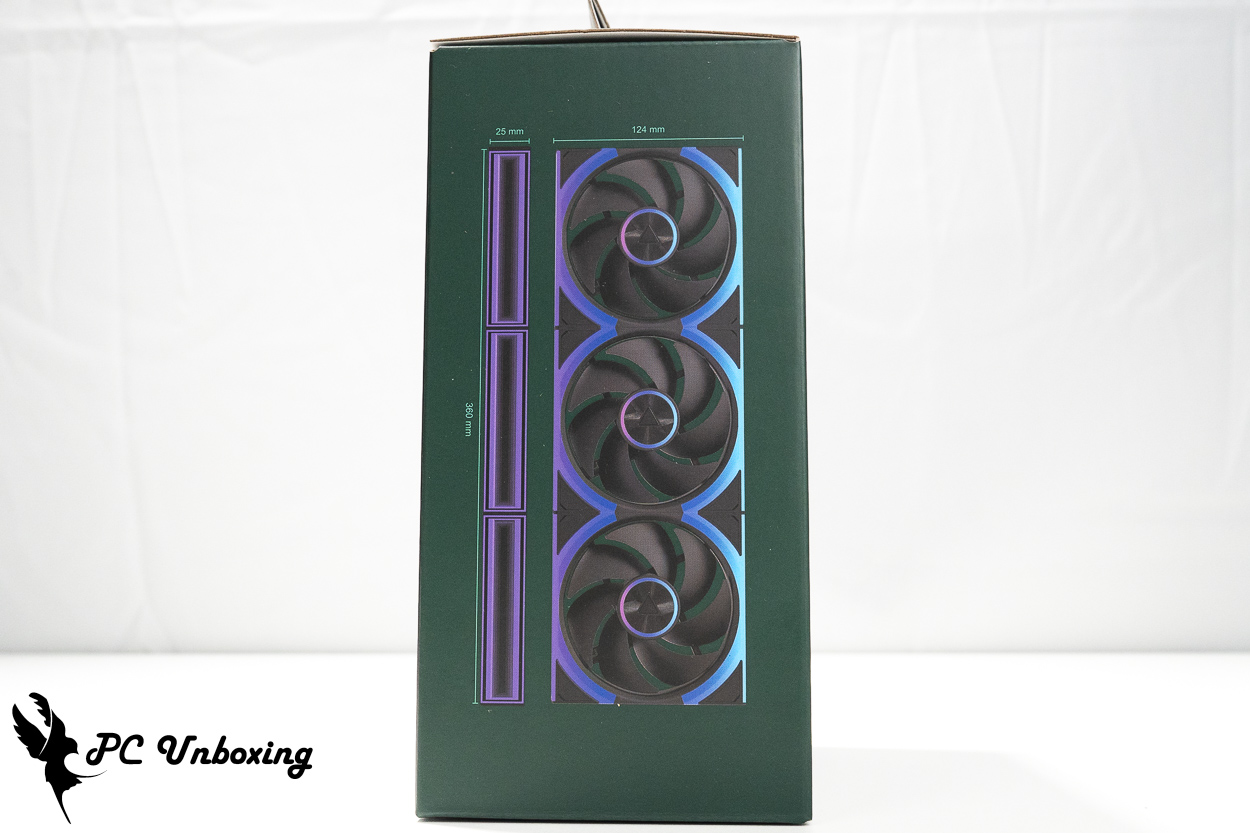
△ Fan Size Specifications.
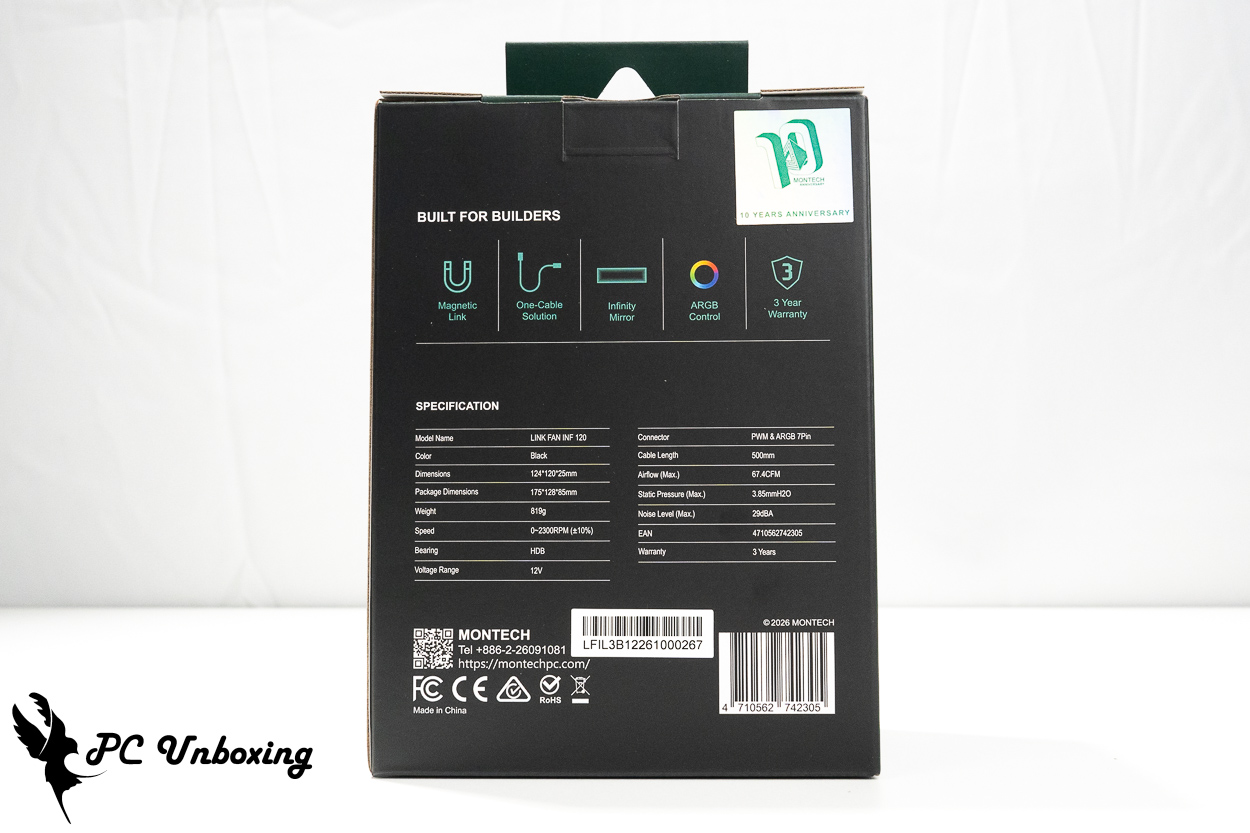
△ The fan has a maximum speed of 2,300 RPM (±10%), a maximum airflow of 67.4 CFM, and a maximum static pressure of 3.85 mmH₂O.
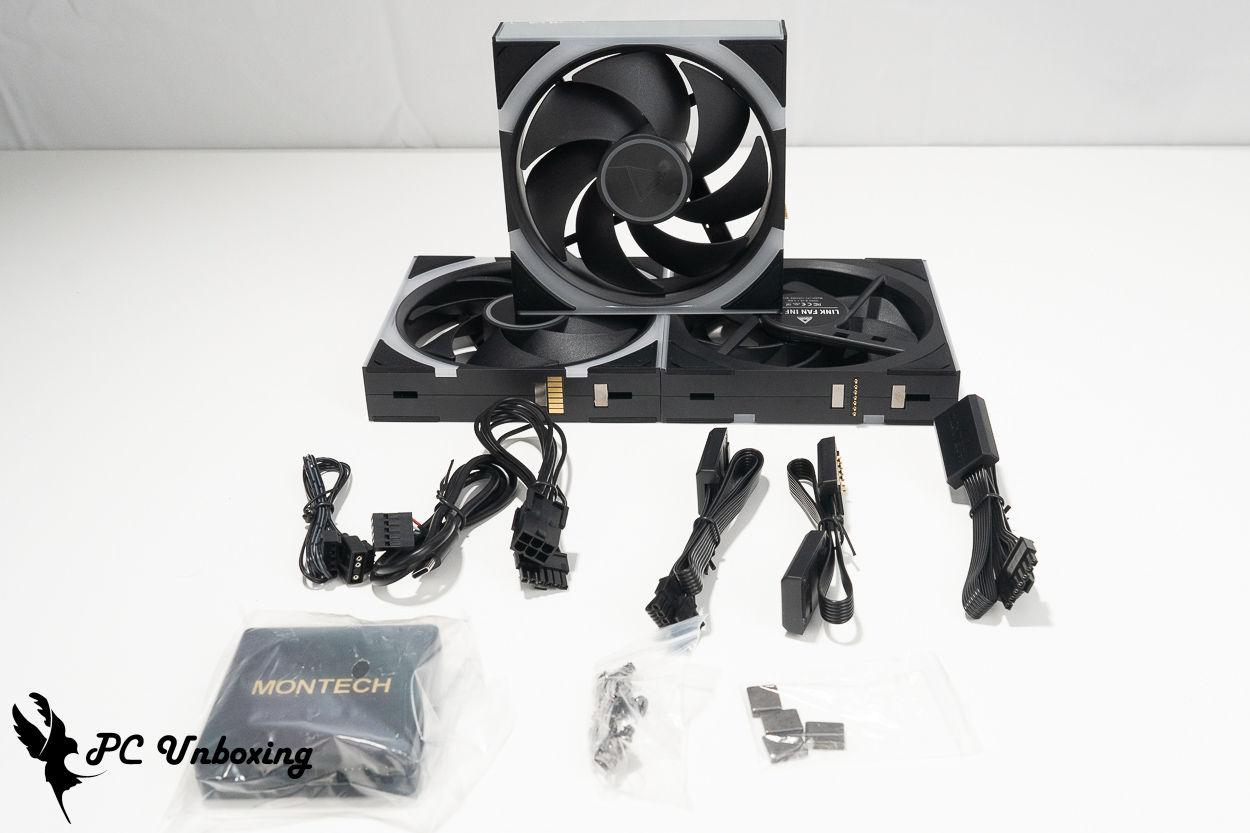
△ Here’s an overview of the contents of the three accessory packs. If you’ve already purchased the KING 95 3D PRO case to build your PC, you can simply use the case’s built-in hub.
For the LINK FAN INF 120 series fans, LUMI has not only introduced a dedicated, custom-designed LUMI HUB for power supply and control but has also released dedicated LUMI software that allows for a wider range of settings. Of course, you can also connect it to the motherboard via a standard 5V 3-pin ARGB connector and manage all settings through the motherboard’s software, but the LUMI software is actually quite well-designed this time around.
Following the launch of MONTECH HyperFlow Digital 360 With all-in-one liquid cooling systems and today’s custom-spec products like the LINK FAN, it’s clear that MONTECH is gradually rolling out a range of products that meet current market demands. However, as the number of software applications continues to grow, MONTECH’s next step will be to integrate these software solutions.
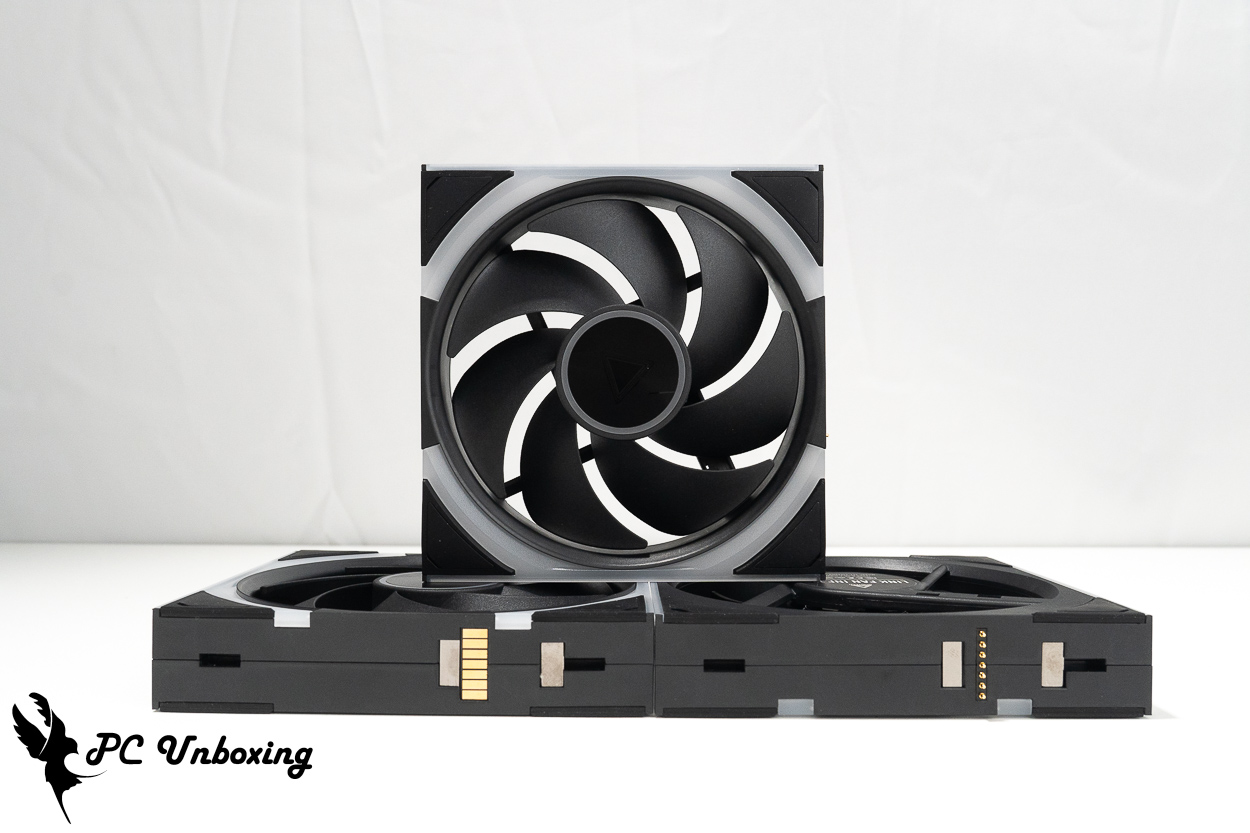
△ The fan features a hidden screw design on all four corners of both sides, along with shock-absorbing pads, and metal contacts are used to connect the fans to each other.
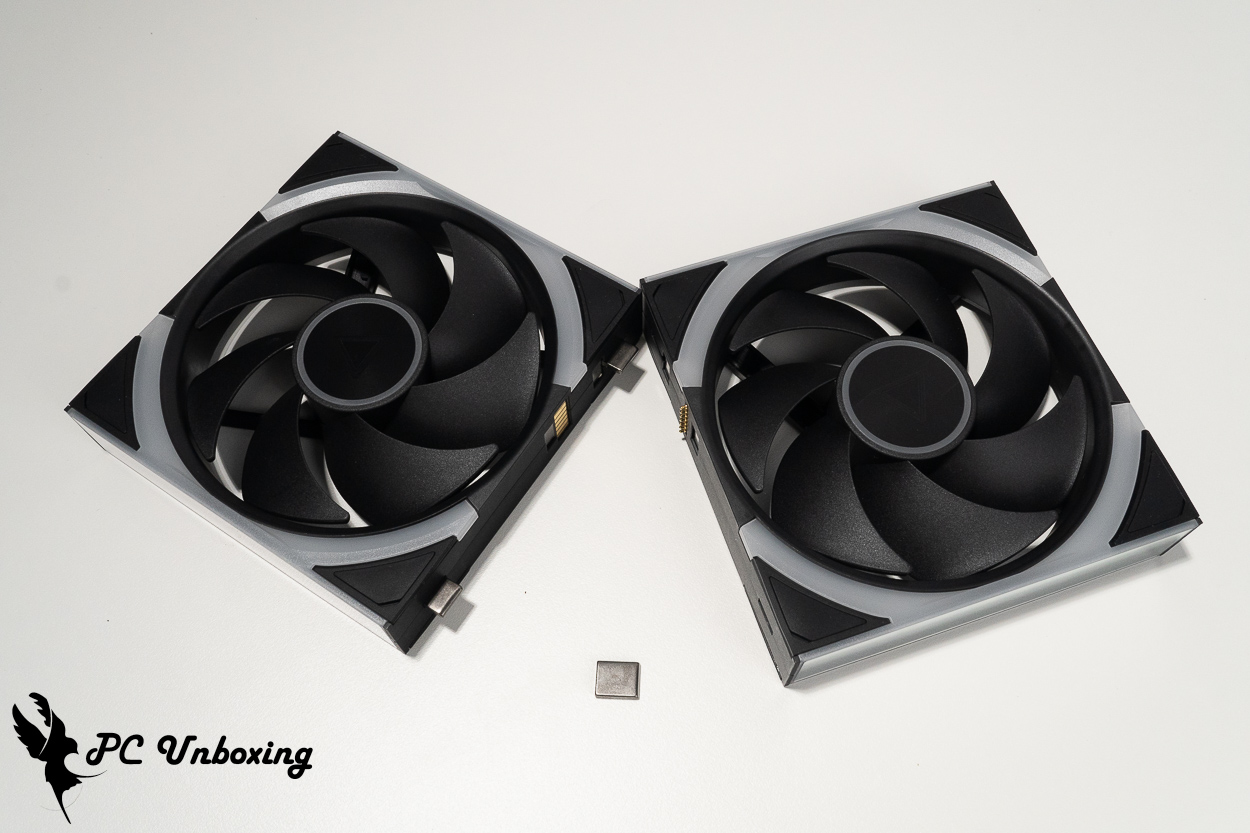
△ This is a schematic of the metal mounting bracket. However, the author recommends that when handling a series of connected fans, you should not grip the outermost fan; instead, hold the space between two fans for the most secure installation. The metal mounting bracket and magnetic clasp do not completely lock the fans in place; they are intended only as auxiliary fasteners.
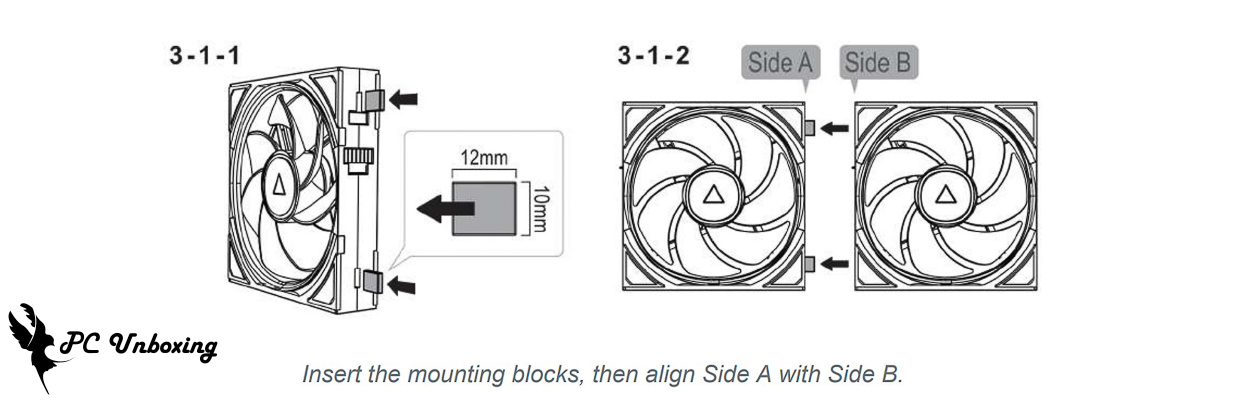
△ The metal mounting blocks have long and short sides; be sure to pay attention to this when installing them.
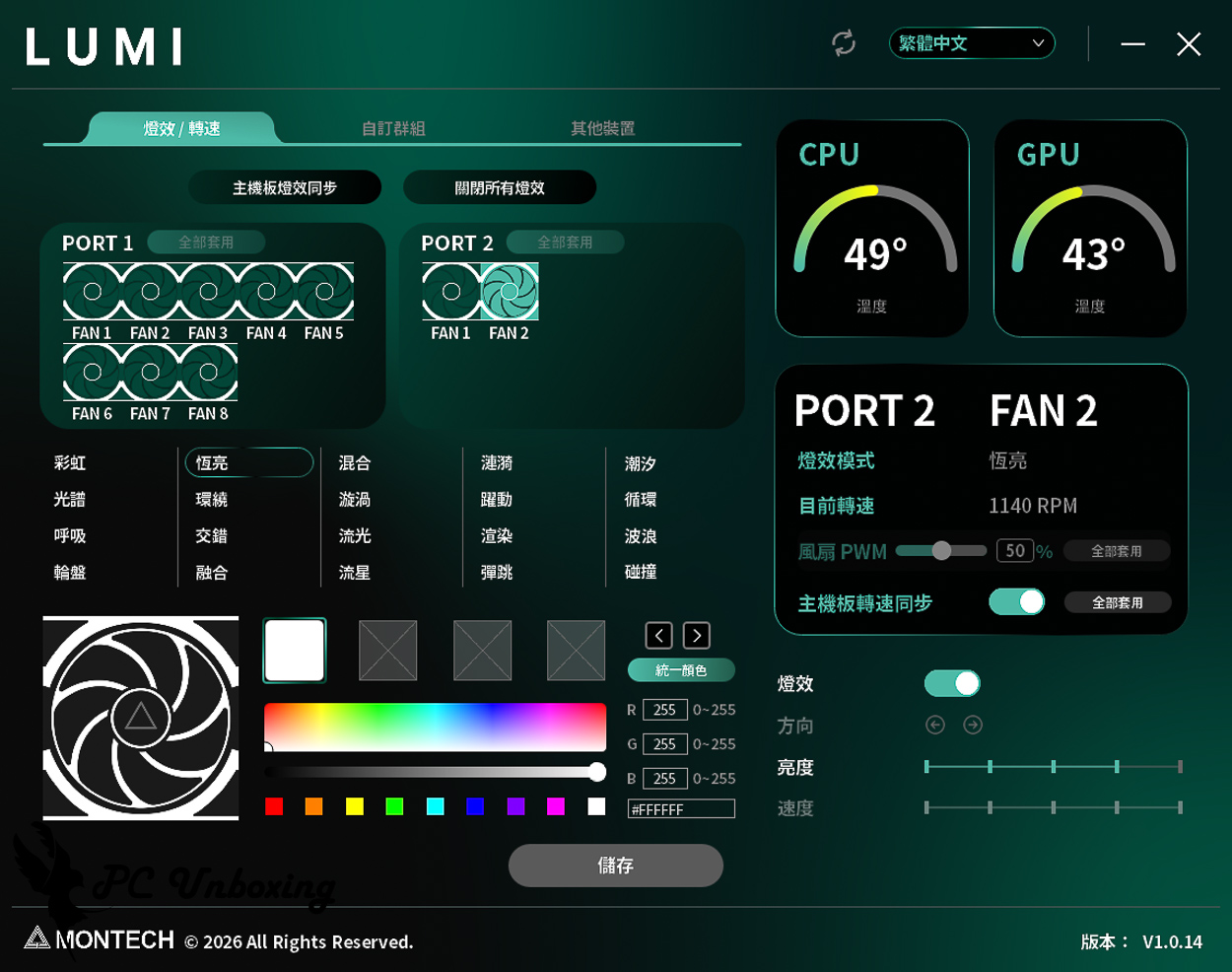
△ LUMI software demo: This screenshot shows the interface when used with the LINK FAN INF 120 fan; it offers a comprehensive set of features.
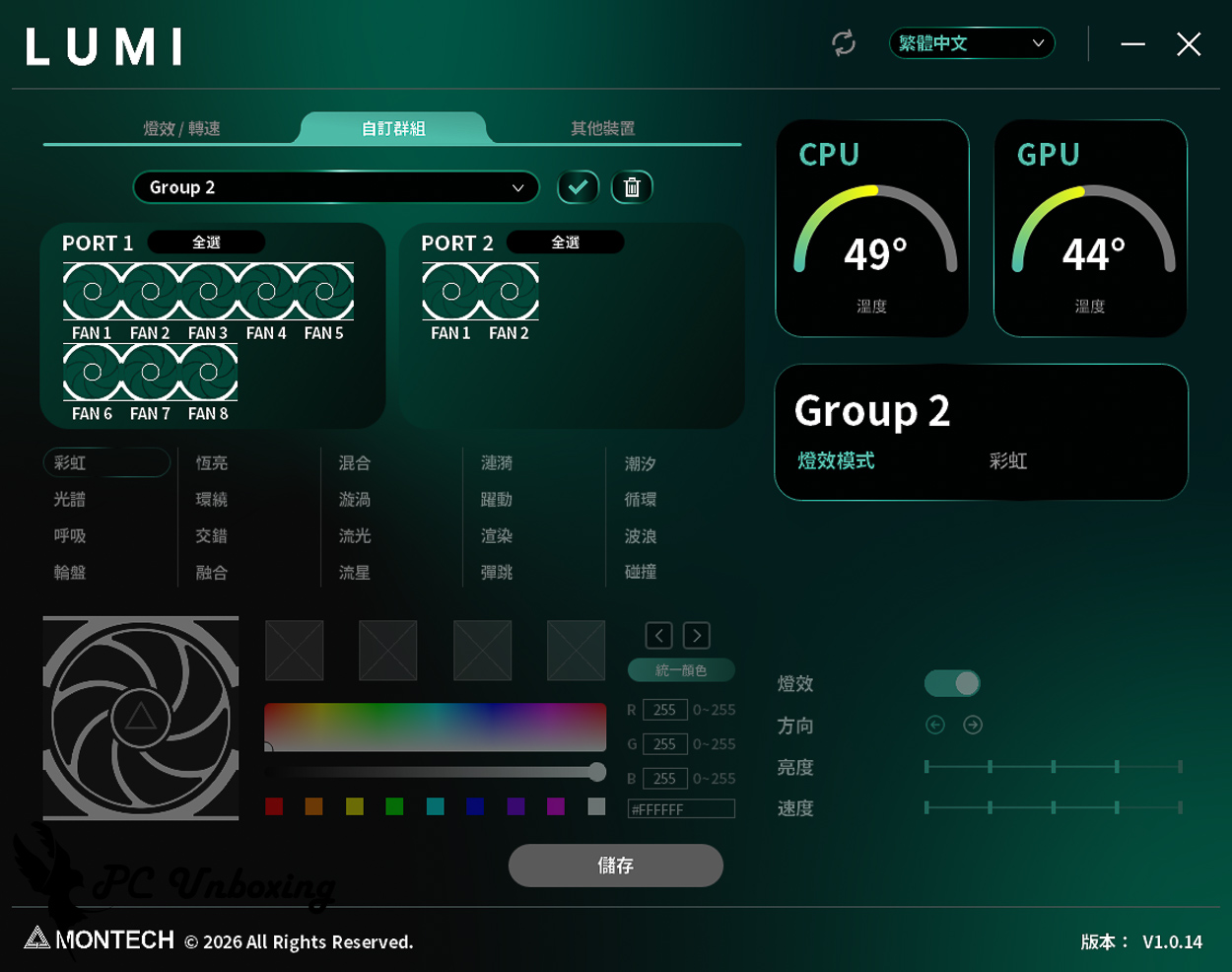
△ Custom groups allow you to organize fans into different categories based on their locations, such as grouping fans in different parts of the case into separate groups.
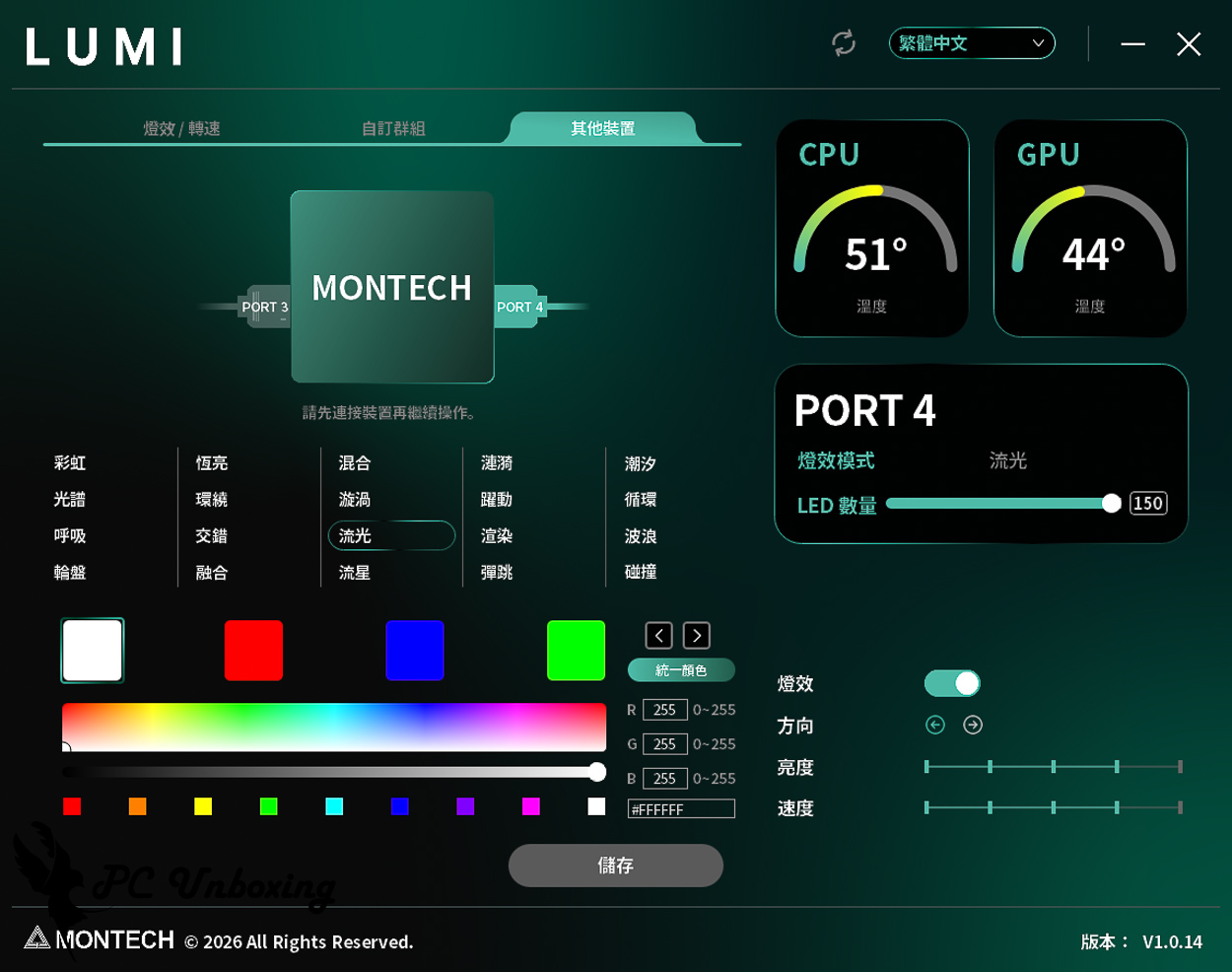
△ Other devices can be connected to the LUMI HUB, which provides two standard 5V 3-pin ARGB ports for configuring lighting effects.
MONTECH KING 95 3D PRO Build Walkthrough: LINK FAN INF 120 Lighting Effects and Full System Assembly
Next, I installed the MONTECH KING 95 3D PRO case and replaced the liquid-cooled fans with LINK FAN INF 120 fans. CyberFlow ARGB 360 Here's a look at the water-cooling system.
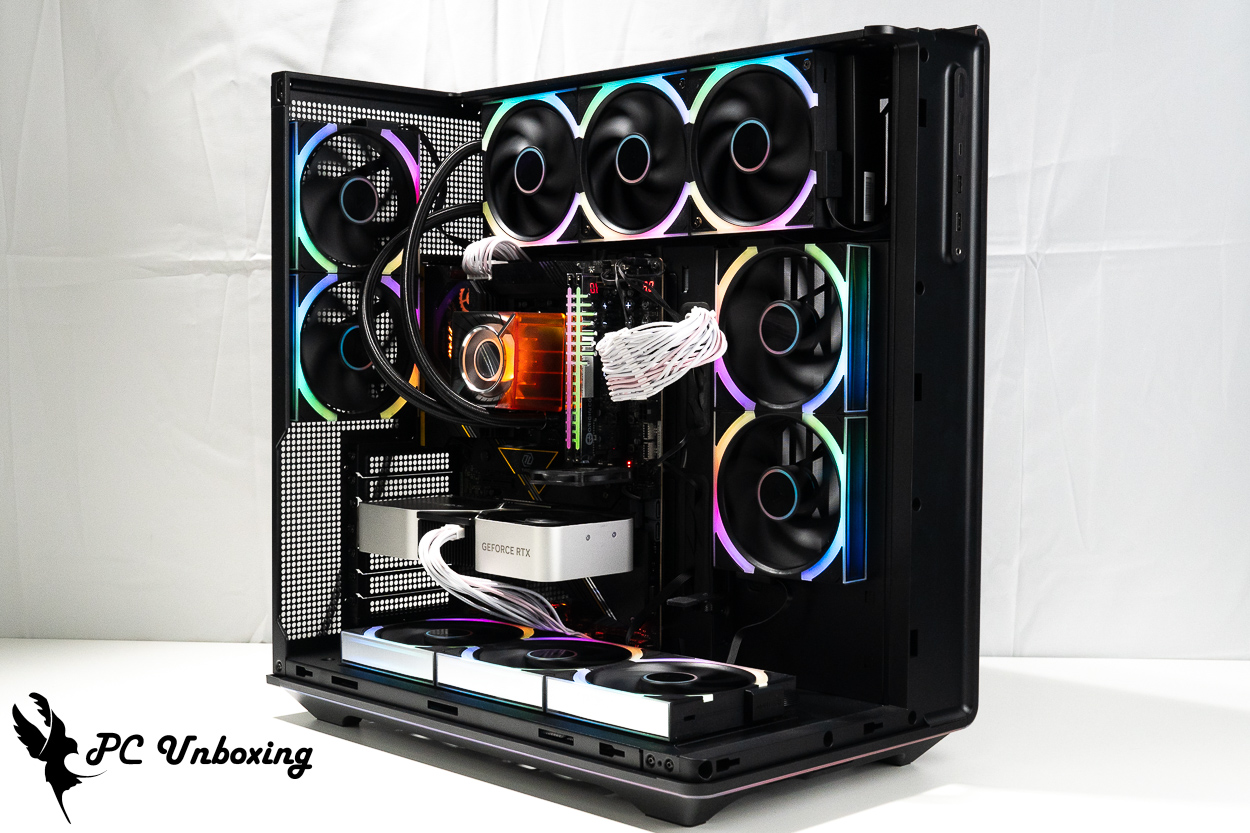
△ This time, we will CyberFlow ARGB 360 I replaced the water-cooled fan with a LINK FAN INF 120 during the installation.
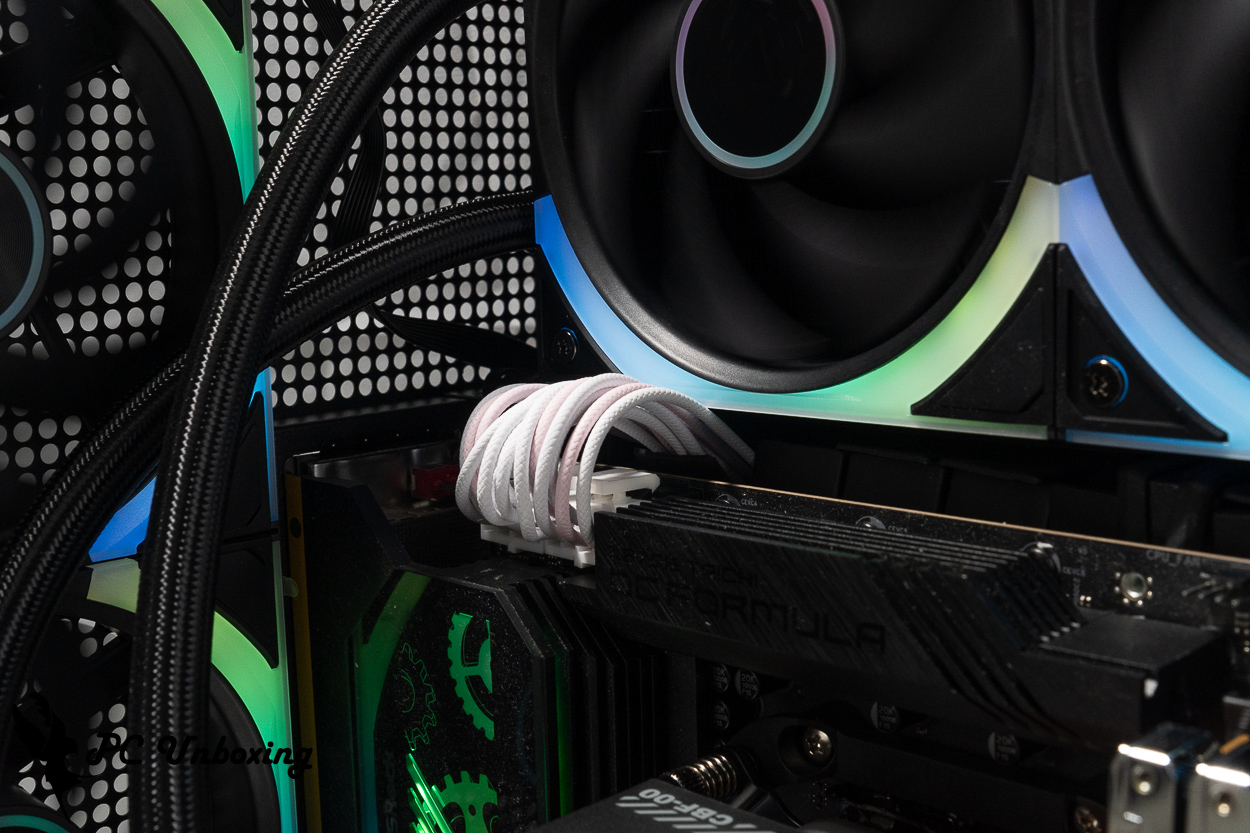
△ When installing the CPU power cables after mounting the liquid cooler and the motherboard, you may encounter situations where the connectors do not fit through the openings; however, the cables will not be pinched. We recommend pulling the cables into place before installing the other two components.
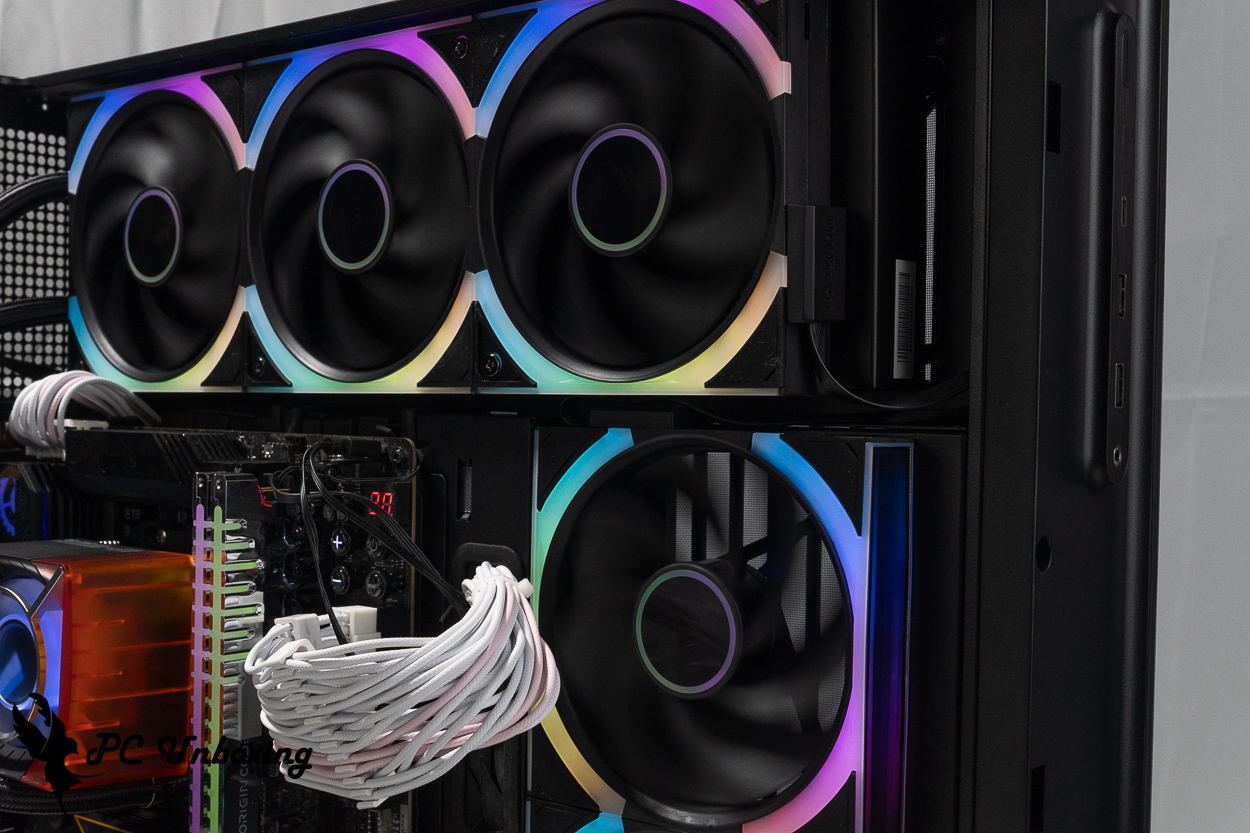
△ If, like me, you want to install a top-mounted water cooling system using the LINK FAN INF 120 fan and connect it in series with the side fans, make sure to install the series wiring before securing the bracket for the top-mounted water cooling system. Once the bracket is secured, there’s barely enough space, and you won’t be able to reach inside with your fingers to make fine adjustments.
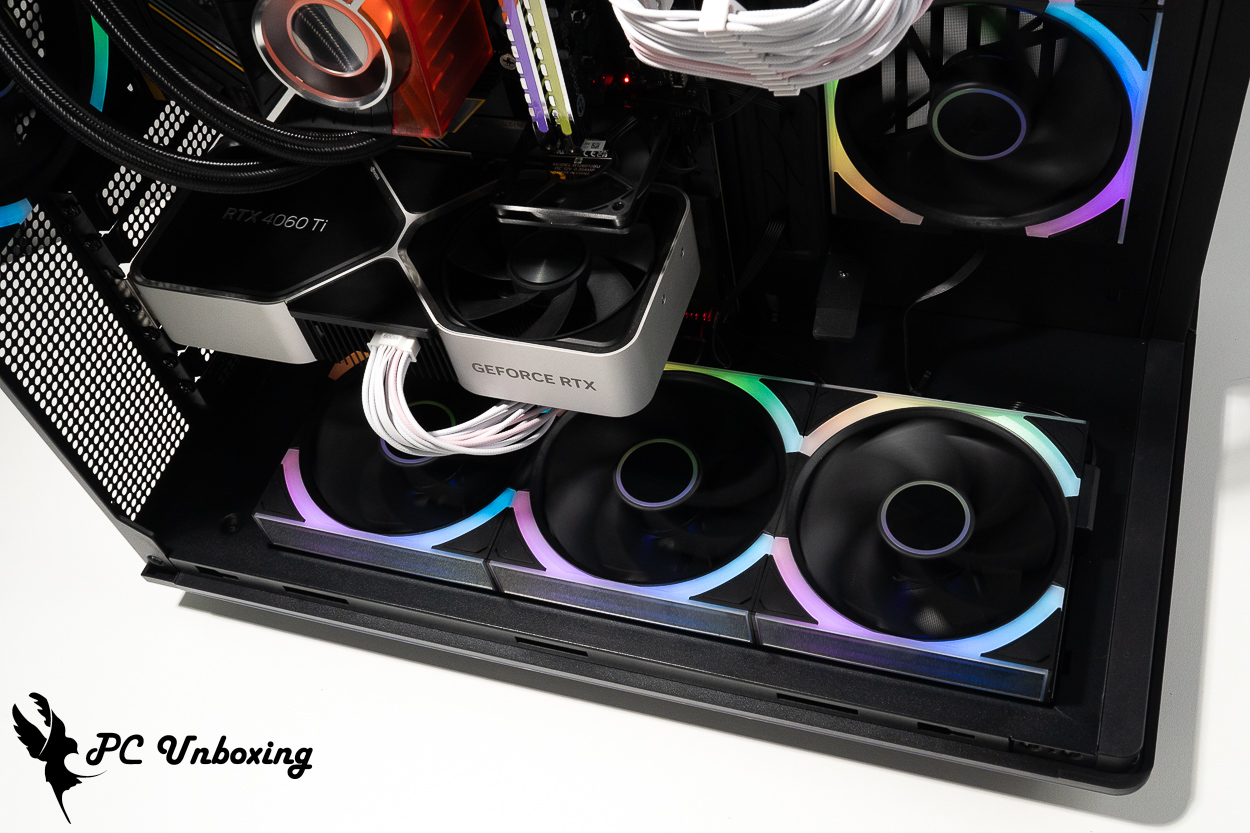
△ Demonstration of the three bottom fans blowing directly onto the graphics card.
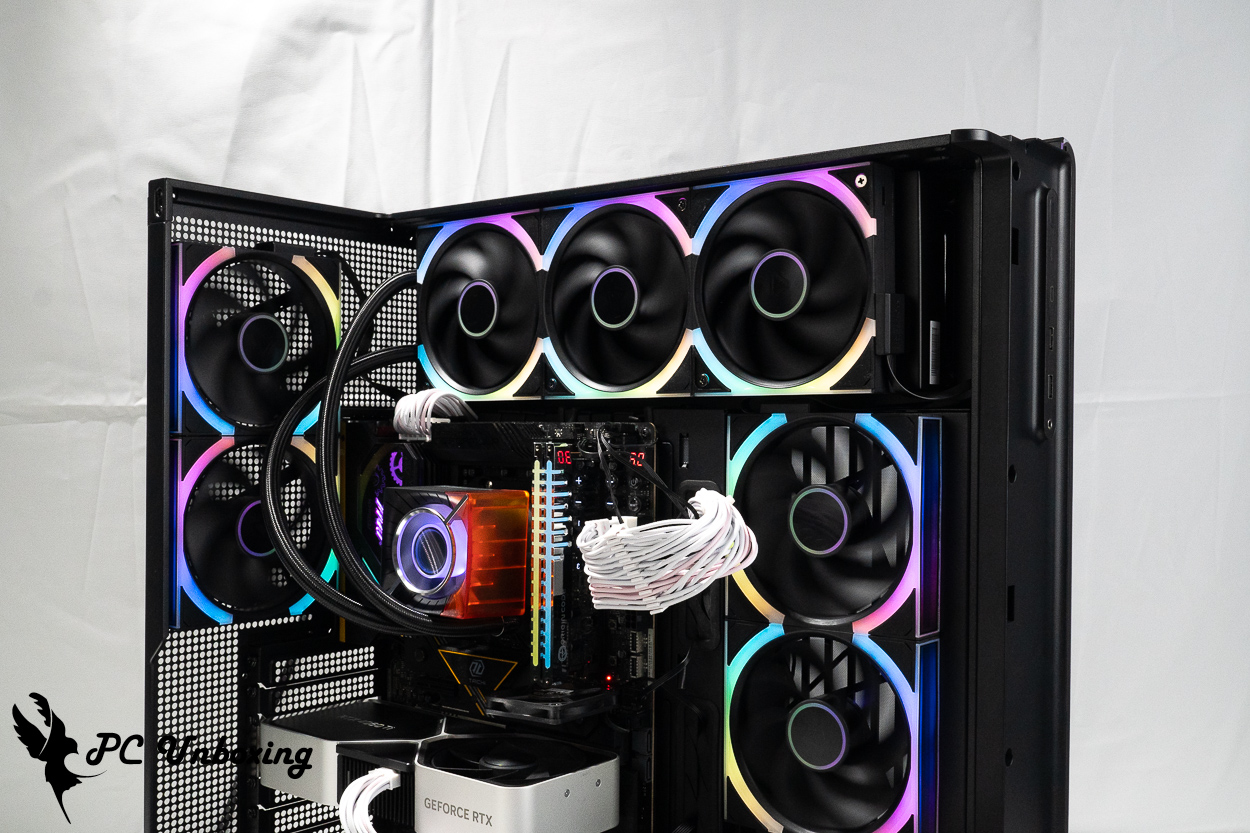
△ LINK FAN INF 120 Fan Lighting Effects Demonstration.
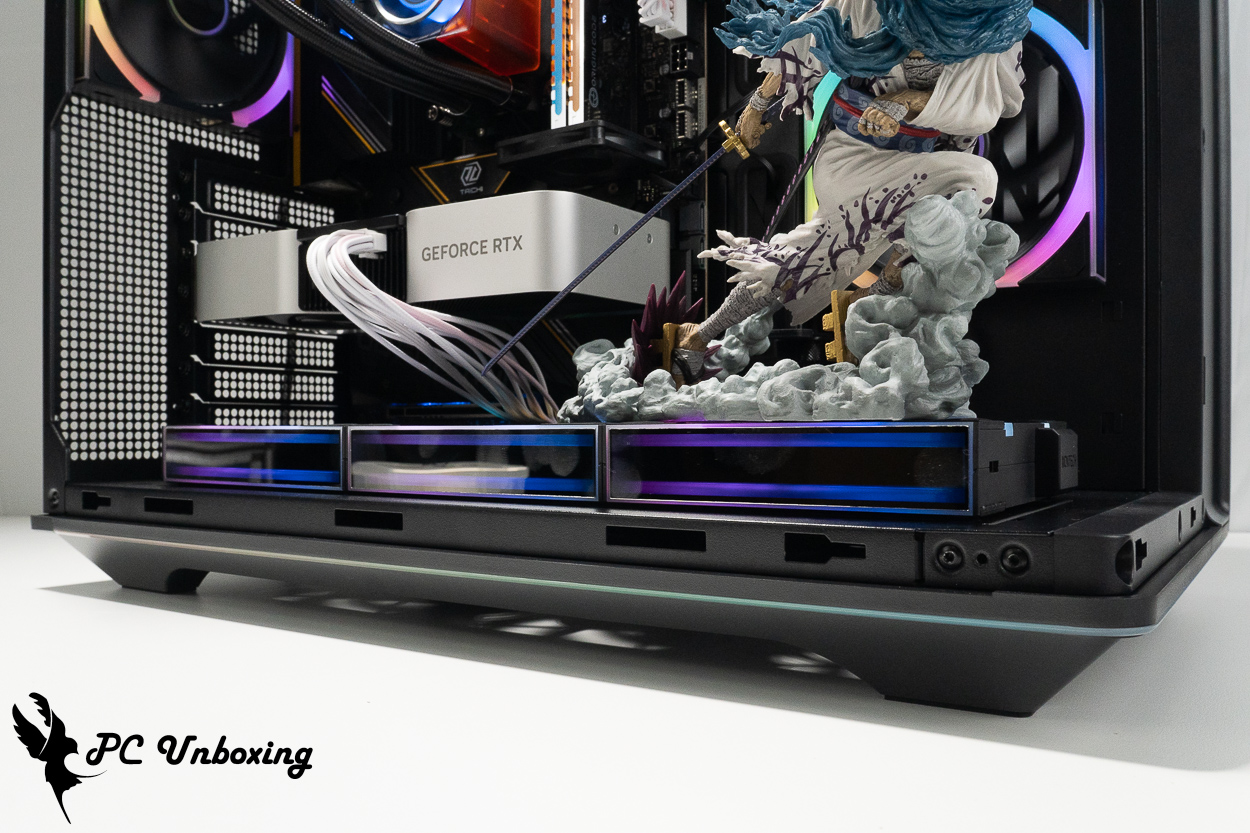
△ The LINK FAN INF 120 features an infinite mirror lighting effect on the side of the fan.
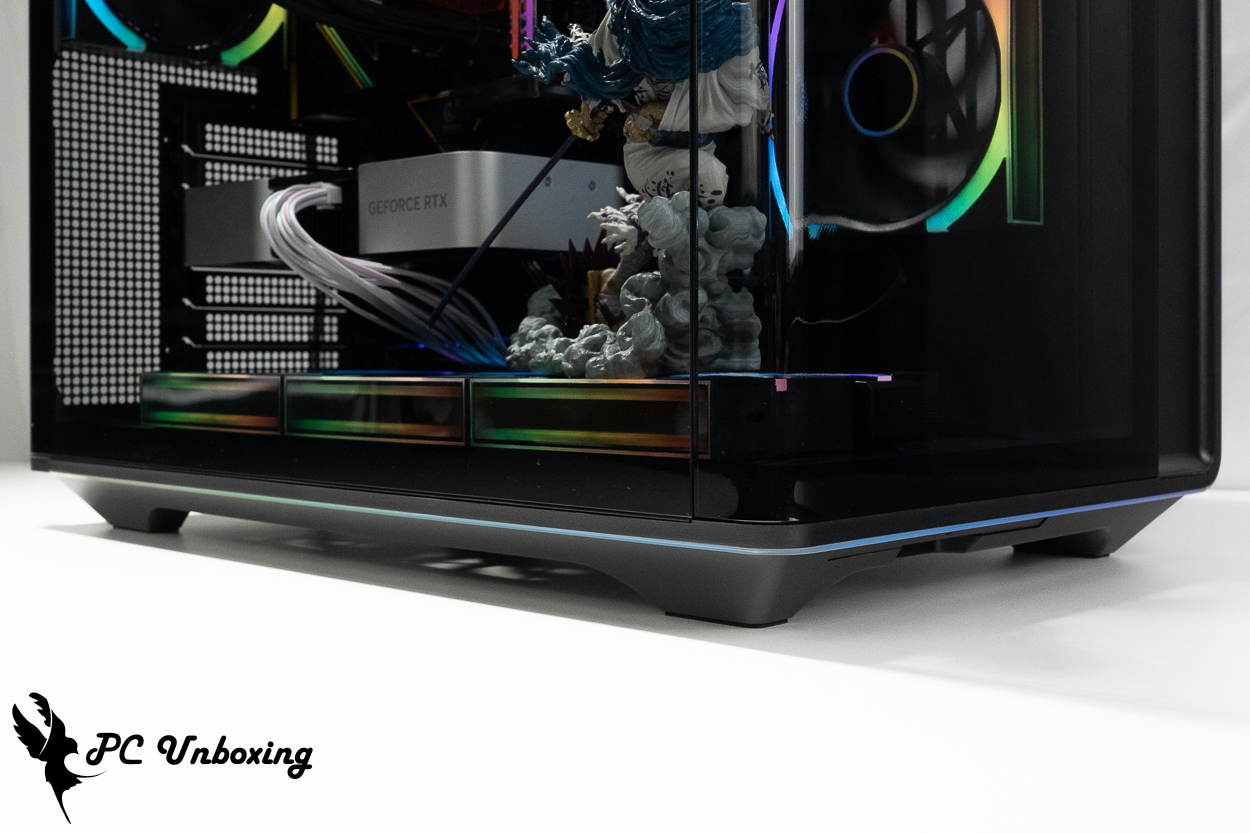
△ Showing the light strip on the bottom of the case; this section of the case features 48 LEDs.
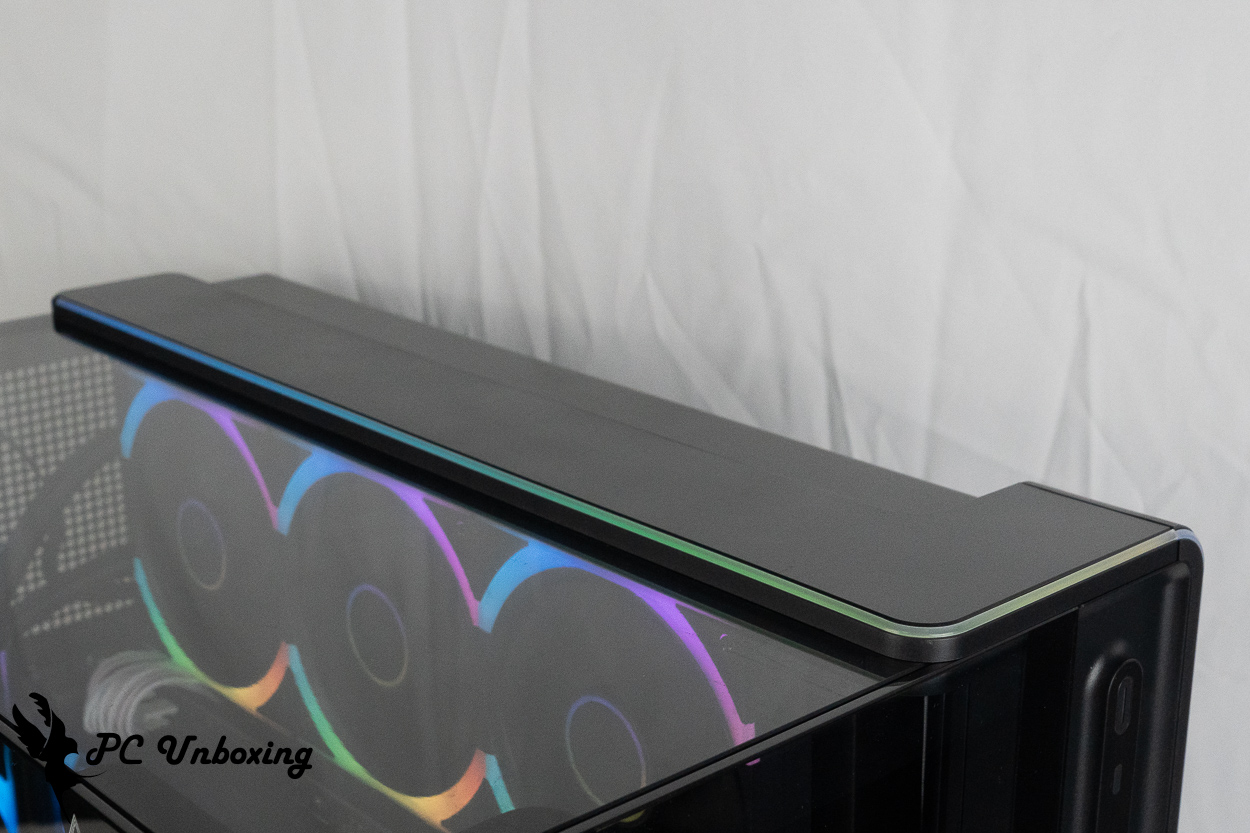
△ Display of the light strip on the top of the case.
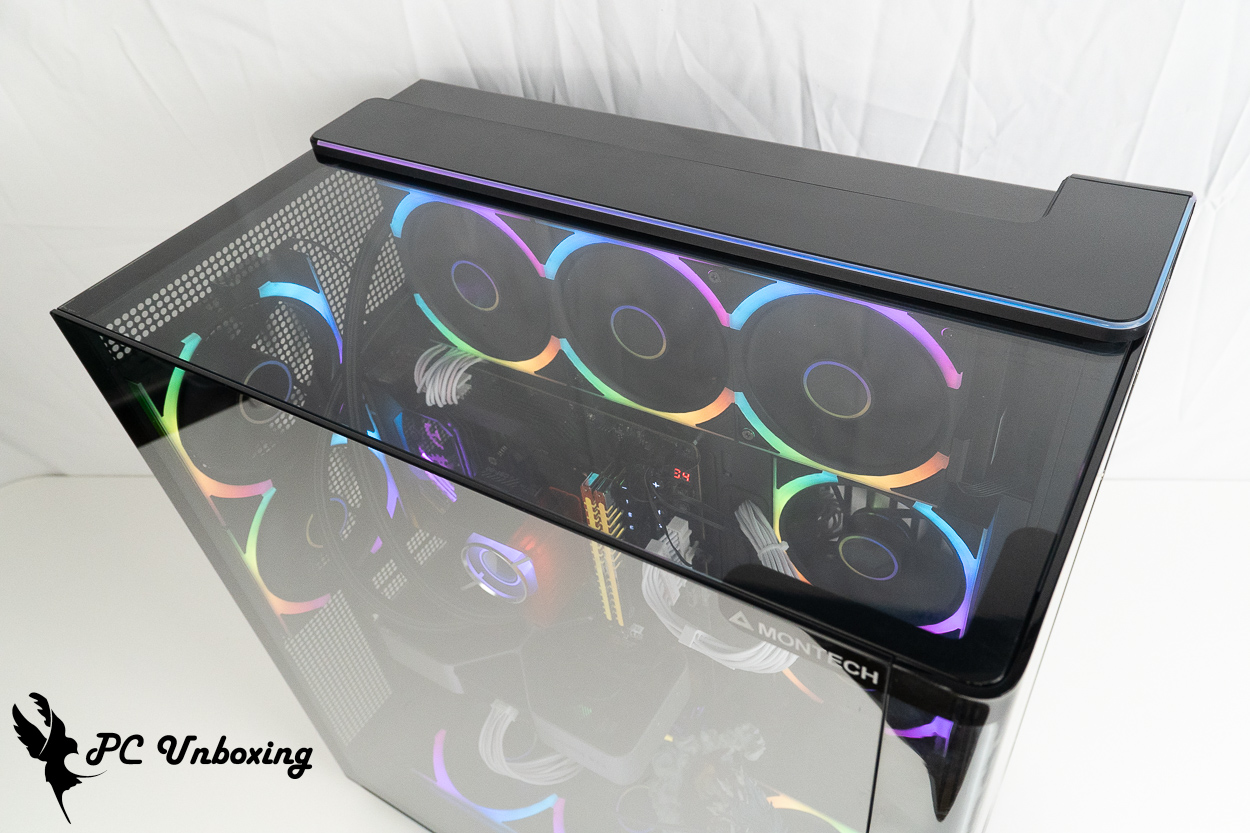
△ View of the top of the case.
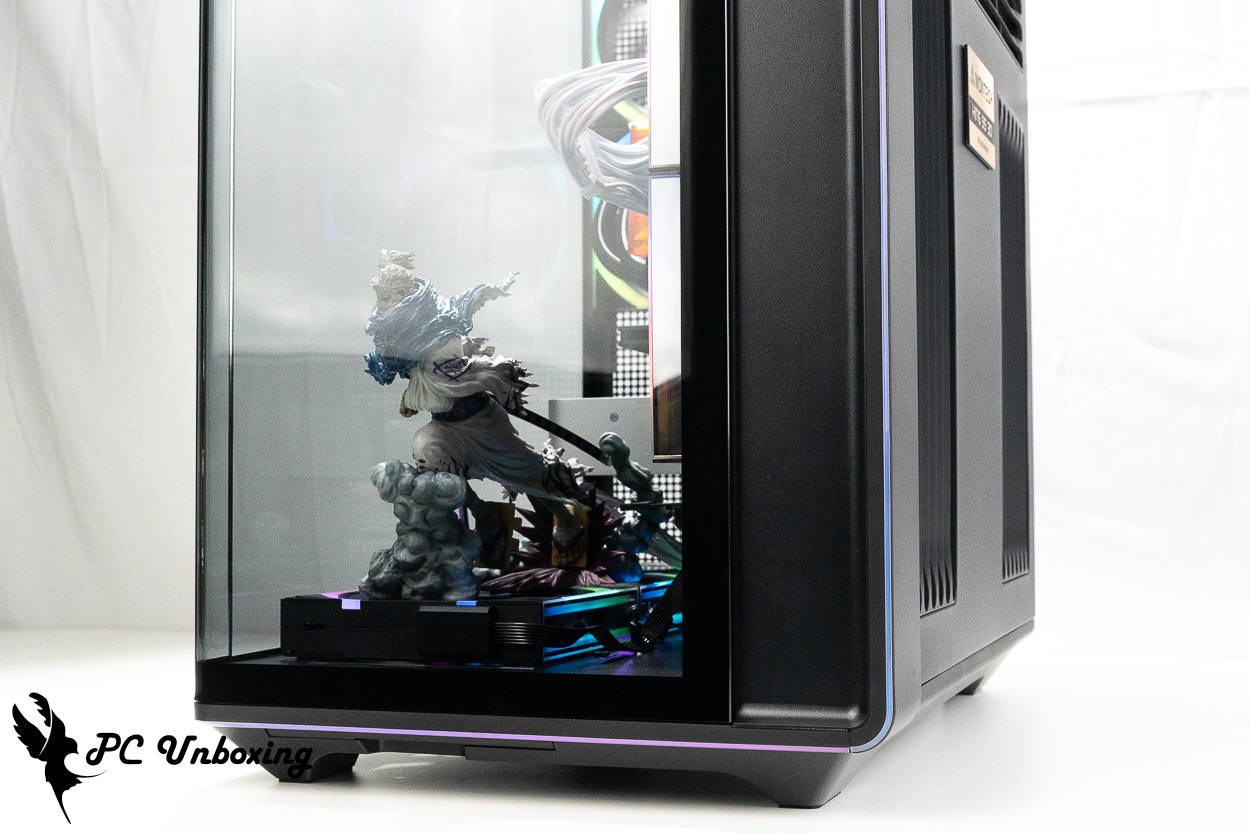
△ A view of the light strip on the front of the case.
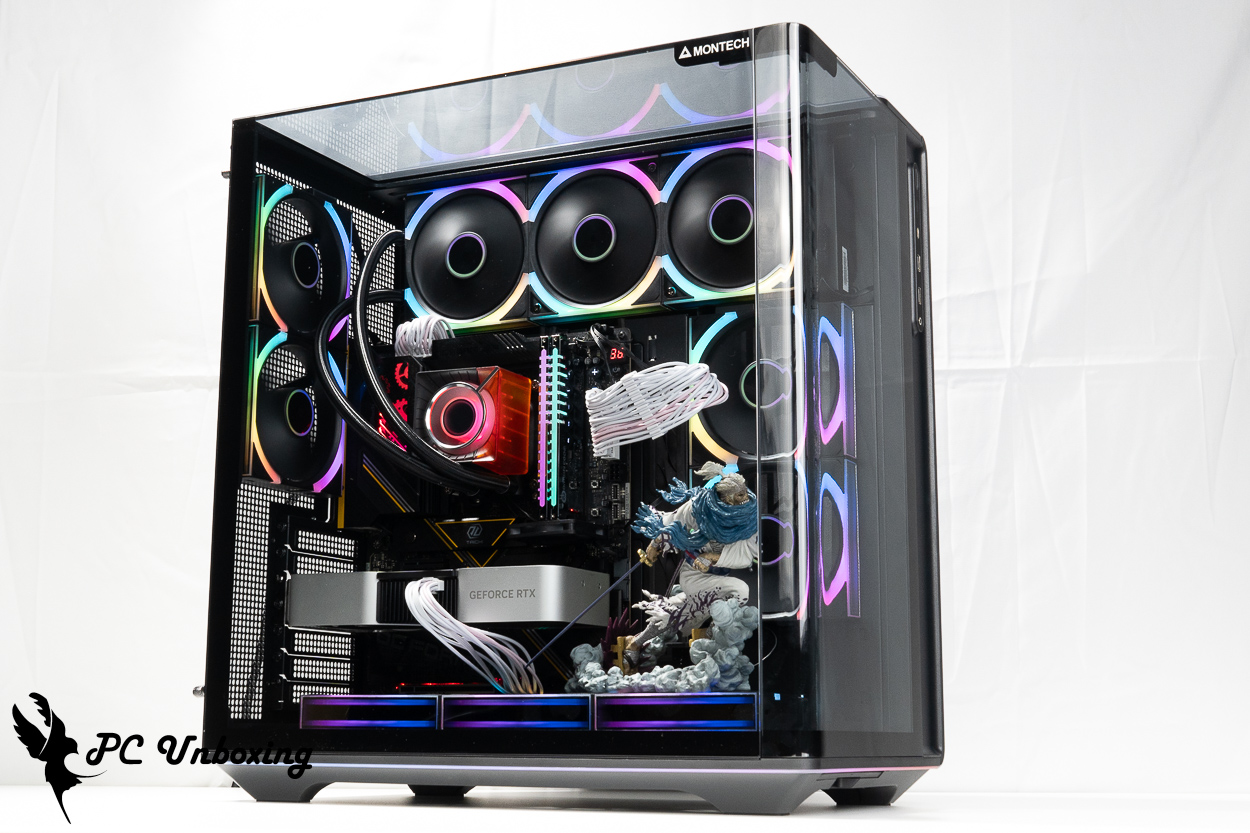
△ Place the glass side panel in place.
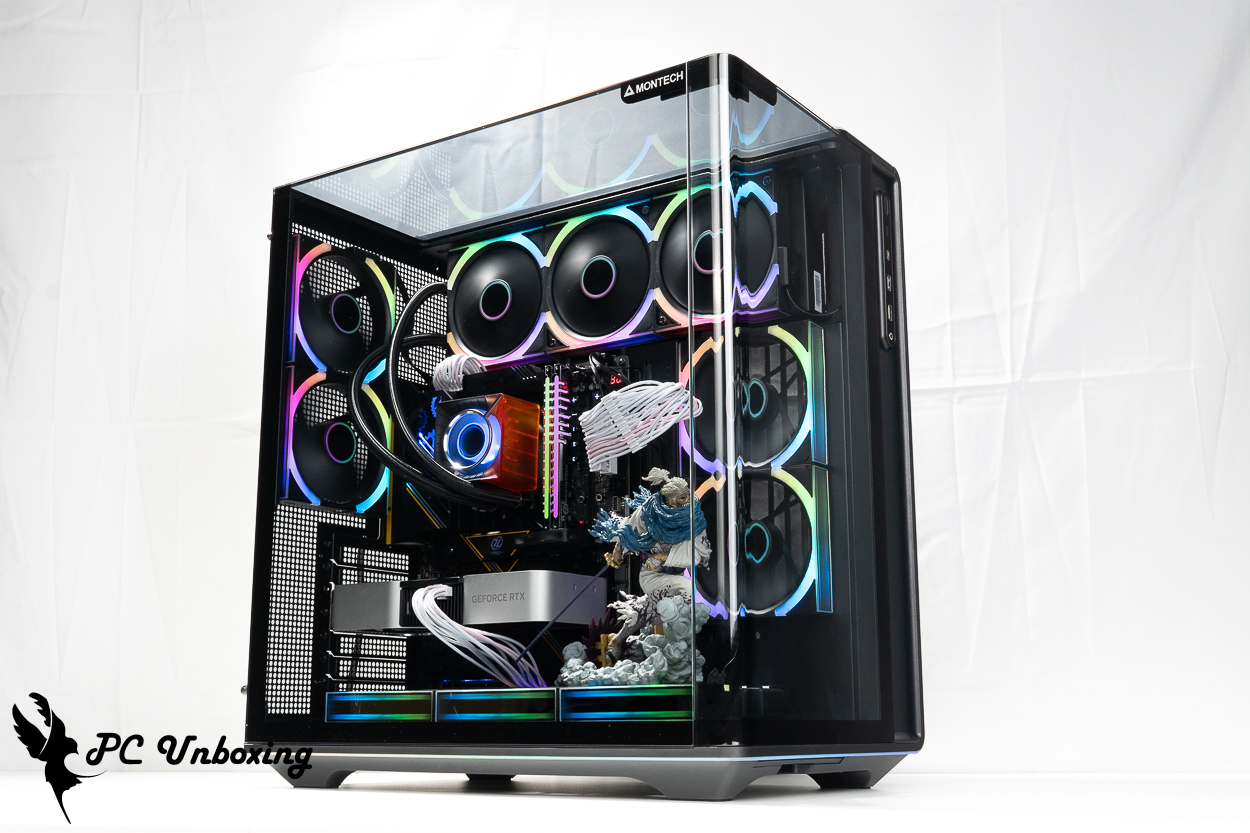
△ Installation demonstration of 15-degree beveled glass.
MONTECH KING 95 3D PRO Cooling Test: Ryzen 9 9950X3D2 Temperature and Performance Benchmarks
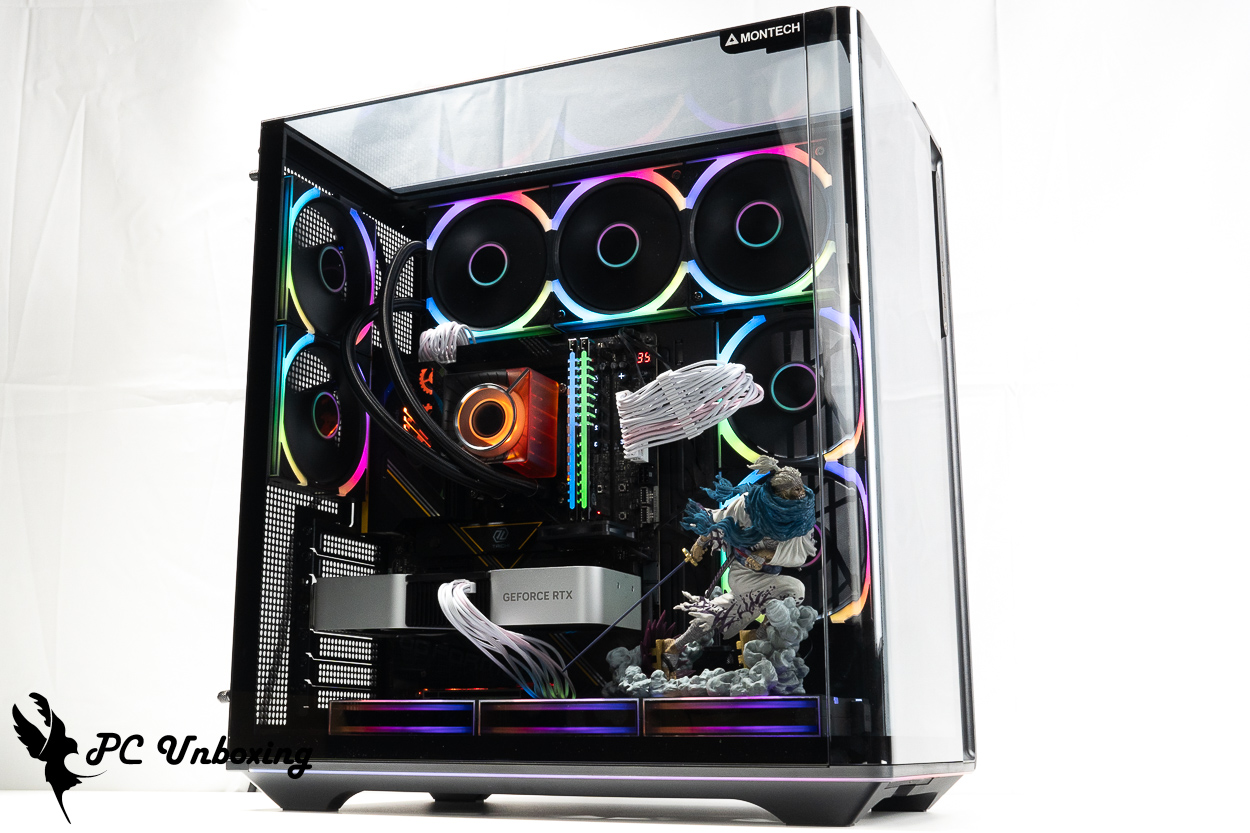
Then we also tested the cooling performance of the chassis, with the AMD Ryzen 9 9950X3D2 processor and ASRock X870E Taichi OCF Motherboard: During testing, the fan slot speed was set to full speed in the motherboard BIOS. The test was conducted in a closed room at 24 °C. Since it is difficult to control the ambient temperature in a typical room, these results are for reference only.
The software uses AIDA64 FPU and Furmark 2 to simulate the temperature data of the processor and graphics card under high load stress, Black Myth: Wukong 1080P to run the test scenarios, and HWiNFO64 to collect and record the maximum temperature and power consumption.
Testing Platform
Processor:AMD Ryzen 9 9950X3D2
Radiator:MONTECH Monarch CyberFlow ARGB 360 (full speed)
Water-cooled fan: MONTECH LINK FAN INF 120(full speed)
Thermal Balm: Water Cooling with Thermal Balm
Motherboard:ASRock X870E Taichi OCF (BIOS Version: 4.43)
Memory:Origin code vortex DDR5 48 GB (24 GBx2)
Graphics: NVIDIA GeForce RTX 4060 Ti Founders Edition 8GB
Chassis:MONTECH KING 95 3D PRO
I would like to add a few things to you, the first one is that the author will be ASRock X870E Taichi OCF The BIOS version has been updated to 4.43. Other settings: EXPO_on; all fan headers set to full speed.
- Black Myth: Wukong_Black Myth: Wukong_Performance Test Tool 1920 x 1080(FHD)_1 round
- Graphics Test Furmark 2_30 Minute
- Processor Test AIDA64 CPU_30 Minute
- CPU temperature is measured by the diode in the slot to measure the internal (core) or external (case) temperature, but there is no way to know exactly whether it is the internal or external temperature that is measured, and most monitoring software uses this item to display the CPU temperature.
- CPU (Tctl/Tdie) temperature is the actual maximum temperature of the CPU sensors in the chip, and is used as a reference point for overheating and downclocking of the processor.
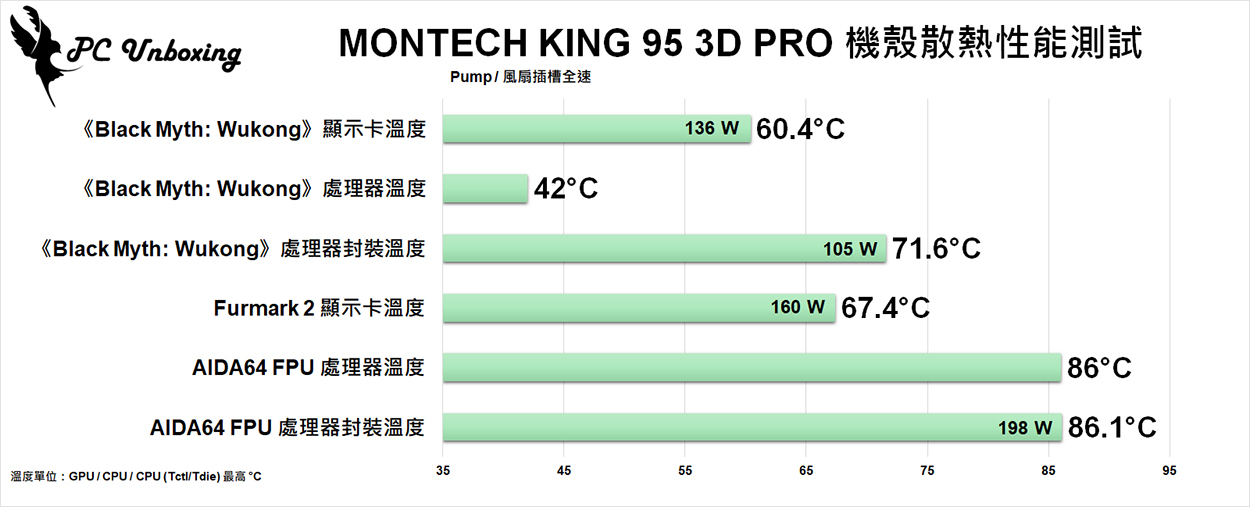
△ Chart Showing Case Cooling Performance
MONTECH KING 95 3D PRO Unboxing, Review, and Buying Guide
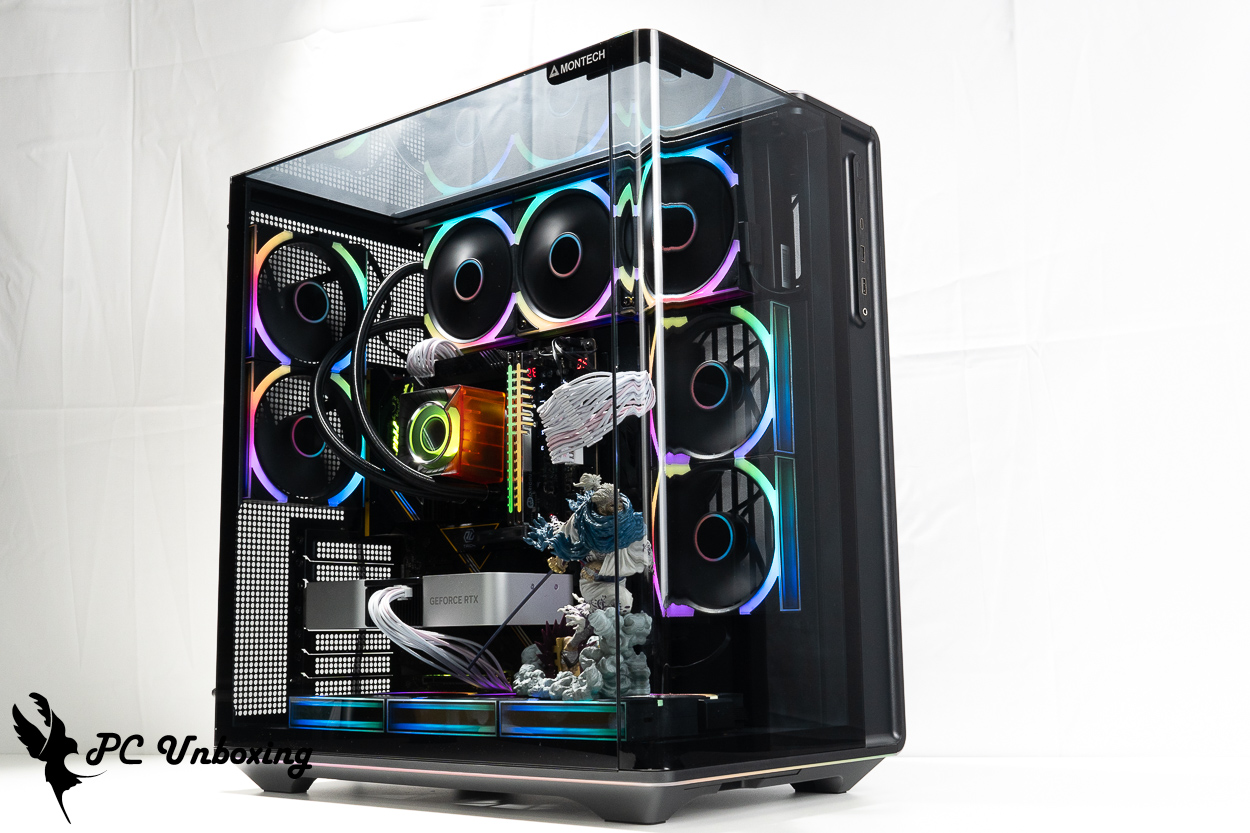
MONTECH’s new flagship case, the KING 95 3D PRO, supports up to ten fans and a 360 mm liquid cooling radiator. In terms of cooling expandability, it’s clear that this case was designed with the hardware specifications commonly found on the market today in mind. Although the case itself is significantly taller, it is not compatible with 140 mm fans or related 280/420 mm radiators; instead, it only supports 120 mm-wide fans and radiators. This gives me the impression that “even though it’s a flagship model, it doesn’t blindly scale up,” I think MONTECH aims to create a flagship case that’s suitable for everyone.
Because the KING 95 3D PRO rotates the top exhaust vent 90 degrees, the case effectively functions as if it had an additional side fan. If, like me, you’re using a liquid cooling system with forward-blowing fans, the liquid cooling system will be somewhat affected by the heat generated by the graphics card. Personally, I would likely mount the liquid cooling system on the side with the fan facing outward to draw air from the outside, letting the four fans at the rear left handle heat dissipation to avoid drawing in that waste heat.
This case comes with seven fans out of the box, but they are powered and controlled using a dedicated, custom-spec hub, so an additional PCIe 6-pin connector is required to power them. If your graphics card, motherboard, or other components require more PCIe 8-pin or 6-pin power connectors, you’ll need to ensure you have enough power connectors available.
In terms of usability, the KING 95 3D PRO also includes a graphics card support bracket to stabilize graphics cards with heavier cooling modules, as well as an adjustable bottom fan mount for optimizing airflow, and three-sided panoramic glass panels with an integrated edge-to-edge ARGB light strip, making it quite well-rounded in terms of both practicality and aesthetics.
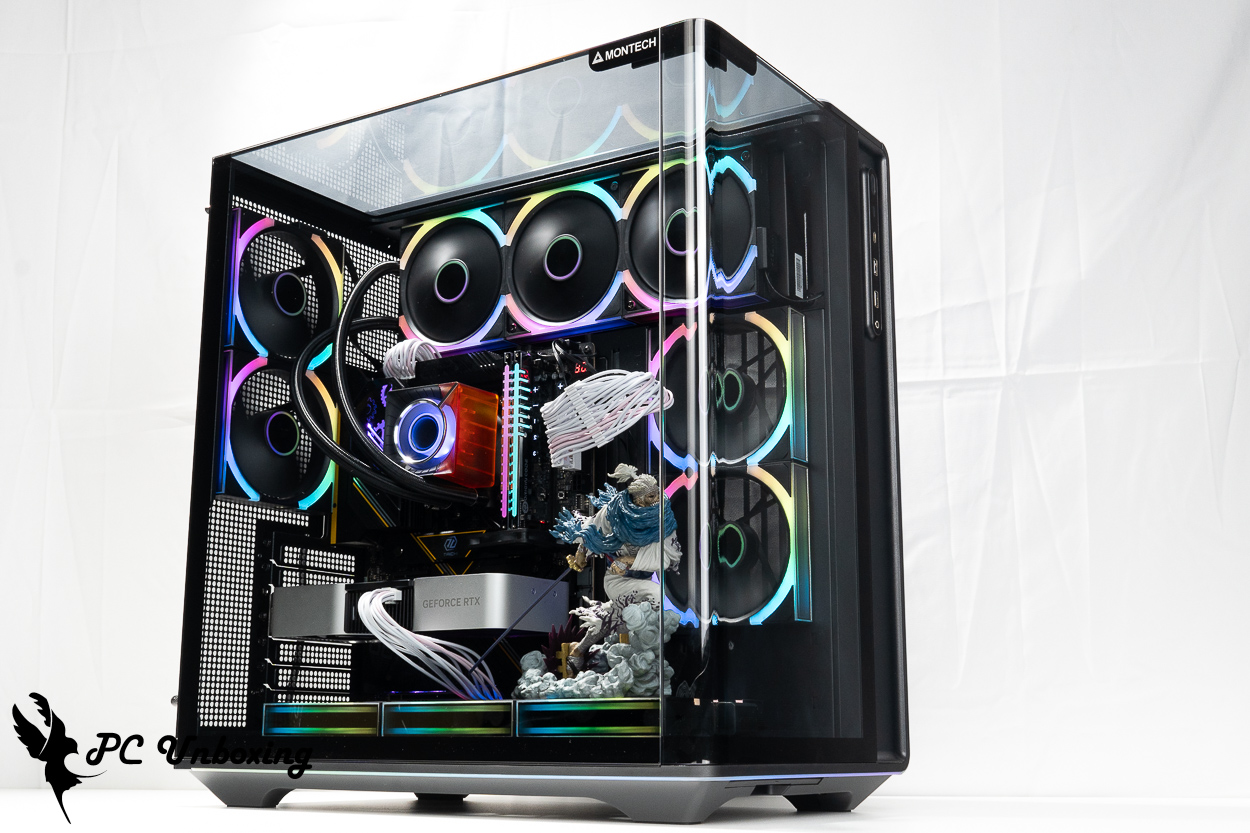
The LINK FAN INF 120 is Monarch’s first daisy-chain fan. It performs well in general and works great as a radiator fan for water cooling systems; even when running at full speed, it isn’t too loud. However, because it uses a custom 7-pin connector for power and control, it must be used in conjunction with the LUMI HUB. Therefore, if you plan to use this fan, we recommend pairing it with a case that offers ample cable management space—for example, the KING 95 3D PRO case works very well with it, significantly reducing the burden of cable management.

Yun
Drinks with less than full sugar are colored water. Crossing Turbid Creek, full sugar is not a crime!
Related articles

LIAN LI B4-mATX Wood Unboxing Review | Vertical AeroDeck and SP1000P Platinum Installation Test
Monarch MONTECH KING 45 PRO, KING 15 PRO Chassis Unboxing Review
 繁體中文
 English