

Yun
Drinks with less than full sugar are colored water. Crossing Turbid Creek, full sugar is not a crime!
-
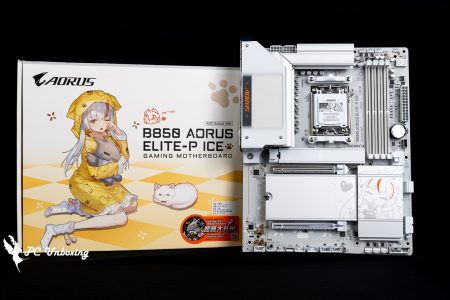
GIGABYTE B850 AORUS ELITE-P ICE Unboxing and Review | "Sculpted Maiden" Themed ATX Motherboard, Performance Tests, and Specifications Breakdown
GIGABYTE has finally released the ATX-spec GIGABYTE B850 AORUS ELITE-P ICE motherboard as part of its "Glow Sister" anime-themed series. It features better expandability, a more modern IP-inspired design, a variety of BIOS themes, a limited-edition ARI figurine blind box included in the box. However, it costs about 2,000 yuan more than the M-ATX version, and the rear I/O shield features a sculpted…
-
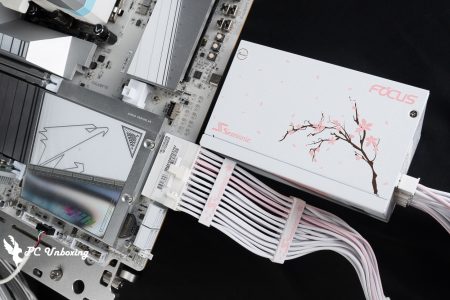
Haiyun Seasonic FOCUS GX-1000 ATX 3.1 SAKURA Cherry Blossom Limited Edition Unboxing Review | 1000W Gold-Certified Fully Modular Power Supply
The Seasonic FOCUS GX-1000 ATX 3.1 SAKURA Limited Edition power supply draws design inspiration from cherry blossoms, featuring a delicate pink-and-white color scheme, along with a more refined white finish on the connectors and cable management clips! It complies with the latest ATX 3.1 specifications and is certified for 80 PLUS Gold and Cybenet…
-
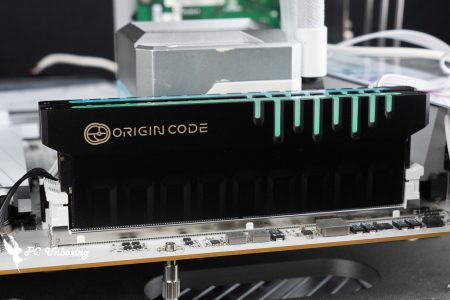
Double-Sided, High-Capacity, High-Frequency, Low CL Value Origin Code Vortex DDR5 96 GB (48 GB x 2) Memory Unboxing and Review
To showcase the ASRock X870E Taichi OCF and Gigabyte X870 AORUS TACHYON ICE, to truly showcase the “superior performance” of these AM5 1DPC dual-slot overclocking motherboards, you’ll need to pair them with “powerful tools” like high-capacity, high-frequency UDIMM memory modules featuring dual-sided chips—and the memory kit we’re unboxing today meets exactly those specifications. Short version: …
-
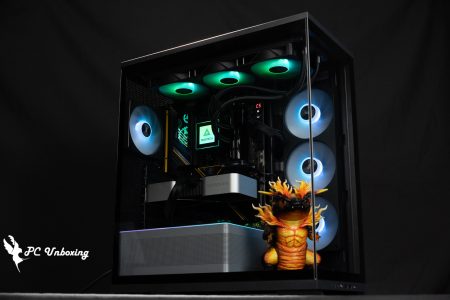
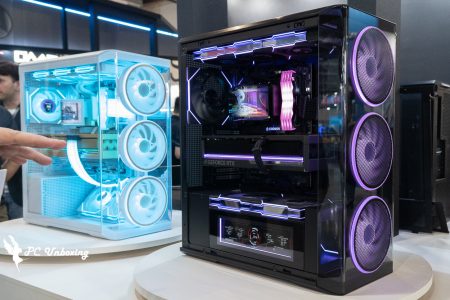
MONTECH TG3 Case Unboxing and Review | Supports ATX Rear-Mount Design, Tested with PureFlow ARGB 360 Liquid Cooling System
In this unboxing and hands-on review, we’re taking a look at the MONTECH Monarch TG3 and PureFlow ARGB 360—a new, budget-friendly combo of a case and an all-in-one liquid cooler. Neither product is priced higher than 1,800 TWD, The TG3 case supports ATX motherboards with rear-mounted I/O panels. It comes pre-installed with four fans, and the side intake uses the GF360 U REV all-in-one cooler, simplifying the installation and cable management process, while …
-
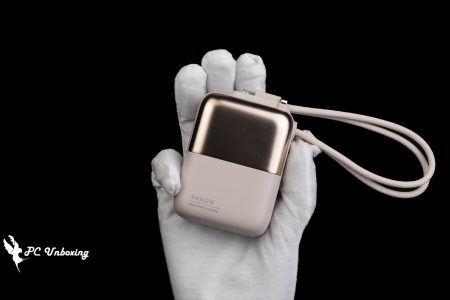
GUXON Extreme Cube Solid-State Dual-Port Power Bank Unboxing and Review: 10,000 mAh, 22.5W Fast Charging, and Safety Upgrades with Solid-State Battery Technology
The GUXON Extreme Cube Solid-State Dual-Cable Power Bank features a brand-new battery design using 90% gel-electrolyte semi-solid-state technology and a laminated structure, significantly enhancing safety. Once again, we’re introducing a dual-cable power bank with a compact body that comes equipped with both Type-C and Lightning cables. It supports up to 22.5 W fast charging and is advertised to charge a smartphone 1.5 to 3 times. The device clearly displays its capacity in Wh (watt-hours)…
-
COMPUTEX 2026 | Roundup of Monarch’s New Products: TG3 Curved, KING 95 3D, TEN Chassis, and CyberFlow Liquid Cooling Unveiled
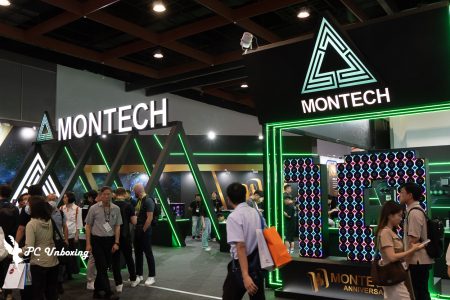
MONTECH showcased a number of new products at its COMPUTEX 2026 booth, ranging from the TG3 Curved glass case and the KING 95 3D panoramic case to the highly modular TEN series and the F738 case. In terms of cooling products, the company showcased the all-new Link Fan INF wireless daisy-chain fans, as well as the Cyb…
-
COMPUTEX 2026: A Roundup of Lian Li’s New Products—GALAHAD III 360, UNI FAN FLEX, LANCOOL 4, and DK-B Height-Adjustable Desk
LIAN LI showcased a variety of new products at COMPUTEX 2026, covering product lines such as all-in-one liquid cooling systems, the UNI FAN series of fans, motorized height-adjustable desks, computer cases, and power supplies. These included the all-new GALAHAD III 360 liquid cooling system, the UNI FAN FLEX modular fan series, the LANCOOL 4 case, and two ergonomic models making their debut…
-
At COMPUTEX 2026, ADATA Unveils New MAESTRO Coolers and NOVAKEY RGB DDR5 Memory
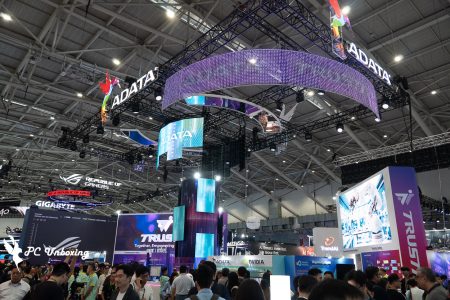
Although ADATA has dedicated a significant portion of its COMPUTEX 2026 exhibition space to showcasing enterprise-level applications such as AI, industrial control, and servers, its XPG brand still has plenty of noteworthy new products in store for DIY enthusiasts. From the updated MAESTRO series of air coolers, all-in-one liquid coolers with display capabilities, and a brand-new flagship “Seascape” case, to the debut of …
-
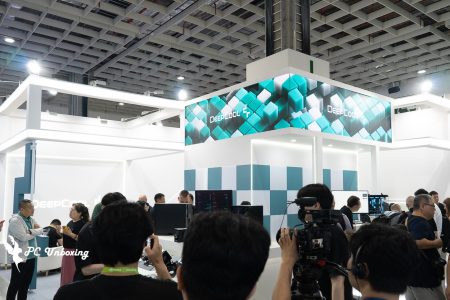
DeepCool Computex 2026 New Product Presentation Roundup: ASSASSIN VISION and PX3200P V2
DeepCool is showcasing a variety of new cooling, chassis and power products during Computex 2026, from the FL12 INF fan with wireless connectivity, the upgraded FD12 ARGB V2 series, and the SILENTNOX PRO 360 all-in-one water cooler, the first to feature a 6.67-inch 2K AMOLED curved screen. DeepC...
-
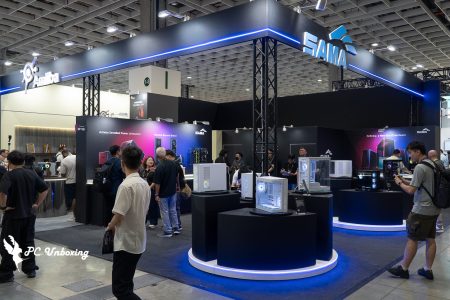
SAMA COMPUTEX 2026 New Products Overview: P1650W Titanium Power Supply, Q80 Dual-View Water Cooling and FERRA Magneto-Rheological Chassis
At COMPUTEX 2026 Taipei, SAMA showcased its latest lineup of power supplies, water-cooled coolers and chassis. In addition to expanding its high-end P series power supply lineup with the launch of the new P1650W and P1350W flagship 80 PLUS Titanium PSUs, SAMA also exhibited the Q40 with interchangeable module design, Q80 All-in-One...
 繁體中文
繁體中文  English